





Table of Contents
When you're filming with a mirrorless camera or DSLR, the built-in screen can feel limiting, especially when you need to check focus, exposure, or composition while recording. An external camera monitor gives you a larger view of your footage and access to tools that can make shooting more manageable.
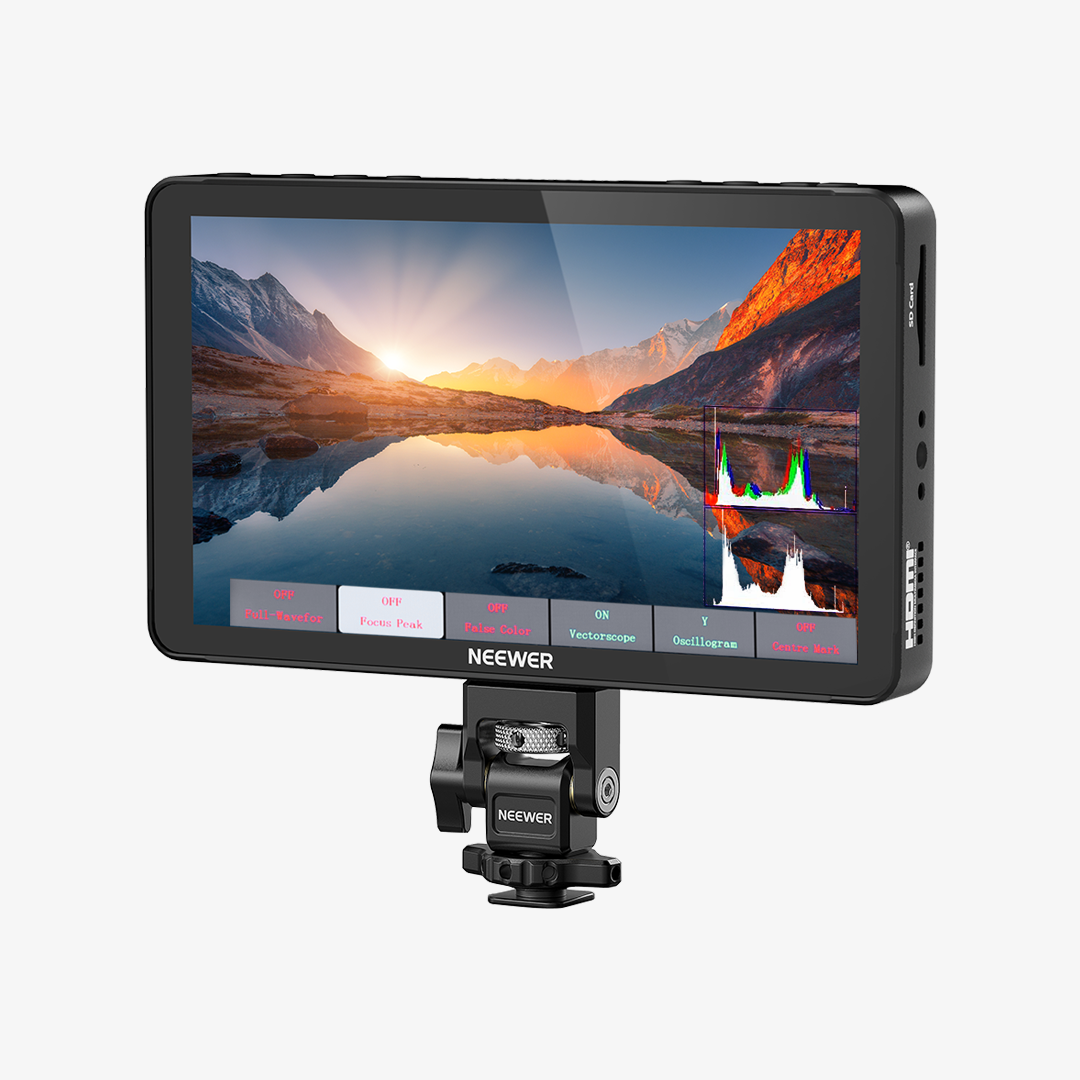
The NEEWER F700 is a 7-inch camera monitor designed for creators who want a bright display, touchscreen controls, and professional monitoring tools without building an overly complicated rig. But is it the right choice for your setup? Let's look at its key features, how it works in different shooting scenarios, and what to consider before choosing it.
What Makes the NEEWER F700 Stand Out?
The NEEWER F700 combines a large Full HD display with high brightness, touchscreen operation, and a range of monitoring tools. Rather than relying entirely on your camera's built-in screen, you can view a larger image and check important details while shooting.
Its main specifications include:
|
Feature |
|
|
Screen Size |
7-inch IPS touchscreen |
|
Resolution |
1920 × 1080 |
|
Brightness |
2000 nits ±10% |
|
Contrast Ratio |
1000:1 |
|
HDMI |
Input and output with supported 4K signals |
|
Monitoring Tools |
Focus peaking, false color, waveform, zebras, and more |
|
LUT Support |
15 preloaded LUTs and up to 60 custom LUT uploads |
|
Power Options |
NP-F batteries, DC input, and USB-C input |
|
Weight |
445g / 15.7oz without batteries |
|
Dimensions |
6.9"x4.2"x1" / 175x107x25mm |
The combination of a 7-inch screen and 2000-nit brightness is particularly useful for creators who need a larger monitoring image in changing lighting conditions. Its touchscreen interface also makes it easier to access monitoring settings without navigating every option through the camera itself.
Key Features That Make a Difference on Set
1. 7-Inch 2000-Nit Touchscreen
One of the main reasons to consider the F700 is its bright, 7-inch IPS display. Compared with a typical camera screen, the larger display gives you more room to inspect your image, check framing, and assess focus while recording.
The 2000-nit brightness rating is especially useful when filming outdoors or working in bright environments. An ambient light sensor can automatically adjust the screen's backlight, while manual adjustment lets you choose the brightness that works best for your shooting conditions.
High brightness can improve visibility, but it doesn't guarantee a clear view in every situation. Direct reflections, strong sunlight, and viewing angles can still affect the image, so a sunshade may be helpful in particularly challenging conditions.
2. Monitoring Tools for Focus and Exposure
A larger screen is useful, but the monitoring tools are what make an external monitor more than just a bigger display.
The F700 includes several tools that help you check your footage while shooting:
· Focus Peaking: Highlights areas that appear in focus, helping you check sharpness when focusing manually.
· False Color: Uses different colors to represent exposure levels, making it easier to identify areas that may be too bright or too dark.
· Waveform: Displays image brightness levels across the frame, helping you evaluate exposure in more detail.
· Zebras: Adds striped overlays to areas that reach a selected brightness threshold, which can help identify potential overexposure.
· Histogram: Shows the distribution of brightness values in the image, giving you another way to evaluate exposure.
· Vectorscope: Helps you inspect the distribution of colors in your image.
These tools are particularly useful when you're working alone or filming scenes where you can't easily review the footage between takes. They don't replace good lighting or careful camera settings, but they can help you catch problems before you finish a shot.

3. Custom 3D LUT Support
If you shoot in a flat or Log picture profile, the footage on your camera screen may look less contrasty or saturated than the final image you want.
The F700 supports 3D LUT monitoring, with 15 preloaded LUTs and the ability to upload up to 60 custom LUT files. This lets you preview a more finished-looking image while recording, depending on the LUT you choose.
For example, you might apply a viewing LUT to get a better sense of how a scene will look after color grading. This can make it easier to evaluate the overall image while filming.
Keep in mind that applying a LUT to the monitor's preview doesn't automatically change the original footage recorded by your camera. Your recording settings and camera workflow determine how the footage is captured.
4. HDMI Connectivity and Flexible Power Options
The F700 connects to a compatible camera through HDMI. It supports HDMI input and output, including supported 4K video signals, so you can send a compatible signal to the monitor and pass it on to another display when your setup requires it. A 3.5mm headphone jack is also available for audio monitoring.
For power, the F700 supports compatible NP-F batteries, DC input, and USB-C input. It also has an 8.4V DC output that can power a compatible camera through a suitable dummy-battery cable.
This flexibility is useful when moving between handheld shooting, tripod work, and longer recording sessions. Your exact setup will depend on the camera's HDMI output, required signal format, and power requirements.

How the F700 Fits Different Shooting Setups
Outdoor Filming
Bright outdoor conditions can make it difficult to see a camera's built-in screen, particularly when you're filming under direct sunlight or moving between shade and bright areas.
The F700's 2000-nit display and automatic backlight adjustment can help improve screen visibility in these situations. Its larger screen also makes it easier to check framing and focus when shooting landscapes, travel videos, or outdoor interviews.
For very bright conditions, consider adding a compatible sunshade to reduce reflections. You should also plan for power consumption: running a high-brightness display for extended periods can drain batteries more quickly.
Interviews and Talking-Head Videos
When filming interviews, product demonstrations, or talking-head videos, a larger monitor can help you check whether your subject is positioned correctly and whether the focus is where you want it.
This is especially useful when your camera is mounted on a tripod or placed farther away from you. Instead of repeatedly moving toward the camera to inspect the screen, you can monitor the image from your working position.
Solo Filmmaking
Working alone often means managing framing, focus, exposure, and recording without someone else behind the camera. An external monitor gives you a more convenient way to inspect your image, particularly when using manual focus or shooting in a location where retakes are difficult.
The F700 is worth considering if you regularly handle both camera operation and monitoring yourself. If your setup is very lightweight and you rarely need these tools, however, a smaller monitor may be more practical.
Camera Cage and Rig Setups
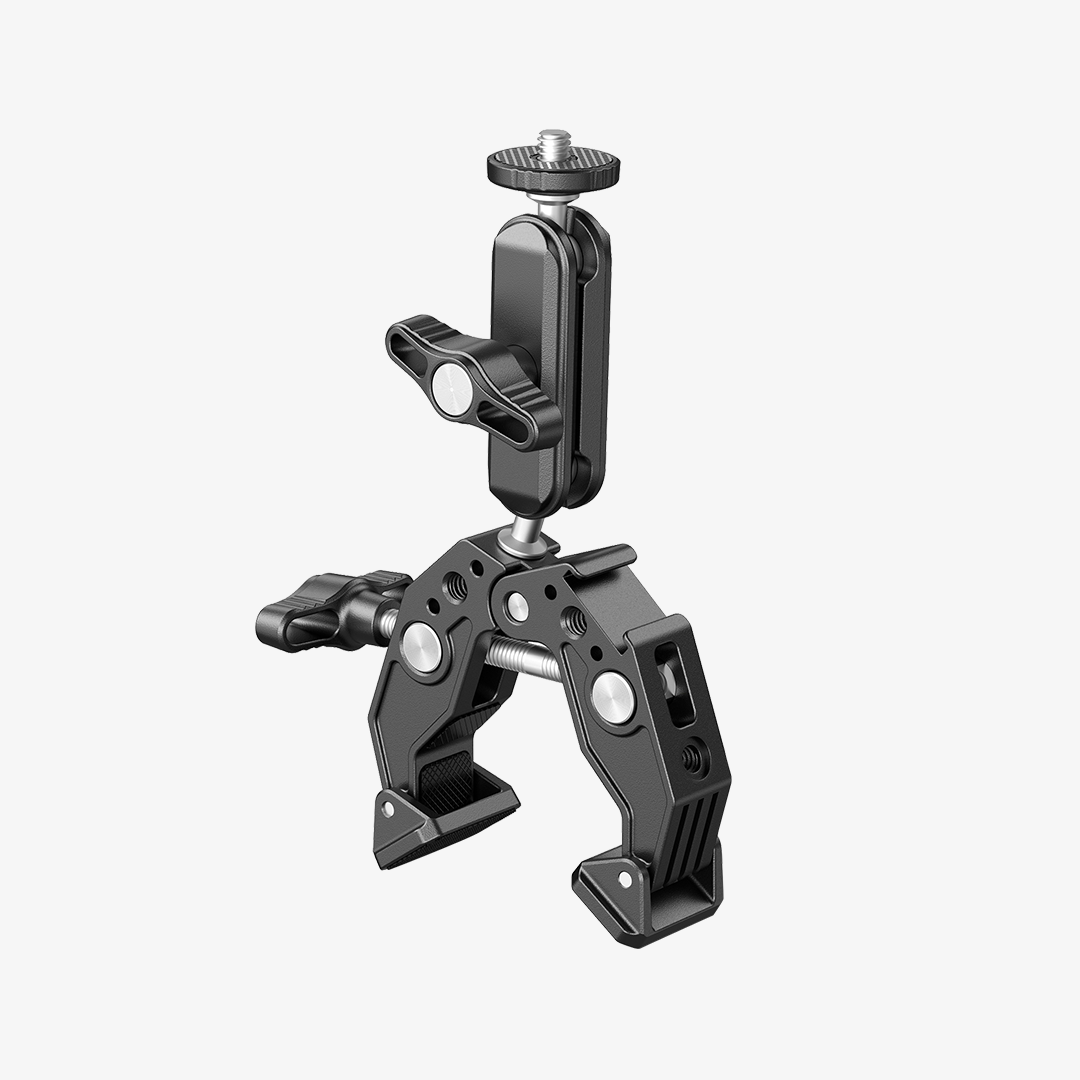
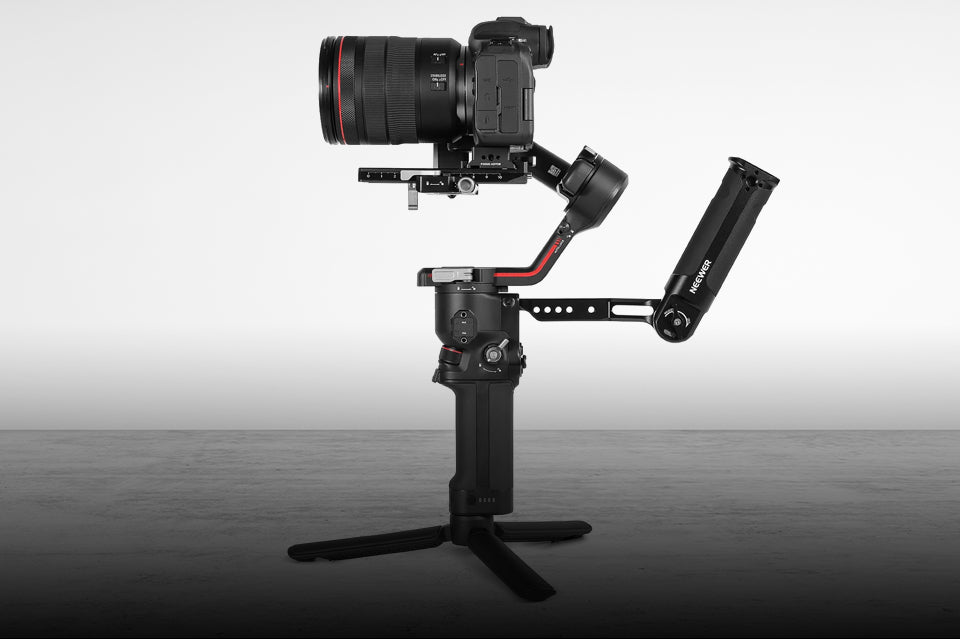
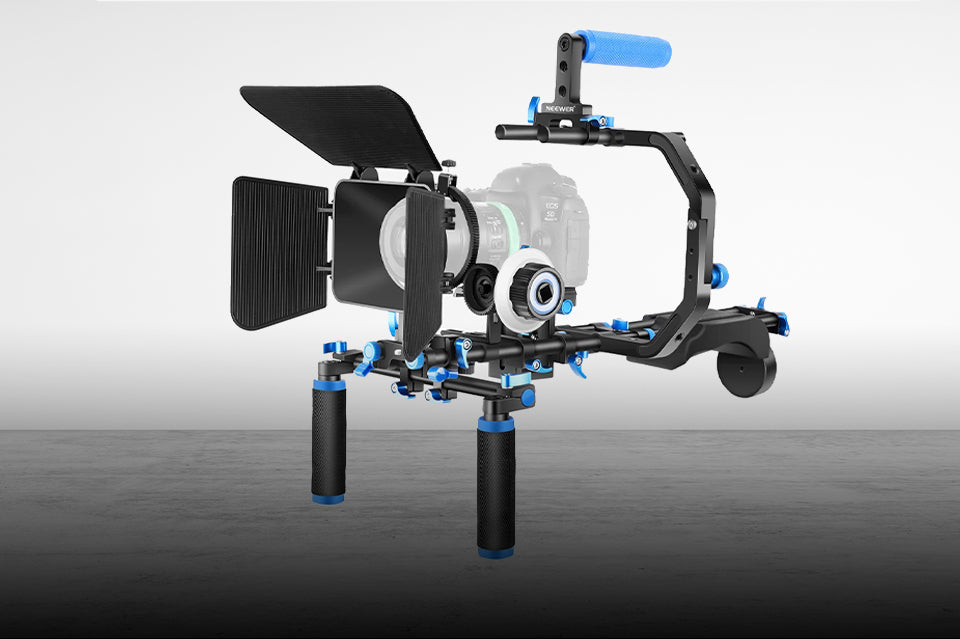
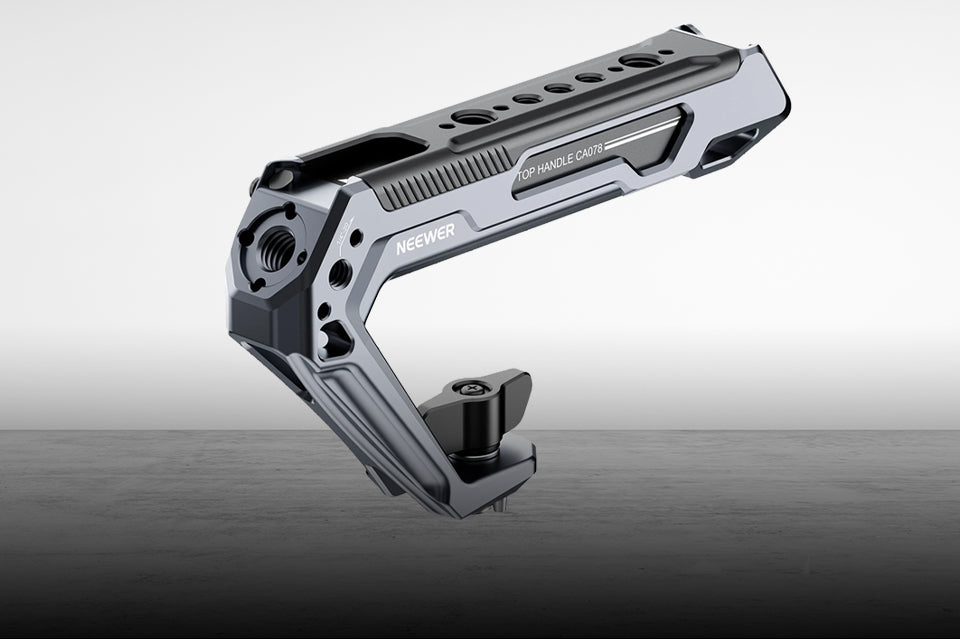
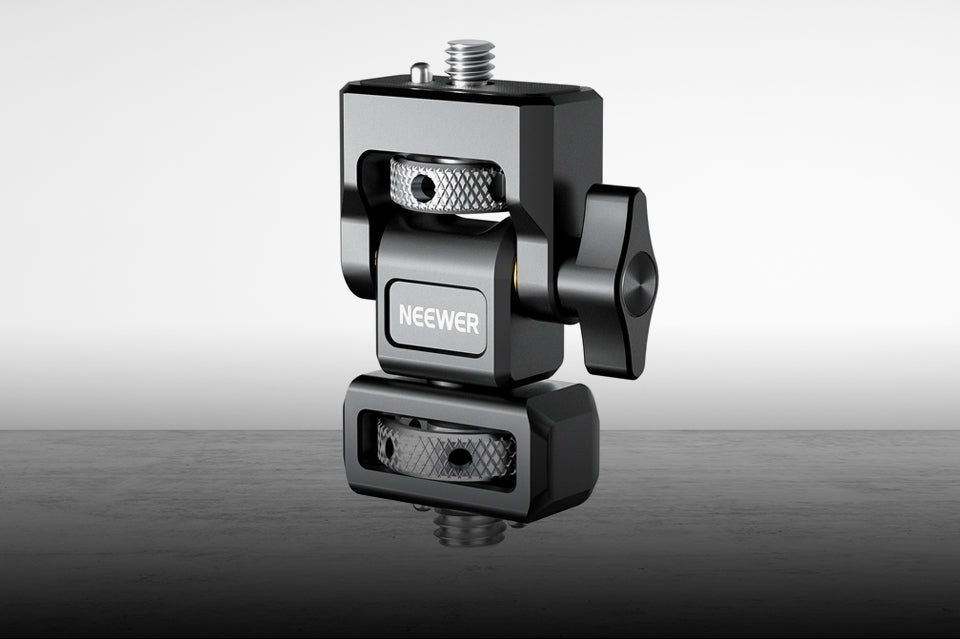
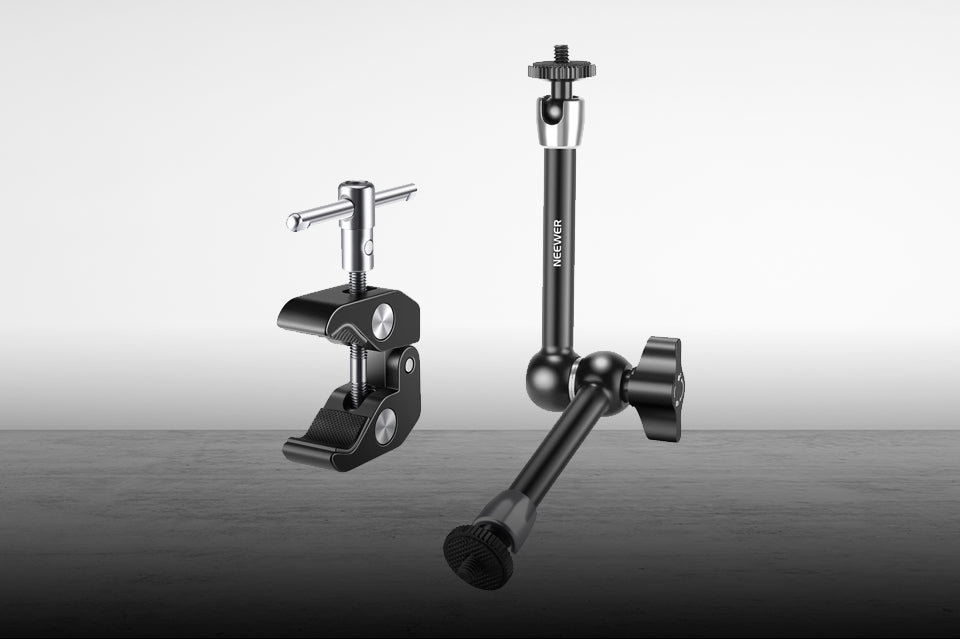
The F700 can be integrated into a camera rig using its mounting points and a compatible monitor mount. This can be useful when you want to position the screen above or beside the camera rather than relying on the built-in display.
A larger monitor can make it easier to inspect footage on a rig used for interviews, short films, or other video production work. Before mounting it, consider the total weight of the monitor, batteries, and accessories, as well as how the added weight affects balance and handling.
If you're building a camera rig, make sure the mounting hardware is secure and that the monitor's position doesn't interfere with camera controls, cables, or other accessories.

Is the NEEWER F700 Right for Your Setup?
The F700 is best suited to creators who will benefit from its large, bright screen and range of monitoring tools. Whether it's the right choice for you depends on your shooting style and how much equipment you're comfortable carrying.
A Good Fit If You...
· Film outdoors frequently. The 2000-nit display can help you monitor footage in bright environments.
· Need a larger monitoring image. A 7-inch screen gives you more room to inspect framing and focus than many built-in camera displays.
· Use manual focus or Log profiles. Focus peaking, exposure tools, and LUT previews can support a more controlled shooting workflow.
· Work on interviews or video productions. The larger display can be useful when your camera is mounted farther away or when you need to check details during recording.
· Want flexible power options. NP-F batteries, DC input, and USB-C input give you several ways to power the monitor, depending on your setup.
Things to Consider Before Buying
The F700's screen size is an advantage, but it also adds bulk to a camera rig. The monitor weighs 445g without batteries, and the total weight increases when you add one or two batteries. If you shoot handheld for long periods, that extra weight may affect comfort and balance.
Power consumption is another consideration. The monitor can draw up to 22W without using its DC camera-power output, so battery choice and runtime matter during longer shoots. High-brightness operation can also increase power demands.
Finally, check your camera's HDMI output and supported video formats before buying. The F700 connects through HDMI, and compatibility depends on whether your camera can output a supported signal. The monitor's DC output also requires a compatible dummy-battery cable if you want to power your camera through it.
When You May Not Need It
If you mostly take photos, shoot short clips, or work with a compact handheld setup, you may not need a 7-inch external monitor. Your camera's built-in screen could be enough for basic framing and focus checks.
A smaller monitor may also make more sense if minimizing rig weight is your main priority. The F700 is most valuable when you regularly use its larger display, high brightness, or monitoring tools rather than simply wanting another screen.
What to Check Before Using the F700
Before your first shoot, take a few minutes to check your connections, power, and monitor settings.
· Confirm HDMI compatibility: Check that your camera can output a supported signal and that you're using the correct HDMI cable.
· Choose a suitable power source: Make sure your battery or power supply can support the monitor's requirements, particularly for long shoots.
· Secure the mounting hardware: Check the monitor mount and any cage or accessory connections before moving the rig.
· Set up your monitoring tools: Choose the focus and exposure aids that suit your shooting style instead of enabling every overlay at once.
· Test your brightness settings: Adjust the backlight for the environment and consider a sunshade when reflections make the screen difficult to see.
· Check your LUT workflow: If you're using a custom LUT, confirm that it is compatible with the monitor and that you understand how it affects the preview rather than the original recording.
A quick check before recording can help you avoid connection issues, unexpected battery drain, or monitoring settings that make the image harder to evaluate.
FAQs
Is the NEEWER F700 suitable for outdoor filming?
The F700 can be a useful option for outdoor filming because its 2000-nit screen is designed for improved visibility in bright conditions. However, visibility still depends on sunlight, reflections, and viewing angle. A sunshade may help in particularly challenging environments.
What cameras can the NEEWER F700 work with?
The F700 can work with cameras that provide a compatible HDMI video output. Check your camera's output settings and supported resolution and frame rate against the monitor's supported formats before connecting it.
Does the NEEWER F700 support 3D LUTs?
Yes. The F700 includes 15 preloaded 3D LUTs and supports uploading up to 60 custom LUT files. LUTs can change the monitor's preview, helping you evaluate a look while shooting, without automatically changing the footage recorded by the camera.
How can I power the NEEWER F700?
The F700 supports compatible NP-F batteries, DC input, and USB-C input. It also provides an 8.4V DC output for powering a compatible camera through a suitable dummy-battery cable. Always check the voltage, current, and connector requirements of your equipment.
Is a 7-inch camera monitor too large for a compact rig?
That depends on your shooting style. A 7-inch monitor provides a larger image for checking focus, exposure, and framing, but it adds weight and takes up more space than a smaller monitor. If you prioritize lightweight handheld shooting, consider whether you'll benefit enough from the larger display.







