



Video Conference Lighting


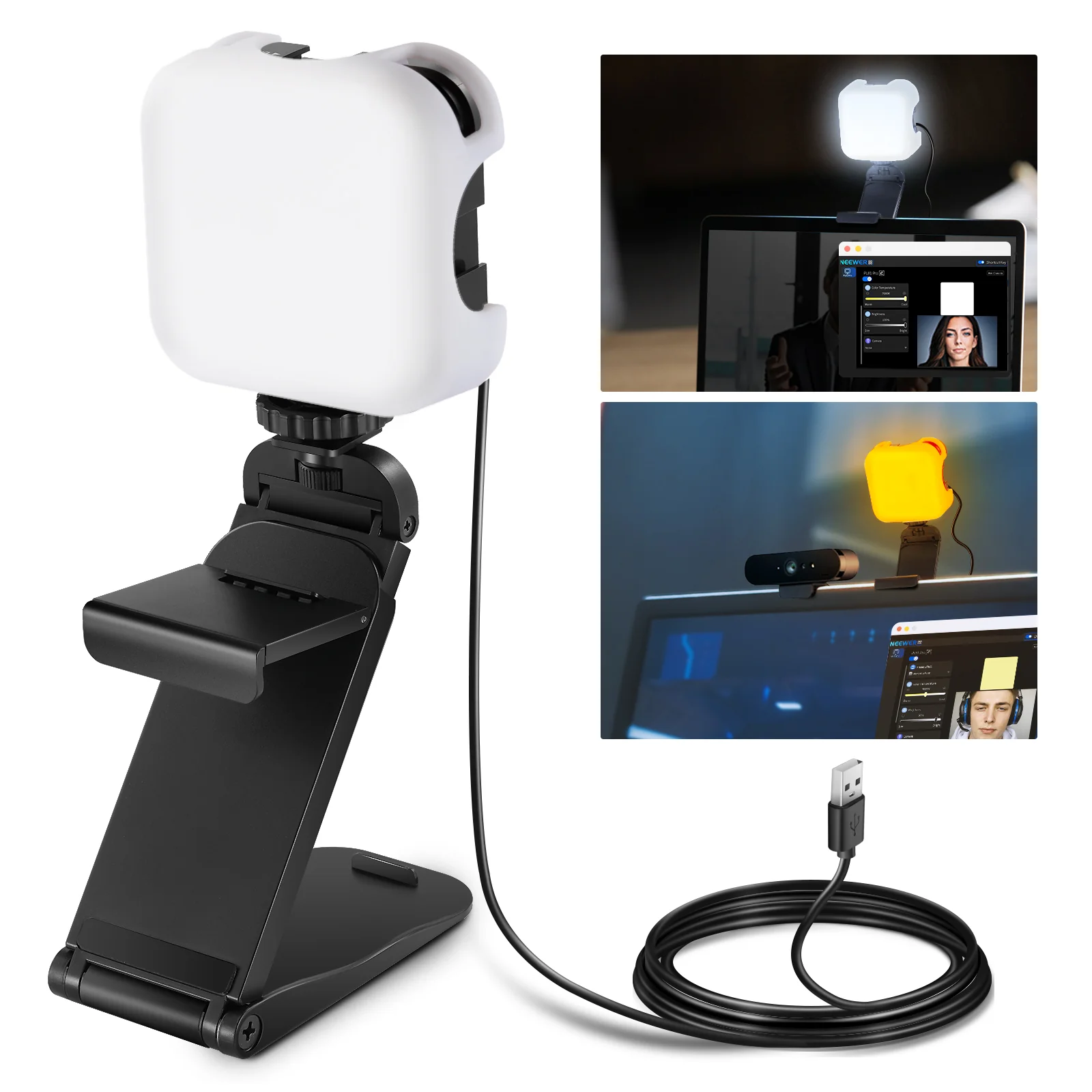
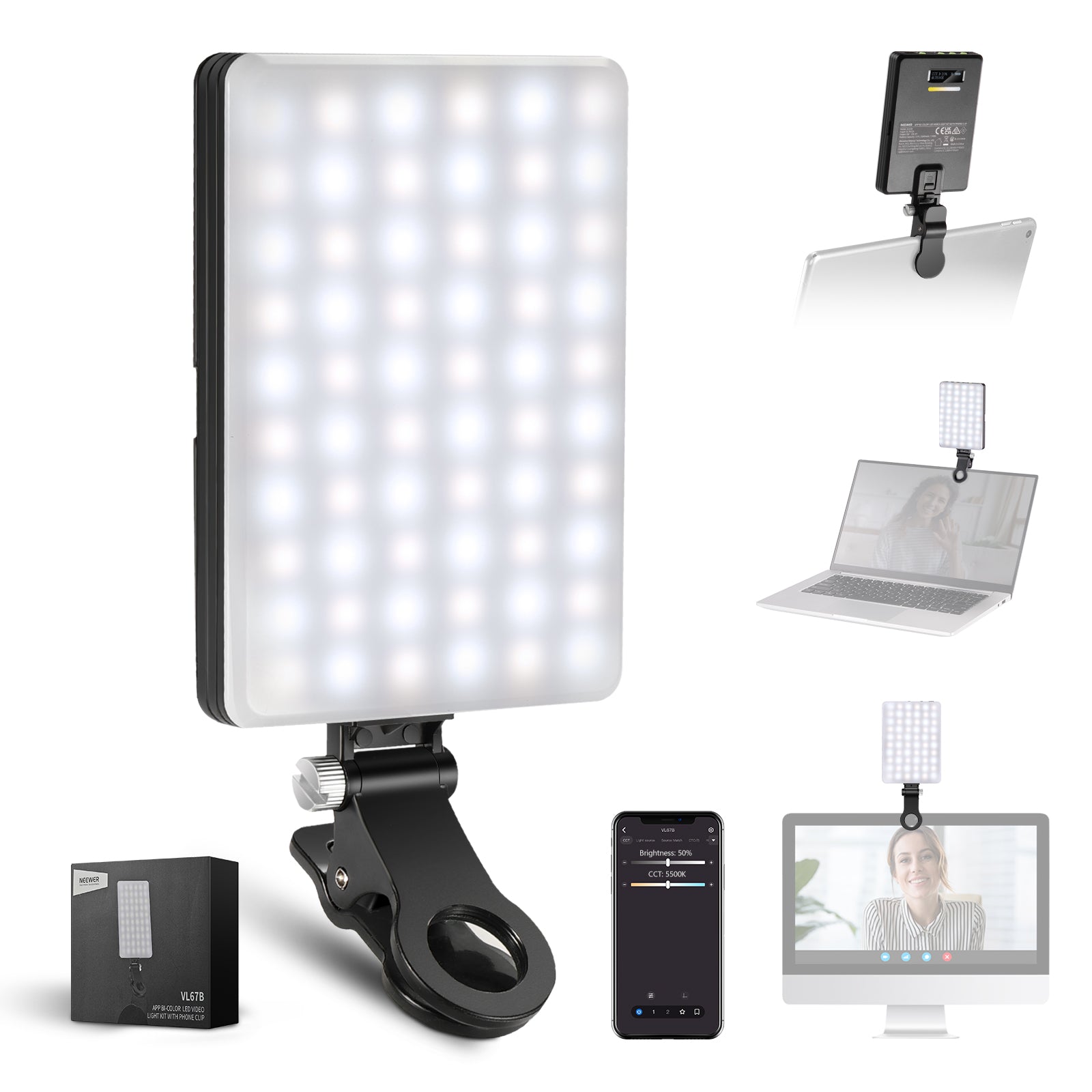
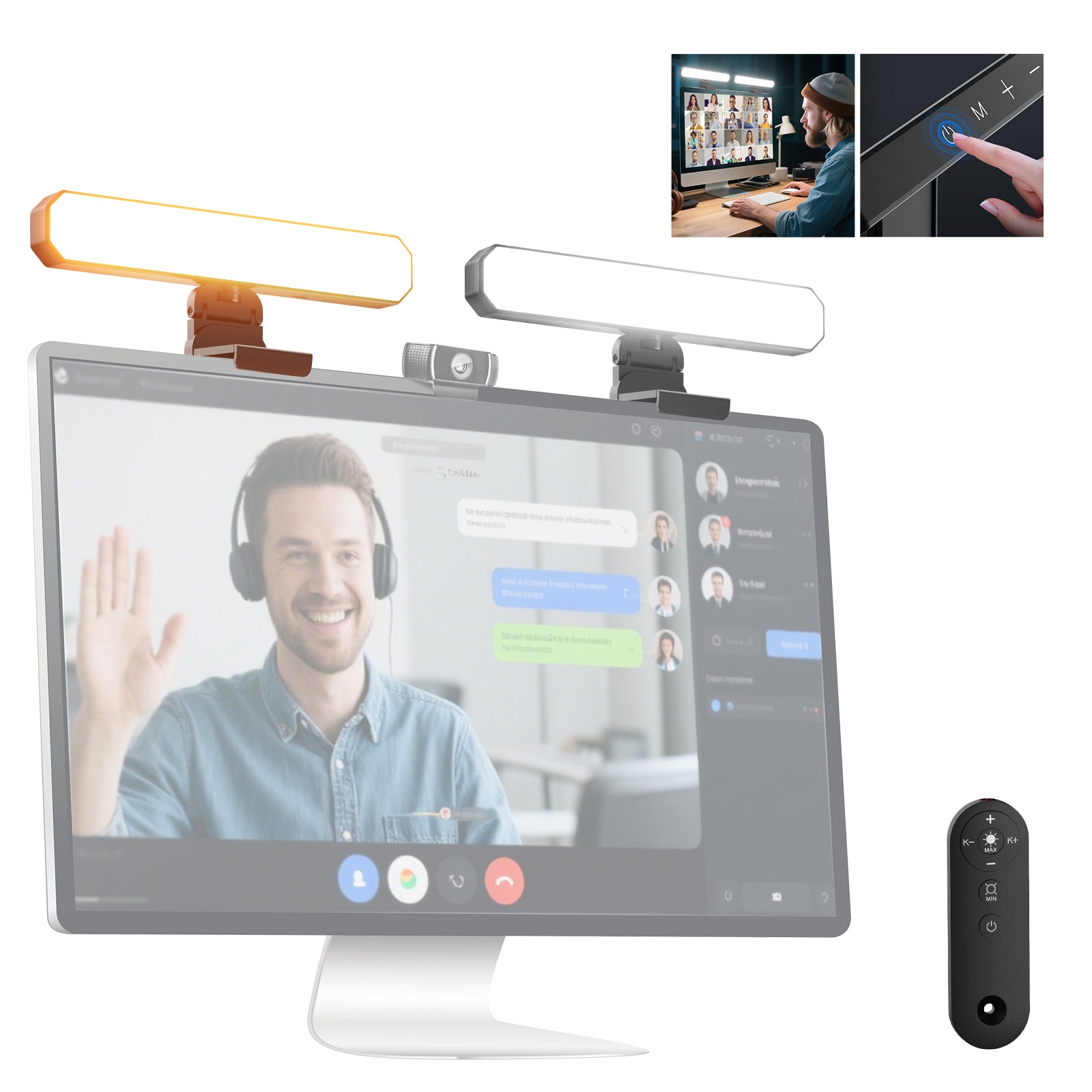


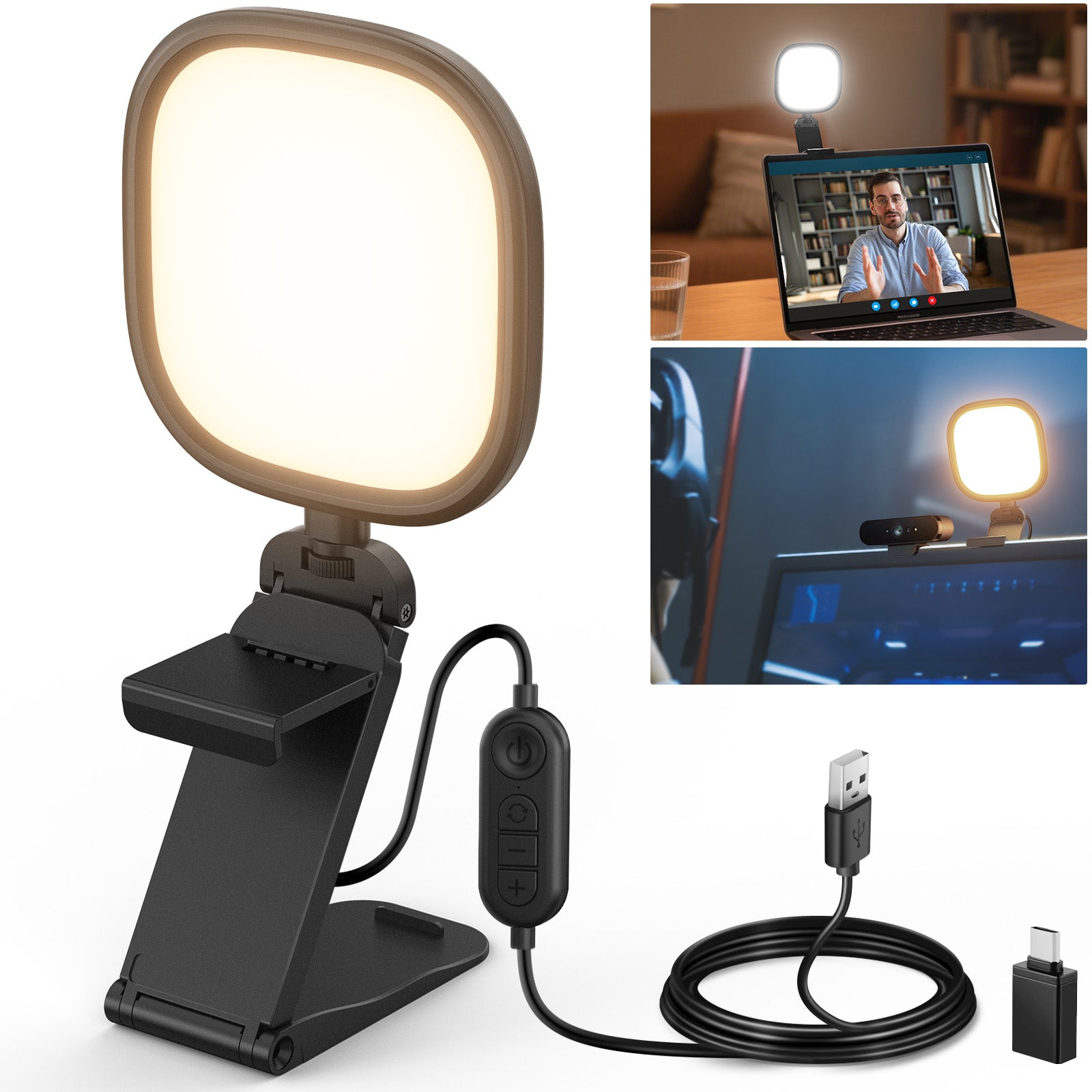


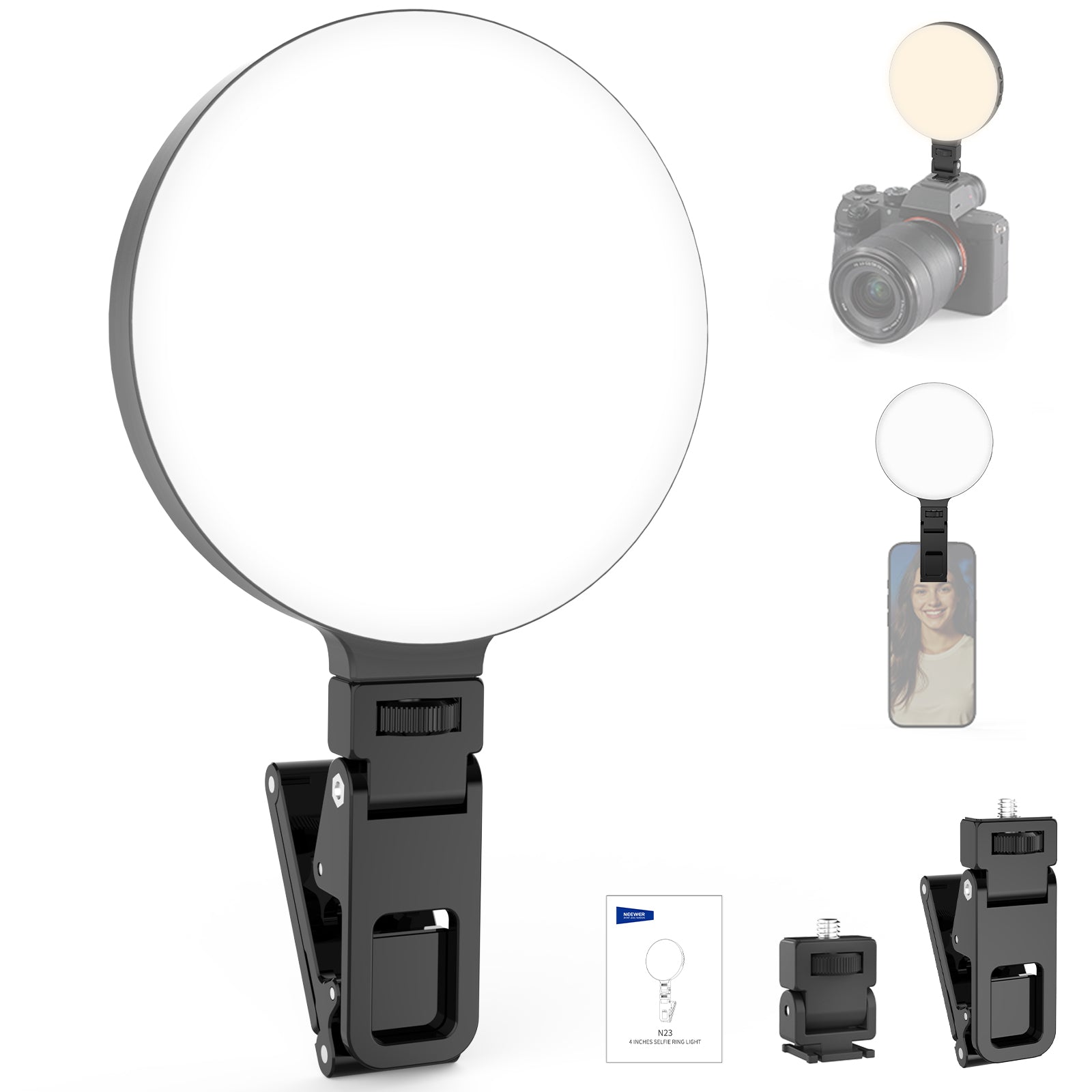
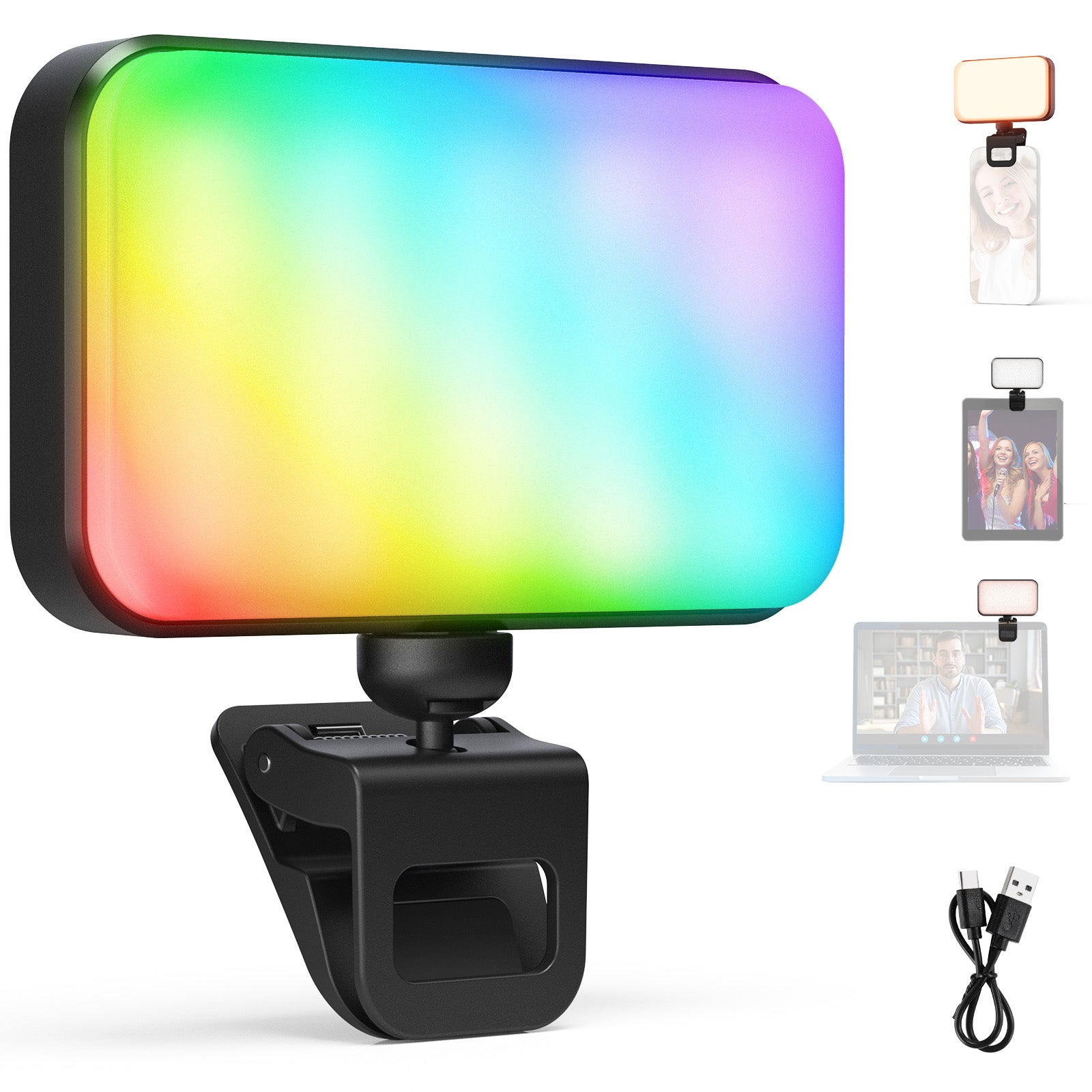
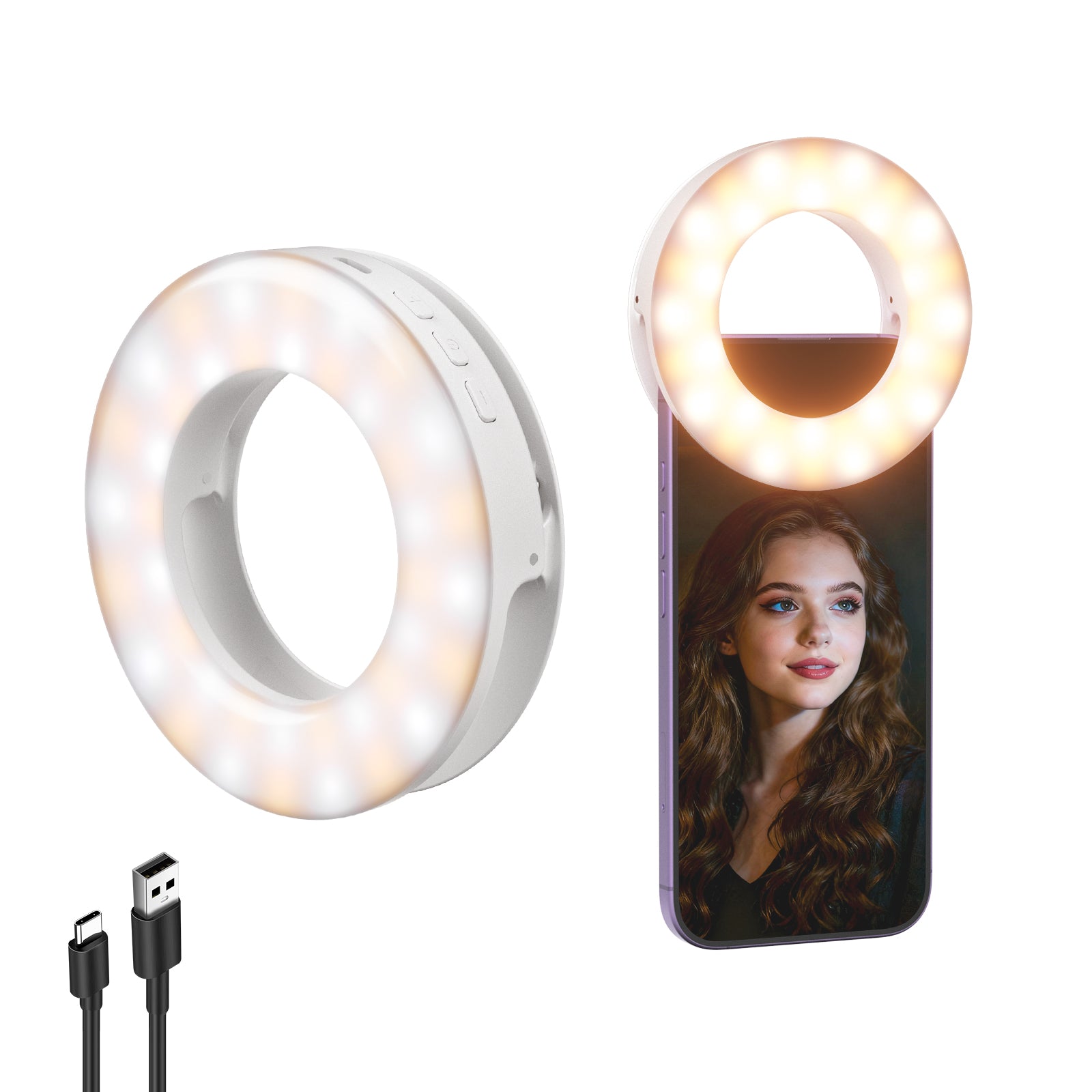


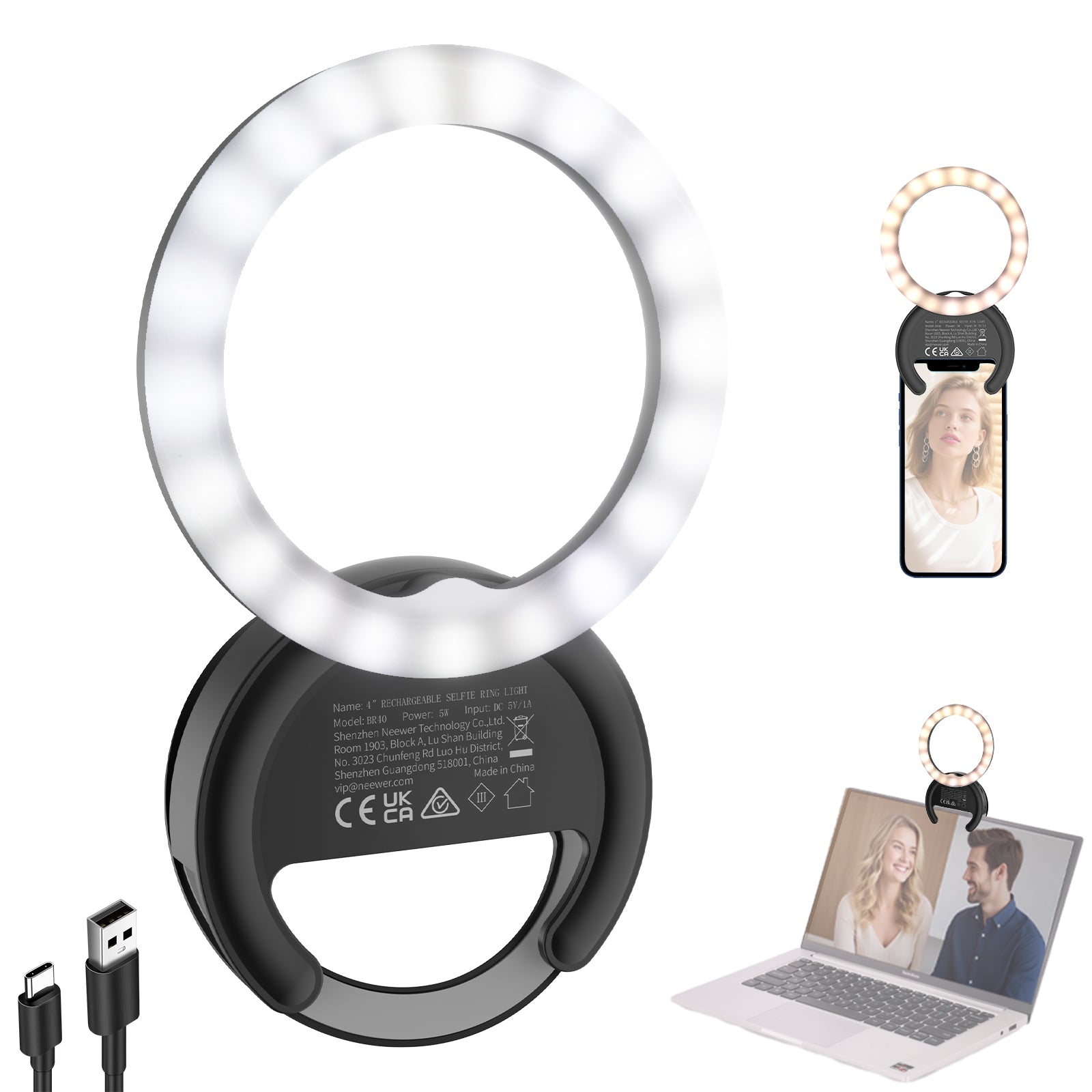
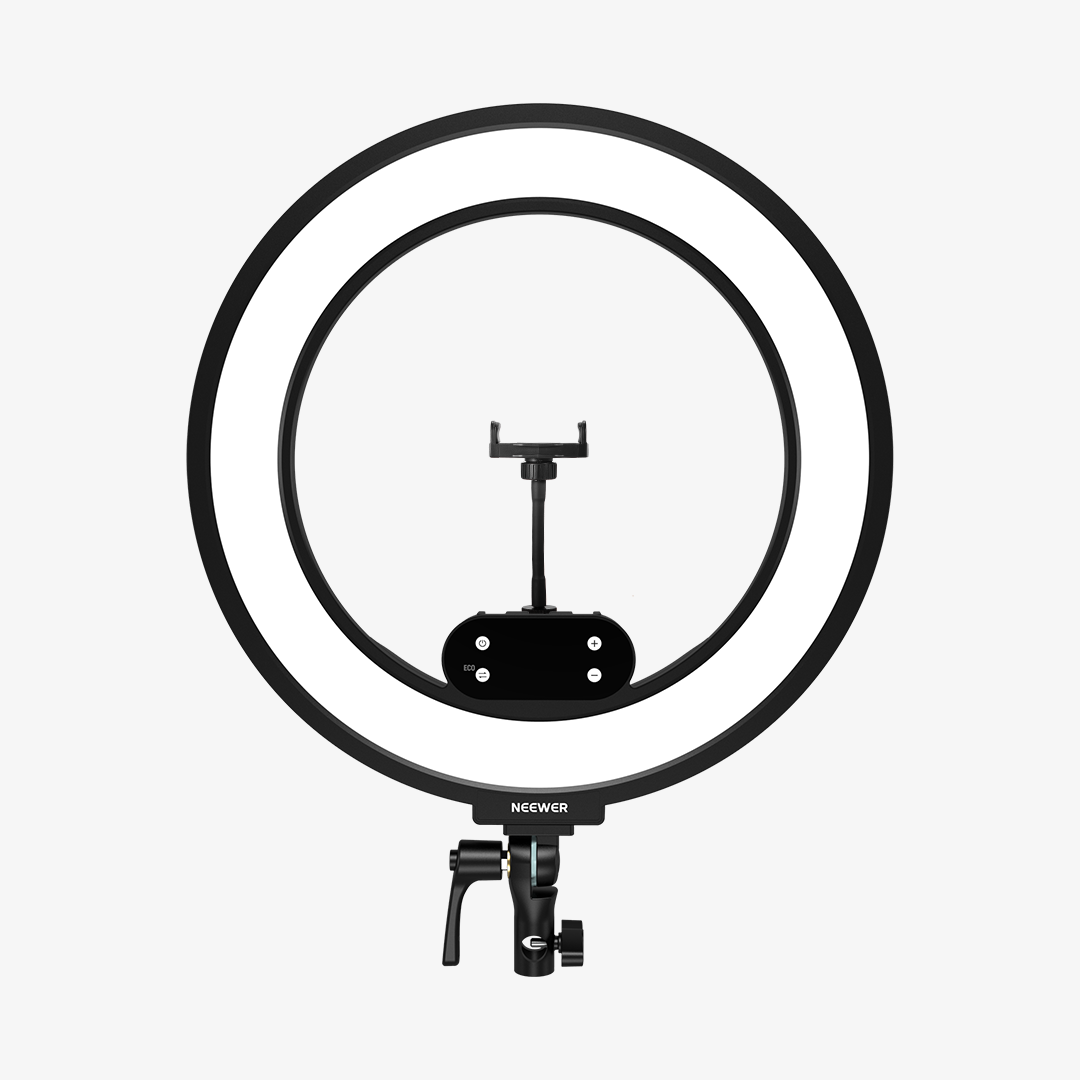
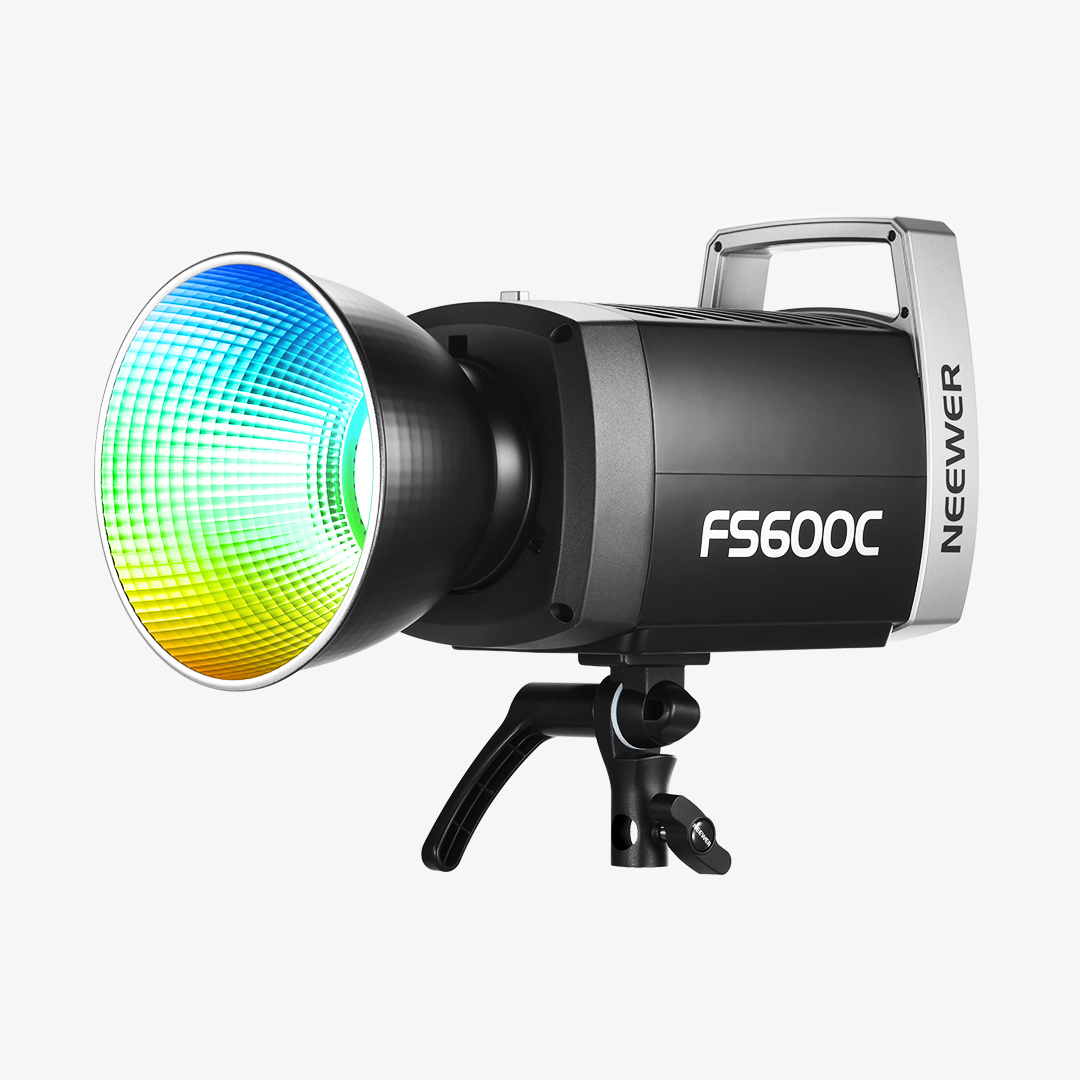
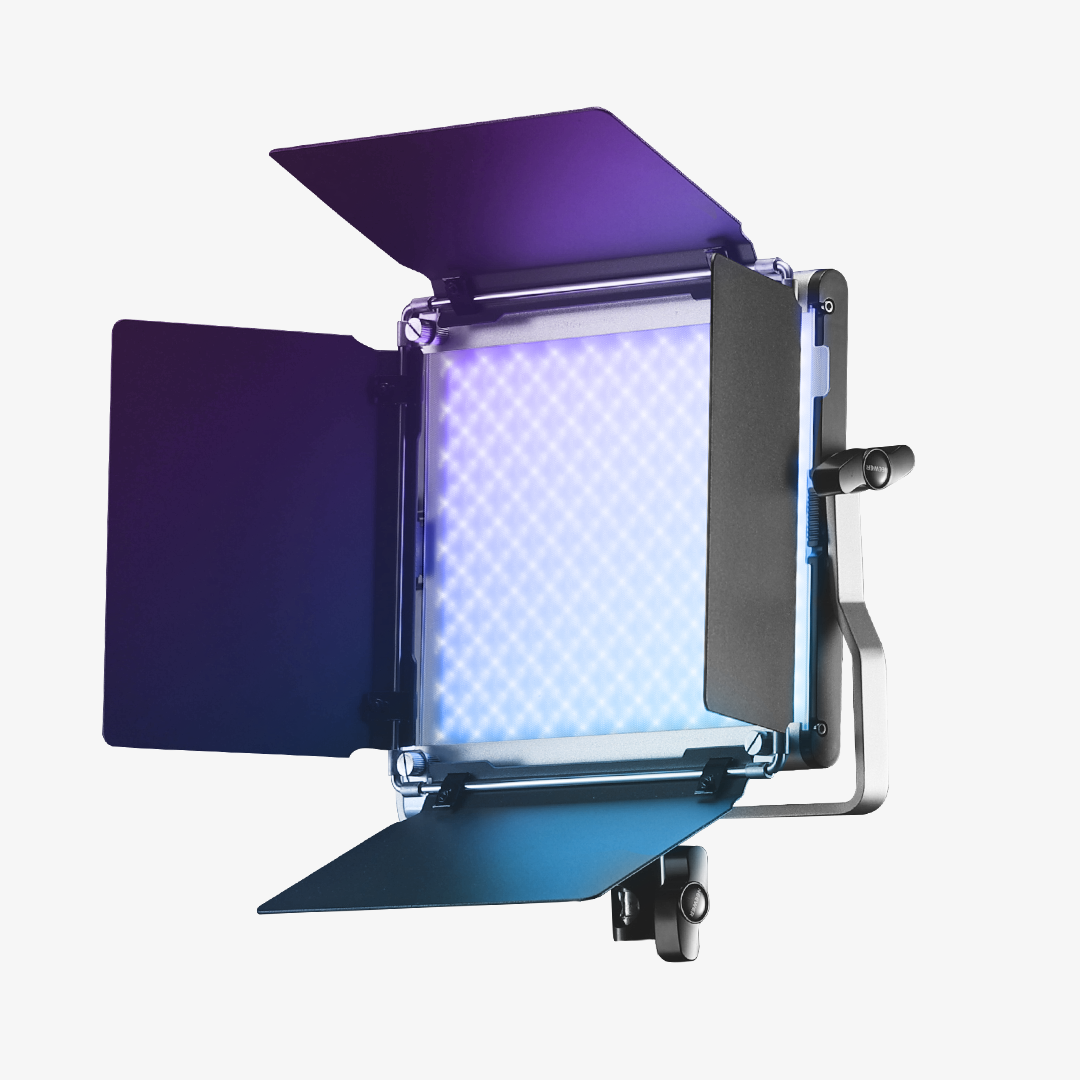
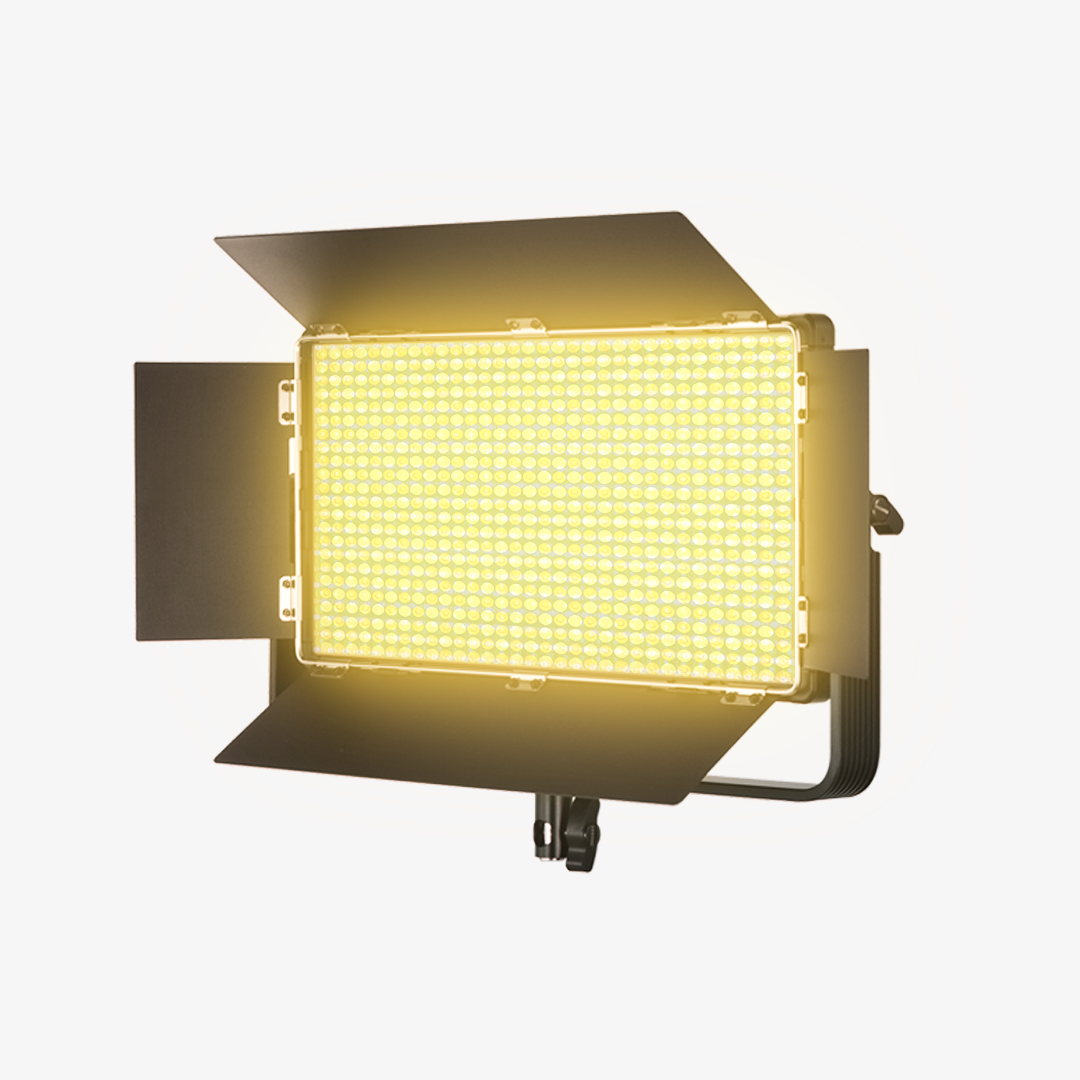
NEEWER video conference lighting is built to deliver clean, professional illumination for modern work-from-home and online communication setups. Designed to reduce harsh shadows and unflattering glare, these lights help you appear clear, natural, and well-lit on camera—whether you’re attending virtual meetings, hosting webinars, or giving online presentations.
FAQ
What Is Video Conference Lighting and Why Do You Need It?
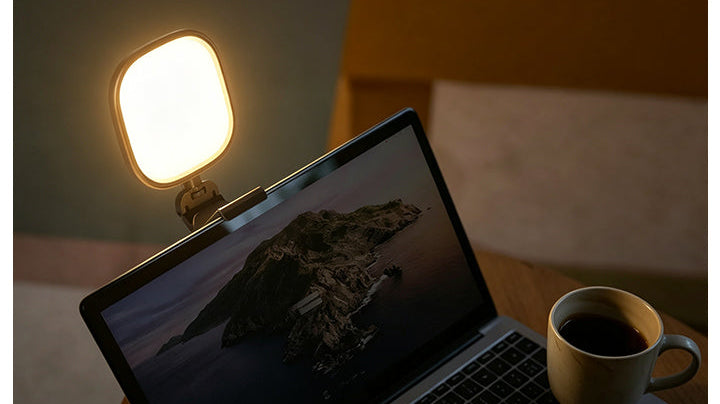
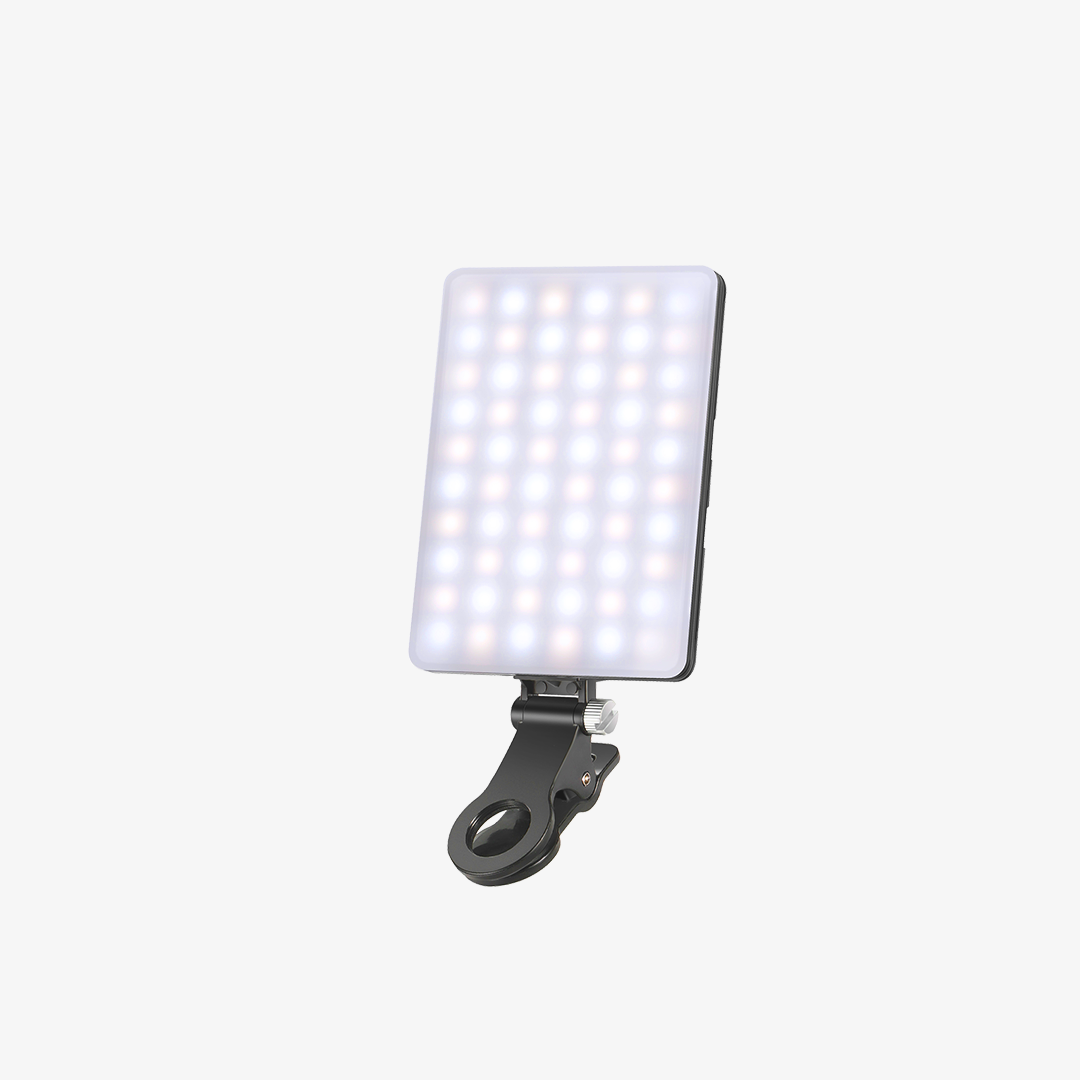
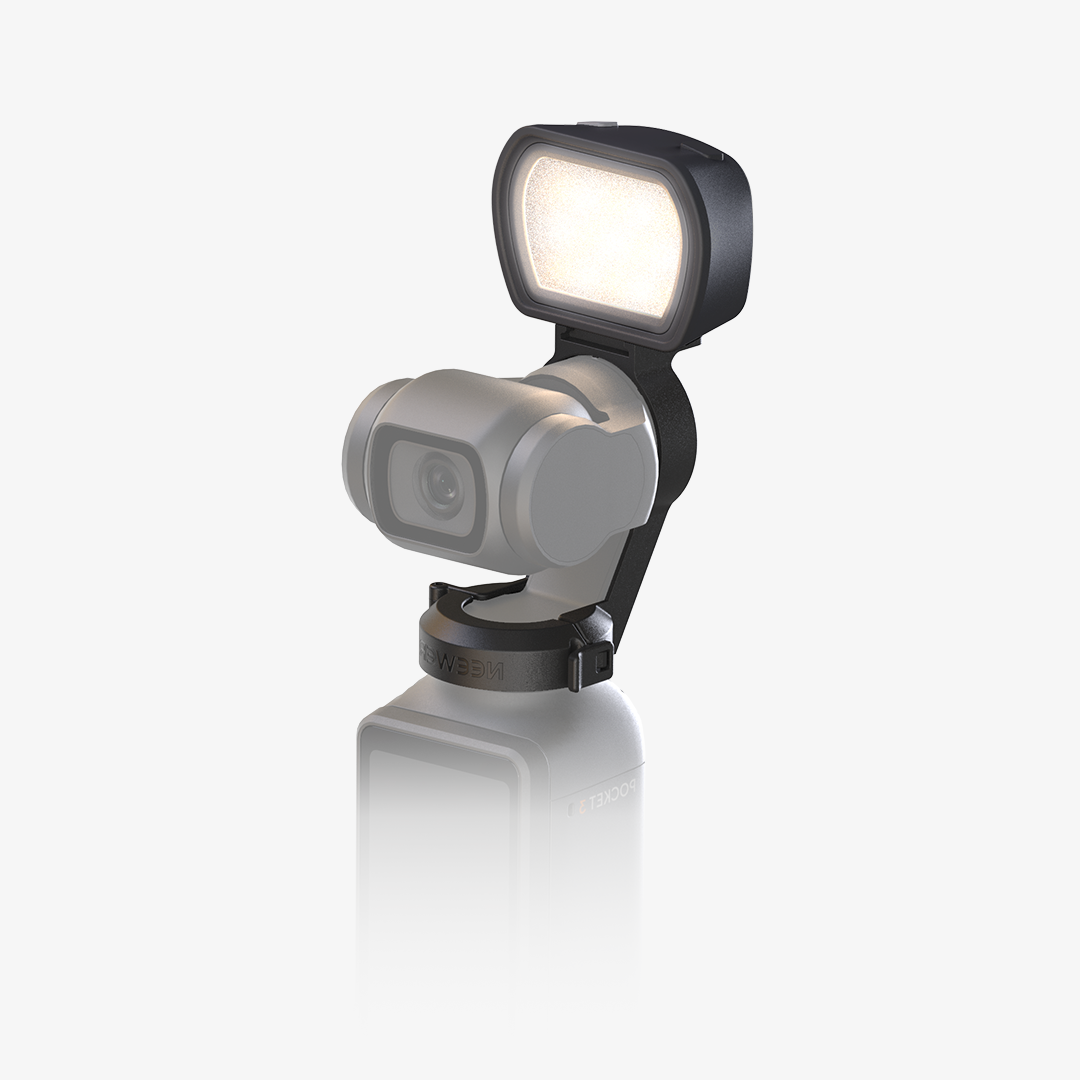
Video conference lighting is a compact, diffused LED light that attaches to your laptop, monitor, or desk tripod. It evenly illuminates your face during Zoom, Microsoft Teams, or Skype calls, eliminating harsh dark shadows, reducing graininess on webcams, and making you look professional on camera.
How Do You Mount a Video Conference Light to Your Laptop or Monitor?
Video conference lights come with flexible mounting options:
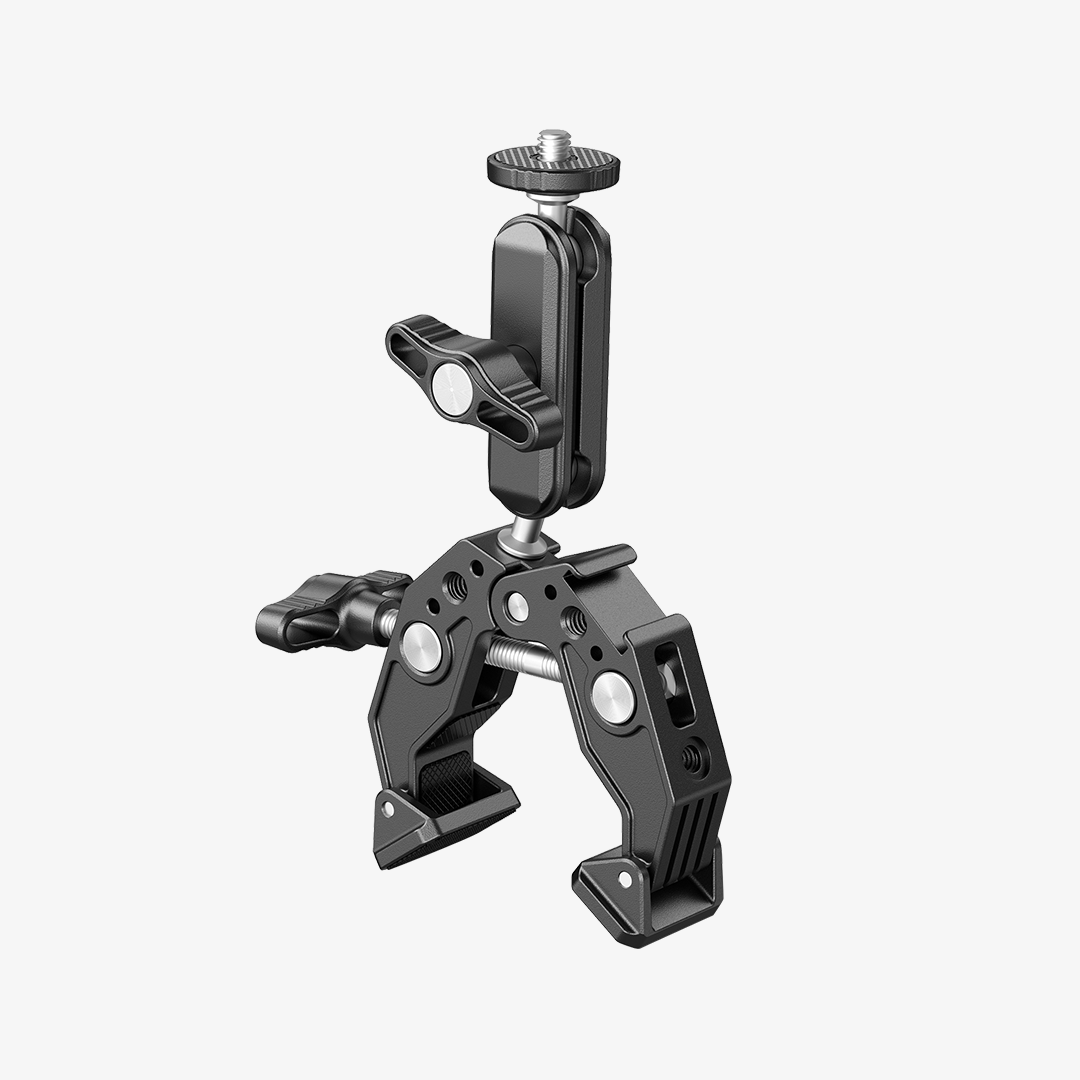
-Padded Screen Clips: Gently clamp onto the thin top bezel of your laptop screen or external monitor without damaging the glass.
-Suction Cup Mounts: Adhere securely to the flat back cover of laptops, iMacs, or desktop monitors.
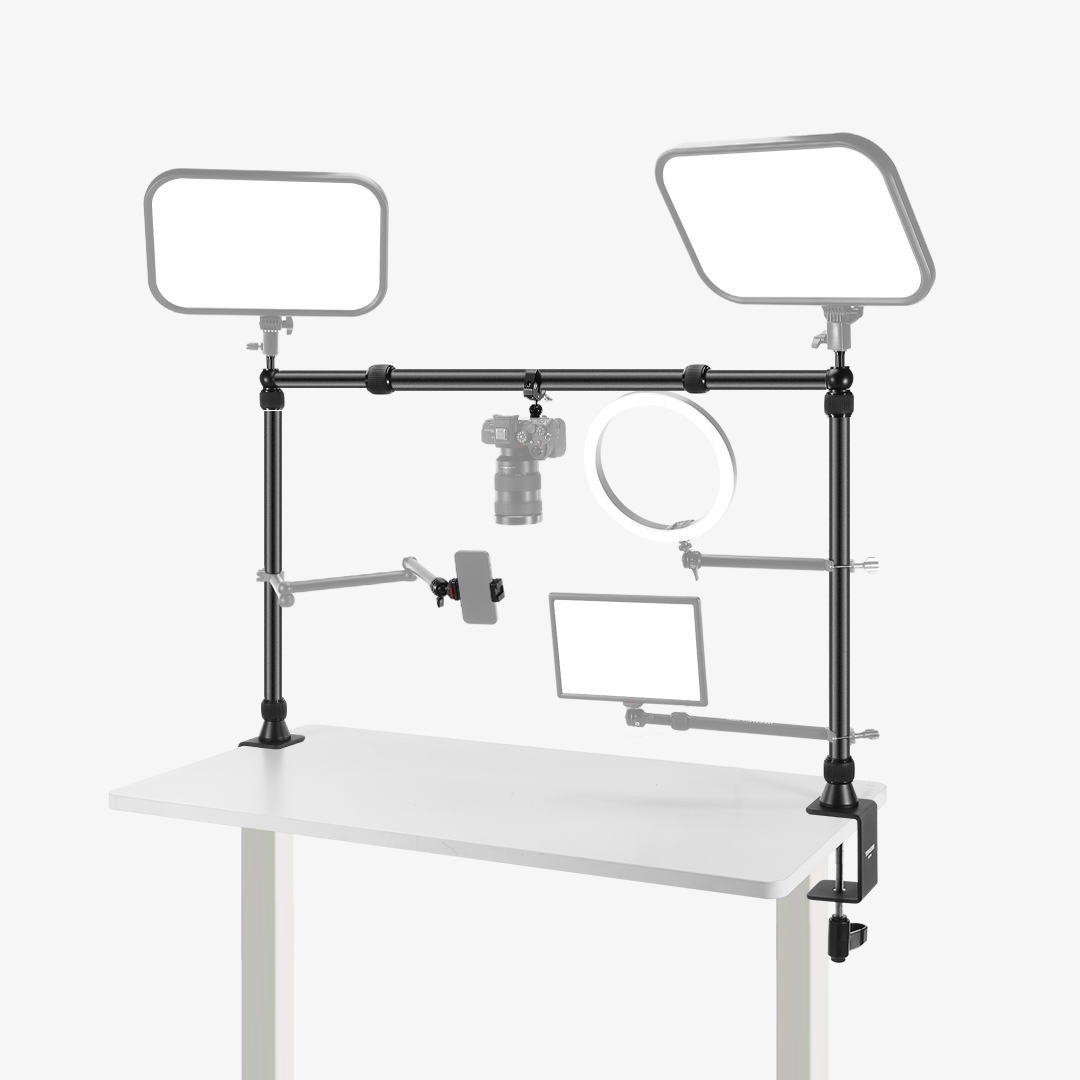
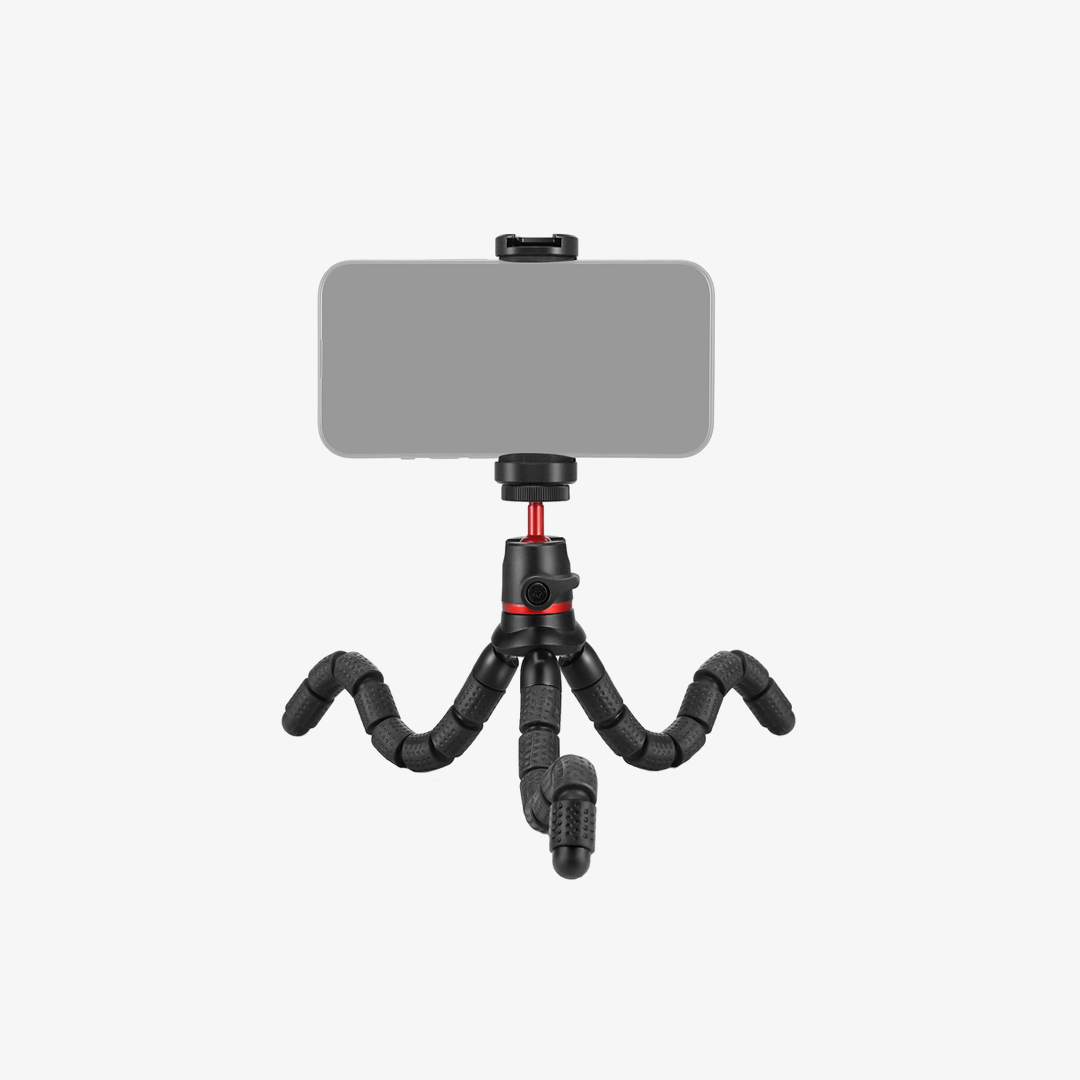
-Mini Desktop Tripods: Stand independently on your desk behind your computer for zero weight on your screen.
What Color Temperature Setting Is Best for Zoom and Work Calls?
Most video conference lights feature adjustable color temperatures ranging from warm (2700K to 3200K) to cool daylight (5500K to 6500K):
-Cool Light (5500K–6500K): Boosts energy and alertness for daytime professional meetings.
-Neutral Light (4000K–4500K): Closely matches natural daylight for true-to-life skin tones.
-Warm Light (2700K–3200K): Provides a softer, cozy glow during evening calls or late-night study sessions.
Will the Light Cause Screen Glare or Eyestrain During Long Meetings?
Quality video conference lights feature built-in frosted diffusers and edge-lit LED tech to scatter light smoothly, reducing harsh glare and preventing eye strain. Placing the light slightly above eye level angled gently downward keeps it off your glasses while illuminating your face cleanly.
How Is a Video Conference Light Powered?
Most models use a built-in rechargeable Lithium battery charging via USB-C, providing 2 to 10 hours of cordless illumination depending on brightness settings. You can also keep the light continuously plugged into a laptop USB port, power bank, or wall adapter for long conference calls.
Is Video Conference Lighting Compatible with External Webcams?
Yes. Compact video conference lights are designed to sit right alongside webcams (such as Logitech or built-in Mac webcams). They eliminate shadows caused by overhead ceiling lights or backlighting from bright office windows behind you.