





Phone Lenses
Elevate your mobile photography to a professional level with lenses that deliver stunning clarity and enhanced creativity.


Phone Lenses


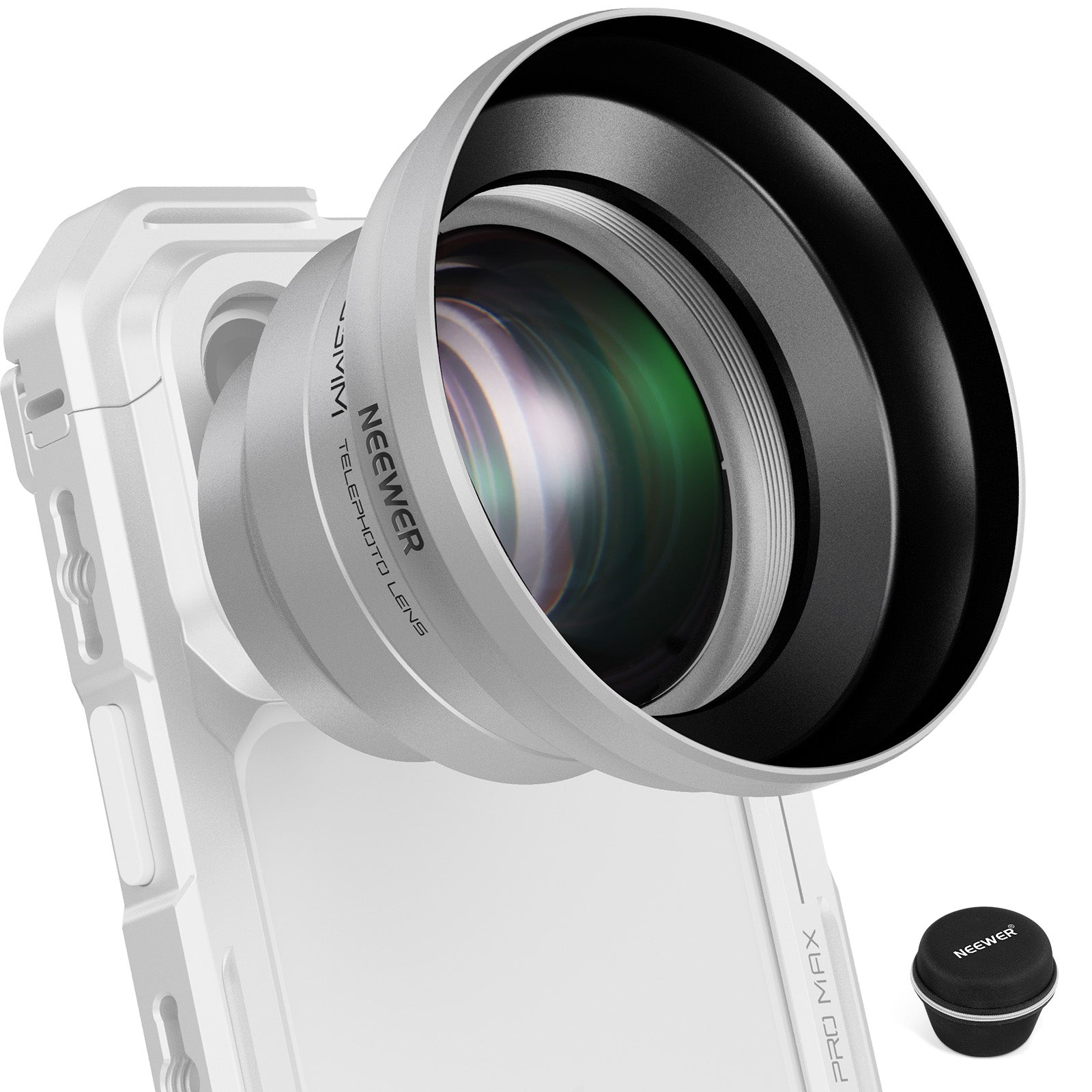


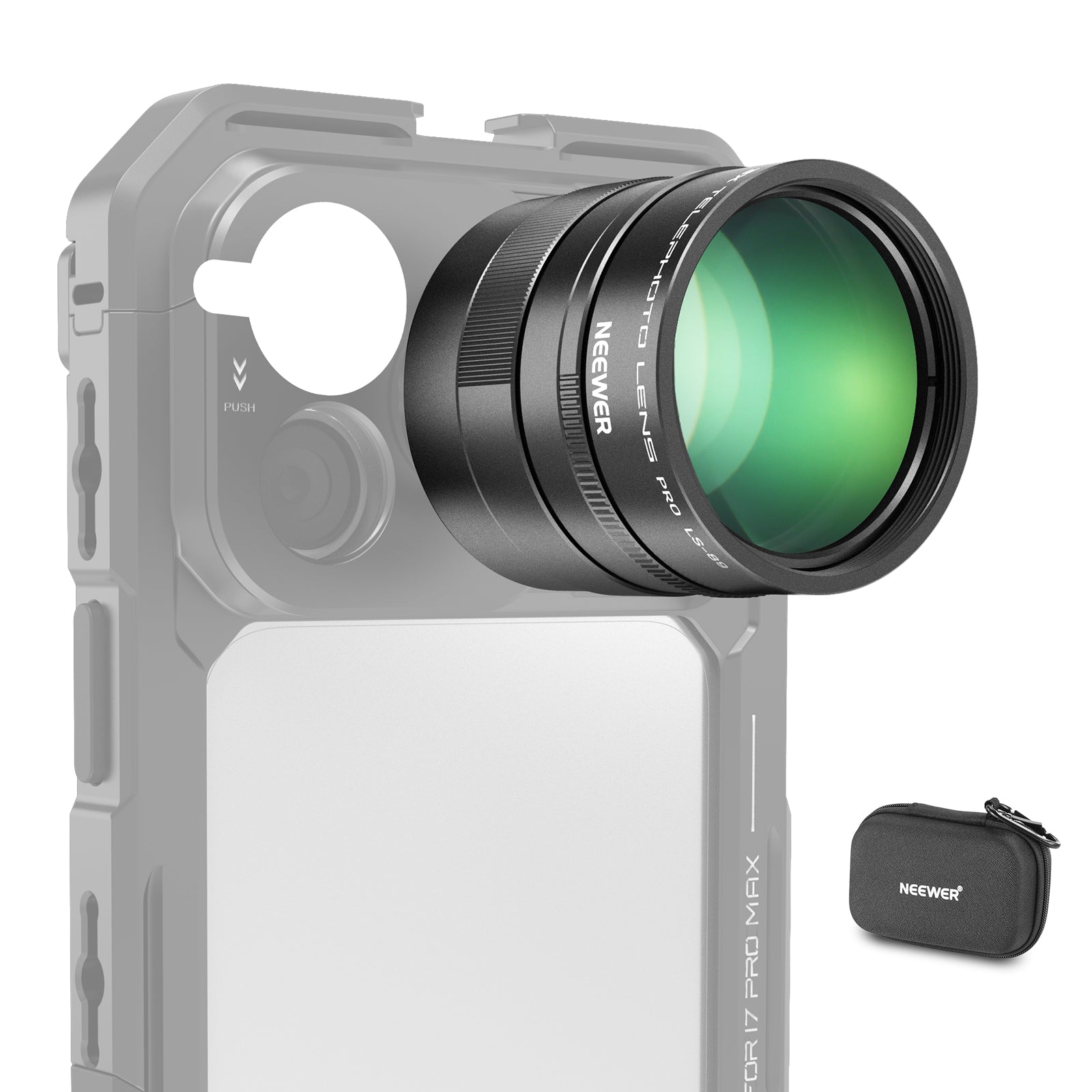
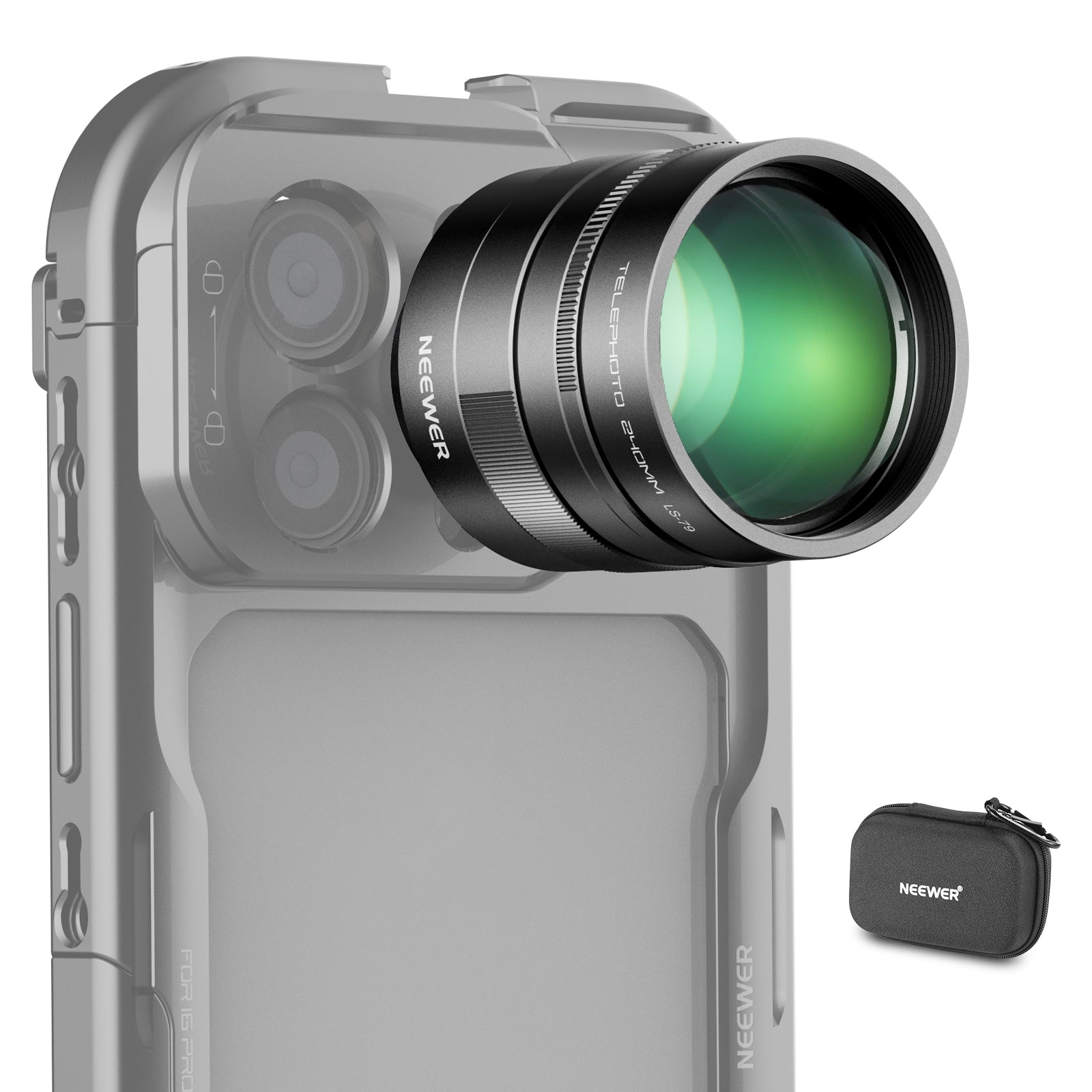


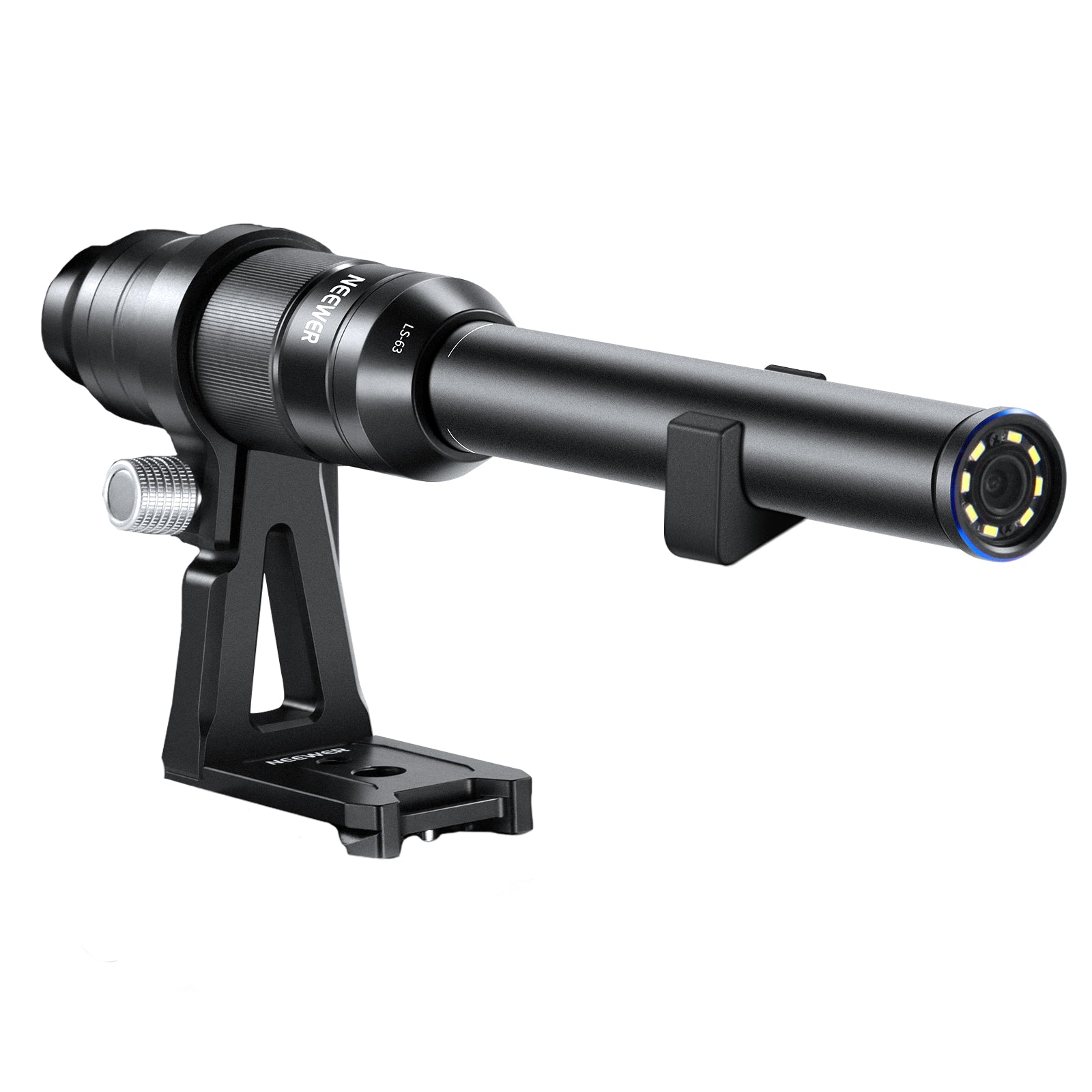


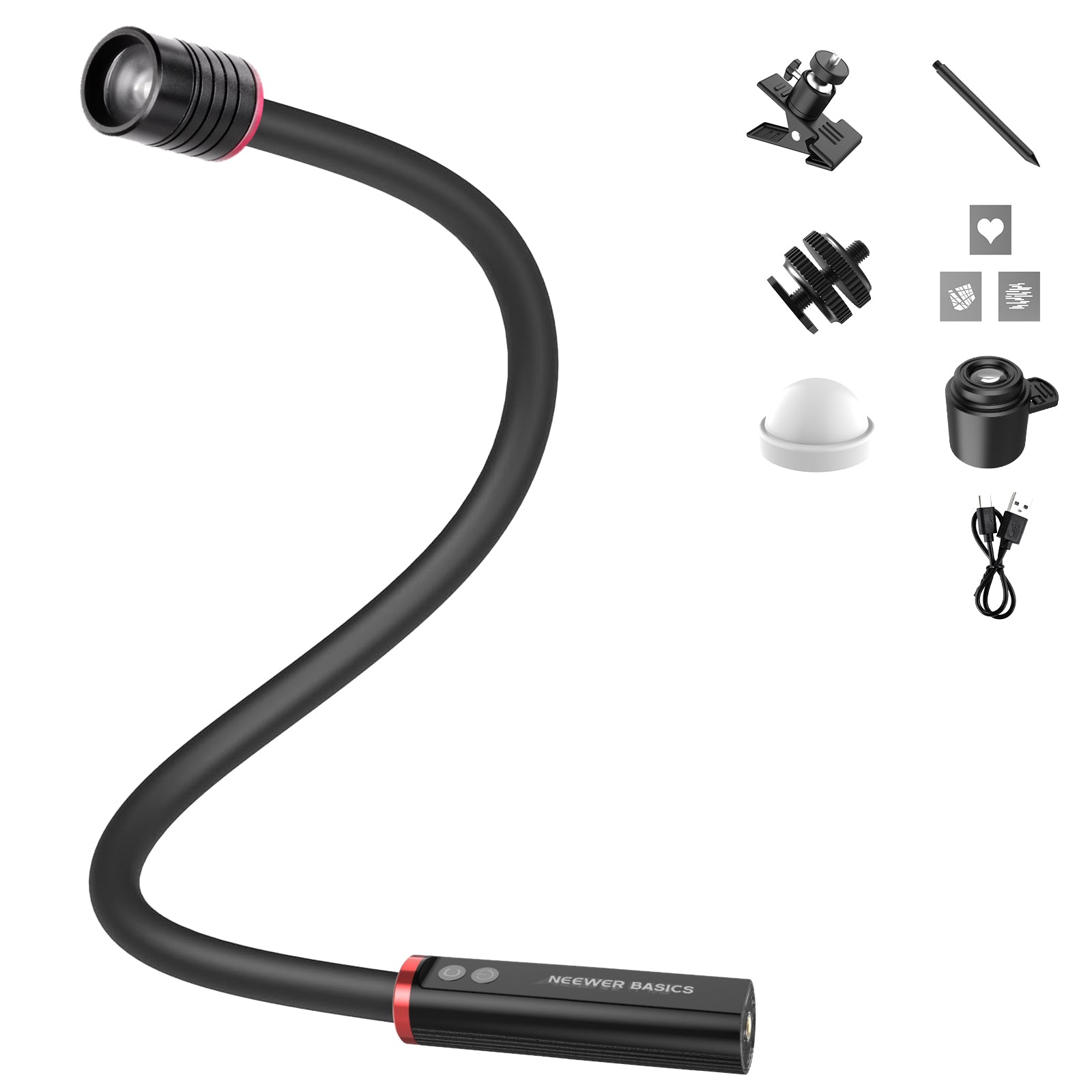

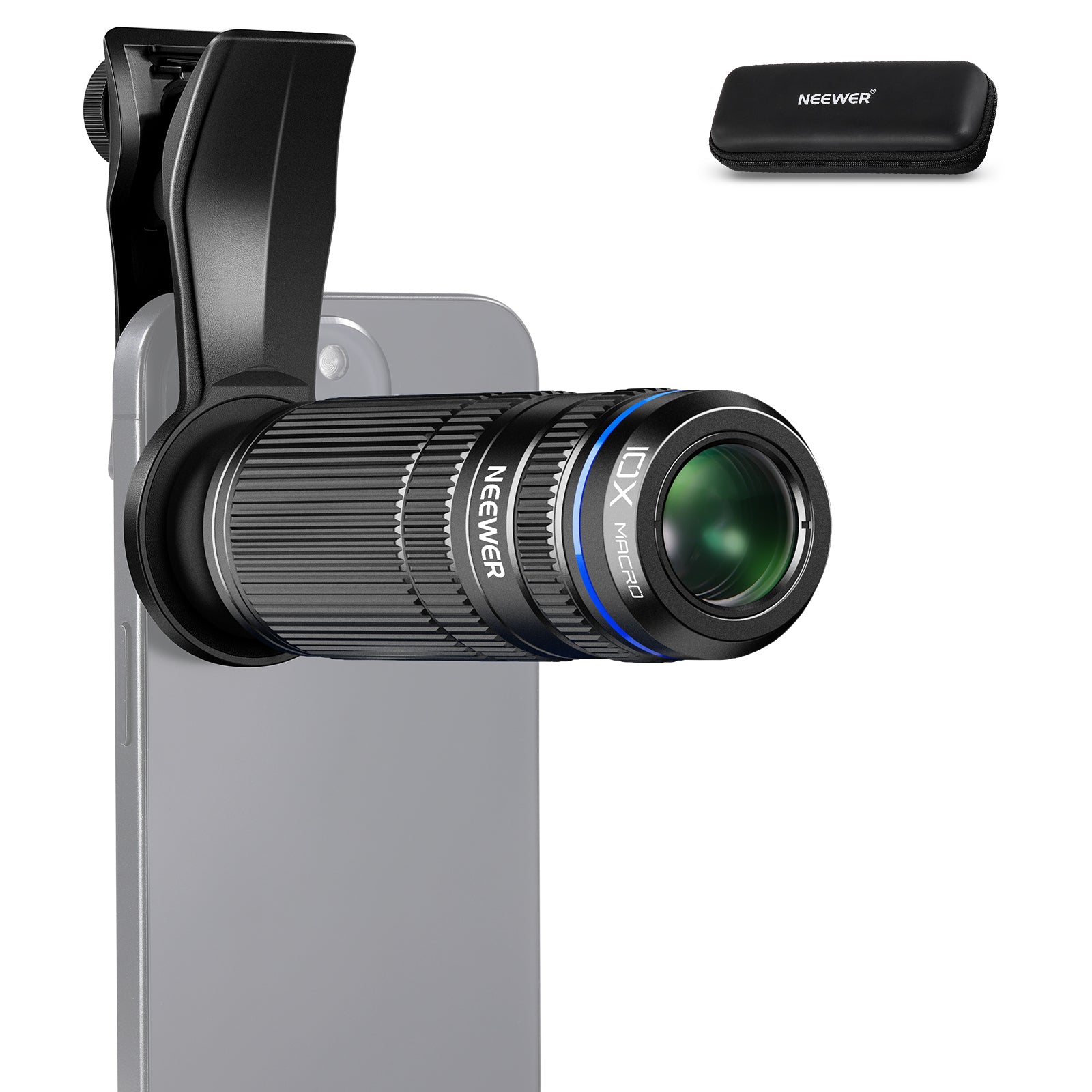
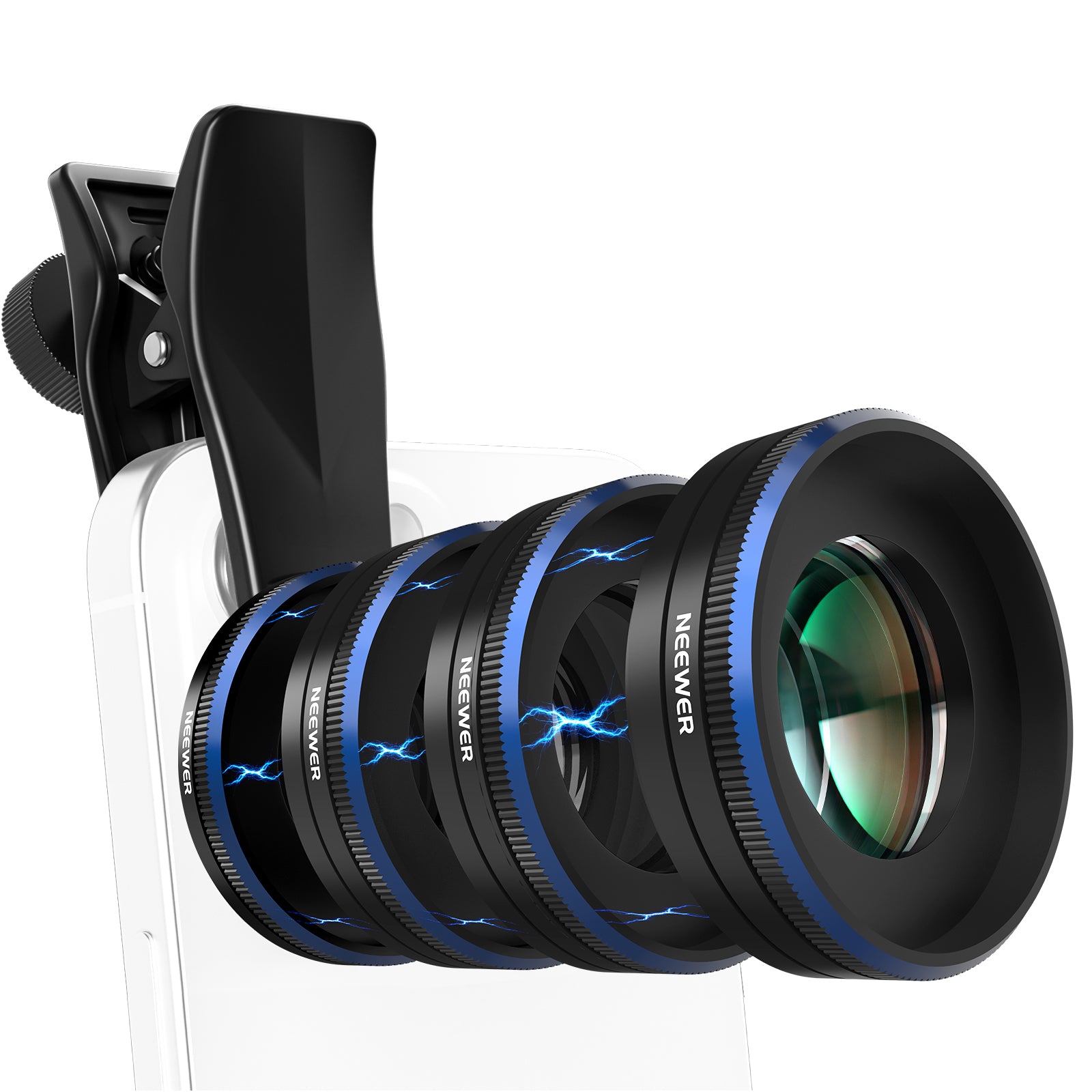

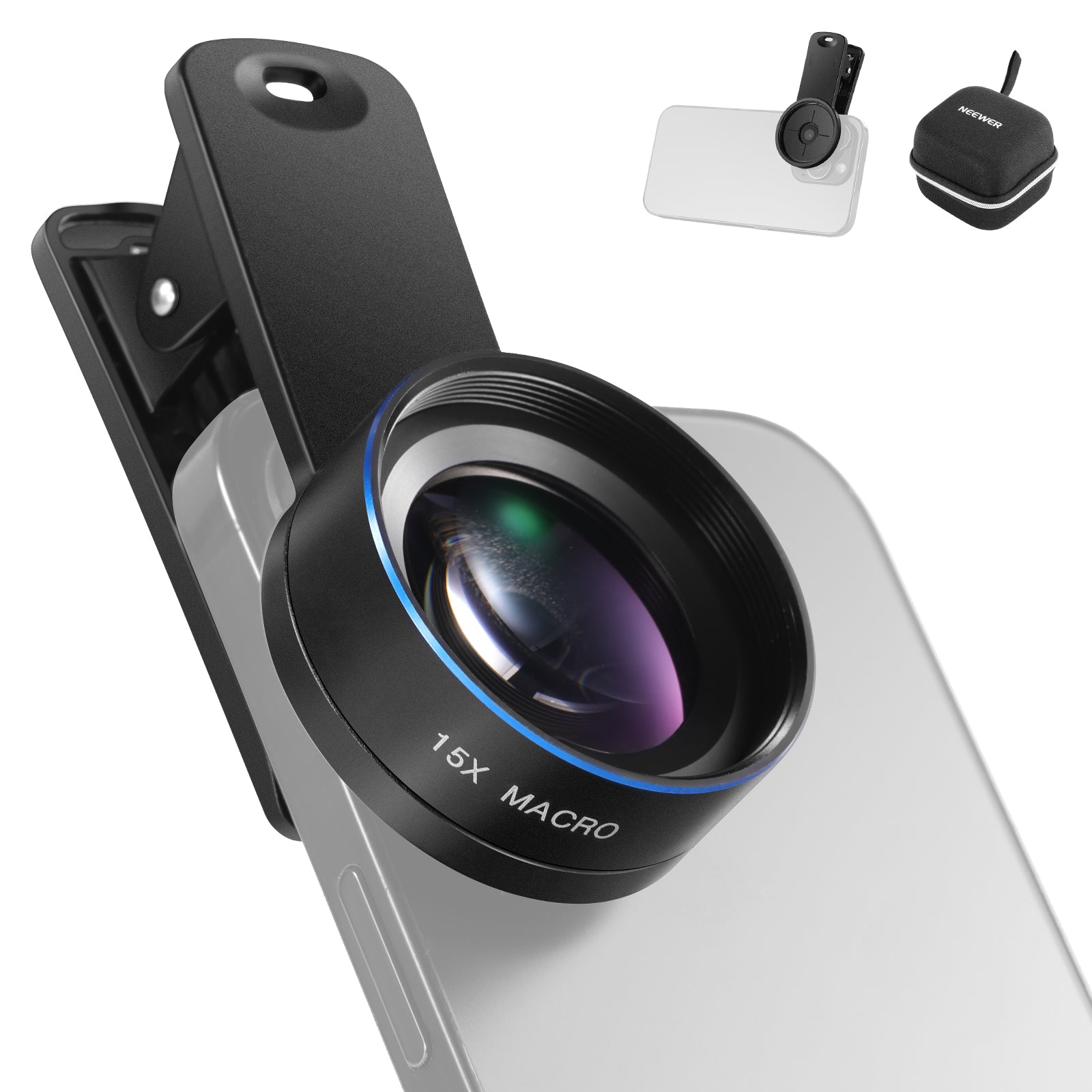
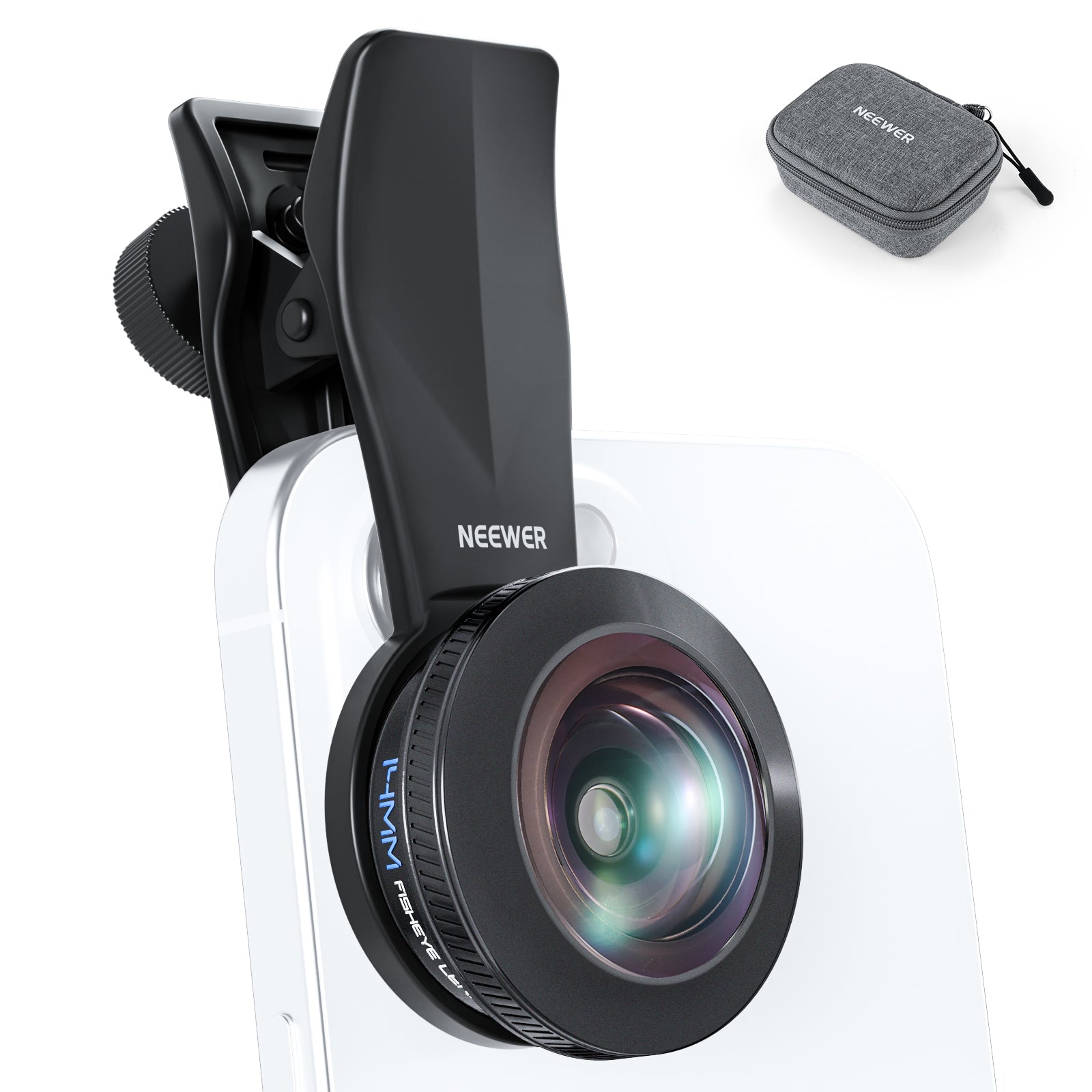
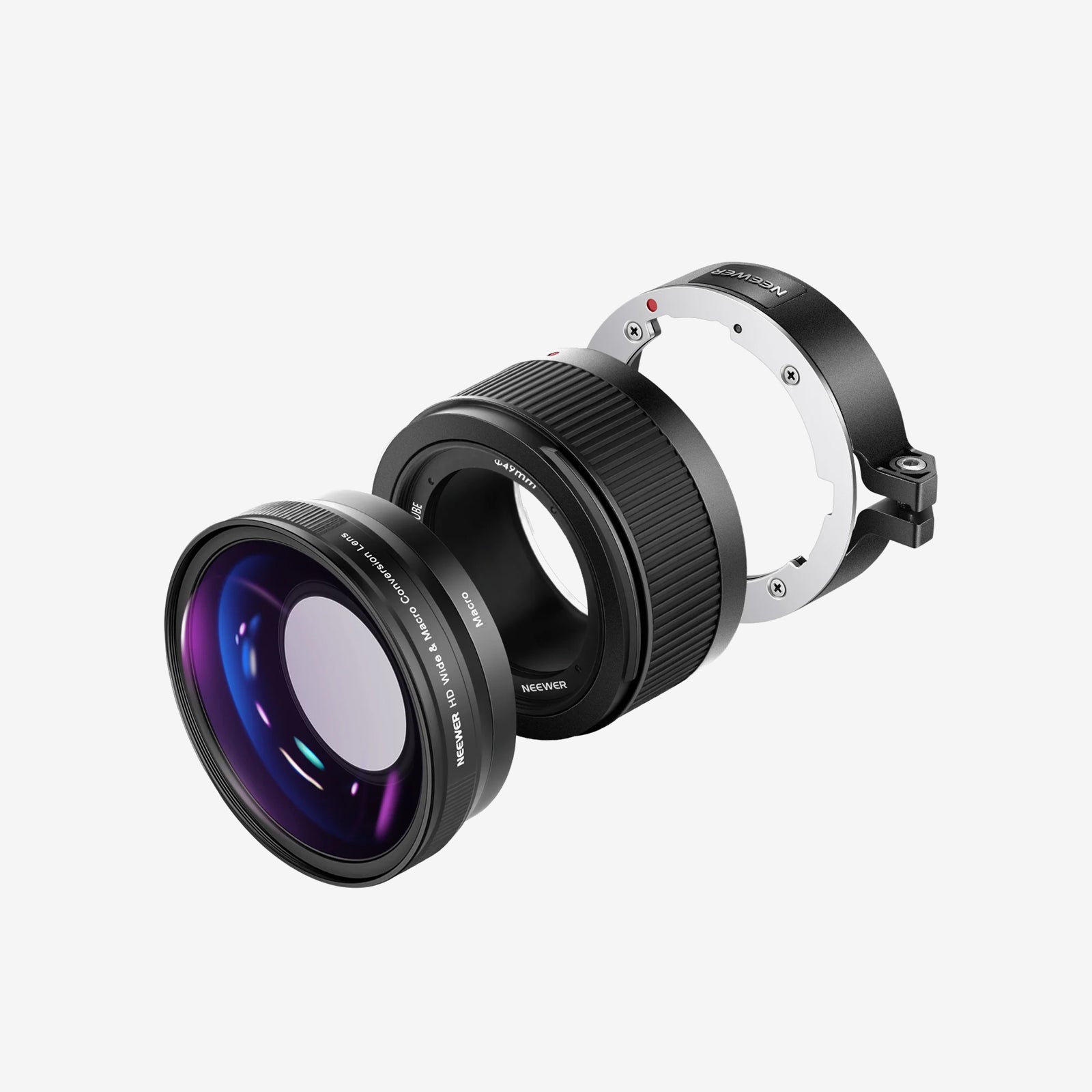
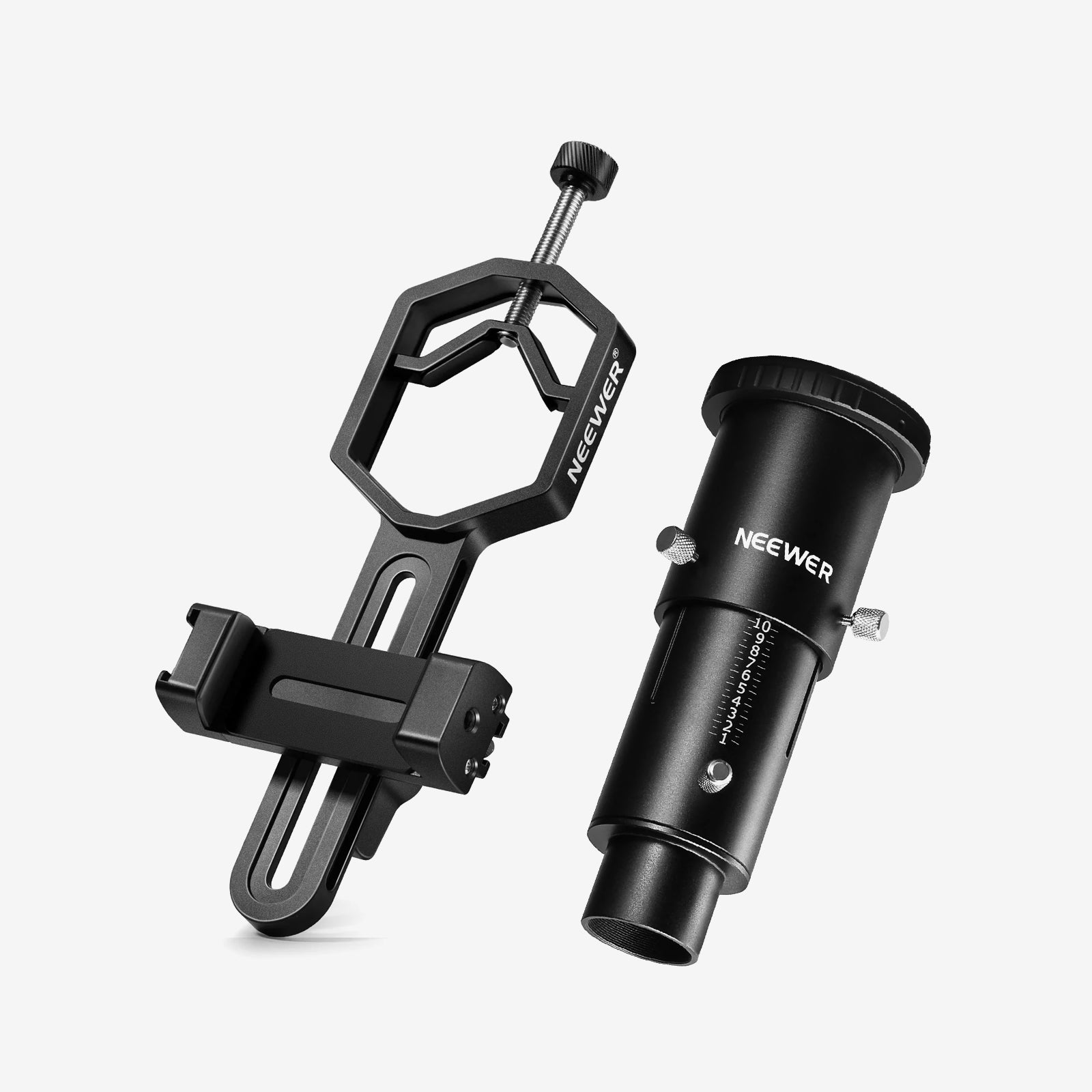
NEEWER phone lenses are useful for enhancing your smartphone camera and elevating your mobile photography. Our collection includes a variety of lenses, such as macro, telephoto, microscope, and fisheye lenses. These lenses are crafted with a durable aluminum alloy frame that resists rust and scratches. They ensure accurate color reproduction for sharp and vibrant videos and photographs, which are perfect for street, landscape, architecture, and group photography. Choose a professional phone lens to elevate your mobile photography.
FAQ
What Types of Phone Lenses Are Available and What Do They Do?
Different optical phone lenses expand your smartphone's built-in camera capabilities:
-Wide-Angle Lens: Expands your field of view to capture broad landscapes, group photos, and tight interior spaces.
-Macro & Micro Lenses: Focus ultra-close to subjects (10x to 100x+ magnification) to reveal microscopic textures, insect details, and jewelry craftsmanship.
-Anamorphic Lens (Blue Flare): Squeezes a 2.4:1 ultra-widescreen frame onto your sensor while generating iconic Hollywood-style horizontal blue lens flares across light sources.
-Fisheye Lens: Produces a 180° hemispherical curved field of view for dramatic ultra-wide visual effects and creative action shots.
-Telephoto Lens: Delivers true optical zoom (2x to 20x+) to bring distant wildlife, sports, and stage action closer without digital pixelation.
Screw-Knob Lens Clamps vs. Spring-Loaded Clips: Which Is Better?
Screw-Knob Clamps: Feature a threaded locking dial that tightens securely over your phone. They prevent lens slippage, hold heavier glass optics stable, and won't crush delicate screen edges.
Spring-Loaded Clips: Offer instant push-to-attach convenience for fast swapping, but can shift out of alignment easily if bumped during active shooting.
How Do You Align an External Phone Lens Over Multi-Camera Phones?
Open your phone's native camera app and cover the camera lenses with your finger one by one to identify the active primary sensor (or primary telephoto lens). Position the lens clip directly over that specific active lens, tightening the locking knob once the image appears centered and clear in your preview screen.
Why Is the Image Blurry When Using a Phone Macro Lens?
Macro lenses feature an extremely shallow depth of field and a fixed focal distance (typically 1cm to 3cm from the subject). To get a razor-sharp image, move your phone physically closer or further from the subject until focus pops into crisp view—autofocus alone cannot compensate for improper distance.
Why Does an Anamorphic Lens Image Look Squeezed or Distorted?
Anamorphic lenses optically compress (squeeze) a 2.4:1 widescreen image onto your phone's standard 16:9 sensor ratio (usually by 1.33x or 1.55x). You need to use a video app like Filmic Pro or Desqueeze to real-time "desqueeze" the image back into its ultra-wide cinematic aspect ratio.
Do You Need to Remove Your Phone Case Before Attaching a Lens Clip?
Yes, for the best optical quality. Thick phone cases create a gap between your phone's built-in lens glass and the external optical glass element, which leads to blurry edges, severe chromatic aberration, and dark vignetting corners.
Can You Screw Standard Camera Filters onto External Phone Lenses?
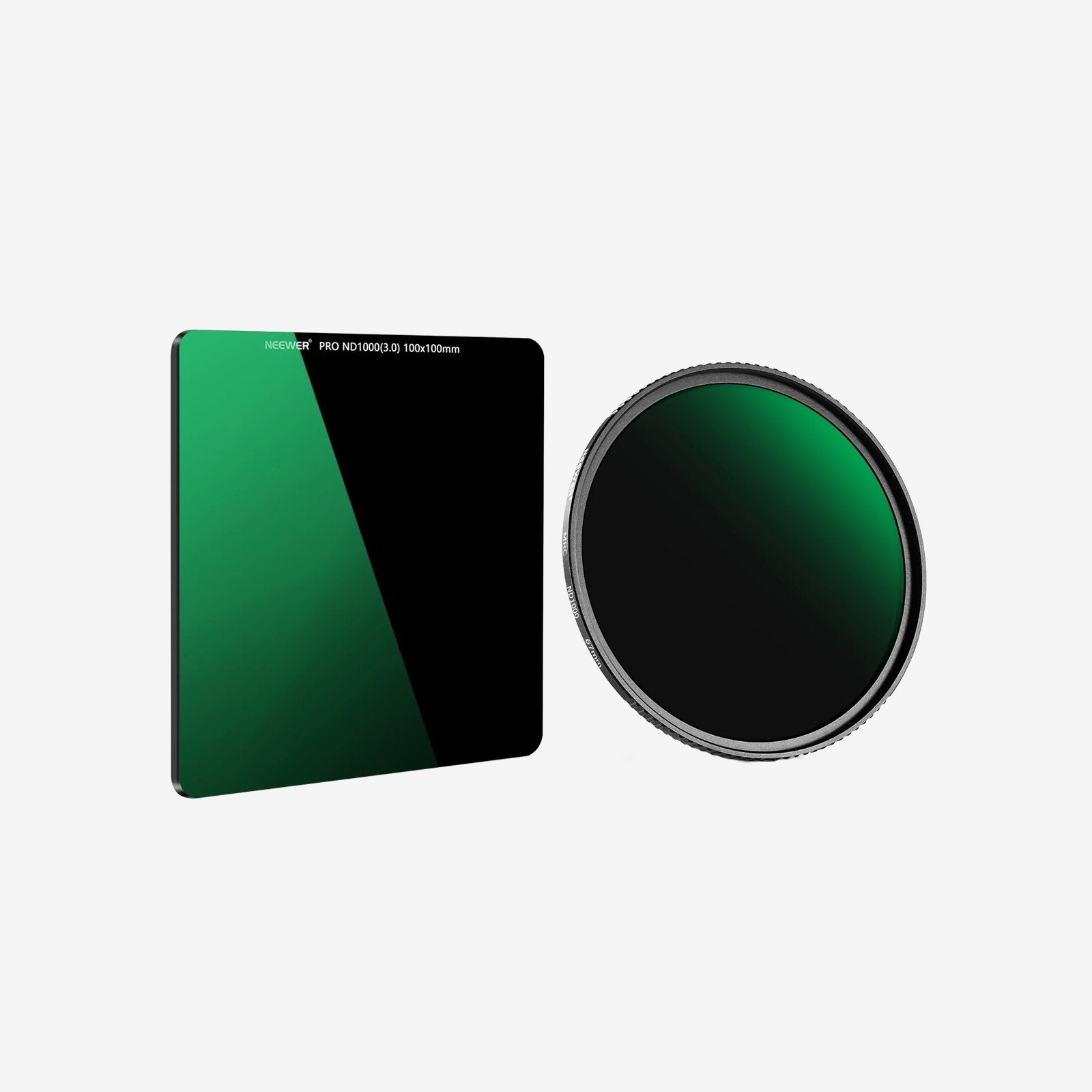
Many premium phone lens clips and lens housings feature front filter threads (commonly 37mm, 52mm, or 67mm). This lets you thread standard camera CPL, Variable ND, or Starburst filters directly onto the front of your phone lens for professional glare and exposure control.




