

Selfie Monitor Screen


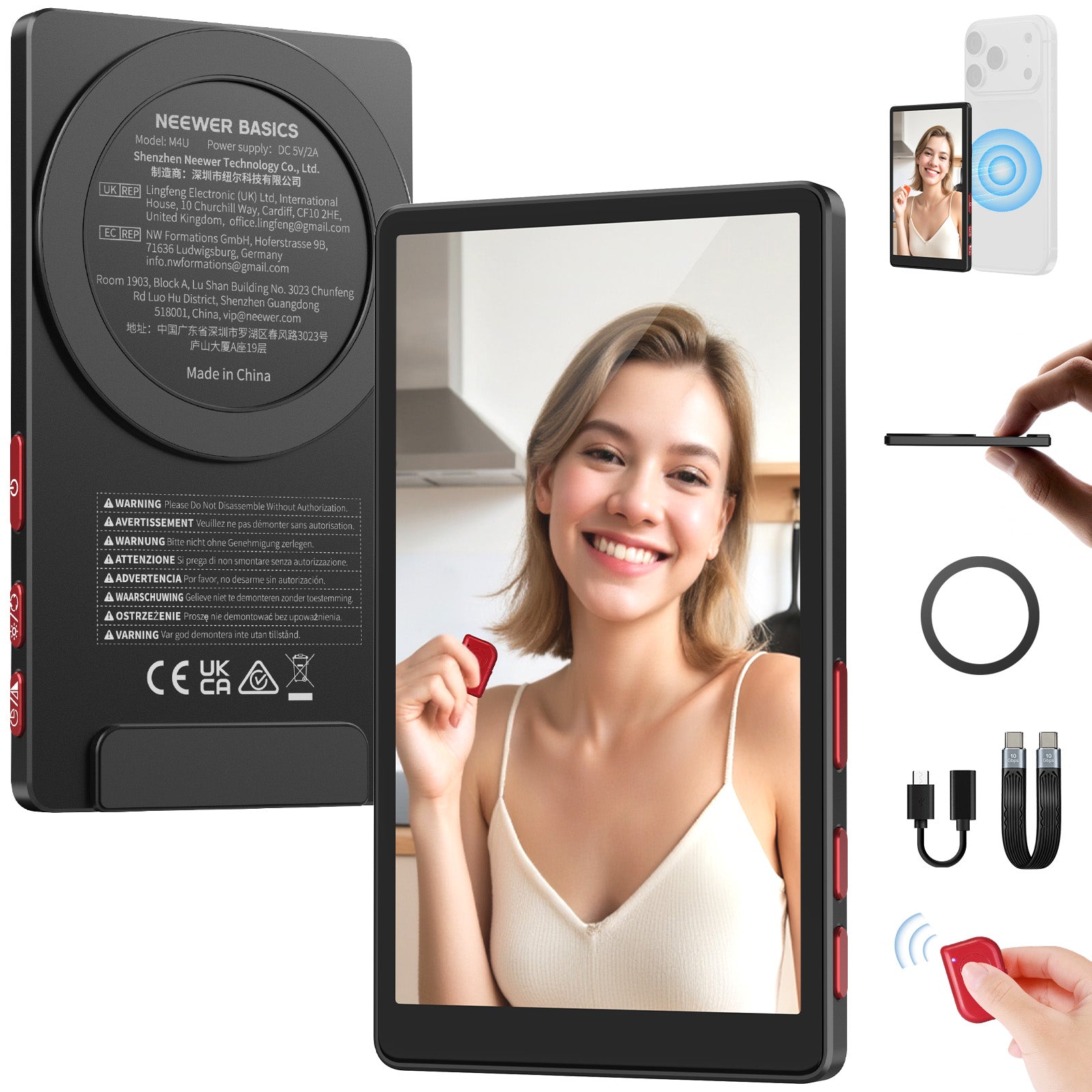

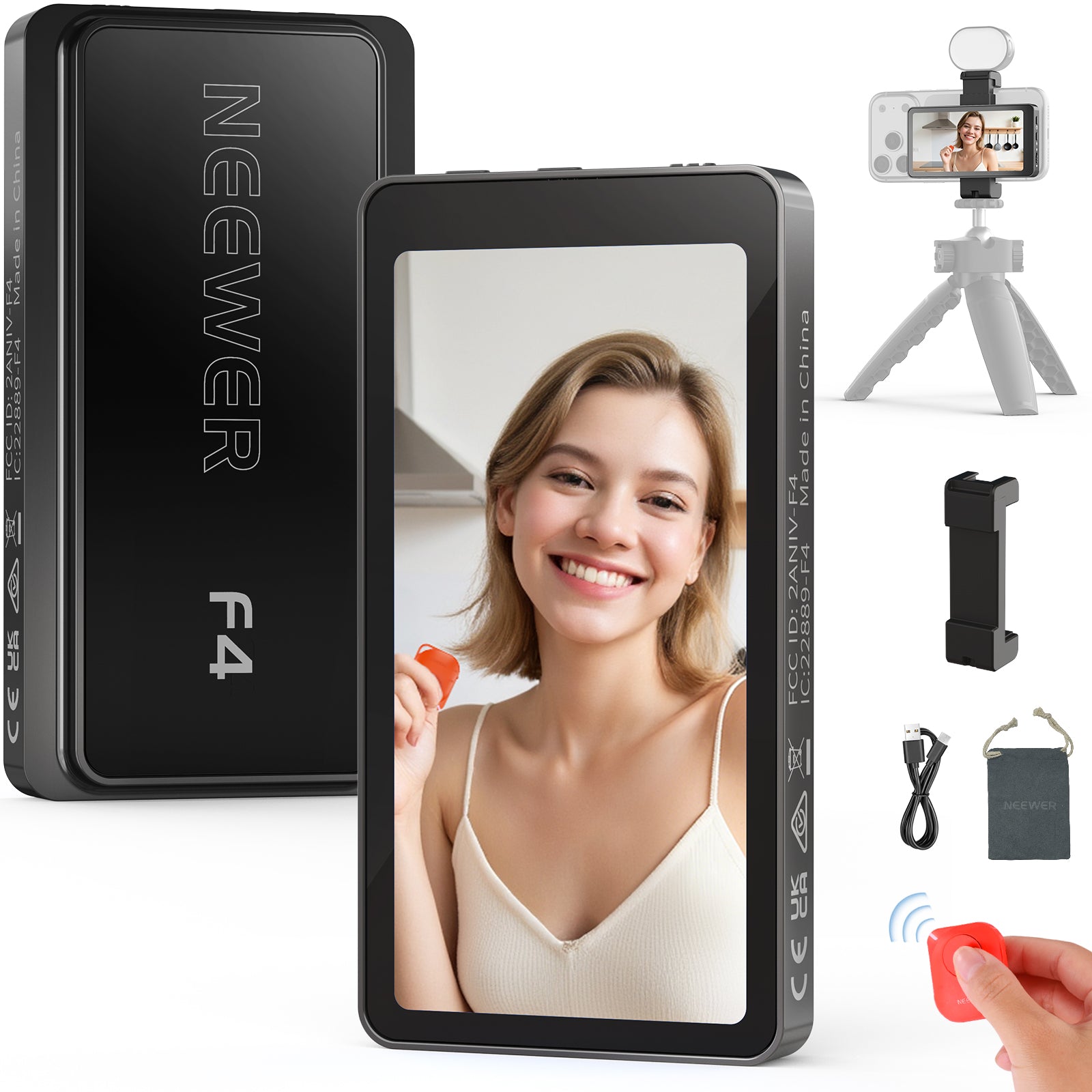
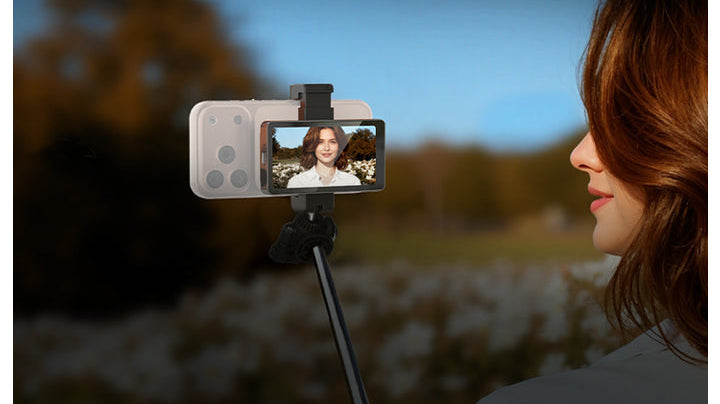
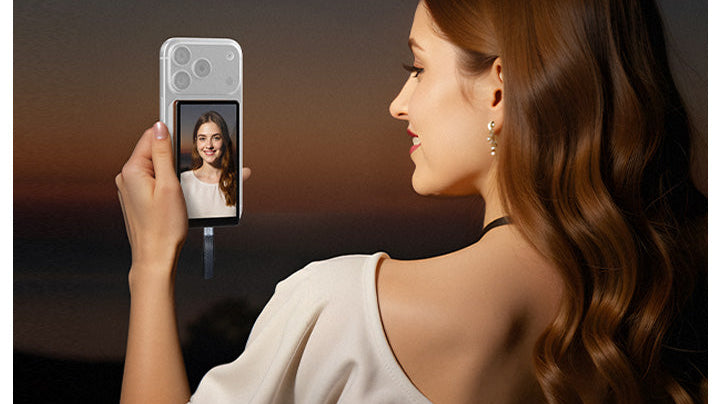
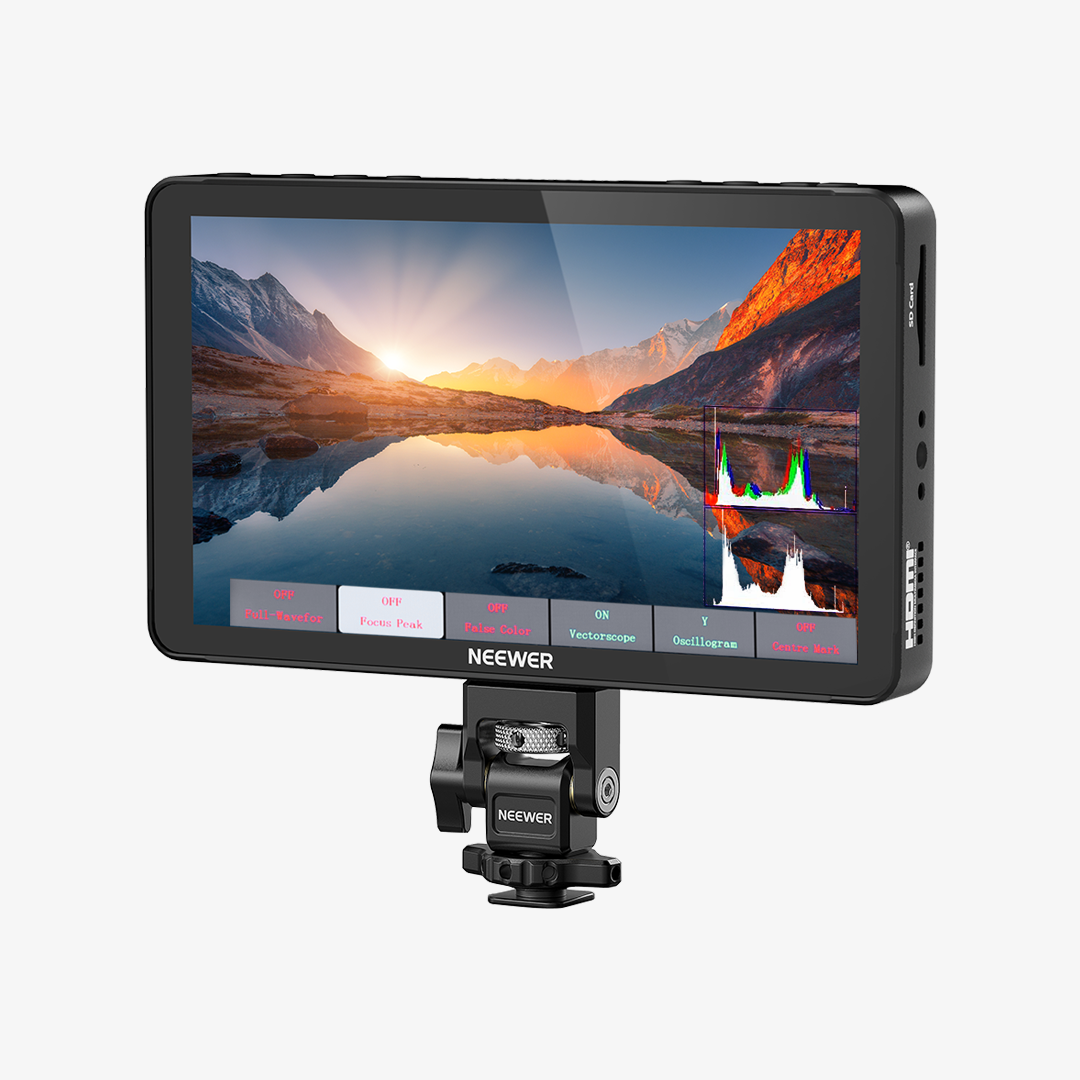
NEEWER Selfie Monitor Screens attach easily to your smartphone, allowing you to see yourself clearly while recording. With precise framing and real-time preview, you can ensure every shot is perfectly composed—whether you’re filming tutorials, travel videos, or capturing your best selfies.
Lightweight and portable, NEEWER selfie monitor screens make professional-quality results effortless, giving you full control over angles, lighting, and framing for consistently satisfying content.
FAQ
What Is a Selfie Monitor Screen and Why Do You Need One?
A selfie monitor screen is a portable external display that attaches to the back of your smartphone. It mirrors your phone's screen in real time, allowing you to use your phone’s superior rear camera (instead of the lower-quality front selfie camera) while maintaining perfect framing, focus, and exposure.
How Does a Selfie Monitor Screen Connect to Your Phone?
Most modern magnetic selfie monitors connect wirelessly via Wi-Fi display mirroring (AirPlay for iOS or Miracast for Android). Simply turn on the monitor, connect to its wireless hotspot or screen-cast signal, and your rear camera view mirrors instantly without any messy cables.
How Do You Mount a Selfie Monitor Screen Securely?
Magnetic selfie monitors feature built-in MagSafe arrays that snap instantly onto iPhone 12 and newer models, or MagSafe-compatible phone cases. For non-MagSafe or Android phones, simply stick an included adhesive metal ring onto the back of your phone or case to lock the screen in place.
Can You Remote Control Your Phone Camera from the Monitor?
Yes. Many selfie monitor screens come with an integrated Bluetooth remote control directly on the frame or handle. This allows you to start/stop video recording or snap photos remotely without reaching around to touch your phone's screen.
How Do You Use a Phone Selfie Monitor Screen Effectively?
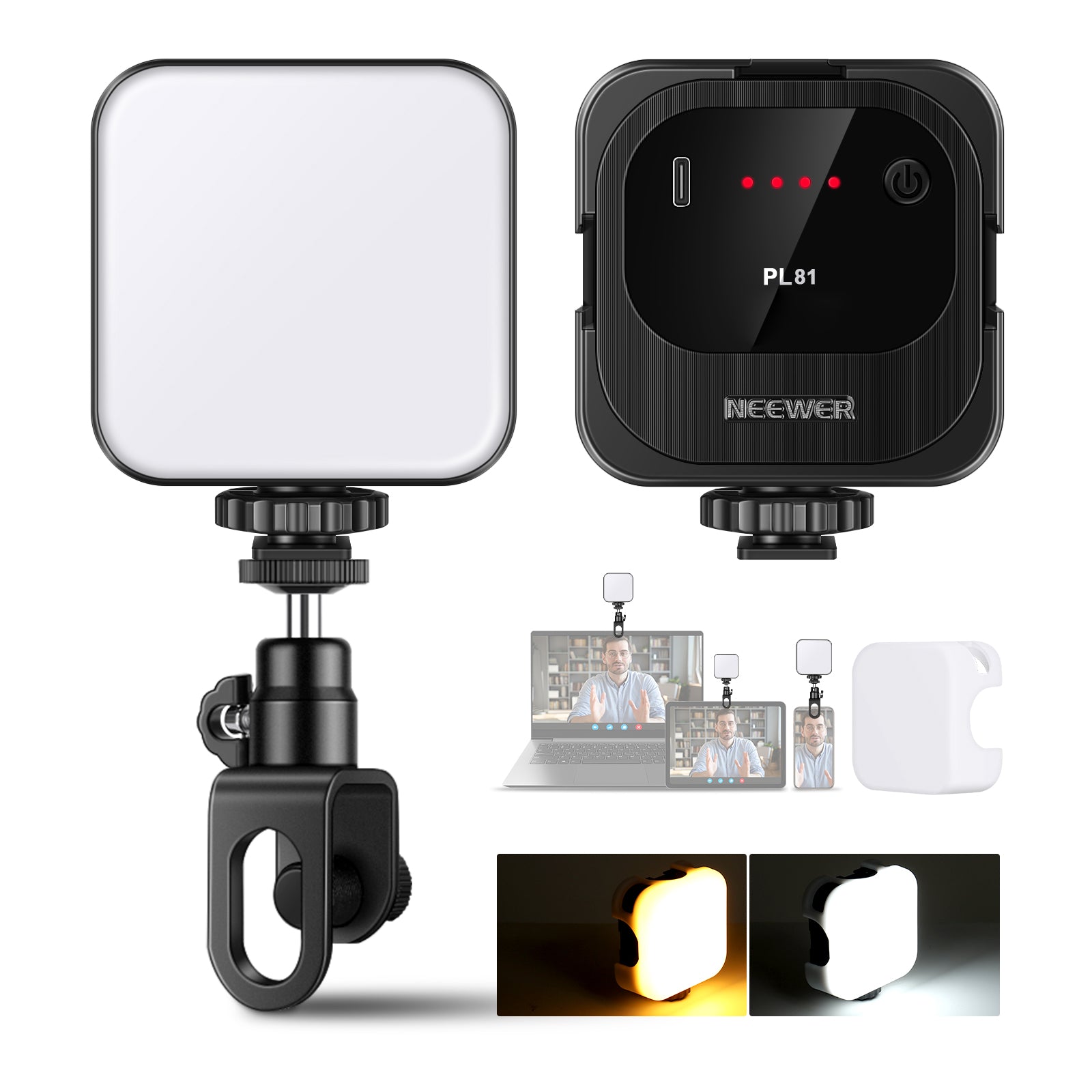
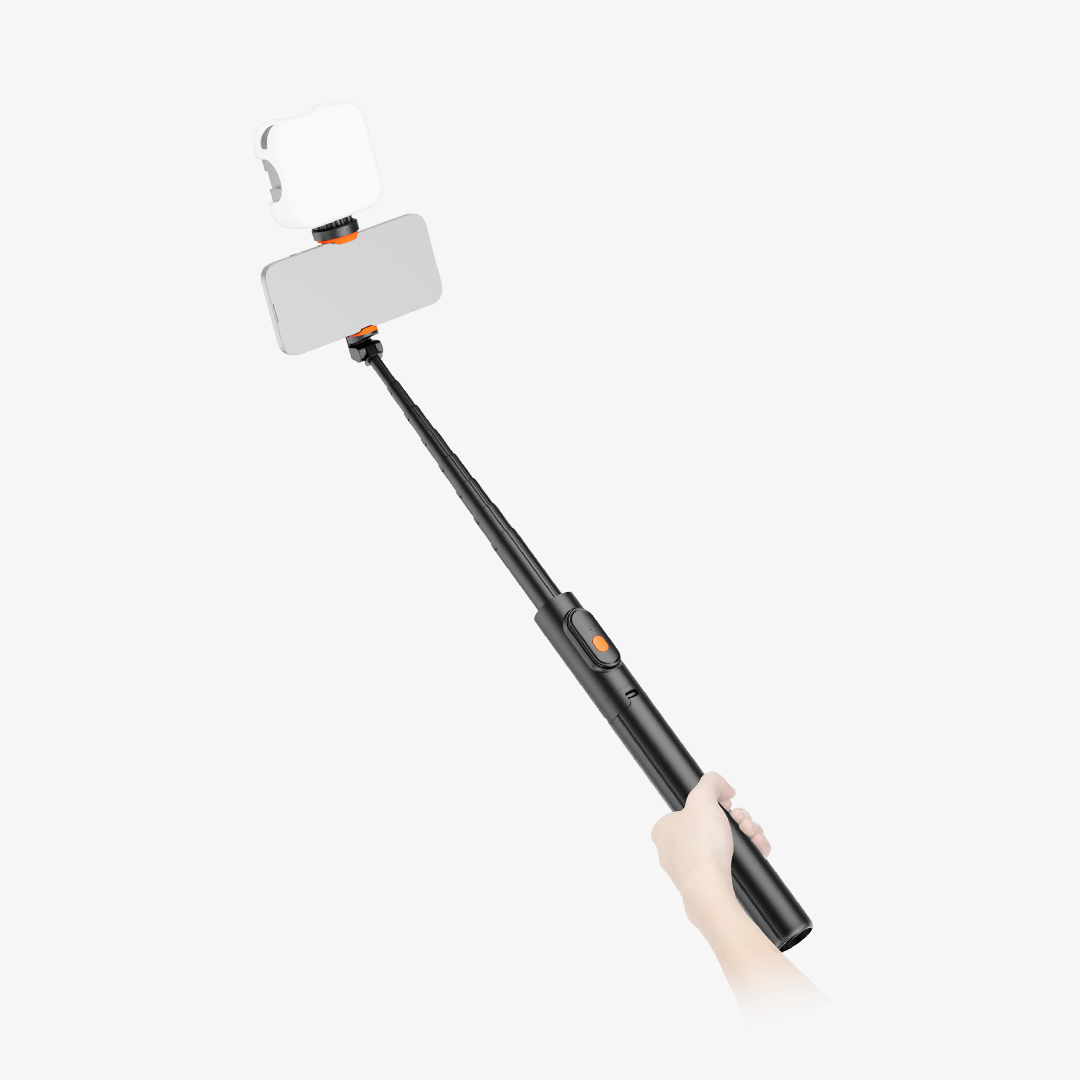
Mount the monitor at eye level to prevent distorted angles, use its cold shoe mount to attach a fill light, and glance at the screen to check framing—then look directly into the camera lens while speaking.
Can You Charge the Monitor While Recording Videos or Live Streaming?
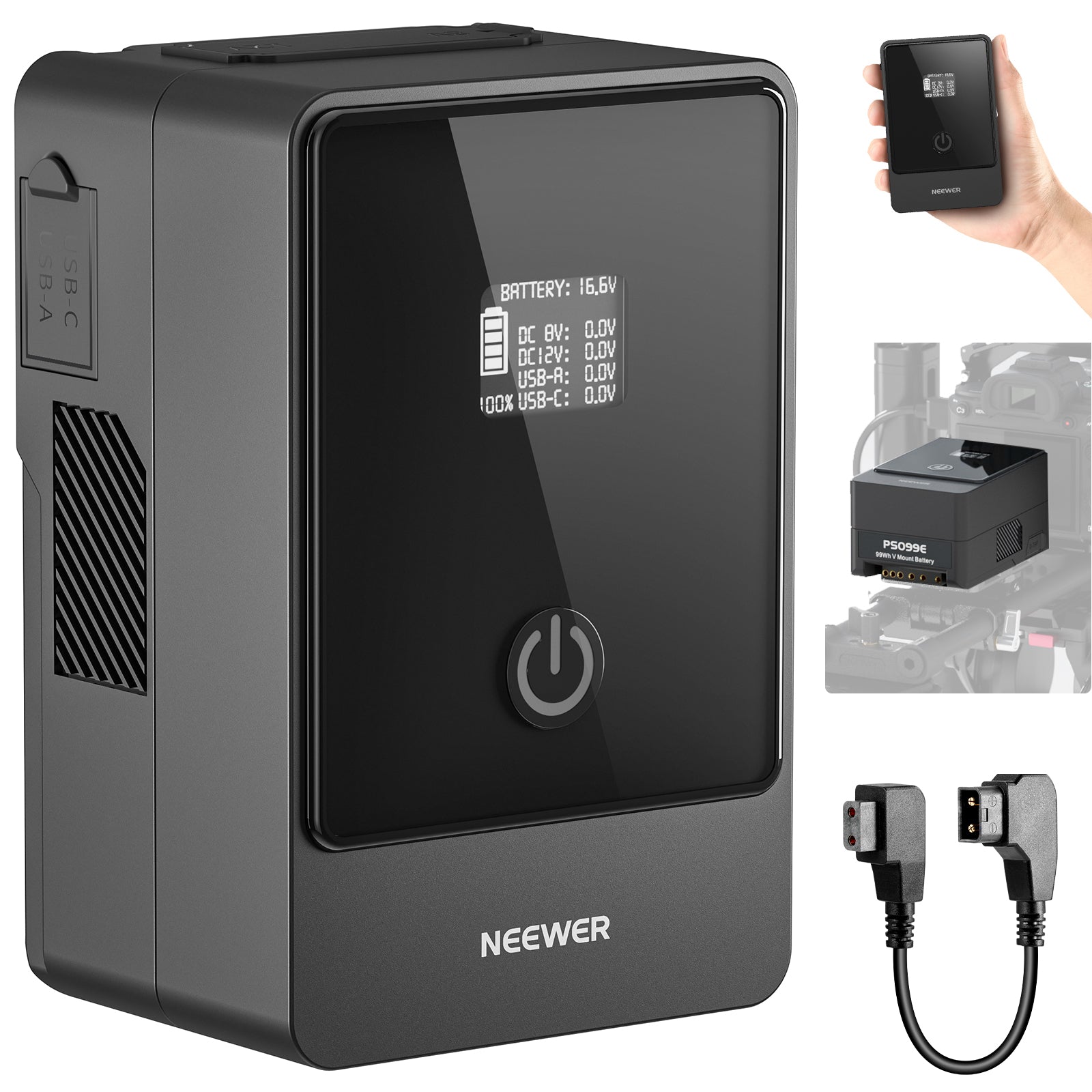
Yes. Most selfie monitors feature a USB-C charging port that supports pass-through charging. You can plug it into a compact power bank or wall charger to stream or record continuously for hours without running out of power.