

Table of Contents
Ring lights have become a default recommendation for video calls, but they often create one problem professionals dislike: visible reflections in glasses. The circular output sits directly at camera level, and that geometry means any front-facing ring will catch on every lens surface in the shot.
If your goal is to look natural on Zoom, Teams, or Google Meet, a compact desk light — mounted above the monitor at a slight downward angle — is usually a better fit. Ring lights still make sense for beauty tutorials and creator content where the circular catchlight is part of the visual identity, but for day-to-day video conferencing, a diffused panel is the cleaner option.
This guide covers which format works for which scenario, which NEEWER options fit each use case — from compact monitor-clip panels to cordless 18-inch ring lights — and how to get flattering, glare-free light on a laptop or home-office desk without adding a stand or cluttering the workspace.
Desk Light vs Ring Light for Video Conferencing
Quick answer: For most video conferencing use cases, choose a desk light. A ring light makes sense only when the circular catchlight is part of the content look, while an LED panel is a better choice when you need directional key light control for streaming or dedicated camera work.
|
Scenario |
Better choice |
Why |
|
Everyday Zoom, Teams, |
Diffused output; |
|
|
Video calls wearing glasses |
Desk light |
Avoids circular reflection |
|
Laptop or compact desk, |
Desk light |
Monitor-clip format; |
|
Beauty tutorials or |
Circular catchlight is a |
|
|
YouTube or streaming with dedicated camera |
Directional control; |
|
Desk Lights for Video Conferencing
Desk lights for video conferencing come in two formats: full-screen monitor-clip panels that sit above the screen, and light bar kits that mount across a wider monitor or dual-screen setup. Both deliver diffused, soft fill without a ring catchlight — the key requirement for natural-looking output on professional calls.
a. NEEWER NL10: Best Full-Screen Desk Light for Video Calls
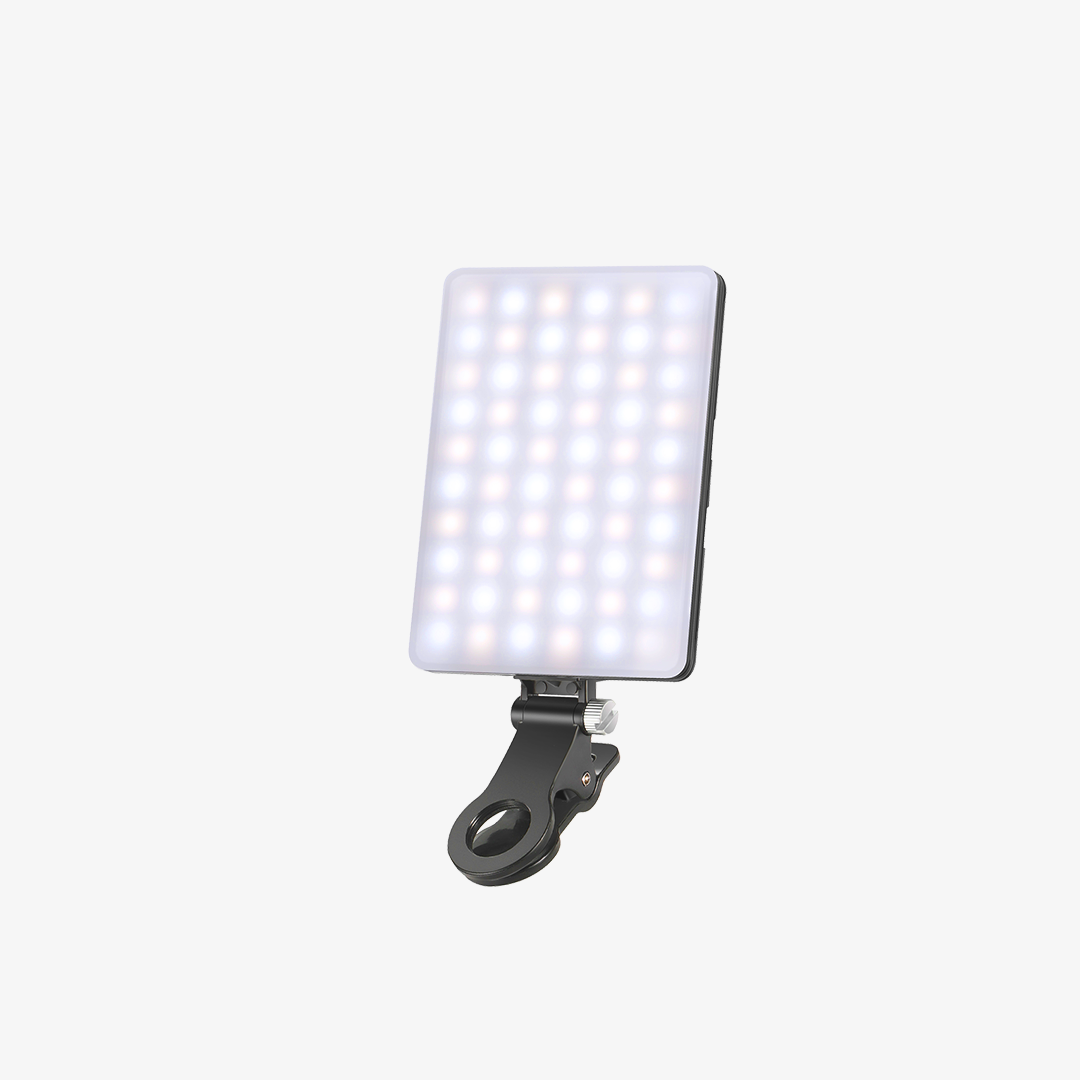
The NL10 is a practical choice for most home-office video conferencing setups — it mounts above the monitor, produces diffused fill at a natural face angle, and takes up no desk or floor space.

The Breakdown
The edge-lit panel spreads light evenly across your face at typical desk distance, eliminating the central hotspot that smaller clip-on lights can create at close range. High CRI and TLCI ratings help skin tones look more natural on camera. The monitor-clip format requires no stand and no additional cable management beyond a single USB connection, making it easy to leave in place between calls.
|
Parameter |
Value |
|
Power |
10W |
|
LED Qty |
120 (60 warm + 60 cool) |
|
Max Illuminance |
656 lux / 0.5 m |
|
Color Temperature |
3000K / 3500K / 4400K / 5600K / 6500K |
|
CRI / TLCI |
95 / 98 |
|
Brightness Levels |
10 |
|
Power Supply |
USB 5V/2A |
|
Light Dimensions |
5"×5" / 12.7×12.7 cm |
|
Stand Height Range |
11"–13.7" / 28–34.7 cm |
|
Mounting |
Monitor clip + 1/4" threaded hole |
Pros
- Monitor-clip format: no stand, no desk or floor footprint
- Edge-lit full-screen output delivers soft, even fill at monitor distance — no ring catchlight, no central hotspot
- CRI 95 / TLCI 98 renders skin tones accurately on compressed video
- 5 CCT modes + 10 brightness levels with memory function retain last-used settings across sessions
- USB-powered; draws directly from a laptop port, USB hub, or wall adapter
Cons
- 10W output is optimized for monitor working distance (0.5m); not a substitute for a stand-mounted key light at 1–2m
- Does not produce a ring catchlight
Best for: Remote workers, professionals on back-to-back calls, and glasses wearers who want clean, natural-looking facial light without a visible rig on camera.
For dual-monitor or wide-display setups where a single compact panel leaves one side of the face underlit, the NEEWER L10 dual light bar kit is a good option — two 9.45" / 24 cm bars mount across both screens with the same CRI 95 diffused output, controlled via touch panel or wireless remote from up to 10m away.
Best Small Fill Light for Laptop Setups
For laptop users who need soft fill light for video calls without harsh output, the NL10’s monitor-clip design solves the problem without adding a stand, a floor footprint, or a desk-surface fixture.
The most common complaint about webcam lighting for Zoom calls on a laptop is that available options are either too bright at close range, create glare on screen, or require a stand that a small desk cannot accommodate.
The NL10 addresses all three: 10 brightness levels let you dial down to the exact output your environment needs, the diffused full-screen panel eliminates hard hotspots at laptop working distance, and the monitor-clip mount positions the light above the screen at a natural face angle without occupying any surface.
For back-to-back calls throughout the day, the memory function recalls your preferred CCT and brightness every time the light powers on. When the priority is soft, flattering fill for video conferencing without harsh glare, starting at 40–50% brightness and adjusting for room conditions is the standard approach with this format.
Ring Lights for Video Conferencing
Most professionals want lighting that looks natural and distraction-free. Content creators often have different priorities. In beauty, makeup, and livestreaming setups, the light itself becomes part of the visual style — and that's where ring lights are better suited than a flat panel. For dedicated beauty or creator setups that need strong output and a full-size ring, the RB18B is worth considering.
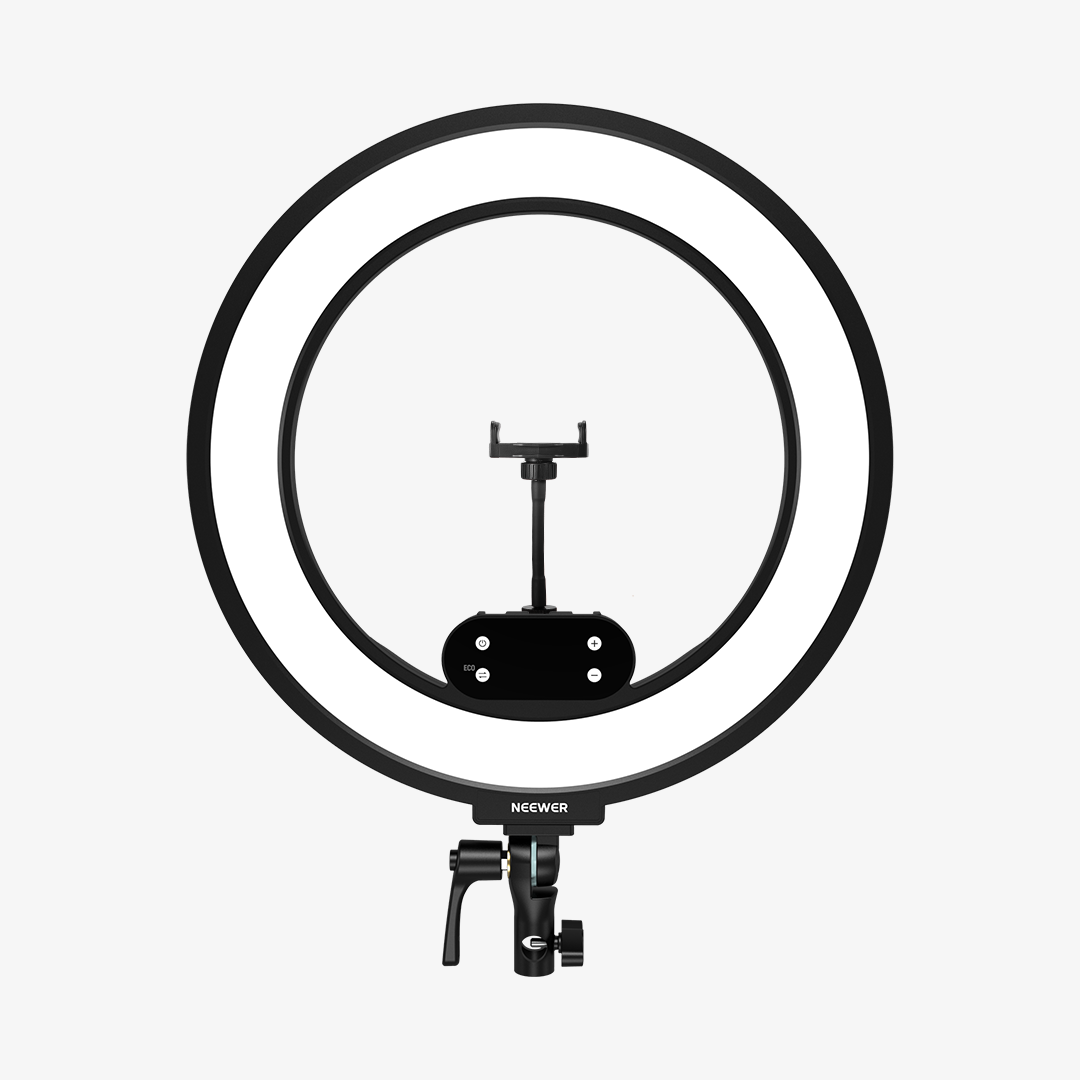
b. NEEWER RB18B: Best Cordless Ring Light for Beauty Tutorials and Livestreams
The RB18B delivers significantly more output than a compact clip-on ring light — enough for close beauty work and dedicated creator setups without washing out fine detail. The built-in battery means no wall outlet required, and the 2.4G remote handles brightness and color temperature adjustments without stepping away from the frame. Three cold-shoe mounts support simultaneous multi-device recording setups.

|
Parameter |
Detail |
|
Power |
45W |
|
LED Qty |
288 |
|
Max Illuminance |
3800 lux / 0.5 m |
|
Color Temperature |
2900K–7000K |
|
CRI / TLCI |
95+ / 97+ |
|
Battery Runtime |
70 min (full power) / 120 min (ECO mode) |
|
Charging |
PD 100W via Type-C |
|
Control |
Panel buttons + 2.4G remote (15 m range) |
|
Stand Height |
19.3"–69.7" / 49–177 cm |
Best for: Beauty creators, makeup artists, and live-streamers who need strong, even front fill with a full circular catchlight for dedicated at-desk content production.
For setups where the RB18B’s 18" output is more than needed, the NEEWER RB12B is the compact step-down — 12" / 30.5 cm with a built-in 3200mAh battery, 22W cordless output, and APP control for one-tap streaming presets.
For compact desk or laptop use where the ring catchlight look is preferred without a floor stand, the NEEWER BR60 is a 5" / 12.7 cm clip-on bi-color ring light — it attaches to monitors, laptops, or smartphones up to 1" / 2.5 cm thick, comes with a mini tripod for standalone desk use, and runs on the same USB power as the NL10.
LED Panel for Streaming and Dedicated Camera Setups
For most video conferencing scenarios — professional calls, beauty content, or hybrid work — the desk and ring light options above cover the full range. The step up to an LED panel becomes relevant when the setup has outgrown a monitor-clip format: a dedicated camera positioned at 1–2 meters, softbox modifier compatibility, or streaming and YouTube production where directional key light control matters more than desk footprint.
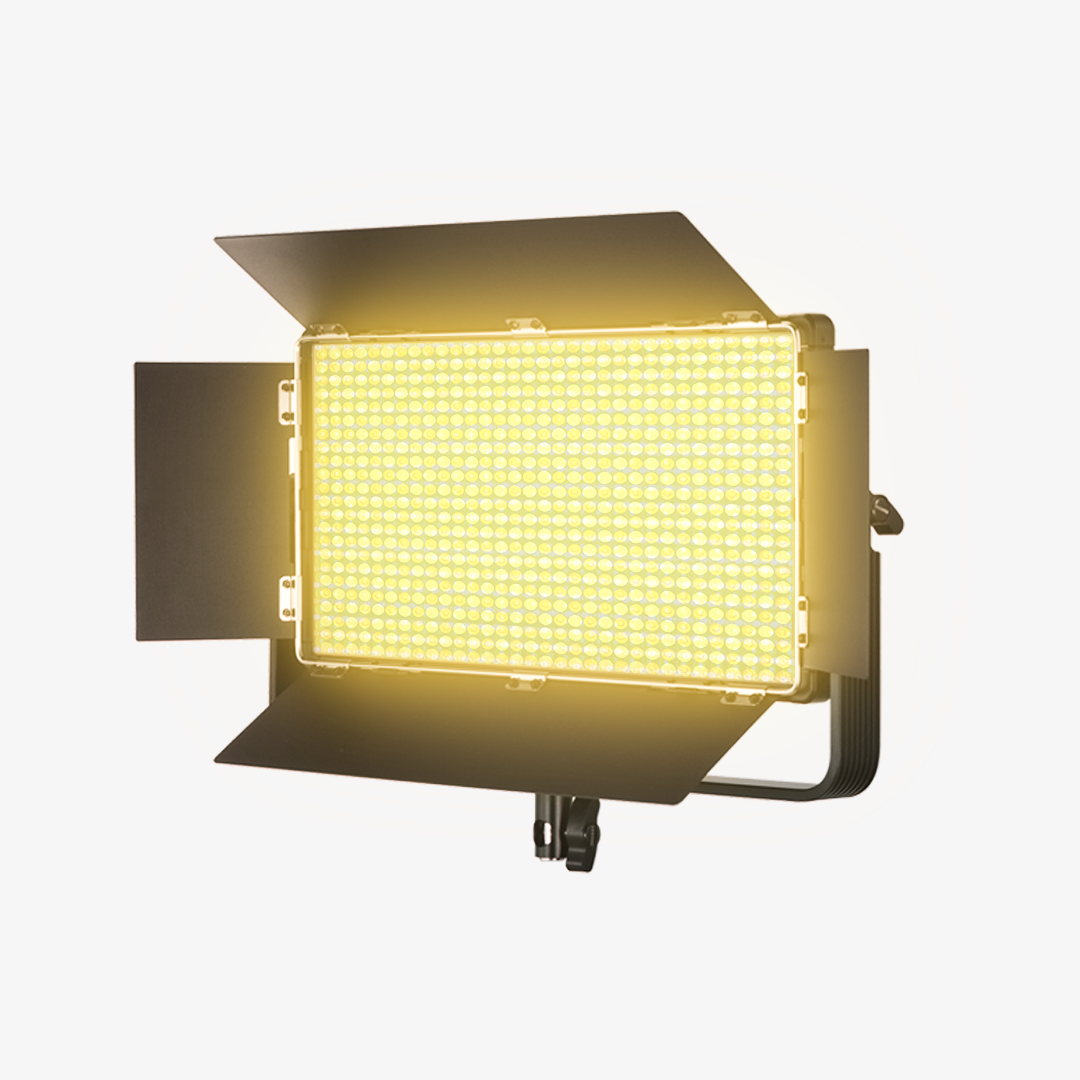
For that upgrade path, the NEEWER NL480 is a 28W bi-color LED panel with 480 LEDs, barn doors for light shaping, and a white diffuser for softer output across a 3200K–5600K color temperature range. It runs on DC power via a stand-mounted U bracket — well-suited for setups where the light needs to move off the monitor and into a proper key light position.
|
Parameter |
Detail |
|
Power |
28W |
|
LED Qty |
480 (240 white + 240 yellow) |
|
Color Temperature |
3200K–5600K |
|
CRI |
96+ |
|
Max Illuminance |
4000 lux/1 m |
|
Accessories |
White diffuser, barn doors, U bracket |
|
Power Supply |
DC 12V |

Glare, Reflections, and Glasses: Getting It Right on Camera
The ring catchlight question comes up most often in the context of glasses — and it is the single biggest reason glasses wearers on professional calls should avoid a front-facing ring light. Whether using a compact clip-on ring light like the BR60 or a larger model like the RB18B, the same physics applies: circular output at camera level reflects directly off lens surfaces.
A ring light placed directly in front creates a circular reflection on every lens surface in frame — switching to a diffused desk light or panel at 30–45 degrees eliminates this without reducing overall face brightness.
A common mistake is placing any light behind the monitor aimed at your face — this creates a high-contrast frame where the camera meters for the background and underexposes the face against it. Keep the primary light in front of you, between the screen and your face.
Quick reference:
|
|
Ring light (RB18B / BR60) |
Desk light (NL10 / L10) |
|
Circular catchlight |
Yes |
No |
|
Reflection on |
Yes — circular glare |
No |
|
Output character |
Even, flat front fill |
Soft, angled diffused fill |
|
Suitable for |
Not recommended |
Recommended |
|
Rig visible on |
Stand + ring visible |
Not visible (monitor-clip) |
The recommendations in this guide apply equally to Zoom, Microsoft Teams, Google Meet, Webex, and other video conferencing platforms — lighting quality is determined by the setup, not the software.
FAQs
Is a full-screen mini light better than a ring light for video calls?
For most video conferencing use cases, yes. A full-screen desk light like the NL10 produces diffused, even fill without a circular catchlight or ring reflection on eyeglass lenses — both of which read as distracting on professional calls. A ring light works better when the circular catchlight is intentional, such as in beauty tutorials or makeup content where it is part of the visual style.
What is the best small fill light for a laptop and Zoom calls?
For laptop setups where soft fill without harsh glare is the priority, a monitor-clip panel light is a good fit — it attaches above the screen, draws power from a USB port, and produces diffused fill at a natural face angle with no desk or floor footprint. The NEEWER NL10 fits this role: output that stays soft and not too harsh at laptop working distance, 10 adjustable brightness levels, CRI 95 / TLCI 98, and a memory function that retains settings across sessions.
Do ring lights cause glare on glasses during video calls?
Yes — a ring light placed at camera level creates a circular reflection on every lens surface in the shot, visible to all participants. To eliminate this, use a diffused desk light or small panel positioned slightly above eye level at a 30–45 degree angle toward your face. The angle change removes the reflection without reducing the amount of facial fill light.
Where should I position a desk light for video conferencing?
Mount the light at the top of the monitor so it aligns with the camera position — this avoids the "looking away from the light" effect that occurs when the light and camera are offset. Angle the light downward slightly toward your face, targeting slightly above eye level; a light mounted directly overhead creates top-down shadows that darken the eye sockets on camera.
Can I use the NL10 for Microsoft Teams, Google Meet, or Webex calls?
Yes. The NL10 is a USB-powered monitor light and works with any video conferencing platform — Zoom, Teams, Google Meet, Webex, or any other. The soft fill output and CRI 95 / TLCI 98 accuracy apply across all platforms; the light itself is platform-agnostic.
Final Takeaway
Lighting for video conferencing comes down to one practical question: are you on a professional call, or are you creating content where the light is part of the look? For most remote workers, hybrid team members, and professionals joining back-to-back meetings, the desk light wins — soft, diffused fill at monitor height with no catchlight in the eye and no visible rig on camera.
Most people on Zoom or Teams will get better results from a monitor-mounted desk light. Ring lights still have their place in beauty and creator workflows, while LED panels make more sense once you move to a dedicated camera setup.