





Table of Contents
Good lighting can make a noticeable difference when you work from home. Whether you’re joining a Zoom call, attending a video conference, or simply spending the day in front of your laptop, the right light can help your face look clearer and your workspace feel more comfortable.
Unlike traditional office lighting, home office lighting often changes throughout the day. Natural light can shift, overhead lights can create harsh shadows, and a bright window behind you can make your face appear dark on camera. A dedicated remote work lighting setup helps create more consistent lighting for video calls and everyday work.
Why Good Lighting Matters for Remote Work
Working from home often means relying on whatever light is already available in the room. While that may be fine for everyday tasks, it isn’t always ideal when you’re on camera.
Dark or uneven face
A laptop screen or ceiling light may not provide enough light on your face. This can make your webcam image look dark or uneven, especially in rooms with limited natural light.
Window backlighting
Sitting with a bright window behind you can cause your camera to expose for the background instead of your face. The result is often a bright window and a much darker face.
Harsh overhead lighting
Ceiling lights can create strong shadows under the eyes, nose, and chin. They may also make the lighting on your face look uneven during Zoom calls and online meetings.
Changing natural light
Natural light can work well during part of the day, but its brightness and direction change with the weather and time. A dedicated light provides a more consistent look when your workday includes meetings at different times.

What to Look for in Remote Work Lighting
The best lighting for remote work doesn’t necessarily need to be large or complicated. For most home office setups, a few practical features matter more than having a high-powered studio light.
Soft, even illumination
A soft light source can reduce harsh shadows and provide more even illumination across your face. This is particularly useful for webcam lighting, where small changes in light can be more noticeable on camera.
Adjustable brightness
Being able to adjust brightness makes it easier to compensate for changing daylight or different room conditions. You may need less light during the day and more illumination for a late-night video conference.
Adjustable color temperature
Different rooms and times of day can have very different light. Adjustable color temperature lets you match the light more closely to your surroundings instead of making your face look noticeably too warm or too cool.
Convenient mounting
A good home office light should fit naturally into your workspace. Laptop-mounted, monitor-mounted, or compact desk lights can provide direct illumination without taking up much desk space.
Good color rendering
For video calls, natural-looking skin tones are important. A light with good color rendering can make your webcam image look more balanced and realistic.
Best NEEWER Lights for Remote Work
NEEWER offers several compact lighting options that can work with different types of remote work setups, from portable laptop workstations to dedicated home offices.
NEEWER NL-60AI — Portable Laptop Setup

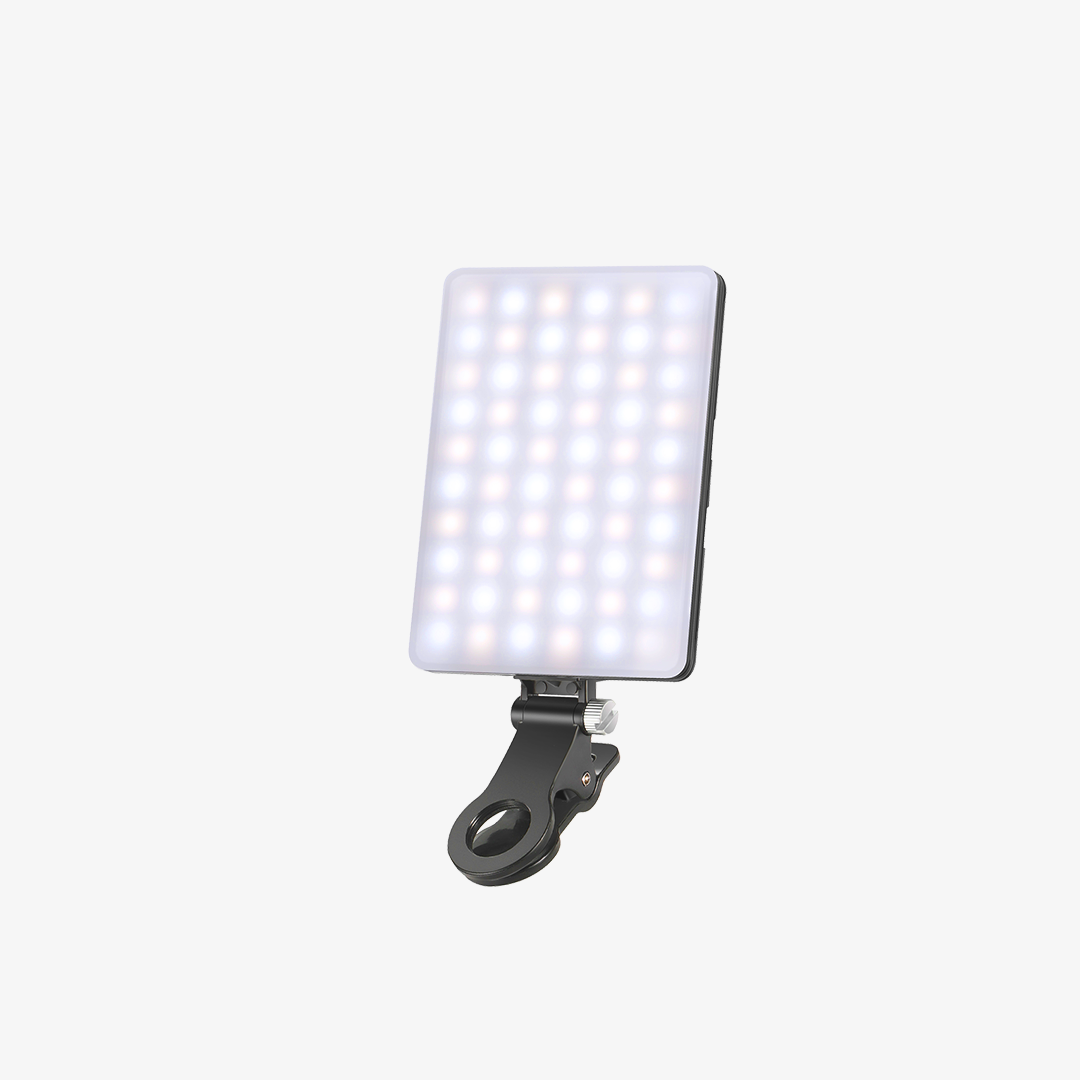
The NL-60AI is designed for users who need lighting that can move with their workspace. Its compact clip-on design makes it easy to attach to a laptop or another suitable surface, making it practical for people who switch between different work areas.
For remote workers who occasionally work from a coworking space, another room, or while traveling, a portable laptop light can be more convenient than a permanent desk setup. It provides direct illumination for video calls without requiring a separate light stand or taking up valuable desk space.
NEEWER BR60 — Compact Desk Setup

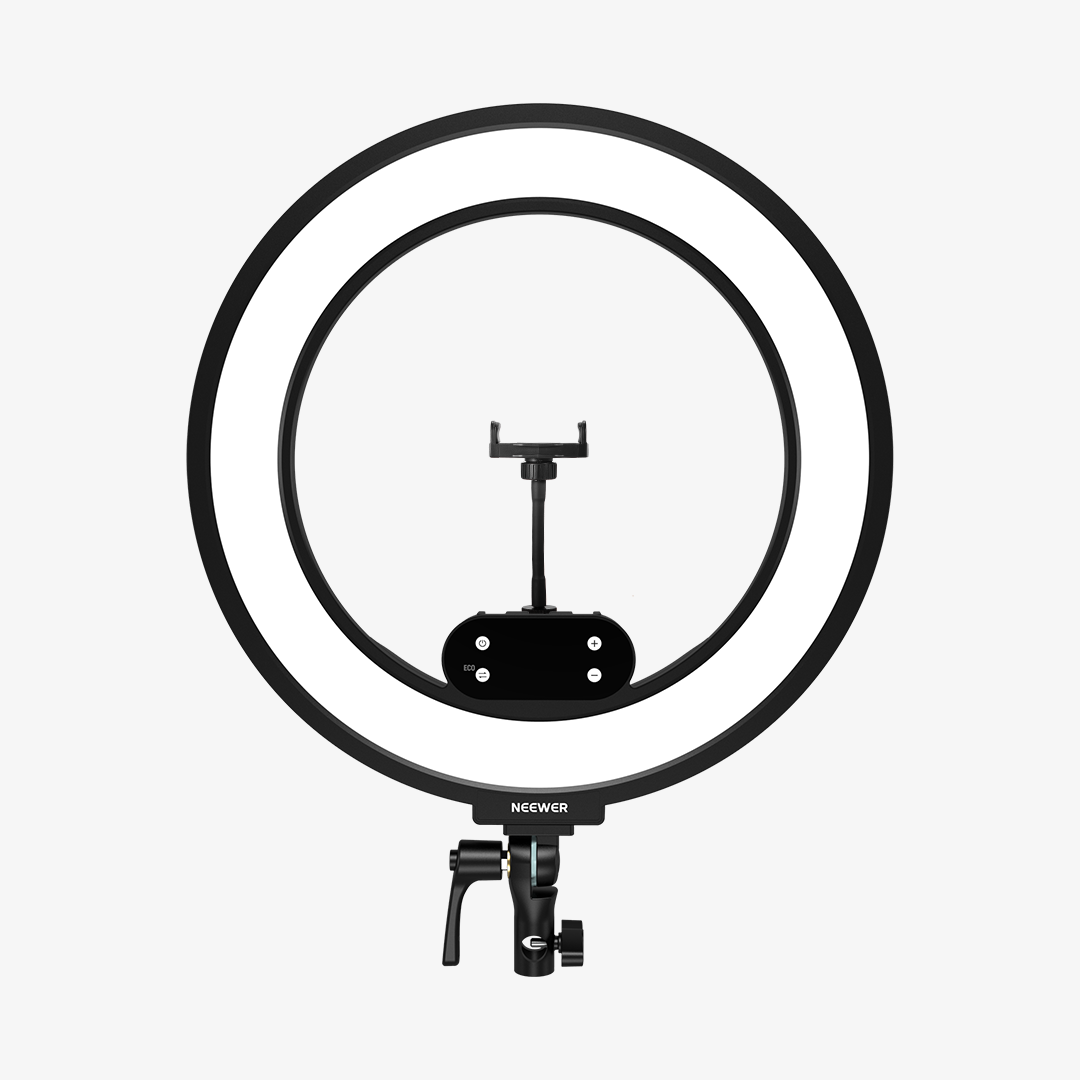
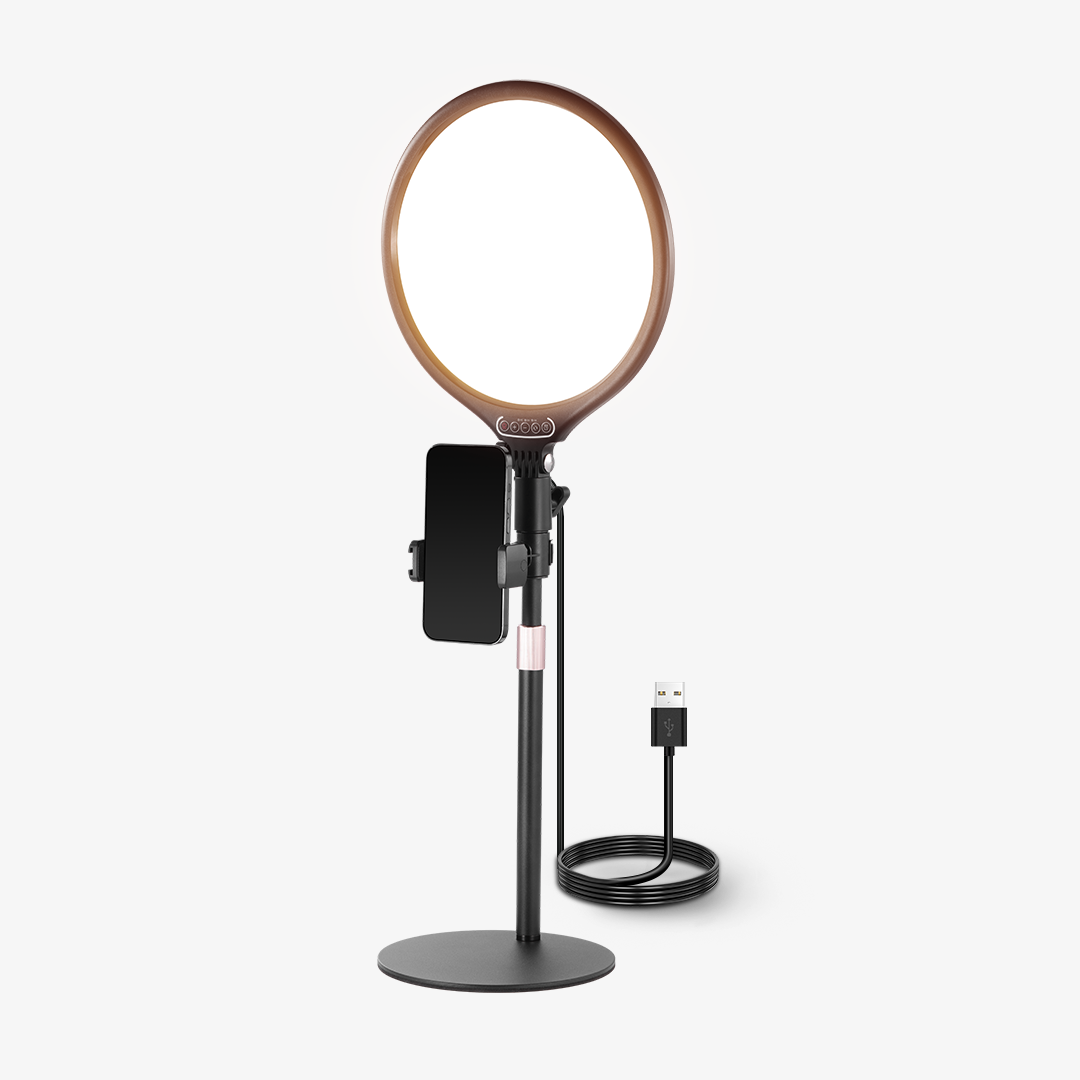
The BR60 is a compact ring light designed for laptop, monitor, and desktop use. Its small footprint makes it suitable for smaller workspaces where a larger light isn’t practical.
It can provide direct front lighting for Zoom calls, online meetings, and webcam use while also working for selfies or livestreaming outside of work. For a small home office or shared desk, it offers a simple way to add dedicated lighting without significantly changing the workspace.
NEEWER NL10 — Dedicated Home Office Setup

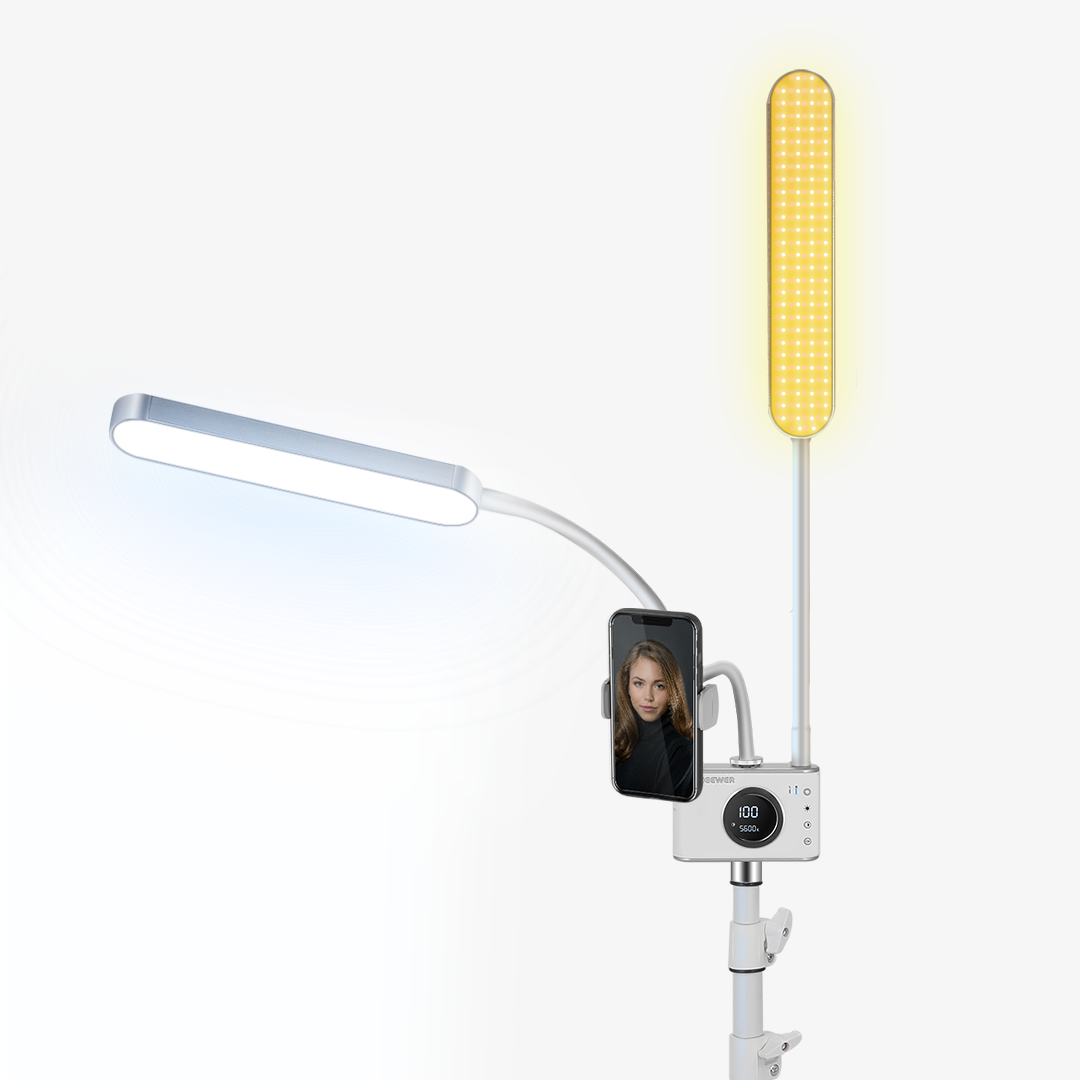
The NL10 is better suited to a more permanent home office lighting setup. It can be mounted around a monitor or laptop and provides a larger, diffused light source for everyday work.
For people who spend much of their day on video conferences, a dedicated monitor or laptop light can stay in place and remain ready for the next meeting. This also keeps the desk relatively clear compared with a traditional light placed directly on the desktop.
Remote Work Lighting Setups for Different Workspaces
The right remote work lighting setup depends largely on how and where you work. A portable setup makes sense for someone who changes locations frequently, while a dedicated home office can accommodate a more permanent lighting solution.
Portable or Flexible Workspace
If you regularly move between rooms, work from coworking spaces, or travel while working remotely, portability is a priority. A compact laptop light can attach directly to your computer and move with you.
The NL-60AI fits this type of setup, providing dedicated lighting without requiring a full-size light stand or permanent desk arrangement.
A small desk doesn’t leave much room for additional equipment. In this case, a compact light that attaches to your laptop, monitor, or desk can provide front-facing illumination while keeping the workspace usable.
The BR60 is suited to this type of setup, particularly for users who want lighting for both video calls and other camera-facing activities.
If you work from home most days and regularly join video conferences, a dedicated lighting setup can be more convenient. Keeping the light mounted around your monitor or laptop means you don’t have to reposition it every time a meeting starts.
The NL10 can work as part of a permanent home office setup, providing consistent illumination while leaving more room on the desk for your computer and other equipment.
FAQs
1. What is the best lighting for remote work?
The best lighting for remote work depends on your workspace and how often you use your camera. A compact laptop light can work well for a flexible setup, while a dedicated monitor or desk light may be more convenient for a permanent home office.
2. What is the best lighting for video calls?
Soft, even front lighting is generally more suitable for video calls than relying only on overhead lighting or a window behind you. Adjustable brightness and color temperature can also help you adapt to different room and daylight conditions.
3. Is laptop lighting useful for video calls?
Yes. A laptop light can provide direct illumination when your face is not getting enough light from the room. It can be especially useful for remote workers who use a laptop as their primary computer and move between different workspaces.
4. What is the best color temperature for Zoom calls?
There isn’t one color temperature that works for every room. A neutral or slightly warm setting can create a natural appearance, while adjustable color temperature gives you more flexibility to match the surrounding light.
5. How can I avoid looking too dark on a webcam?
A dedicated light positioned toward your face can provide more consistent illumination than relying on the laptop screen or ceiling light. Avoid placing a bright window directly behind you, as this can make your face appear darker on camera.
6. How can I reduce glasses glare during video calls?
Glare can occur when a light source reflects directly from your glasses toward the camera. Adjusting the light’s position or angle can help reduce reflections while still keeping your face evenly illuminated.
7. Do I need a separate light for remote work?
Not necessarily. If your workspace already has soft, well-balanced lighting, you may not need an additional light. However, a dedicated light can be useful when natural light changes throughout the day or when your face consistently appears too dark on video calls.







