





Table of Contents
If you've ever wanted to move your flash away from your camera without losing control of the lighting, a flash trigger can make it much easier. It lets you fire compatible off-camera flashes wirelessly, giving you more freedom to shape light for portraits, studio shoots, product photography, and more.
But what exactly is a flash trigger, how does a wireless flash trigger work, and do you really need one for your setup? Here's what to know before choosing a trigger for your camera and flash.
What Is a Flash Trigger?
A flash trigger is a device that tells a compatible flash when to fire. Instead of mounting your flash directly on your camera's hot shoe, you can place it elsewhere in your scene and trigger it remotely.
A typical wireless flash trigger system uses a transmitter mounted on the camera and a compatible receiver or flash with a built-in wireless receiver. When you take a photo, the transmitter sends a signal to the flash, which fires at the right moment to illuminate your subject.
This setup gives you more control over the direction, distance, and angle of your light. You can position a flash to the side of a portrait subject, place multiple flashes around a studio, or light a product from different angles without being limited to your camera's position.
It's worth noting that a flash trigger is different from a flash itself. The trigger sends the firing command, while the flash produces the light. Some flashes have a built-in wireless receiver, so you don't need to purchase a separate receiver for every light.
How Does a Wireless Flash Trigger Work?
A wireless flash trigger generally communicates through a radio signal. When you press the shutter button, the transmitter sends a signal to the compatible off-camera flash, instructing it to fire.
Depending on the trigger, camera, and flash combination, you may also be able to adjust flash power, exposure compensation, zoom, and other settings remotely.
Transmitter vs. Receiver: What's the Difference?
The transmitter and receiver have different roles in a wireless flash setup.
- Transmitter: Attaches to your camera's hot shoe and sends the firing signal to the flash.
- Receiver: Connects to a compatible flash and receives the signal from the transmitter. Some flashes have a built-in receiver, eliminating the need for an external one.
For example, a NEEWER Q-series flash can be triggered by a compatible transmitter that supports the NEEWER Q wireless system. If your flash doesn't have a compatible built-in receiver, you may need an external receiver and the appropriate sync connection.
Before buying a trigger, check that it's compatible with both your camera and flash. Having the same brand doesn't automatically guarantee that two devices will work together, especially if they use different wireless systems.

How to Trigger an Off-Camera Flash Wirelessly
Setting up a wireless flash trigger is usually straightforward. The exact steps depend on your equipment, but the general process is similar.
- Mount the transmitter. Attach it to your camera's hot shoe and make sure the connection is secure.
- Set up your flash. Position the flash where you want it. Enable its compatible wireless receiving mode, or connect an external receiver if required.
- Match the wireless settings. Set the transmitter and receiver to the same channel and wireless ID if your system uses them.
- Choose your flash settings. Select TTL or manual mode if supported, and adjust the output or other settings as needed.
- Take a test shot. Check whether the flash fires and whether the lighting is positioned correctly. Adjust the flash angle, distance, or power until you get the result you want.
If the flash doesn't fire, check the hot shoe connection, battery level, wireless settings, and compatibility first. Some triggers also have a single-contact mode that disables certain functions, so make sure you're using the correct mode for your setup.
What Are TTL and HSS in Flash Triggers?
When comparing wireless flash triggers, you'll often see two terms: TTL and HSS. Both can be useful, but they serve different purposes.
TTL (Through-The-Lens)
TTL flash metering allows a compatible camera and flash system to automatically determine flash output based on the scene and camera settings. It can be helpful when your subject moves or the lighting conditions change frequently, such as during event photography or candid portraits.
TTL depends on compatibility between the camera, trigger, and flash. A trigger that supports TTL won't necessarily provide TTL functionality with every camera or flash.
HSS (High-Speed Sync)
High-speed sync allows a compatible flash system to work with shutter speeds above the camera's normal flash sync speed. This is particularly useful for outdoor portraits when you want to use a wide aperture in bright sunlight or control ambient light with a faster shutter speed.
For example, a compatible trigger and flash supporting HSS up to 1/8000s can give you more flexibility when shooting with a wide aperture in bright conditions. The actual usable shutter speed and performance depend on your camera, flash, and the complete setup.
TTL and HSS aren't essential for every photographer. If you prefer to control flash output manually and work at conventional sync speeds, a simpler setup may be all you need.
When Do You Need a Flash Trigger?
A flash trigger becomes especially useful when you want to move beyond direct, on-camera flash. Here are some situations where it can make a noticeable difference.
Off-Camera Flash Portrait Photography
Direct flash can produce flat lighting and harsh shadows, especially when the flash is close to the camera's lens axis. Moving the flash off-camera gives you more freedom to create depth, shape facial features, and control shadows.
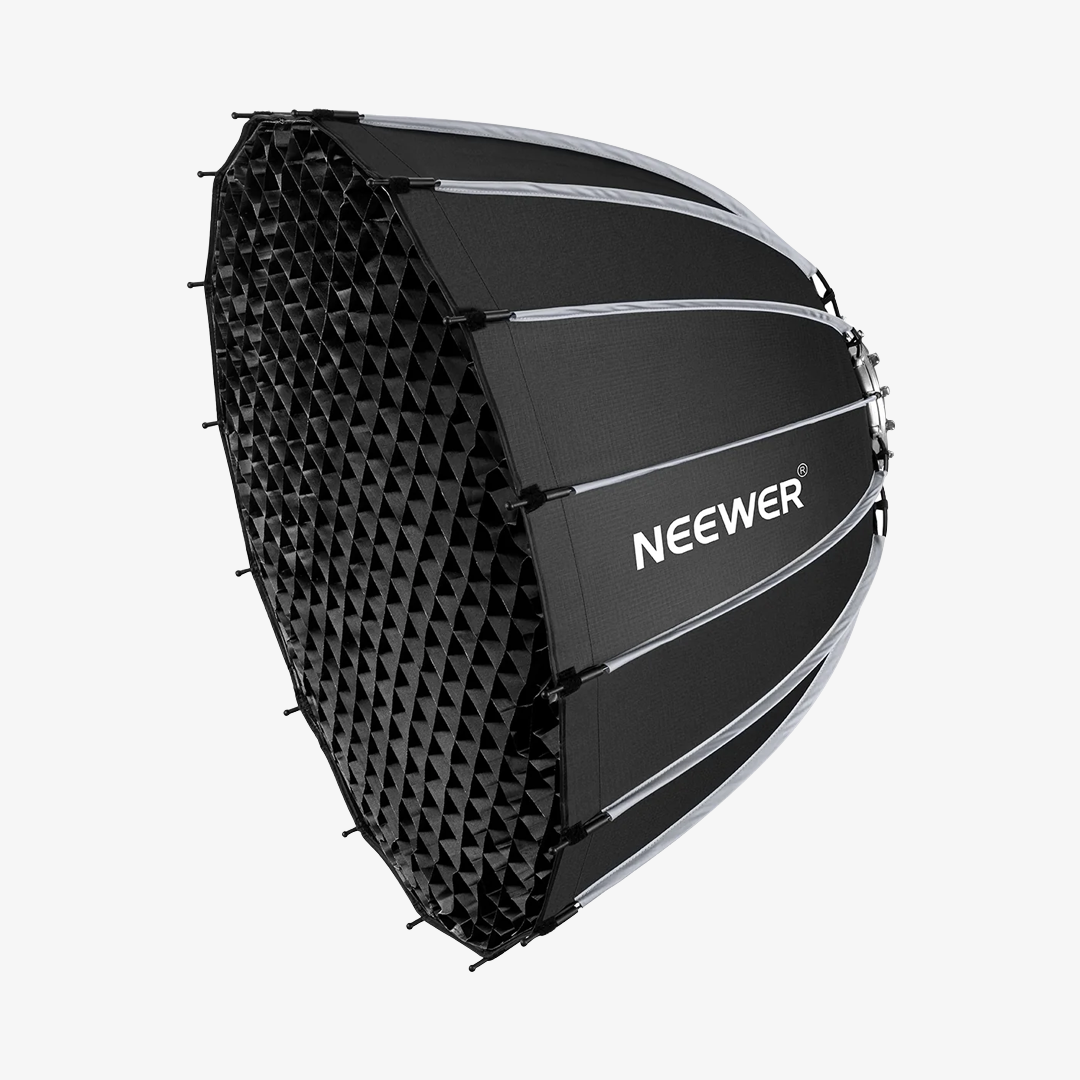
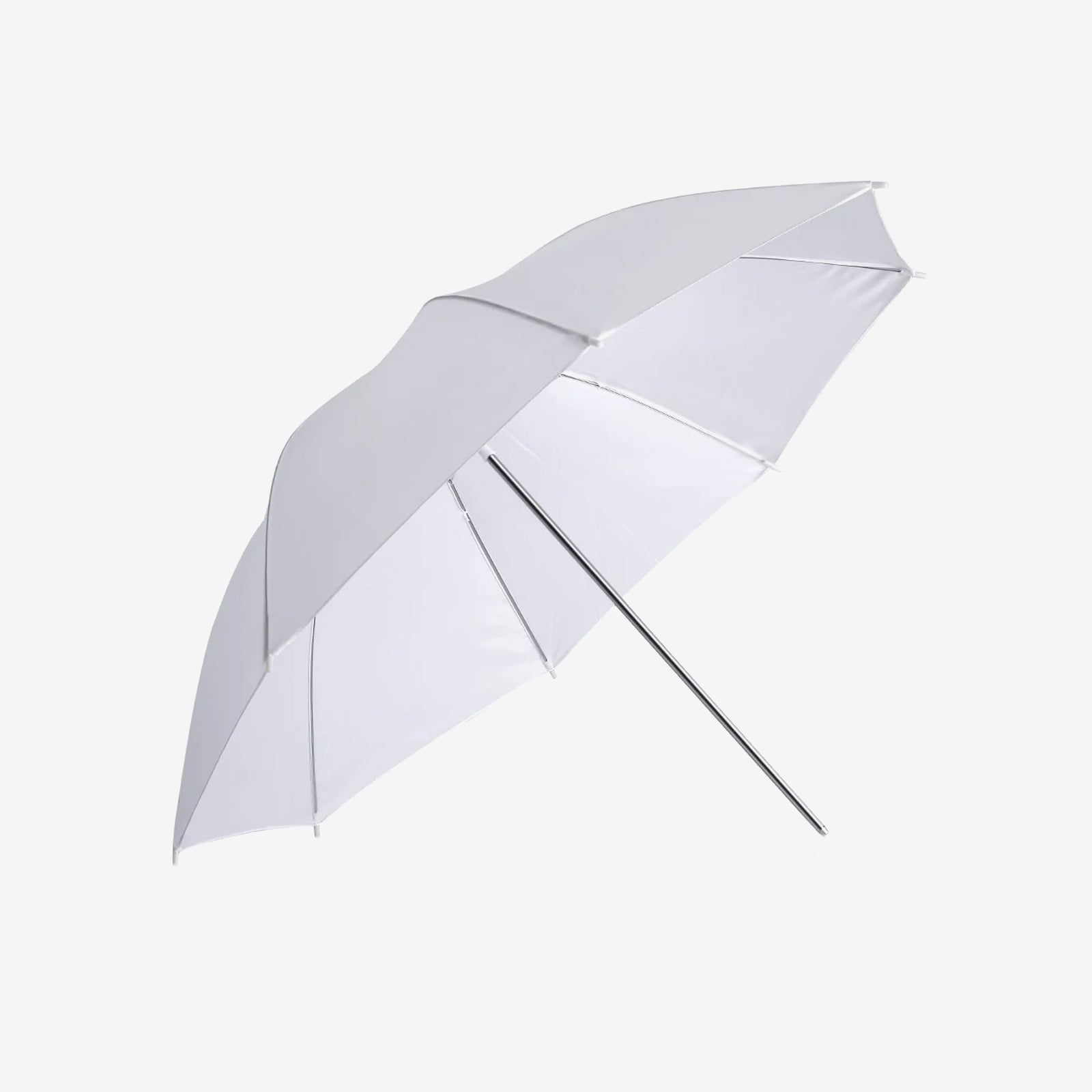
With a wireless trigger, you can place a flash to the side of your subject, position it slightly above eye level, or move it farther away for a different lighting effect. You can also combine the flash with a softbox, umbrella, or other compatible light modifier.
This is useful for indoor portraits, outdoor portraits, headshots, and creative photography where the direction of light matters.
Studio and Multi-Light Photography
If you're using two or more flashes, a wireless trigger can help you control the entire setup from your camera position.
For example, you might use one flash as the main light, another as a fill light, and a third to illuminate the background. A compatible multi-group trigger lets you organize the lights into groups and adjust their settings without walking between them after every test shot.
This can be particularly helpful for product photography, where small changes in the lighting can affect reflections, texture, and the overall appearance of an object.
The number of groups you can control and the settings available for each group depend on your trigger and flash system.

When You May Not Need a Separate Flash Trigger
Not every flash setup requires a dedicated wireless trigger.
If you're using a speedlight directly on your camera's hot shoe, you may be able to work without one. Some cameras also support compatible optical or built-in wireless flash control, depending on the camera and flash.
Likewise, if your flash has a built-in receiver and you're using a compatible transmitter, you won't need to add a separate receiver to the flash.
The key question is whether your current equipment can communicate in the way you need. If you're planning to move your flash off-camera, control multiple lights, or adjust flash settings remotely, a dedicated wireless trigger is often worth considering.
NEEWER Flash Triggers: QZ vs. QPRO
If you're looking for a wireless flash trigger, the NEEWER QZ and QPRO series offer options for controlling compatible off-camera flashes through the NEEWER Q wireless system. Both support TTL and high-speed sync up to 1/8000s, but their interfaces and feature sets differ.
|
Feature |
NEEWER QZ |
NEEWER QPRO |
|
Interface |
OLED touchscreen with button controls |
LCD screen with button controls |
|
Flash modes |
TTL, Manual, Strobe |
TTL, Manual, Multi-flash |
|
HSS |
Up to 1/8000s |
Up to 1/8000s |
|
Wireless system |
2.4G NEEWER Q system |
2.4G NEEWER Q system |
|
Groups and channels |
5 groups, 32 channels |
5 groups, 32 channels |
|
Standout features |
Touchscreen control, channel scanning, modeling lamp and zoom control |
Five-group overview, magnified group view, simultaneous output adjustment across groups |
|
Compatibility |
Depends on the camera version and flash model |
Depends on the camera version and flash model |
Both series offer remote control of compatible flashes, but the exact functions available depend on the specific trigger version, camera, and flash combination.
NEEWER QZ Series Flash Triggers

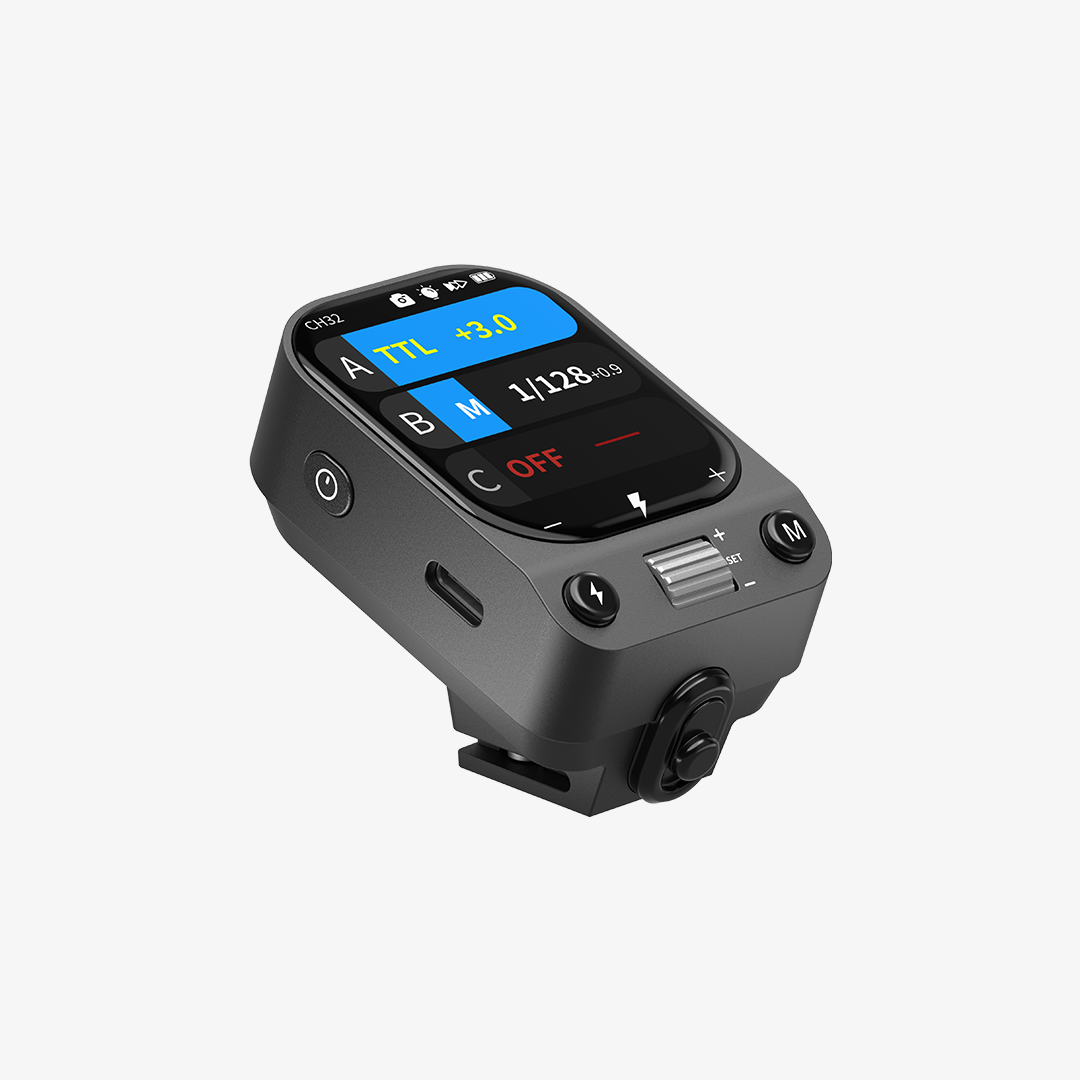
The NEEWER QZ is a 2.4G wireless flash trigger featuring an OLED touchscreen, TTL, manual and stroboscopic flash modes, and HSS up to 1/8000s. It supports 5 groups, 32 channels, and wireless IDs from 01 to 99, with remote control of flash output, zoom, and modeling lamps on compatible equipment.
With its touchscreen interface and flexible flash controls, the QZ is a practical choice for portrait photography, studio lighting, and multi-flash setups. It also supports S1/S2 optical slave modes in Manual mode. Compatibility varies by camera version and flash model, so check the product specifications before purchasing.
Pros:
- Intuitive controls: OLED touchscreen with adjustable brightness and physical buttons.
- Flexible wireless setup: 5 groups, 32 channels, wireless IDs, and channel scanning.
- Versatile flash control: TTL, HSS, manual output from 1/128 to 1/1, and stroboscopic mode.
NEEWER QPRO Series Flash Triggers

The NEEWER QPRO is a 2.4G wireless flash trigger that supports TTL, manual flash, multi-flash, and HSS up to 1/8000s. It offers 5 groups and 32 channels, with remote control of compatible flashes, including group modeling lamps and zoom. Its LCD displays all five groups at once, and you can magnify an individual group for a closer view. For compatible non-NEEWER Q System flashes, you can also use a separately sold NEEWER QR receiver and a 2.5mm sync cable for wireless triggering.
Designed for photographers who want more control over multi-light setups, the QPRO works well for studio portraits, product photography, and other shoots that require precise lighting adjustments. It can also adjust the output values of all groups at the same time. Camera compatibility depends on the specific QPRO version, so confirm support for your camera and flash before purchasing.
Pros:
- Clear group overview: LCD screen with five-group display and magnified group view.
- Efficient adjustments: Change output values across all groups at once.
- Advanced flash control: TTL, HSS up to 1/8000s, manual flash, and multi-flash support.
What to Consider When Choosing a Flash Trigger
A trigger may have plenty of features, but the most important thing is whether it works with your existing equipment and supports the way you shoot.
Camera and Flash Compatibility
Start by checking your camera model, the hot shoe connection, and the exact flash model you intend to use.
Wireless systems aren't universally interchangeable. A trigger and flash may need to share the same wireless protocol, and some features may only work with particular camera or flash combinations. Even within one product series, different camera versions can have different compatibility lists.
If you're adding a receiver to an existing flash, check the receiver model, sync connection, and supported functions before purchasing.
TTL, HSS, and Manual Flash Control
Think about how much control you need.
- TTL is useful when you want automatic flash exposure adjustment in changing conditions.
- HSS helps when you need shutter speeds above the normal flash sync speed, such as when shooting wide open outdoors.
- Manual control is useful when you want consistent output and prefer to adjust flash power yourself.
- Group control matters if you plan to use multiple flashes and want to manage their settings remotely.
You don't necessarily need every feature. Choose a trigger based on your shooting style rather than paying for functions you rarely use.
Wireless Control and Multi-Flash Setups
For a single off-camera flash, basic wireless triggering may be enough. If you're building a more complex lighting setup, look at the number of supported groups, channels, wireless IDs, and the settings you can control remotely.
A trigger with group control can make it easier to adjust several lights from your camera. However, the available controls may vary between flash models, even when they're compatible with the same wireless system.
Also consider your shooting environment. In a busy studio or event venue, channel selection and wireless interference management can make a difference to reliability.
FAQs
Do I Need a Flash Trigger for Off-Camera Flash?
Not always, but you need a way to trigger the flash remotely. A wireless flash trigger is one of the most convenient options, especially if you want to control compatible flashes from your camera. Some setups can use built-in wireless systems, optical triggering, or other compatible connections instead.
Can a Flash Trigger Work with Any Flash?
No. Compatibility depends on the trigger's wireless system, the flash or receiver, and sometimes the camera model. A trigger may fire a compatible flash without supporting every advanced function, such as TTL or HSS. Always check the supported combinations before buying.
Do I Need Both a Transmitter and a Receiver?
Not necessarily. You generally need a transmitter on the camera and a way for the flash to receive its signal. If your flash has a compatible built-in receiver, you may only need the transmitter. If it doesn't, you may need a separate receiver and the appropriate sync connection.
Can I Use a Flash Trigger Without TTL?
Yes. Many triggers support manual flash control, allowing you to set the flash output yourself. This can be a good choice for studio work, product photography, or any situation where you want consistent lighting and don't need automatic flash metering.
Why Is My Flash Not Firing?
If your flash isn't firing when you take a photo, a connection issue, incorrect wireless settings, or incompatible equipment could be the cause. Try these checks first:
- Check the connections. Make sure the transmitter is properly seated on the camera's hot shoe and any external receiver is securely connected to the flash.
- Check the power. Make sure your camera, trigger, receiver, and flash have enough battery power. Also, check that the flash is switched on and ready to fire.
- Match the wireless settings. If your system uses channels or wireless IDs, make sure the transmitter and receiver are set to the same values.
- Confirm compatibility. Check that your camera, trigger, receiver, and flash support the wireless system and functions you're trying to use.
- Check the flash mode and settings. Make sure the flash is in the correct receiving mode and that settings such as TTL, HSS, or other specialized modes are supported by your setup.
- Try a basic setup. Switch to manual flash mode, use a single flash, and test again. This can help narrow down whether the issue is related to a specific setting or part of your setup.
If the flash still doesn't fire, consult the manuals for your camera, trigger, and flash. Some troubleshooting steps vary by model, particularly when switching between wireless systems or advanced flash modes.







