





Table of Contents
A good mic boom arm makes it easier to position your microphone where you need it without taking up valuable desk space. Whether you're recording a podcast, streaming games, or working from a home studio, the right arm can help keep your setup comfortable and organized.
NEEWER offers several mic boom arm options for different setups. Some are designed for flexible desktop positioning, while others focus on smoother movement, higher load capacity, or mounting to a separate support stand. Here's what to consider before choosing one, along with four options worth exploring.
What Is a Mic Boom Arm?
A mic boom arm is a support that holds a microphone and lets you adjust its position without moving the entire stand. Compared with a traditional desktop microphone stand, an adjustable boom arm can bring the mic closer when you're recording and move it out of the way when you're finished.
Most desktop boom arms attach to the edge of a desk with a clamp. Others, such as telescopic boom arms, mount to compatible microphone stands, light stands, or tripods. The right design depends on your available space, microphone weight, and how you plan to use your setup.

What to Look for in a Mic Boom Arm
Before choosing a mic boom arm, consider a few practical details that affect how well it works with your setup.
Mounting Style and Desk Compatibility
Desk-mounted arms are convenient for streaming, podcasting, and everyday voice recording because they attach directly to your desk. Check the clamp's opening range and make sure your desk edge is suitable for secure mounting.
A stand-mounted boom arm offers a different kind of flexibility. It can be useful when you already have a compatible microphone stand, light stand, or tripod and want to extend your microphone away from the support.
Weight Capacity and Microphone Compatibility
Check the arm's maximum load before mounting your microphone. If you're using a shock mount or other accessories, include their weight when calculating the total load.
Also check the mounting thread and any adapters or microphone clips you may need. A boom arm's stated compatibility with a microphone doesn't necessarily mean every accessory or shock mount will fit without an additional adapter.
Reach and Adjustability
Think about where you want the microphone to sit while you're recording. A longer reach can help position it over a keyboard or closer to your mouth, while multiple adjustable joints make it easier to change its position.
Rotation and tilt ranges also matter if you frequently move between recording, gaming, and video calls. For setups that need a longer extension from a separate support, a telescopic design may be more suitable than a desk-mounted arm.
Build Quality and Cable Management
The arm should support your microphone securely while remaining easy to adjust. Aluminum designs can offer a lightweight, portable option, while other metal constructions may suit users who prioritize a straightforward desktop mount.
Cable management is another detail worth considering. Built-in cable routing can create a cleaner workspace, while cable ties provide a simple alternative for keeping microphone cables organized along the arm.
4 Mic Boom Arm Options for Different Recording Setups
These four NEEWER models offer different approaches to microphone mounting and positioning. The main differences are their mounting styles, adjustment mechanisms, load capacities, and included accessories.
1. NEEWER MS050: Flexible Positioning for Desk Setups

The NEEWER MS050 is a low-profile, foldable desktop mic boom arm designed for users who want flexible positioning without a bulky stand taking up the workspace. Its aluminum construction keeps the arm portable, while the spring-loaded mechanism helps maintain support as you adjust the microphone. It extends up to 31 inches and supports microphones weighing up to 3.3 lb (1.5 kg).
With 360° rotation and 210° tilt, the MS050 gives you plenty of room to reposition your microphone as your recording needs change. The standard 5/8" mounting connection supports compatible microphones, including models such as the Blue Yeti, FIFINE AM8, HyperX QuadCast S, AT2020, and Shure SM7B/MV7. Check the microphone's mounting requirements before purchasing, especially if you use a separate shock mount.
Pros
- 360° rotation and 210° tilt for flexible positioning
- Foldable, low-profile aluminum design
- Supports microphones up to 3.3 lb (1.5 kg)
2. NEEWER MS006: A Simple, Foldable Desk-Mount Option

The NEEWER MS006 is a straightforward desktop microphone arm with a two-section boom, spring support, and an adjustable desk clamp. Its iron construction and folding design make it a practical option for users who want a conventional microphone arm for podcasting, streaming, online meetings, or voice recording. It supports a maximum load of 3.3 lb (1.5 kg).
The MS006 comes with a standard microphone clip and a 3/8" to 5/8" screw adapter, so you can mount compatible microphones without necessarily purchasing those accessories separately. It works with various models, including the Shure SM58, Samson Q2U, Blue Yeti, and HyperX QuadCast/SoloCast. For a secure fit, check that your desk edge is flat rather than sloped or curved and that the clamp fits your desktop.
Pros
- Two-section arm with adjustable joints and spring support
- Foldable design for flexible positioning and storage
- Includes a microphone clip and 3/8" to 5/8" adapter
3. NEEWER MS002: Higher Load Capacity and Built-In Cable Management

The NEEWER MS002 is designed for users who need a higher load capacity and more controlled microphone movement. Its pneumatic balancing system works with a spring-loaded arm to provide smooth repositioning, and the maximum load is 5.5 lb (2.5 kg), higher than the other three models in this guide. The two-section bottom bracket and upper arm extend horizontally up to 30.2 inches, making it easier to position a compatible microphone around your workspace.
Another useful feature is the internal cable channel, which helps keep wires out of sight. The arm also has adjustable joint tension and a desk clamp that fits desktops 0.4–3.1 inches (10–80 mm) thick. Its top 1/4" screw and included 1/4" to 3/8" and 1/4" to 5/8" adapters support a range of compatible microphones and other equipment, including certain cameras, monitors, and LED lights. Confirm the mounting requirements of your specific device before use.
Pros
- Higher 5.5 lb (2.5 kg) maximum load capacity
- Pneumatic balancing system and spring-loaded arm for smooth adjustment
- Internal cable channel for a tidier workspace
Safety note: The MS002 uses a spring-loaded mechanism. Follow the manufacturer's instructions when adjusting it, and avoid positioning your face in front of the arm during adjustment because it may rebound.
4. NEEWER MS041: A Telescopic Arm for Compatible Stands

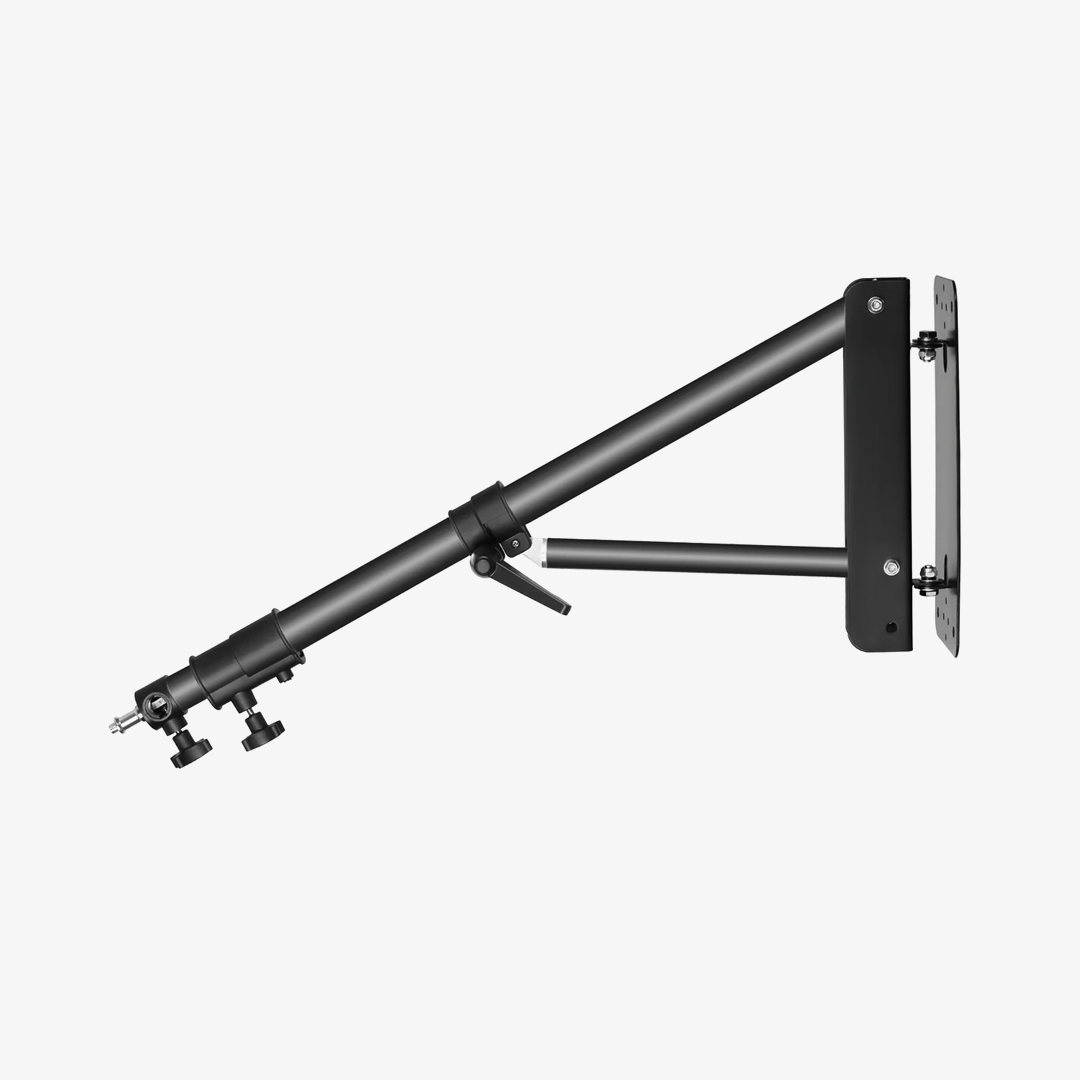
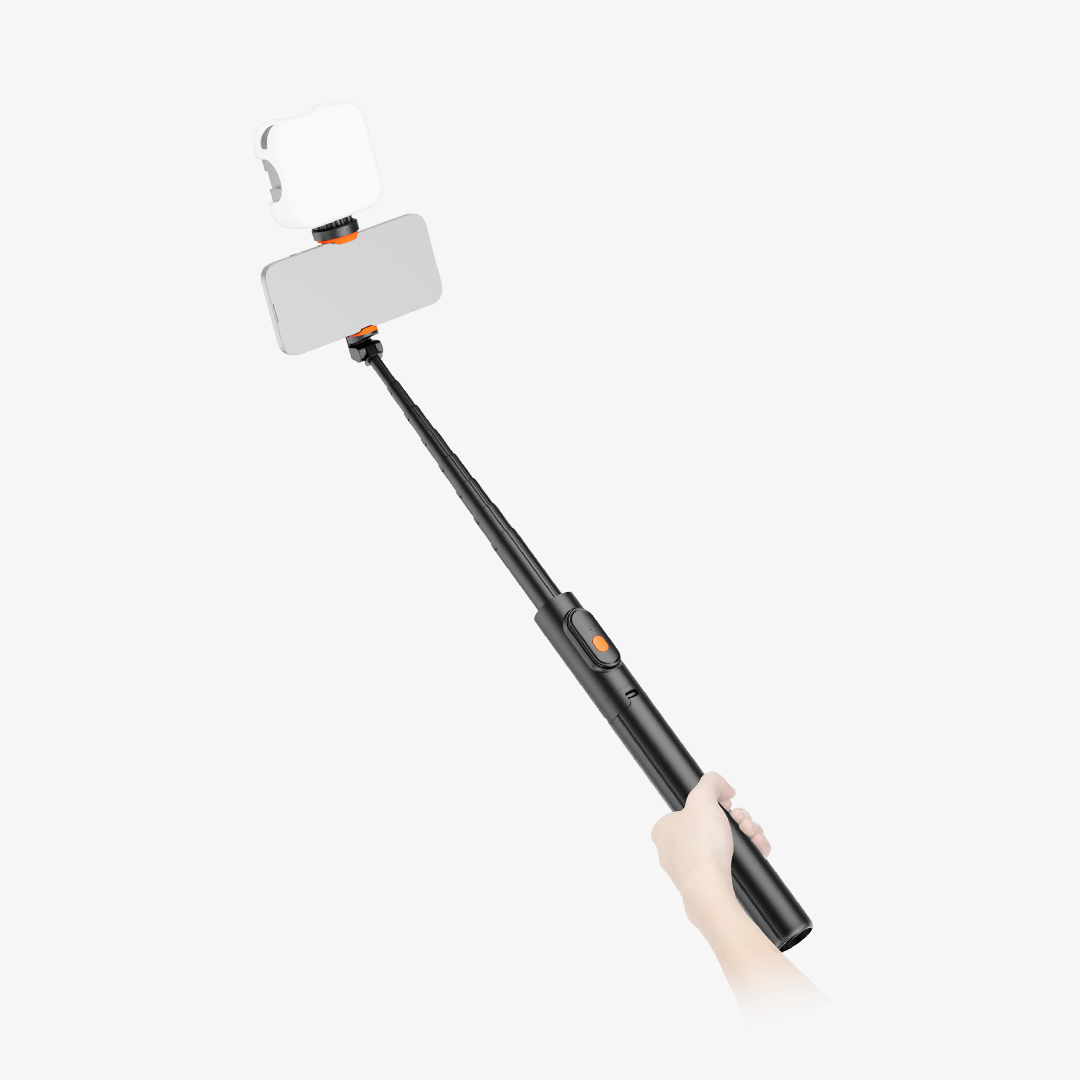
Unlike the other three models, the NEEWER MS041 is a telescopic boom arm designed to attach to a compatible support rather than clamp directly to a desk. It retracts to 18.9 inches (48 cm) and extends up to 32.3 inches (82 cm), giving you more flexibility when positioning a microphone or compatible accessory away from the supporting stand. Its aluminum alloy construction weighs just 1.2 lb (558 g), with a maximum load of 3.3 lb (1.5 kg).
The MS041 features a 3/8" mounting spigot for compatible microphone stands, light stands, tripods, and support rigs with a matching receiver. At the other end, a 1/4" screw can connect compatible microphones or suitable adapters and mounts for devices such as phones, tablets, and lights. These additional adapters and mounts are not included, so check the connection requirements of your equipment before ordering. Its retractable design is also convenient for transport and storage between recording sessions.
Pros
- Telescopic extension from 18.9" to 32.3" (48–82 cm)
- 3/8" mounting spigot and 1/4" screw for compatible setups
- Lightweight, retractable aluminum alloy construction
Mic Boom Arm Comparison: Which Features Matter Most?
Use this table to compare the four models at a glance.
|
Model |
Mounting Style |
Max Load |
Key Features |
Best Suited For |
|
MS050 |
Desktop clamp |
3.3 lb (1.5 kg) |
360° rotation, 210° tilt, foldable aluminum design |
Flexible desktop microphone positioning |
|
MS006 |
Desktop clamp |
3.3 lb (1.5 kg) |
Two-section arm, spring support, included mic clip |
Straightforward desktop recording setups |
|
MS002 |
Desktop C-clamp |
5.5 lb (2.5 kg) |
Pneumatic balancing, internal cable channel, adjustable joints |
Higher-load setups and cleaner cable management |
|
MS041 |
Compatible stand or support rig |
3.3 lb (1.5 kg) |
Telescopic extension, 3/8" spigot, 1/4" screw |
Extending a microphone or compatible accessory from a stand |
The biggest decision is whether you need a desk-mounted arm or a telescopic arm for an existing support. If you prefer a desktop setup, compare the adjustment features, load capacity, and cable management of the MS050, MS006, and MS002. If you need to extend a microphone away from a compatible stand, the MS041 serves a different purpose.
How to Choose the Right Mic Boom Arm for Your Setup
For Podcasting and Voice Recording
Look for an arm that lets you position the microphone comfortably and move it aside when you're not recording. The MS050 offers broad rotation and tilt adjustment, while the MS006 provides a more straightforward clamp-mounted design with a microphone clip included.
For Gaming and Live Streaming
Desk space and convenient repositioning are often priorities for gaming and streaming setups. A foldable arm such as the MS050 or MS006 can help keep the microphone accessible without permanently occupying the center of your workspace. If cable clutter is a particular concern, the MS002's internal cable channel may be useful.
For Heavier Microphones or More Accessories
Start by checking the total load and mounting requirements of your microphone and accessories. The MS002 supports up to 5.5 lb (2.5 kg), compared with 3.3 lb (1.5 kg) for the MS050, MS006, and MS041. However, load capacity alone doesn't guarantee compatibility, so verify the mounting connection and the combined weight of everything attached.
For Flexible Placement Away From Your Desk
If you already use a microphone stand, light stand, or compatible tripod, the MS041 may be a more suitable choice than a desk clamp. Its telescopic design lets you extend the mounting point without attaching another arm to your desktop. Just make sure your support has the required 3/8" receiver and can safely handle the combined load.
Mic Boom Arm Setup and Compatibility Tips
A few checks before installation can help you avoid common mounting and positioning problems.
- Check the thread size. Confirm whether your microphone uses a 1/4", 3/8", or 5/8" connection, and make sure the required adapter is included or purchased separately.
- Stay within the load limit. Account for the microphone and any attached accessories, such as a shock mount.
- Secure the mount properly. For desk-mounted arms, check the clamp's supported thickness and make sure it sits securely on a suitable desk edge. For stand-mounted arms, confirm that the support and receiver are compatible.
- Manage cables without restricting movement. Leave enough slack for the arm to rotate and tilt without pulling on the microphone connection.
- Adjust spring-loaded arms carefully. Follow the manufacturer's instructions, particularly when adjusting mechanisms that can rebound.
FAQs
Do Mic Boom Arms Fit All Microphones?
No. Compatibility depends on the microphone's mounting connection, weight, and any additional accessories you use. Some microphones need a thread adapter, microphone clip, or shock mount. Check the arm's included accessories and the microphone manufacturer's mounting requirements before purchasing.
How Much Weight Can a Mic Boom Arm Hold?
It varies by model. In this guide, the MS050, MS006, and MS041 support up to 3.3 lb (1.5 kg), while the MS002 supports up to 5.5 lb (2.5 kg). Choose an arm with sufficient capacity for the complete mounted setup rather than the microphone alone.
Is a Desk-Mounted or Stand-Mounted Mic Boom Arm Better?
Neither mounting style is right for every setup. A desk-mounted arm attaches directly to your desktop and is convenient for streaming, podcasting, and home recording. A stand-mounted arm, such as the MS041, is useful when you want to extend a microphone or compatible accessory from an existing support. Consider your available space and mounting equipment before deciding.







