

Table of Contents
Most product lighting problems have nothing to do with how many lights you own. They usually come down to poor color accuracy, uncontrolled reflections, or light hitting the product from the wrong angle. A simple two-light setup is enough for most products — the key is knowing which problem each light is supposed to solve.
Start with two LED panels if you need a simple tabletop setup. Choose a COB key with a panel fill when you want more control over shadows, reflections, and product shape. For accurate color, match both lights to the same CCT, lock camera white balance, and keep reflective products out of direct mirror-angle glare.
Quick Setup Map
With product photography, the second light isn’t there to make the scene brighter. It’s there to control shadows and reflections. If speed matters most, start with a pair of panels. If you need more control over reflections and shadow shape, build around a COB key and use a panel only as fill.
|
Setup |
Core NEEWER picks |
Best for |
Light quality |
What to know |
|
Setup A: Dual LED Panels |
BP132 2-Pack for close-range sets; |
Small products, |
Even, fast, compact |
Less shaping power |
|
Setup B: COB Key + Panel Fill |
MS150C key + NL480 or BP132 fill |
Product video lighting, reflective products, |
Directional key with controlled fill |
Needs modifier and stand planning |
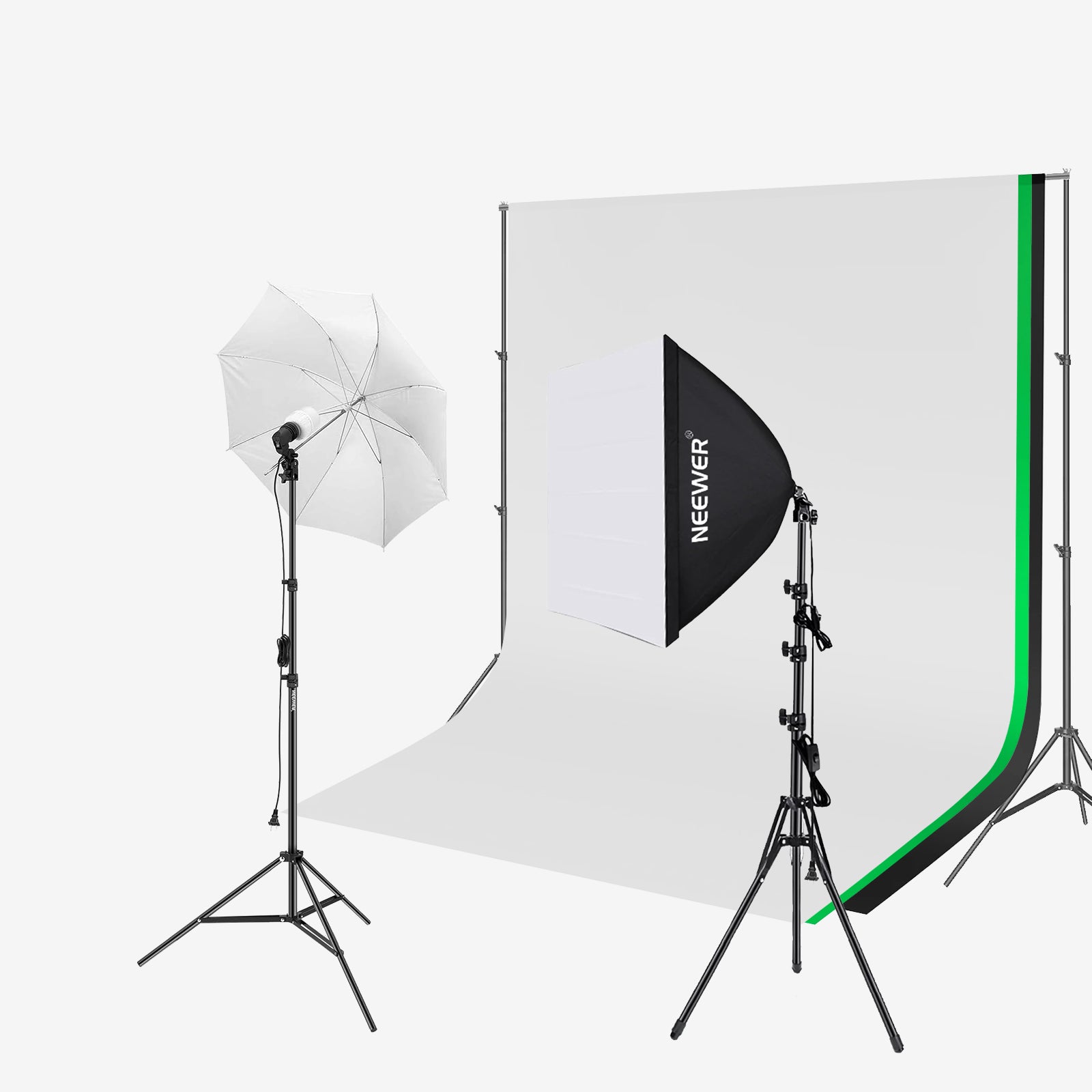
Browse the full studio lighting collection when you want to compare panels, COB lights, and support gear in one place. For standalone diffusion options, use the softboxes collection after confirming light compatibility.
Setup A: Dual LED Panels
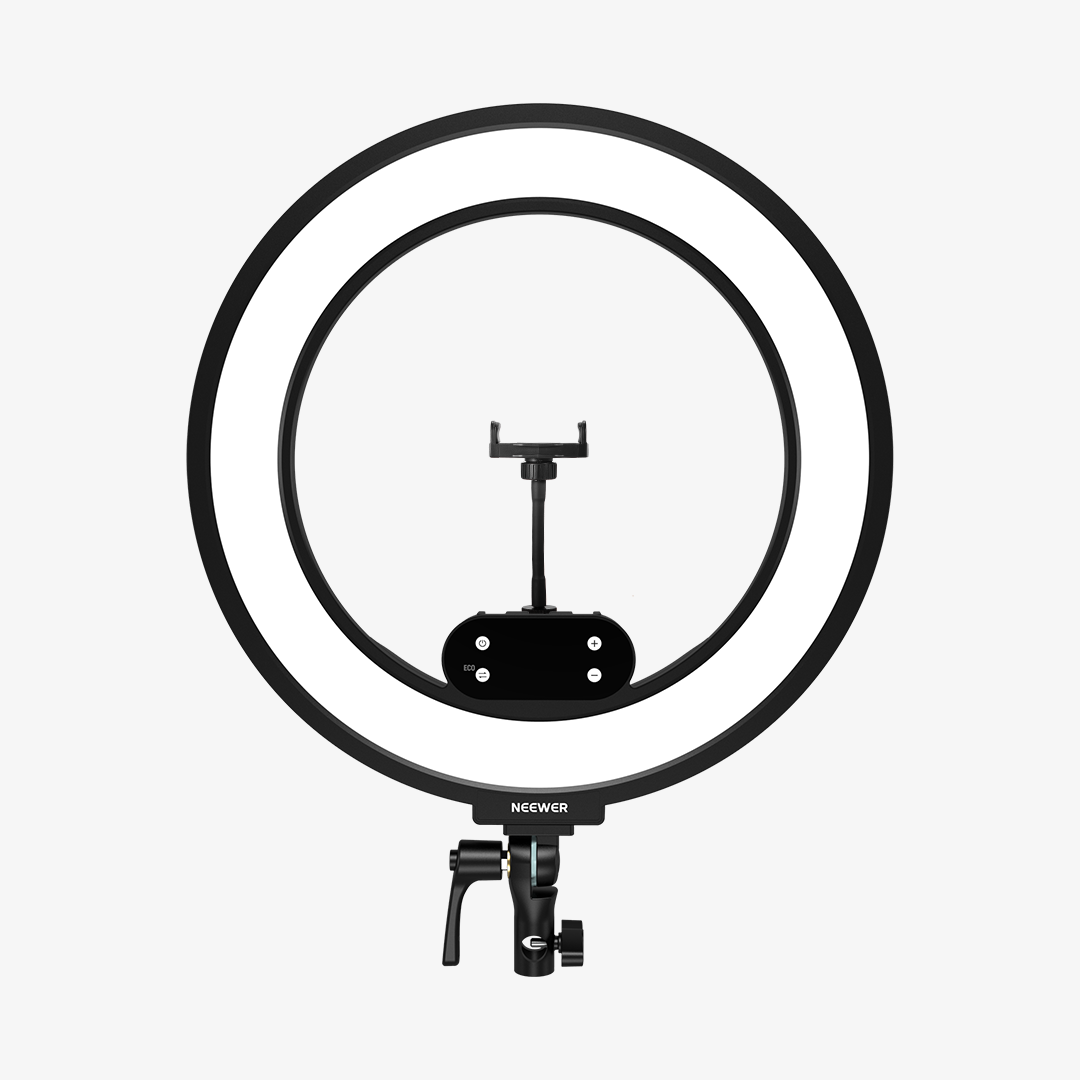
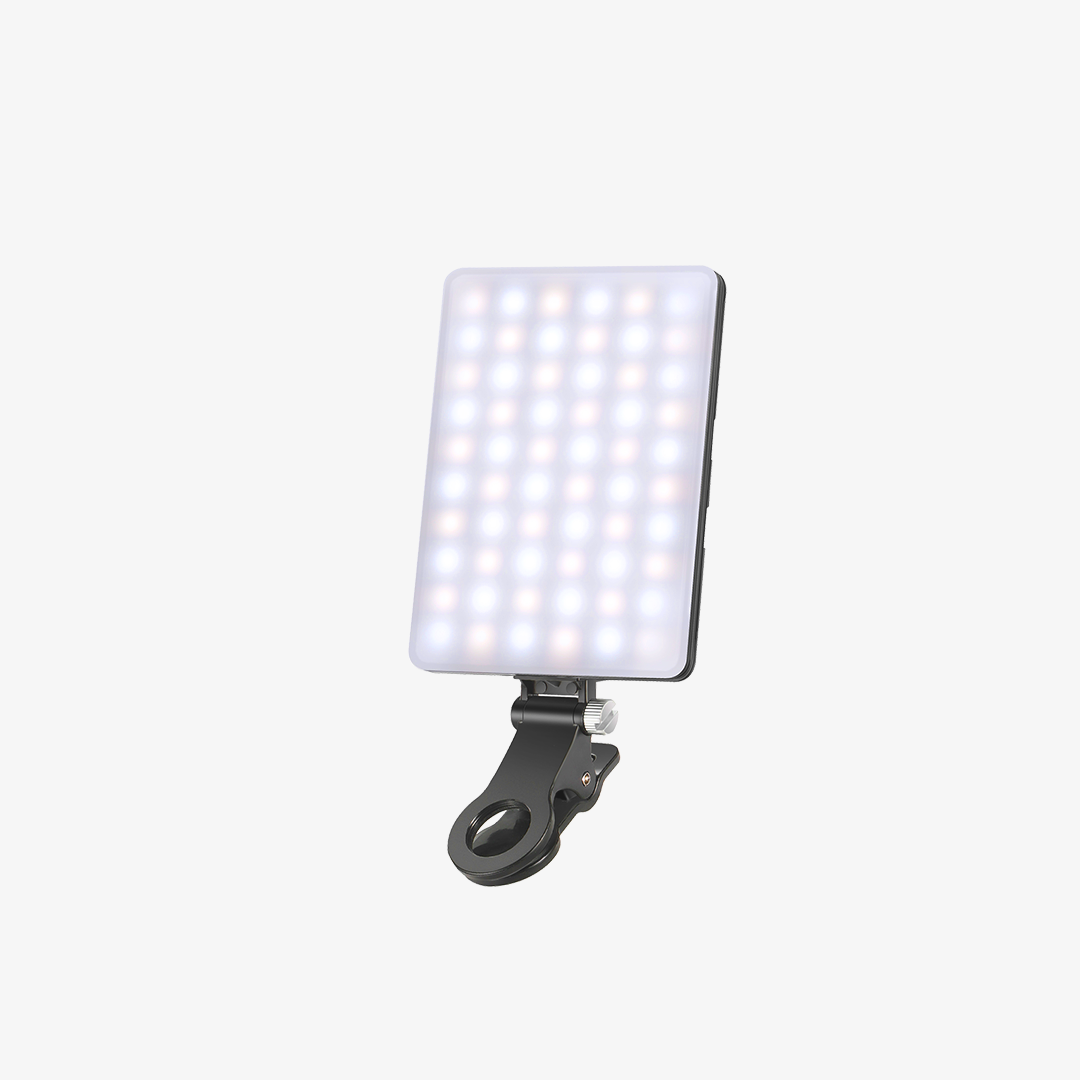
Dual LED panels are the simplest budget path for product photography lighting when the products are small, matte, and shot on a tabletop. Place one panel as the key light 30-45 degrees to the front side of the product, then place the second panel lower or farther back on the shadow side as fill.
Start both panels at the same color temperature, then dim the fill until the shadow side has detail without looking flat. For packaging, cosmetics, handmade goods, and e-commerce listings, this setup is faster than building a full softbox scene and easier to fit on a desk.
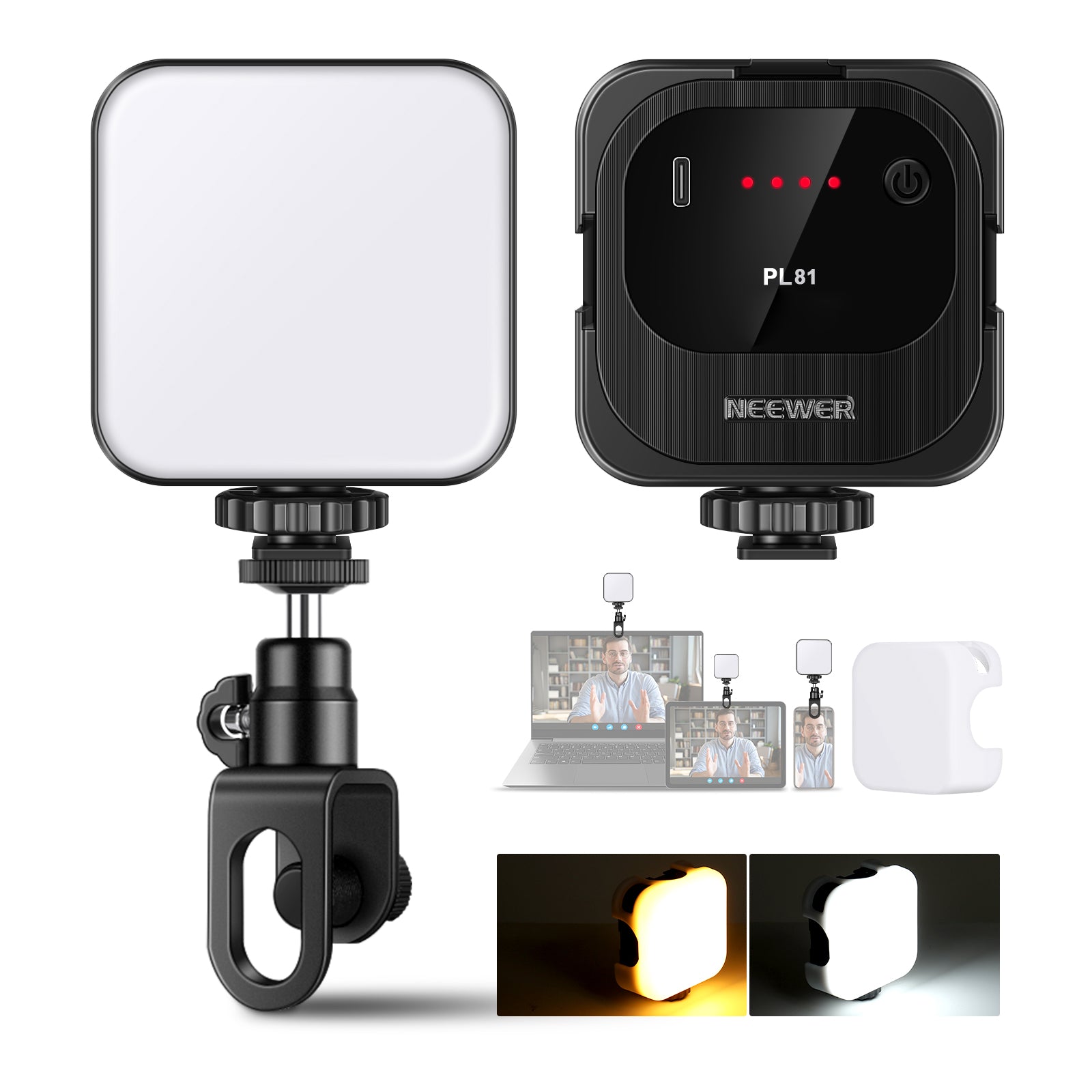
Use BP132 when the set is very close-range, and budget is the main constraint. Step up to NL480 when you want more output, barn-door control, and a stronger fill or small key option for video clips.
The cleanest panel setup keeps reflections broad and predictable. Put the key panel above product height, angled down slightly, and keep the fill panel closer to the lens axis at lower brightness.
|
Position |
Placement |
Purpose |
|
Key panel |
30-45 degrees from camera, |
Creates shape and |
|
Fill panel |
Near camera side or opposite key, dimmer than key |
Opens shadows without erasing depth |
|
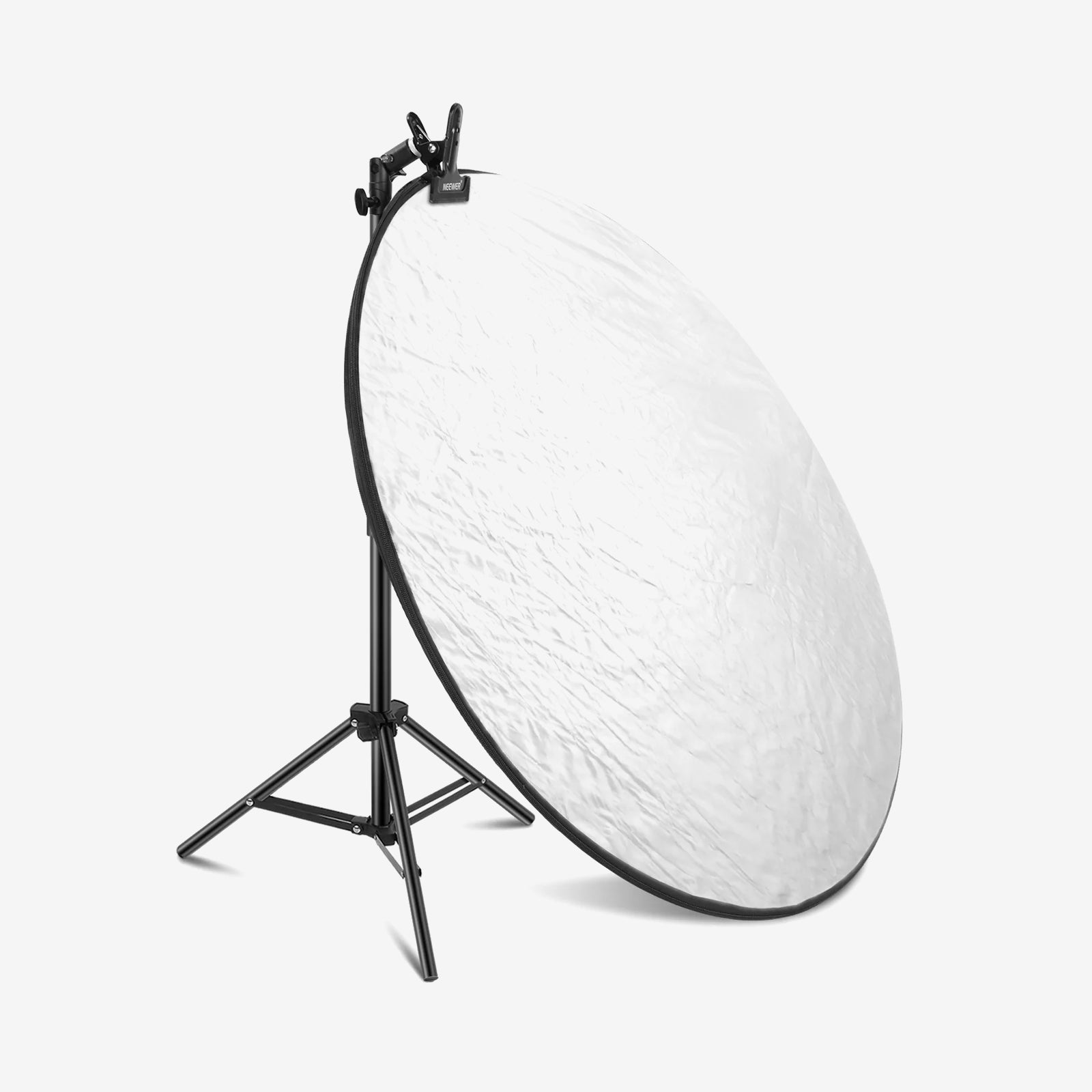
White card / reflector |
Opposite the key, |
Softens shadows without |
|
Black card / flag |
Beside reflective product, |
Removes unwanted |
For small glossy products, move the light before raising brightness. If the reflection is ugly, more power only makes the problem brighter.
Setup B: COB Key + Panel Fill
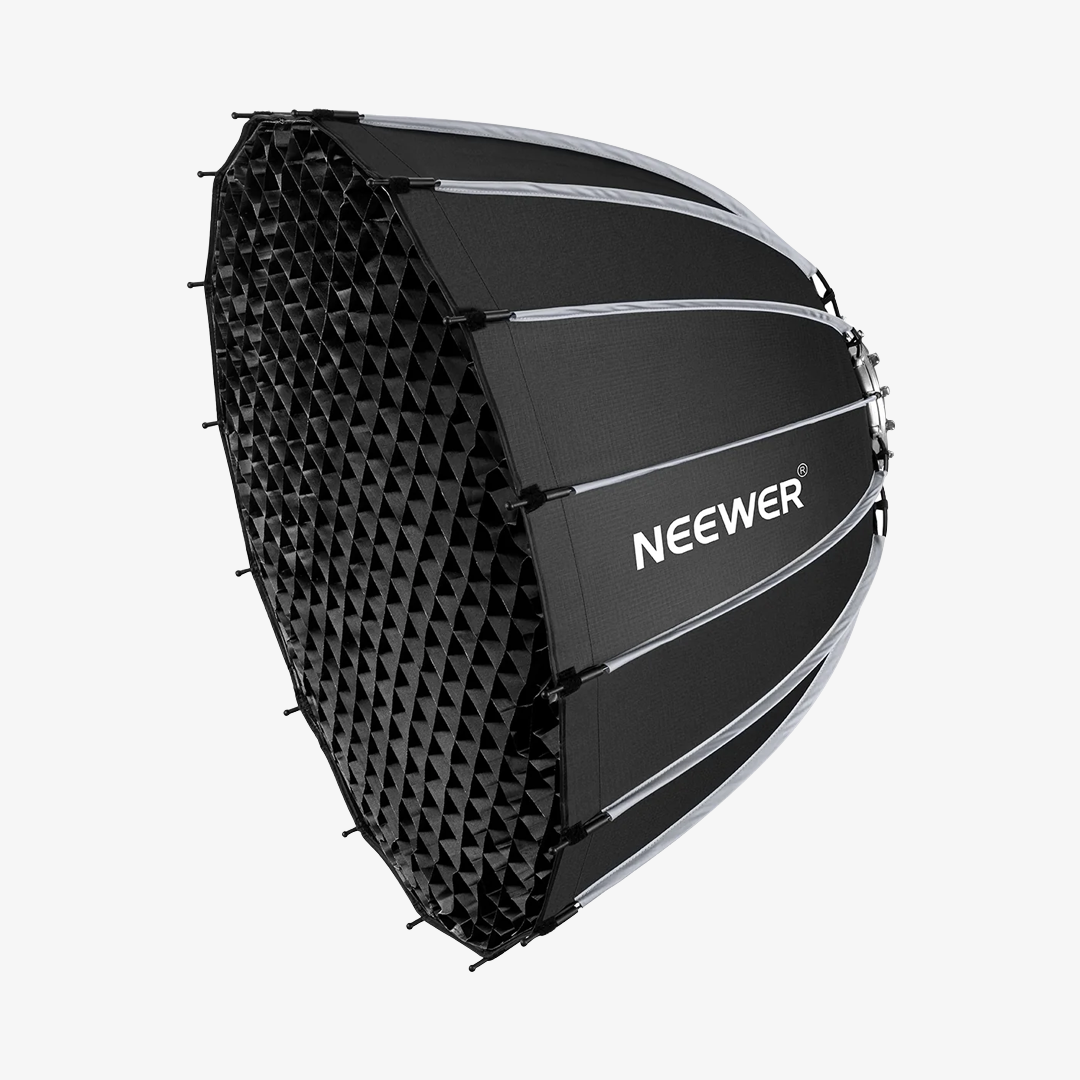
A COB key plus panel fill is the stronger budget setup for product videos that need accurate color, clean shadows, and controlled reflections. Use MS150C as the key through a compatible softbox or diffusion, then use NL480 or one BP132 panel as low-level fill.
The COB key gives you a single directional source that is easier to shape than two bare panels. The panel fill keeps the shadow side readable for video, especially when the product turns, hands enter the frame, or the camera moves from wide to detail shots.
Use this path when you film product demos, unboxing videos, reflective electronics, glassware, or beauty packaging. It takes slightly longer to rig, but the light direction is easier to repeat across photos and video.
Setup B Placement
A good starting point is a soft key light placed 30–45° off camera and a weaker fill light positioned closer to the lens. Keep the fill visibly weaker than the key so the product still has dimension.
|
Role |
Suggested NEEWER pick |
Placement |
Why |
|
Key |
MS150C with compatible diffusion |
30-45 degrees off camera, above product height |
Shapes the product and pushes through diffusion |
|
Fill |
NL480 or BP132 |
Near camera side, |
Opens shadows for |
|
Reflection card |
White, silver, or black card |
Beside product, |
Changes what |
|
Background control |
BP132 or flagged spill |
Behind or |
Adds separation without changing product color |
For a softbox-only stills workflow, the NEEWER softbox product photography guide covers that setup in detail. If you later want to add background color or an edge accent, the HB80C works as a battery-powered third light without disrupting the two-light core.
Color Accuracy and Reflection Control
Accurate product color starts with consistent light, not editing presets. Use lights rated at CRI 95 or higher where possible, match both lights to one CCT, lock camera white balance, and avoid mixing daylight, room bulbs, and LEDs unless you can control all three.
What CRI, CCT, and Reflections Mean
CRI describes how naturally a light renders colors compared with a reference source. For product work, CRI95+ is a practical baseline because packaging, fabric, skin-tone cosmetics, and painted surfaces can shift under lower-quality light.

CCT is the color temperature setting, usually measured in Kelvin. Pick one setting such as 5600K for a daylight-style look or a warmer value for room-matched video, then keep both lights there.
Reflection control is about changing what the product sees. Glossy products mirror the room, so the fix is often a larger diffusion surface, a different angle, or a white/black card just outside frame.
Reflection Control Checklist
Use this checklist before adding more gear. Most reflection problems come down to light size and light position, not how many lights you have.
|
Problem |
Fast fix |
Why it works |
|
Hard white hotspot |
Move light farther to |
Changes the mirror angle and enlarges the source |
|
Product looks flat |
Lower fill brightness |
Restores shadow direction |
|
Color shifts between clips |
Lock white balance and match CCT |
Prevents auto white balance drift |
|
Glossy label reflects camera |
Raise key or move camera slightly off-axis |
Breaks the direct reflection path |
|
Dark edge disappears |
Add white card opposite key |
Creates a controlled |
|
Chrome/glass looks messy |
Use black cards to subtract reflections |
Defines edges by removing unwanted bright areas |
Scenario Recommendations
You don’t need a complicated lighting kit to get professional-looking product shots. The setup that works is usually the simplest one that matches the product you’re shooting.
|
Scenario |
Recommended path |
Why |
|
Marketplace photos |
Setup A dual panels |
Fast, low footprint, |
|
Product video |
Setup B COB key + panel fill |
Stronger key shape and |
|
Reflective electronics or glossy packaging |
Setup B plus white/black cards |
Better reflection control than |
|
Ultra-small desk setup |
BP132 close-range panel pair |
Compact and simple when |
Recommended Gear for Each Setup
Choose products by lighting role first. BP132 covers the compact two-panel starter path, NL480 fits panel fill, MS150C handles the stronger soft key role.
a. NEEWER BP132: Best Close-Range Dual Panel Kit for Budget Tabletop Products
The BP132 2-pack is the lowest-footprint way to run a two-panel tabletop setup when budget and desk space are both limited.

The Breakdown
At 10W each, the BP132 panels are built for close-range work — typically 30–50 cm from the product. That output range also makes them easier to control: less power means less spill, and the 180° tilt lets you angle both panels without stands you can’t fit on a desk.
|
Spec |
Detail |
|
Setup role |
Compact two-panel starter for close-range key, |
|
Power / output |
10W; 810 lux/0.5 m |
|
CCT |
3200K-5600K |
|
Color accuracy |
CRI 95+ |
|
Light type |
Bi-color LED panel; |
|
Control / shaping |
10 dimming levels; |
|
Mount / support |
Includes two light stands |
|
Power / battery |
5V/2A input |
|
Light size |
3.54" x 5.12" x 1.06" / 9 x 13 x 2.7 cm |
|
Weight |
5.78 oz / 164 g |
|
Stand height |
19.7"-53.2" / 49.5-135.5 cm |
Pros
- Low-footprint two-light kit for tabletop products
- Useful as fill or background support in a larger setup
- CRI95+ target fits budget color-accuracy needs
Cons
- Less shaping control than a COB with softbox lighting
Best for: Small products, desk-based marketplace photos, and creators testing a two-light workflow before upgrading to a larger key light.
Also pair with NEEWER 18% Gray / White Card Set - a compact reference card set for white balance, exposure checks, and small white-card fill in color-critical product shoots.
b. NEEWER NL480: Best Bi-Color Panel Fill for Product Video Lighting
The NL480 is the practical fill panel when you need more output and shaping control than a compact desk light.

The Breakdown
The NL480 works best as a fill light. Its diffuser and barn doors make it easier to control spill than smaller desk panels, especially in video setups.
|
Spec |
Detail |
|
Setup role |
Panel fill, secondary key, |
|
Power / output |
28W; 4000 lux/1 m |
|
CCT |
3200K-5600K |
|
Color accuracy |
CRI 96+ |
|
Light type |
Bi-color LED panel; |
|
Control / shaping |
White diffuser, |
|
Mount / support |
Adjustable U bracket |
|
Power / battery |
DC 12V power input |
|
Package contents |
LED video light, |
Pros
- More flexible fill option than a very small close-range panel
- Natural partner for a COB key in budget product videos
- Useful for both photos and short-form video clips
Cons
- Still needs angle control to avoid shiny frontal reflections
Best for: Product videographers who need a repeatable fill light for demos, unboxing videos, and tabletop clips.
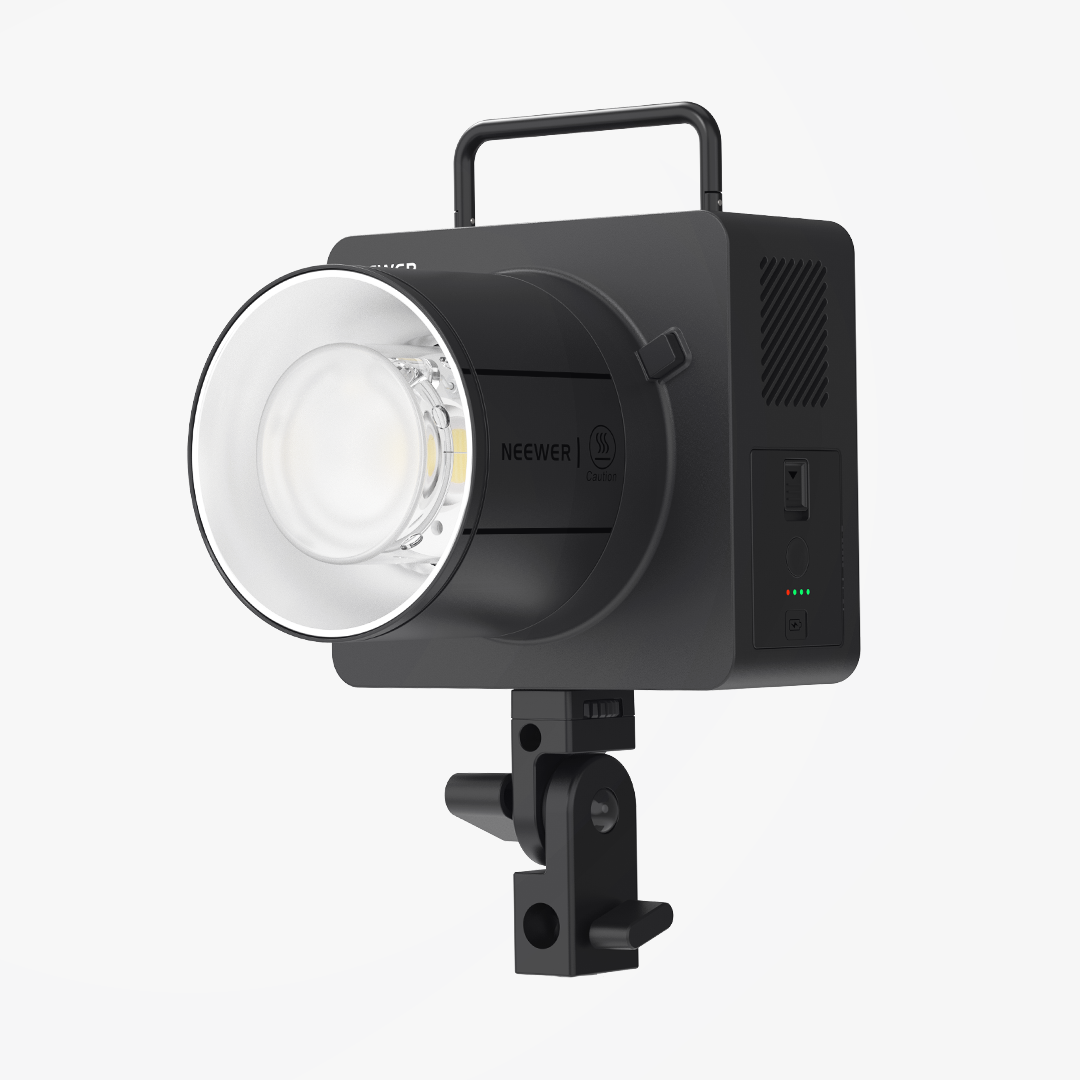
c. NEEWER MS150C: Best COB Key Light for Softbox Product Video Setups
The MS150C is the COB key for Setup B when product video needs a directional soft source that holds through diffusion.

The Breakdown
A COB source concentrates output through a single emitter, which keeps the light directional even after passing through a softbox. That’s what makes it more effective than panels for reflective products — you get a defined highlight instead of broad, scattered light.
|
Spec |
Detail |
|
Setup role |
Main COB key light for Setup B |
|
Power / output |
150W; 16,600 lux/m maximum illuminance; |
|
CCT |
2700K-6500K |
|
Color accuracy |
CRI 97+ / TLCI 98+ |
|
Light type |
RGBWW COB LED continuous light |
|
Control / shaping |
Physical controls, |
|
Mount |
Bowens mount adapter included |
|
Power / battery |
Wall power; |
|
Size |
7.7" x 3.7" x 3.6" / 19.5 x 9.5 x 9.2 cm |
|
Weight |
2.3 lb / 1041 g |
|
Color modes |
CCT, HSI, RGBCW, FX, SOURCE, and GEL |
Pros
- Better shaping potential than a small panel
- Works with compatible diffusion for softer highlights
- Strong upgrade path for product video and studio work
Cons
- Needs a stand and compatible modifier
- Slower to set up than two compact panels
Best for: Product creators who film videos and need one controlled key light with panel fill, especially for reflective or premium-looking products.
Also pair with NEEWER 90CM Quick Release Octagonal Softbox (NS92P) - a Bowens-mount softbox option for MS150C users who need softer product highlights and better spill control.
FAQs
What is a good 2-light setup for product photography on a small budget?
Use two LED panels for the lowest-footprint setup: one key at 30-45 degrees and one dimmer fill near the camera side. For stronger product video lighting, use a COB key such as MS150C with diffusion and a panel fill such as NL480.
Do I need softbox lighting for product photography?
You need softbox lighting when you want larger, smoother highlights and more controlled shadows. For softbox-based still-life photography, the NEEWER softbox product photography guide covers that workflow in detail; for video and reflection control, the COB-plus-panel path in this guide is more flexible.
How do I get accurate colors in product videos?
Use lights rated CRI 95 or higher, match both fixtures to one CCT, and lock camera white balance before recording. Do not mix window light, overhead bulbs, and LEDs unless you can control or block the extra sources.
What is the best way to soften reflections on glossy products?
Make the reflected source larger and move it out of the direct mirror angle. Diffusion, white cards, black cards, and small changes in camera position usually fix reflections faster than increasing light power.
Are two panels enough for product video lighting?
Two panels are enough for simple tabletop clips, especially matte products and small packages. For hands-in-frame demos, glossy products, or premium hero shots, a COB key plus panel fill gives more shape and cleaner highlight control.
Should the fill light be as bright as the key light?
No. Keep fill dimmer than the key so the product still has shape. If both lights are equal from opposite sides, the product often looks flat, and the surface texture becomes harder to read.
How far should product lights be from the subject?
It depends on the light and the effect you want. For small LED panels like the BP132, 30–50 cm is a typical working distance — close enough to get usable output without harsh falloff. For a COB key like the MS150C through a softbox, 60–90 cm gives the diffusion room to spread evenly across the product. As a general rule, moving a light closer makes it a larger source relative to the subject, which softens shadows and broadens highlights. Moving it farther makes the source appear smaller and the light harder. Start close, then pull back until the highlight shape on the product looks clean.
Can I shoot product photos and videos with the same lighting setup?
Yes. A COB key with a panel fill is one of the easiest setups to use for both formats. Once exposure and white balance are locked, you can switch between stills and video without rebuilding the lighting. The main difference is that stills let you adjust light position between shots, while video needs the setup to stay consistent through the whole clip.
Final Takeaway
Consistency matters more than complexity. A simple two-light setup that you can repeat from shoot to shoot will usually outperform a larger setup that changes every time.
Start with dual panels if you need a compact desk setup, or choose a COB key with panel fill when product videos need softer highlights, cleaner edges, and steadier color from shot to shot.