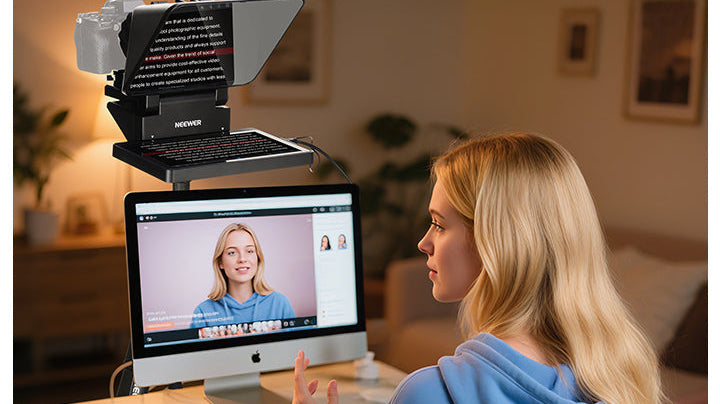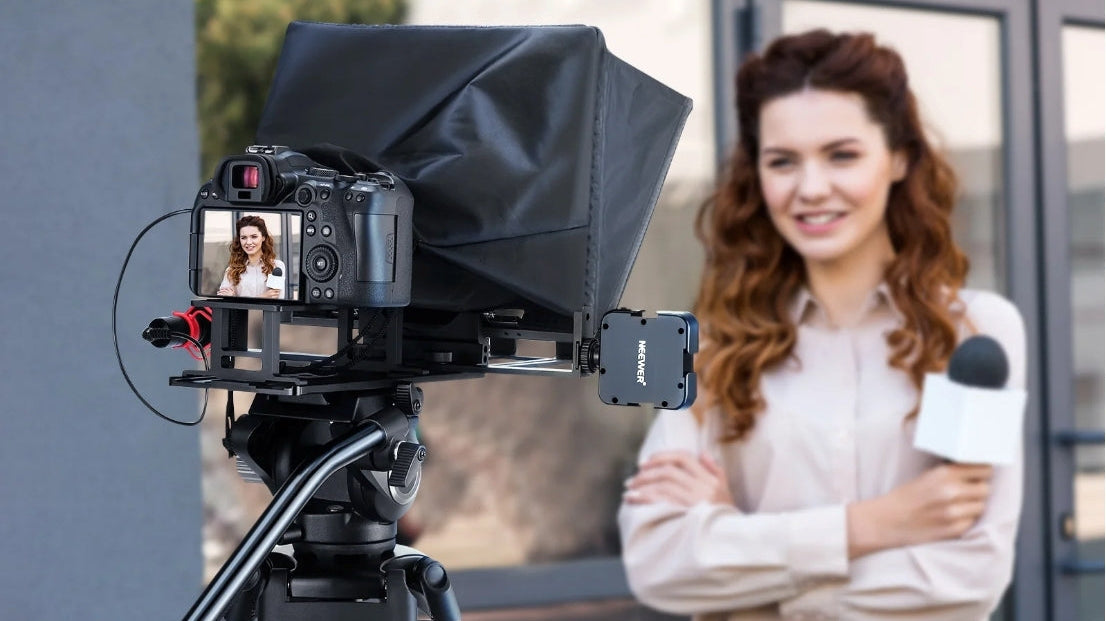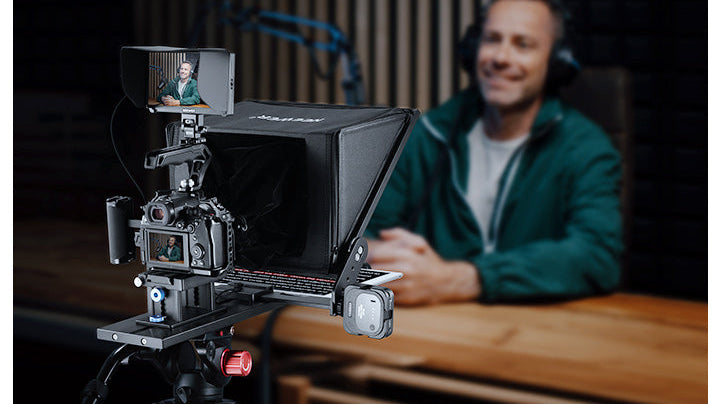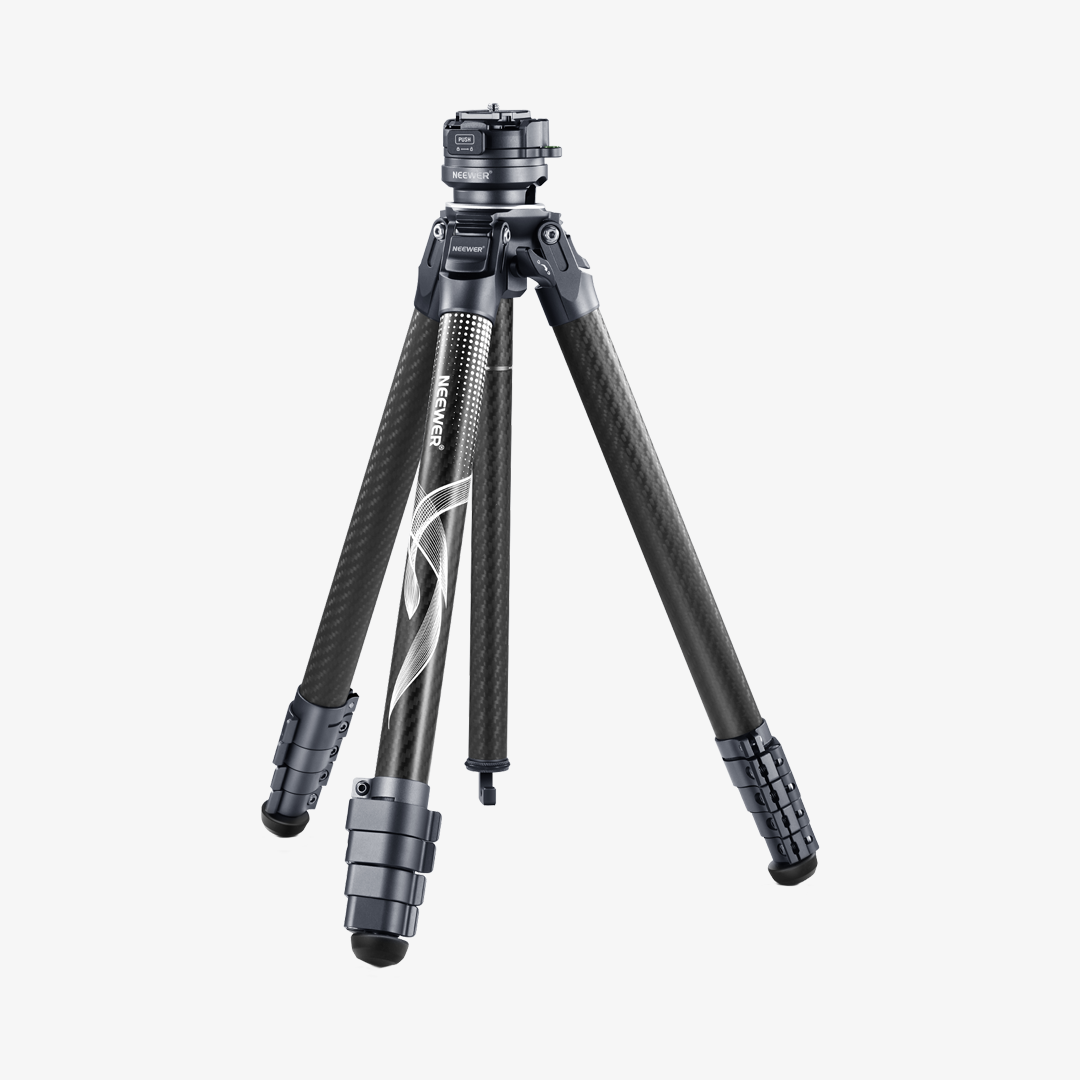


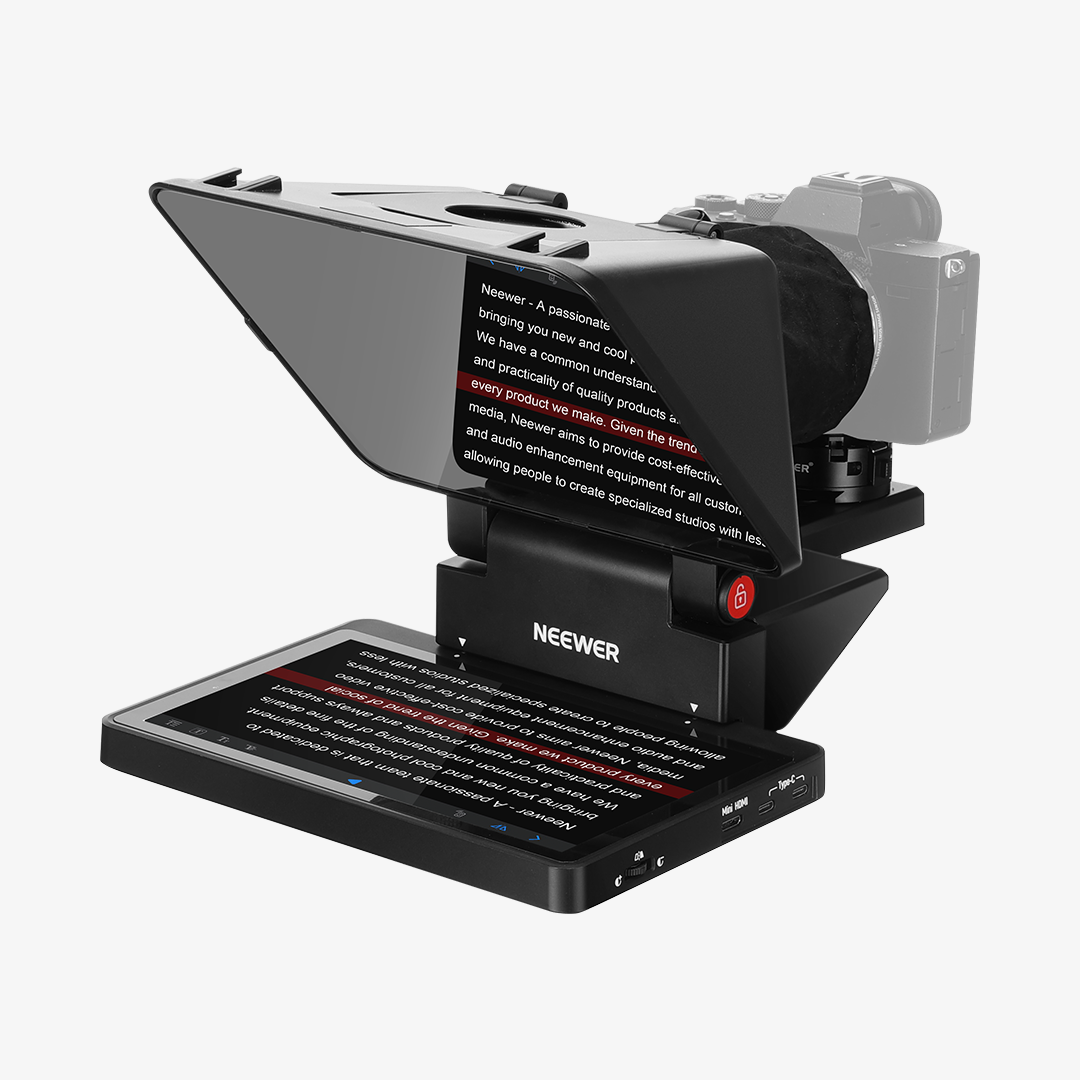


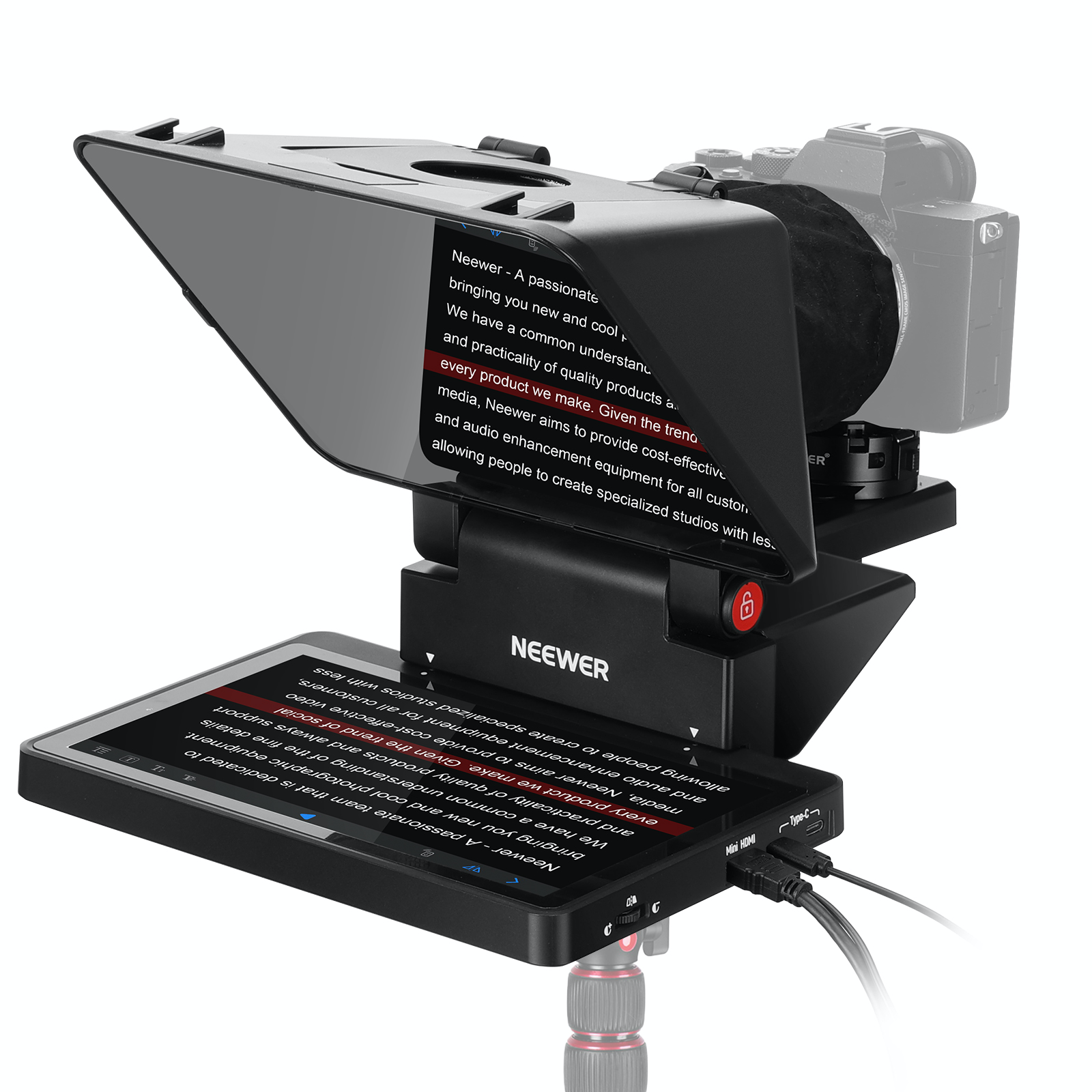
X11 2-In-1 Teleprompter with Monitor
11" Pro Teleprompter with HD Splitter Glass
Built-in LCD Monitor for Easy Screen Mirroring
Doubling as an External Computer Monitor
Teleprompters

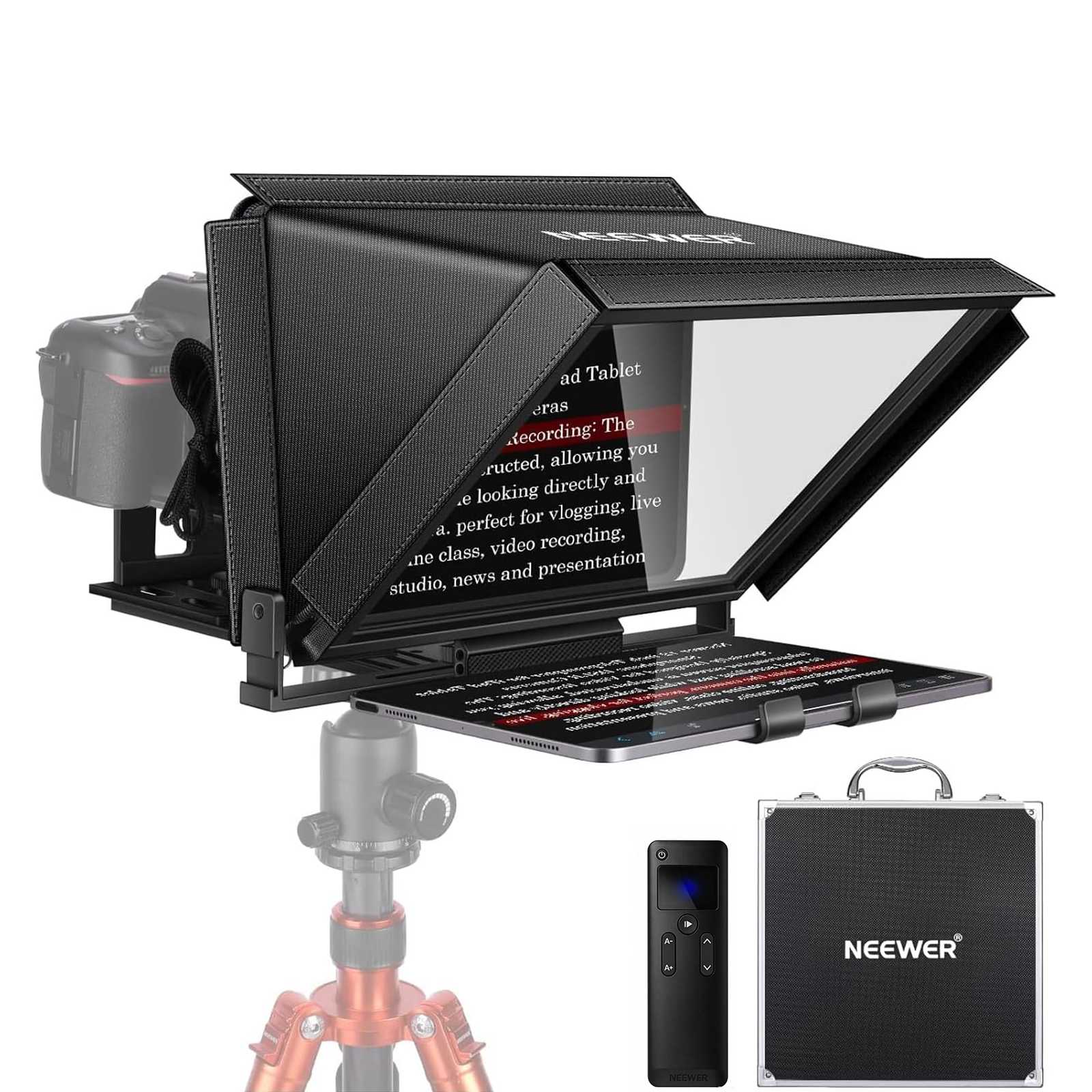


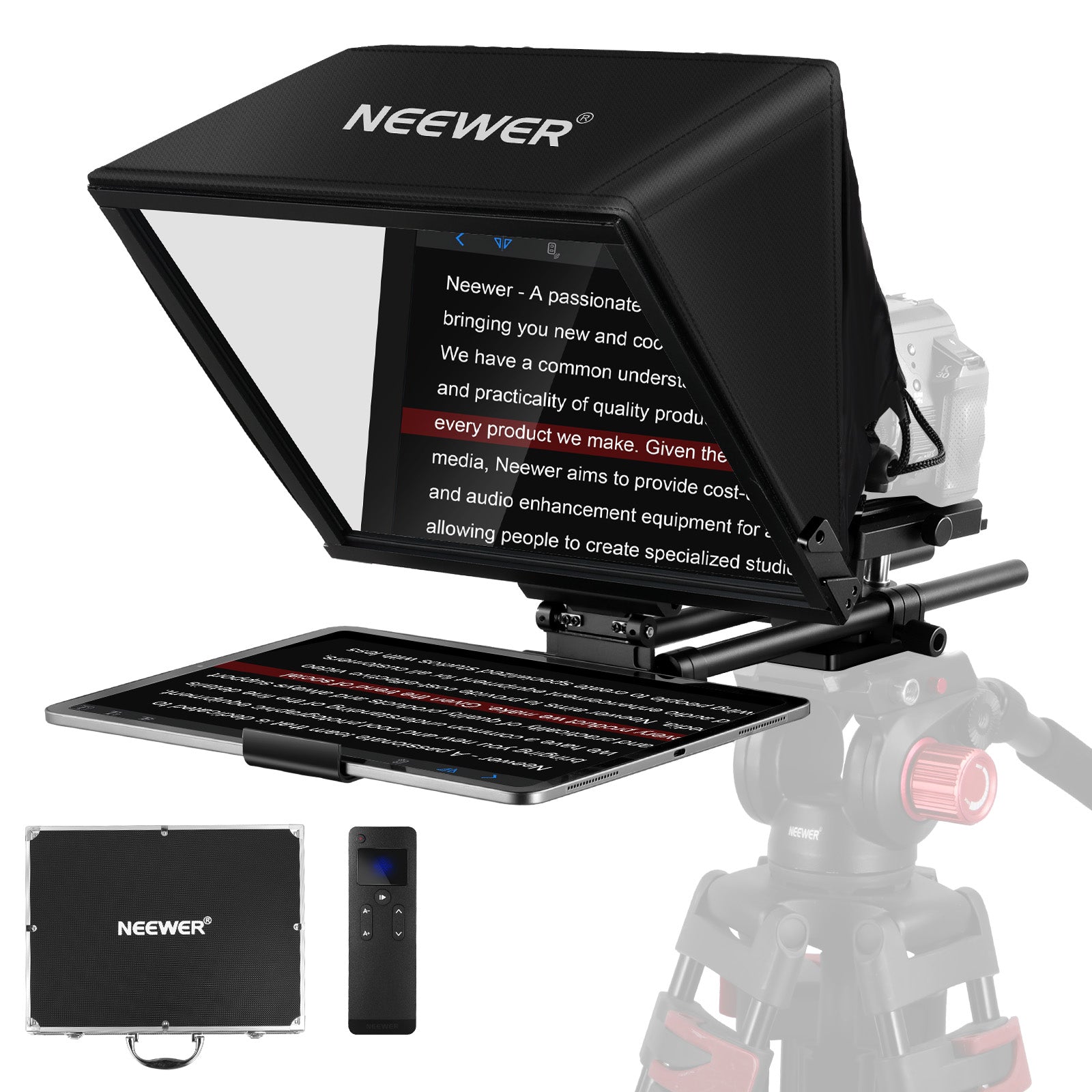

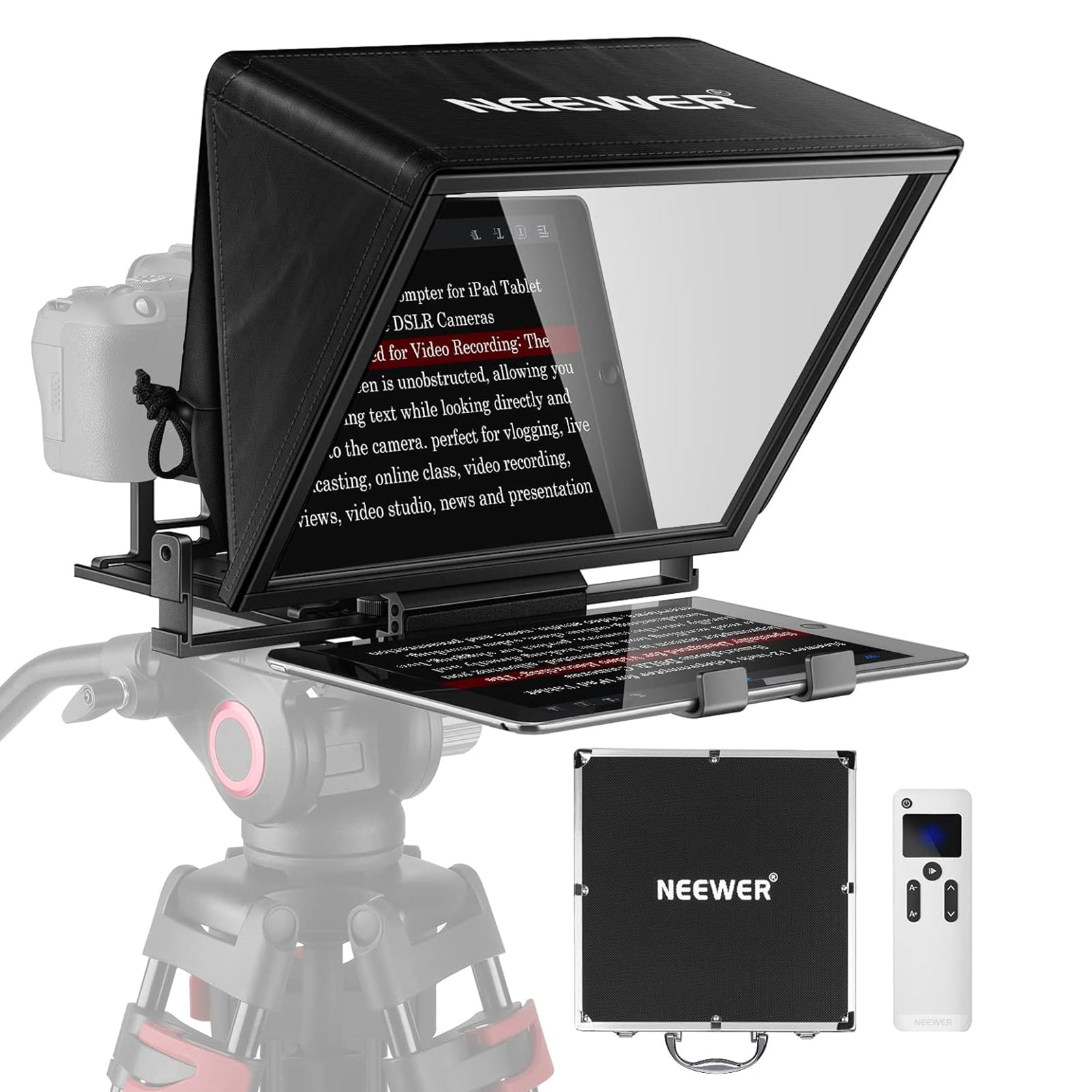
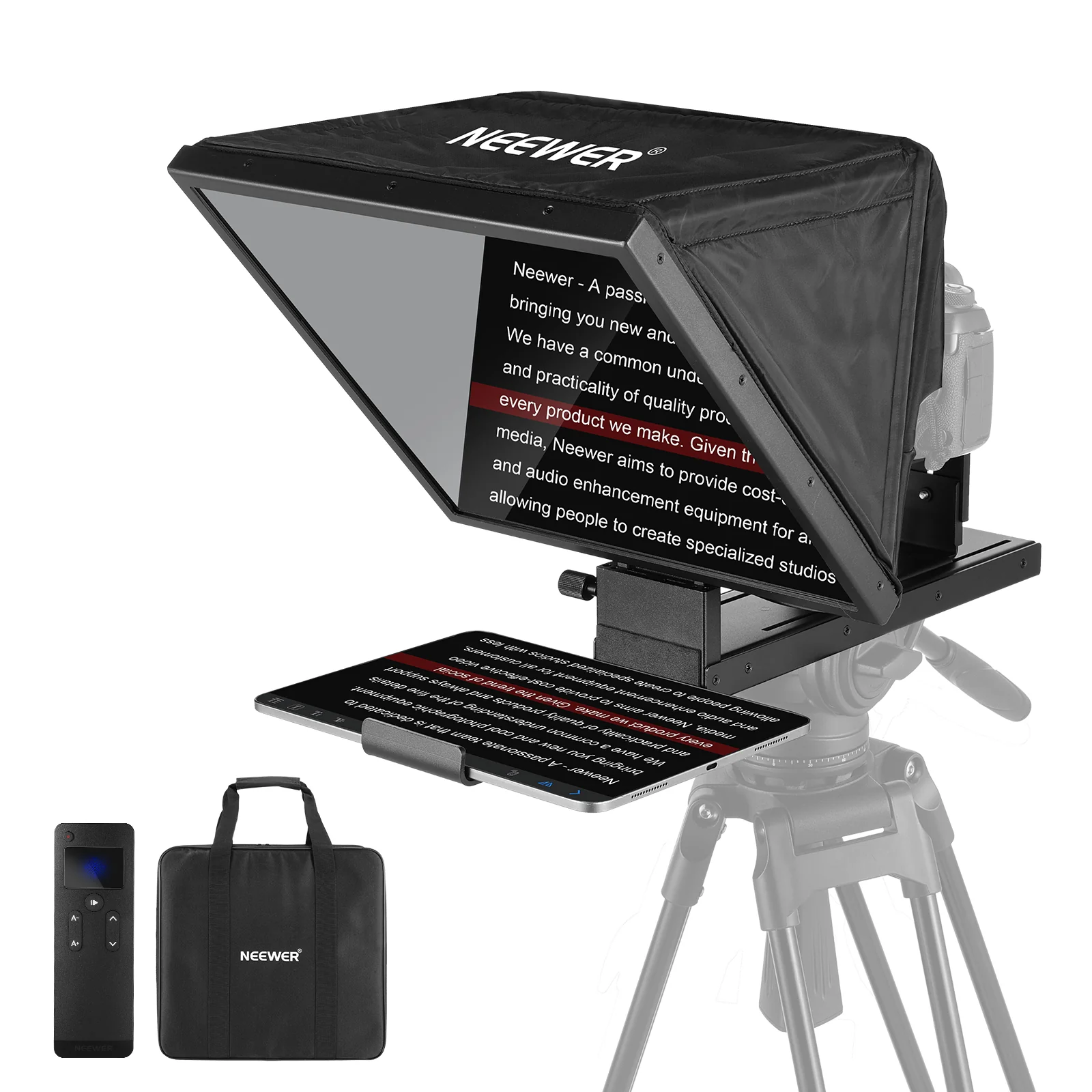
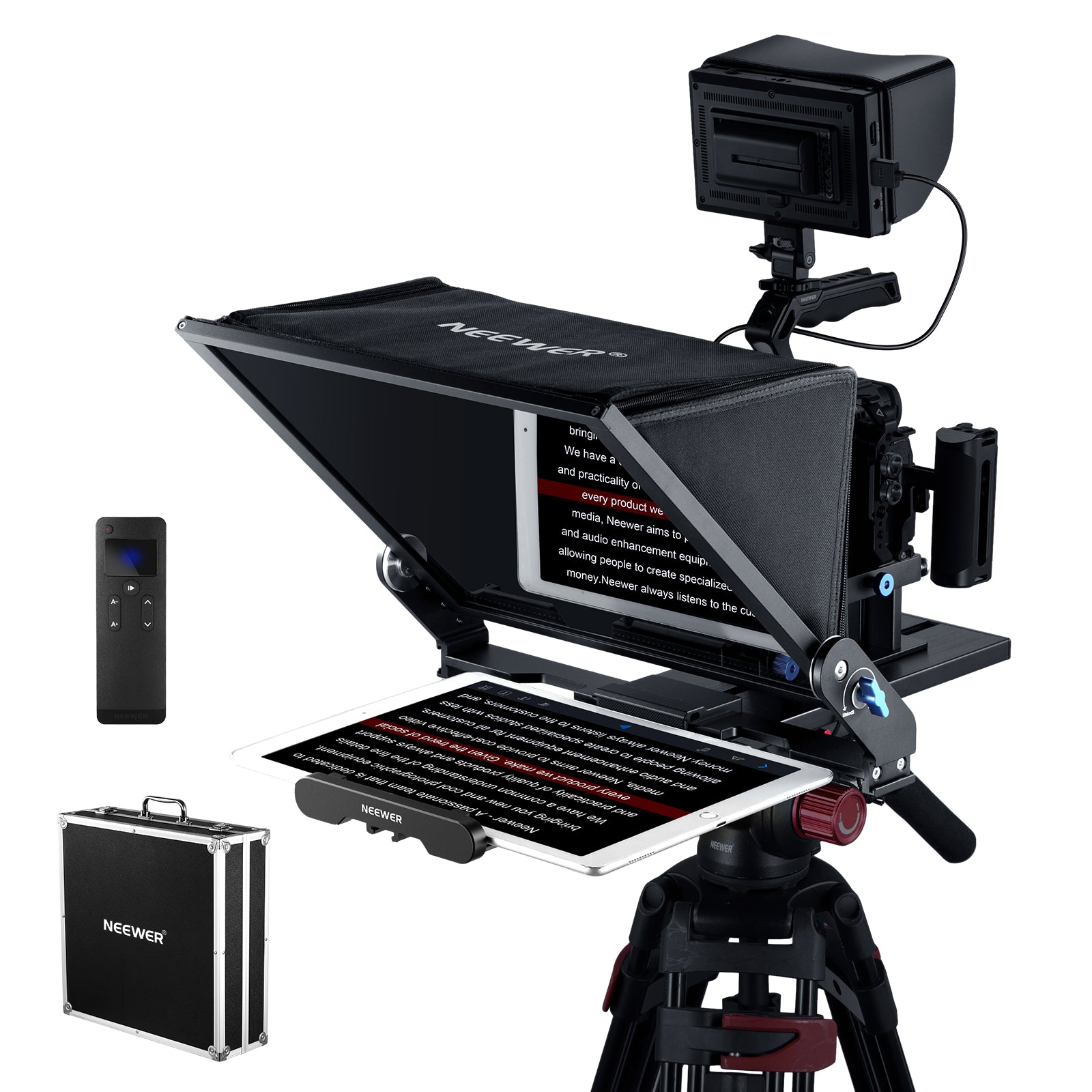

NEEWER professional teleprompter allows you to read every word of your script smoothly while maintaining eye contact with the audience. These teleprompters are perfect for recording natural and engaging videos using smartphones or cameras and are compatible with iPads, phones, cameras, and tablets. Choose a professional teleprompter for recording speeches, online courses, tutorials, news broadcasts, and presentations at home or on the go.
FAQ
What Is a Teleprompter?
A teleprompter uses a specialized angled glass screen positioned directly in front of your camera lens. It reflects scrolling script text from a phone or tablet, allowing you to read your script word-for-word while maintaining perfect, direct eye contact with your audience—eliminating awkward pauses, memorization stress, and multiple retakes.
Will Teleprompter Text Appear in Video?
No! Teleprompters use a special 70/30 beam-splitter glass. It reflects the text outward so you can read it clearly, but remains completely transparent from behind, allowing the camera lens to shoot through the glass without capturing any text or lowering image quality.
Can You Use a Tablet or Smartphone with a Teleprompter?
Yes! Most modern desktop and portable teleprompters feature adjustable mounting trays designed to hold smartphones or tablets (up to 11 inches). You simply download a free teleprompter app to your device, set the app to "mirror text mode," and slide it into the teleprompter tray.
How Do You Control Teleprompter Scrolling Speed?
Most teleprompter setups include a wireless Bluetooth remote control or a companion smartphone app. You can start, pause, speed up, or slow down the scrolling script, or even set automatic voice-tracking speed using smart teleprompter apps that scroll at your natural speaking pace.
How Can You Prevent Lens Flare or Vignetting?
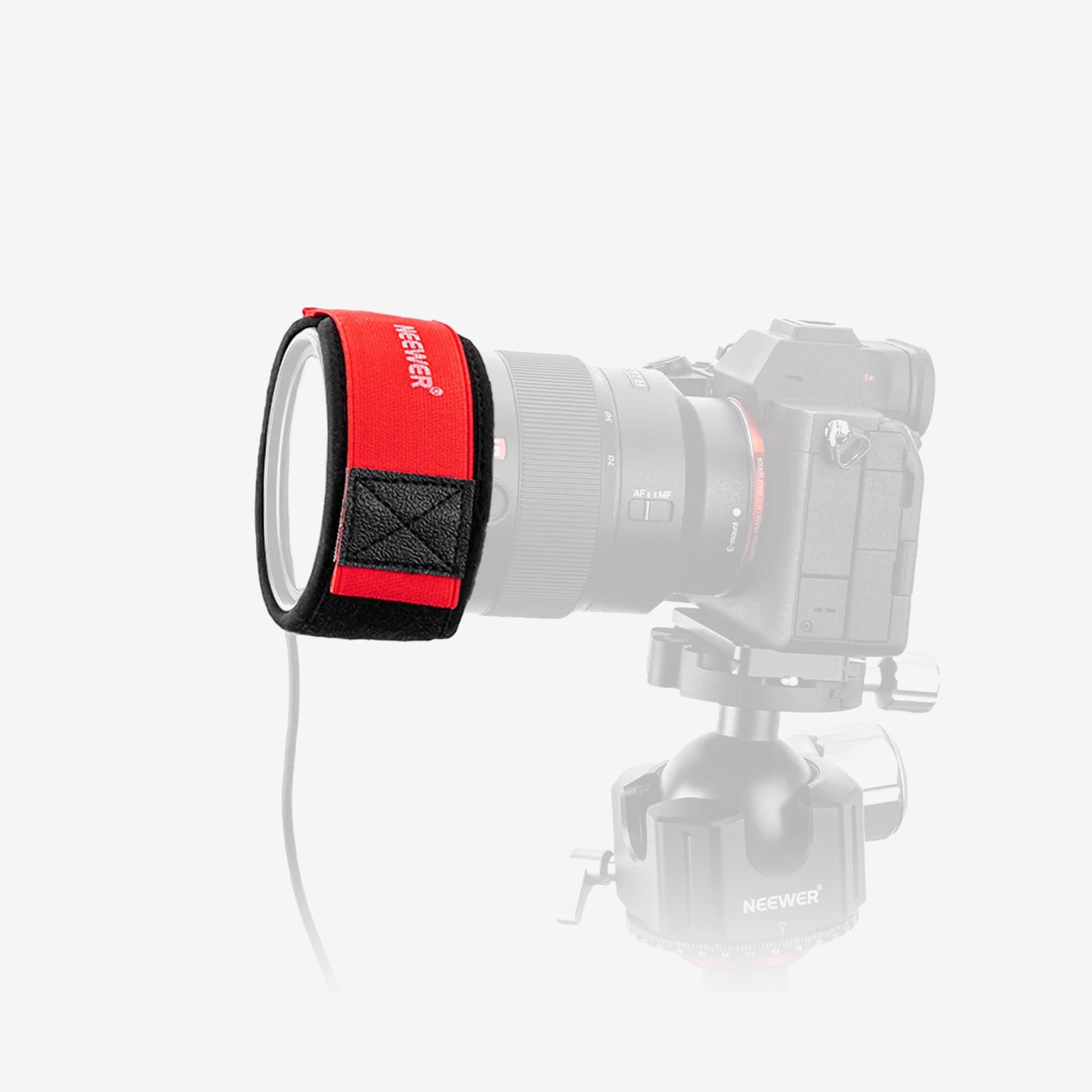
To avoid lens flare, always use the included fabric lens hood (or drawstring shroud) to tightly wrap around your camera lens so rear light cannot seep in. To avoid dark corners (vignetting), use focal lengths of 24mm or longer (on full-frame) or step closer to the glass.
Can You Use a Teleprompter for Zoom Calls and Online Teaching?
Absolutely! You can mount a webcam or smartphone camera behind the teleprompter and connect your laptop screen as the display source. This allows you to look directly at your students, clients, or audience during live Zoom meetings or online lectures while reading slides, notes, or chat comments effortlessly.
Why Does Teleprompter Text Look Backward?
Because the teleprompter glass acts as a mirror, it naturally flips the reflection horizontally. To fix this, you must enable the "Mirror Text" (or "Flip Screen") toggle setting inside your teleprompter app. This flips the text on your phone/tablet beforehand so it appears perfectly readable once reflected onto the glass.
What Script Formats Can a Teleprompter Use?
Most teleprompter companion apps allow you to import or copy-paste text directly from standard file formats like .TXT, .DOCX, PDF, or Google Docs. You can easily edit text size, background color, line spacing, and scrolling margins directly within the app before going live.
Can You Mount Microphones or Lights on a Teleprompter?
Yes! Most modern teleprompters feature cold-shoe mounts or 1/4" threaded sockets built directly onto the top or sides of the frame. This allows you to attach compact shotgun microphones, wireless receiver units, or mini LED fill lights without overloading your camera body.
How Can You Avoid Shifty Eyes When Using a Teleprompter?
"Shifty eyes" happens when your eyes physically travel left-to-right across wide text lines. To maintain a natural, fixed gaze straight into the lens:Increase your distance:
-Stand or sit further back (e.g., 6–8 feet away) and zoom in slightly.
-Narrow the text margins: In your teleprompter app, shrink the text column width to the center 30–50% of the screen so your eyes barely move while scanning.