



Sliders


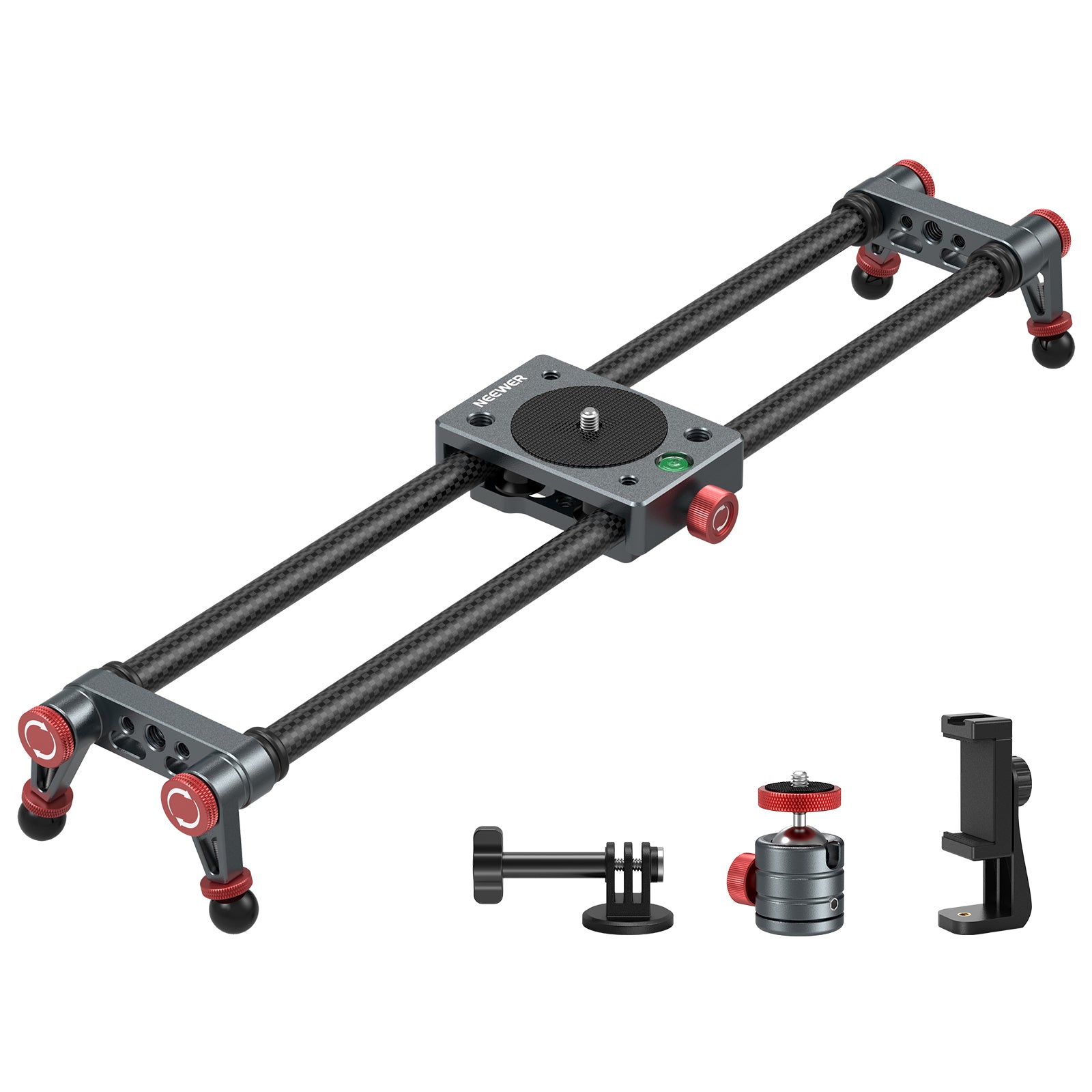

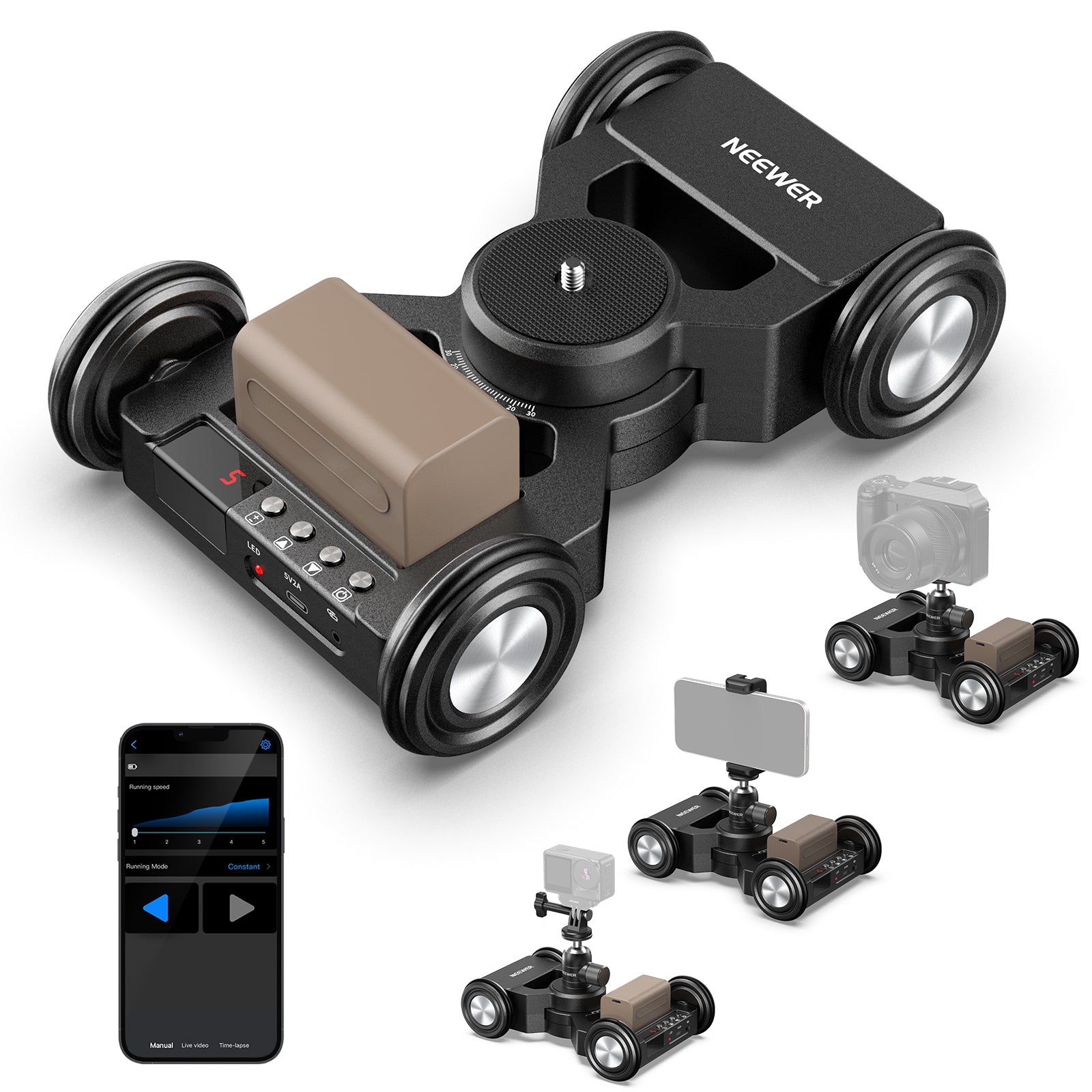
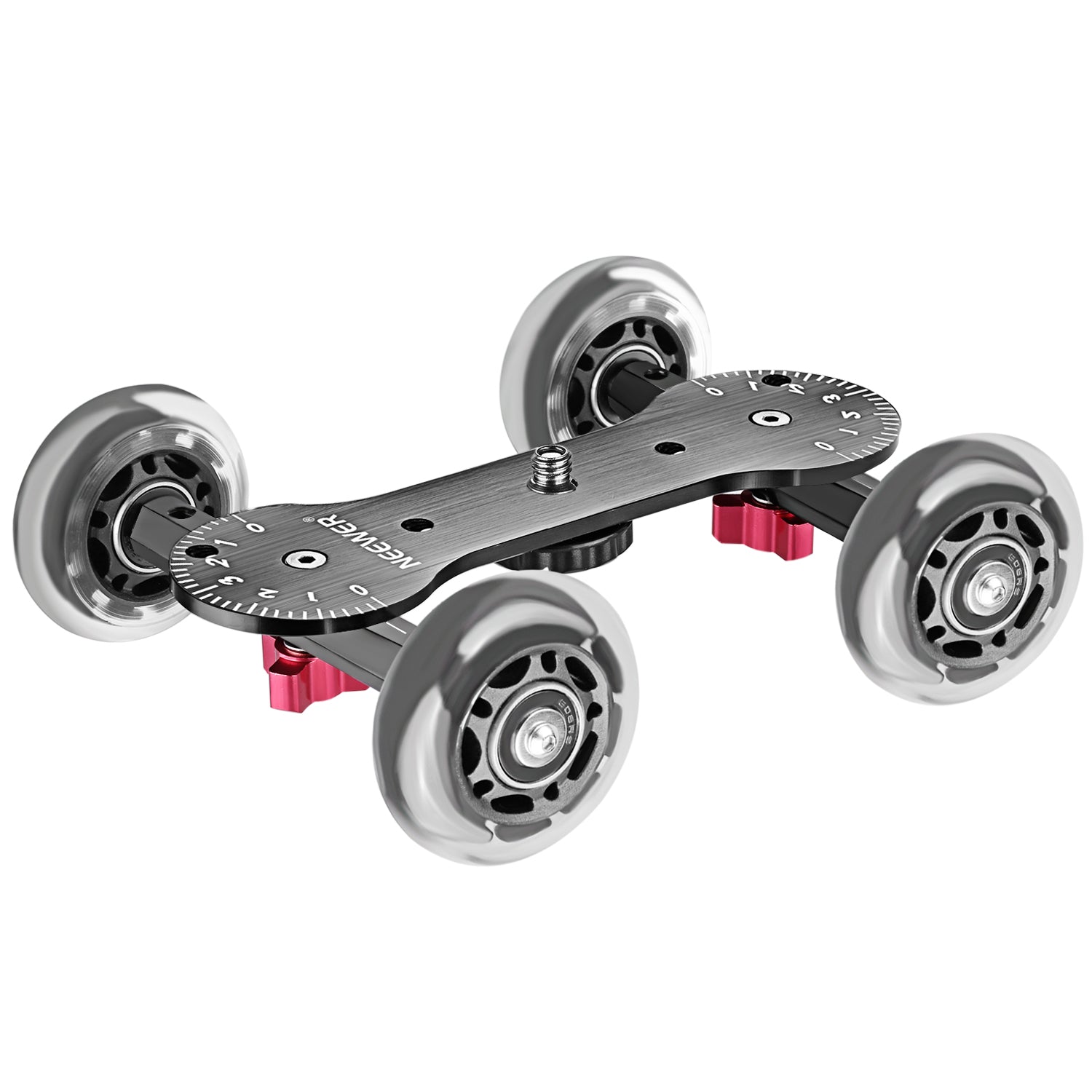
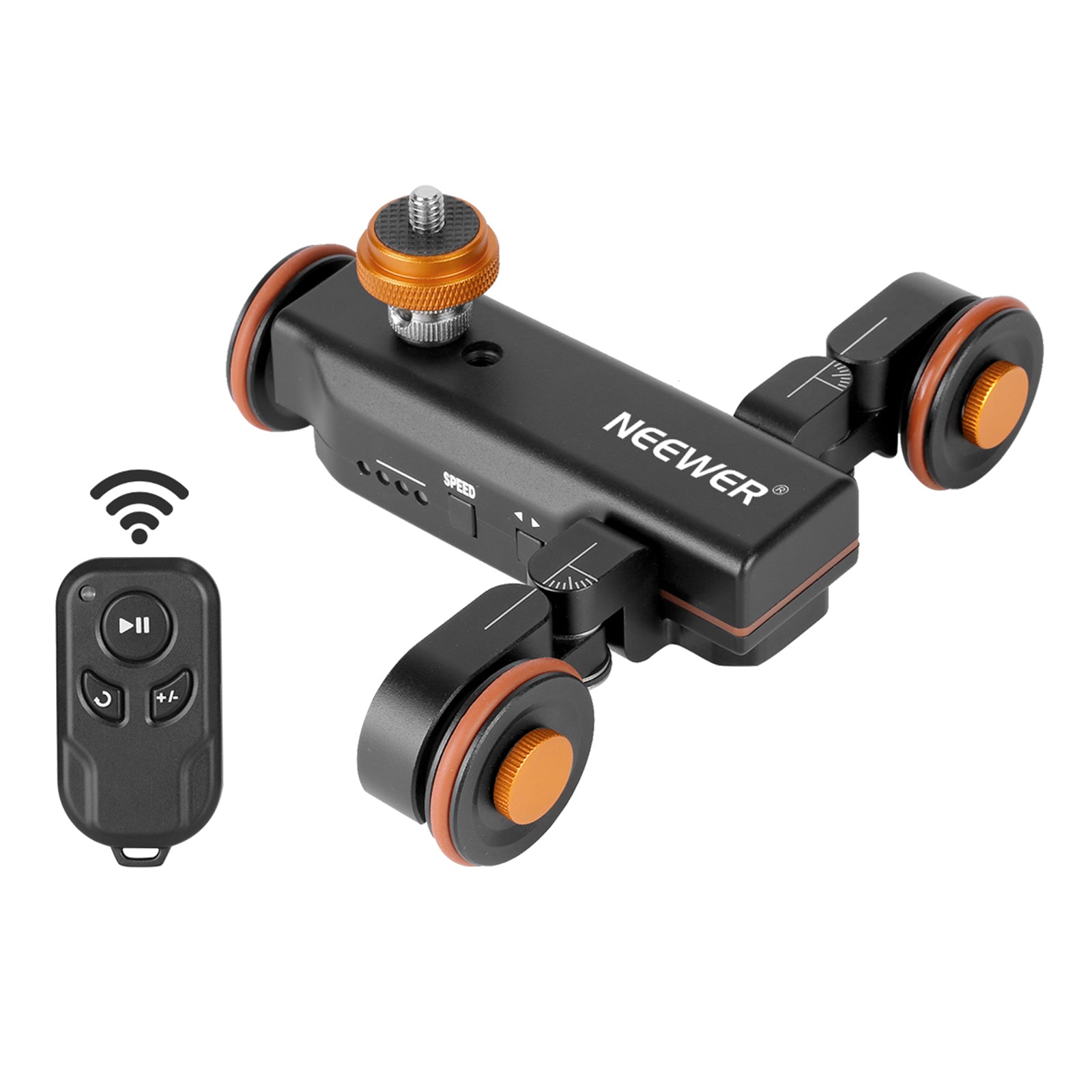

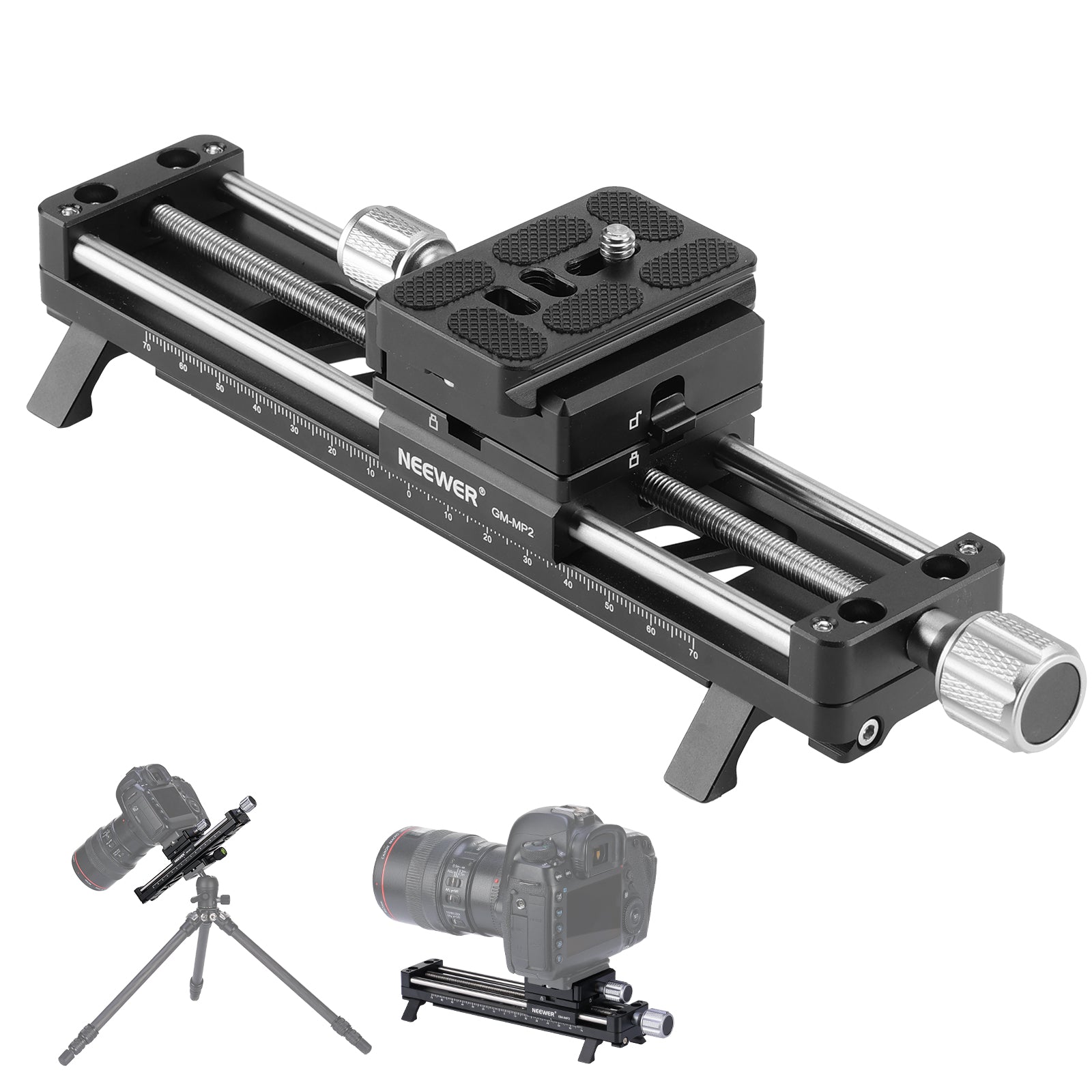
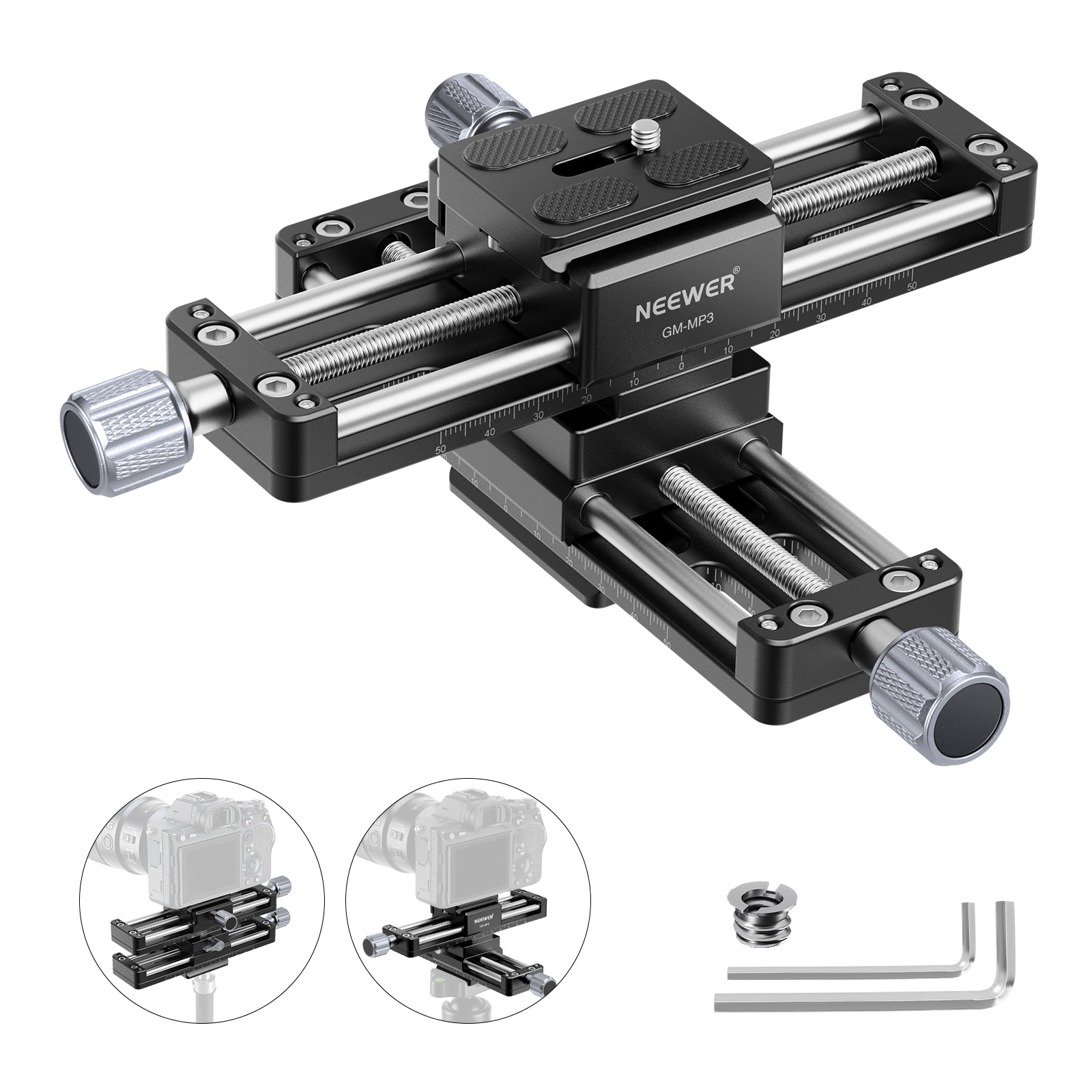
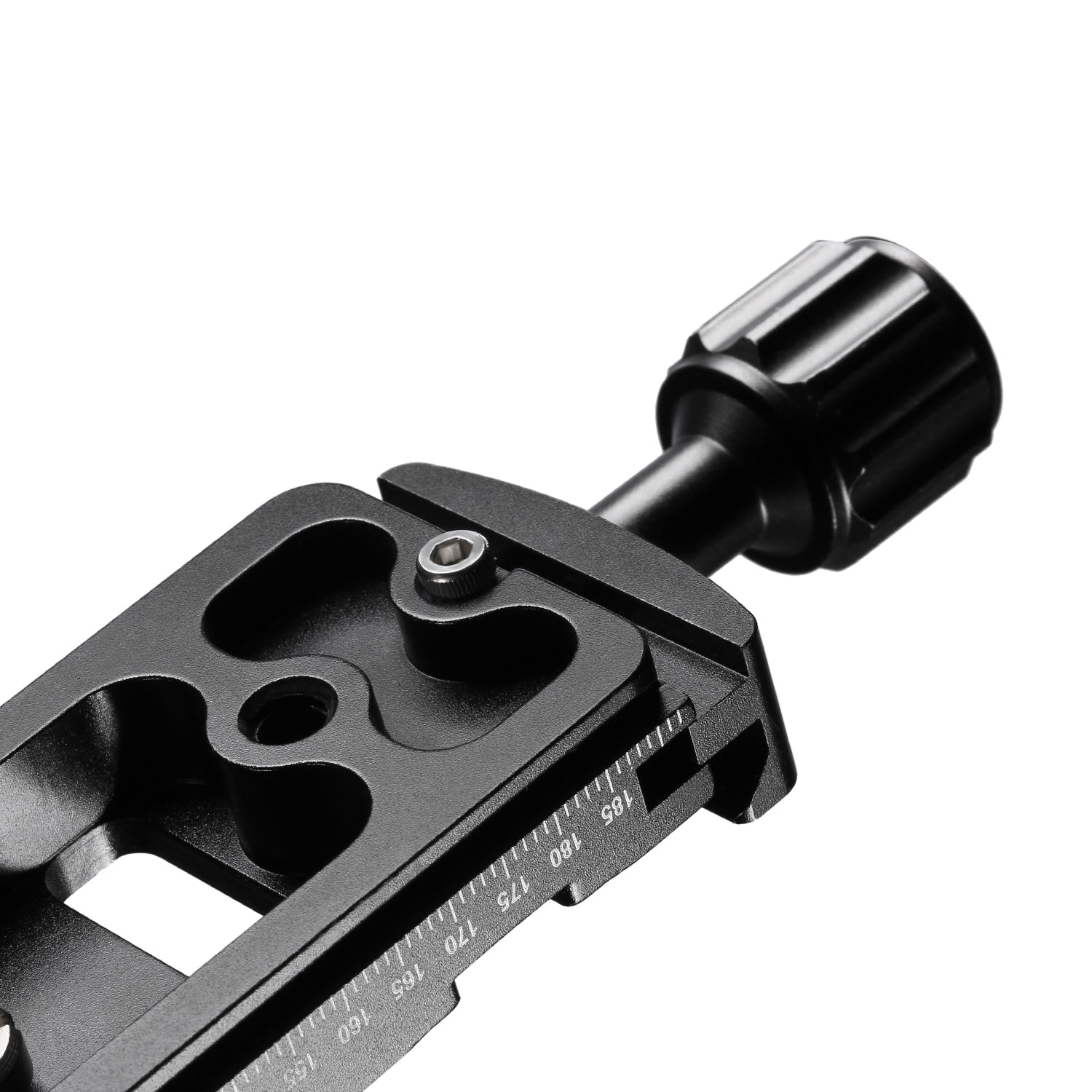
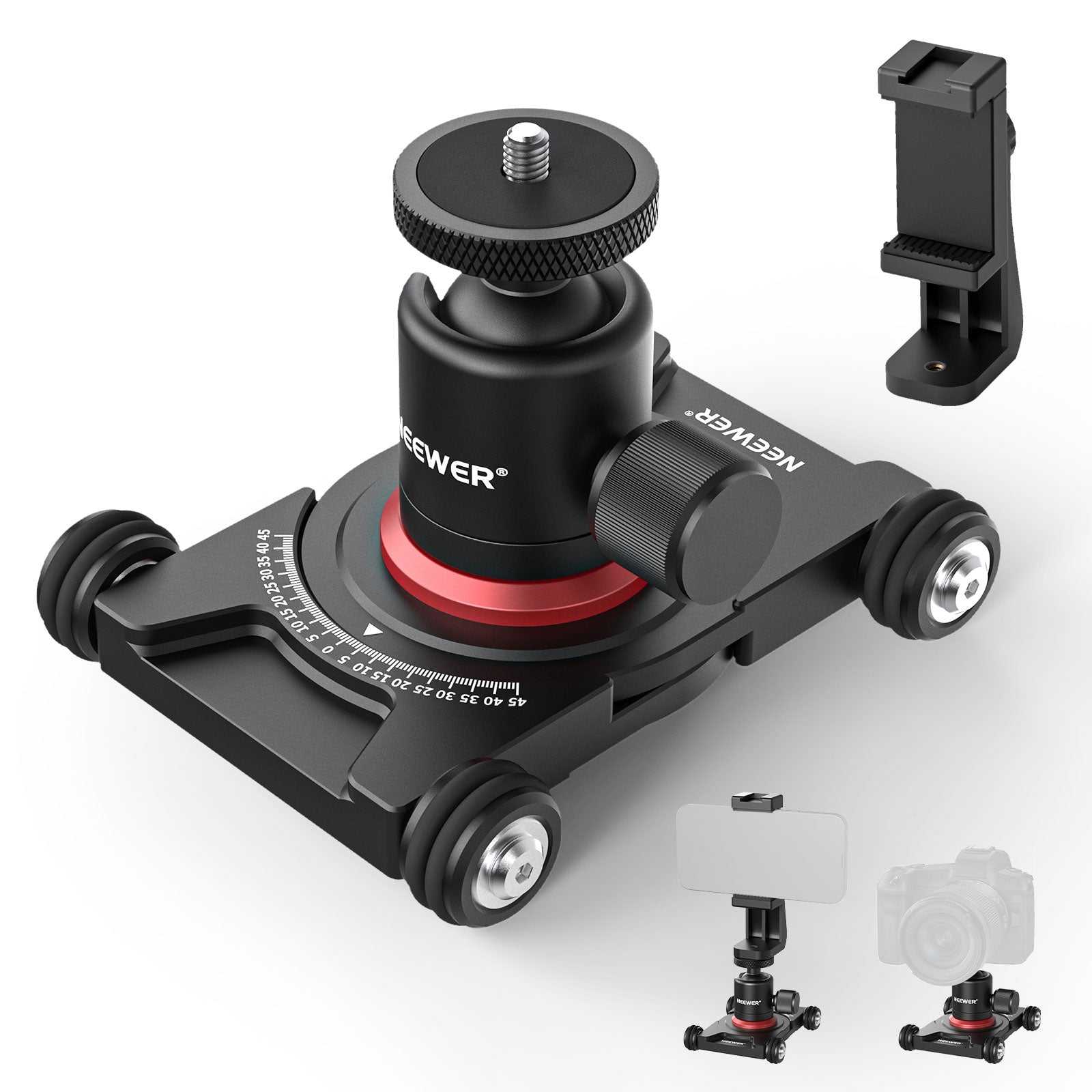
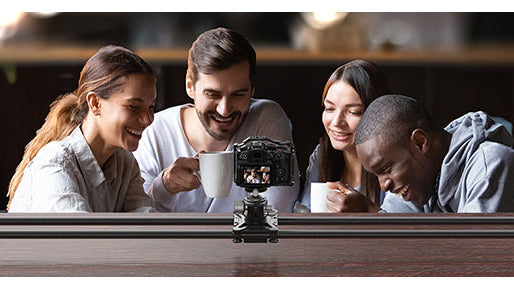
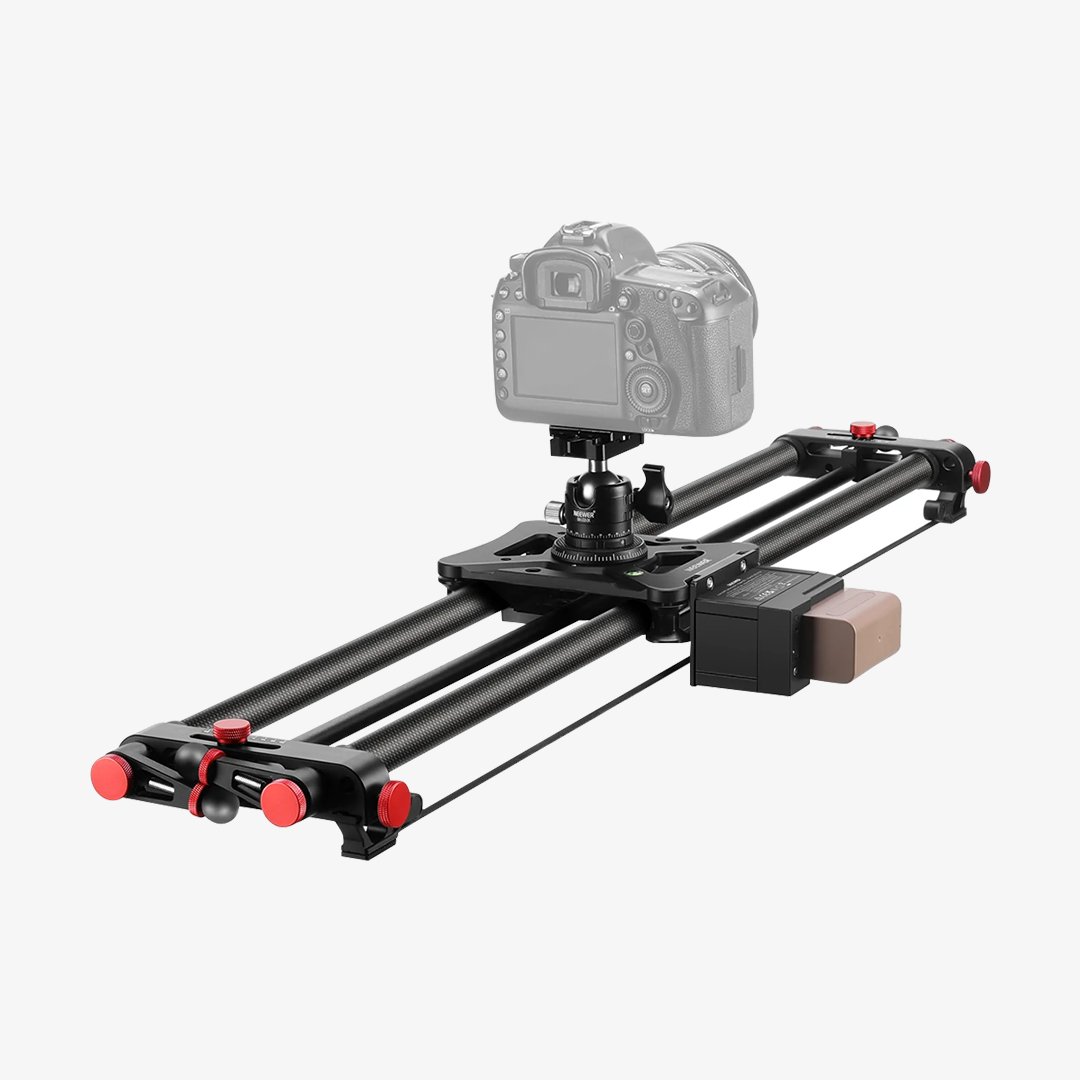
NEEWER offers professional sliders and dollies for cameras and smartphones. Designed to be portable and durable, these sliders and dollies are ideal for both photography and videography. Many models provide precise and smooth camera movements, supporting both electric and manual operation. With a good camera slider or dolly, you can enjoy hands-on control over movement, allowing real-time adjustments for perfect shots.
FAQ
What Is a Camera Slider and What Is It Used For?
A camera slider is a linear rail system that enables smooth, controlled, straight-line camera movements (like tracking, dolly, or side-to-side slider shots). It holds your camera on a sliding carriage to produce polished, cinematic video footage without hand tremors—making it essential for B-roll, product videography, interviews, and real estate tours.
Manual vs. Motorized Camera Sliders: Which Should You Choose?
Manual Sliders: Affordable, lightweight, and fast to set up with adjustable flywheel or belt damping for natural hand control. Ideal for run-and-gun filmmakers and quick video shoots.
Motorized Sliders: Driven by quiet precision motors for uniform speed control, hands-free operation, AB point loop positioning, and automated motion-timelapse shooting. Essential for solo video creators, product ads, and long time-lapses.
Carbon Fiber vs. Aluminum Camera Sliders: What Is the Difference?
Carbon Fiber Rails: Extremely lightweight, highly resistant to temperature-induced warping, and naturally dampens micro-vibrations. Ideal for outdoor filmmakers, travel content creators, and long hiking shoots.
Aluminum Alloy Rails: Heavier and more rigid, providing maximum bending resistance under heavy camera rigs and cinema setups. Best suited for indoor studio production, controlled heavy-duty setups, and budget-conscious buyers.
Camera Slider vs. Gimbal: Which One Is Better for Video?
Camera Slider: Best for controlled, perfectly straight, and repeatable motion shots in studios, tabletop product video, interviews, and precise macro shots.
Gimbal: Best for high-mobility, dynamic 3D movement, walking-and-talking shots, action sports, and run-and-gun shooting in crowded or changing environments.
Can You Mount a Camera Slider on a Tripod?
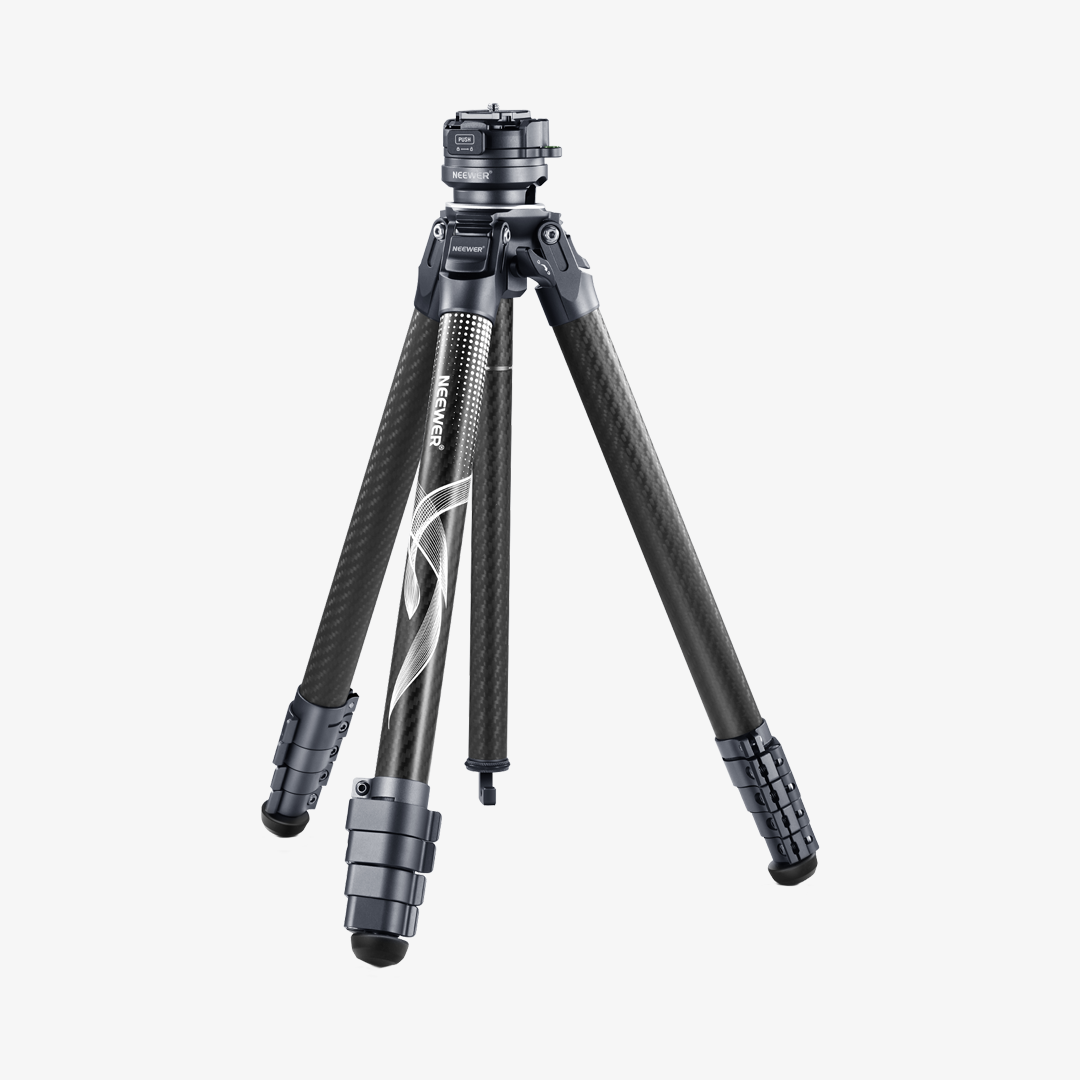
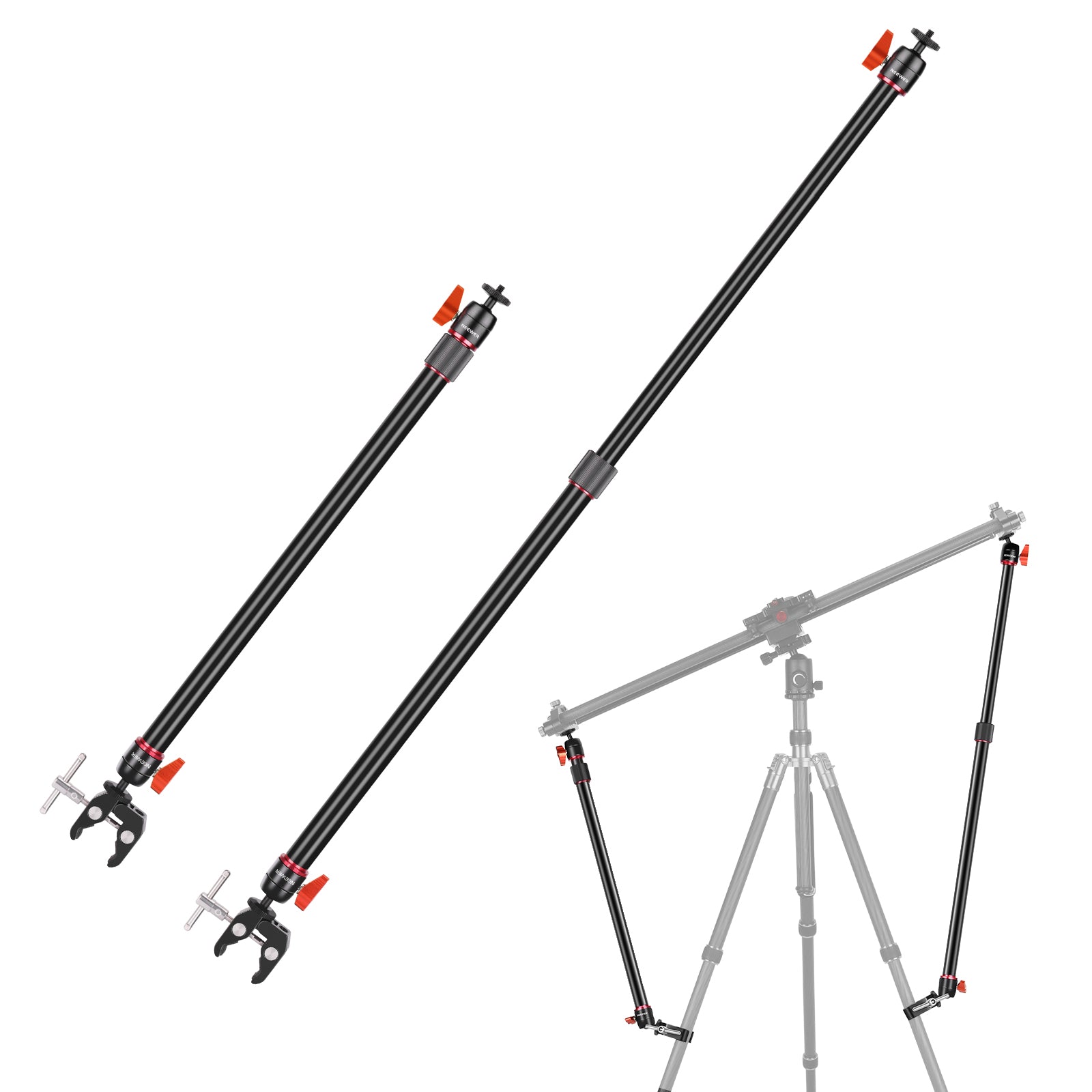
Yes! Sliders feature standard 1/4"-20 and 3/8"-16 screw threads on the bottom. Shorter sliders (under 16–24 inches / 40–60 cm) can be mounted securely on a single sturdy tripod centered beneath the rail. For longer sliders or heavier camera setups, using two tripods—or one tripod supported by dual stability arms—prevents sagging at the extreme ends of the track.
Can a Camera Slider Be Used for Vertical or Incline Shots?
Yes, but it requires appropriate motor strength or counterweights. For motorized sliders, ensure the motor torque is rated for vertical/sloped loads. For manual sliders, you must tilt the tripod setup and maintain firm hand control or use a counterweight system to prevent the camera carriage from rapidly dropping due to gravity.
How Do You Set Up a Camera Slider for Time-Lapse Photography?
Automated motion time-lapses require a motorized slider linked to your camera via a shutter release cable. You program the controller with your desired distance, step interval, and total shot duration. The slider then uses a "move-shoot-move" program, advancing tiny increments between exposures so each frame stays razor-sharp with no motion blur.
What Is a Camera Dolly and How Does It Differ from a Camera Slider?
A camera dolly is a wheeled camera support platform designed to roll smoothly across flat surfaces (like tables, studio floors, or dedicated tracks).
While a slider moves in a straight line along fixed rails, a tabletop dolly uses adjustable wheels to roll in straight lines, smooth curves, or full 360 degree circles around an object, offering far greater directional freedom.
How Do You Set Up a 360 degree Panoramic or Parallax Orbit Shot with a Tabletop Dolly?
Angle the wheels on both sides inward toward your subject at symmetrical degrees using the etched scale markers on the dolly chassis. When pushed or motorized, the dolly will automatically orbit around the center subject in a perfect circle, creating a captivating dynamic product presentation.
How Do You Balance a Heavy Camera Setup on a Small Tabletop Dolly to Prevent Tipping?
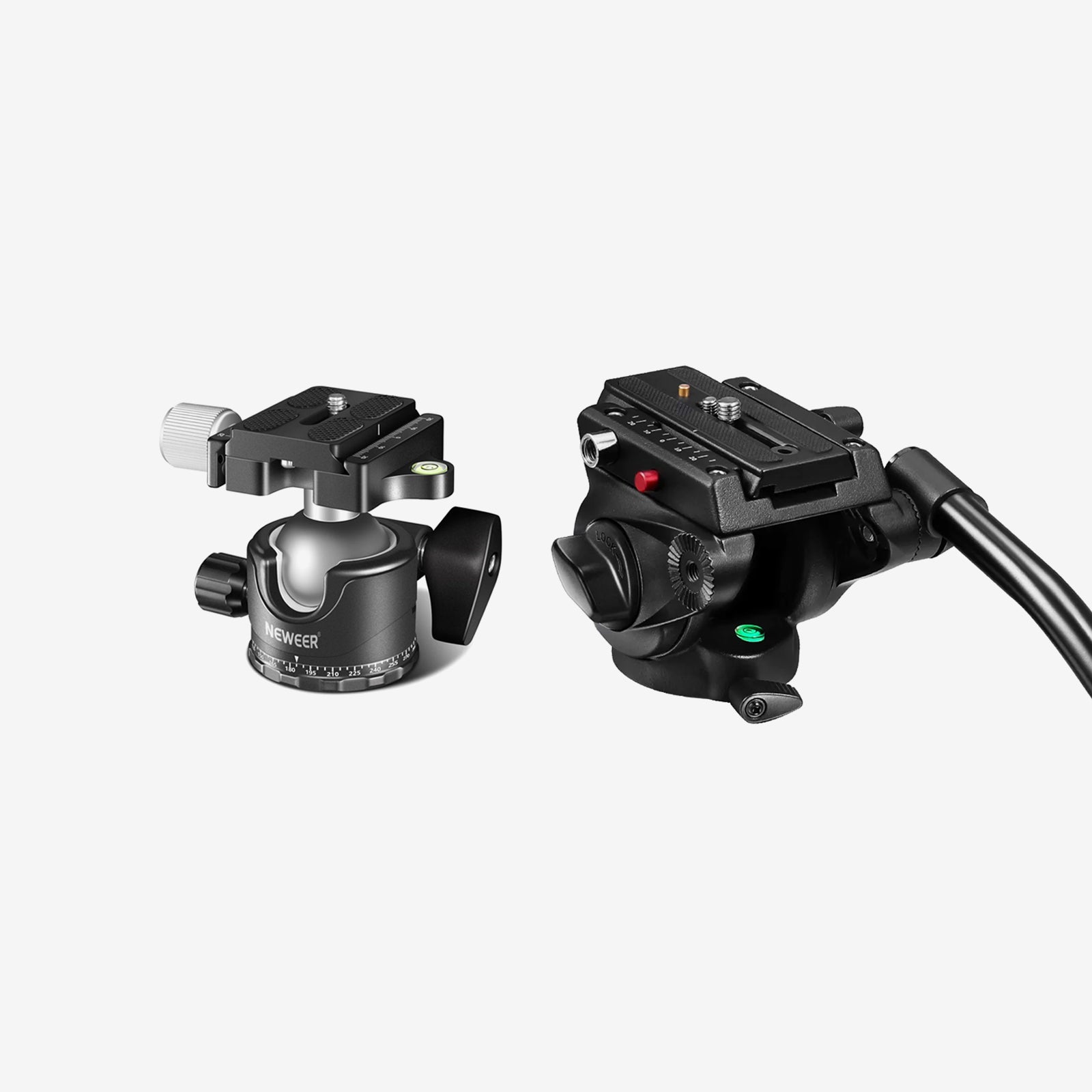
Keep the center of gravity as low as possible by using a compact ball head or mounting the camera directly to the dolly platform when feasible. Avoid using tall, top-heavy tripod heads or oversized telephoto lenses without center support rings, as an off-center balance can cause the dolly's wheels to lift off the surface and ruin the smooth motion.