





Table of Contents
A telephoto lens for iPhone helps you capture distant subjects, from wildlife and architecture to travel details, without moving closer. While some iPhones have a built-in telephoto camera, external lenses offer additional options for long-distance photography.
In this guide, we'll cover how iPhone telephoto lenses work, the differences between built-in and external options, and how to choose and use the right setup.
What Is a Telephoto Lens for iPhone?
A telephoto lens is designed to photograph subjects from farther away by providing a narrower field of view and greater magnification than a standard wide-angle camera. It is useful when you want to fill more of the frame with a distant subject without having to move closer.
On an iPhone, telephoto photography can involve two different setups:
· Built-in telephoto camera: Some iPhone models include a dedicated telephoto camera that provides optical magnification.
· External telephoto lens: An accessory lens attaches to a compatible phone setup to provide additional reach or magnification.
|
Feature |
Built-In Telephoto Camera |
External Telephoto Lens |
|
Setup |
Integrated into the phone |
Requires a compatible mounting setup |
|
Convenience |
Ready to use |
Requires attachment and alignment |
|
Magnification |
Depends on the iPhone model |
Depends on the lens and camera configuration |
|
Compatibility |
Available on selected iPhone models |
Varies by lens, phone, and mounting accessory |
|
Best For |
Everyday shooting and quick camera switching |
Additional reach or a specialized telephoto setup |
A telephoto lens is especially useful when moving closer isn't practical, such as when photographing birds, performers on stage, architectural details, or subjects across a landscape. It can also help create tighter portraits by framing the subject from farther away.
However, greater magnification isn’t the only factor that affects image quality. Lens alignment, lighting, camera stability, and compatibility with your iPhone all play a role in getting a sharp result.
How Does a Telephoto Lens for iPhone Work?
A telephoto lens captures a narrower portion of a scene, making distant subjects appear larger in the frame. The exact result depends on the optical design and the camera system being used.
It’s also important to distinguish optical zoom from digital zoom. Optical magnification uses the lens system to capture the subject, while digital zoom enlarges a portion of the image through cropping and processing. Digital zoom can be convenient, but pushing it too far may reduce detail.
An external telephoto lens can provide another optical option, but it doesn’t guarantee better results in every situation. The improvement depends on the lens design, the phone’s camera, correct alignment, and how much light is available.
Optical Zoom vs. Digital Zoom
With optical zoom, the lens system provides the magnification. A dedicated telephoto camera or a compatible external lens can help capture more detail from a distant subject, provided the optics and shooting conditions are suitable.
Digital zoom works differently. The phone enlarges part of the image captured by its camera. Although modern iPhones use image processing to improve results, heavy digital cropping can still make fine details look softer.
Why Focal Length Matters
Focal length is one way to describe how a lens frames a scene. In general, a longer focal length produces a narrower field of view, making distant subjects appear larger compared with a wider lens.
You may see external phone lenses described using equivalent focal lengths, such as 400mm. These figures help communicate the type of framing a lens is designed to provide, but they should be compared carefully because different products may use different reference points and camera configurations.
For phone photography, the practical question is simple: how much of the scene can you capture, and how much useful detail remains in the final image?
Types of External Telephoto Lenses for iPhone
External telephoto lenses for iPhone generally fall into two categories: independent telephoto lenses and teleconverters. Understanding the difference helps you choose a setup that works with your phone and shooting style.
Independent External Telephoto Lenses
An independent external telephoto lens provides its own optical system and attaches to the phone through a compatible clip, cage, or mounting accessory. It is designed to provide a telephoto view without relying on a built-in 5× telephoto camera as its starting point.

The NEEWER LS-78 400mm Phone Telephoto Lens is one example. It comes with a 17mm threaded lens clip, allowing it to be used with a compatible mounting setup. This type of lens can be useful for photographers who want to experiment with long-distance smartphone photography, from outdoor scenes to distant details.
For best results, the lens needs to align correctly with the phone’s camera. Compatibility and positioning depend on the phone model and mounting configuration, so check the supported setup before shooting.
Pros:
· Provides a dedicated external telephoto optical system
· Offers another option for photographing distant subjects
· Can be used with a compatible 17mm threaded mounting setup
Teleconverters for Built-In Telephoto Cameras
A teleconverter is designed to work with an existing camera lens to increase its effective magnification. For a smartphone, this means the teleconverter must be designed for the phone’s specific built-in telephoto camera rather than simply being attached to any available camera.

The NEEWER LS-89 3X 360mm Teleconverter is designed for compatible phones with a built-in 5× optical telephoto camera. It increases the camera’s magnification to approximately 15× when used as intended. Its design makes it a different option from an independent external telephoto lens.
Compatibility is especially important here. The LS-89 is intended to work with a compatible 5× telephoto camera, not the phone’s main or ultra-wide camera. Correct alignment is essential, and a tripod can help reduce camera shake at high magnification.
Pros:
· Adds 3× magnification to a compatible built-in 5× telephoto camera
· Provides a longer-reach setup for distant subjects
· Can be paired with a tripod for more stable shooting
How to Use an External Telephoto Lens on iPhone
Using an external telephoto lens involves more than attaching it to the phone. Correct alignment, camera selection, and stability all affect the final image.
1. Check Compatibility
Start by checking whether the lens supports your iPhone model and mounting accessory. If you’re using a teleconverter such as the LS-89, confirm that your phone has the compatible built-in 5× optical telephoto camera required by the lens. An independent lens, such as the LS-78, uses a different setup. Follow the product’s mounting instructions and make sure the clip or cage is compatible with your phone.
2. Attach and Align the Lens
Secure the lens according to its instructions, then align it carefully with the intended camera. Poor alignment can cause dark corners, uneven image quality, or a partially obstructed view. If your phone has multiple rear cameras, check which camera is positioned behind the external lens. Don’t assume that every external lens works with whichever camera the phone selects automatically.
3. Select the Correct Camera
Open your camera app and check the live preview. Make sure the image is coming through the intended camera and that the lens is properly aligned. On phones with multiple cameras, the camera app may switch lenses automatically depending on lighting, focus distance, or other conditions. If the image looks unusually dark, blurry, or vignetted, check the camera selection and lens position before continuing.
4. Stabilize Your Phone
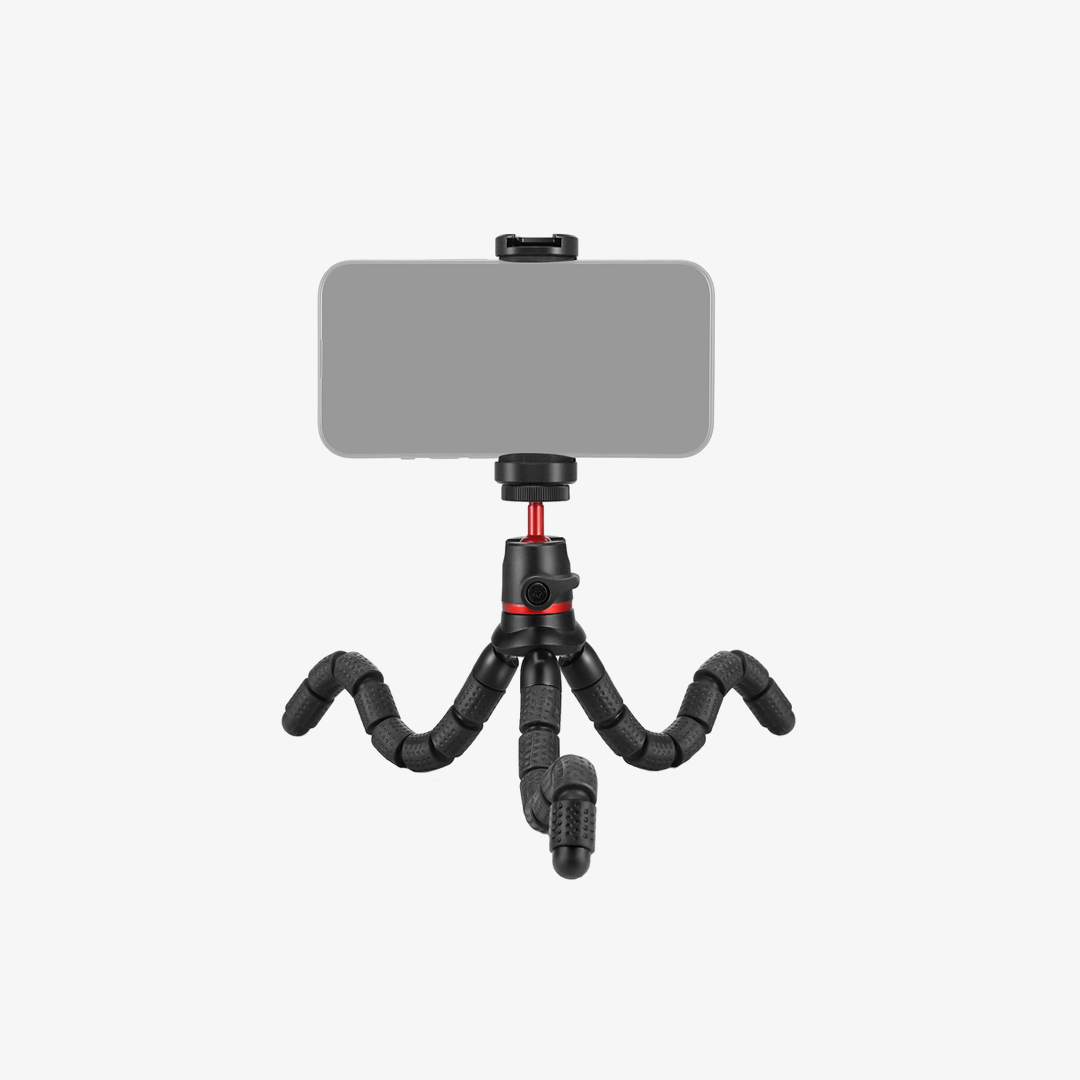
Longer focal lengths and higher magnification make small movements more noticeable. Even slight hand movement can cause blur, particularly when photographing distant subjects. Use both hands to support the phone, brace yourself against a stable surface, or mount the setup on a tripod when possible. A short timer or remote shutter can also help reduce movement when taking photos.
5. Review Your Results
Take a test shot and zoom in on the image to check sharpness. Look for blurred details, dark corners, reflections, or uneven focus. If the result isn’t clear, adjust the alignment, improve the lighting, or stabilize the phone before taking more photos. A few quick checks can make a significant difference when shooting at high magnification.

What Can You Photograph With a Telephoto Lens for iPhone?
A telephoto lens can be useful in a range of situations where you want to frame a distant subject more tightly. The best results depend on the available light, the lens setup, and how steady you can keep the phone.
Wildlife and Birds
Wildlife photography often requires distance. Getting too close may disturb an animal or simply be impossible, so a telephoto setup can help bring birds and other distant subjects into the frame. For the sharpest results, use a stable shooting position and pay attention to shutter speed. Animals can move quickly, so magnification alone won’t guarantee a sharp image.
Travel and Landscape Photography
When traveling, a telephoto lens can help isolate a building, mountain peak, landmark, or other detail within a larger scene. It can also create a tighter composition without requiring you to move closer. Try using it to simplify busy backgrounds and draw attention to a specific part of the landscape.
Portraits
Telephoto framing can be useful for portraits because it lets you photograph a person from farther away while keeping the composition relatively tight. Depending on the lens and camera position, this can produce a different perspective from a close wide-angle selfie. Pay attention to the distance between you and your subject, as well as the background. These factors influence the overall look of the portrait.
Sports and Live Events
When you’re photographing a performance, sporting event, or public gathering, moving closer may not be possible. A telephoto lens can help frame the action from your current position. Because subjects may move quickly, use a stable grip and check focus before capturing the moment. High magnification makes camera shake more noticeable, so a tripod or other support can be helpful when practical.
Architecture and Distant Details
Telephoto lenses can also help isolate architectural features, signs, textures, and other details that are difficult to capture clearly from a distance. This can be useful when photographing buildings from across a street or capturing details without including too much of the surrounding scene.
FAQs
1. Is an external telephoto lens better than iPhone digital zoom?
An external optical lens can provide a useful alternative to heavy digital cropping, but the results depend on the lens, phone camera, lighting, and alignment. It’s worth testing the setup with your specific iPhone rather than assuming that every external lens will improve every shot.
2. What is the difference between a telephoto lens and a teleconverter?
An independent telephoto lens provides its own optical system for capturing a narrower view. A teleconverter is designed to work with an existing lens to increase its effective magnification. For smartphones, a teleconverter may require a specific built-in telephoto camera.
3. Can I use an external telephoto lens with any iPhone?
No. Compatibility depends on the lens design, iPhone model, camera position, and mounting accessory. Some teleconverters require a phone with a particular built-in optical telephoto camera, so check the manufacturer’s compatibility information before purchasing.
4. Do I need a tripod for an iPhone telephoto lens?
A tripod isn’t always necessary, but it can help reduce camera shake, especially at high magnification or in low light. For moving subjects, a stable handheld technique and an appropriate shutter speed may be more practical.
5. Why do my photos look blurry with an external telephoto lens?
Common causes include camera shake, incorrect alignment, poor lighting, or the phone using a different camera than the lens was designed for. Check compatibility and alignment first, then stabilize your phone and take another test shot.







