

Table of Contents
If your talking-head footage looks flat or you blend into the background, the fix is almost always the lighting setup structure - not camera settings. For most creators in a small room, a 3-point layout gives you the most control: key at 45° to shape your face, fill opposite to open shadows, rim behind you for subject separation. If you're working with just two lights, a key-plus-accent setup covers the two critical layers - facial shaping and background depth - with less clutter. Choose the 3-point when you have a dedicated space and three stands. Choose a 2-light setup when your room is tight and you need to move fast.
Quick answer — match your situation to the right setup and gear:
|
Your situation |
Best approach |
Key light |
Fill / accent / rim |
|
Small room, 1–2 lights |
2-light key + accent |
NEEWER HS60C (accent / rim) |
|
|
Dedicated space, 3 stands |
3-point |
NEEWER MS150C |
Reflector (fill) + |
|
Large room or wide frame |
3-point |
NEEWER MS150C |
|
|
Two MS150Cs, |
3-point or |
NEEWER MS150C |
Second MS150C at lower power |
Classic 3-Point Talking-Head Layout (key / fill / back)
Each light has a distinct job: the key light shapes your face, the fill controls shadow depth, and the rim separates you from the background. Get the angles and brightness ratios right, and you’ll have footage that reads as three-dimensional without a complex rig.

Step 1 — Key Light: Shape Your Face First
Place your key light at 45° to one side of the camera, just above eye level, and angle it slightly down toward your face.
Position it 2–4 ft (0.6–1.2 m) away with a softbox or diffusion panel attached. A bare COB at close range is too contrasty for most talking-head work. Lock your exposure here before adjusting anything else in the setup.
Step 2 — Fill Light: Open Up Your Shadows
Place the fill on the opposite side of the key at 60–90° off the camera axis, set to 40–60% of key output.
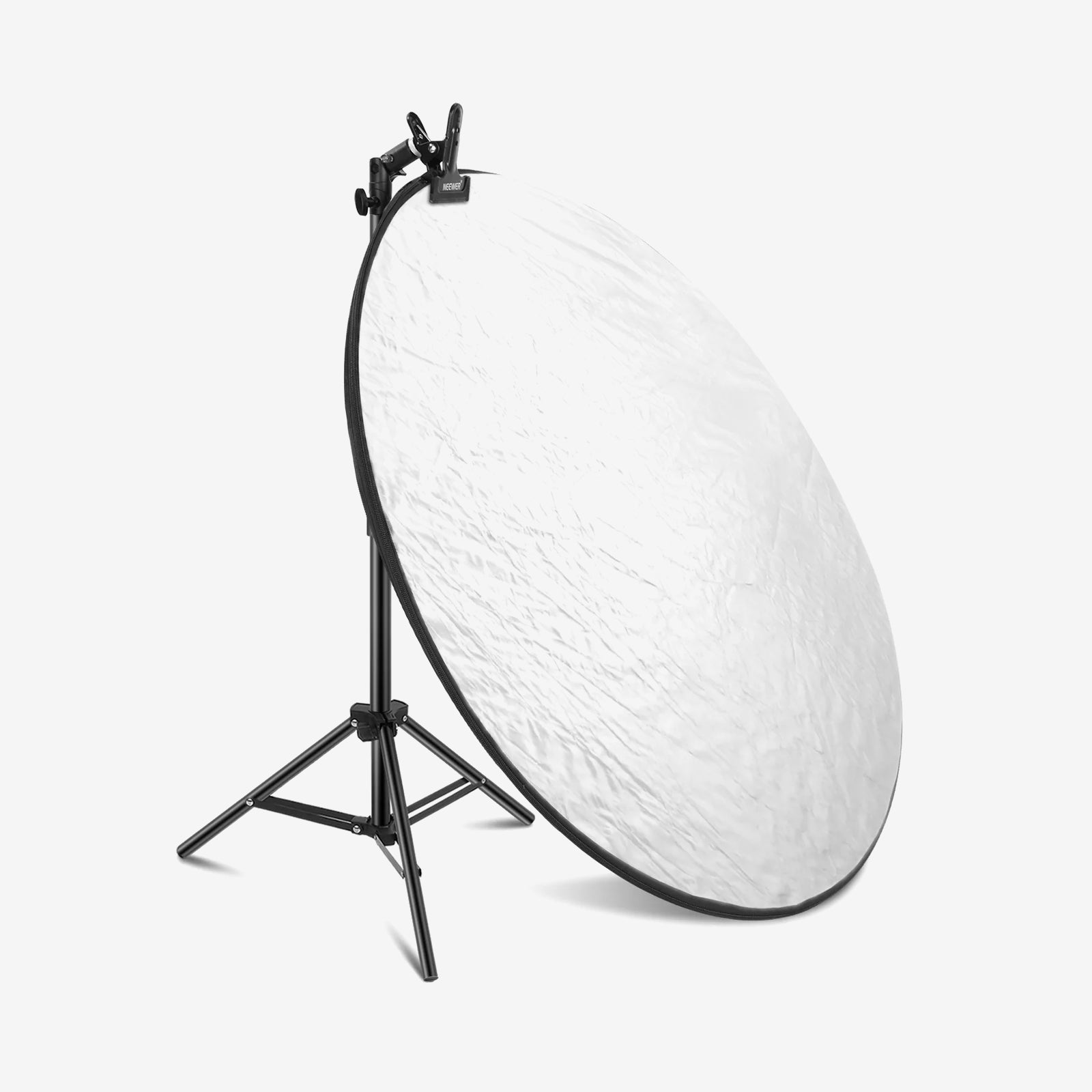
The fill reduces shadow depth on your face — it’s not a second key. Pull it slightly farther from you than the key and dial to about half power for natural falloff. No second stand? A white reflector panel placed at 60–90° gets the job done without requiring another light.
Step 3 — Rim / Back Light: Pop Off the Background
Place a rim light 135–160° behind you at the shoulder line, set to 20–40% of key output.
The rim traces the edge of your shoulder and hair with a thin highlight that lifts you off the background. If it’s brighter than the key, it becomes a distraction rather than a separator. Add a snoot or barn doors if the bare beam causes lens flare.
3-Point Placement & Power Reference
|
Light role |
Angle |
Distance from subject |
Power |
Modifier |
|
Key |
45° front-side |
2–4 ft / 0.6–1.2 m |
100% (reference) |
Softbox or |
|
Fill |
Opposite side, |
3–6 ft / 0.9–1.8 m |
40–60% |
Reflector or |
|
Rim / back |
135–160° rear-side |
3–5 ft / 0.9–1.5 m |
20–40% |
Bare light, |
Working in a tight room? Use a reflector on a clamp arm for fill, and a compact low stand behind you for the rim.
To get the most out of your key light, add a Bowens-mount softbox - bare COB output is too contrasty for flattering skin tones at portrait distances.
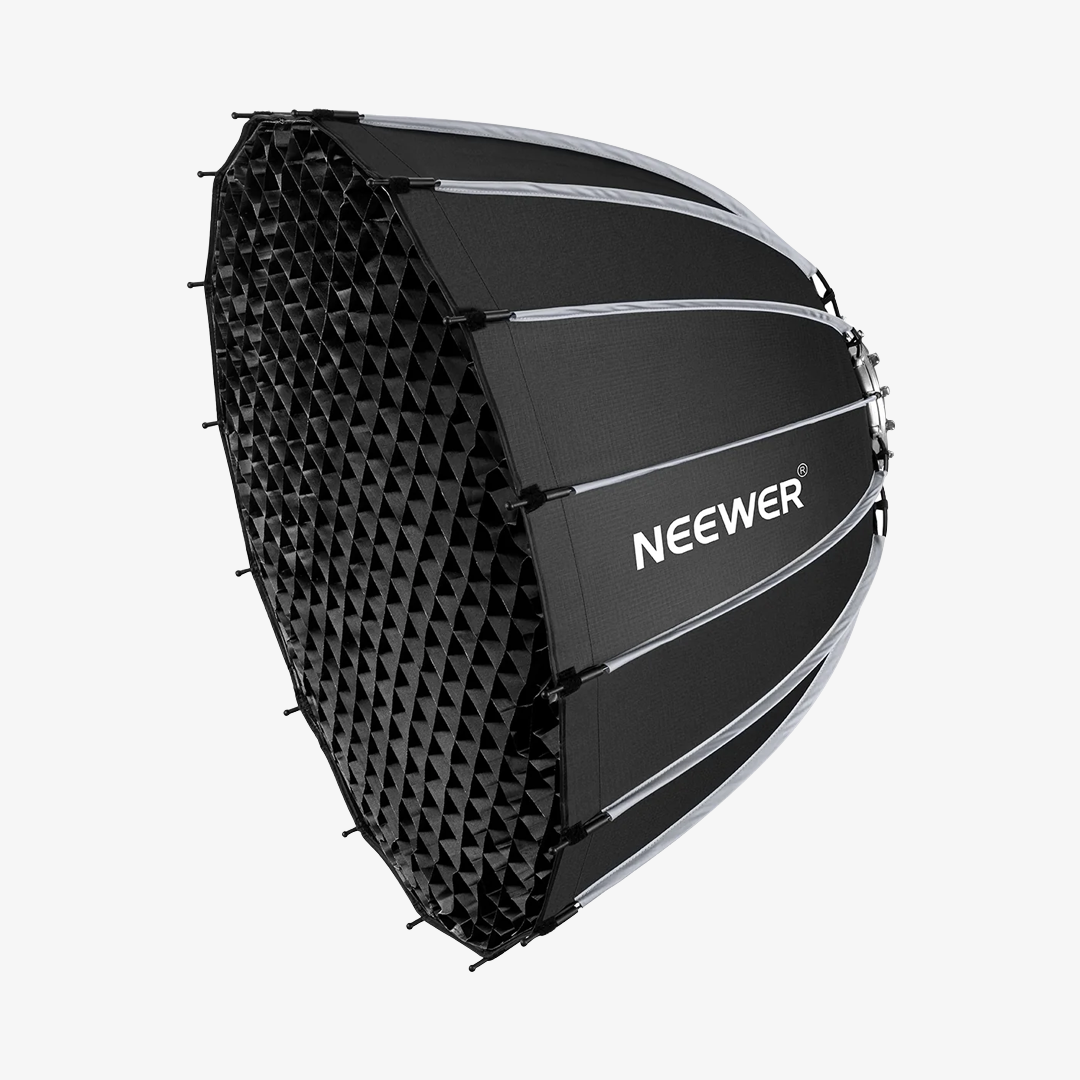
NEEWER NS55P Parabolic Softbox - 21.7" × 16.1" / 55 x 41cm Bowens-mount softbox with dual diffusion layers and a honeycomb grid. Sized right for the MS150C at a 2–4 ft portrait distance; folds flat in seconds.
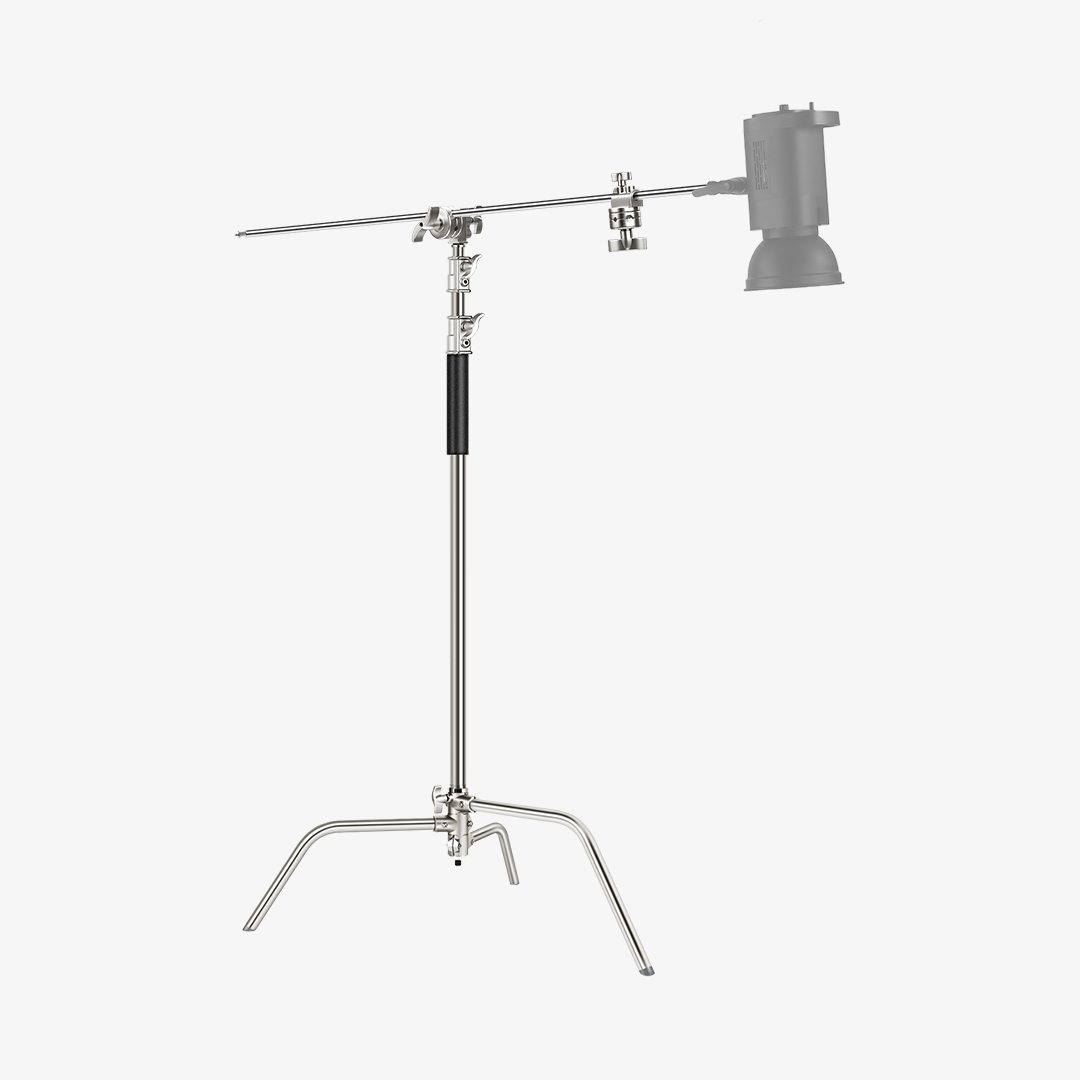
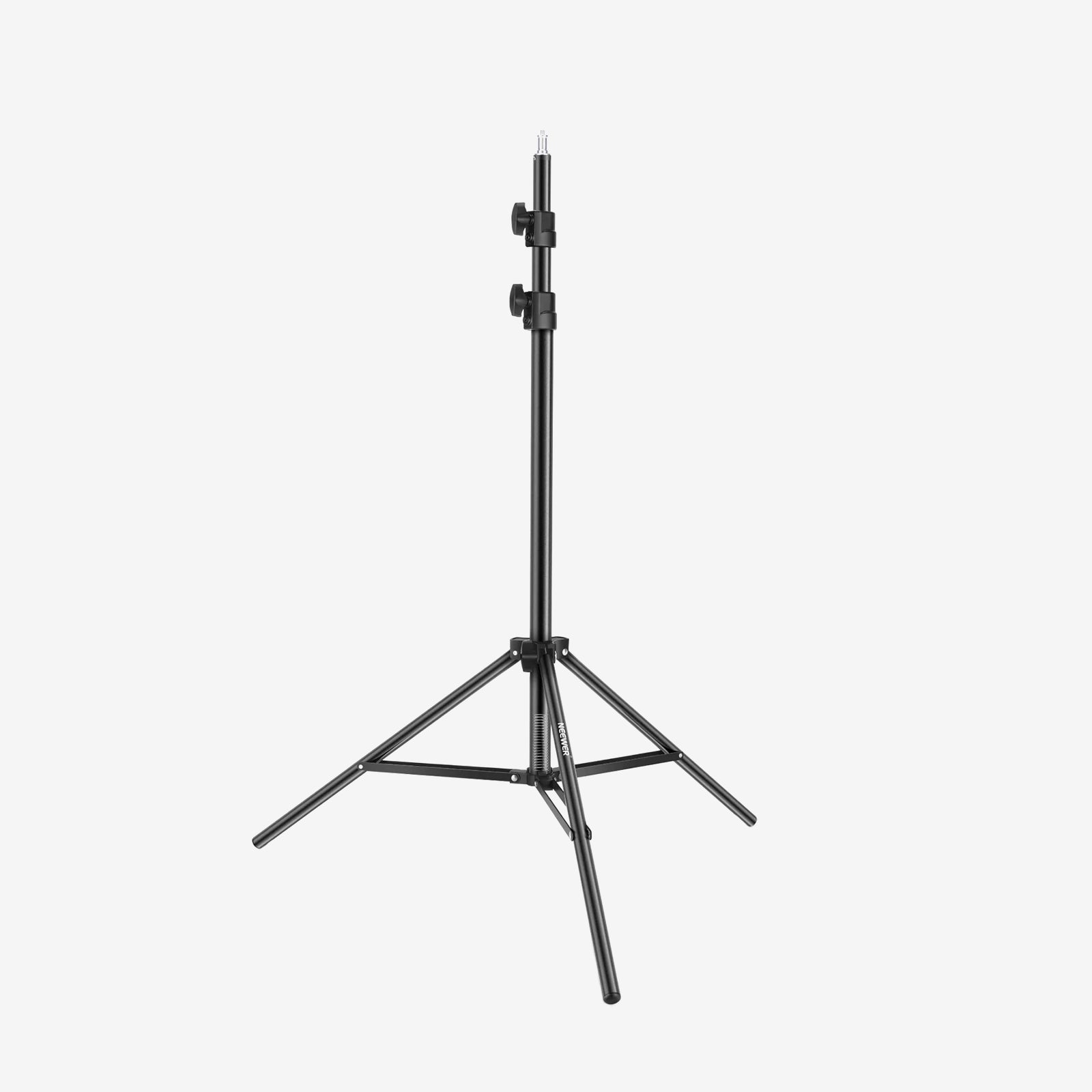
NEEWER ST-300AC Light Stand - 3.5'–9.8' all-metal air-cushioned stand with 11 lb / 5kg load capacity. Handles the MS150C + softbox combination without wobble.
2-Light Key + Accent Alternative
Two lights can look just as intentional as three if each has a clear role and the brightness ratio is right. The 2-light approach trades dedicated shadow control for background depth — making it quicker to dial in and ideal for tight spaces.
Key Light: NEEWER MS150C + Diffusion
Place the MS150C at 45° front-side, just above eye level, 2–4 ft from your face, with a softbox or diffusion panel attached.
- Position: 45° to one side, slightly above eye level
- Distance: 2–4 ft from your face
- CCT starting point: 4300K–5600K — match your room ambient
- Modifier: softbox or diffusion panel; bare COB is too punchy for flattering skin tones
Accent / Rim Light: NEEWER HS60C
Place the HS60C behind you and pick one of two placements:
- Wall wash: aim it at the back wall to create a soft color gradient behind you
- Rim edge: point it at your rear shoulder line for subject separation without coloring the background
Start at 10–20% of your key's output. If the color bleeds into your skin tone, pull the HS60C farther behind you and drop saturation before touching brightness.
Brightness starting ratio:
|
Layer |
Starting output |
|
Key (MS150C) |
100% (reference) |
|
Accent / rim (HS60C) |
10–20% of key |
|
Accent / rim (second MS150C) |
15–30% of key |
3-Point vs 2-Light: Full Comparison
Which setup fits your room, lights, and time to dial in.
|
|
3-Point setup |
2-Light key + accent |
|
Face shadow control |
Full — key, fill, and rim each dialed independently |
Partial — key distance and |
|
Background / depth |
Rim separates the subject; background lit or unlit separately |
Accent handles |
|
Lights needed |
3 (+ stands and modifiers for each) |
2 |
|
Room requirement |
Enough floor space for three stands |
Works in tight desk studios and small rooms |
|
Setup time |
Longer — three positions to balance |
Faster — two lights, one ratio to set |
|
Recommended key |
MS150C (small room) / CB300C (large room) |
MS150C |
|
Recommended fill |
Reflector or lower-power COB at 40–60% key |
— (not used) |
|
Recommended rim / accent |
HS60C or second COB at rear-side |
HS60C (compact) or |
|
Best for |
Dedicated studio, |
Solo creators, |
NEEWER Lights for Talking-Head Setups
a. NEEWER MS150C: Best RGBWW COB Key Light for Talking-Head Videos
Serving as the anchor light in both setups, this 150W RGBWW COB features a Bowens mount and packs enough output to push through softbox diffusion at standard portrait distances.

The Breakdown
The NEEWER MS150C puts out 16,600 lux at 1 m — sufficient for clean exposure through standard softbox diffusion at a 2–4 ft working distance. Bowens mount, 2700K–6500K CCT range, and App + 2.4G wireless control.
|
Spec |
Detail |
|
Light type |
COB (RGBWW) |
|
Max power |
150W |
|
Max illuminance |
16,600 lux @ 1 m |
|
Color temperature |
2700K–6500K |
|
Color modes |
CCT, HSI, RGBCW, FX (17 scenes) |
|
CRI / TLCI |
97+ / 98+ |
|
Dimming |
1%–100% |
|
Modifier mount |
Bowens (adapter included) + umbrella hole |
|
Control |
Onboard; |
|
Power source |
AC corded; |
|
Dimensions |
7.7″ × 3.7″ × 3.6″ / 19.5 × 9.5 × 9.2 cm |
|
Weight |
2.3 lb / 1,041 g |
Pros
- 150W holds usable exposure through softbox diffusion at typical talking-head distances
- RGBWW system lets the same fixture serve as white key or RGB accent without swapping lights
- Bowens mount, App multi-light grouping, and compact COB body suit a fixed small-studio workflow
Cons
- Heavier than the HS60C and requires AC power out of the box (V-mount batteries sold separately)
Best for: Solo creators who want one dependable key light that can also pull accent duty in a small fixed studio.
b. NEEWER HS60C: Best Compact RGBWW Accent and Rim Light for Small Studios
The right-sized accent for the 2-light setup and the rim slot in a 3-point rig — 60W RGBWW, small enough to place behind you without crowding the frame.

The Breakdown
The NEEWER HS60C is a 60W RGBWW COB with a compact body that’s easy to clamp or perch on a low stand. At 10–30% of a 150W key, 60W is right-sized for wall-wash glow and rear-shoulder separation. Runs the same App and 2.4G workflow as the MS150C.
|
Spec |
Detail |
|
Light type |
COB (RGBWW) |
|
Max power |
60W |
|
Max illuminance |
2,400 lux @ 1 m |
|
Color temperature |
2700K–6500K |
|
Color modes |
CCT, HSI, XY, RGBCW, FX (18 scenes) |
|
CRI / TLCI |
97+ / — |
|
Dimming |
0%–100% |
|
Modifier mount |
Mixing chamber + reflector (included); |
|
Control |
Onboard; |
|
Power source |
DC 20V/3.25A + Type-C PD (10–65W); |
|
Dimensions |
3.7″ × 2.7″ × 2.7″ / 9.5 × 6.8 × 6.8 cm |
|
Weight |
0.7 lb / 315 g |
Pros
- Small body tucks behind a subject in tight rooms without intruding into the frame
- 60W well-matched to accent and rim roles at 10–30% of a 150W key
- Lightweight enough to clamp to a shelf, pole, or crossbar without needing a dedicated light stand
Cons
- Not enough headroom to key-light through a large softbox at portrait distances
- Won’t compete with a 150W key if placed at the front of a 3-point rig
Best for: Creators pairing with the MS150C who need a compact, reposition-friendly accent and rim light for a small desk studio.
c. NEEWER CB300C: Best High-Output Key Light for Larger Rooms and Wider Frames
When 150W isn’t enough to push through a large modifier or hold exposure at greater distances, the CB300C is the next step up.

The Breakdown
The NEEWER CB300C is a 300W RGBWW COB for setups where the key has to work harder — larger softboxes, longer throws, or wider frames. At 29,600 lux at 1 m with a reflector, it has strong headroom after diffusion loss. Extended CCT range of 2500K–7500K handles a wider variety of ambient sources.
|
Spec |
Detail |
|
Light type |
COB (RGBWW) |
|
Max power |
300W |
|
Max illuminance |
13,700 lux @ 1 m (no reflector); |
|
Color temperature |
2500K–7500K |
|
Color modes |
HSI, RGBCW, GEL (RESCO 20 + LEE 20 colors), FX (17 scenes); |
|
CRI / TLCI |
97+ / 97+ |
|
Dimming |
0%–100% |
|
Modifier mount |
Bowens mount + umbrella holder (included) |
|
Control |
Onboard; |
|
Power source |
AC 100–240V, 50/60Hz |
|
Dimensions |
15.2″ × 8.3″ × 7.9″ / 38.5 × 21 × 20 cm |
|
Weight |
6.5 lb / 2950 g |
Pros
- 300W holds exposure through large-format softboxes and at longer working distances
- Same App ecosystem as the MS150C — same workflow, higher output ceiling
- 2500K low-end CCT matches very warm ambient environments
Cons
- Heavy, fixed-setup build — not suited for portable or travel rigs
Best for: Teams or solo creators in larger rooms who need a key light that won't run out of headroom with big modifiers or at longer distances.
Image placeholder: NEEWER CB300C on a heavy-duty stand paired with a large softbox as the key light. Alt: NEEWER CB300C 300W RGBWW COB key light for large-room talking-head and interview setups.
Both the MS150C and CB300C use a standard Bowens mount — so any Bowens softbox drops straight in when you’re ready to shape your light.
NEEWER NS93P Rectangular Softbox — 35.4" × 23.6" × 17.5" / 90 × 60 × 44.5 cm Bowens-mount softbox with dual diffusion panels and a honeycomb grid. Rectangular shape delivers even, window-style coverage — a better fit for portrait and talking-head work than a round parabolic. Compatible with both the MS150C and CB300C.
FAQs
What’s the difference between a fill light and a back light in a talking-head setup?
The fill sits opposite the key at 60–90° — its job is controlling shadow depth on your face. The rim goes behind you at 135–160° — its job is to separate your shoulder and hair from the background. The fill handles shadow depth. The rim handles subject separation. Getting them mixed up is one of the most common reasons a 3-point setup doesn't look like one.
Where exactly do I put the fill light?
Opposite the key, at 60–90° off the camera axis, set to 40–60% of key brightness. Too close or too bright, and the shadow disappears — your face looks as flat as a ring-light shot. No second stand? A white reflector panel at the same position provides passive fill without a second head.
How far behind me should the rim light be?
3–5 ft (0.9–1.5 m) behind and to one side, aimed at your shoulder and hair line at 135–160° off the camera axis. Set it to 20–40% of the key output. Add a snoot or barn door if the bare beam is hitting the lens.
Do I really need 3 lights, or will 2 do the job?
Honestly, two lights can look just as polished. A dialed-in MS150C + HS60C rig will look cleaner than a poorly balanced 3-point setup. Add the third light when you specifically want to control the fill-to-key ratio — not just because more lights sound better.
What is rim lighting, and why does it matter for talking-head videos?
A light behind you that traces the edge of your shoulder and hair with a thin highlight, separating you from the background. Set it at 20–40% of key power aimed at the shoulder line. Without it, even well-exposed footage can look flat — like you’re pasted onto the background rather than standing in front of it.
Final takeaway
Start with a key and an accent, dial in the ratio, then add a fill when you specifically need shadow control.
For most small-room setups, the MS150C is the key, and the HS60C as the accent that covers the two critical layers without three stands or a large room. When you're ready for the step up, the CB300C gives you the output headroom for larger modifiers and wider frames. Browse talking-head lighting setups for the full range.