





GoPro Lens Filters


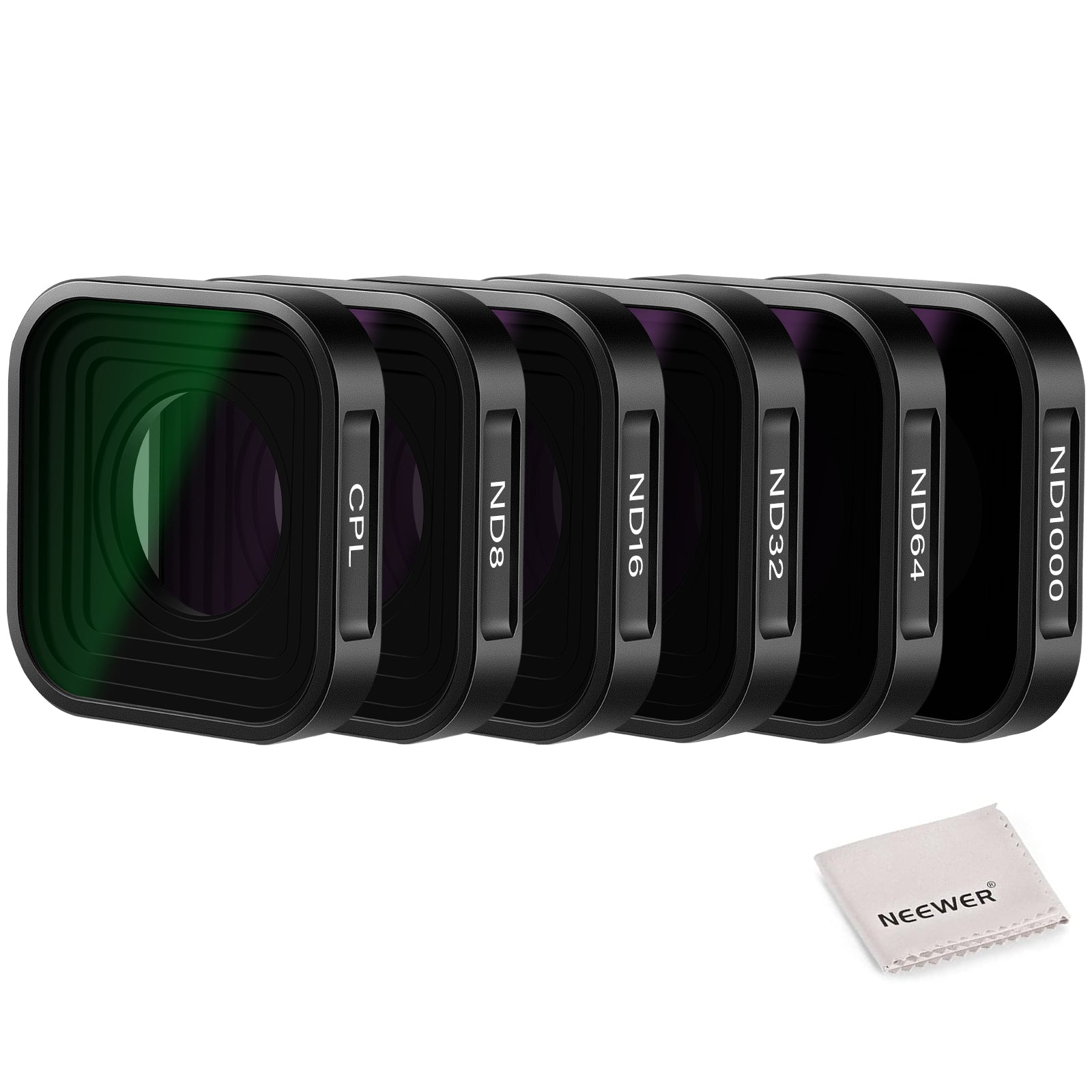
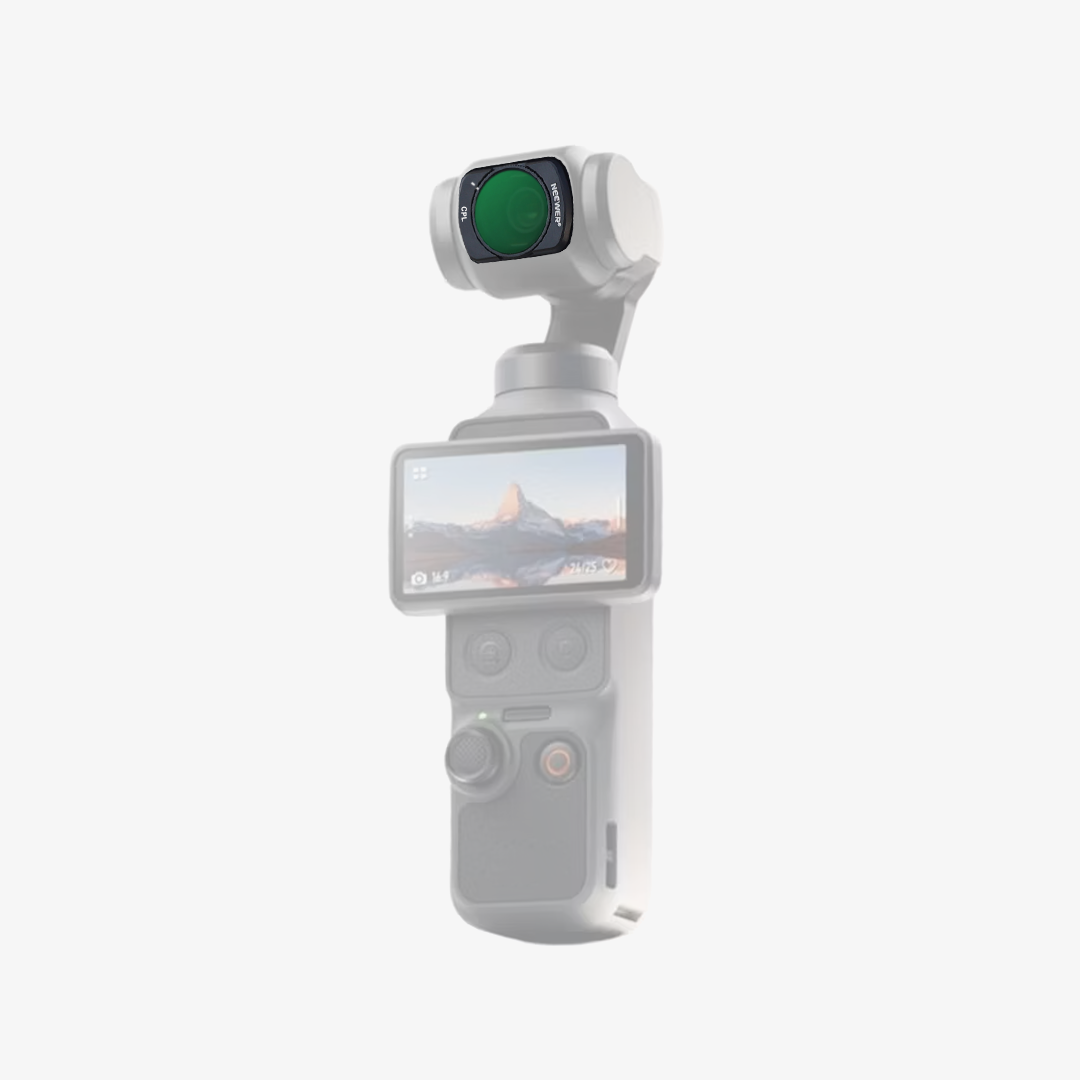
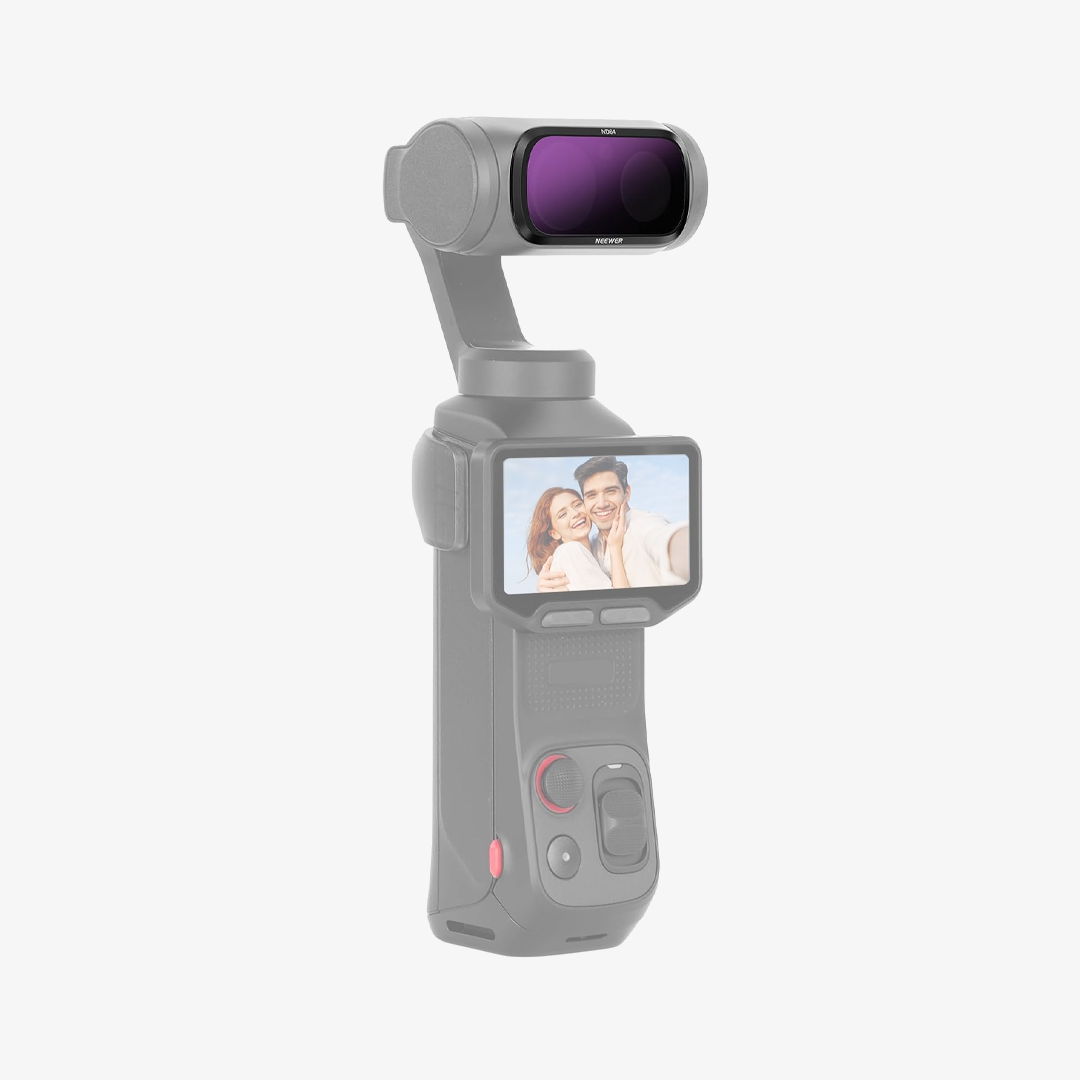
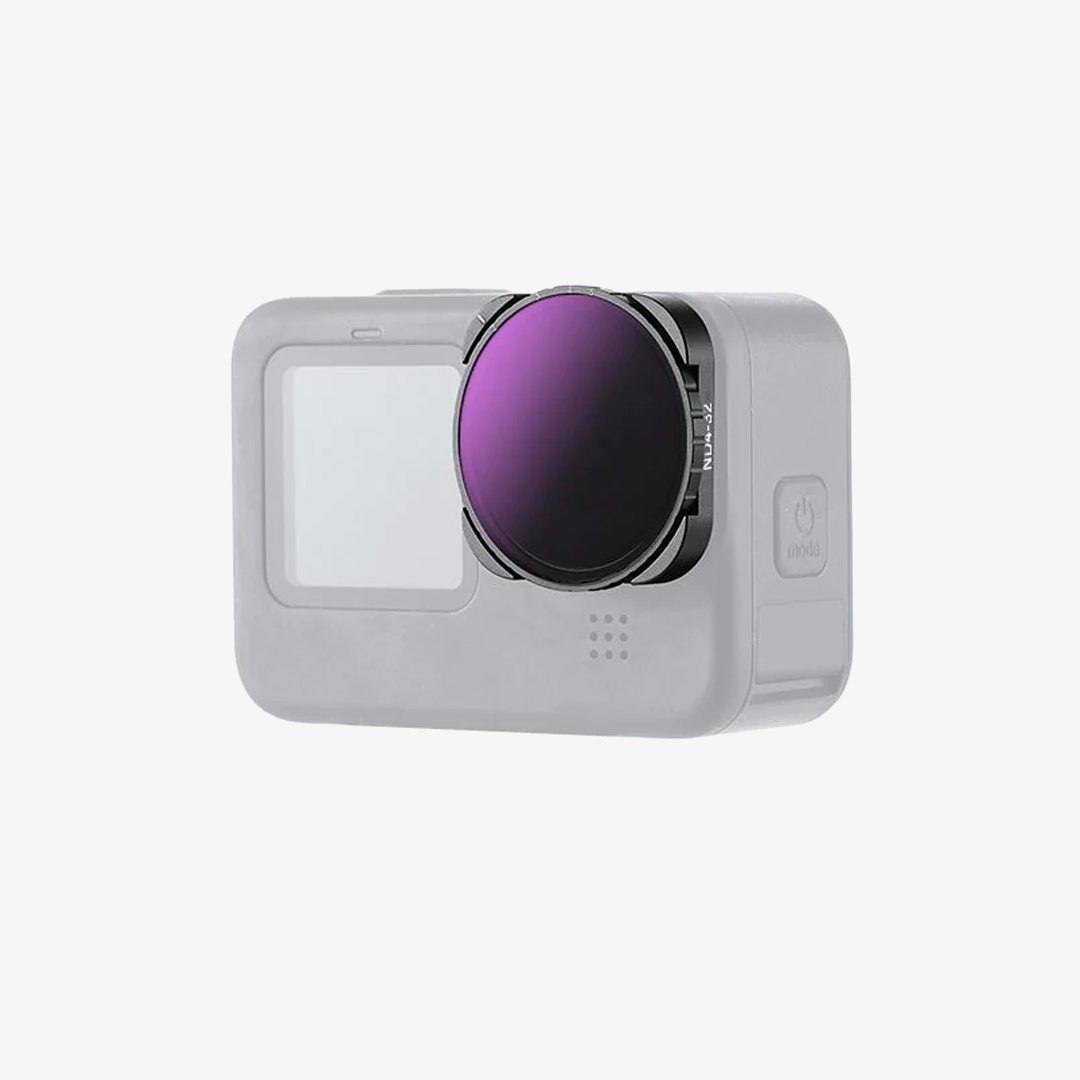
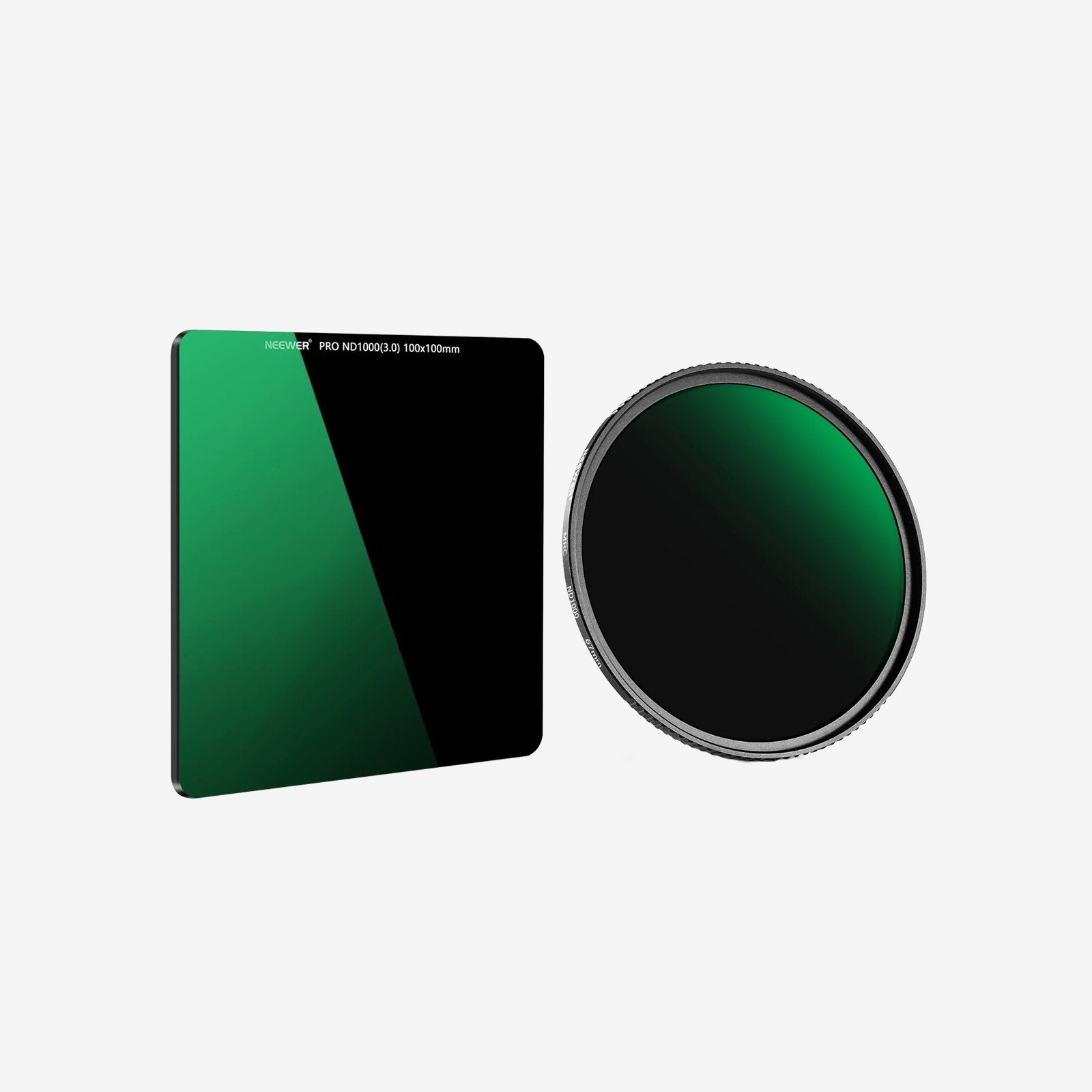
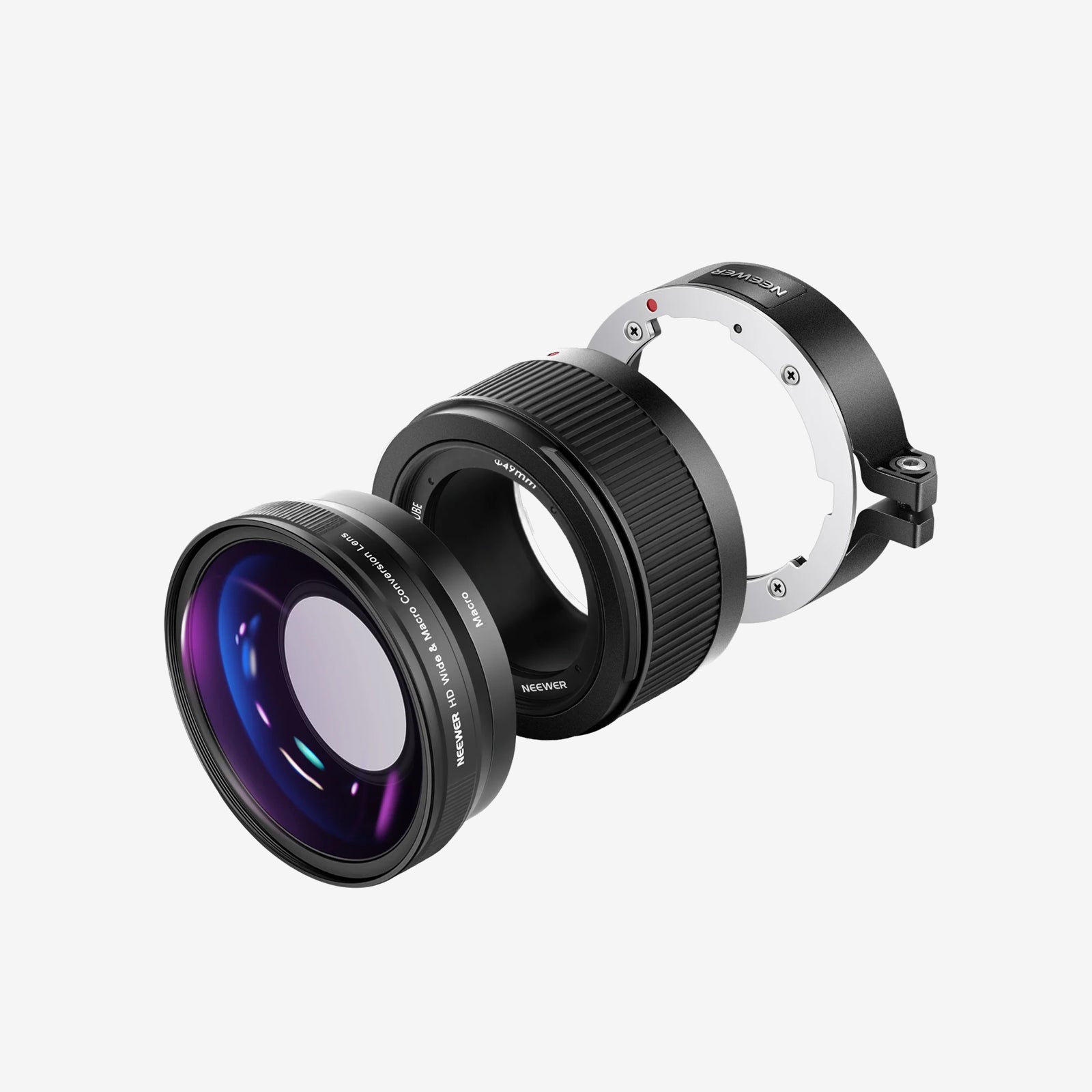
NEEWER offers GoPro filters designed to help you easily manage various outdoor lighting conditions. Our collection includes GoPro ND filters, GoPro CPL filters, anamorphic lenses, macro lenses, and more. These GoPro filters quickly thread onto the camera and stay firmly in place during any sports activity, whether it is surfing, hiking, mountain climbing, or biking.
FAQ
What Are GoPro Lens Filters Used For?
GoPro lens filters attach to your GoPro lens to manage exposure, reduce glare, and restore color balance. They help you achieve smooth cinematic motion blur in bright daylight or correct heavy color casts when filming underwater or in snow.
ND vs. Underwater Dive Filters: What's the Difference?
ND (Neutral Density) Filters: Block excess sunlight so you can slow down your GoPro's shutter speed, creating natural, smooth motion blur for high-speed sports like cycling or skiing.
Underwater Color Filters: Use tinted glass (red, magenta, or snorkel yellow) to counteract color loss caused by water, restoring vibrant greens, blues, and skin tones in underwater video.
Which Underwater Filter Color Should You Use?
Select the filter tint based on your diving depth and water type:
-Red Filter: Best for tropical blue water (depths of 15 to 75 feet).
-Magenta Filter: Best for green freshwater or algae-heavy lakes (depths of 15 to 75 feet).
-Snorkel Filter: Best for shallow blue water or snorkeling (depths under 15 feet).
Twist-On vs. Slip-On Filters: Which Is Better?
Twist-On/Thread-On Filters: Replace the removable original GoPro lens cover directly on the camera body. They maintain a tight seal, offering the highest optical clarity and ruggedness for land sports.
Slip-On/Press-On Filters: Push directly over the outer glass of a GoPro waterproof dive housing. They allow quick filter swaps underwater without opening your camera's sealed housing.
Do Lens Filters Interfere with GoPro HyperSmooth?
No. GoPro's electronic stabilization works seamlessly with filters. However, when using dark ND filters (ND32 or ND64) in lower light, ensure your shutter speed doesn't drop too low, as a slow shutter speed combined with rapid movement can cause mild motion blur artifacts in HyperSmooth footage.






