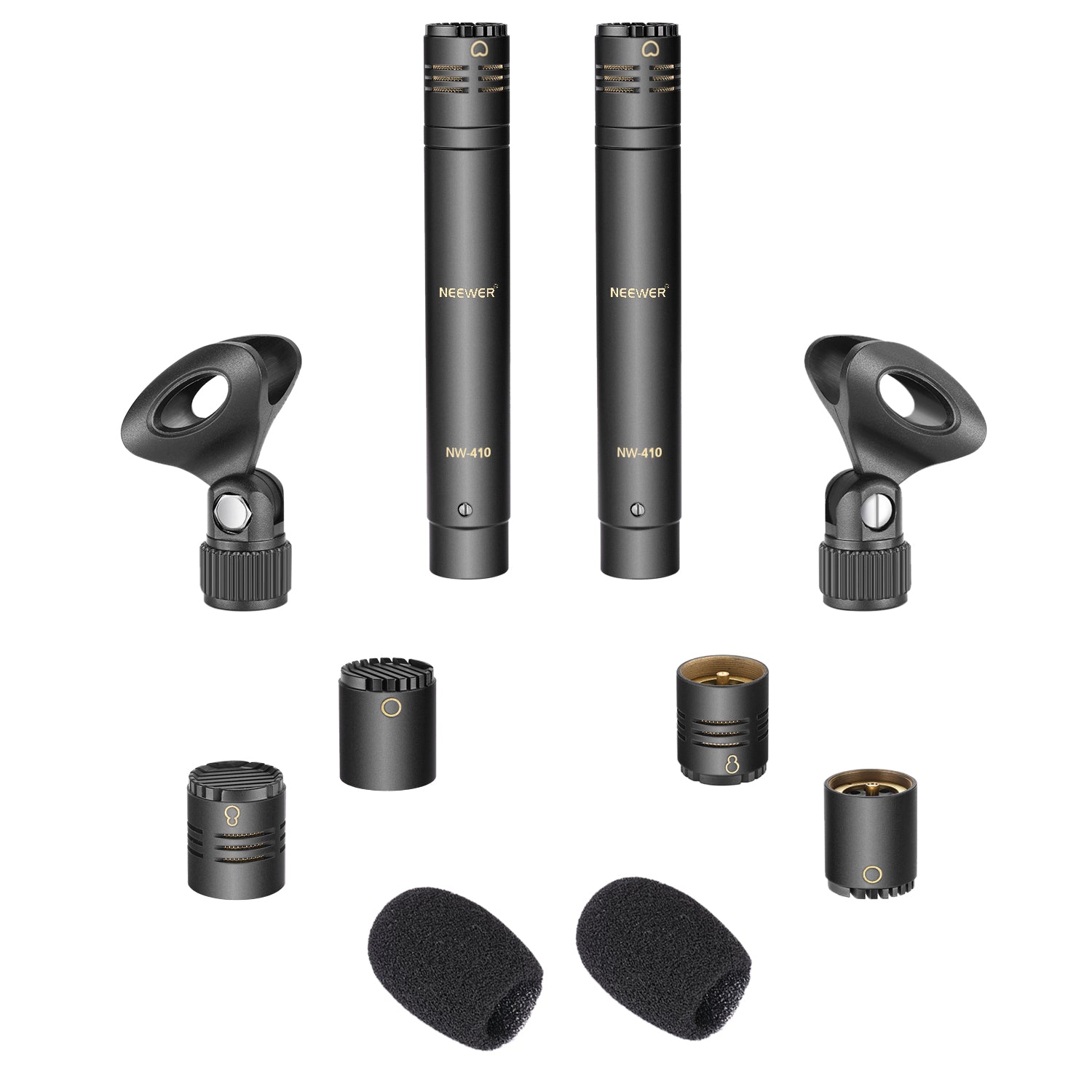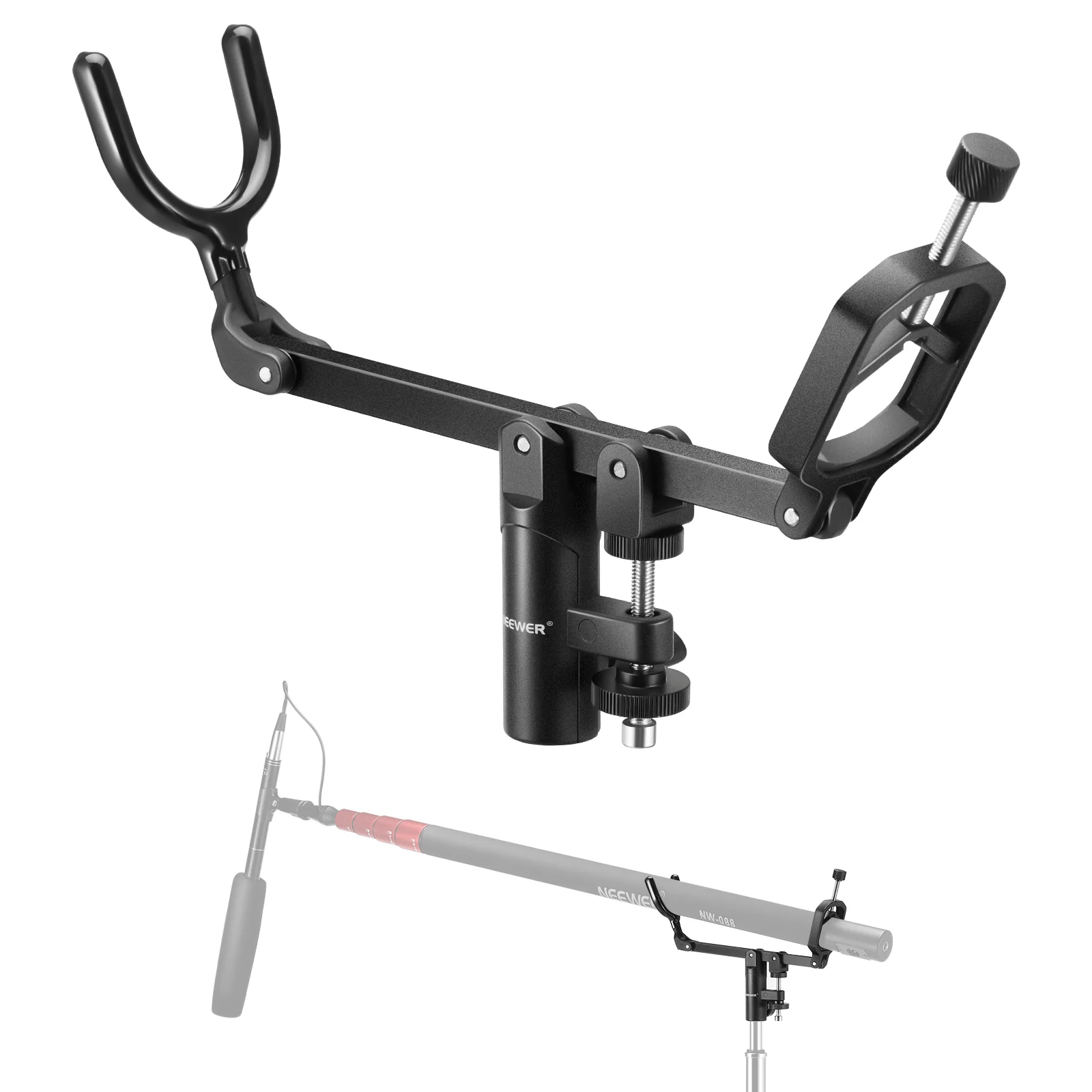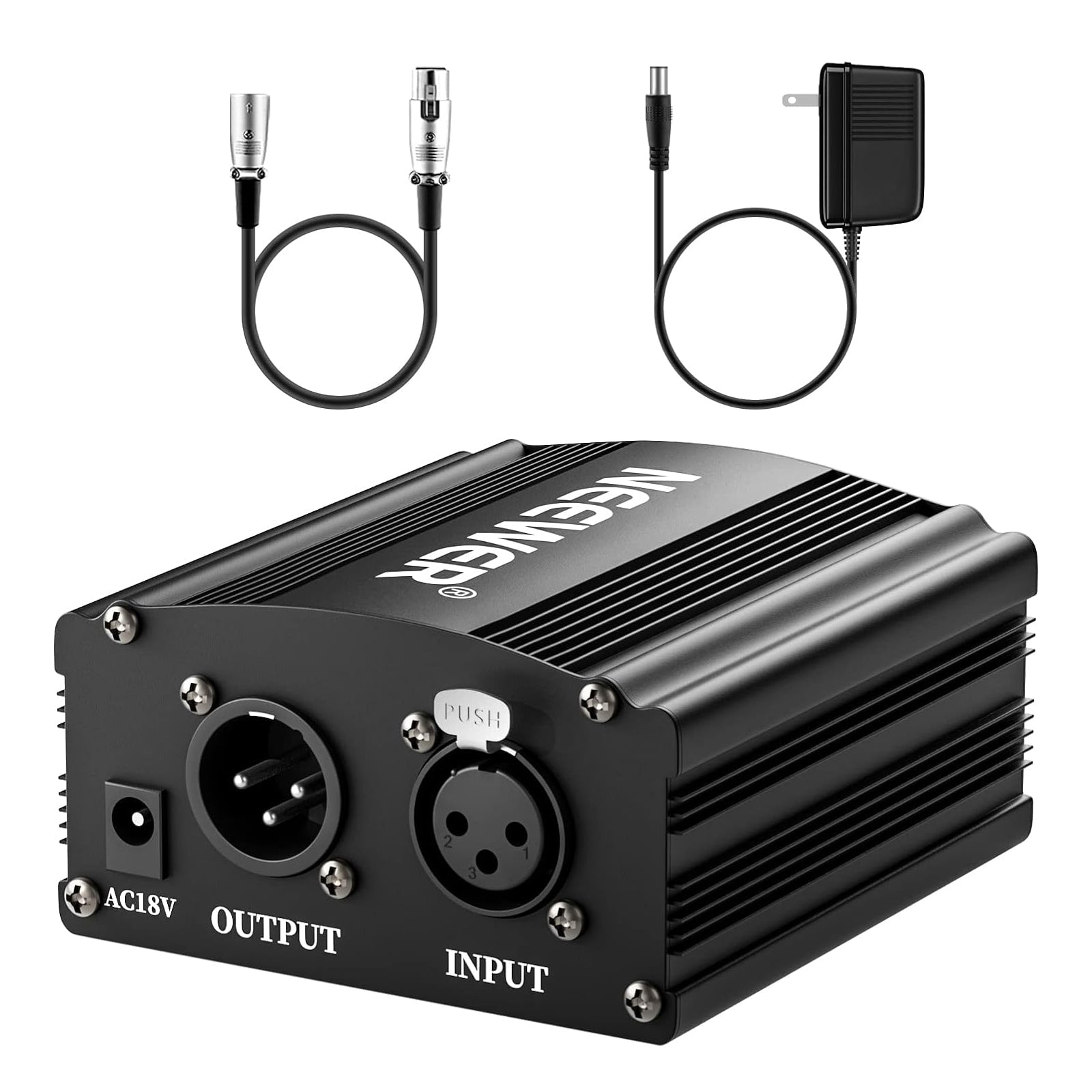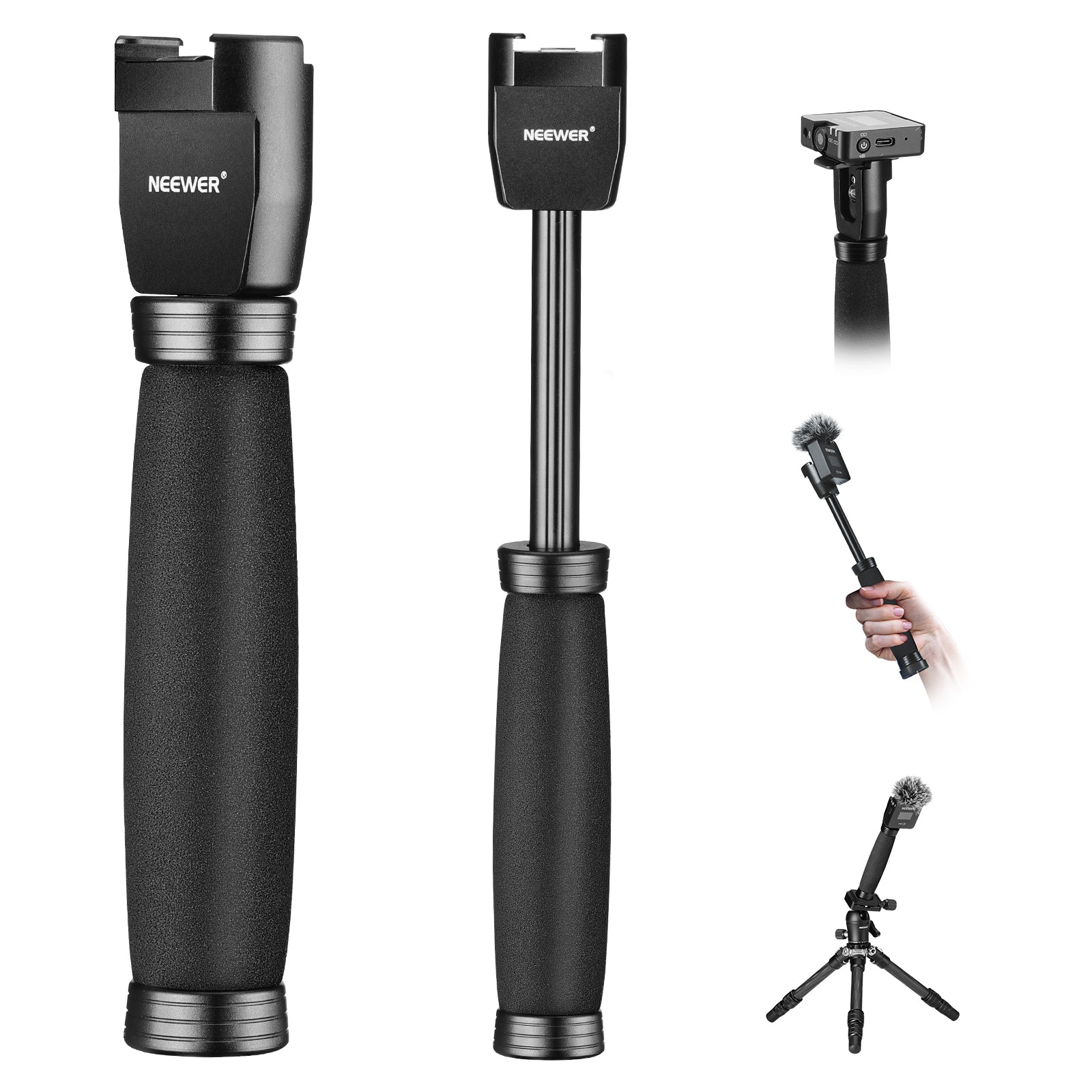





Microphones & Accessories
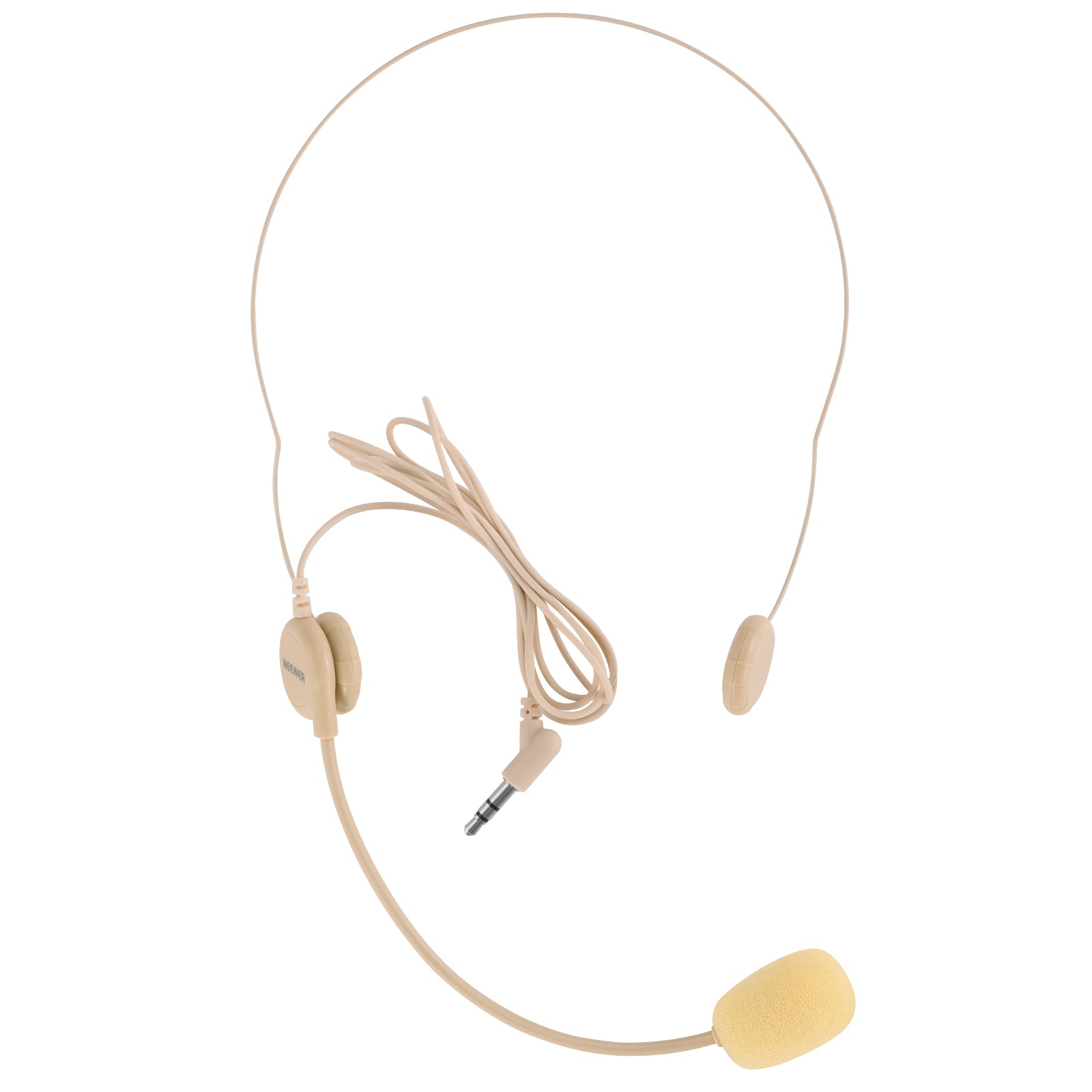
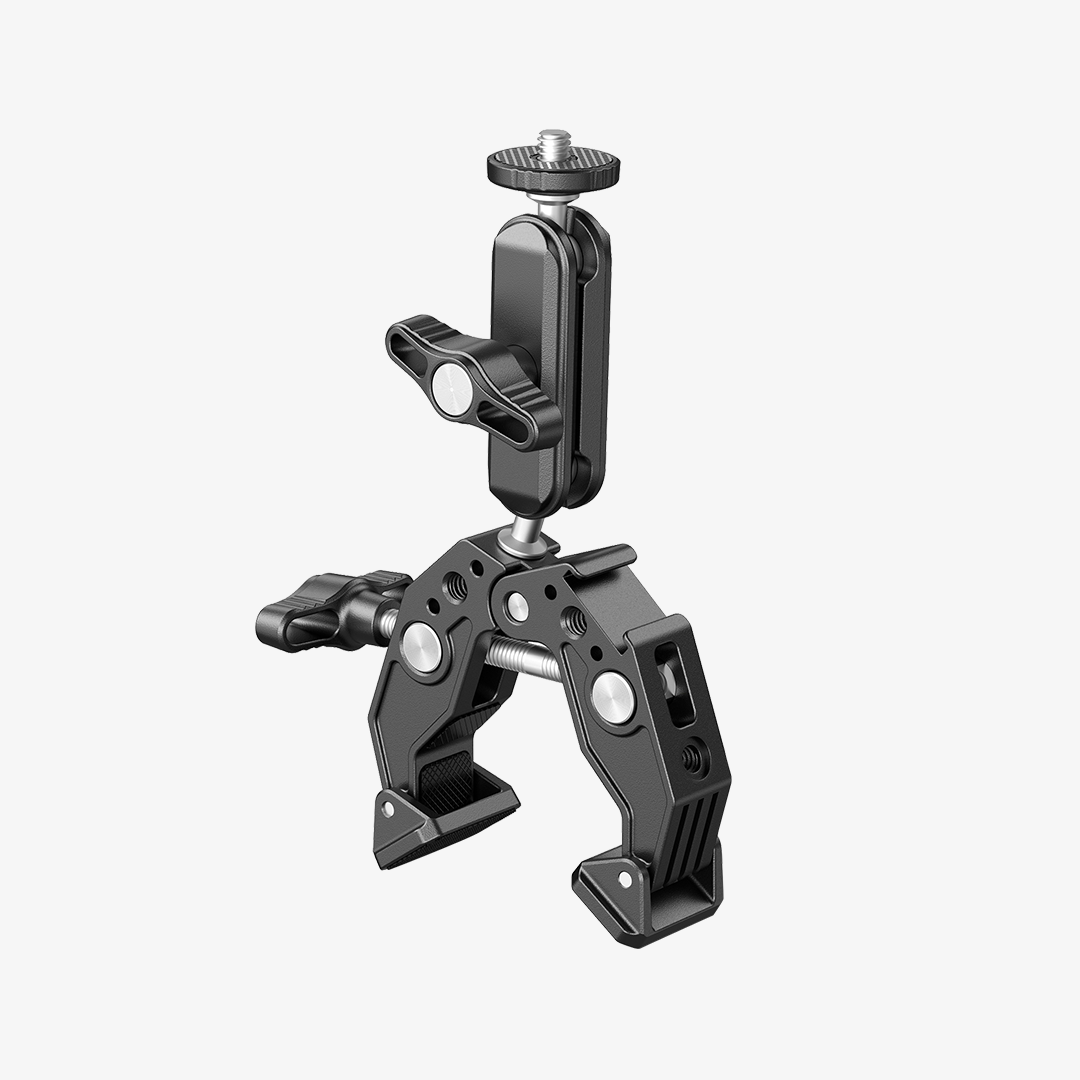
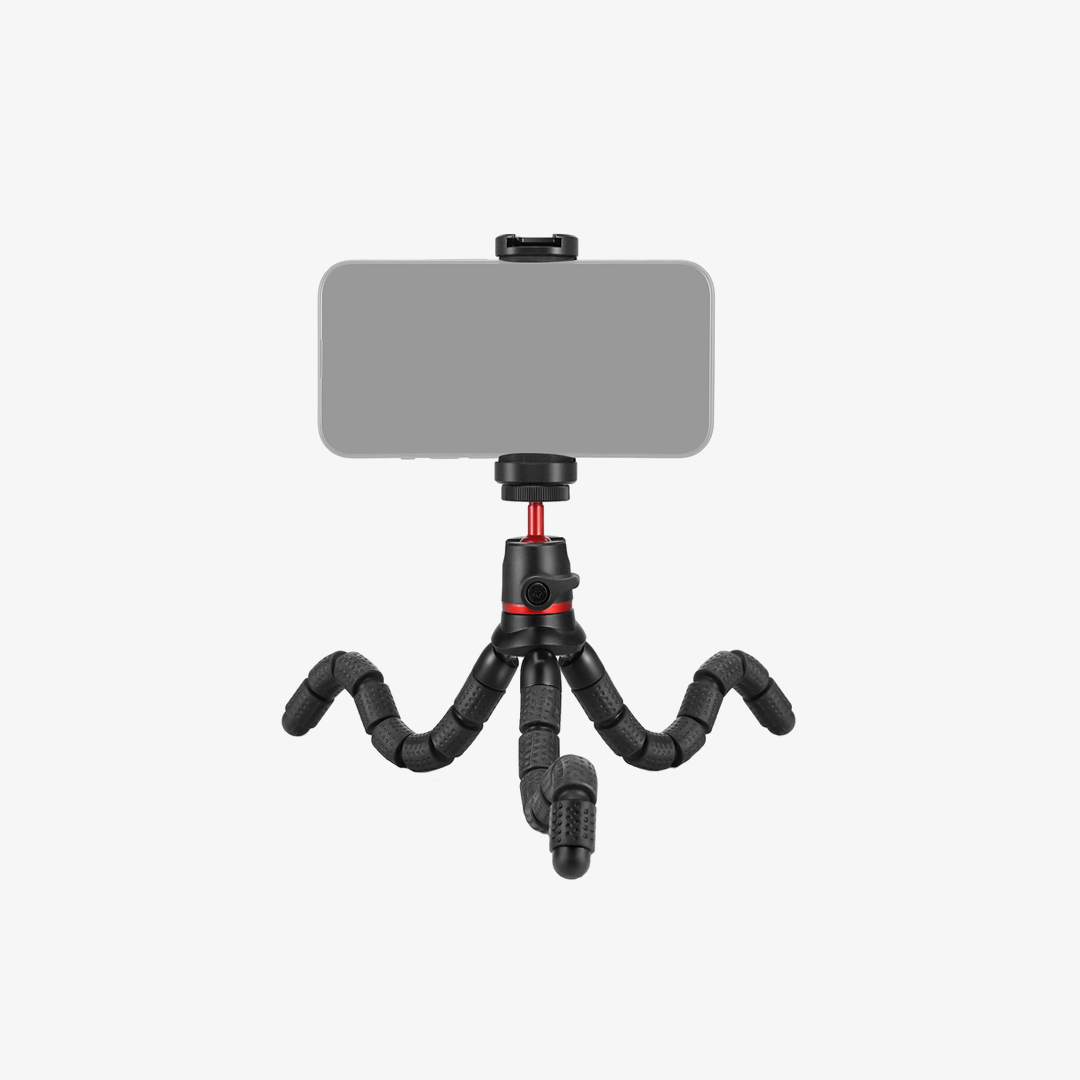
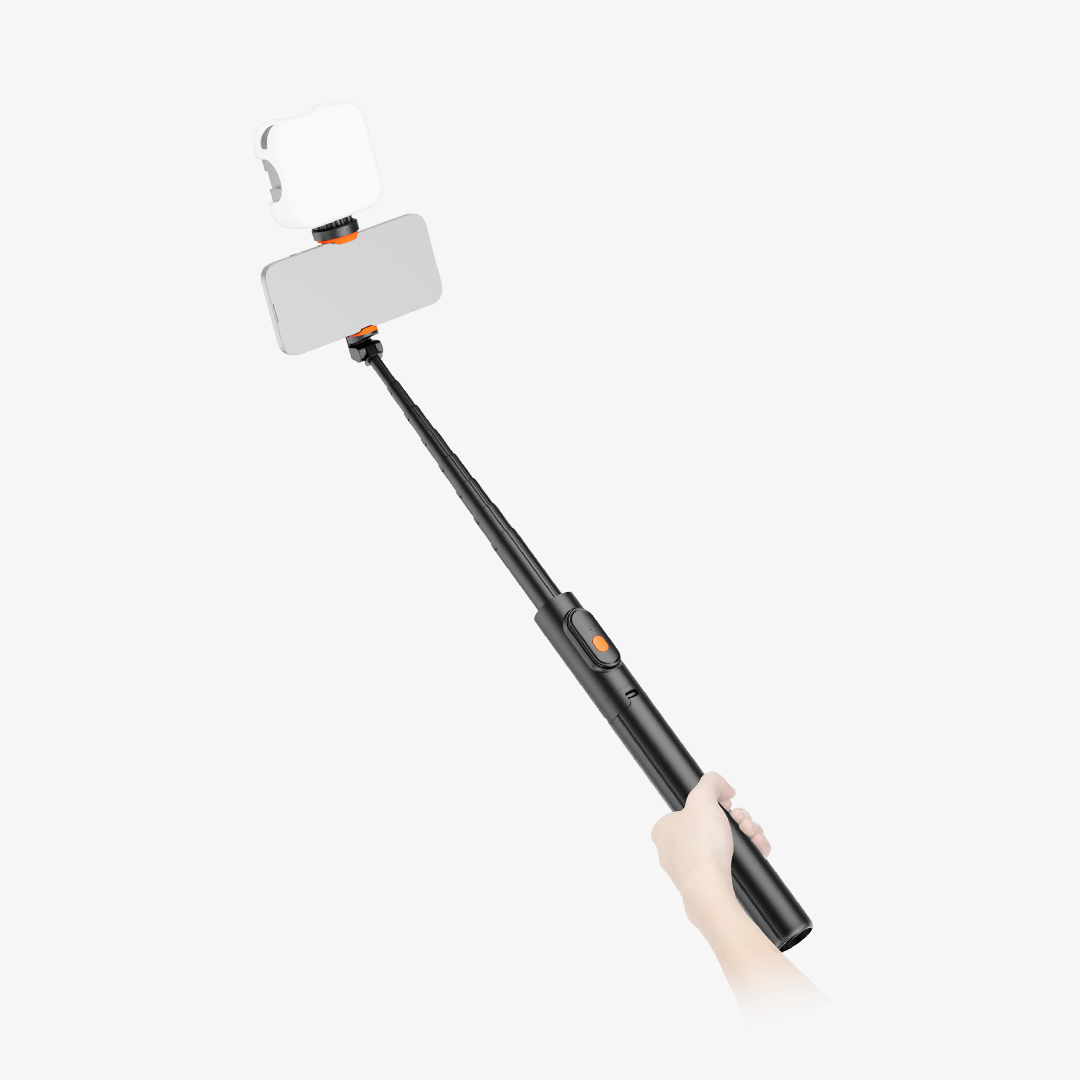
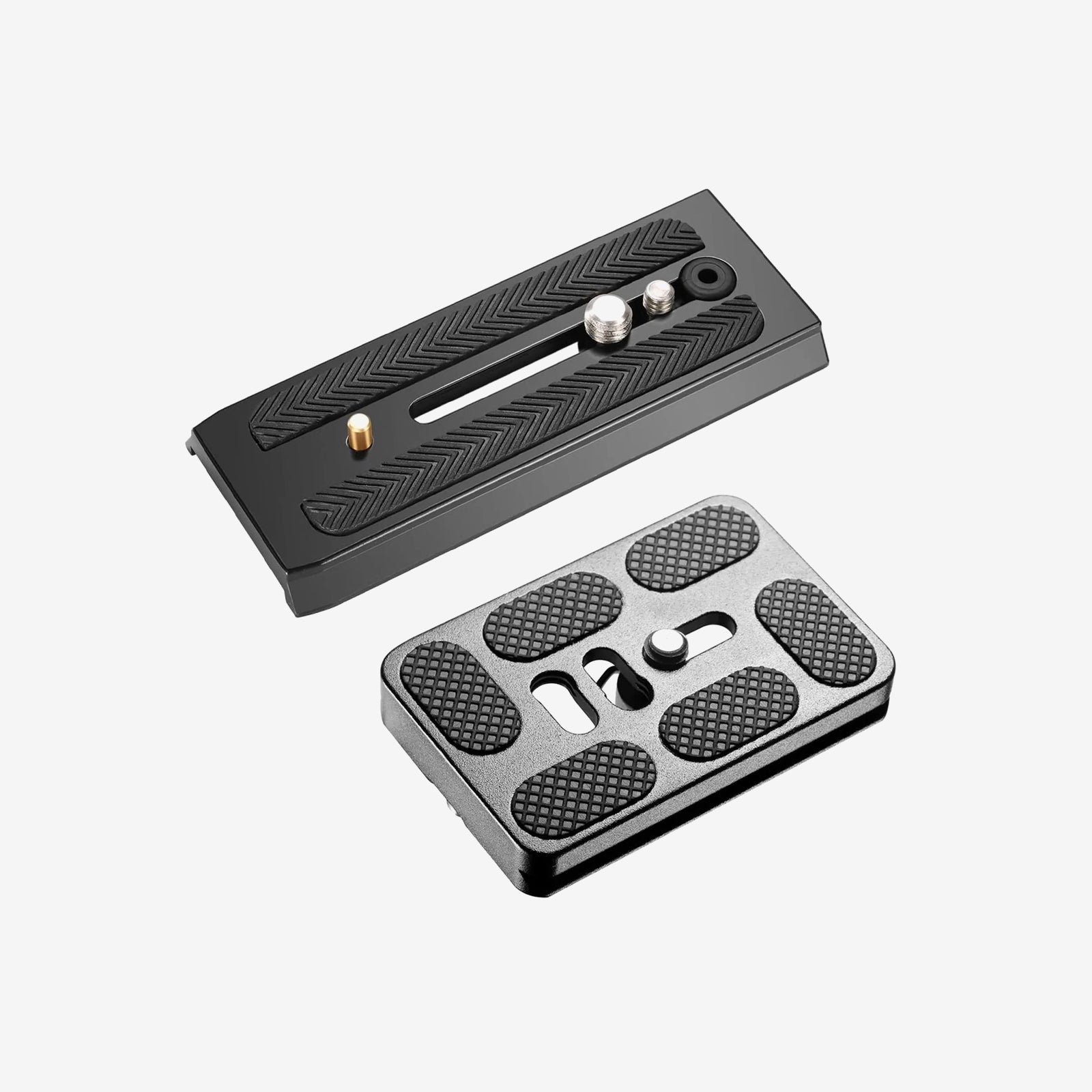
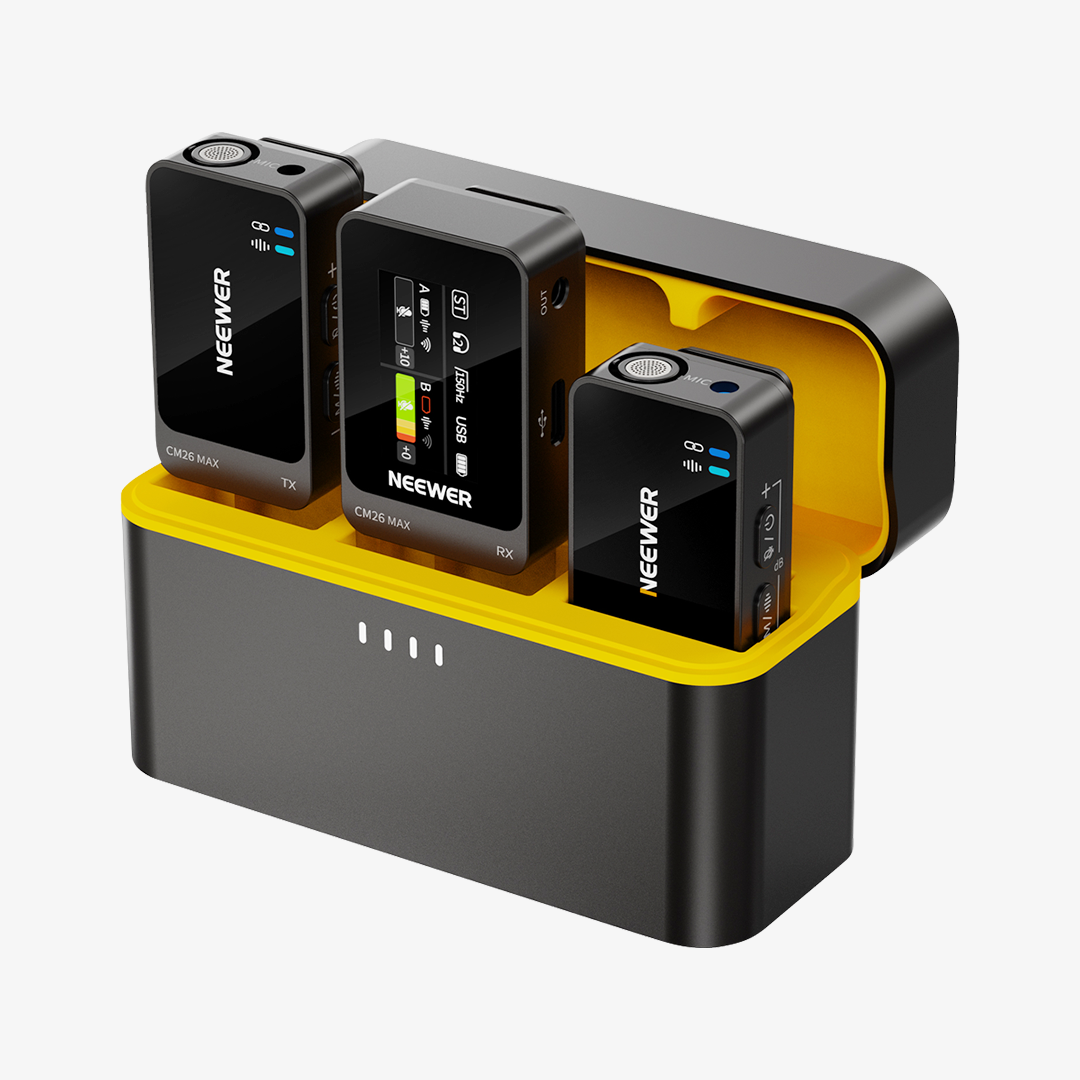
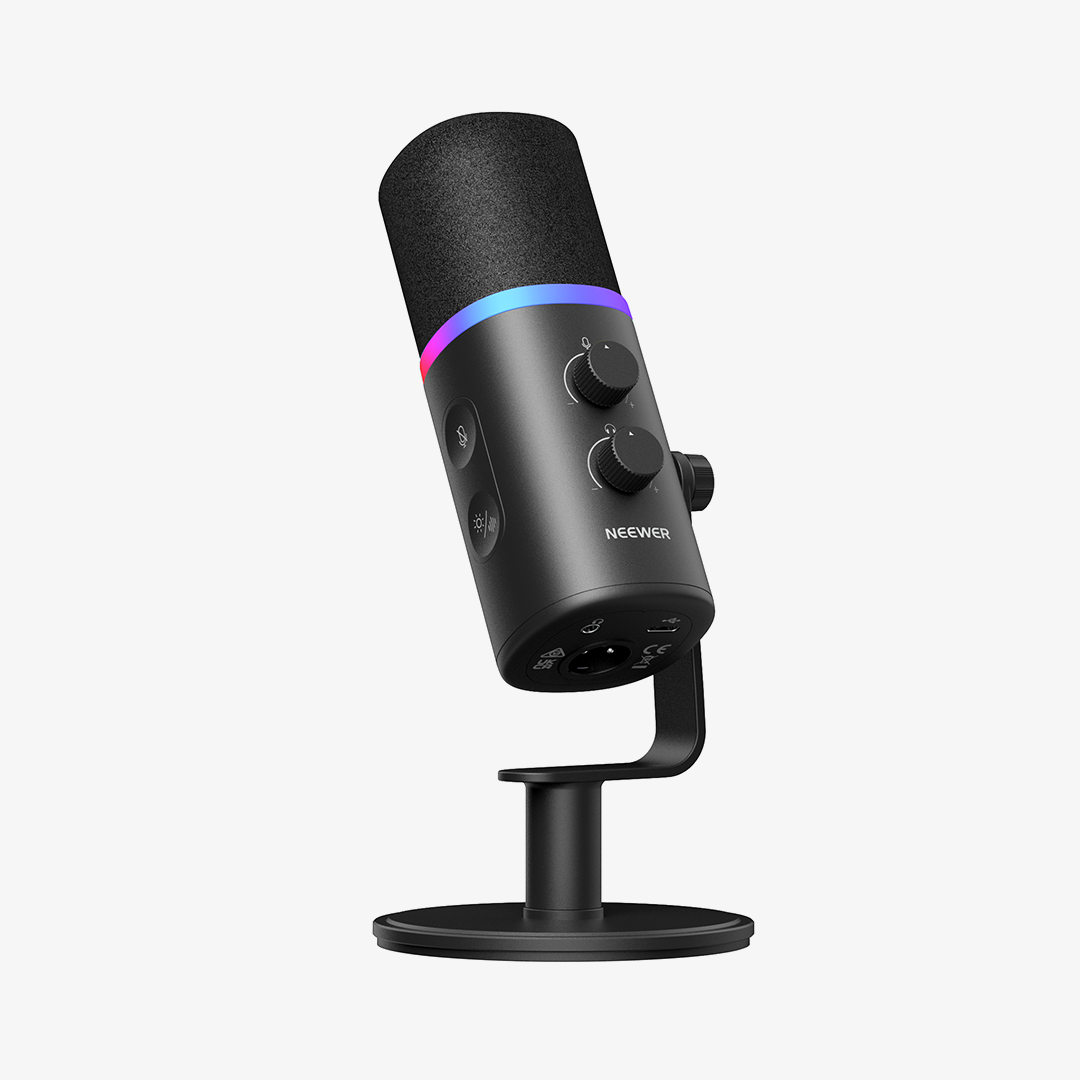
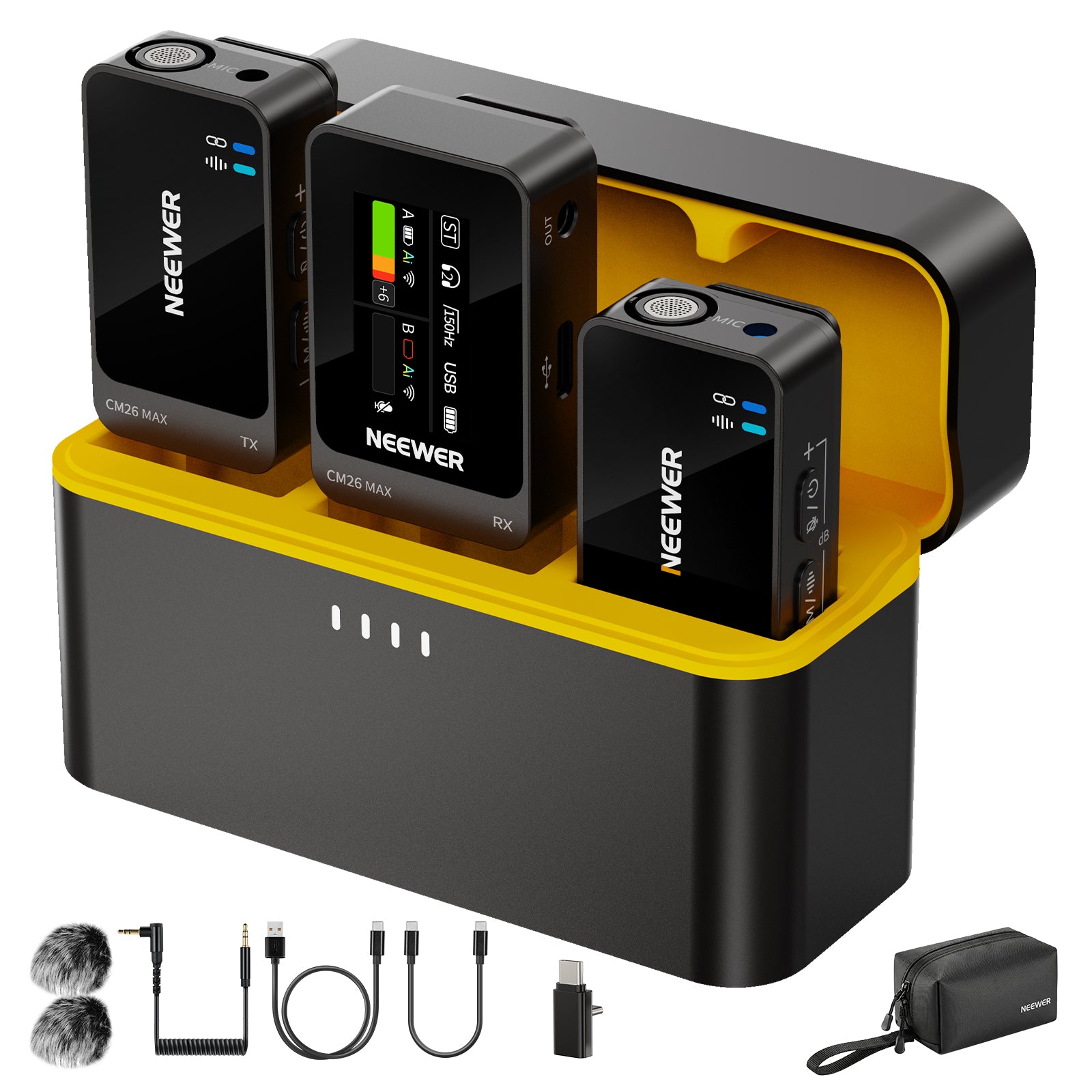
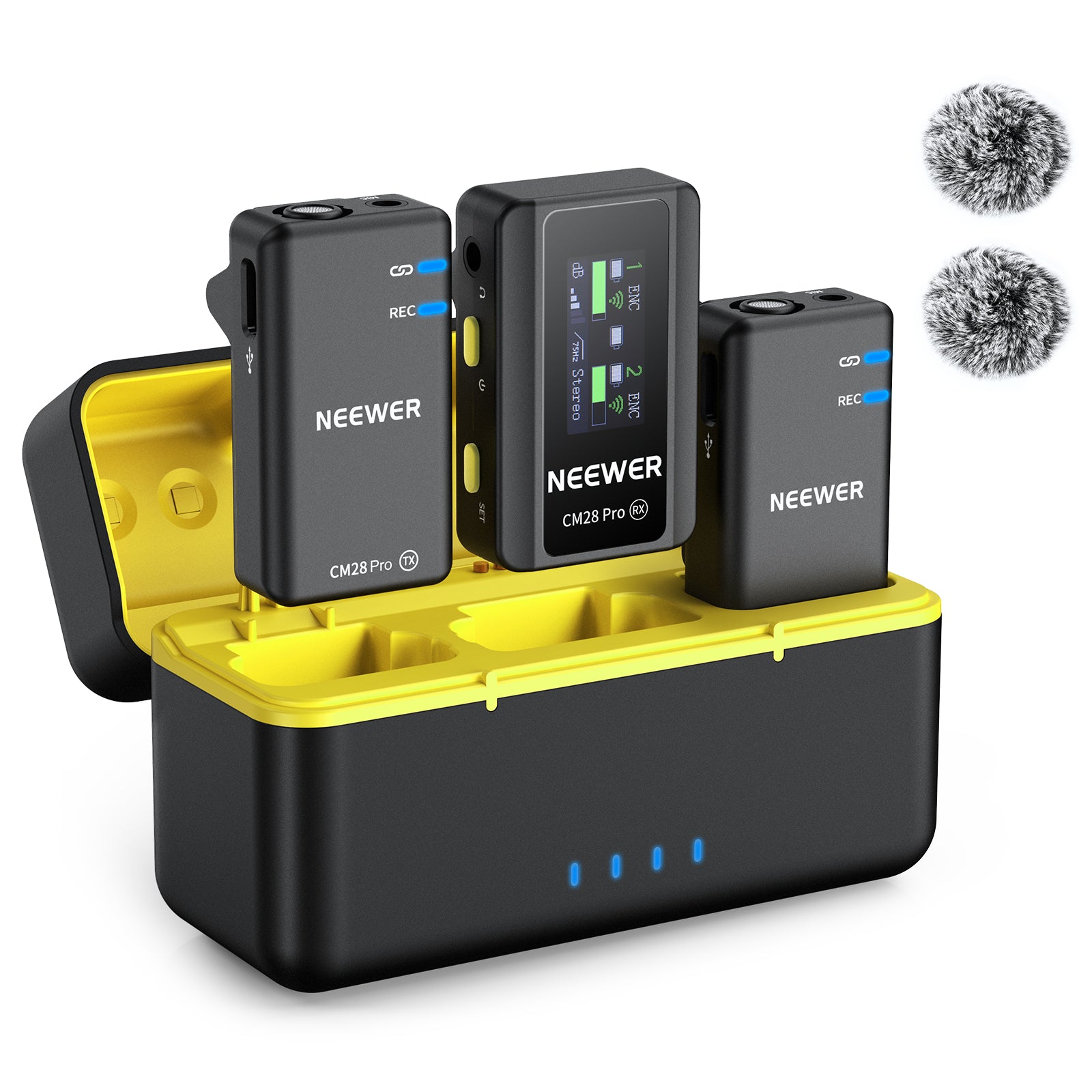
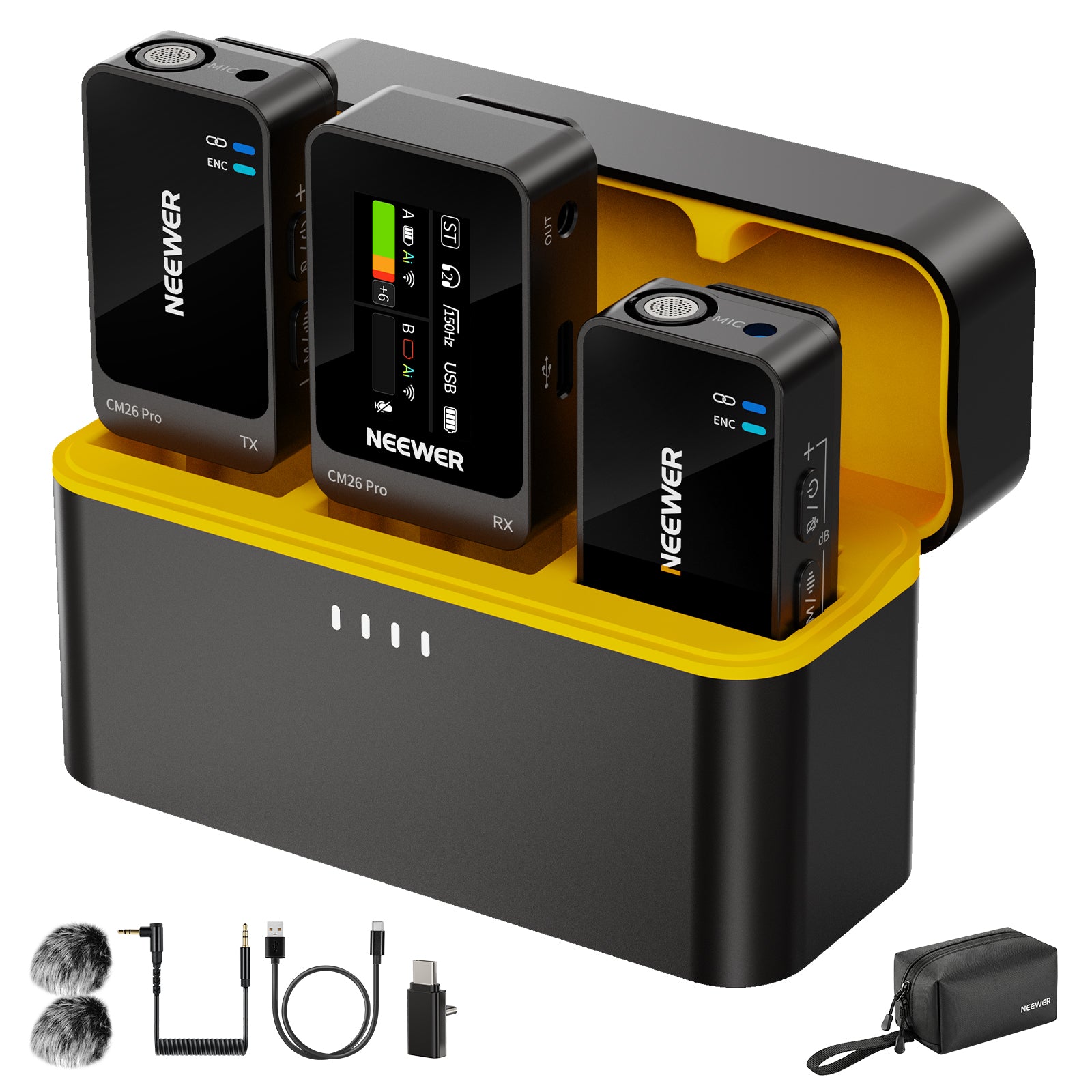
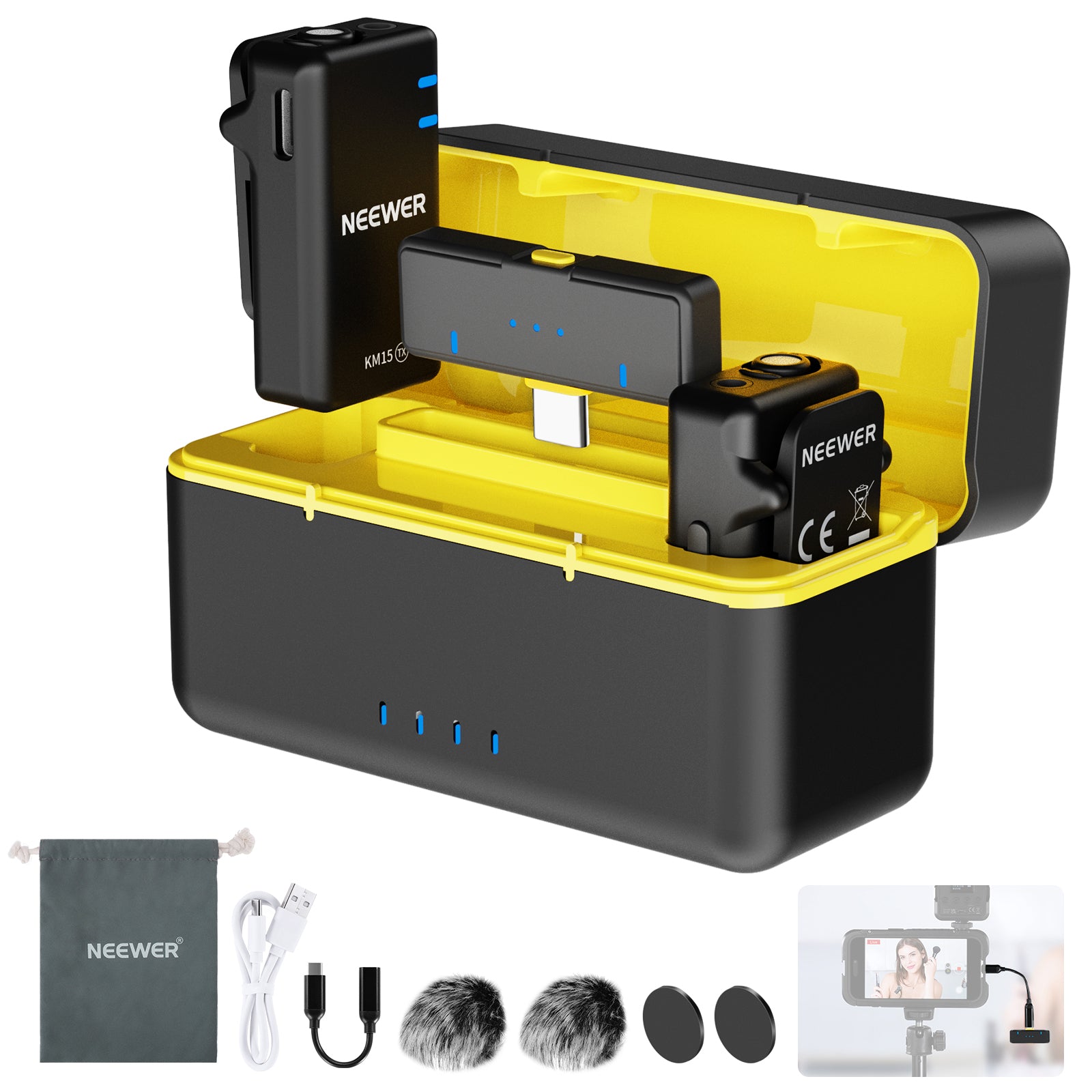
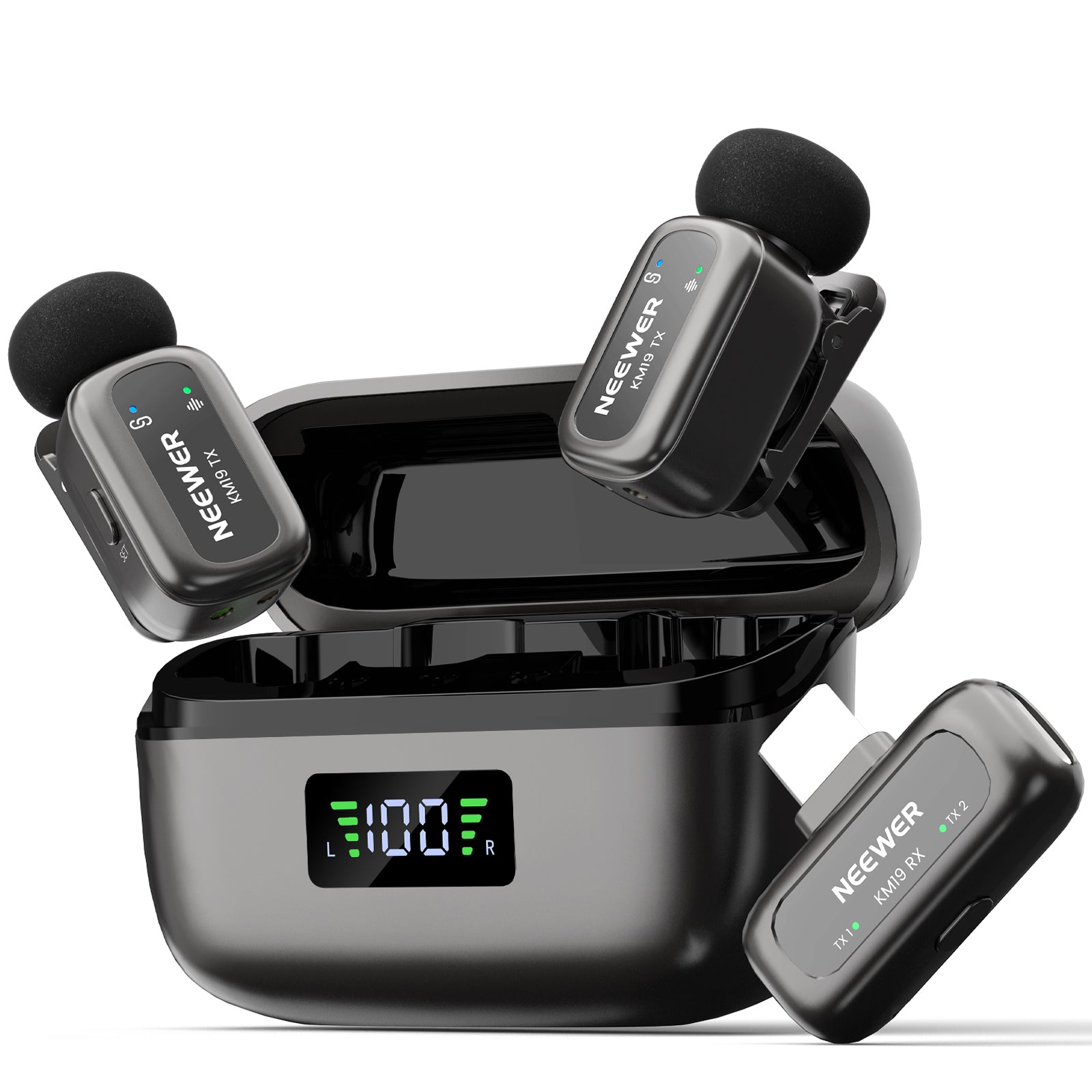
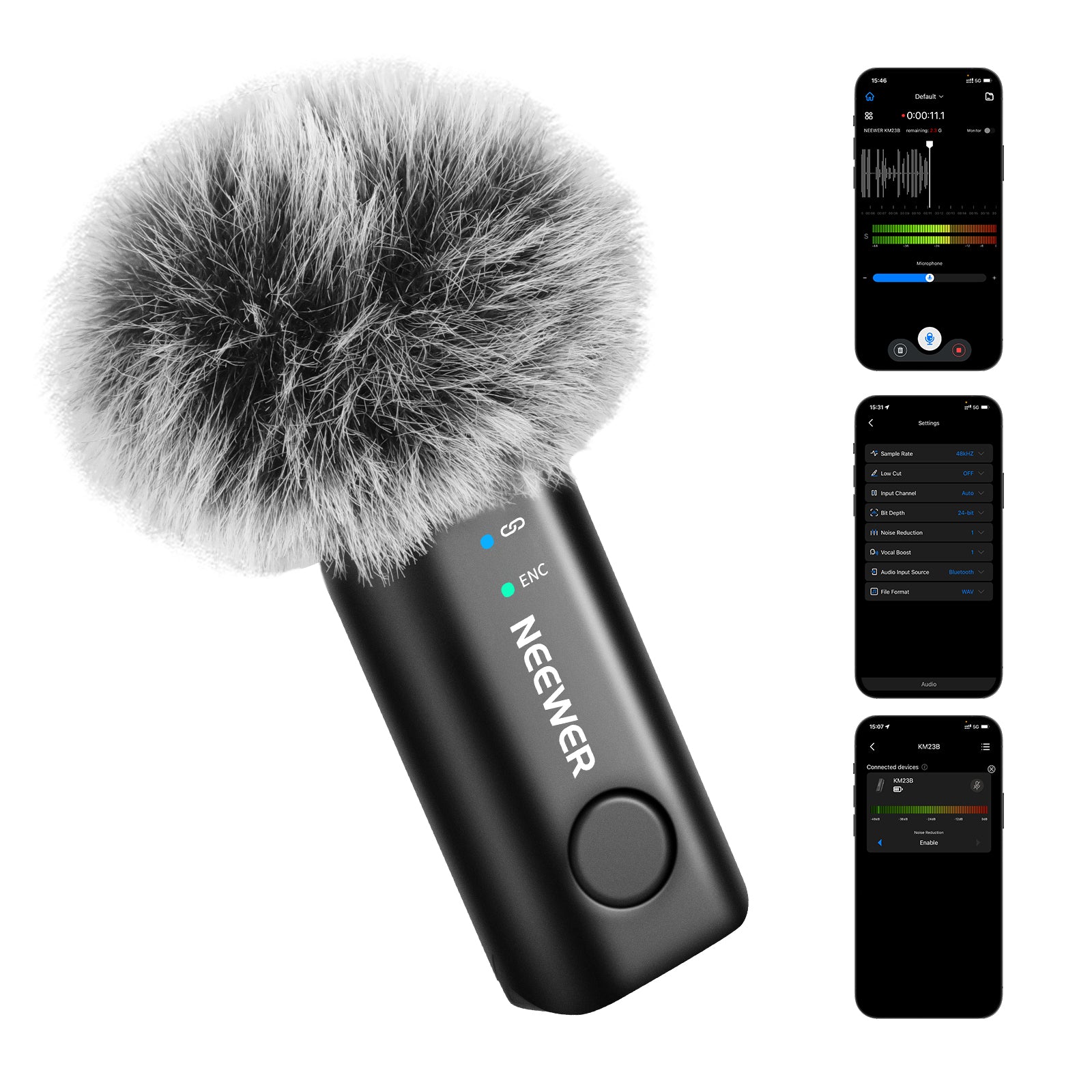
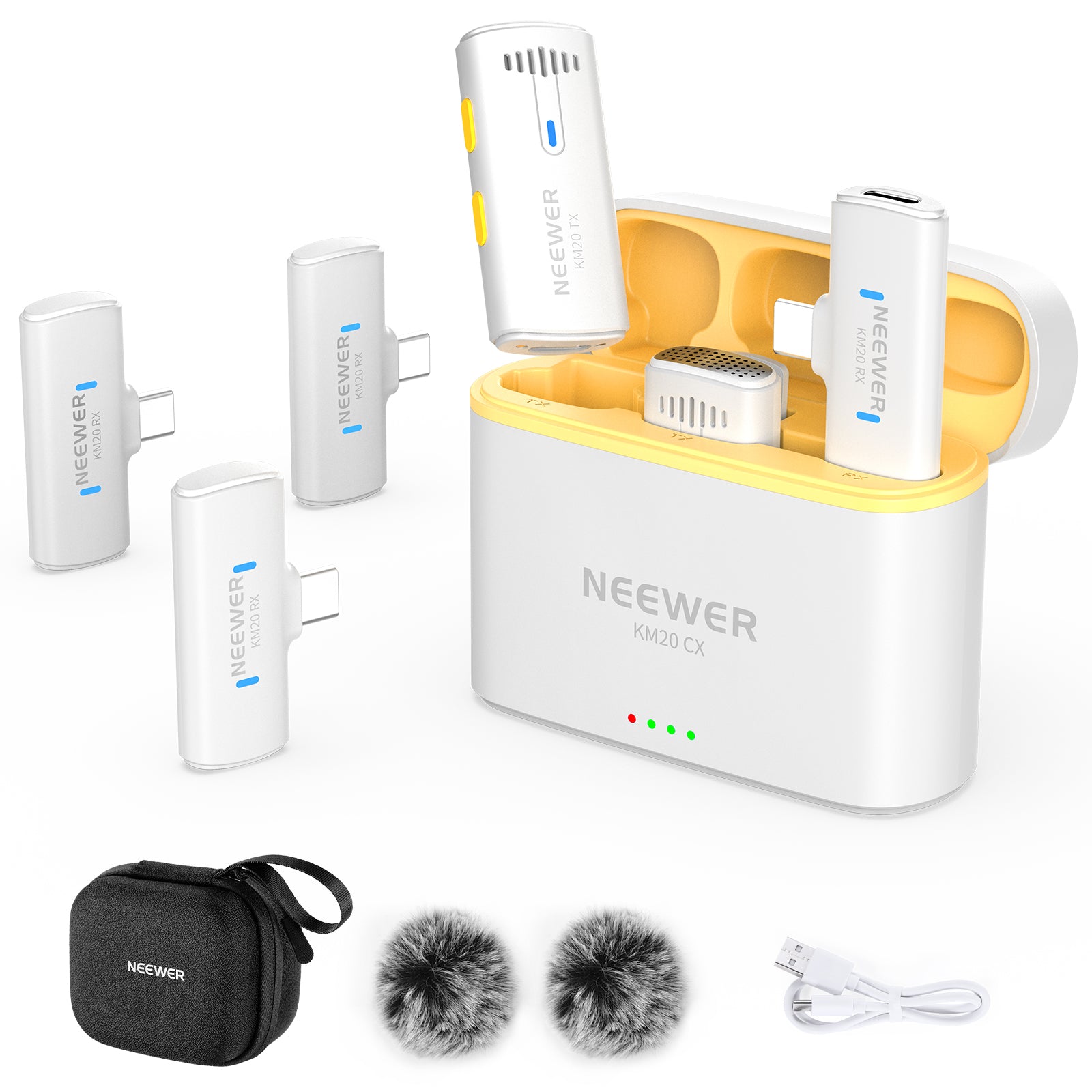
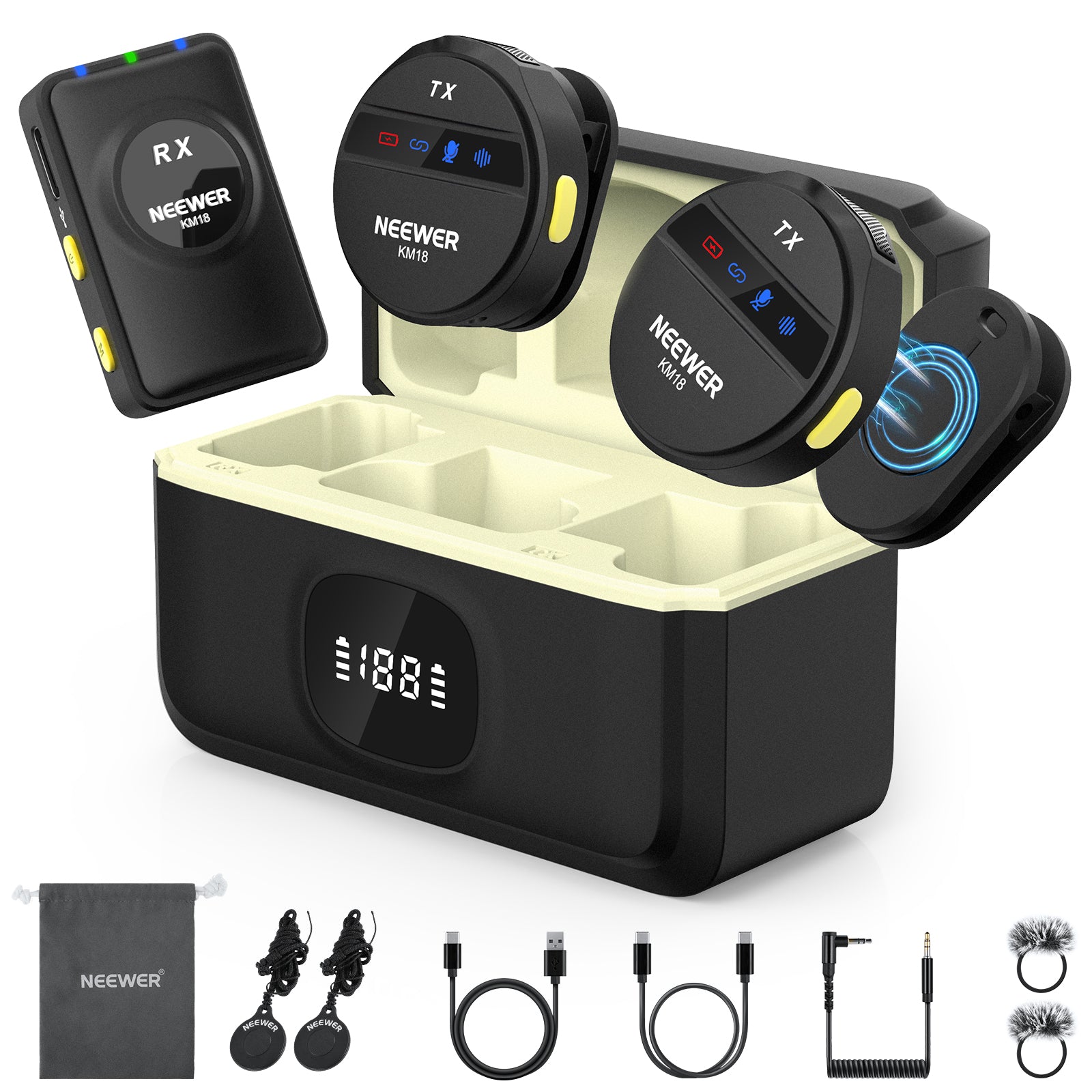
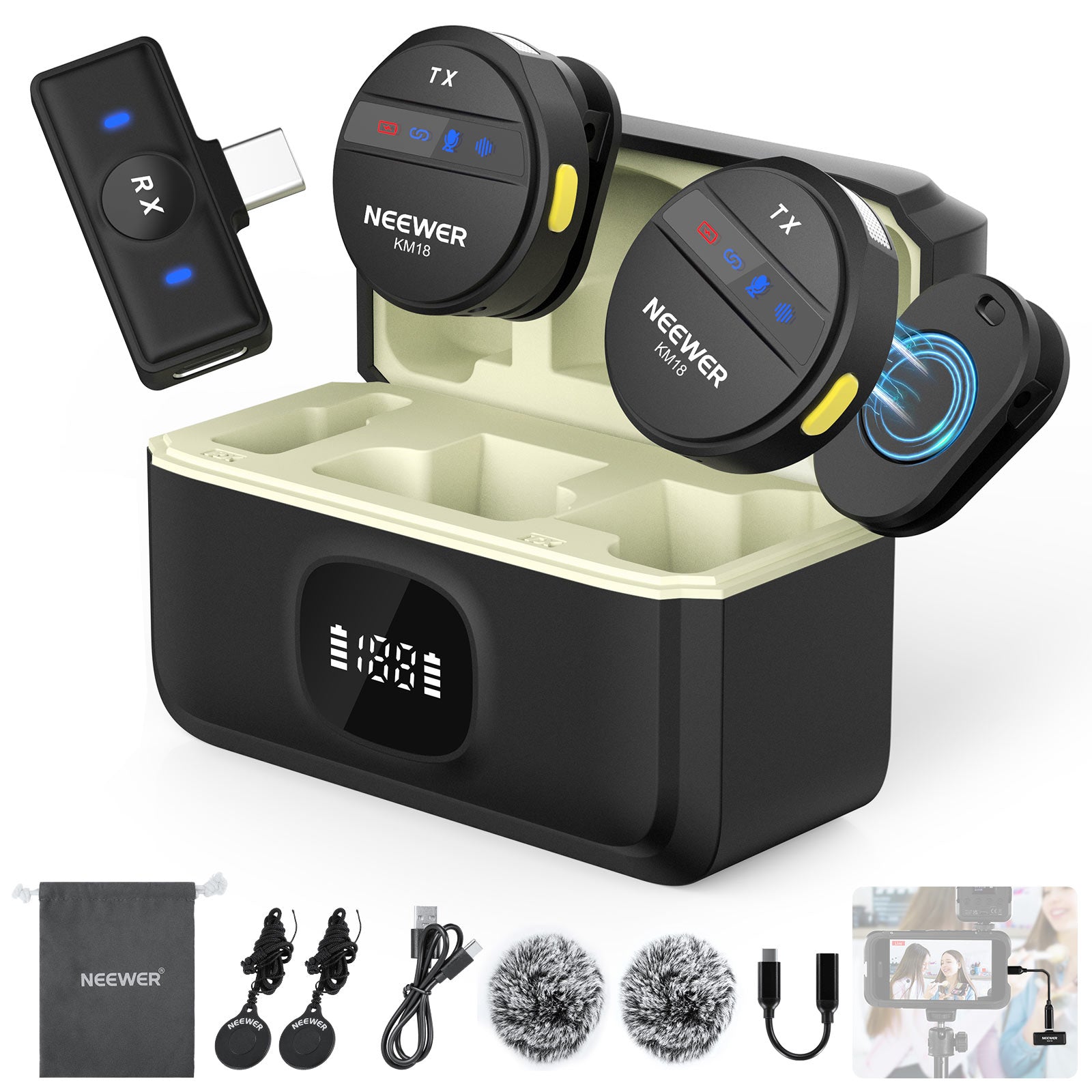
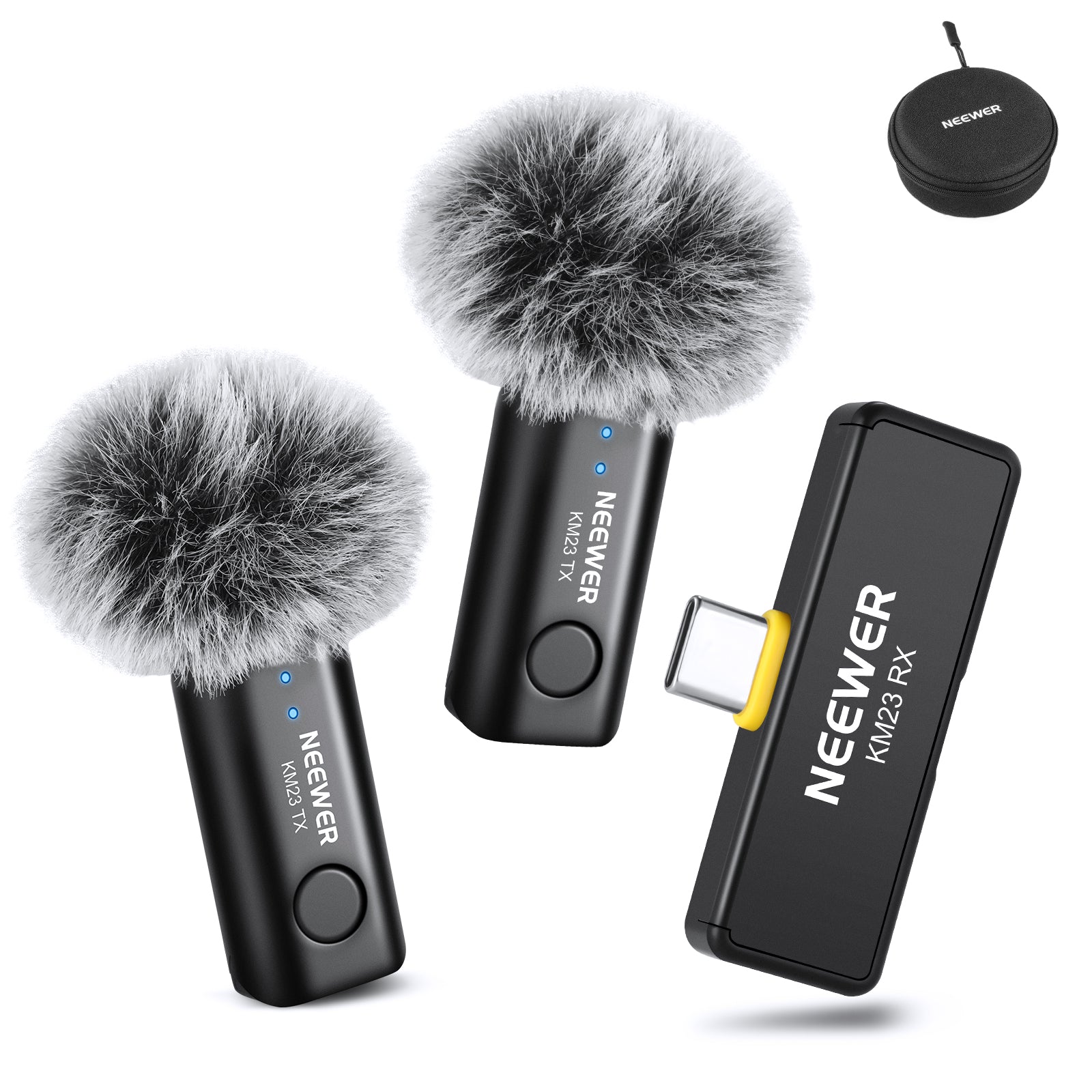
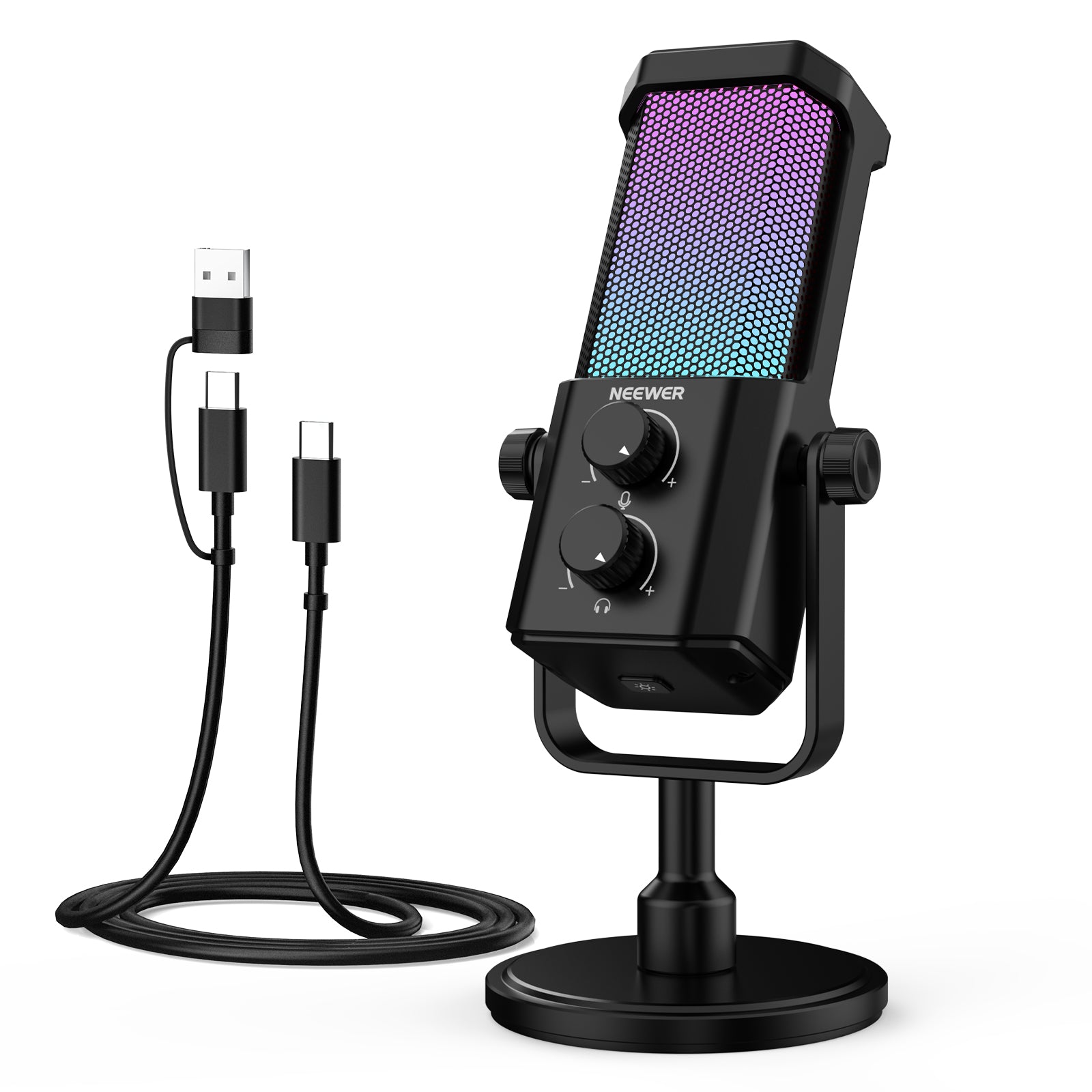
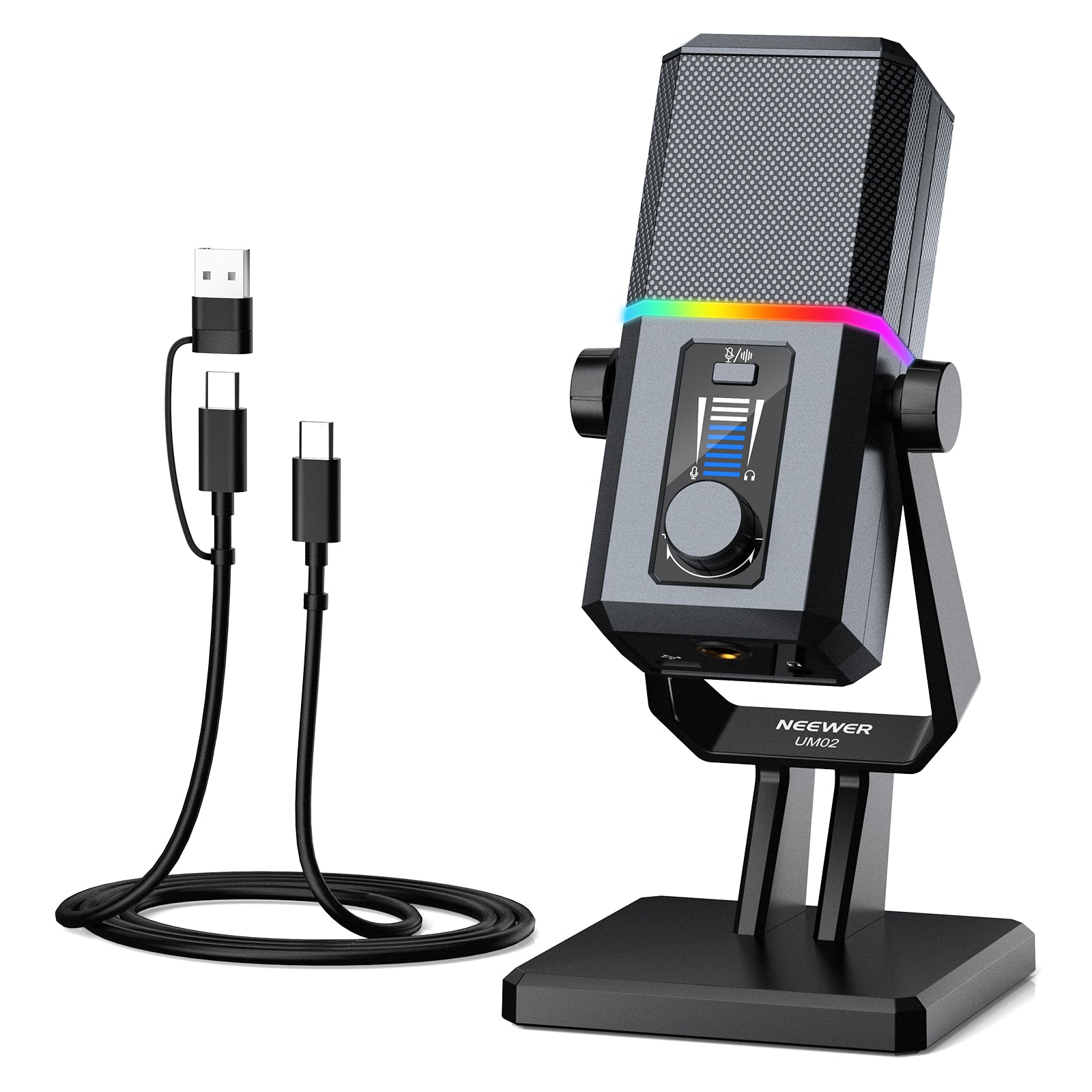
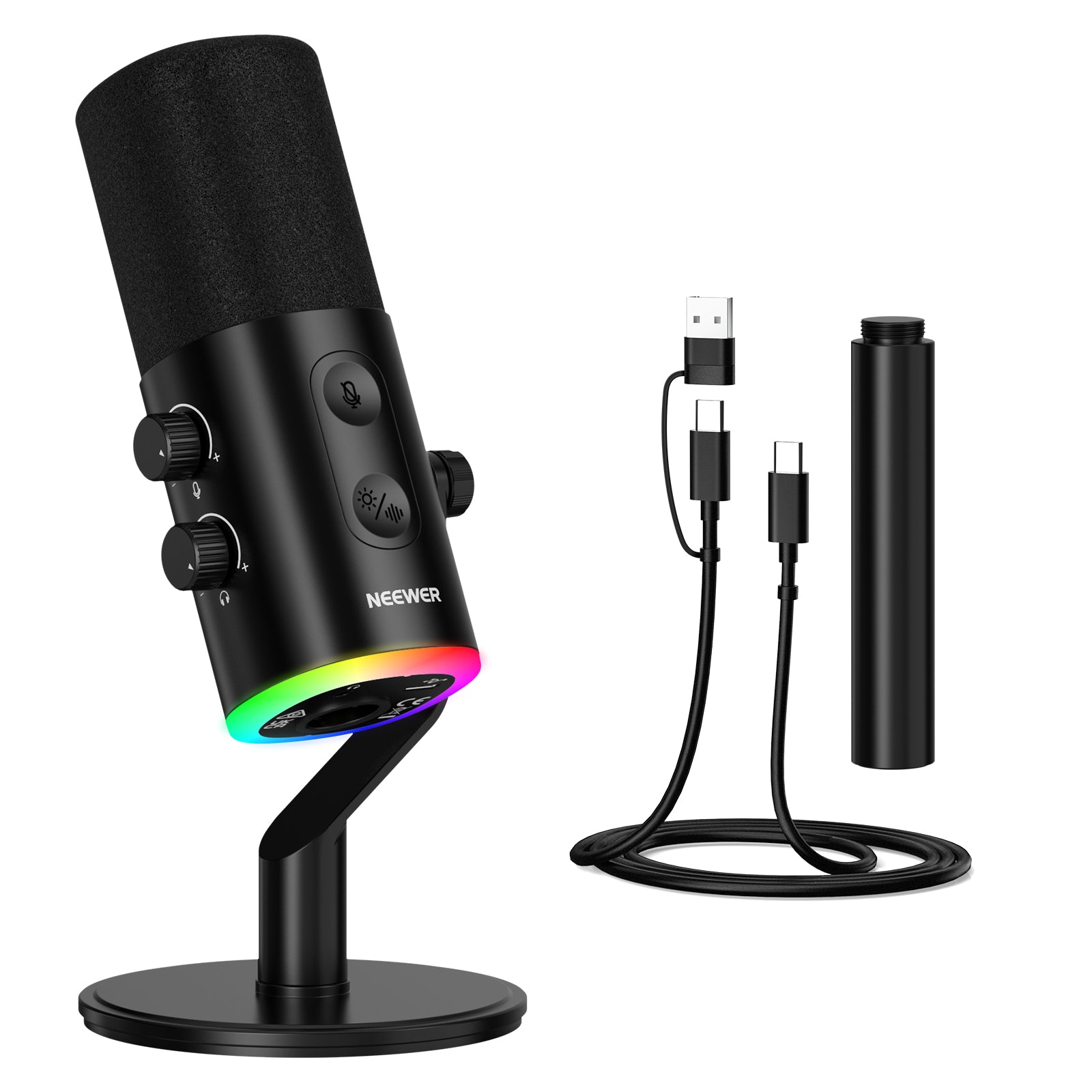
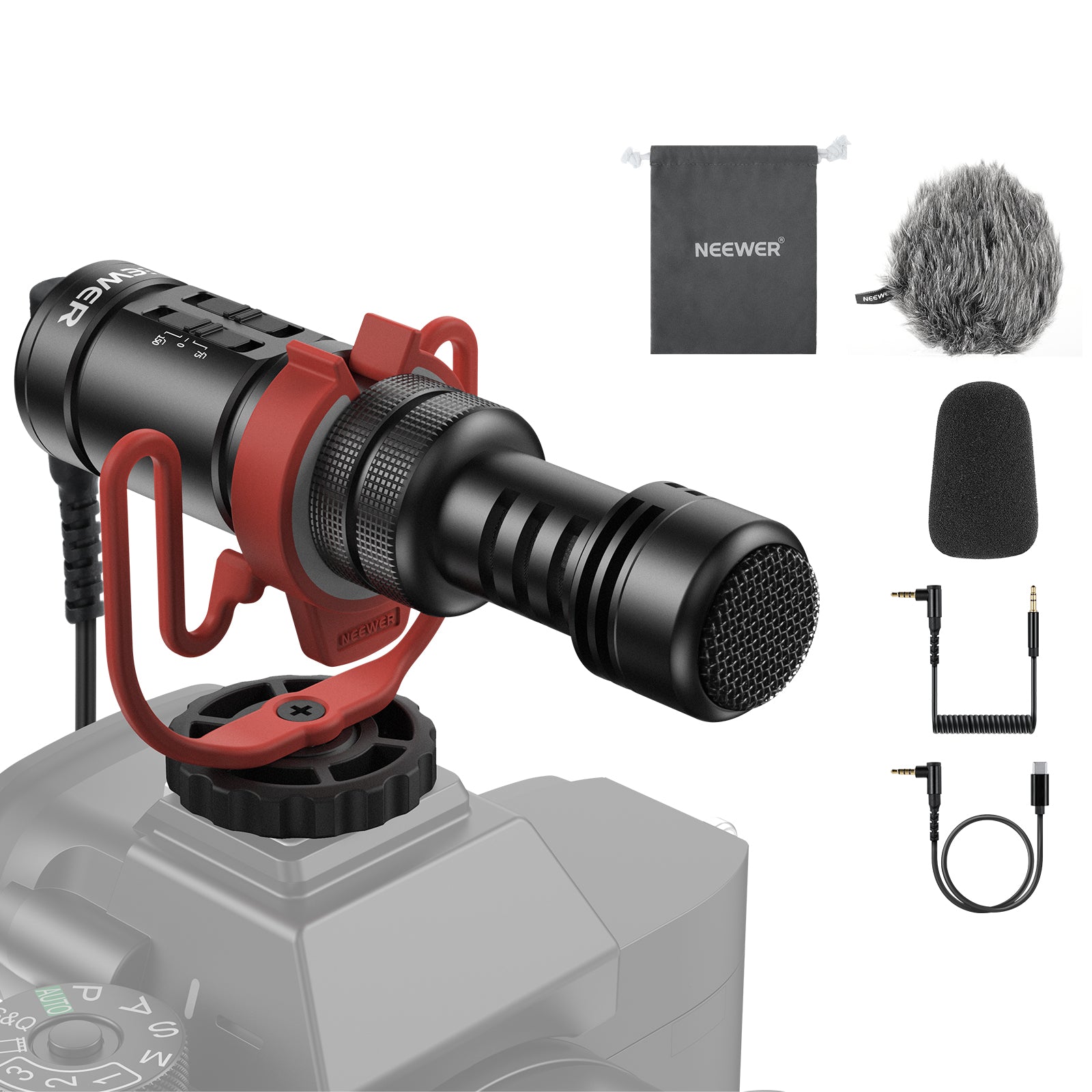
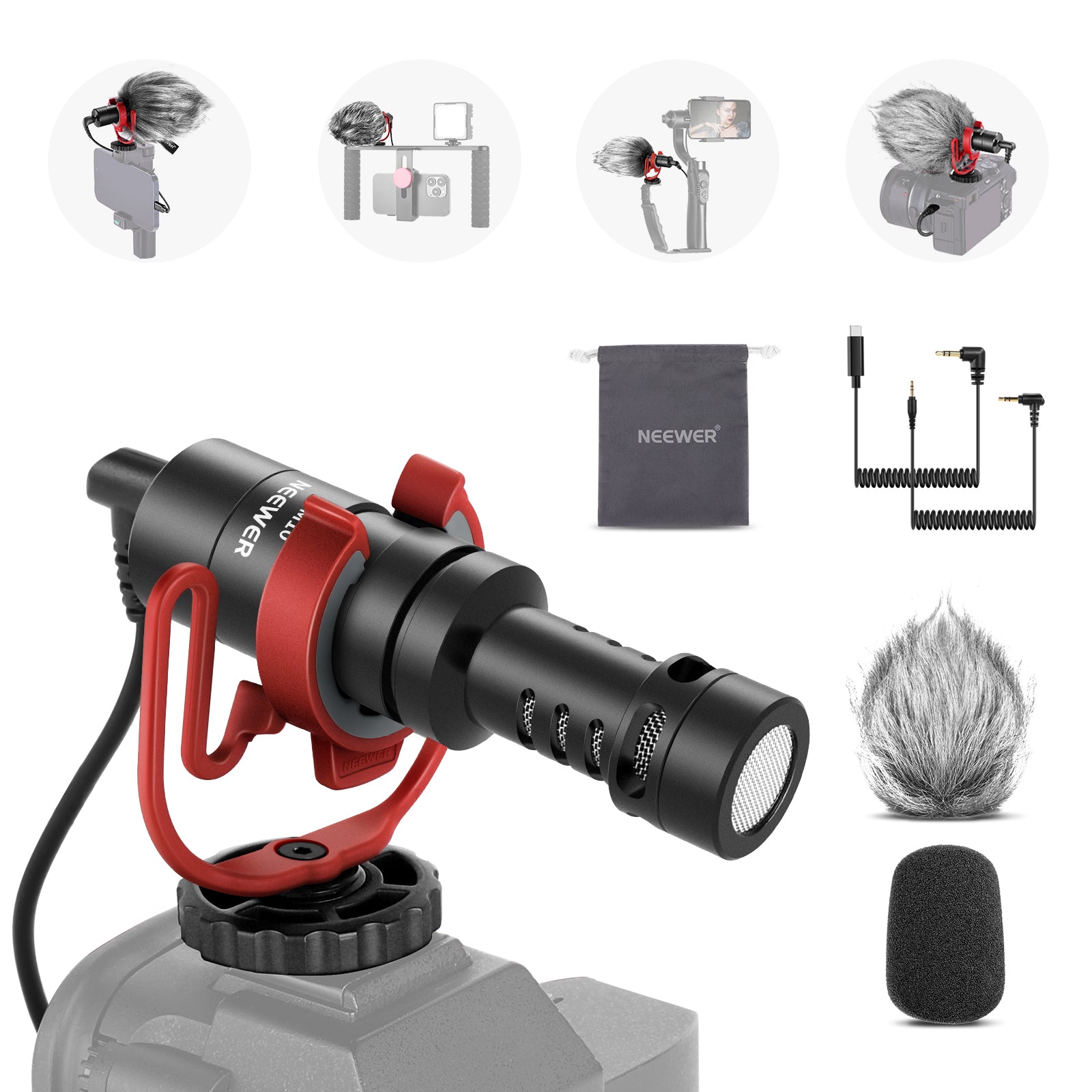
NEEWER microphones and accessories can meet your needs, including live streaming, video recording, gaming broadcasts, and more. Our collection includes wireless Lavalier microphones, gaming mics, microphone booms, and other options. Compact and easy to store, these microphones and accessories are also highly portable, making them perfect for outdoor videography.






FAQ
What Is a Lavalier Microphone?
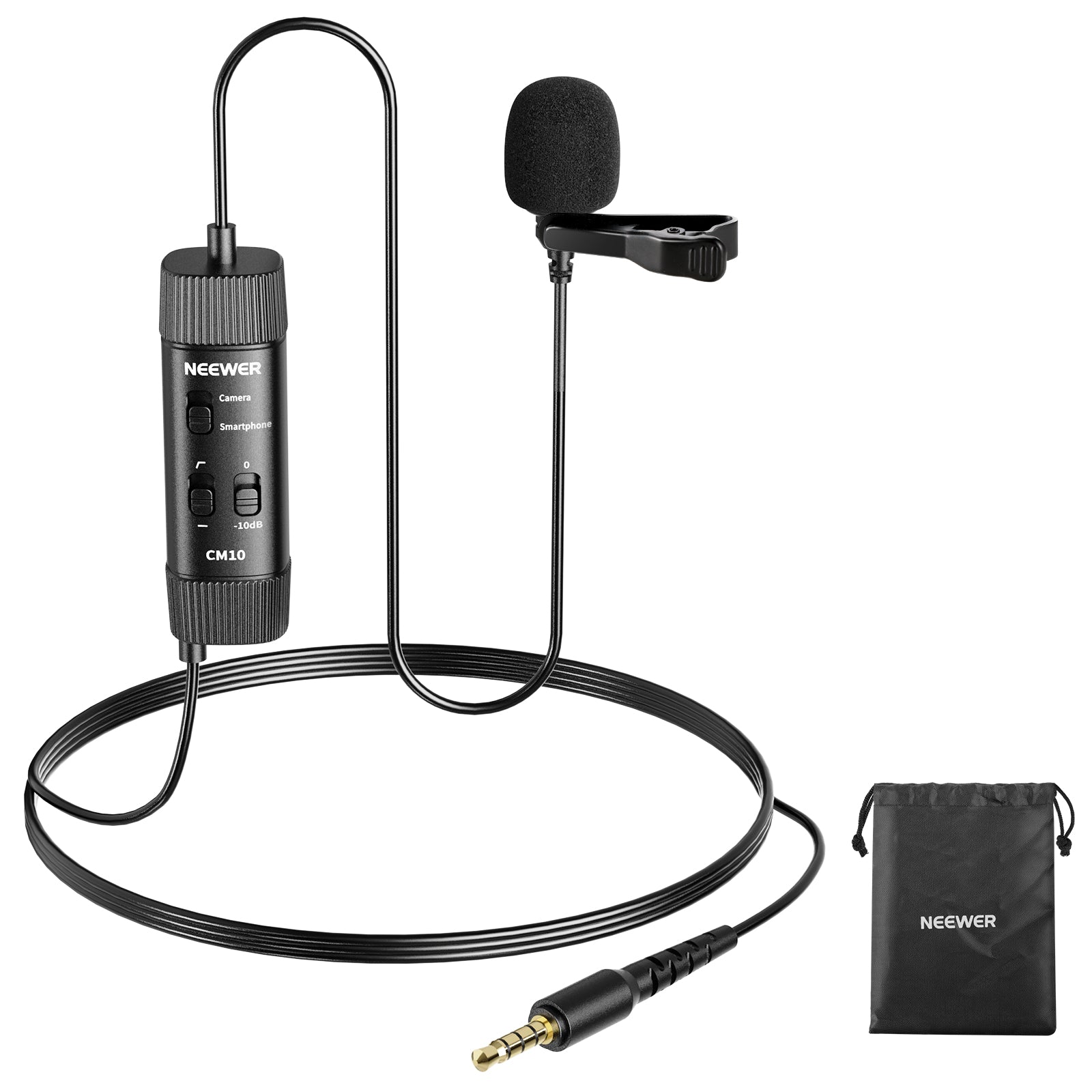
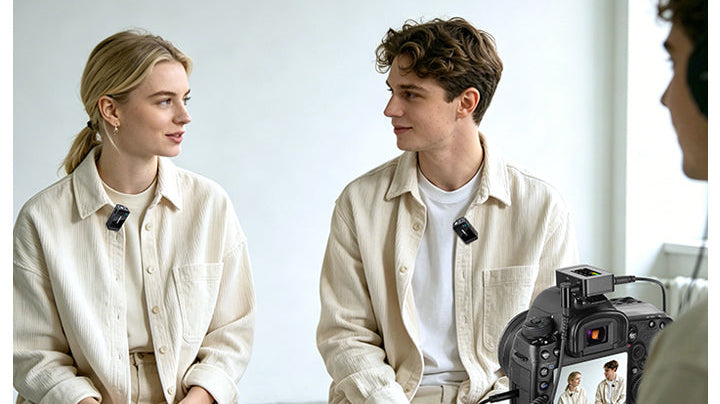
A lavalier (or lapel) mic is a small clip-on microphone designed for hands-free recording. Attached near the chest or collar, it captures clear, close-up speech for vlogs, interviews, and presentations without blocking the camera frame.
Wired vs. Wireless Microphones: What’s the Difference?
Wired Mics: Plug directly into gear via cable (USB, XLR, or 3.5mm). They offer zero latency, require no batteries, and are lower cost—ideal for desk setups and studio recording.
Wireless Mics: Transmit audio cord-free via 2.4GHz or Bluetooth. They provide complete freedom of movement for outdoor vlogging, sports, and walking interviews.
Wireless Lavalier vs. Shotgun Mic: Which Is Better?
Wireless Lavalier: Clips onto clothing near the mouth to isolate speech from noisy environments. Best for moving subjects and outdoor vlogging.
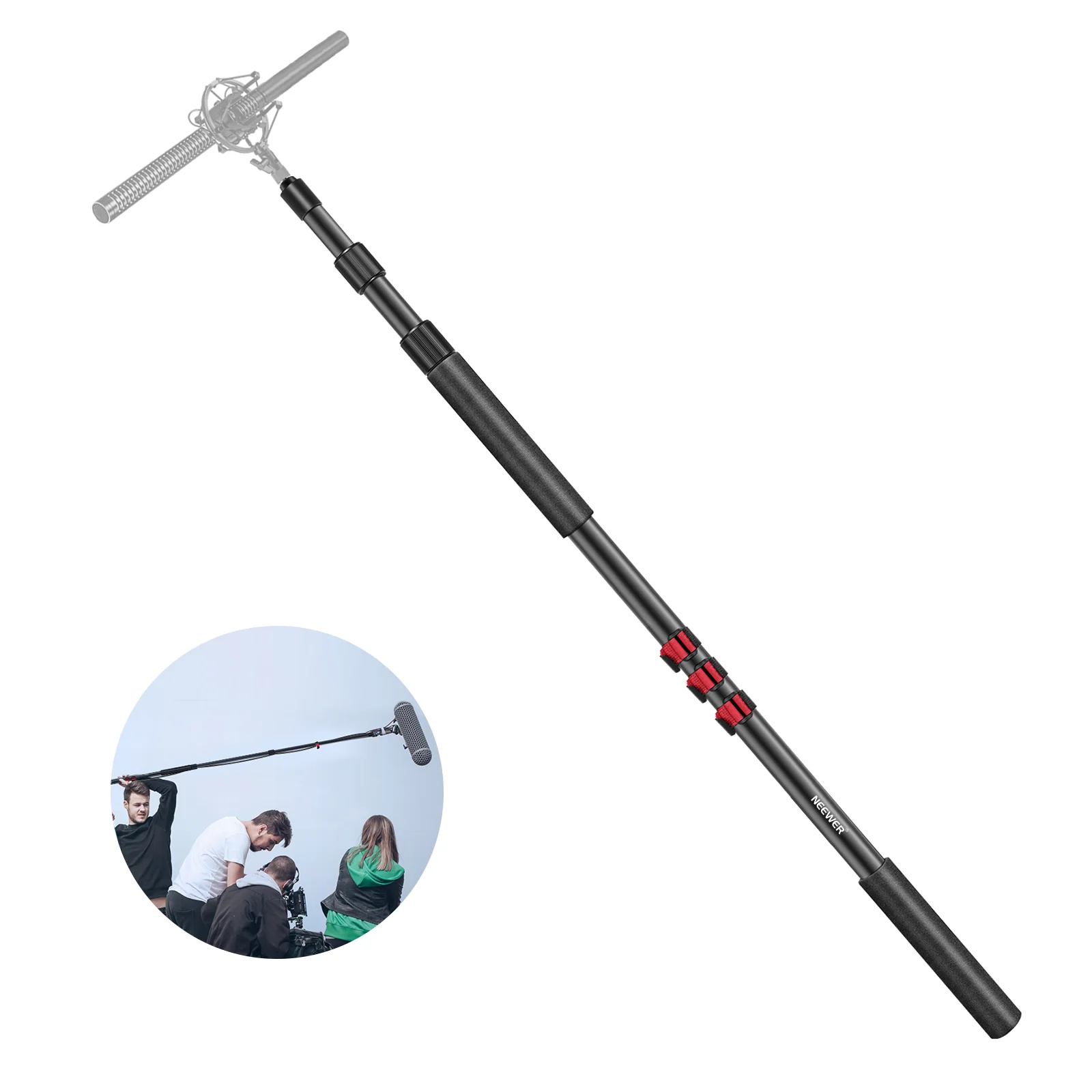
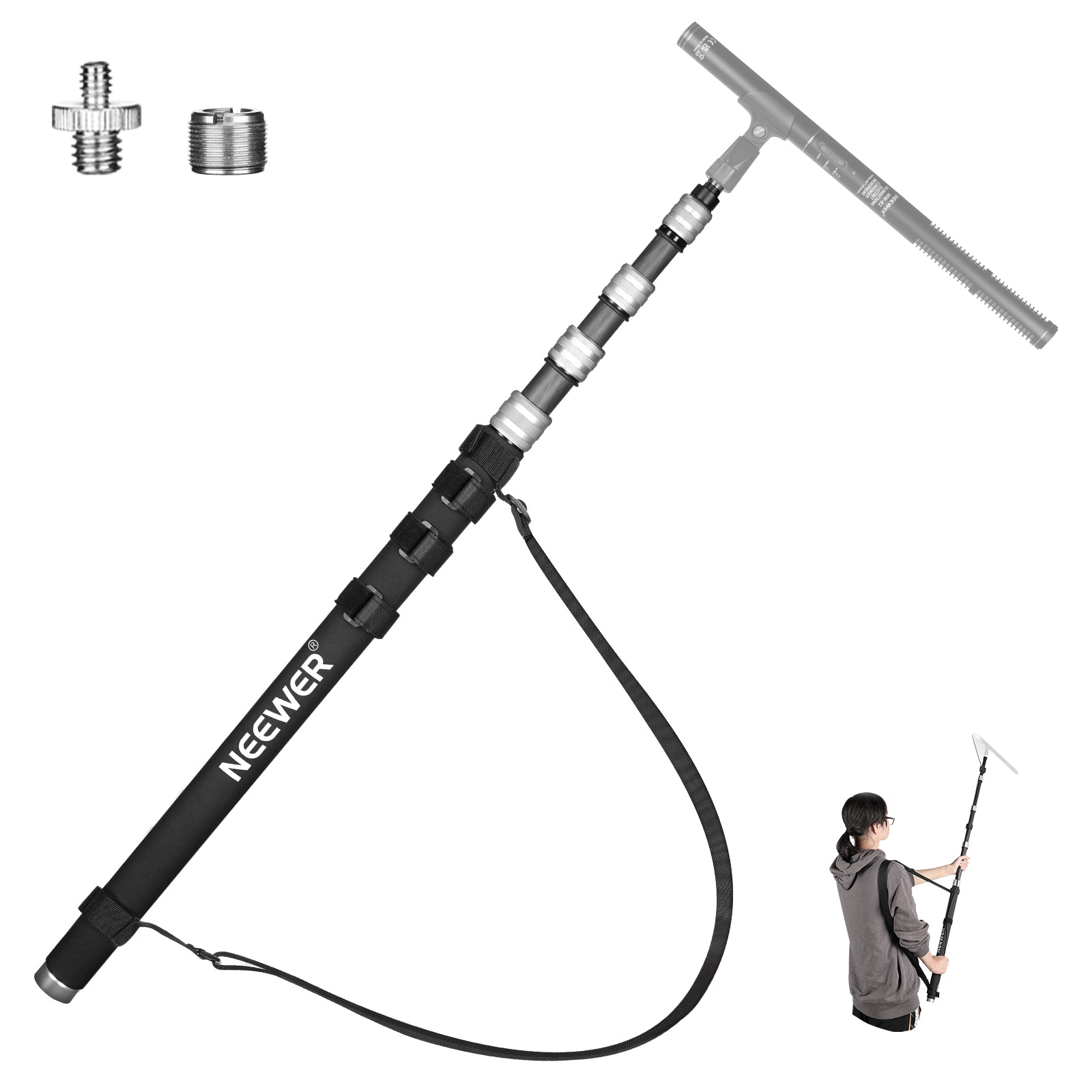
Shotgun Mic: Mounts off-camera on a boom pole or hot shoe to capture natural, directional sound without any mic visible in frame. Best for stationary video production and film.
How Do You Choose the Right Microphone?
Choose based on your primary recording environment:
-Noisy or untreated room: Dynamic microphone (blocks background rumble and room echo)
-Quiet studio / podcast room: Condenser microphone (captures rich, detailed voice frequency)
-Outdoor vlogging / movement: Wireless lavalier mic (clips to chest to isolate voice)
-Filmmaking / no mic in frame: Shotgun microphone
USB vs. XLR Microphones: Which Do You Need?
USB Mics: Plug directly into computers without extra drivers. Ideal for beginners, gamers, and solo podcasters wanting a fast setup.
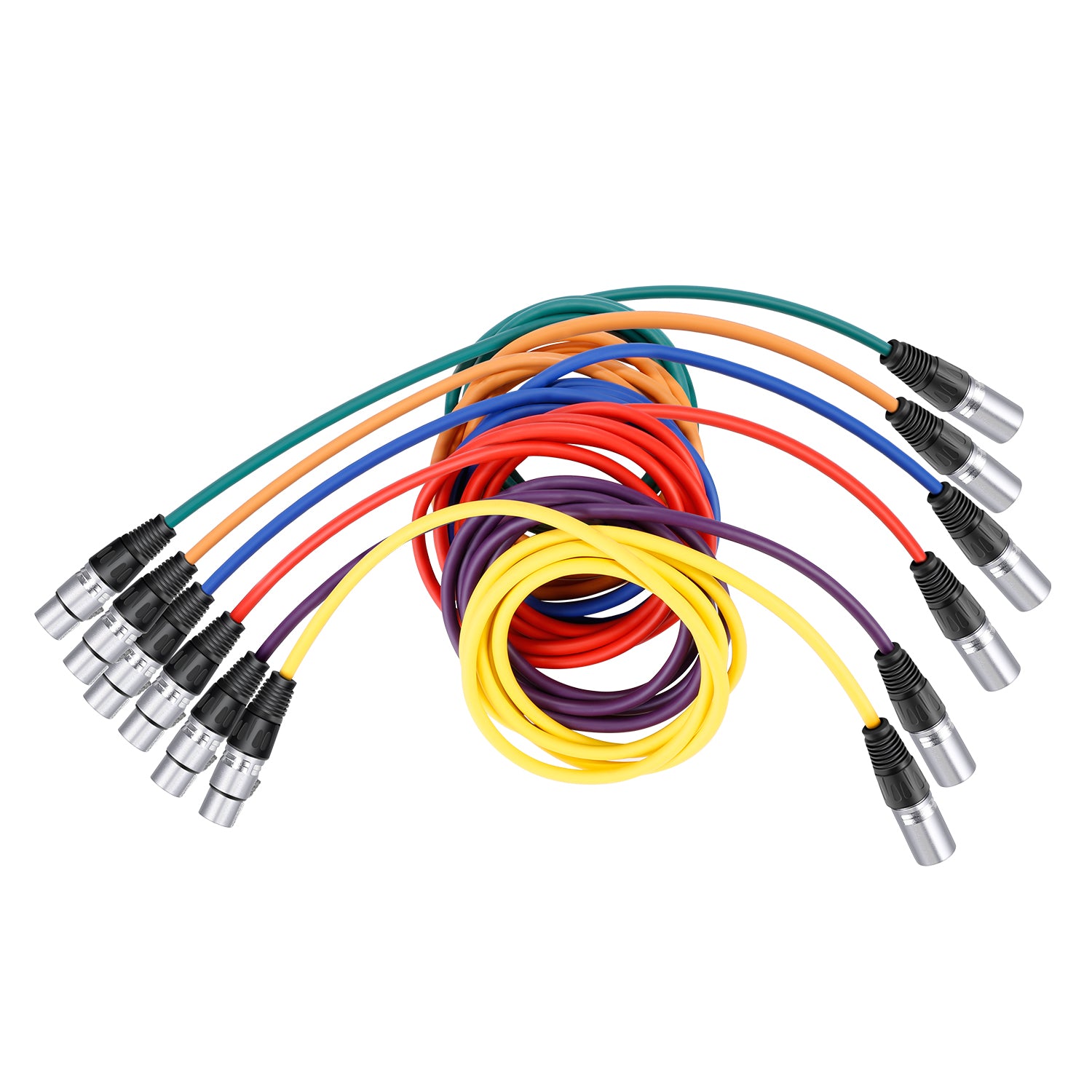
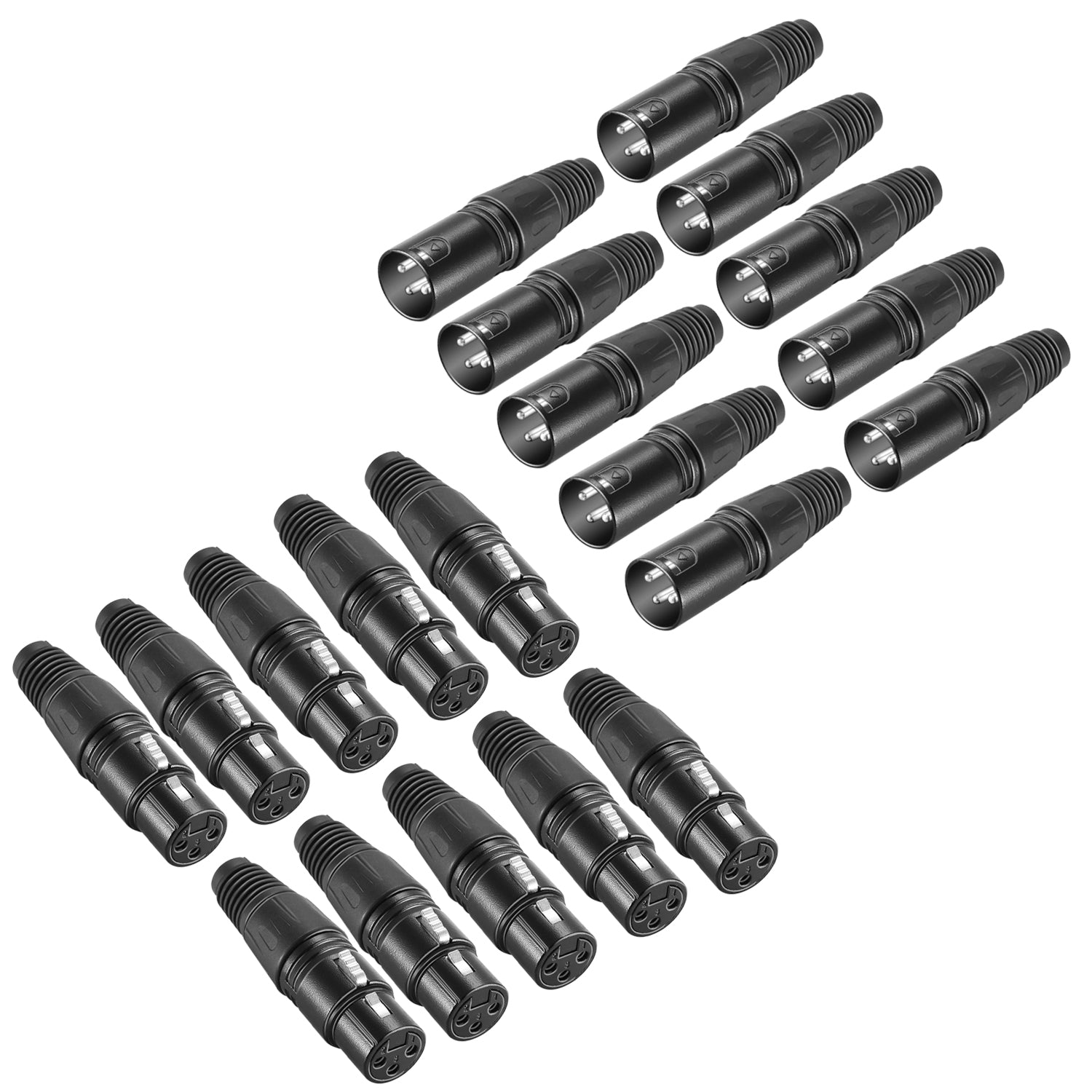
XLR Mics: Connect to external audio interfaces or mixers using 3-pin XLR cables. Ideal for professional studios and multi-person podcasting needing long-term audio expansion.
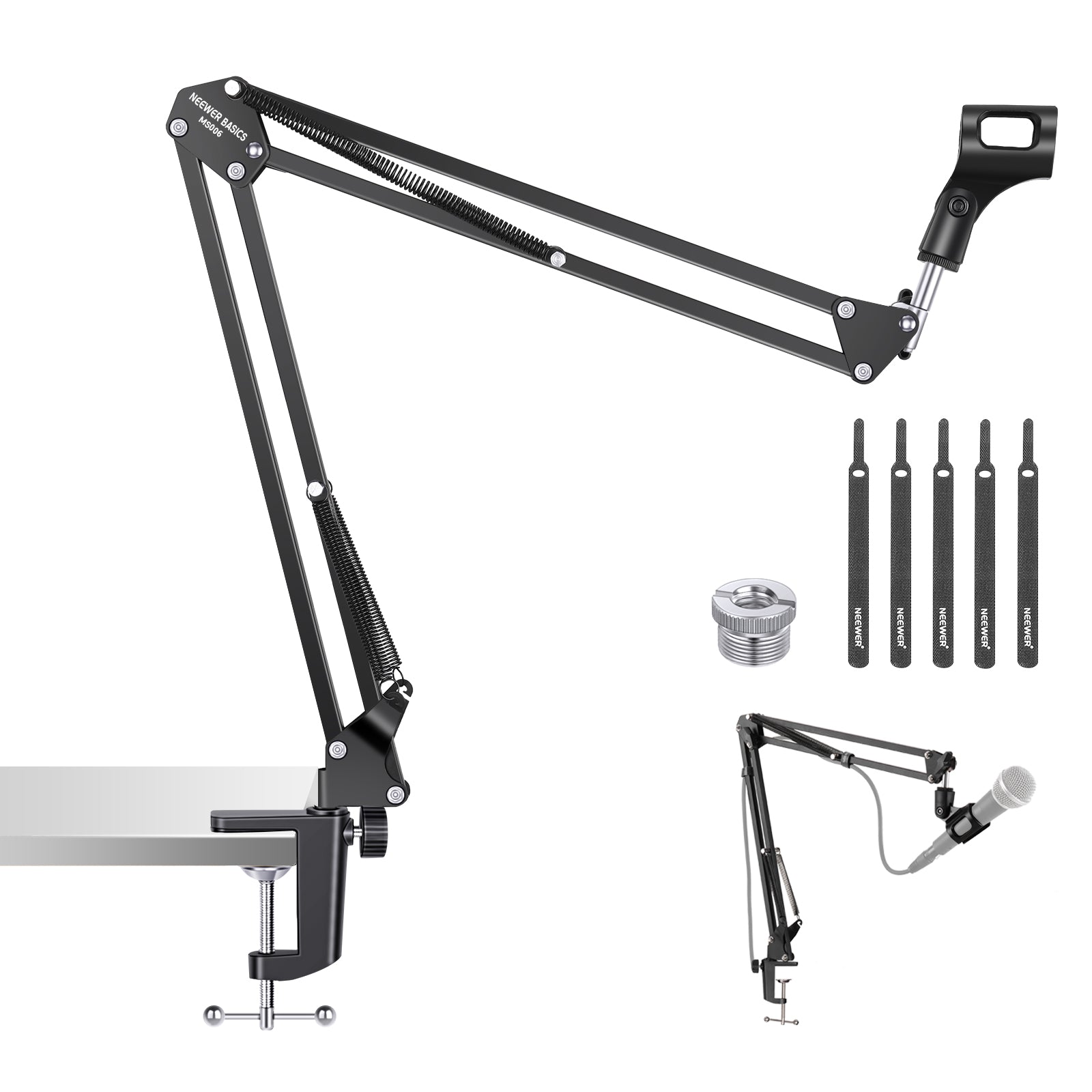
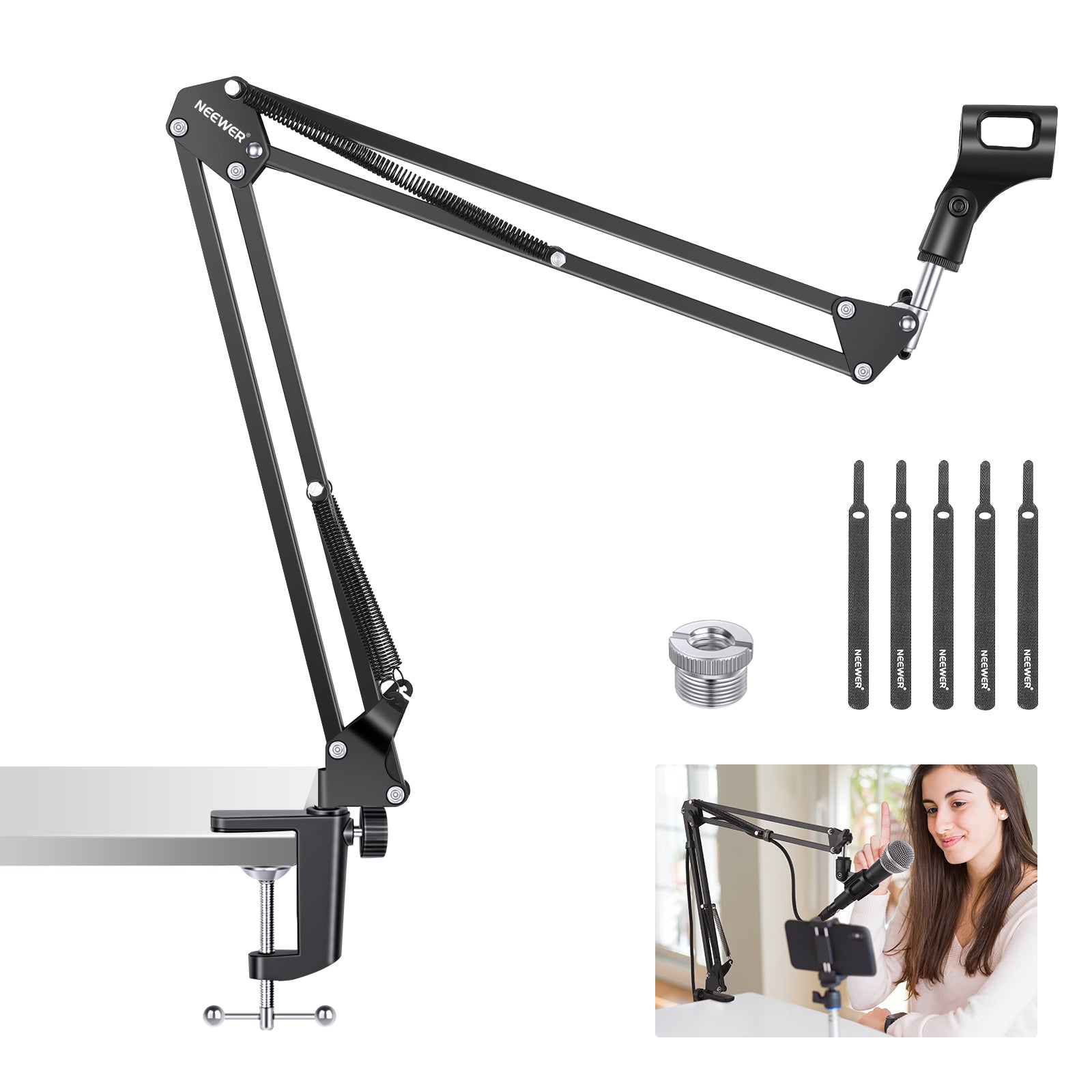
What Does a Microphone Boom Arm Do?
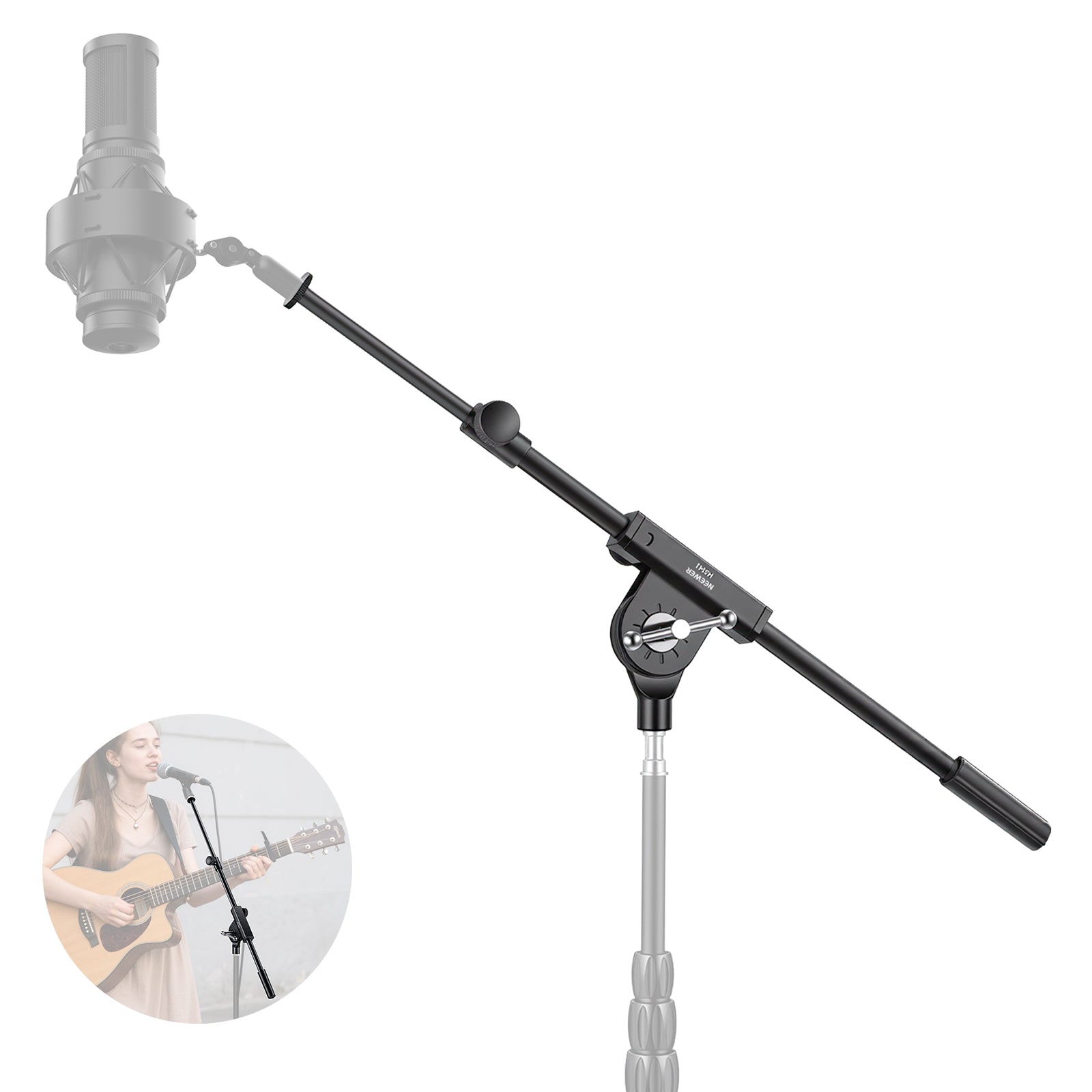
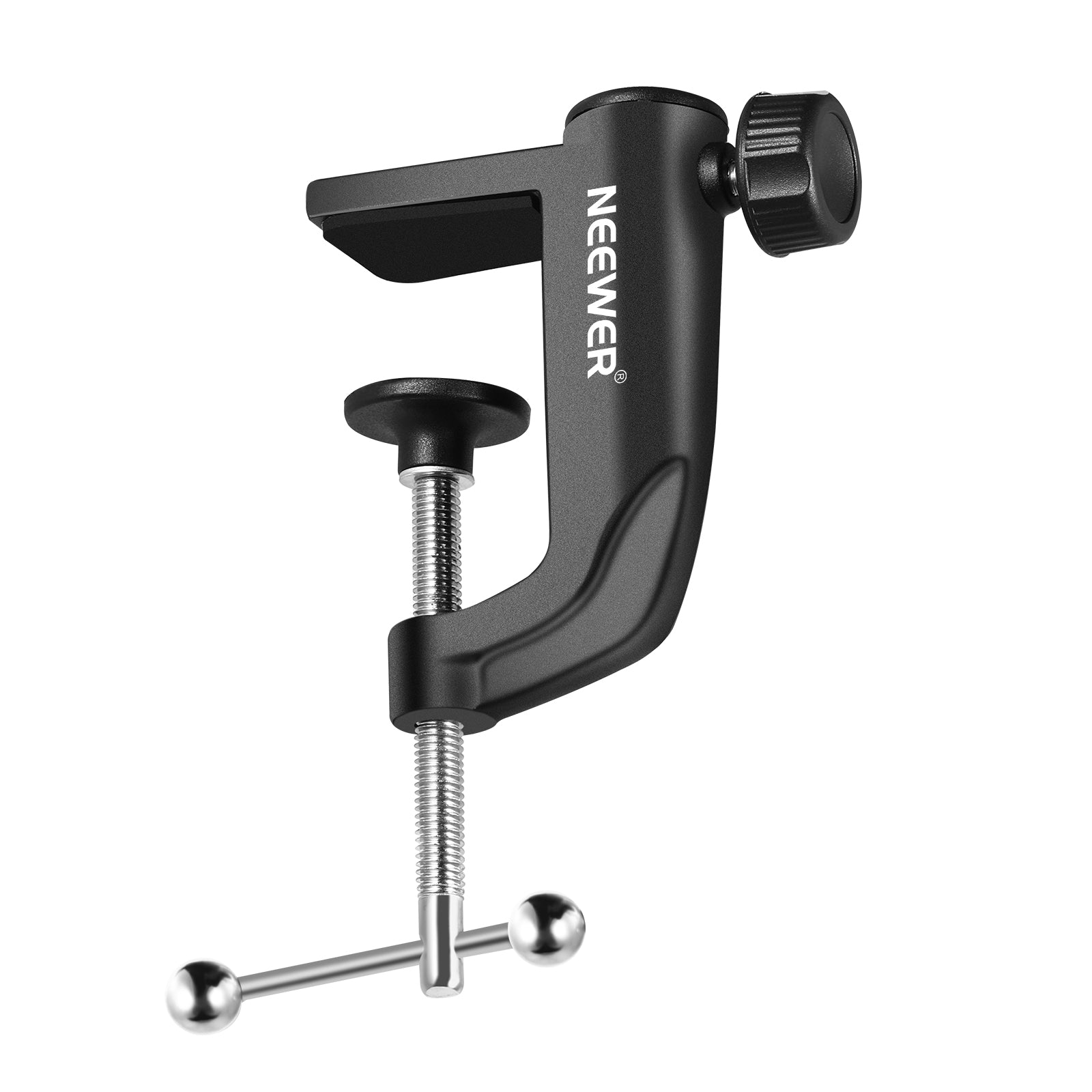
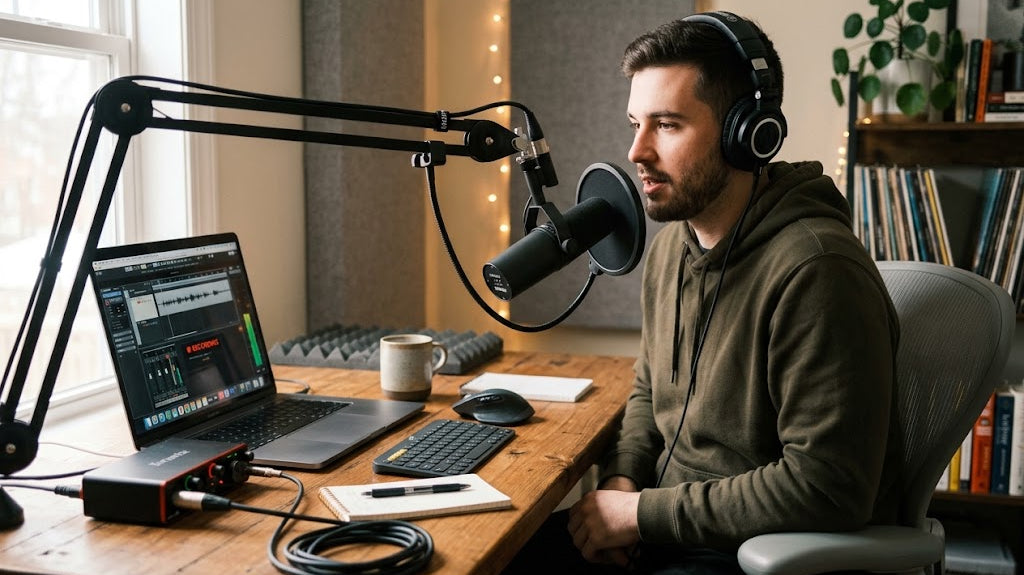
A boom arm clamps to your desk and suspends the mic in mid-air. It brings the microphone close to your mouth, saves desktop space, and prevents keyboard clicks and table-bumping noises from entering your recording.
Desktop Stand vs. Boom Arm: Which Is Better?
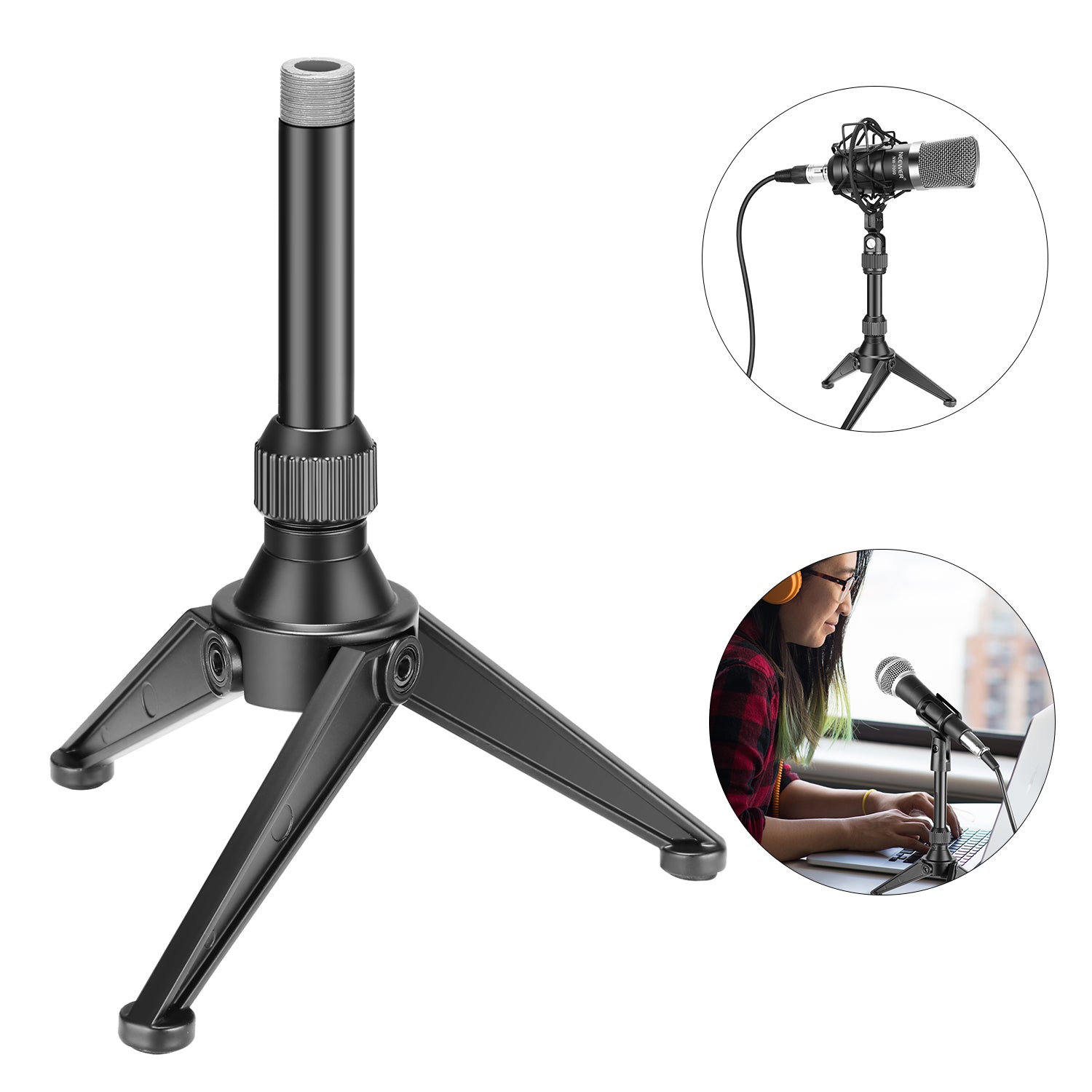
Desktop Stand: Compact and portable for travel or basic calls, but takes up desk surface and easily transfers typing vibrations.
Boom Arm: Clamps to the table edge to keep desk space free while providing precise positioning and isolation from physical contact noise.
Do You Really Need a Shock Mount?
Yes, if your mic is mounted on a desk or arm. A shock mount uses flexible elastic suspension to prevent low-frequency "thumping" noises—caused by typing, tapping the desk, or bumping the stand—from ruining your audio.
What is the Difference Between TRS and TRRS?
TRS (2 Black Rings): Used for cameras, DSLRs, audio recorders, and dedicated interfaces.
TRRS (3 Black Rings): Used for smartphones, tablets, and laptops with a combined headset port.
(If your mic is silent on a phone, you likely need a TRS-to-TRRS adapter cable).
Foam Windscreen vs. Furry Deadcat: When to Use?
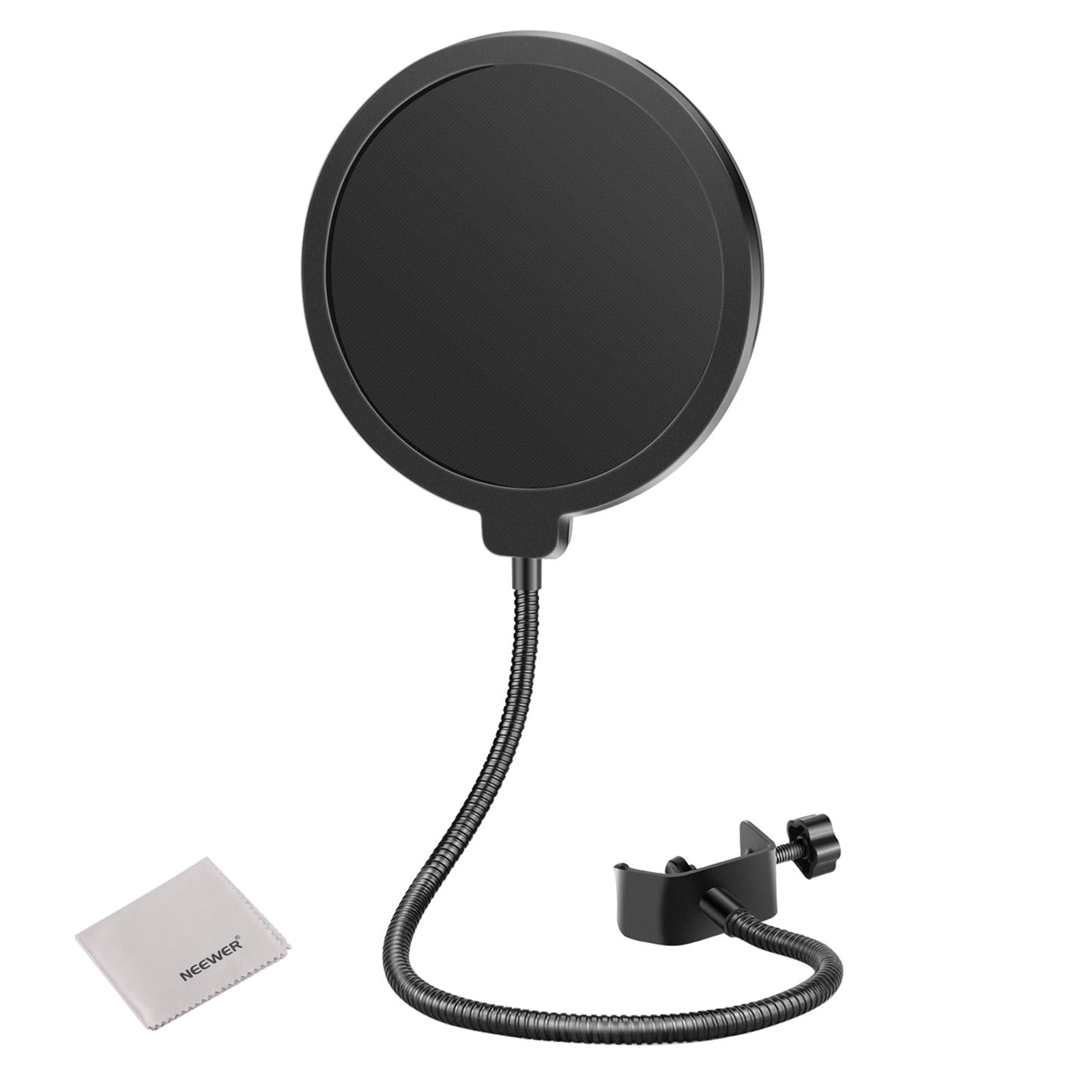
Foam Windscreen: Best indoors to reduce harsh breath bursts ("P" and "B" pop sounds) and air-conditioner drafts.
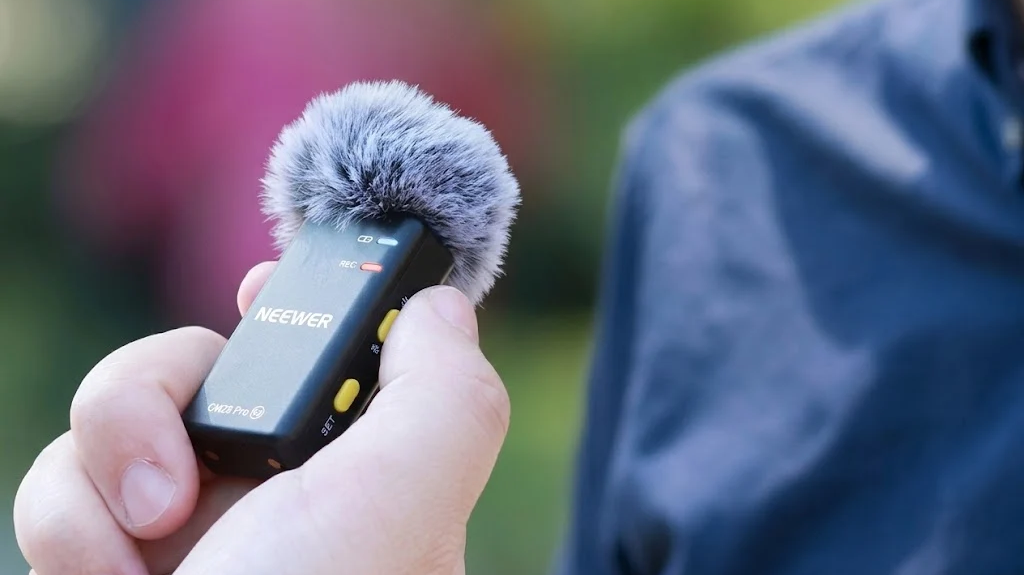
Furry Deadcat: Essential outdoors. The faux fur diffuses harsh wind gusts before they hit the mic capsule, preventing distorted wind noise.