





Cables




FAQ
What Is a Timer Remote Control (Intervalometer)?
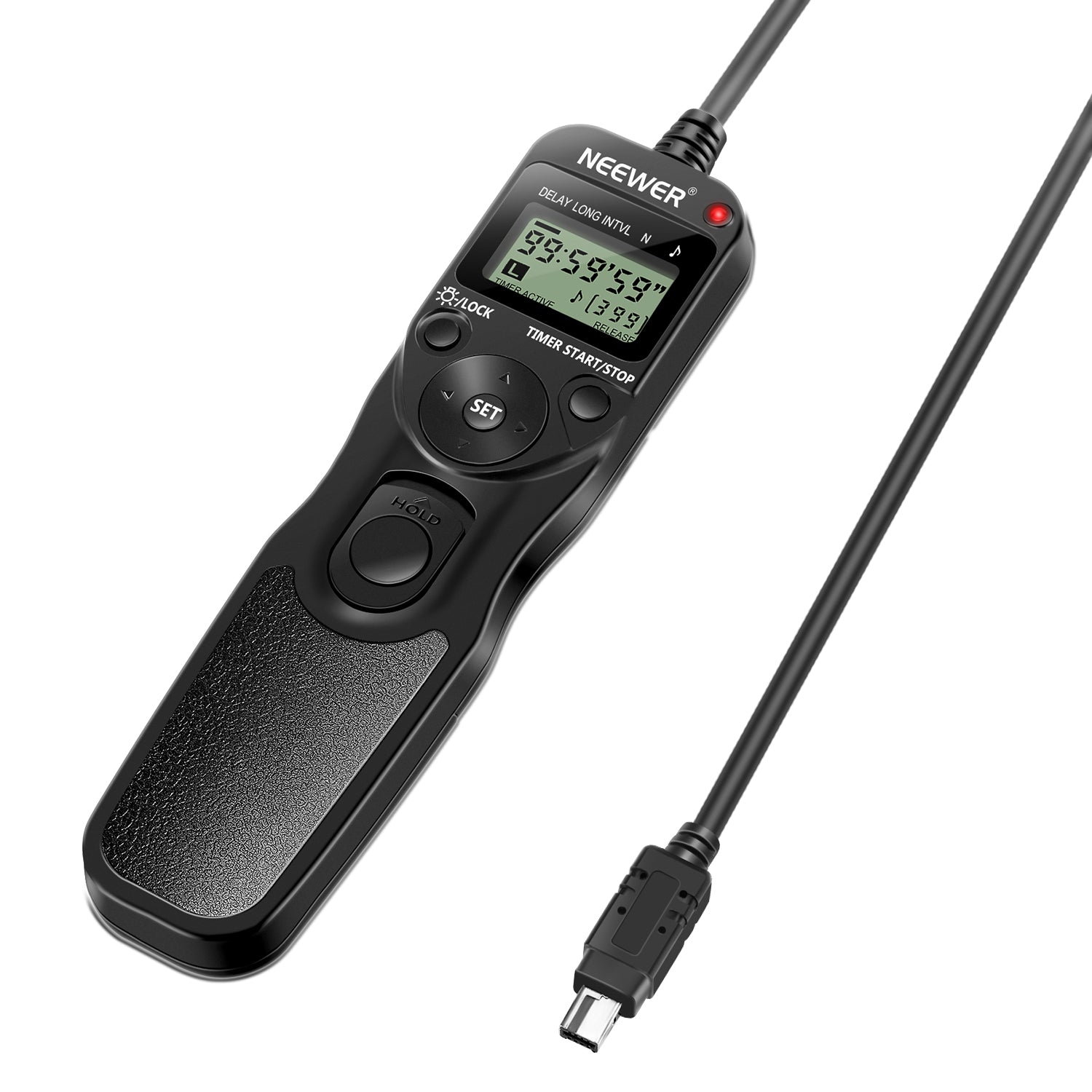
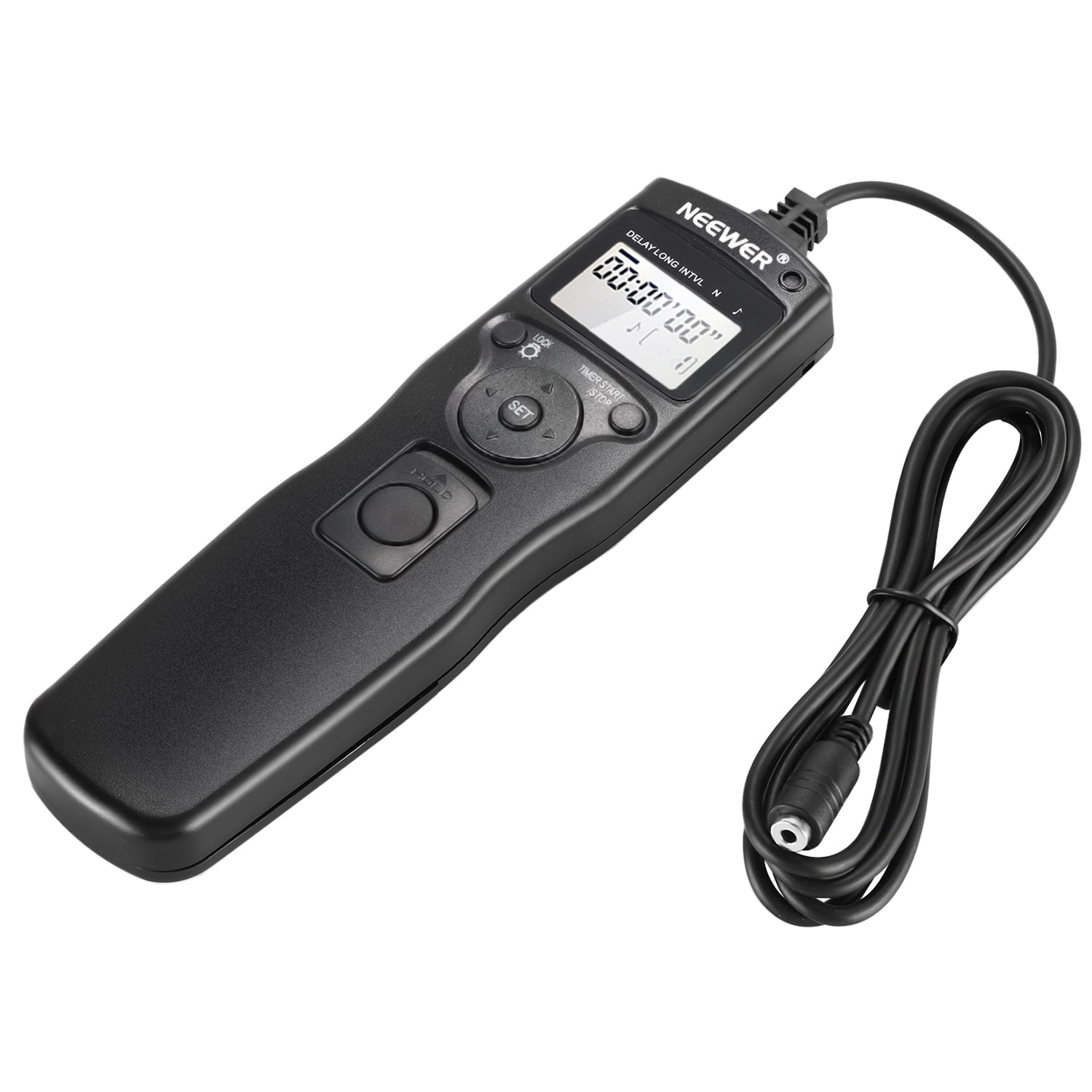
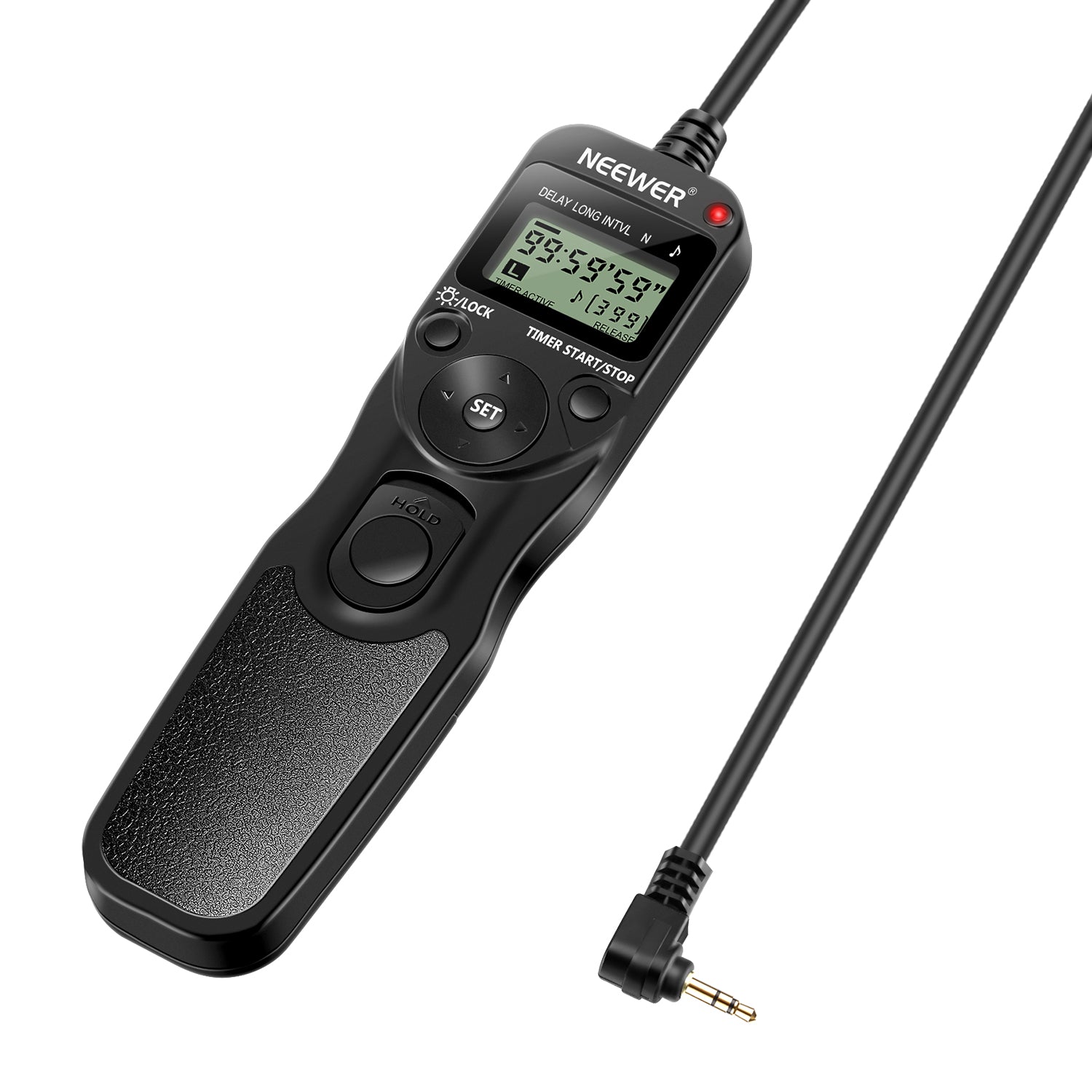
A timer remote control connects to your camera to automate long exposure photography and time-lapses. It lets you program custom delay times, exposure lengths, interval spacing, and total shot counts without physically touching the camera.
Why Use a Remote Shutter Cable Instead of Pressing the Shutter?
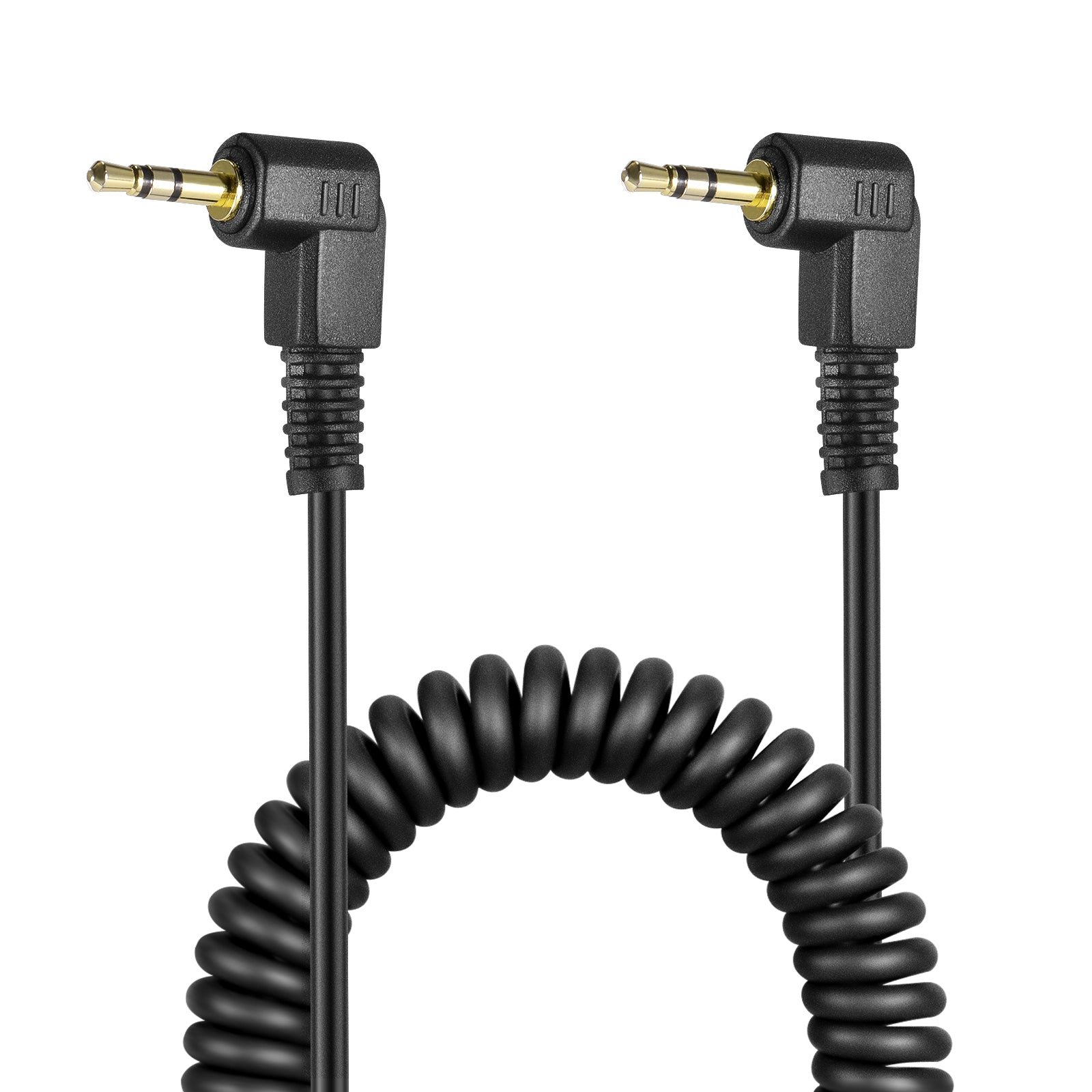
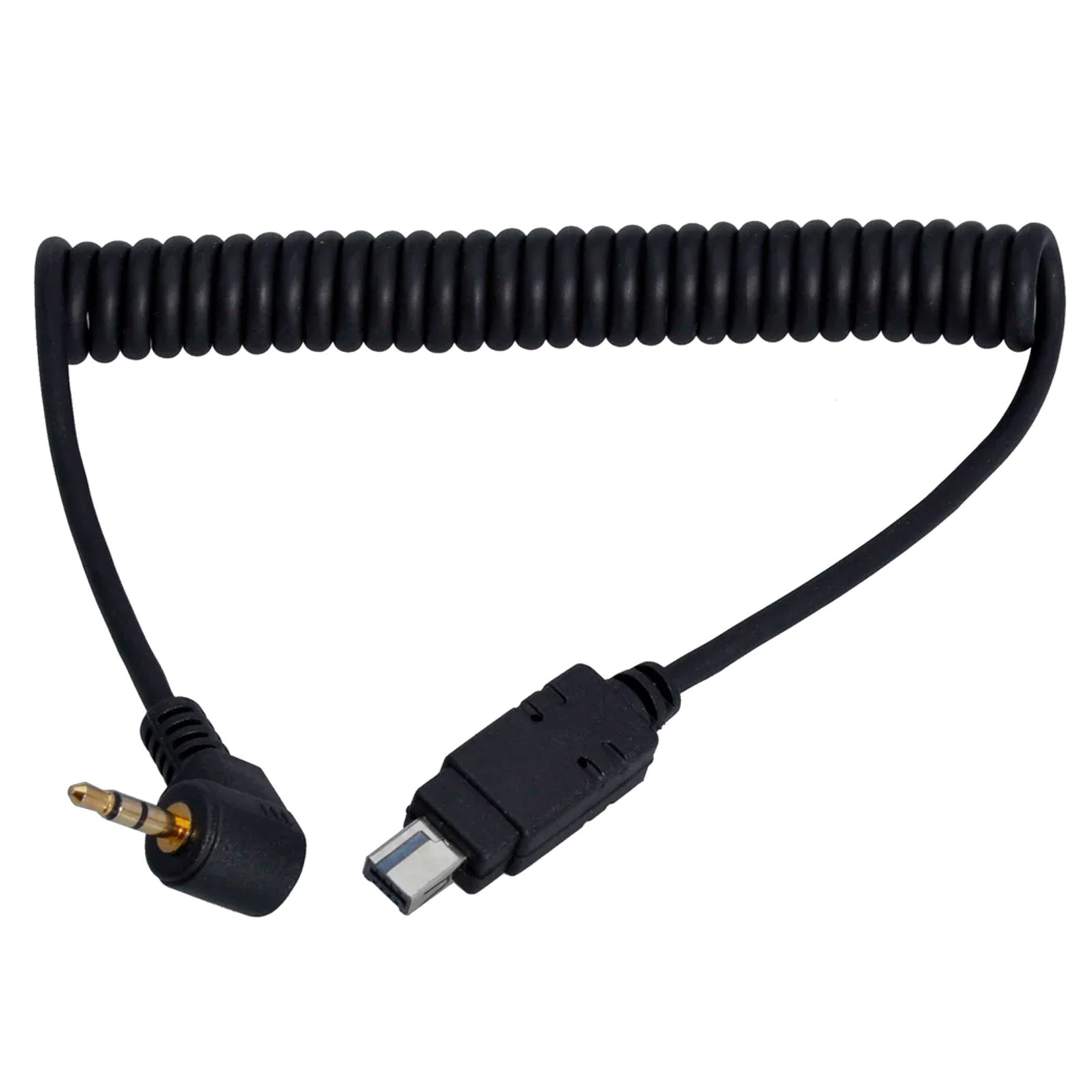
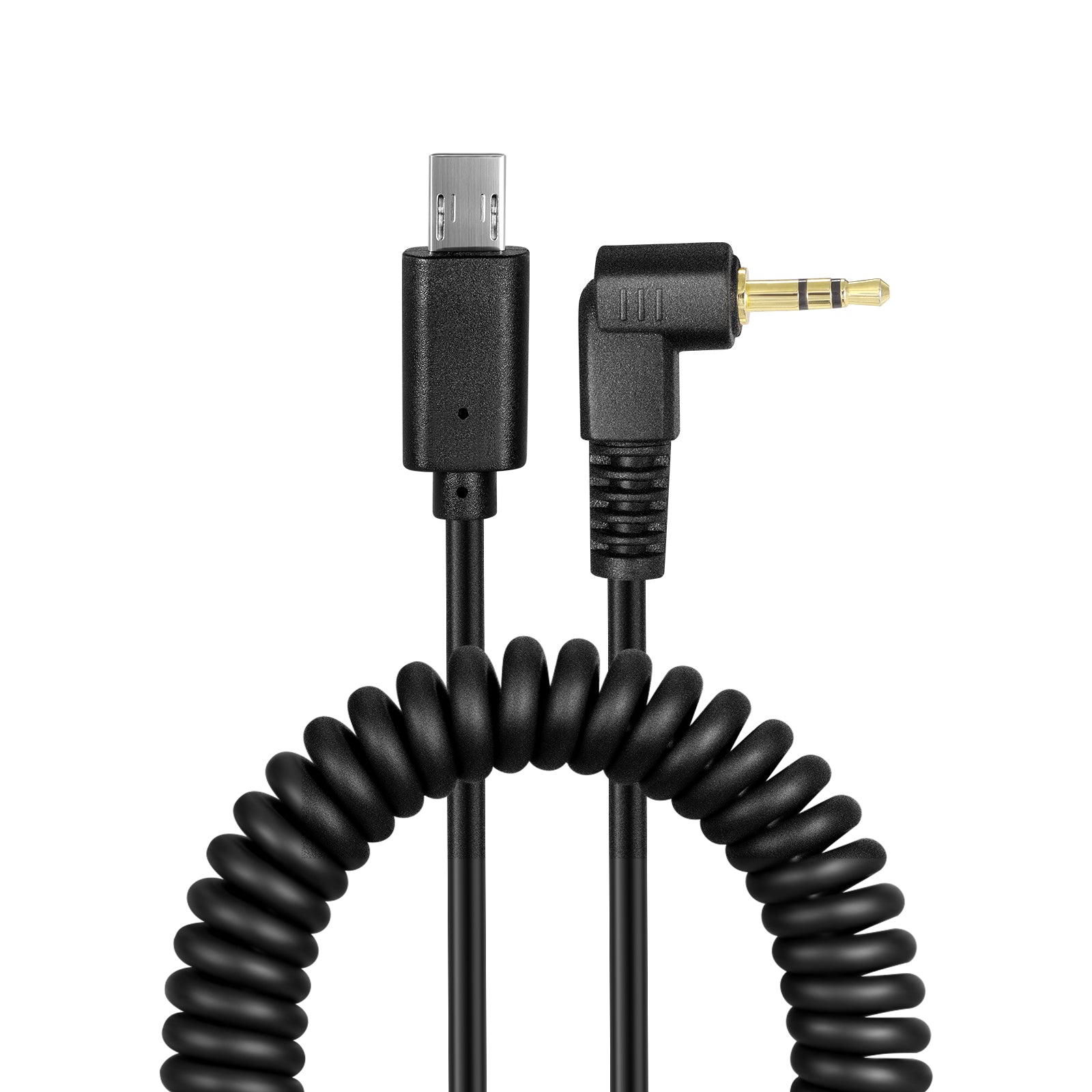
Pressing your camera’s built-in shutter button causes micro-vibrations that blur long exposure, macro, and night shots. A remote shutter cable triggers the exposure electronically, ensuring crisp, vibration-free images during tripod photography.
How Do You Set Up a Timer Remote for Time-Lapse Video?
Set your camera to manual mode, lock down focus, and connect the intervalometer cable. Program your interval (e.g., one shot every 5 seconds) and set the total frame count. For smooth time-lapse playback, aim for 240 to 300 total shots per 10-second video clip.
What Is a Male to Female Extension Cable?
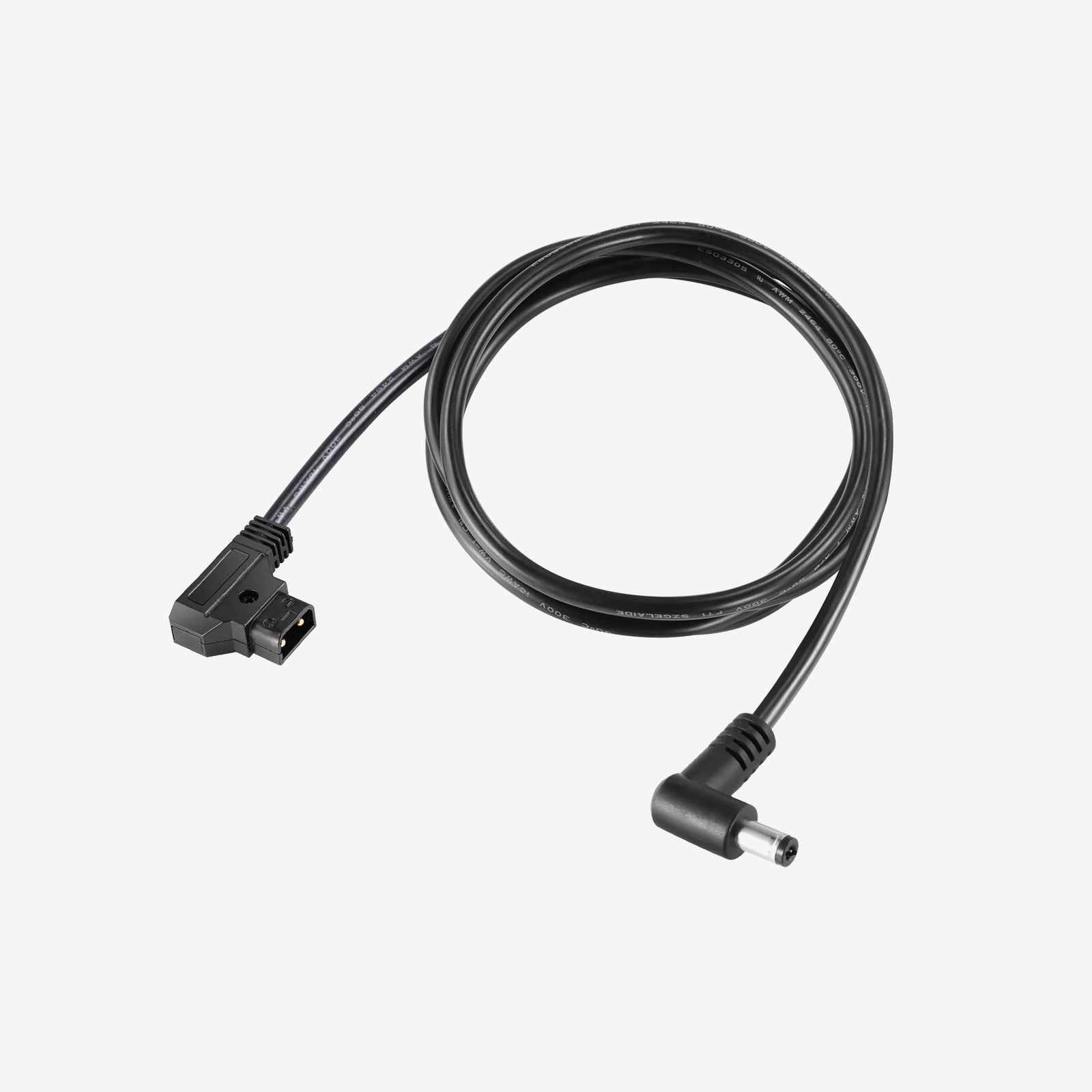
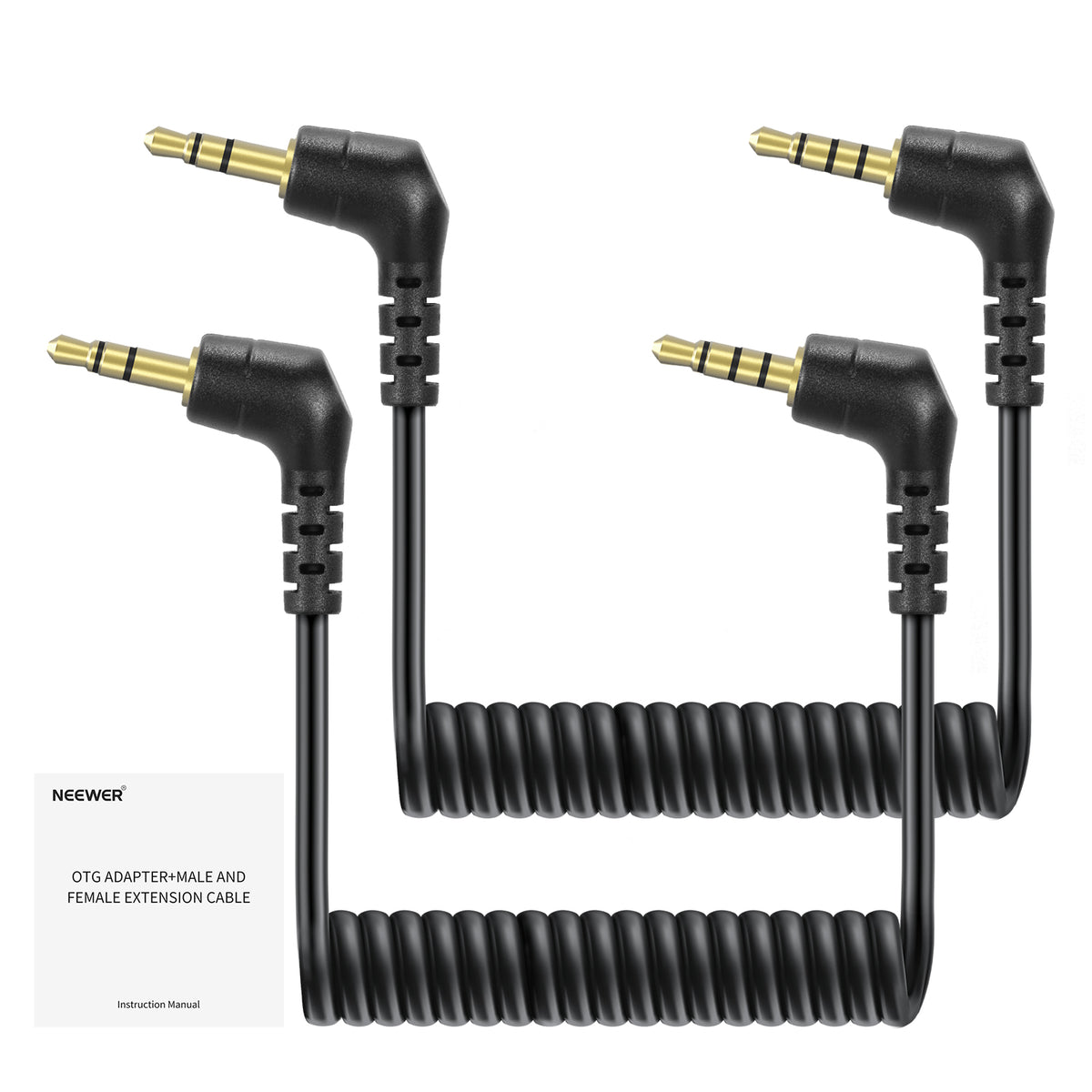
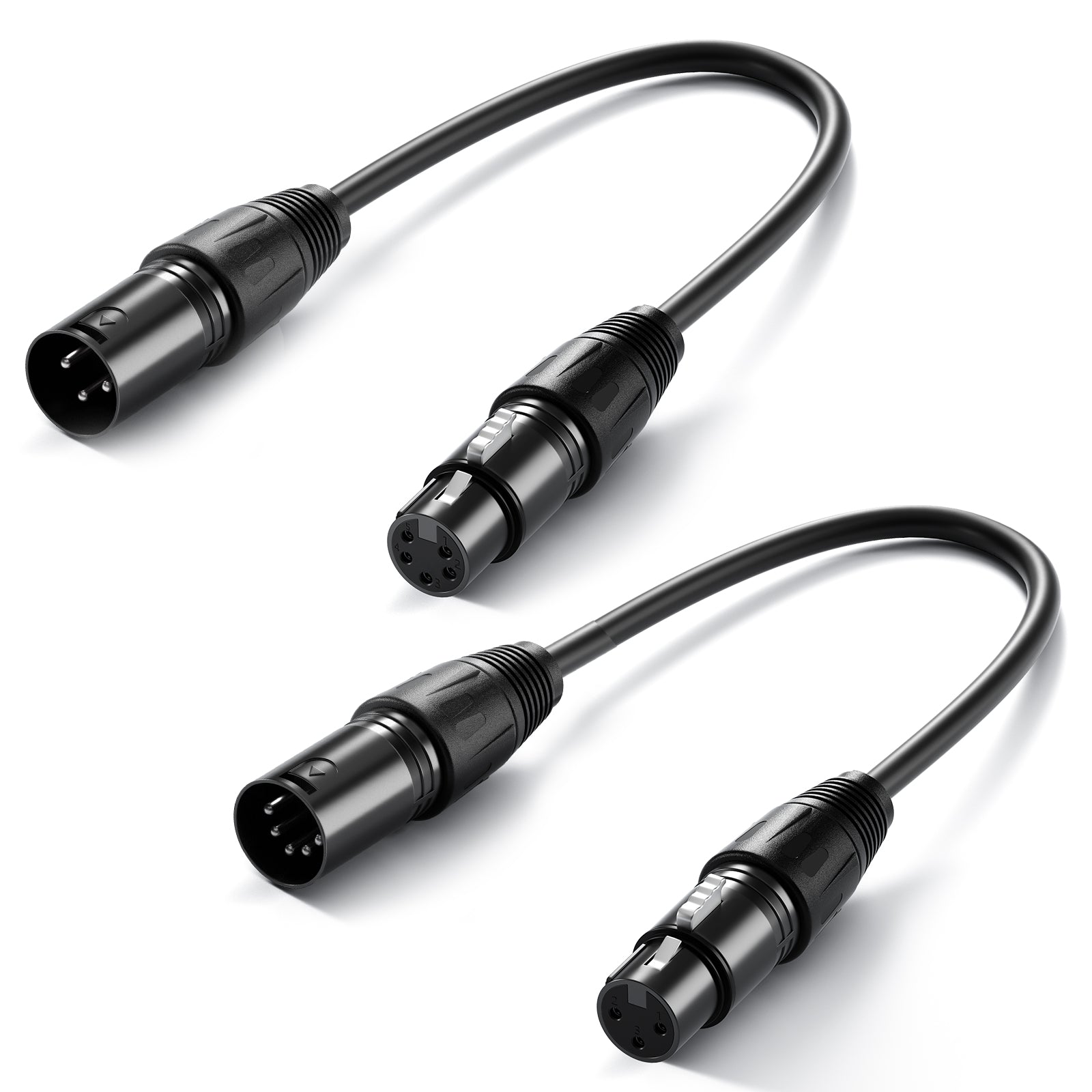
A male to female cable features a exposed plug (male) on one end and a socket (female) on the other. It acts as a pass-through bridge, extending the physical reach of your existing audio, video, or power cables without altering signal pinouts.
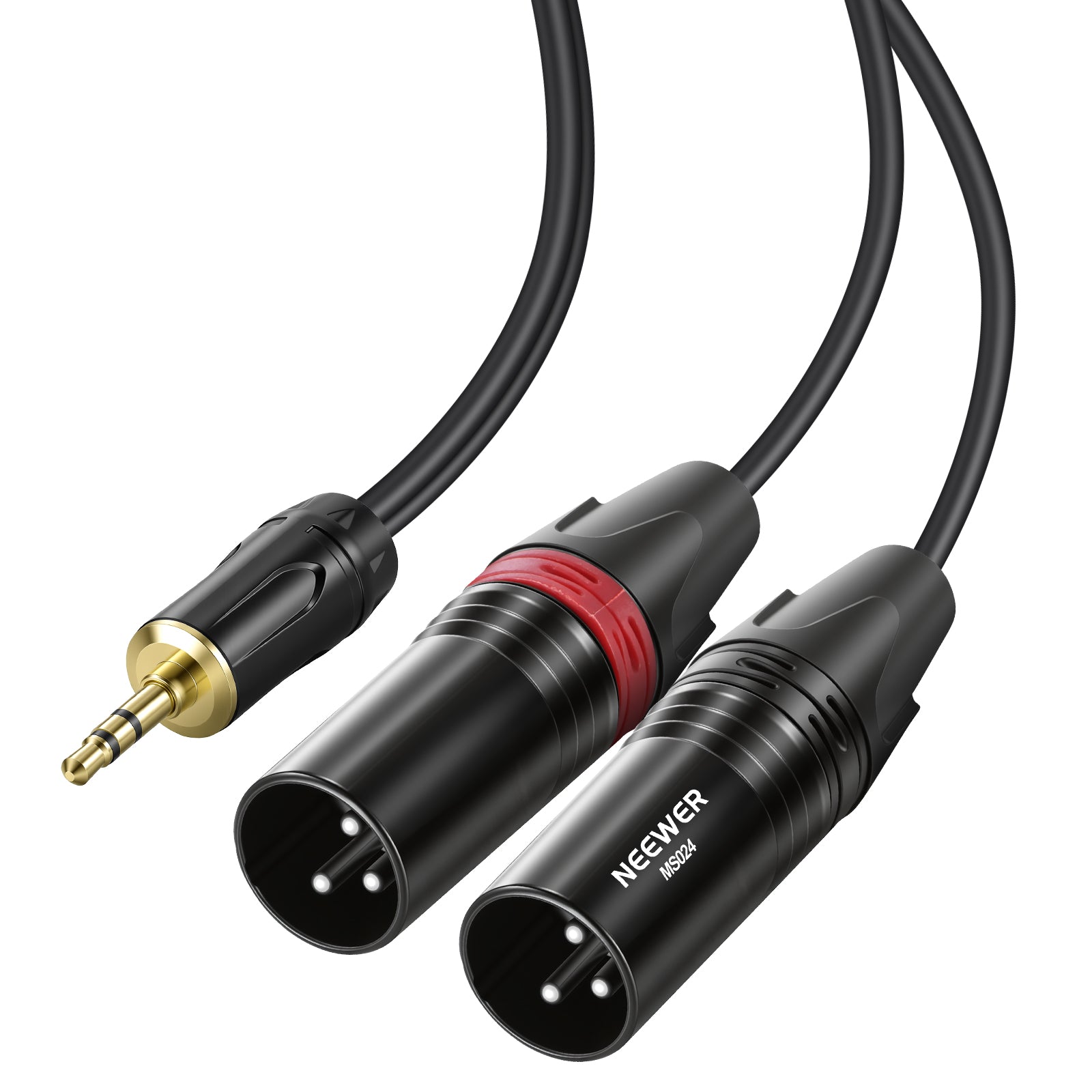
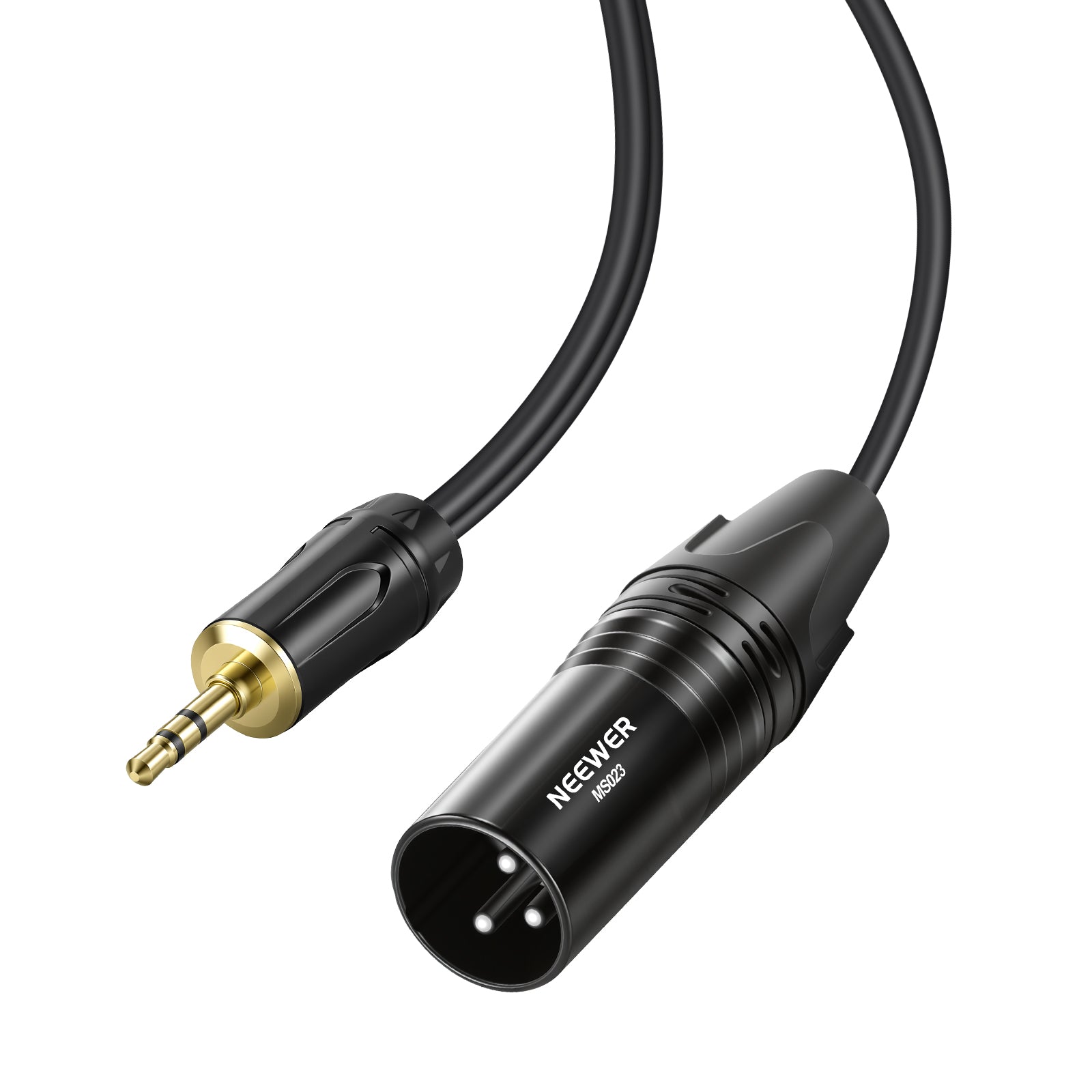
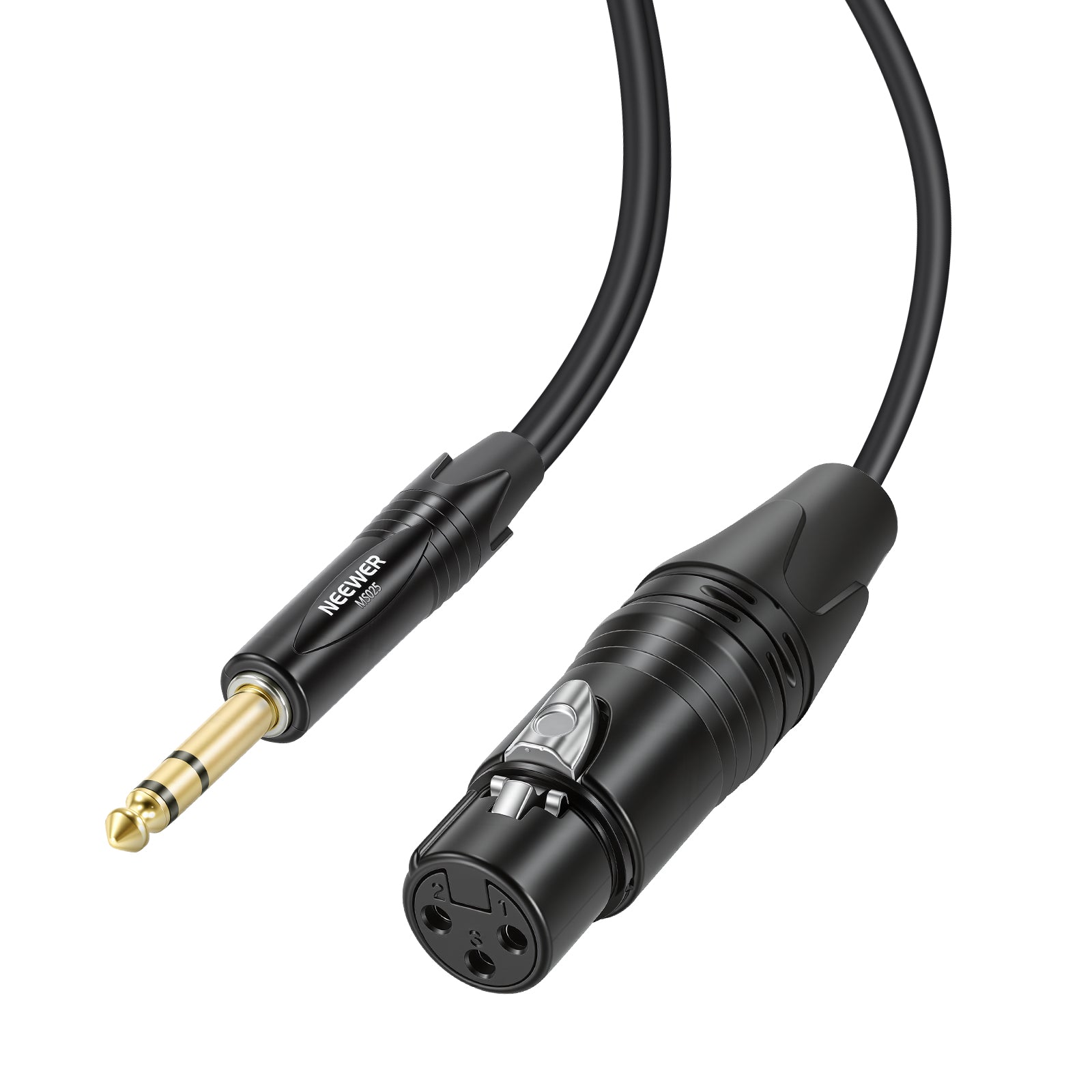
What Is an XLR Male to Female Cable Used For?
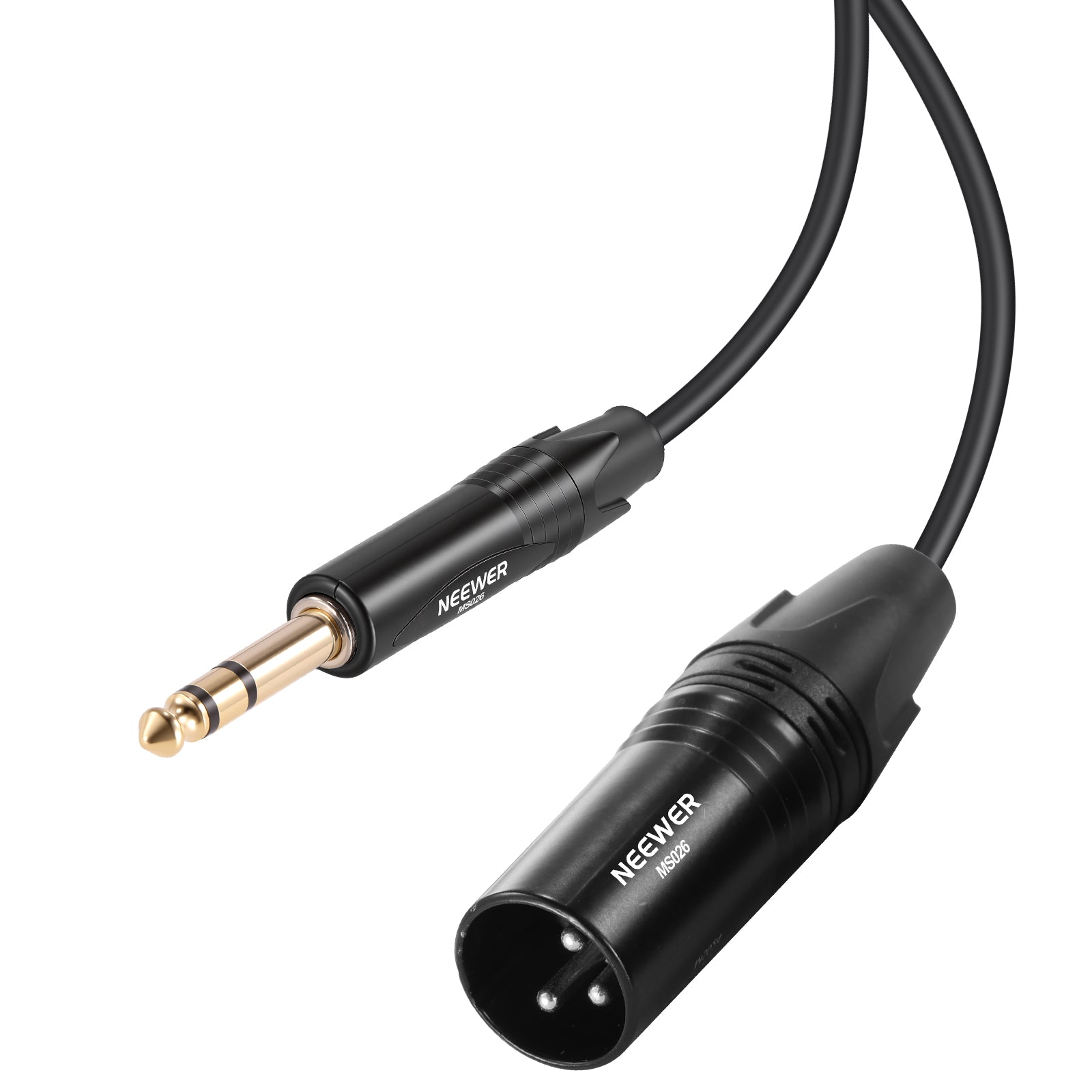
XLR male to female cables are the industry standard for connecting microphones to mixers, audio interfaces, and cinema cameras. The male end plugs into your recorder's input, while the female end locks onto the microphone's output base.
Can You Chain Multiple Male to Female Cables Together?
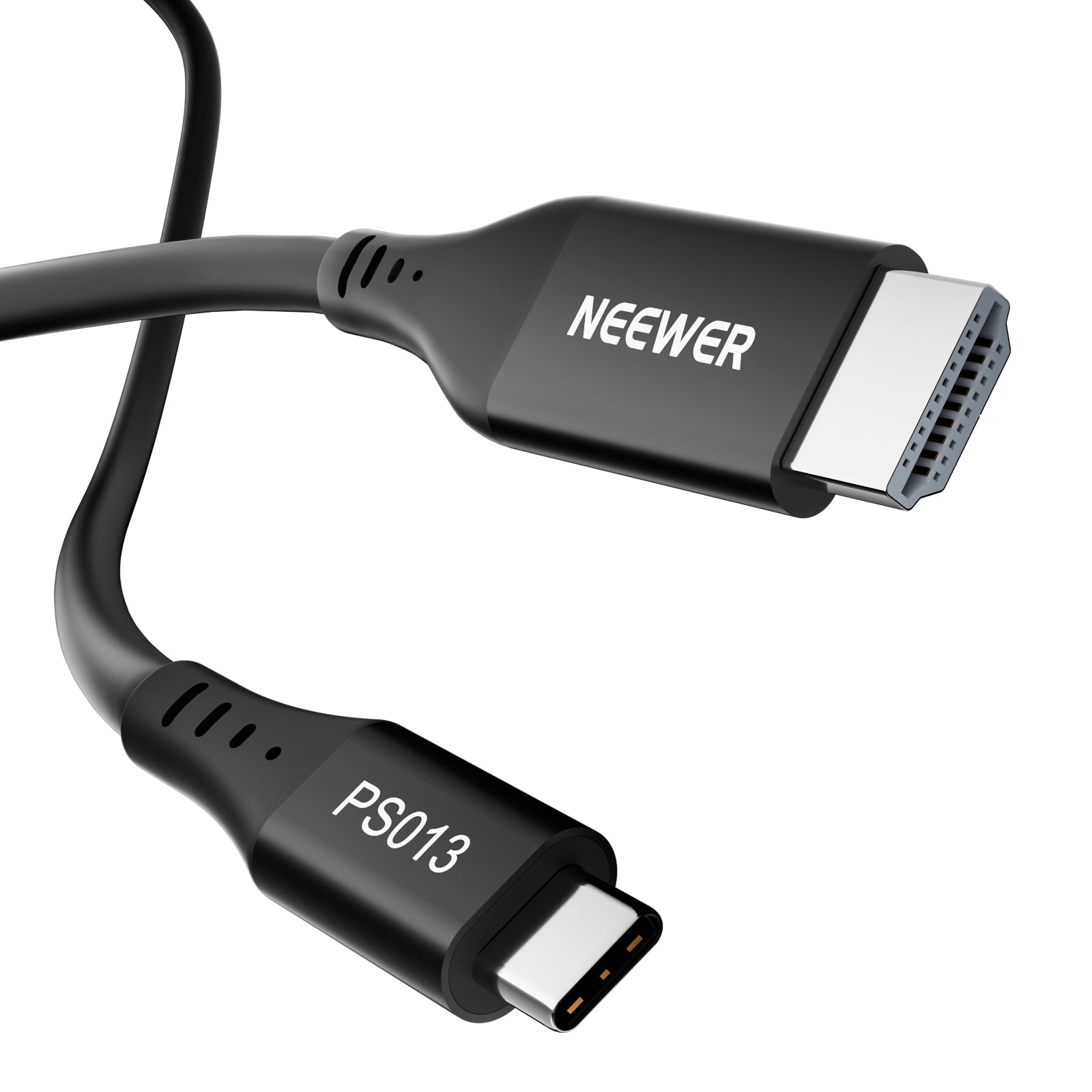
Yes, for balanced audio (like XLR), you can snap multiple male to female cables end-to-end to create longer cable runs. However, for high-bandwidth video (like HDMI or USB-C 4K feeds), chaining extensions can exceed signal distance limits and cause dropouts, so using a single long cable is recommended.






