

Table of Contents
A good streaming light does three things well: it keeps color consistent across a long session, produces soft even coverage without a diffusion add-on, and doesn’t introduce visible flicker at your camera’s frame rate. A bi-color panel with CRI 96 or higher handles all three, and lets you match color temperature to your room as ambient light shifts through the day.
If you’re already seeing flicker in your recordings, the fix is almost always a shutter speed adjustment, not a new streaming light. This guide covers which NEEWER LED panels are built for long streaming sessions, how to match them to your room, and how to diagnose and clear LED flicker before replacing anything.
Find your panel:
|
Your situation |
Best pick |
Why |
|
Desk setup, |
Compact footprint, lower heat over long sessions |
|
|
Fixed studio, |
Large panel, naturally soft at 3–4 ft without diffusion |
|
|
Secondary fill alongside NL480 or NL660 |
Stream Deck-compatible fill panel, CRI 97+ |
|
|
First panel, entry budget |
Fanless, wider coverage than a ring light |
What Makes a Bi-Color LED Panel Good for Live Streaming
Most LED panels are built for short photography sessions. Streaming changes the requirements entirely — the light has to perform consistently for hours, at a fixed position, without drifting in color or flickering at your camera’s frame rate. Here’s what to evaluate when choosing a light for streaming:
- CRI 96+ for accurate skin tones. CRI measures how faithfully a light recreates color against natural daylight. When CRI drops below 90, skin can look sallow or oversaturated on camera even when it looks fine to the eye. For streaming, CRI 96 is the practical baseline — it’s where skin tones read naturally without constant correction in your software.
- Bi-color output (3200K–7000K range). Room light shifts throughout a session — warmer in the evening, cooler in the afternoon. A bi-color panel lets you dial the CCT to match, so your face doesn’t push orange or blue as ambient light changes.
- Flicker and thermal stability. LEDs dim using PWM (pulse-width modulation) — rapid on/off cycling. If the cycle frequency conflicts with your camera’s shutter speed and frame rate, some frames catch peak output while others catch a mid-cycle dim, producing visible banding. Panels with high-frequency PWM (typically above 1,000 Hz) are far less likely to produce visible flicker at common streaming frame rates. A panel that drifts in color temperature as it heats also forces white balance corrections mid-stream — better thermal management helps maintain more consistent color across a four-hour session.
Best LED Panel Lights for Streaming
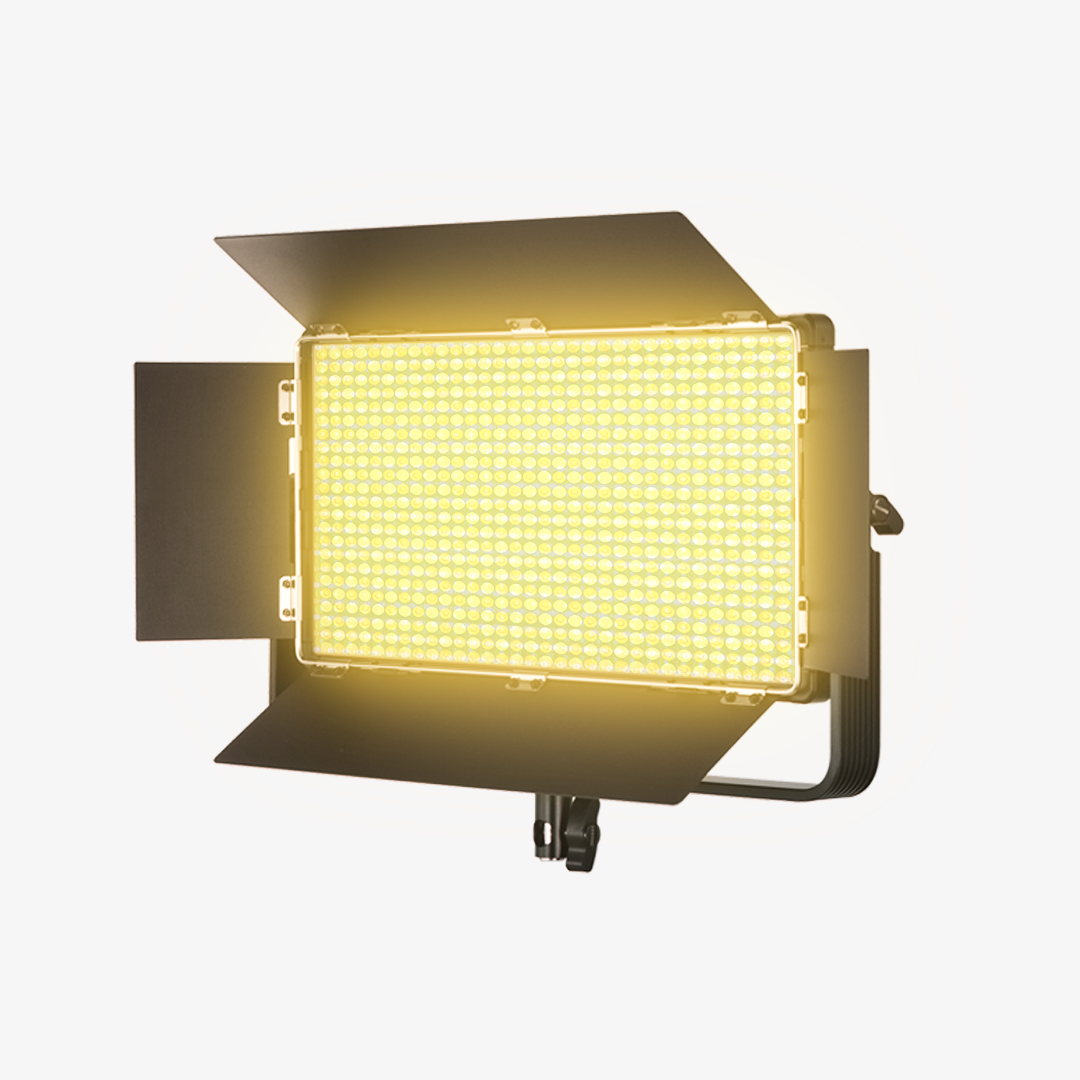
a. NEEWER NL660: Best Large-Format Bi-Color Panel for Fixed Streaming Setups
The NL660’s large panel surface gives you broadcast-soft facial light from a single fixture - the right streaming light when your setup is fixed, and you have the space for a larger key light.

The Breakdown
Because the panel itself is larger, it produces softer shadows and smoother transitions across the face at the same working distance. Streamers who want softer light without adding extra diffusion benefit most from the larger panel size: the NL660 produces that naturally soft result on its own at 3–4 ft. Bi-color output lets you match CCT to your room at any time of day.
|
Spec |
Detail |
|
Light type |
Bi-color LED panel |
|
LEDs |
660 (330 white + 330 yellow) |
|
Color temperature |
3200K–5600K |
|
CRI |
≥96 |
|
Max output |
3360 lux/1 m |
|
Power |
40W; DC 12V |
|
Dimming |
0–100% |
|
Power source |
AC power adapter (included); |
|
Control / shaping |
U bracket (360° rotation); |
|
Dimensions |
28 × 26.5 × 4.8 cm |
Pros
- Large panel surface creates naturally soft coverage without added diffusion at standard streaming distances
- Bi-color range covers warm ambient through daylight in a single fixture
- Single-panel solution; no fill light needed for most face-forward setups
Cons
- Larger footprint requires a heavy-duty stand or dedicated boom arm; not desk-arm friendly
- Higher power draw and more heat output than compact panels in the lineup
- Generates more heat over long sessions than smaller panel formats
Best for: Streamers with a fixed studio position who want the softest possible single-panel key light without a diffusion modifier.
b. NEEWER NL480: Best Mid-Size Bi-Color LED Panel for Desk Streaming
The NL480 is the most desk-friendly streaming light in the bi-color panel lineup — compact enough for a monitor arm, capable enough for a four-hour daily stream.

The Breakdown
The NL480 delivers bi-color output and high-CRI performance in a smaller form factor that fits desk arms and lightweight stands without counterbalancing issues. For streamers at a desk with limited wall clearance, this is the more practical choice. Placed at 2–2.5 ft, it produces adequately soft facial light for most streaming angles. The included white diffuser and four-leaf barn doors give you enough shaping control to keep fill off the background. For most Twitch, YouTube Live, or Zoom-based creators, it’s the easiest panel to fit into an existing desk setup without rearranging the entire workspace.
|
Spec |
Detail |
|
Light type |
Bi-color LED panel |
|
LEDs |
480 (240 white + 240 yellow) |
|
Color temperature |
3200K–5600K |
|
CRI |
CRI 96+ |
|
Max output |
4000 lux/1 m |
|
Power |
28W; DC 12V |
|
Dimming |
0–100% |
|
Power source |
AC power adapter (included) |
|
Control / shaping |
Adjustable U bracket; |
Pros
- Compact footprint fits standard desk arms and lightweight stands without counterbalance
- Lower heat output over 4-hour sessions compared to larger panels
- Barn doors and white diffuser included for shaping control at the desk
Cons
- Smaller panel surface may benefit from a diffusion cloth at very close placement (under 2 ft)
- Less natural wrap-around softness than the NL660 at the same working distance
Best for: Streamers with a desk setup or limited studio space who want a capable bi-color panel for daily long-form streaming.
Also consider: If you stream on location or away from a wall socket, the NEEWER NL-192AI is a 1 cm-thin bi-color panel with a built-in 8000mAh battery — the only untethered option in this lineup.
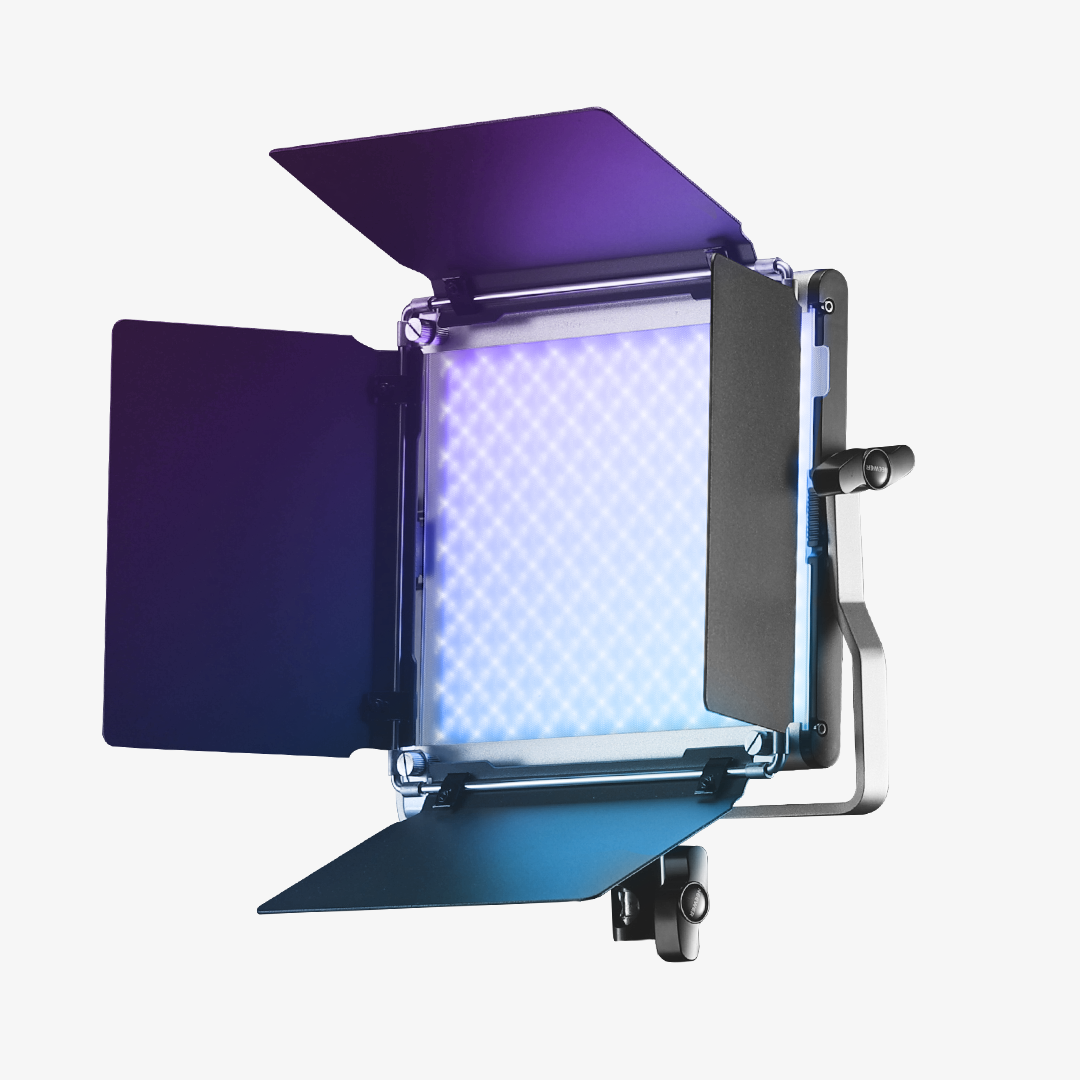
c. NEEWER GL1C: Best Compact RGB Panel for Fill or First-Time Streamers
The GL1C works well as a secondary fill light alongside the NL480 or NL660, or as a single-panel starter for casual and lower-frequency streaming.

The Breakdown
The GL1C’s compact size makes it easy to position at tight angles on small clamps or desktop stands — which is exactly what you need from a fill light on the shadow side of a key-and-fill setup. Paired with the NL480 as the key, it fills facial shadows without competing with the key’s output. It’s also Stream Deck-compatible and includes a touch bar for adjusting color temperature and brightness without interrupting a live broadcast. For casual streamers who aren’t running four-hour daily sessions, it handles a solo streaming setup in a controlled room.
|
Spec |
Detail |
|
Light type |
RGBWW LED panel (bi-color + full RGB) |
|
LEDs |
144 |
|
Color temperature |
2900K–7000K; GM correction ±50 |
|
CRI |
97+ |
|
Max output |
4300 lux/0.5 m |
|
Power |
48W; DC 12–15V |
|
Dimming |
0–100%; touch bar slider |
|
Power source |
DC 12–15V; AC power adapter (included) |
|
Control / shaping |
Touch bar; 2.4G / WiFi / Bluetooth; |
|
Special scenes |
18 FX effects; Music Sync mode |
|
Design |
2024 IF Award; fanless aluminum alloy shell with edge vents |
|
Dimensions |
15" × 9.1" × 1.6" / 38 × 23 × 4 cm |
|
Weight |
3.3 lb / 1.5 kg |
Pros
- Compact and easy to position as fill or accent alongside a larger key panel
- Stream Deck-compatible for on-stream brightness and CCT adjustments without touching the light
- CRI 97+ covers the most color-critical streaming environments
Cons
- 48W output and smaller physical panel produce harder light when used solo as a key at standard streaming distances
- RGB color modes more useful for accent work than for primary soft facial lighting
Best for: Streamers who already have an NL480 or NL660 as a key and want a compact fill panel — or first-time streamers starting with one light who want future flexibility.
d. NEEWER GL25B: Best Entry-Level Panel for Occasional Streamers
The GL25B is a budget-accessible entry-level streaming light in the bi-color panel lineup — a step up from a ring light for streamers who want softer, wider coverage without a large initial investment.

The Breakdown
Panel lights produce a wider, more even spread across your face compared to ring lights, and the GL25B delivers that core advantage at an entry price. Its fanless design ensures zero noise disturbance during a live stream — no fan hum in the microphone. The included adjustable desktop stand handles height and beam angle, so it’s functional out of the box without additional support gear. For part-time streamers not yet running daily long-form sessions, it offers a practical first step into panel lighting.
|
Spec |
Detail |
|
Light type |
LED panel (2900K–7000K adjustable CCT) |
|
LEDs |
176 |
|
Color temperature |
2900K–7000K |
|
CRI |
98+ |
|
Max output |
2300 lux/0.5 m |
|
Luminous flux |
1400 lm |
|
Power |
25W; DC 12V |
|
Dimming |
0–100% (stepless) |
|
Power source |
DC 12V; AC power adapter (included) |
|
Control / shaping |
Panel buttons; |
|
Noise |
Fanless design, zero audible noise |
|
Dimensions |
10.6" × 7.4" × 1.5" / 26.8 × 18.8 × 3.725 cm |
|
Weight |
22 oz / 623 g |
Pros
- Entry price for streamers transitioning from a ring light to panel lighting
- Wider, more even light spread than a ring light at comparable price points
- Fanless design — no fan noise in microphone during streams
Cons
- Fixed desktop stand less flexible than a desk arm or tall floor stand
Best for: Part-time or occasional streamers building their first desk setup on a budget who want more flattering, even light than a ring light provides.
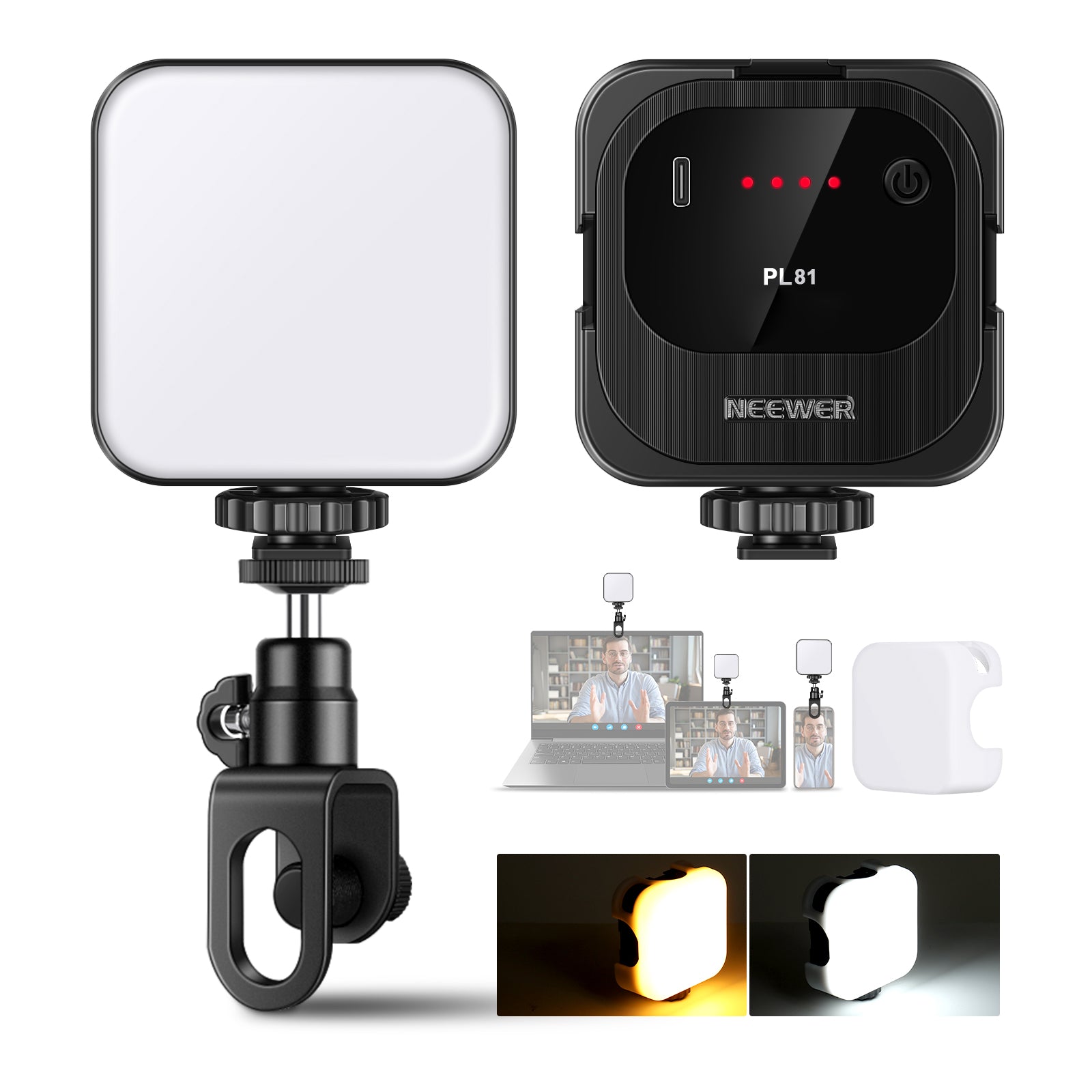
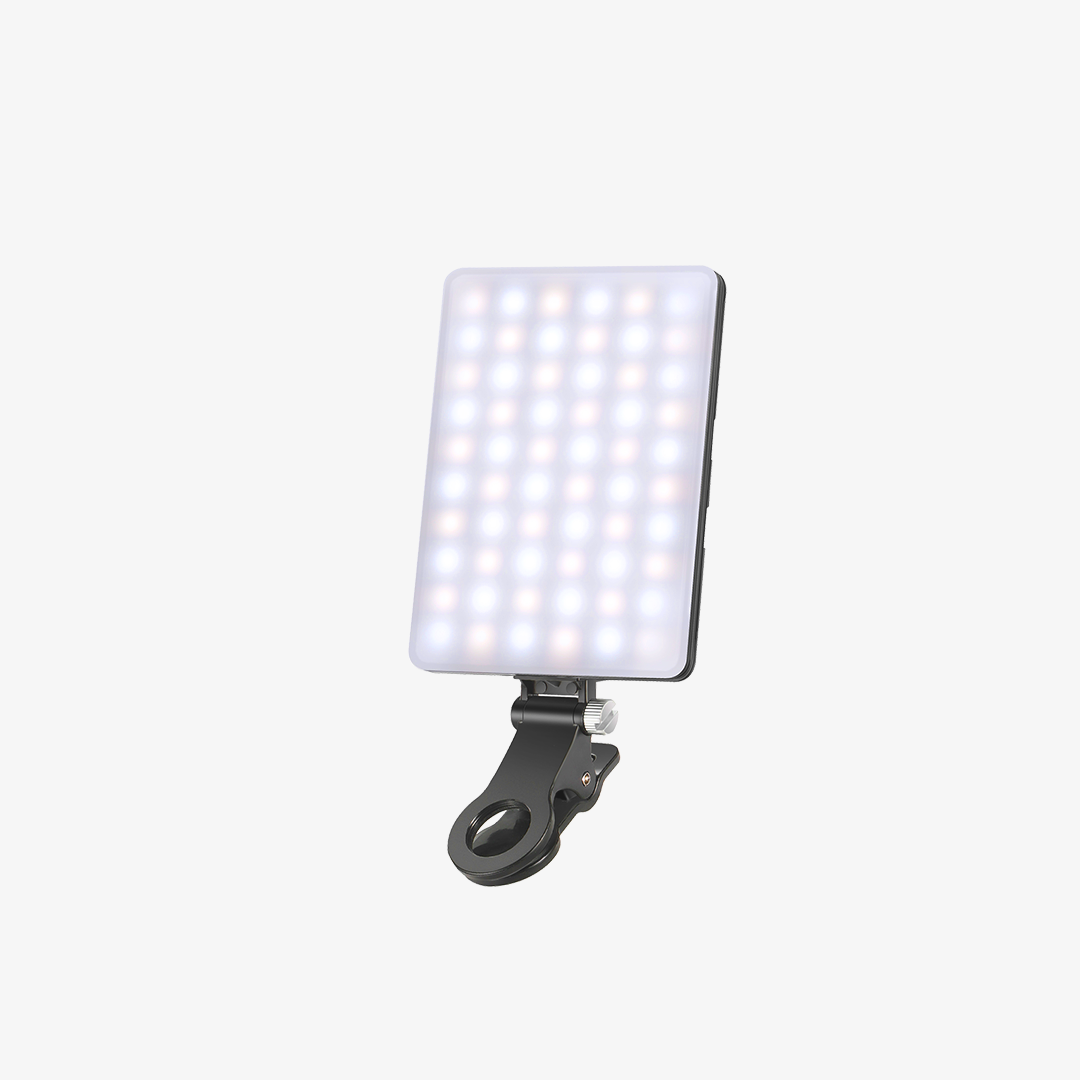
Also consider: If a flat panel won’t fit your shelf or monitor edge, the NEEWER TL40 is a USB-C bi-color light bar with CRI 95+ — designed for the tightest desk corners. For the simplest option, the NEEWER PL81 PRO clips directly to a monitor at just 5W and 3.17 oz / 90 g — enough for video calls and occasional short streams..
How to Fix LED Flicker During Long Streams
LED flicker in streaming video is almost always a camera-and-panel mismatch — and the fix is a shutter speed adjustment, not a new streaming light.
1. Why LED Panels Flicker on Camera
LEDs dim using PWM (pulse-width modulation) — rapid on/off cycling at a set frequency. Your eyes average out the cycling and don’t notice it. Your camera’s sensor reads frame by frame: when the panel’s PWM cycle is out of phase with your shutter speed, some frames catch peak output while others catch a dim mid-cycle. The result is banding or frame-to-frame brightness variation in your recording.
2. Shutter Speed × Frame Rate: The Primary Fix
|
Frame rate |
Set shutter speed to |
Why |
|
24 fps |
1/50s |
Aligns exposure window |
|
30 fps |
1/60s |
Aligns with 60 Hz and 120 Hz PWM cycles |
|
60 fps |
1/120s |
Maintains the 180° shutter rule at higher frame rates |
Setting shutter speed to twice your frame rate (the 180° shutter rule from video production) aligns your exposure window with the most common PWM frequencies and eliminates banding in the vast majority of setups.
3. Flicker Diagnostic Checklist
Work through this in order before replacing any equipment:
|
Step |
Action |
Why it works |
|
1 |
Set shutter to 1/60s |
Solves the issue in most cases |
|
2 |
Run the panel |
PWM flicker is most pronounced at partial dimming levels |
|
3 |
Lock white balance manually |
Auto WB hunting frame-to-frame mimics flicker visually |
|
4 |
Disable auto-ISO |
ISO swings amplify any brightness variation |
|
5 |
Turn off fluorescent overhead lights |
US fluorescent fixtures flicker at 60 Hz and can interfere with otherwise flicker-safe panels |
|
6 |
Check PWM spec |
Higher-frequency PWM designs generally |
If banding persists after all six steps, the panel may have a low PWM frequency at your specific dimming level. Contact NEEWER support with your camera model, frame rate, and current dimming percentage for a specific recommendation.
4. PWM Frequency and What It Means for Long Streams
Higher PWM frequency equals lower flicker risk. In practice, higher-frequency PWM makes flicker far less noticeable across common streaming frame rates and dimming levels — but actual results can still depend on your camera’s sensor, rolling shutter behavior, and the specific dimming level in use.
NL660 vs NL480 for Streamers
Choose the NL480 as your streaming light for a desk setup. Choose the NL660 when you have a dedicated room and want the widest, softest single-panel coverage without diffusion.
|
Feature |
NEEWER NL660 |
NEEWER NL480 |
|
Panel size |
Large (280 × 265 mm) |
Mid-size |
|
LEDs |
660 (330W + 330Y) |
480 (240W + 240Y) |
|
Power |
40W |
28W |
|
CRI |
≥96 |
96+ |
|
Max output |
3360 lux/1 m |
4000 lux/1 m |
|
Color temperature |
3200K–5600K |
3200K–5600K |
|
Heat output (long session) |
Higher (40W) |
Lower (28W) |
|
Power options |
AC adapter + NP-F battery (optional) |
AC adapter only |
|
Ideal mounting |
Stand or heavy boom arm |
Desk arm or lightweight stand |
|
Best use case |
Fixed studio, maximum softness |
Desk setup, small room |
|
Diffusion needed? |
Rarely at 3–4 ft |
Sometimes under 2 ft |
The GL1C and GL25B work best as fill lights in a two-panel setup or as entry points for streamers who aren’t yet running daily four-hour sessions — not as replacements for the NL-series.
Build Your Marathon Stream Setup
Whether you’re streaming on Twitch, YouTube Live, or running long Zoom webinars, a four-hour session needs a streaming light that holds color, a mount that doesn’t shift, and a white balance setting you lock once and leave.

1. Single Key Panel Setup
Key light position: Place your NL480 or NL660 at 45° to one side of your camera, at or slightly above eye level.
Distance: 2–2.5 ft from your face for the NL480; 3–4 ft for the NL660. Closer placement increases softness; farther placement reduces it and requires more output to hold exposure.
Color temperature: Match your room’s ambient source. Afternoon daylight room → 5500–6000K. Evening warm-ambient room → 3500–4500K. Lock white balance in your camera or streaming app after setting CCT — don’t leave it on auto.
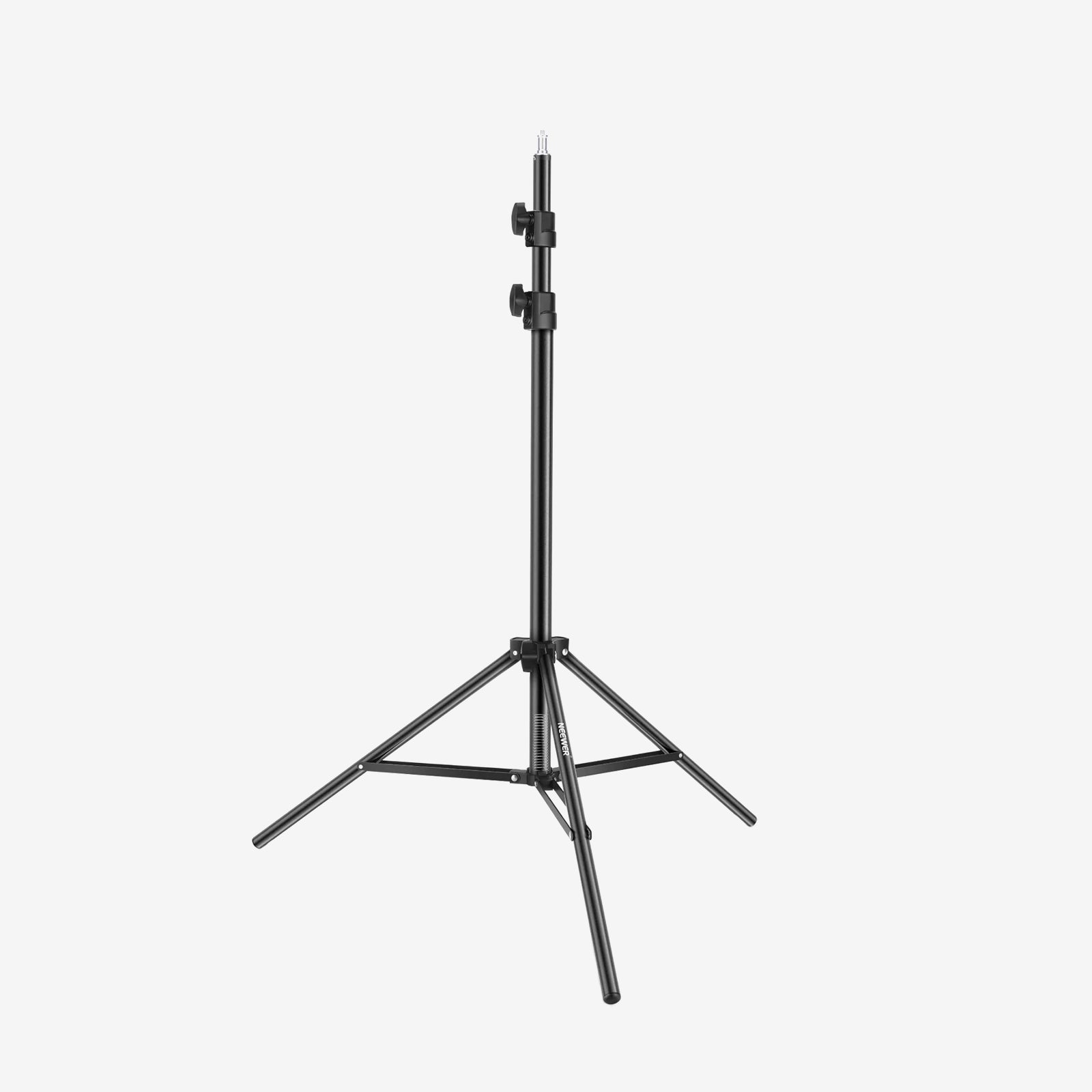
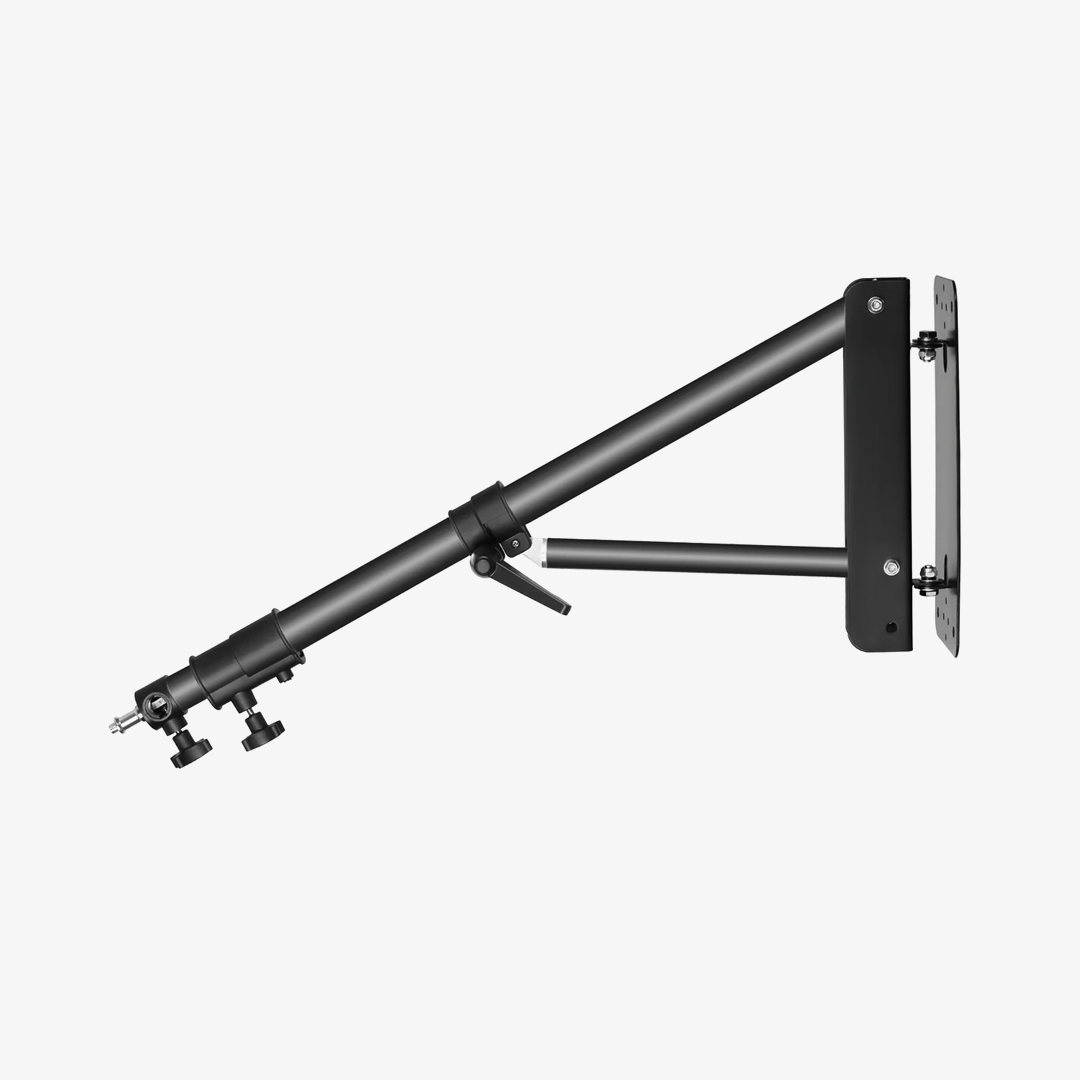
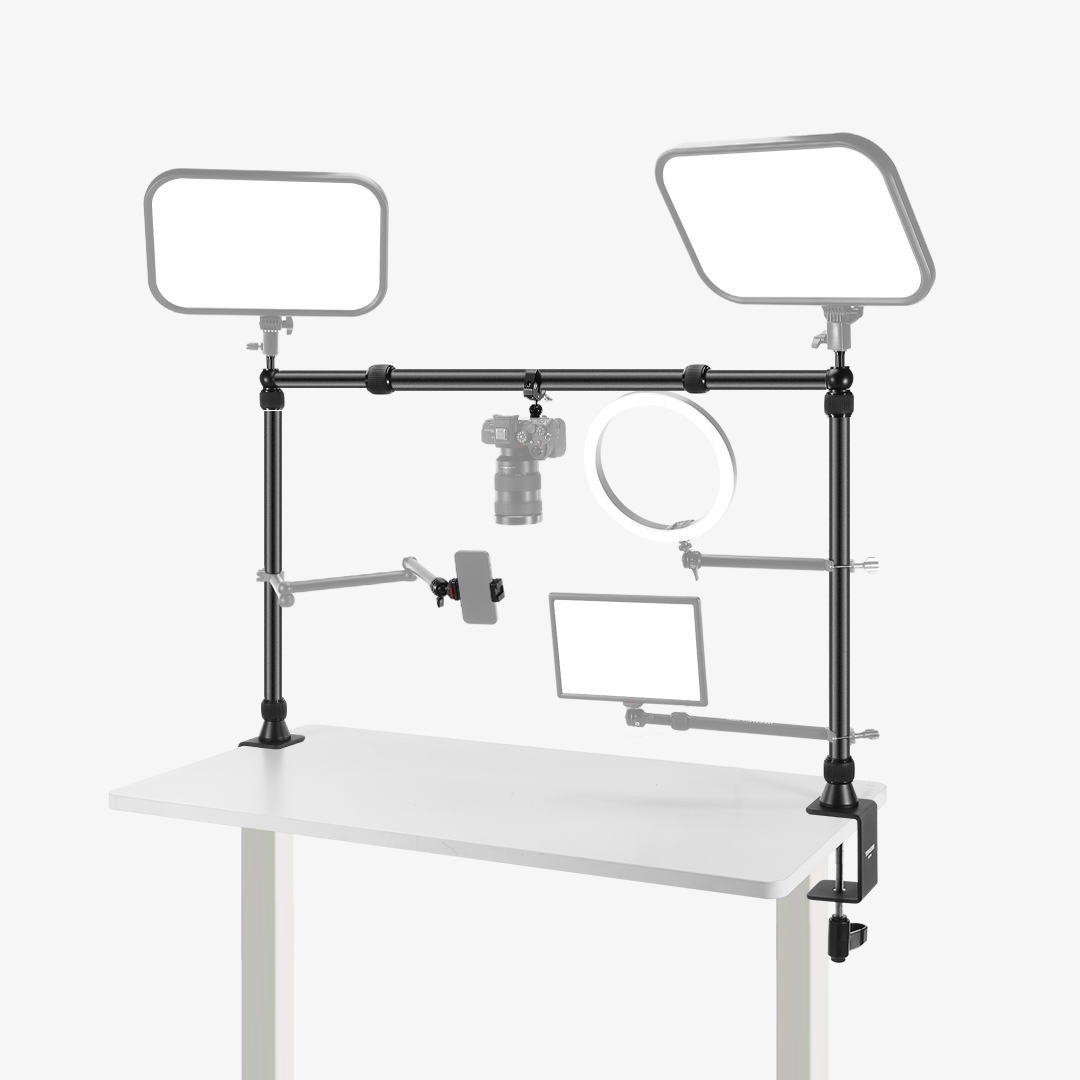
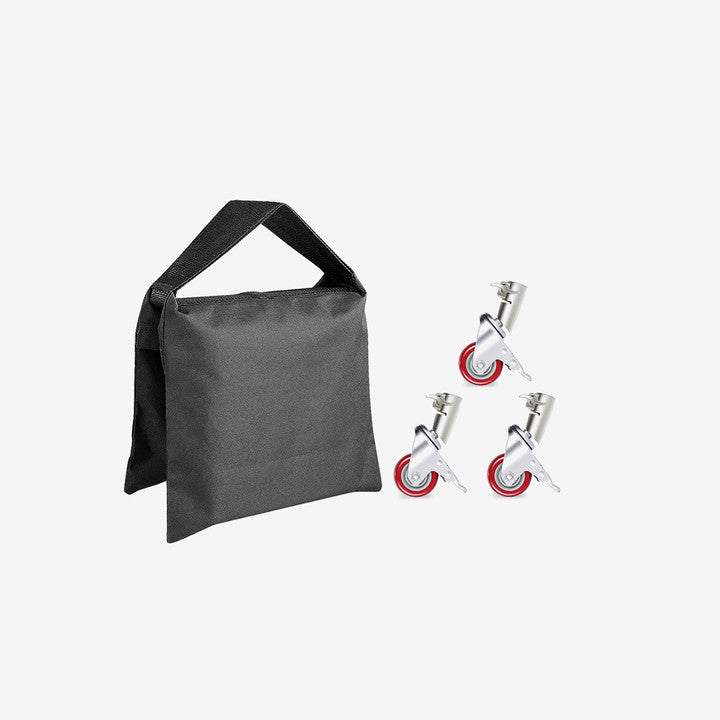
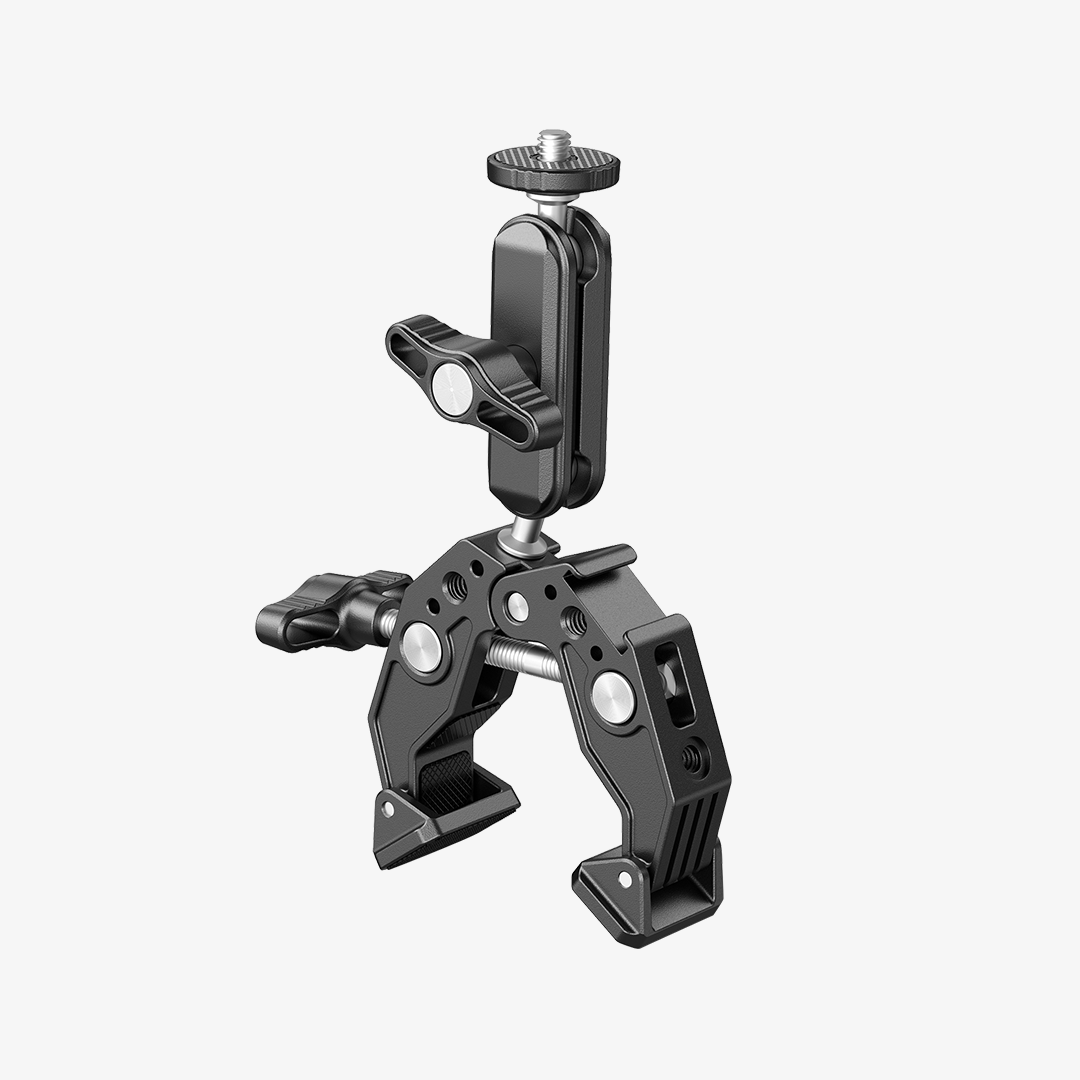
Mounting: For the NL480, a desk C-arm or clamp mount keeps the panel stable at the right angle without taking up floor space. For the NL660, use a heavy-duty stand — its larger footprint needs more support than a standard desk arm provides. See NEEWER light stands and mounts for compatible options.
2. Add a Fill Panel for Depth
Place a NEEWER GL1C — or a simple reflector card — on the opposite side of your key at 50–70% of the key’s output. This fills the shadow side of your face without flattening the image. For casual streams it’s optional; for high-resolution cameras or multi-hour sessions where fatigue shows in the footage, it makes a consistent difference.
3. Pre-Stream Lighting Checklist
- White balance locked manually (not set to auto)
- Shutter speed set to 1/60s (30 fps) or 1/50s (24 fps)
- Panel at full brightness or a fixed level above 70%
- Panel warmed up 5 minutes before locking white balance
- Fluorescent overhead lights off or replaced with LED equivalents
- CCT set and verified on camera monitor — not just on the panel’s own readout
FAQs
What LED panel works best for long livestreams without harsh shadows?
A bi-color LED panel is the most reliable streaming light for eliminating harsh shadows — placed at 45° from the camera at eye level and set to match your room’s CCT, it eliminates most harsh shadow problems from a single light. The NEEWER NL660’s large panel surface creates naturally gradual falloff at 3–4 ft without diffusion. The NL480 does the same at 2–2.5 ft and fits desk arm mounts that keep the panel at the right angle without a floor stand. Both are rated CRI 96+ for accurate skin tone rendering across long sessions.
My LED lights cause flicker in recordings — what’s the fix?
Set your camera’s shutter speed to twice your frame rate: 1/60s for 30 fps, 1/50s for 24 fps, 1/120s for 60 fps. This is the 180° shutter rule, and it resolves banding in the majority of LED flicker cases. If flicker remains, try testing the panel at or near full brightness — some LED fixtures are more prone to flicker at lower dimming levels. Also lock white balance manually and turn off any fluorescent overheads. If those steps don’t resolve it, the panel may have a low PWM frequency at your dimming level — check the spec sheet or contact NEEWER support with your camera model and frame rate.
I livestream for 4 hours at a time. Which panel won’t overheat my room?
LED panels generate far less heat than equivalent tungsten or fluorescent fixtures. For long sessions in small rooms, the NEEWER NL480 has a lower thermal load than the NL660 due to its smaller panel size. Position the panel with airflow clearance around the fixture. If your room still runs warm after switching to an LED panel, a small desk fan on the opposite side from the light moves air without adding microphone-audible noise.
Can I use the GL1C or GL25B as my only streaming light?
Yes, with the right expectations. The GL25B’s fanless design means no fan noise, and both panels cover basic single-light desk setups for casual or occasional streaming. For daily four-hour streams where output stability, flicker control, and four-hour thermal performance are priorities, the NL480 is the more capable primary panel. The GL1C and GL25B are better positioned as fill lights in a two-panel setup once you’ve established a key.
Do I need a diffusion cloth with a bi-color LED panel for streaming?
The NL660’s large panel surface creates naturally soft light at 3–4 ft — a diffusion cloth is rarely necessary at that distance for streaming. The NL480 benefits from a lightweight diffusion cloth if placed very close (under 2 ft), but at a normal streaming distance of 2–2.5 ft it produces adequate softness for most face-forward angles without one.
Final Takeaway
If you’re troubleshooting flicker, start with your camera settings before replacing your lighting. In many cases, matching shutter speed to frame rate solves the issue immediately. Once that’s dialed in, choosing the right streaming light size becomes more important than chasing higher output numbers.
For most streamers, an NL480 on a desk arm with a locked white balance is a complete long-session solution — soft facial light, steady color across four hours, flicker-safe output, without requiring a dedicated room or heavy stand. When you have the space and want the softest single-panel light without a diffusion modifier, the NL660 is the step up. Add a GL1C as a fill layer on the opposite side when the setup is ready for it. If you want to compare the full range in one place, the NEEWER LED panel light collection has every bi-color panel side by side.