

Table of Contents
A good video podcast studio doesn't need a complicated setup or a large space. What matters is having the right equipment for your recording style, along with consistent lighting, clear audio, and well-positioned cameras.
Whether you're recording alone, interviewing a guest, or hosting a conversation with multiple people, this guide covers the essential equipment and setup considerations to help you build a video podcast studio that works for you.
Start with Your Video Podcast Setup
Before choosing equipment, think about how many people will be on camera and what kind of content you'll record. This will help you decide how many cameras, microphones, and lights you need.
- Solo podcast: A single camera, one microphone, and a simple lighting setup are usually enough. Keep your framing focused on yourself and leave some space around the subject.
- Two-person podcast: You'll need enough room for two microphones and a camera angle that captures both speakers. A wider shot can work, or you can use separate cameras for individual angles.
- Interview or multi-person podcast: Multiple cameras can give you more flexibility when editing. Each speaker should also have a dedicated microphone to capture their voice clearly.
Starting with your recording format makes it easier to choose equipment without buying more than you need.

Choose Your Camera and Mounting Setup
Camera vs. Smartphone
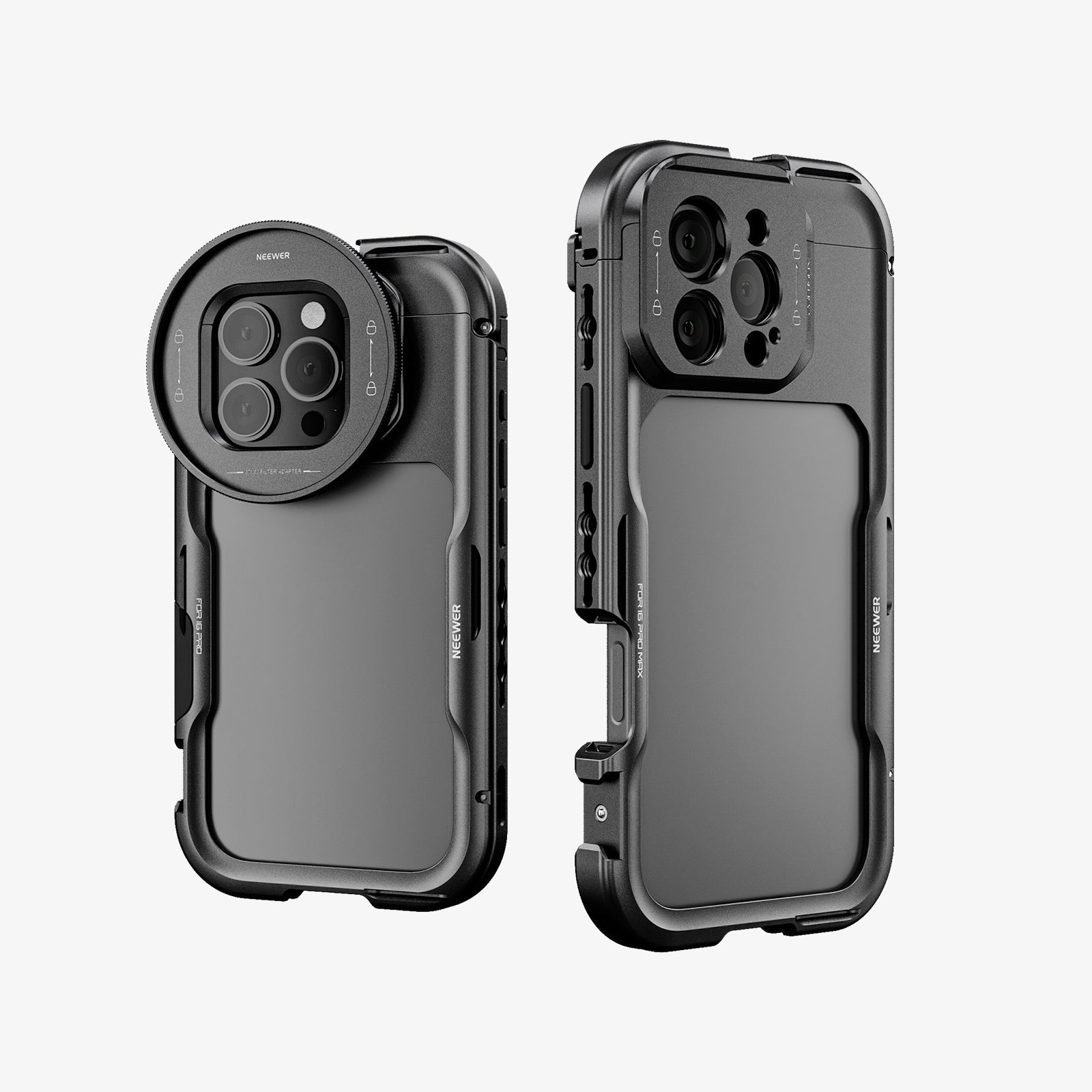
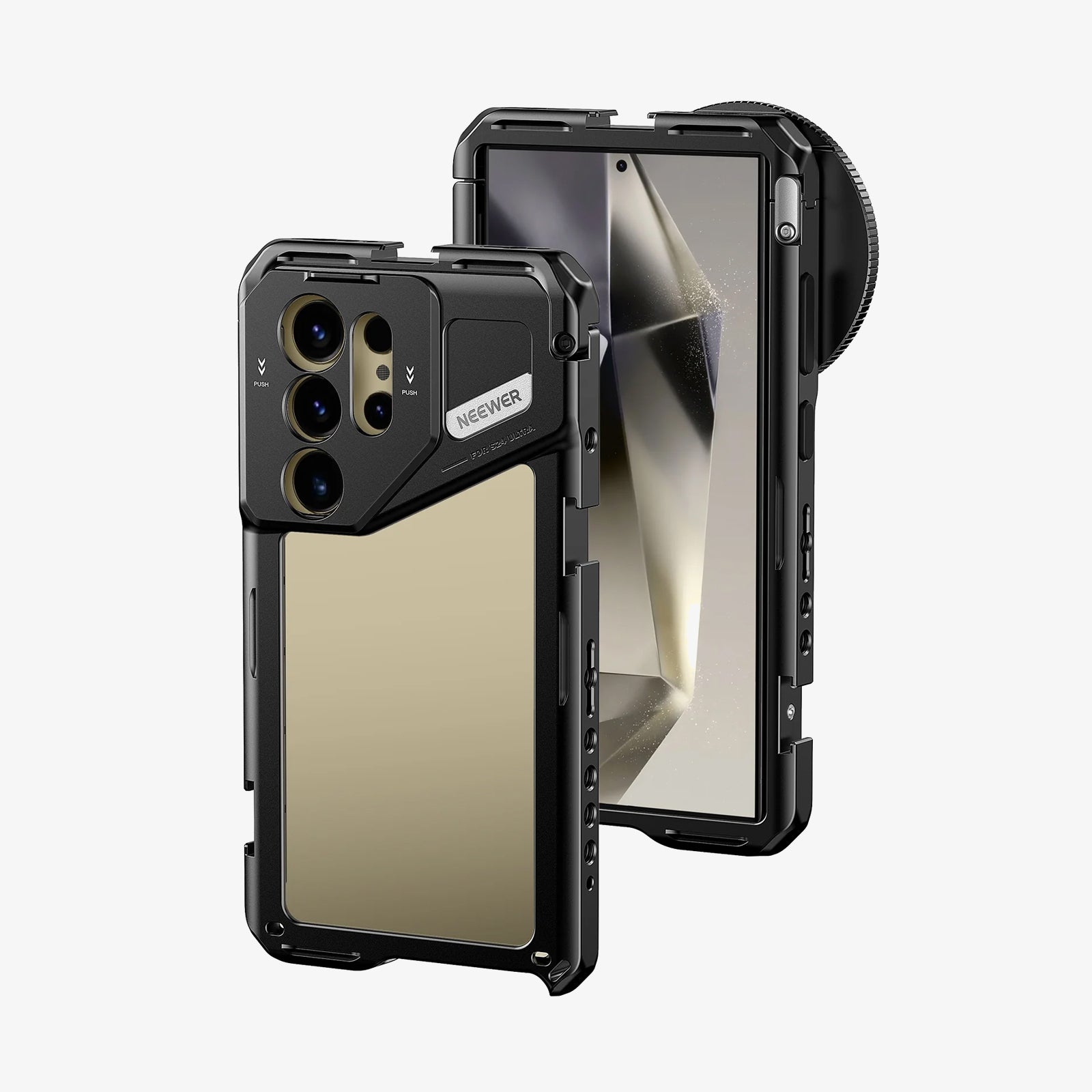
You don't necessarily need a professional camera to start a video podcast. A smartphone with a good camera can produce sharp video, especially when paired with proper lighting.
If you want more control over image quality, depth of field, and lens selection, a mirrorless or DSLR camera is worth considering. Choose a camera that supports your recording resolution and offers reliable autofocus.
Choose a Stable Camera Mount
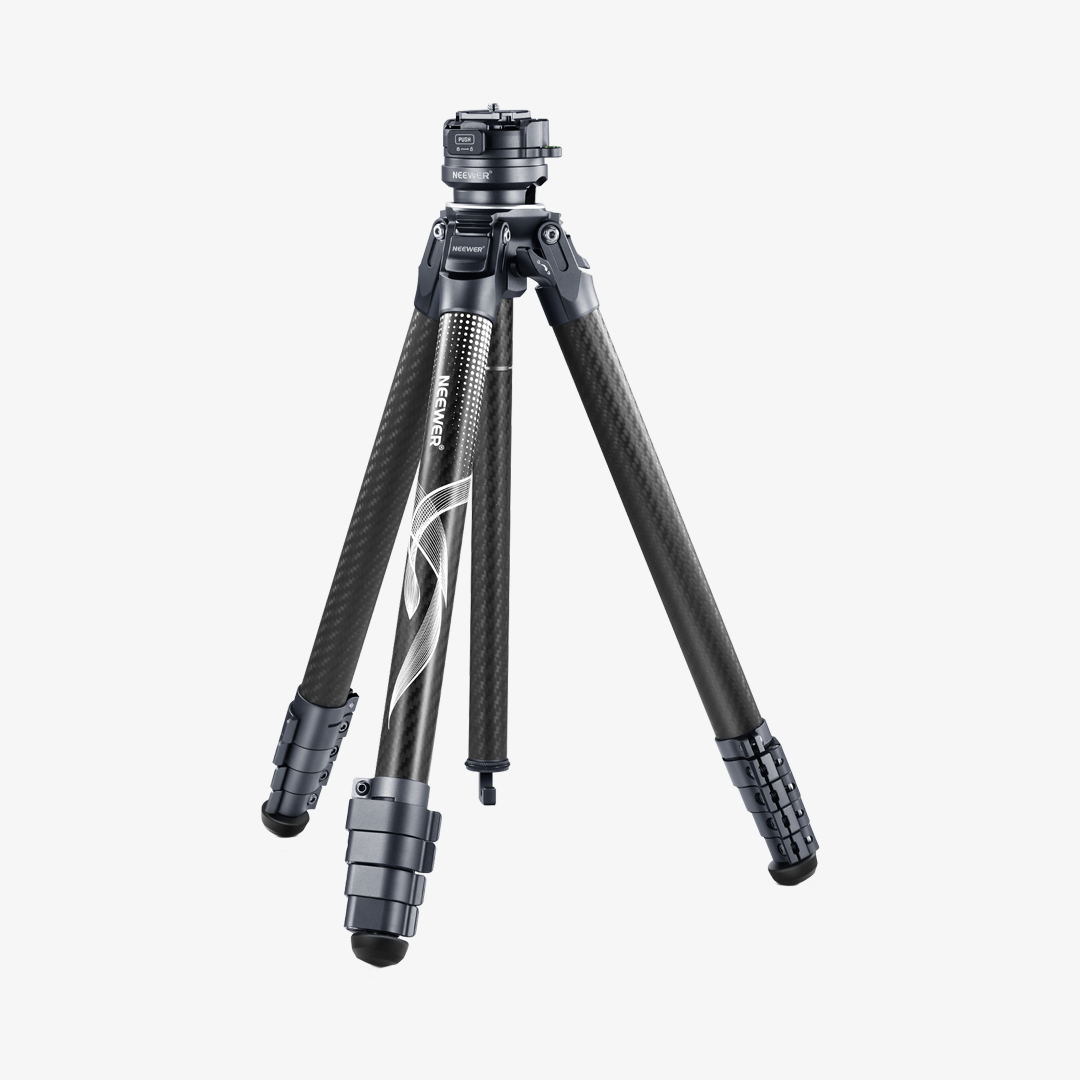
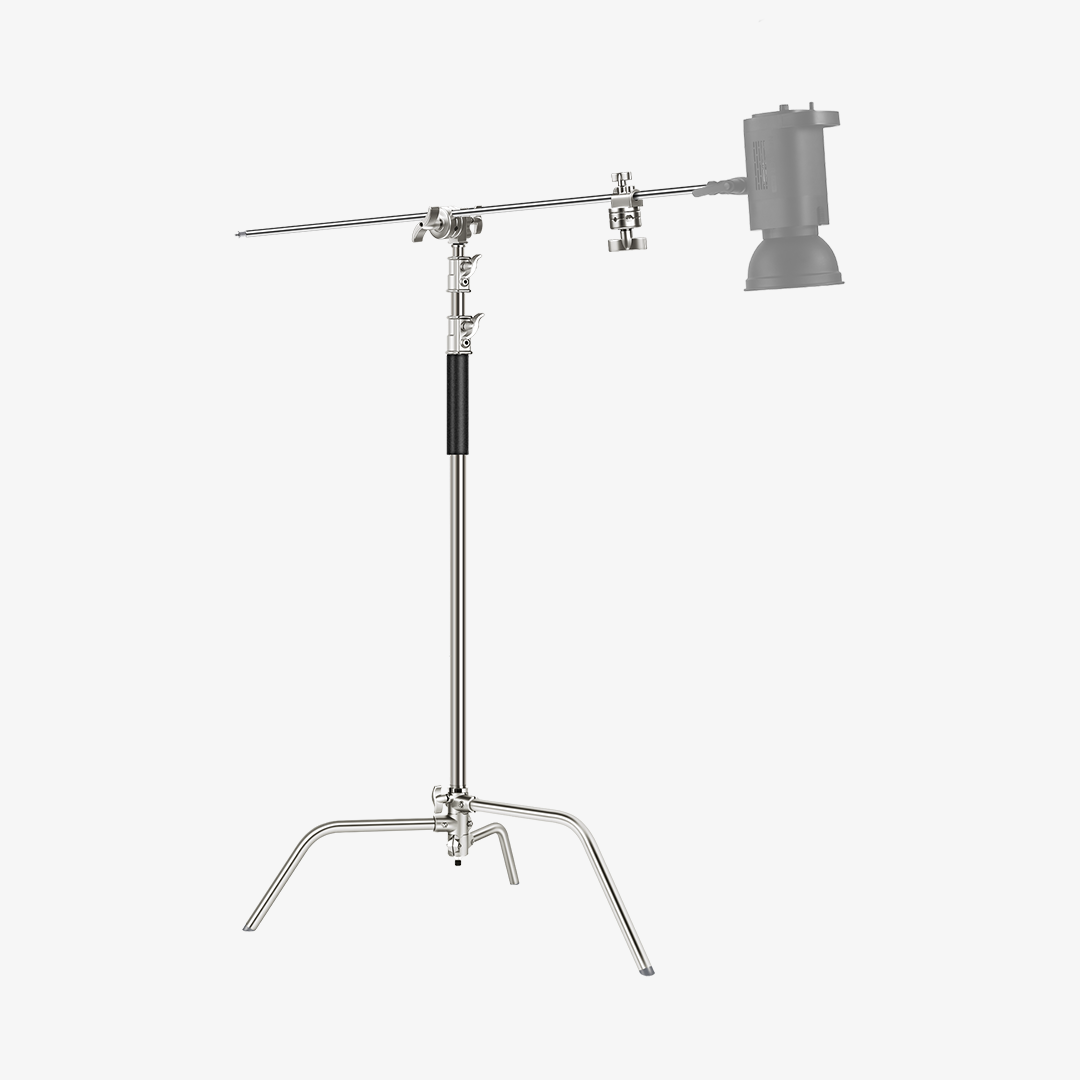
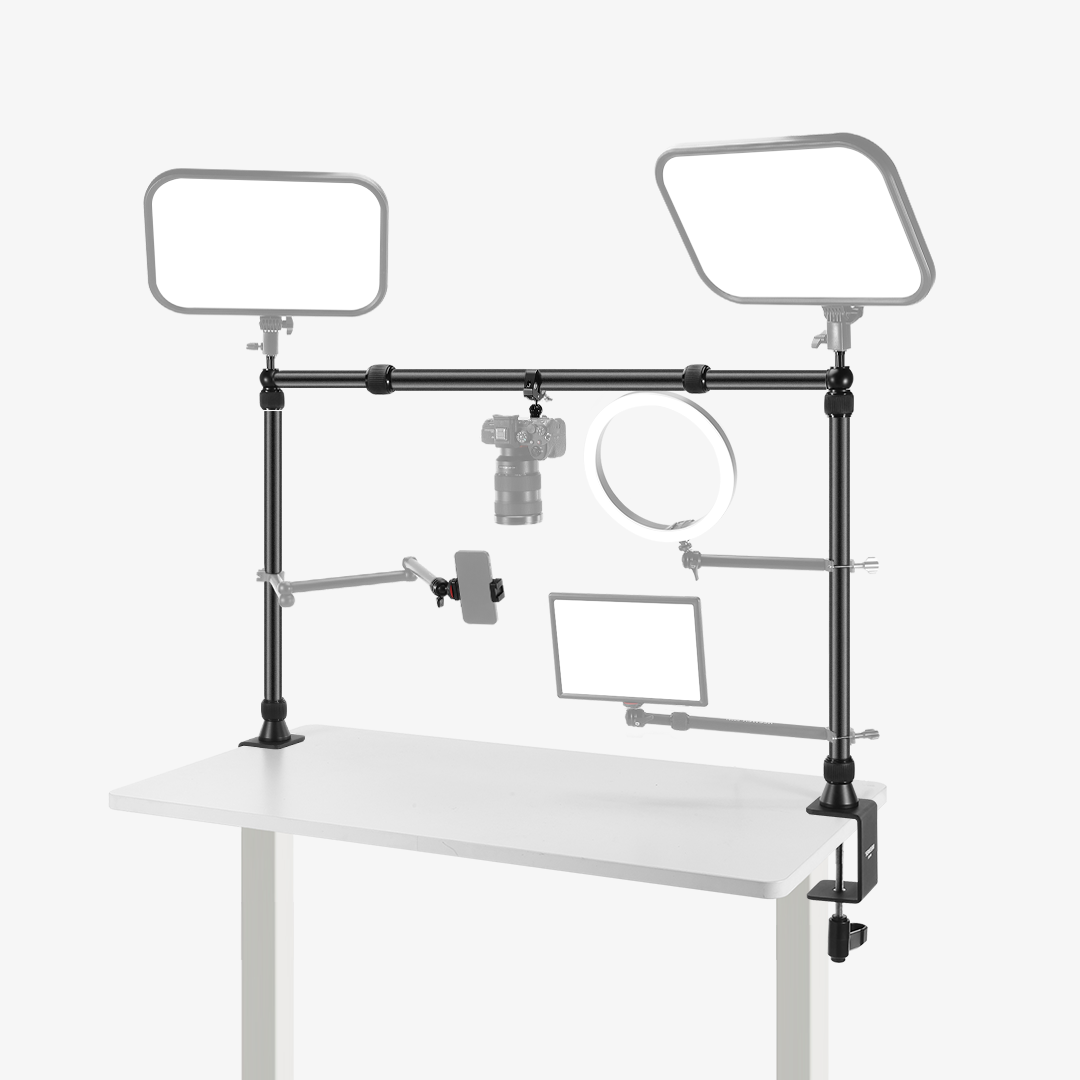
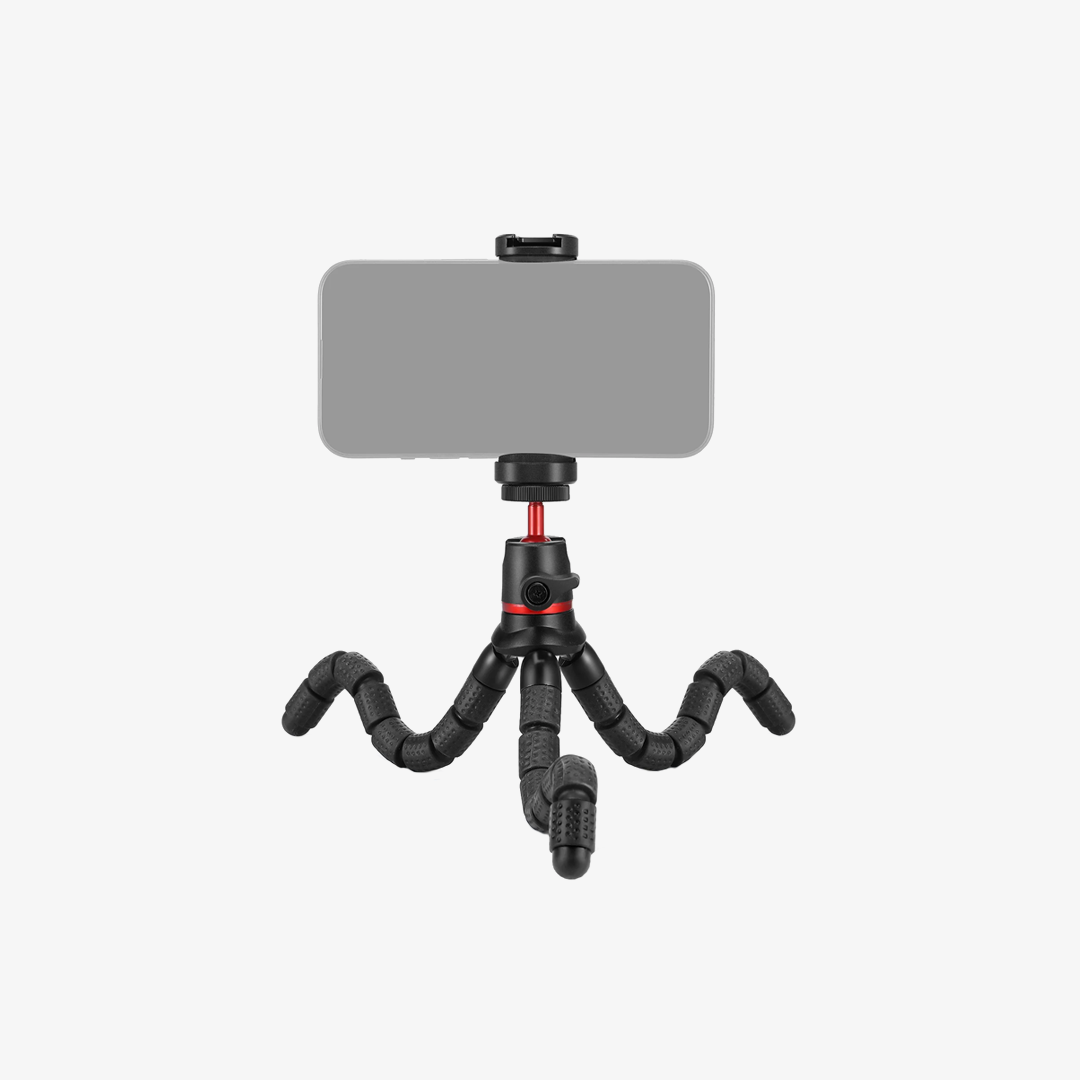
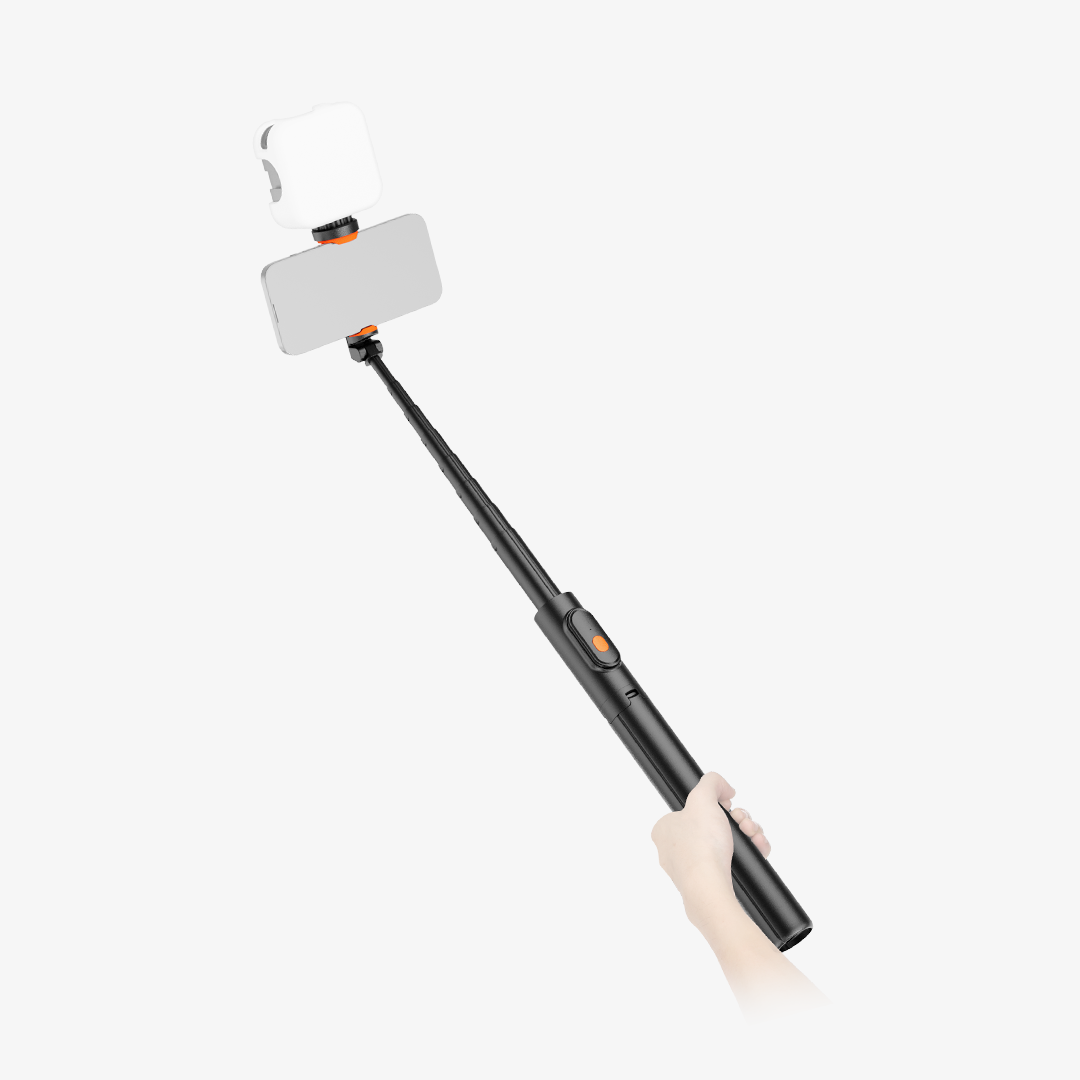
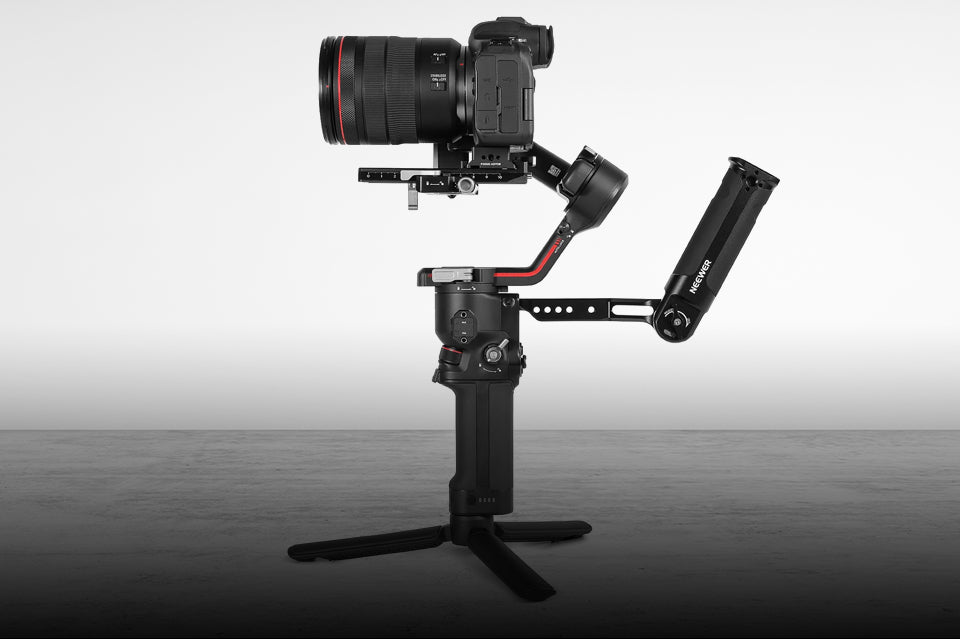
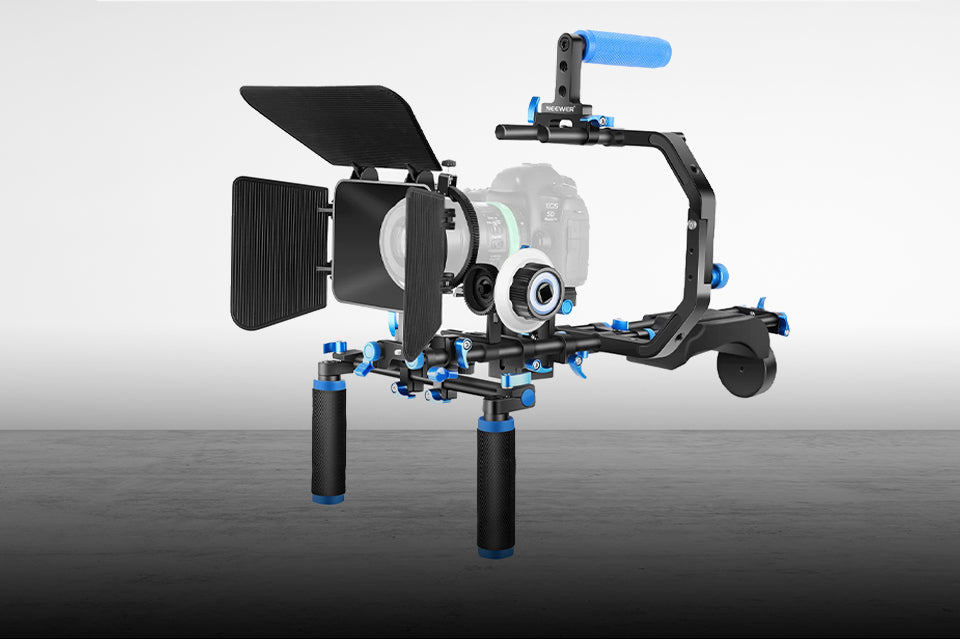
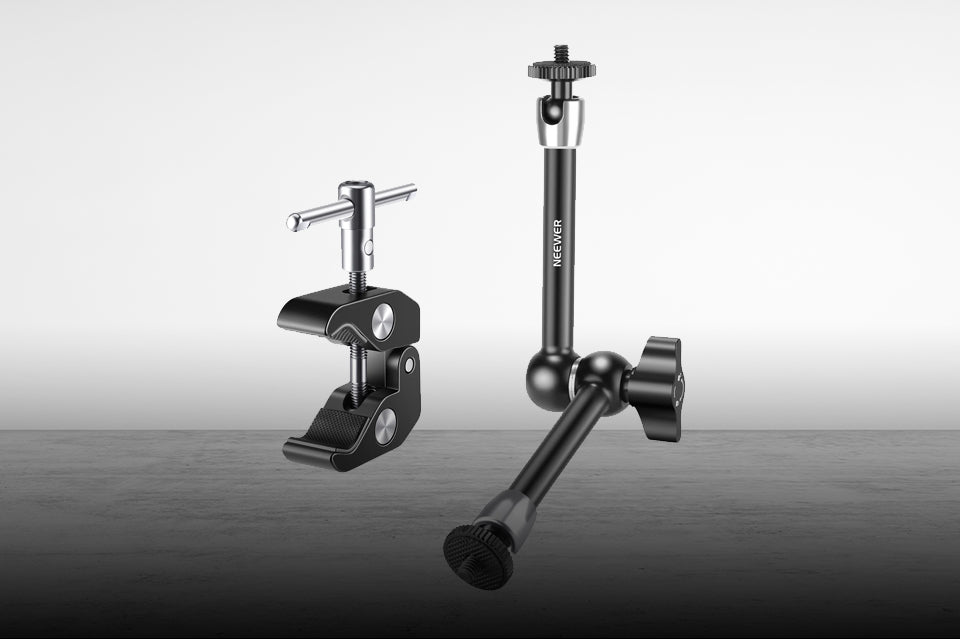
A stable mount keeps your framing consistent throughout the recording. A tripod is a straightforward option for most setups, while a desk mount or overhead arm can help save space in smaller studios.
Make sure the mount can support your camera or phone securely and allows you to adjust the height and angle.
Camera Angles and Framing
For a solo podcast, position the camera around eye level and leave a little headroom. For two-person conversations, a wider shot can capture both speakers, while additional cameras let you switch between individual close-ups.
Try to keep the camera at a natural angle rather than pointing sharply upward or downward.
Set Up Your Podcast Lighting
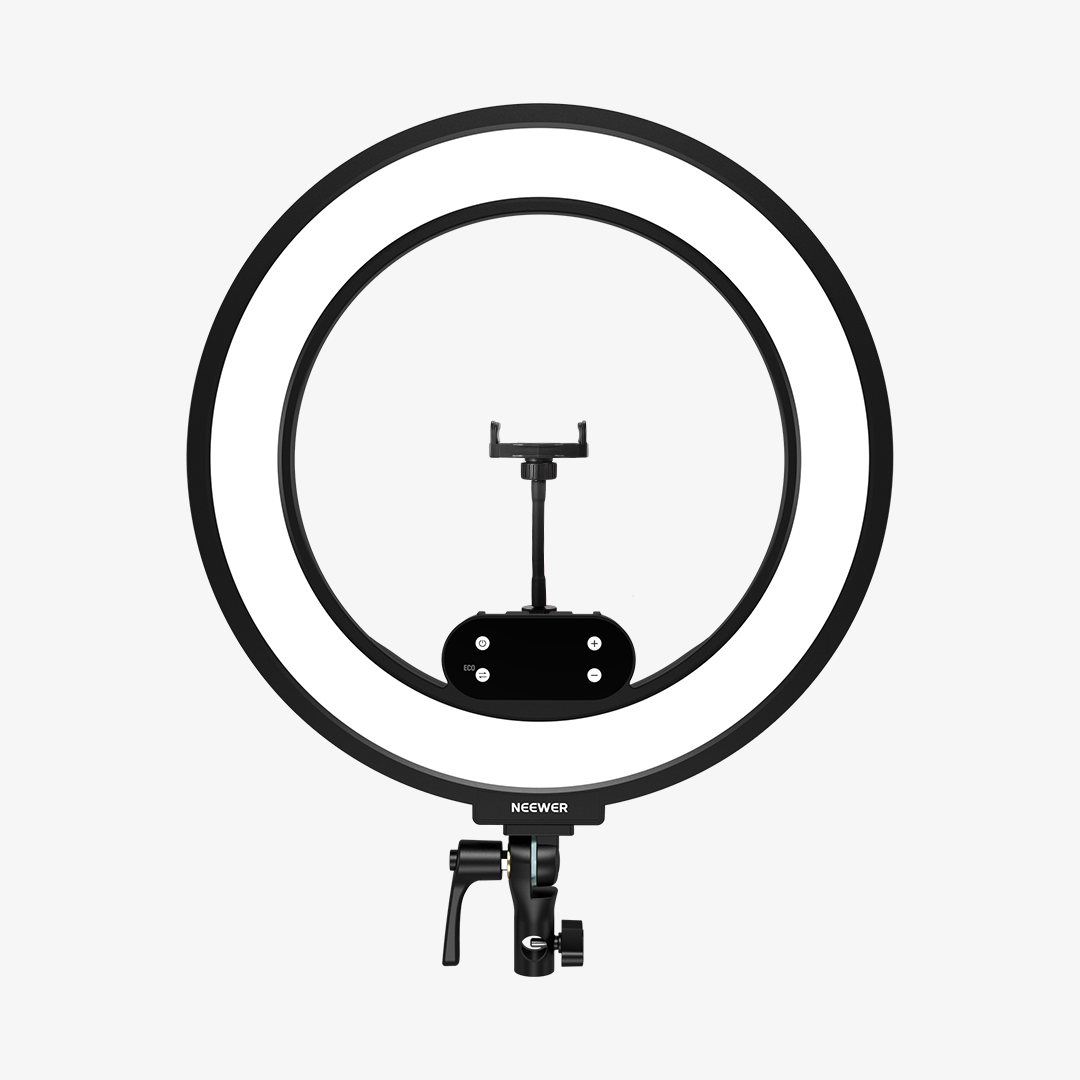
Good lighting makes your video look more polished and helps viewers see you clearly. You can start with one key light and add more lights as your setup develops.
Start with a Key Light
Place your main light slightly to one side of the camera and angle it toward your face. This creates natural-looking shadows and adds dimension to the image.
A COB light is a versatile option for this role. For example, the NEEWER CB100C is an RGB COB light that can be paired with a softbox to create a softer, more flattering key light.
Soften the Light
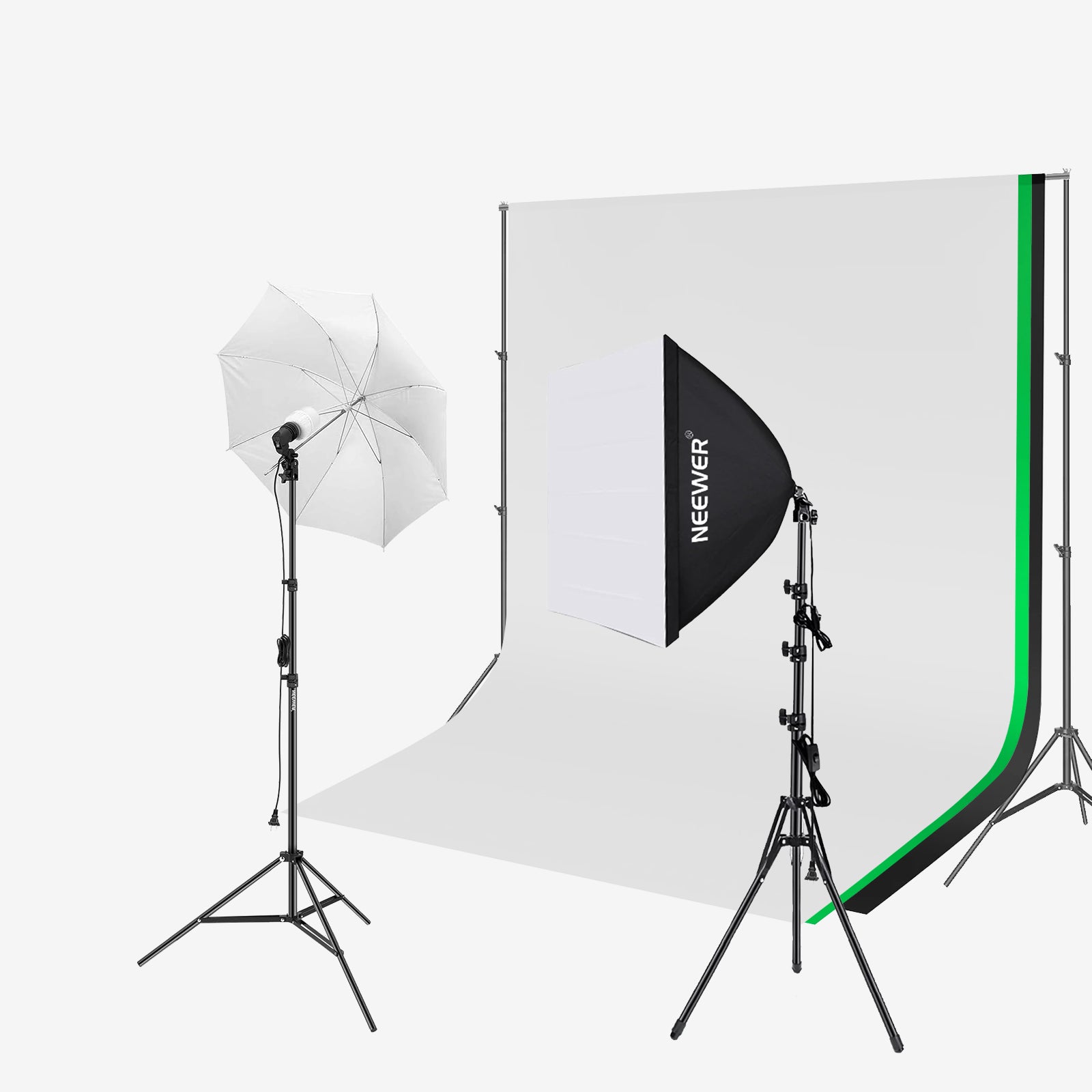
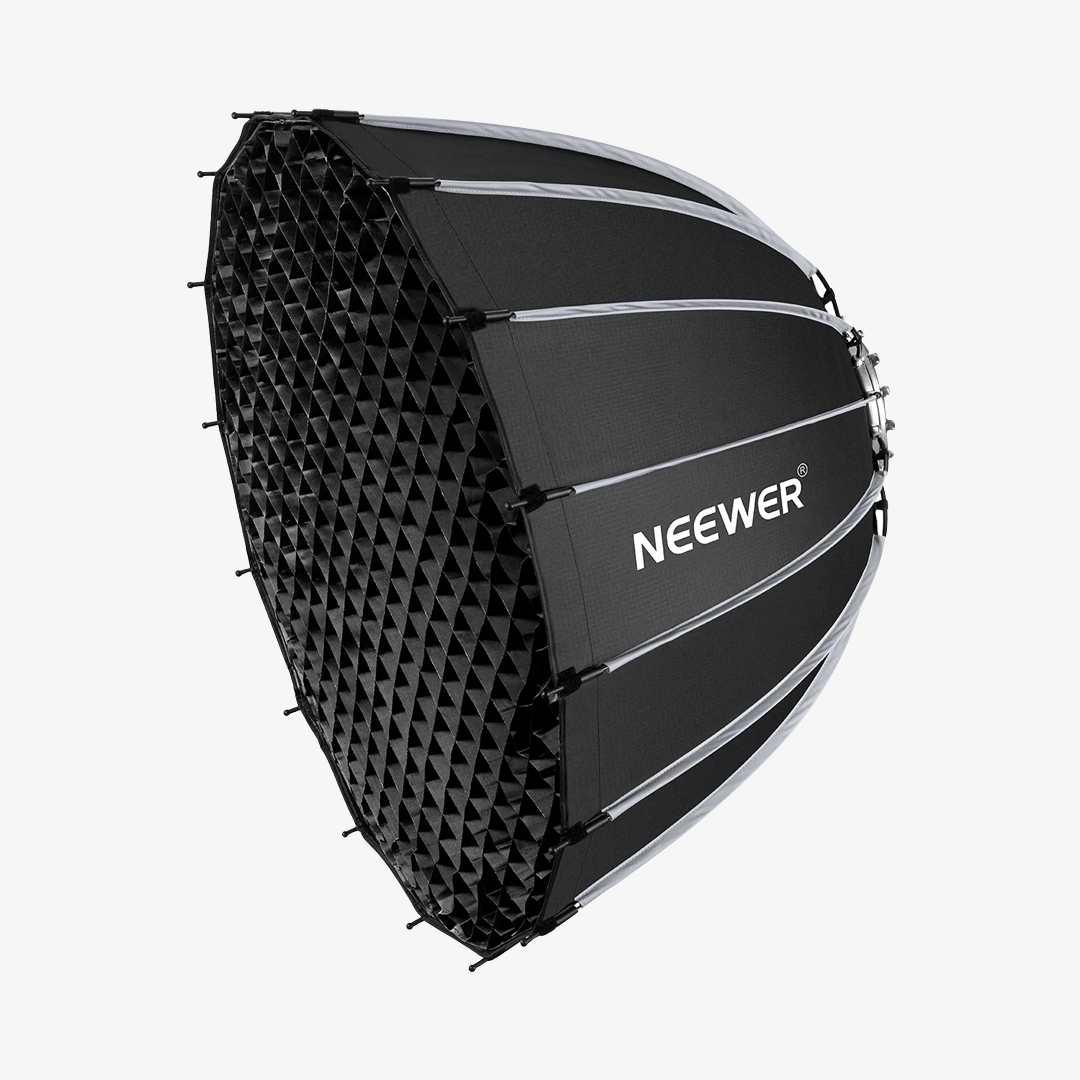
Direct light can look harsh, especially when it's close to your subject. A softbox or other diffuser spreads the light over a larger area, producing softer shadows and more even illumination.
The closer and larger the light source appears relative to the subject, the softer the light will generally look.
Add Fill or Background Lighting
If one side of your face looks too dark, add a fill light on the opposite side of your key light. Keep it less intense so the image retains some natural contrast.
You can also add a light behind you to separate yourself from the background. An LED panel such as the NEEWER NL660 can provide adjustable bi-color lighting for fill or background illumination.
Add LED Strip Lights for Background Ambience
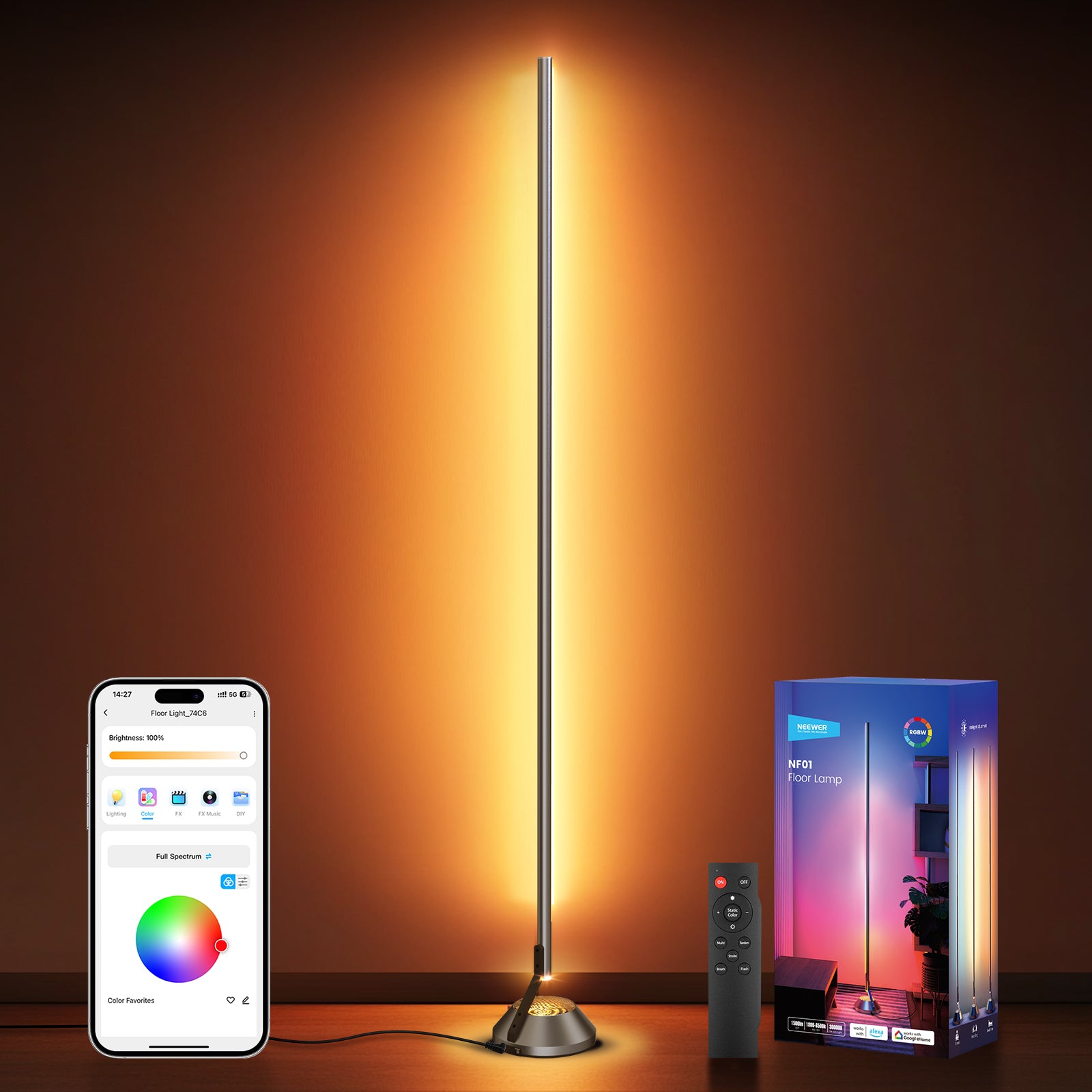
LED strip lights are another way to add visual interest to your video podcast studio. Instead of lighting the speakers directly, use them as accent lighting along shelves, behind a desk, or around the edges of the background. RGB light strips let you experiment with different colors to create a look that matches your podcast's style.
Keep the brightness balanced so the colors complement your main lighting rather than distracting from the speakers. You can also use subtle color combinations to give your recording space a more recognizable visual identity.
Lighting a Two-Person Podcast
For two speakers, make sure both people receive even, flattering light. You can use a larger soft light placed in front of the seating area, or position separate lights for each person.
Check the lighting from every camera angle to avoid uneven brightness or distracting shadows.

Choose Your Audio Equipment
Clear audio is just as important as good video. Viewers may tolerate a less elaborate image, but distracting background noise or unclear voices can quickly make a podcast difficult to follow.
Choose the Right Microphone
Dynamic microphones are a popular choice for podcasting because they focus on nearby voices and can help reduce unwanted room noise. Condenser microphones are more sensitive and can capture more detail, but they may also pick up more background sound.
For a simple desk setup, a USB microphone is convenient because it connects directly to your computer. An XLR microphone offers more flexibility but typically requires an audio interface or mixer.
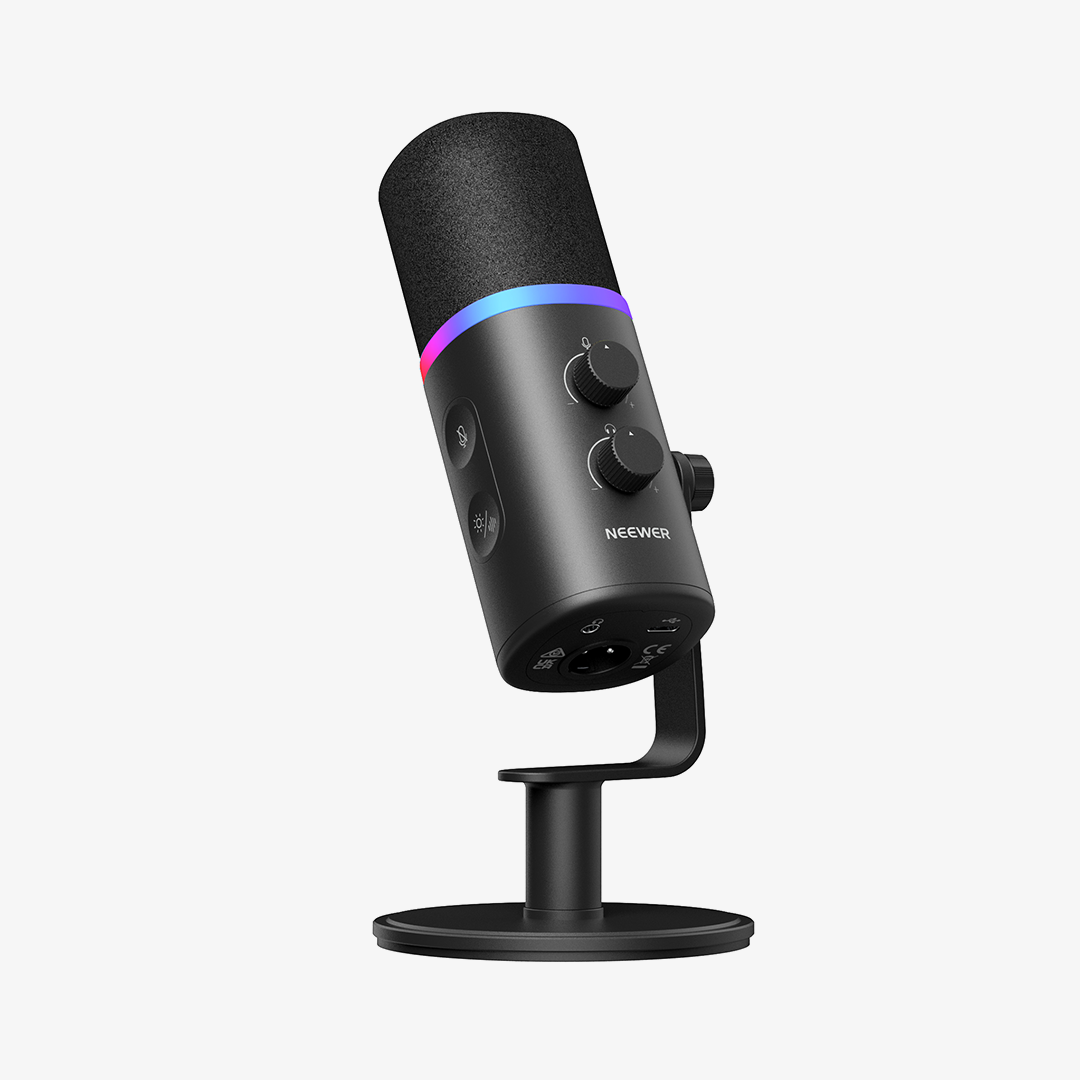
The NEEWER DM03 is a USB/XLR dynamic microphone. You can connect it directly through USB or use its XLR connection with compatible audio equipment.
Position Your Microphone Properly
Keep the microphone close to your mouth, generally around 2–6 inches away, and angle it slightly toward your voice. This helps capture clear speech without requiring excessive gain.
A microphone arm also keeps the desk less cluttered and makes it easier to adjust the microphone position.
Do You Need an Audio Interface or Mixer?
If you're using a USB microphone, you can usually record directly into your computer without a separate interface.
For XLR microphones, an audio interface provides the connection to your computer and controls input levels. A mixer may be useful when recording multiple microphones or managing several audio sources.
Headphones and Audio Monitoring
Closed-back headphones let you monitor audio while recording without sound leaking into your microphones. Listen for background noise, clipping, and inconsistent volume before and during your session.

Arrange Your Video Podcast Studio
The recording space affects both the appearance of your video and the quality of your audio.
Choose a Suitable Background
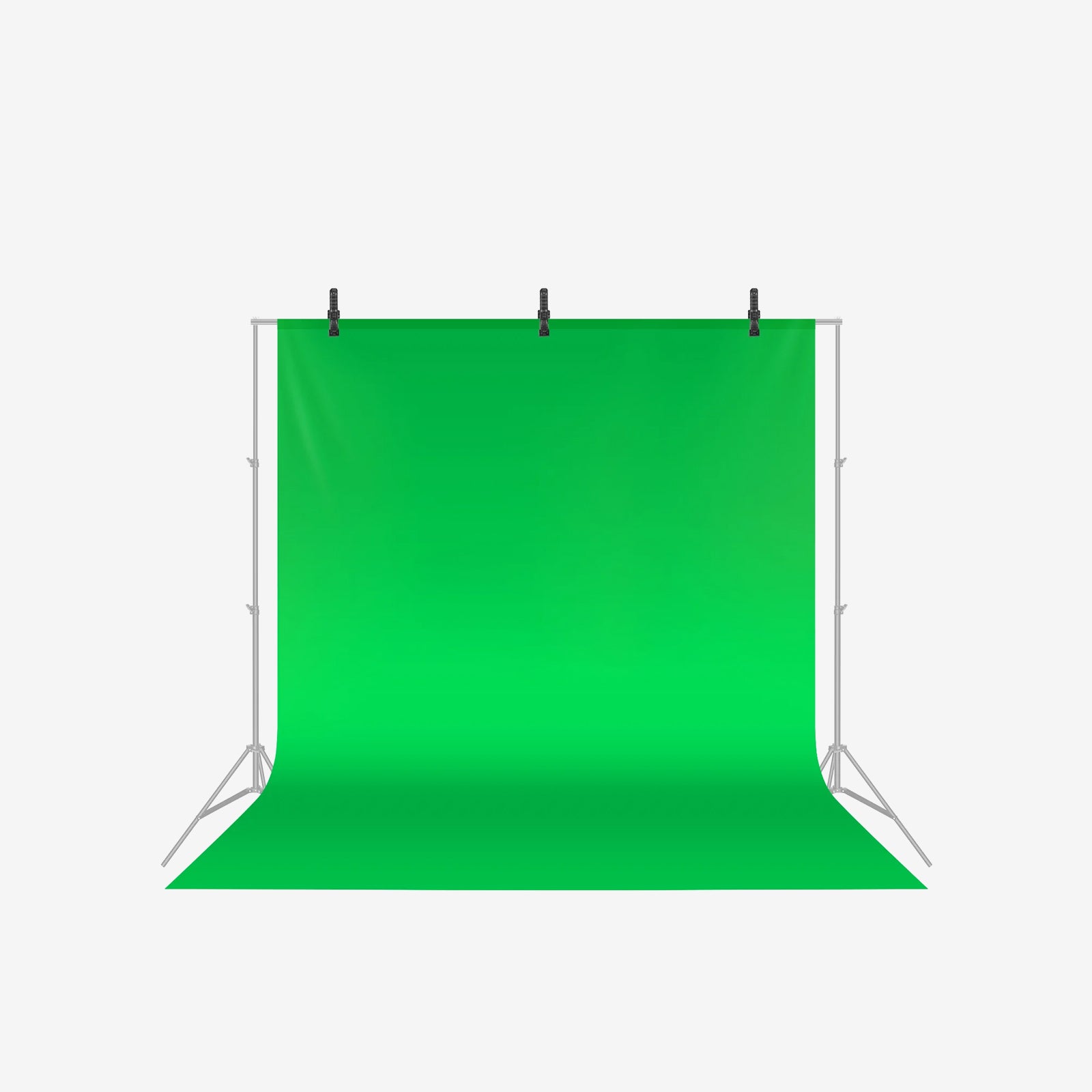
A clean, organized background helps keep attention on the speakers. You can use shelves, plants, artwork, or practical studio elements to add visual interest without making the frame feel cluttered.
Leave some distance between yourself and the background when possible. This creates depth and gives you more flexibility with lighting.
Manage Cables and Equipment
Keep cables organized and make sure stands, tripods, and microphone arms don't interfere with movement. Place frequently used equipment within easy reach, especially when recording alone.
Consider Room Acoustics
Hard surfaces can cause echoes and make voices sound less clear. Rugs, curtains, upholstered furniture, and acoustic panels can help reduce reflections.
You don't need to cover every wall with acoustic foam. Start by identifying areas that cause noticeable echoes and improve those first.
Make the Most of a Small Space
A small room can still work well as a podcast studio. Use desk-mounted equipment where possible, choose compact lights, and keep only essential gear in the recording area.
A consistent layout also makes it easier to set up quickly for each recording.
Choose Your Setup Based on What You Shoot
Your ideal equipment combination depends on the number of speakers and the type of content you produce.
|
Recording Style |
Camera Setup |
Lighting Setup |
Audio Setup |
|
Solo podcast |
One camera or smartphone on a tripod |
One key light with a softbox |
One USB or XLR microphone |
|
Two-person podcast |
One wide camera or two cameras |
Key light covering both speakers, with optional fill |
One microphone per person |
|
Interview podcast |
Multiple cameras for different angles |
Key and fill lighting for the seating area |
Dedicated microphone for each speaker |
|
Video podcast with a visual background |
One or more cameras |
Key light plus background lighting |
Microphones matched to the number of speakers |
You can start with a basic setup and add equipment as your recording needs change. Good positioning and consistent lighting often make a bigger difference than simply adding more gear.

FAQs
What do I need to start my video podcast?
You need a camera or smartphone, a stable mount, a microphone, and at least one light. A computer and recording software are also useful for capturing and editing your episodes. Start with the essentials and upgrade as your needs grow.
How do I set up a video podcast with two people?
Position both speakers so they fit comfortably in the frame, and give each person a dedicated microphone. Use lighting that covers both faces evenly, and check that neither speaker blocks the other's view of the camera.
How should I light my video podcast studio?
Start with a key light placed slightly to one side of the camera. Use a softbox or diffuser to soften the light, then add a fill or background light if needed.
Can I use my smartphone to record my video podcast?
Yes. A modern smartphone can record good-quality video. Use a stable tripod or mount, keep the lens clean, and make sure your lighting and audio are properly set up.
How can I improve the audio quality of my video podcast?
Keep your microphone close to your mouth, monitor your recording with headphones, and reduce background noise. Adding soft furnishings or acoustic treatment can also help control room reflections.
How much space do I need for my video podcast studio?
You don't need a large room. A quiet space with enough room for your camera, microphone, lighting, and seating can work well. Plan your equipment layout carefully to avoid clutter.