

Table of Contents
A selfie monitor screen for phones helps you get the quality of the rear camera and the control of seeing yourself live. If you are wasting time fixing bad framing after recording, or want a more professional shooting experience with your phone, it will quickly become one of those tools you don’t want to shoot without. In this guide, we cover everything you need to know about it.
What Is a Selfie Monitor Screen?

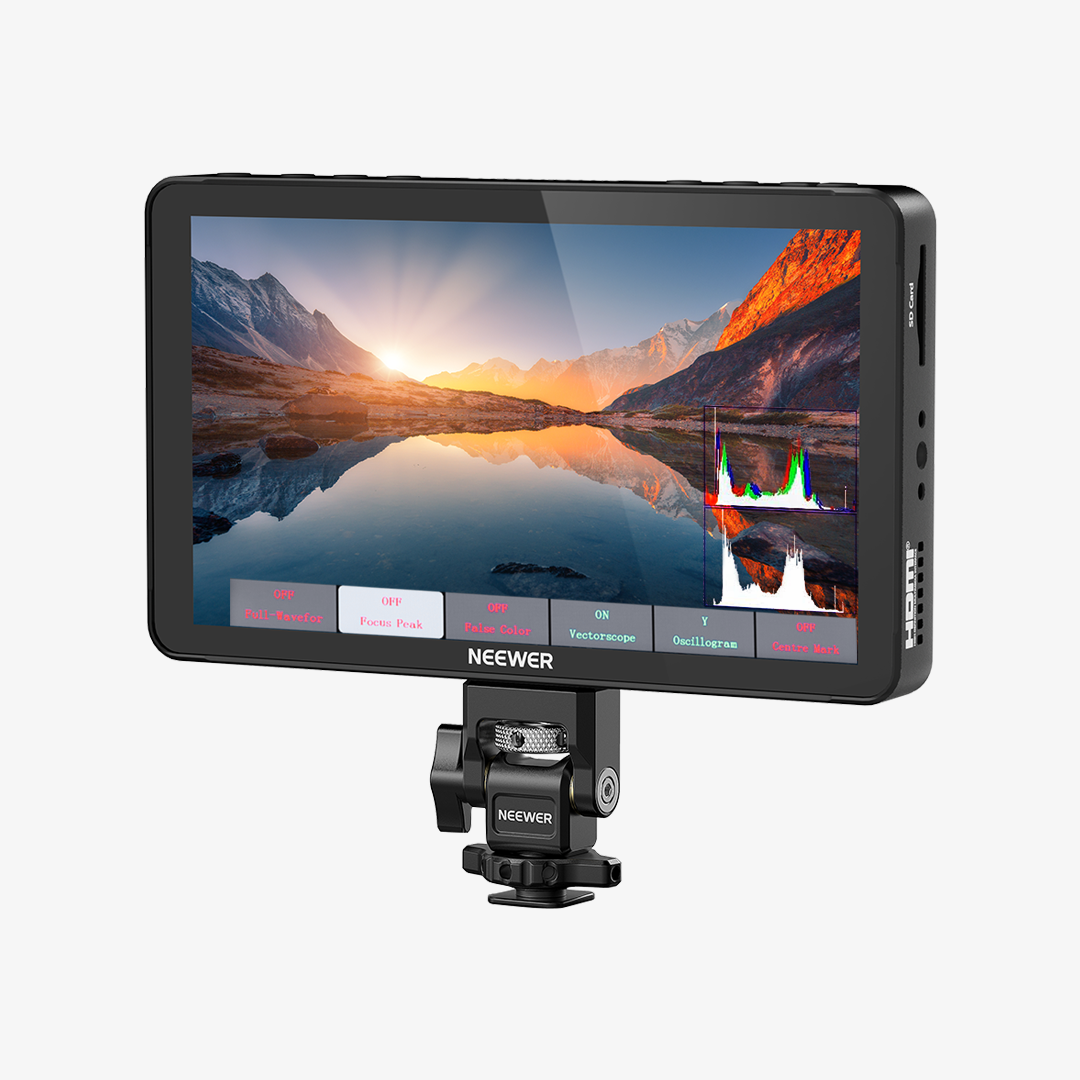
A selfie monitor screen for a phone is a small external display that lets you see yourself while using your phone’s rear camera.
Normally, when you shoot with the back camera, you’re guessing your framing. The rear camera has better quality—sharper image, better color, stronger low-light performance—but you can’t see what you look like. A phone selfie monitor solves that problem.
How Does a Selfie Monitor Screen Work?
- Connects to Your Phone: A selfie monitor screen links to your phone either wirelessly or through a cable, depending on the model. Most commonly, it uses screen mirroring via Bluetooth.
- Mirrors the Rear Camera View in Real Time: The core function is simple—it mirrors your rear camera feed onto the external screen. As you move, adjust your angle, or change expressions, you see those changes instantly.
- Lets You Adjust While Recording: While filming, you can glance at the monitor to fine-tune your position without stopping the recording.
Why Do You Need a Selfie Monitor Screen?
A selfie monitor screen turns your phone from something you “hope is framed right” into something you can direct like a real camera setup.
If you’ve ever re-shot clips because something was off, or felt like your content could look more polished, you will need a selfie monitor screen for phones.

1. See Yourself While Using the Rear Camera
A selfie monitor screen lets you clearly see your framing while shooting with your phone’s rear camera. This is especially helpful when filming alone, outdoors, or in dynamic situations where positioning changes constantly during recording. Instead of guessing where you stand or whether your face is centered, you can adjust in real time.
2. Achieve Better Video Quality
Rear cameras on phones deliver sharper detail, more accurate colors, and stronger low-light performance compared to front cameras. A selfie monitor screen allows you to take full advantage of that quality without losing visibility. You get a more professional-looking result, whether you're filming content for social media, product demos, or others.
3. Make Group Photos Easier and More Reliable
A selfie monitor is surprisingly useful for group photos, especially when no one wants to stay behind the camera. You can set your phone on a tripod, gather everyone, and quickly check if all faces are visible and properly framed. It avoids common issues like someone being cut off or standing too far back, helping you capture the shot in one take.
4. Save Time During Filming
Without a monitor, you often need multiple takes—record, stop, check, adjust, and repeat. A selfie monitor streamlines that process by letting you correct mistakes as you shoot. This reduces reshoots and speeds up your workflow, which is especially valuable when you’re creating multiple pieces of content in one session.
The following table outlines typical use cases for selfie monitor screens
|
Use Case |
Best for |
Scenario |
|
Vlogging Outdoors |
Travel vloggers, lifestyle creators |
Walking in a city, hiking trails, street interviews |
|
Solo Content Creation |
YouTubers, TikTok creators |
Filming talking-head videos, tutorials, daily content at home or studio |
|
Product Demos |
E-commerce sellers, reviewers |
Showing products on a desk, unboxing, hands-on demonstrations |
|
Live Streaming Setups |
Streamers, educators, influencers |
Hosting live sessions, online classes, or social media streams |
|
Group Photos & Videos |
Families, friends, event attendees |
Parties, travel group shots, weddings, gatherings |
How to Mount a Magnetic Selfie Monitor Screen on Your Phone?

Step 1: Check Your Phone’s Magnetic Compatibility
Start by confirming whether your phone supports magnetic mounting. If you’re using a newer iPhone with MagSafe, the monitor will snap on directly. For other phones, you’ll typically use a thin magnetic ring or a MagSafe-compatible case.
Step 2: Align and Snap the Monitor into Place
Hold the selfie monitor near the back of your phone and let the magnets guide it into position. You’ll feel it click into alignment, usually centered around the camera area. When mounted correctly, it should sit flat and stable—no wobbling. This step takes just a second, which is great when you’re setting up quickly outdoors.
Step 3: Adjust the Viewing Angle
Many magnetic selfie monitors come with a slight tilt or hinge design. After attaching it, angle the screen so you can clearly see it while facing the rear camera. For example, if your phone is on a tripod at chest height, tilt the monitor upward so it’s easy to glance at without breaking your posture.
Step 4: Secure Your Setup for Stability
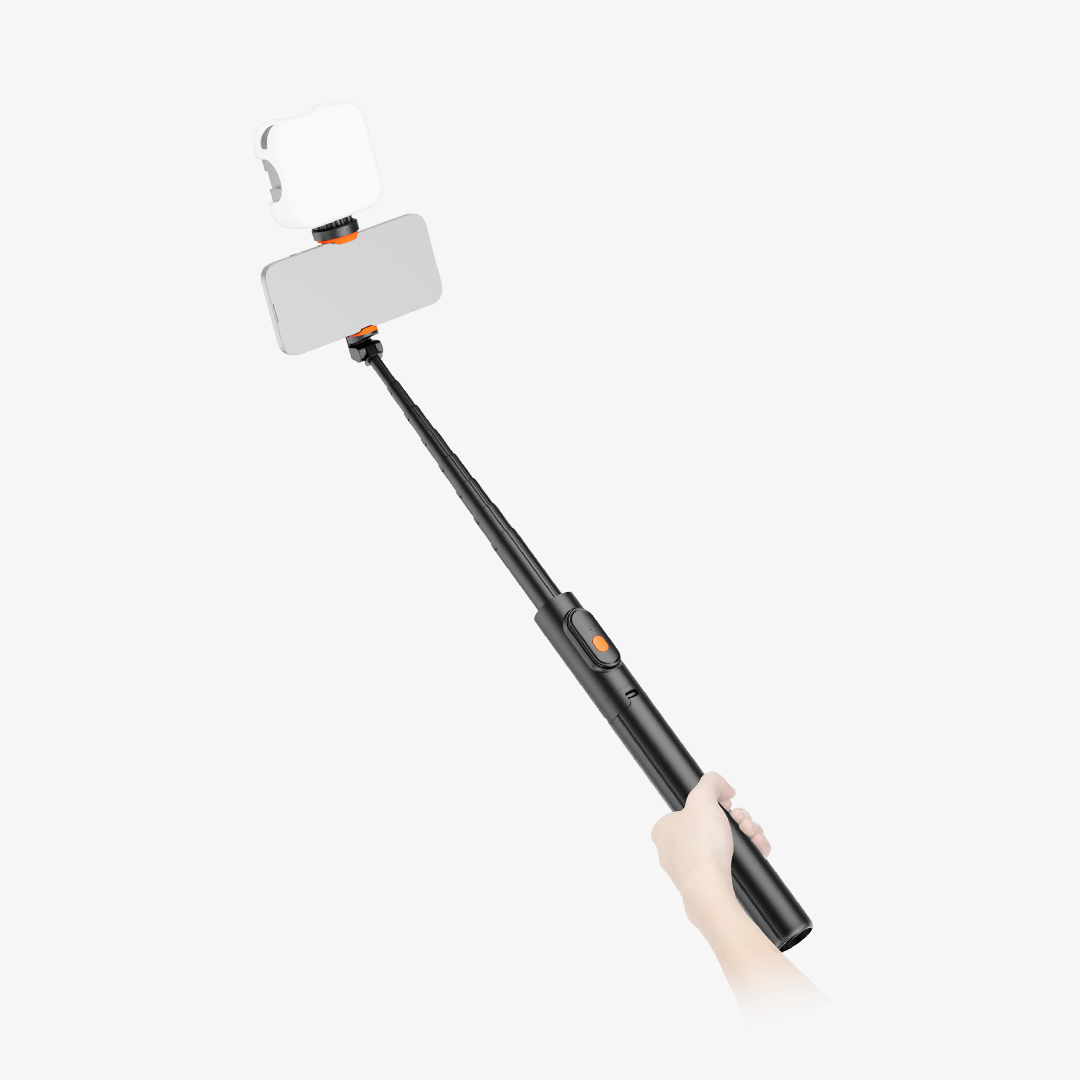
If you’re filming while moving—like walking or vlogging—make sure everything is firmly attached. Give the monitor a light push to confirm it won’t shift. In more active scenarios, pairing your phone with a grip or selfie stick helps keep the entire setup balanced and comfortable to hold.
Step 5: Connect and Test Before Shooting
Once mounted, turn on the monitor and connect it to your phone. Open your camera app and check the live view. Take a few seconds to confirm framing, brightness, and responsiveness.
How Do You Use a Selfie Monitor Screen Effectively?

Here are some practical tips to help you use your monitor screen for phones effectively:
- Keep the Monitor at Eye Level: Always mount the monitor at roughly eye height. Looking slightly down or up can distort framing and make your shots less flattering. If filming a product demo, adjust the height so your hands and the item remain fully visible.
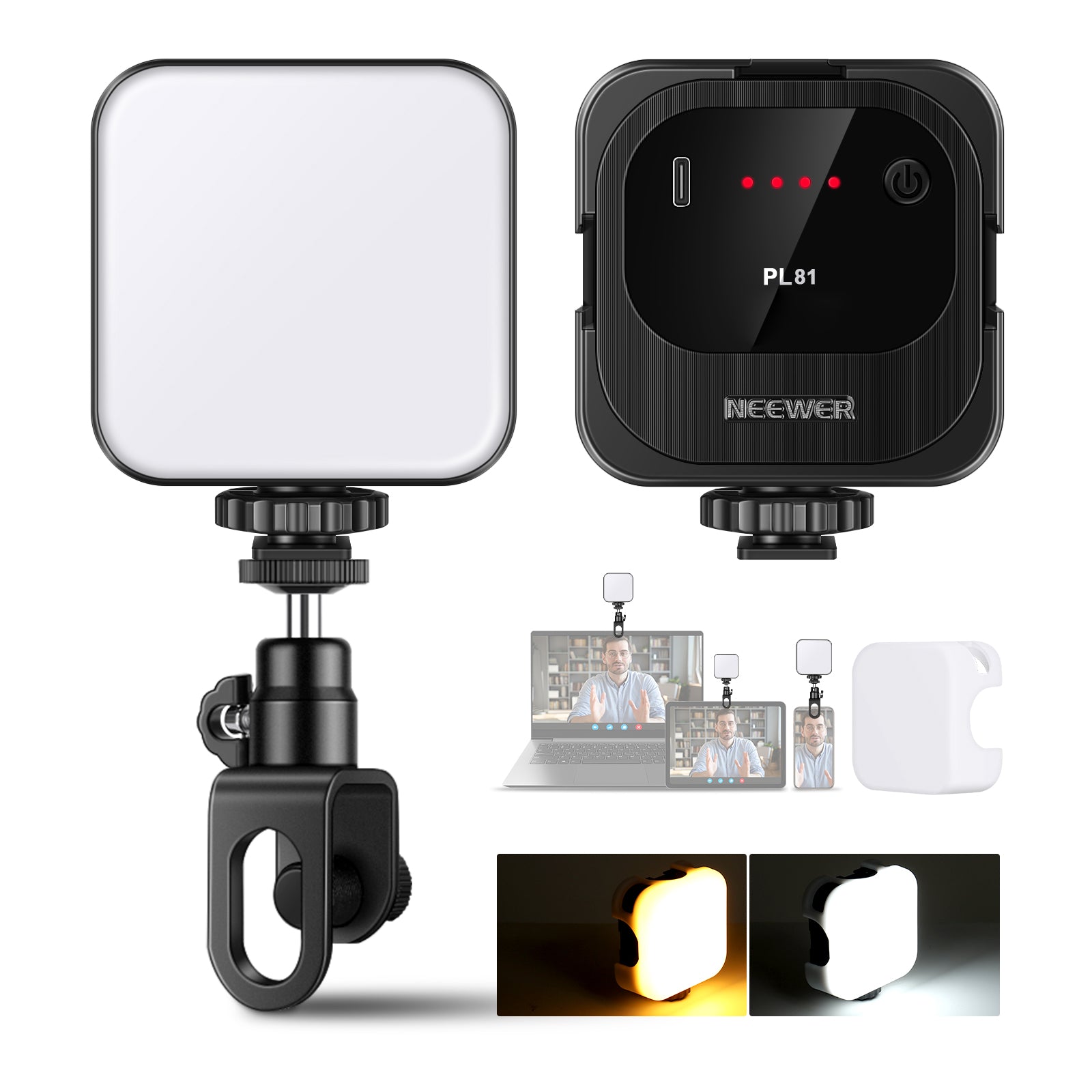
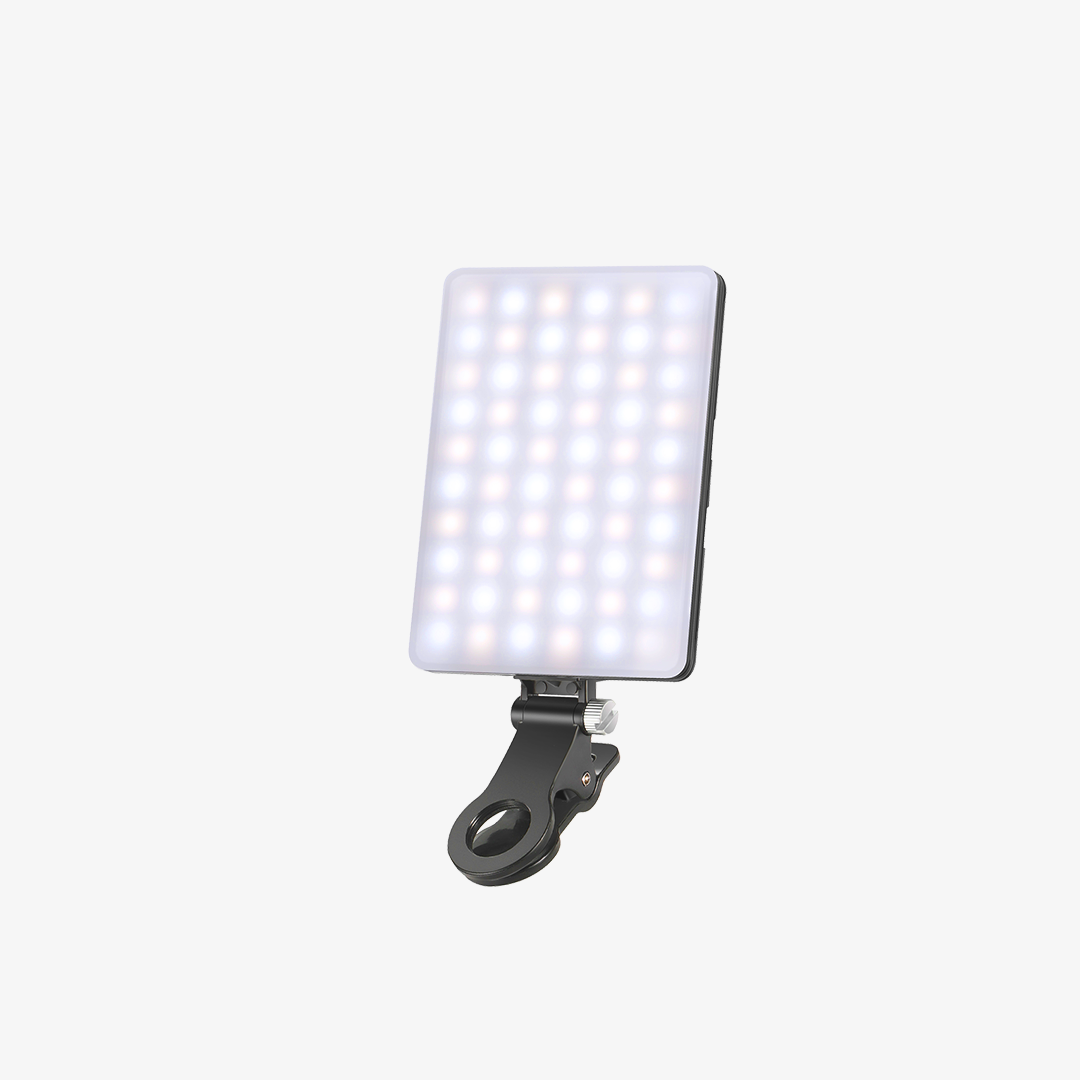
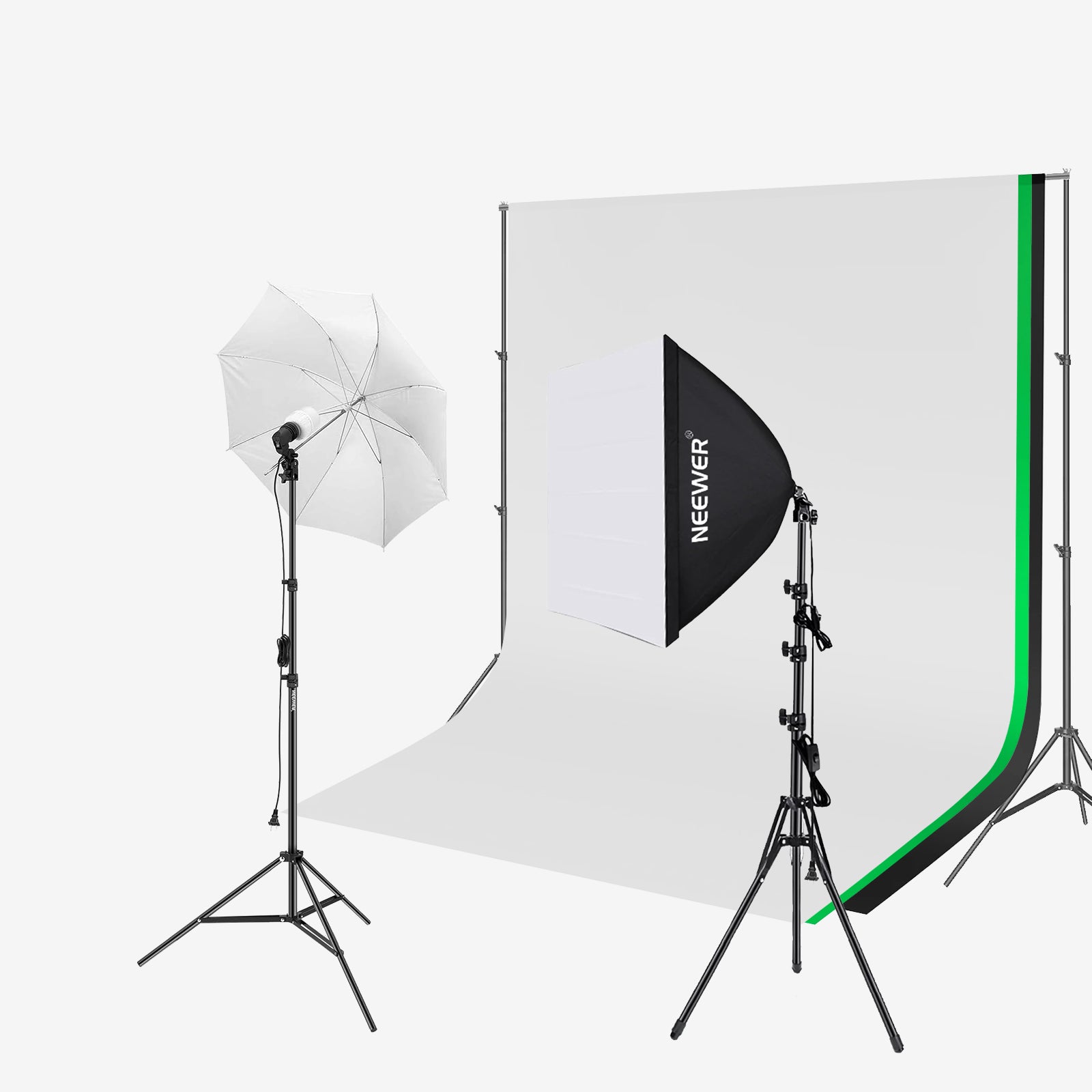
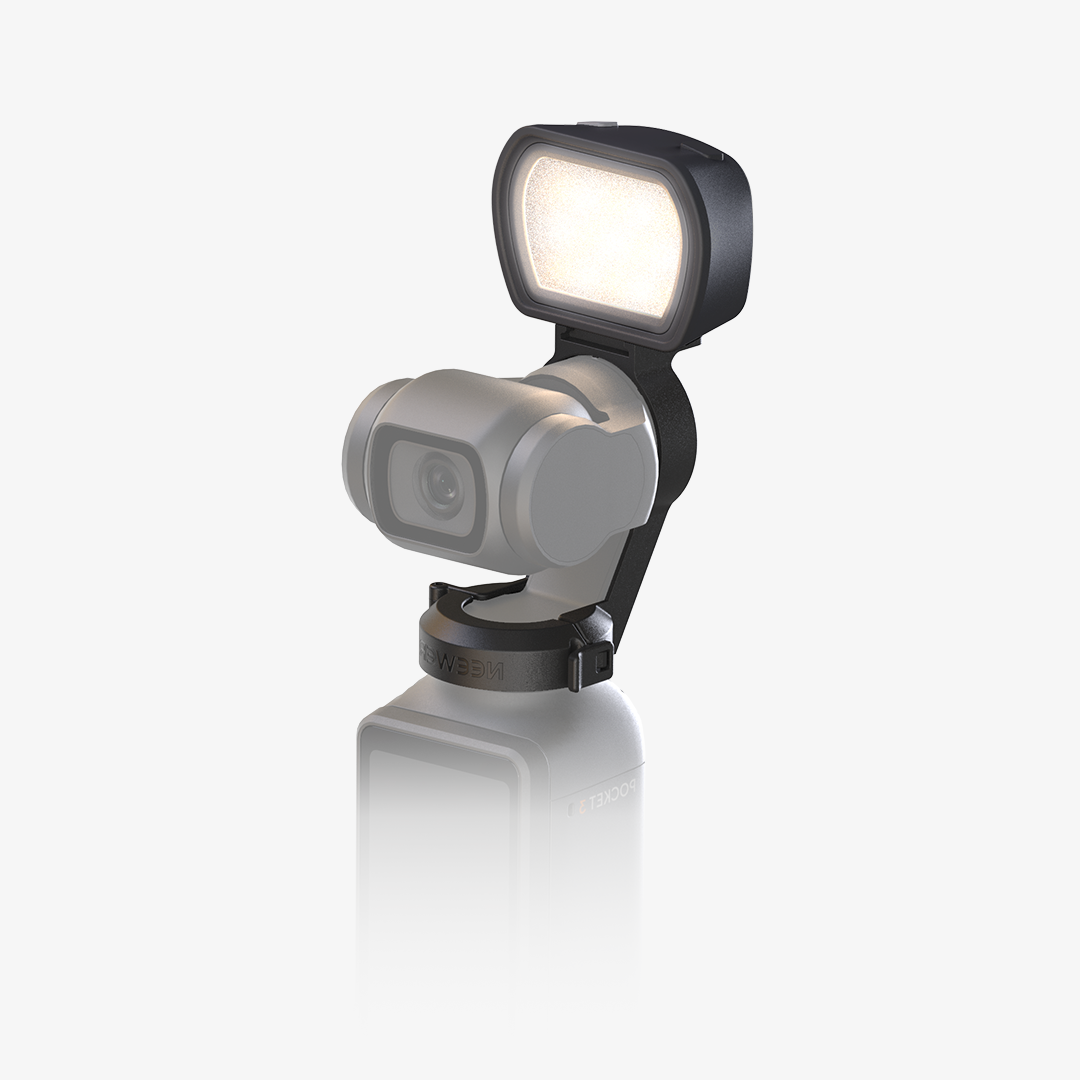
- Control Your Lighting: Good lighting is as important as proper framing. Watch the monitor to see shadows or highlights and adjust accordingly. Some models feature a cold shoe that can attach a fill light.
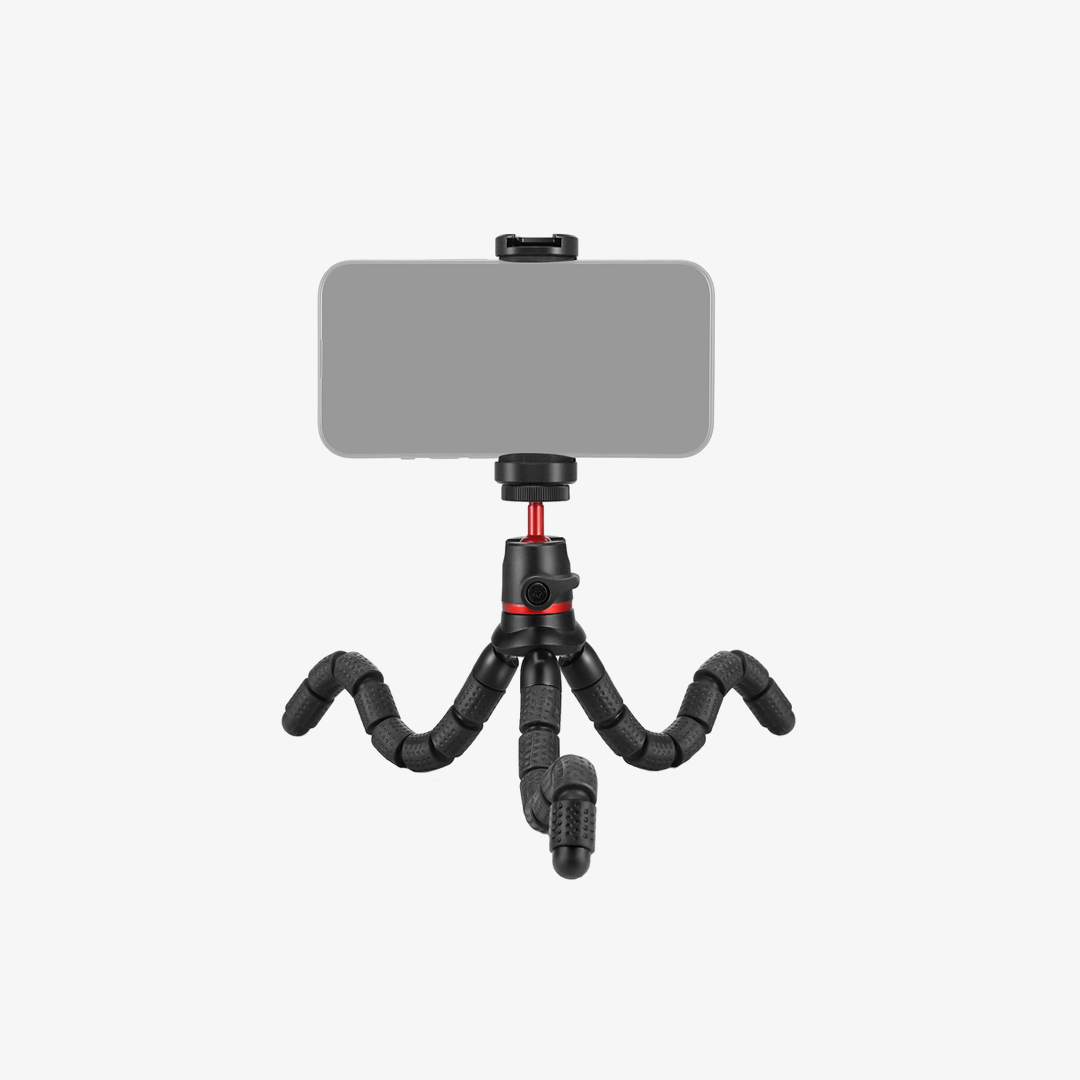
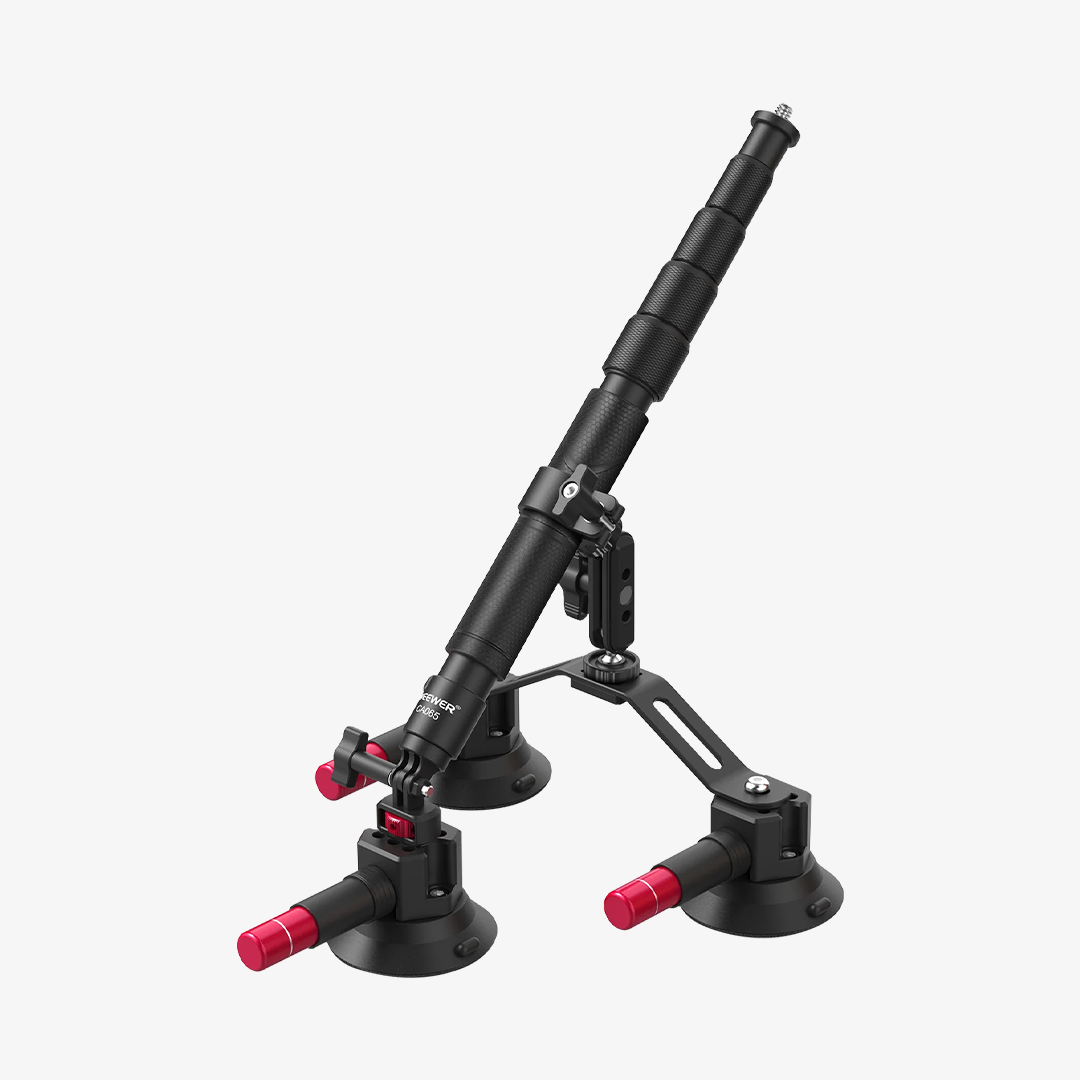
- Pair with Accessories: Combine the monitor with a tripod, selfie stick, or stabilizer. It allows for smoother movement, more creative angles, and steady framing, especially for vlogging, tutorials, or live streaming.
- Move Confidently, Not Randomly: When walking or gesturing, glance at the monitor occasionally. Make small adjustments in real time rather than stopping and reshooting. This keeps your content smooth and professional-looking.