



Monitors
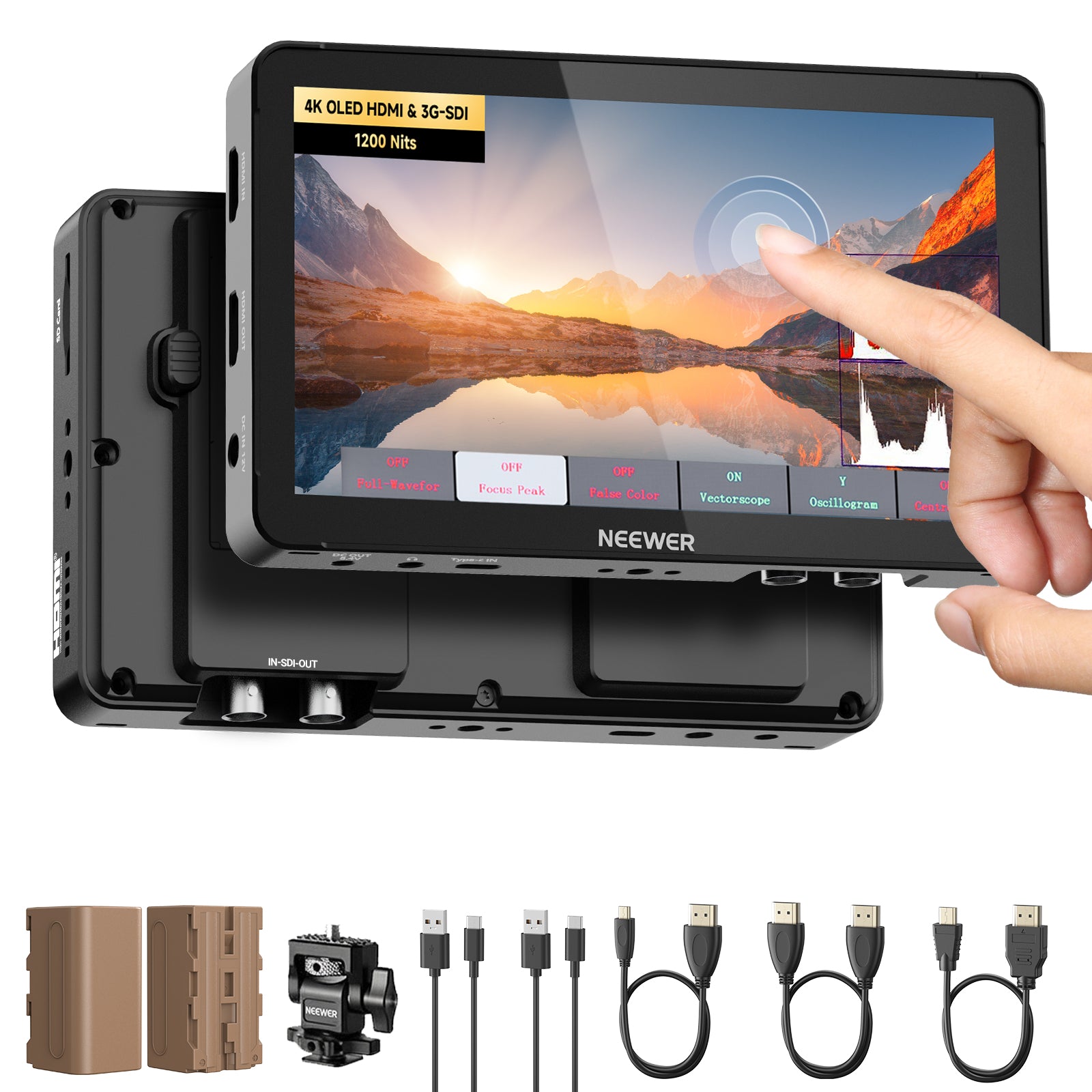
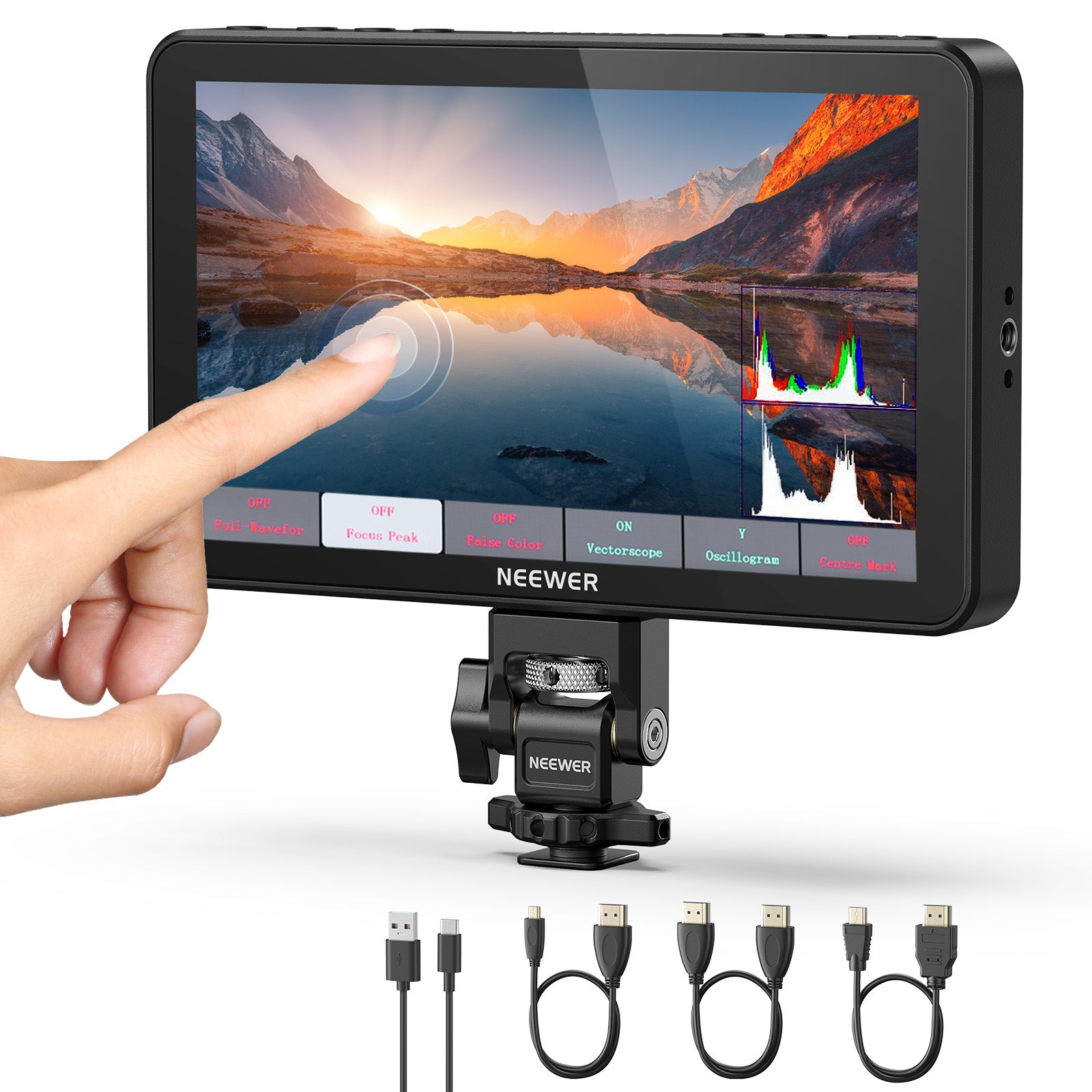
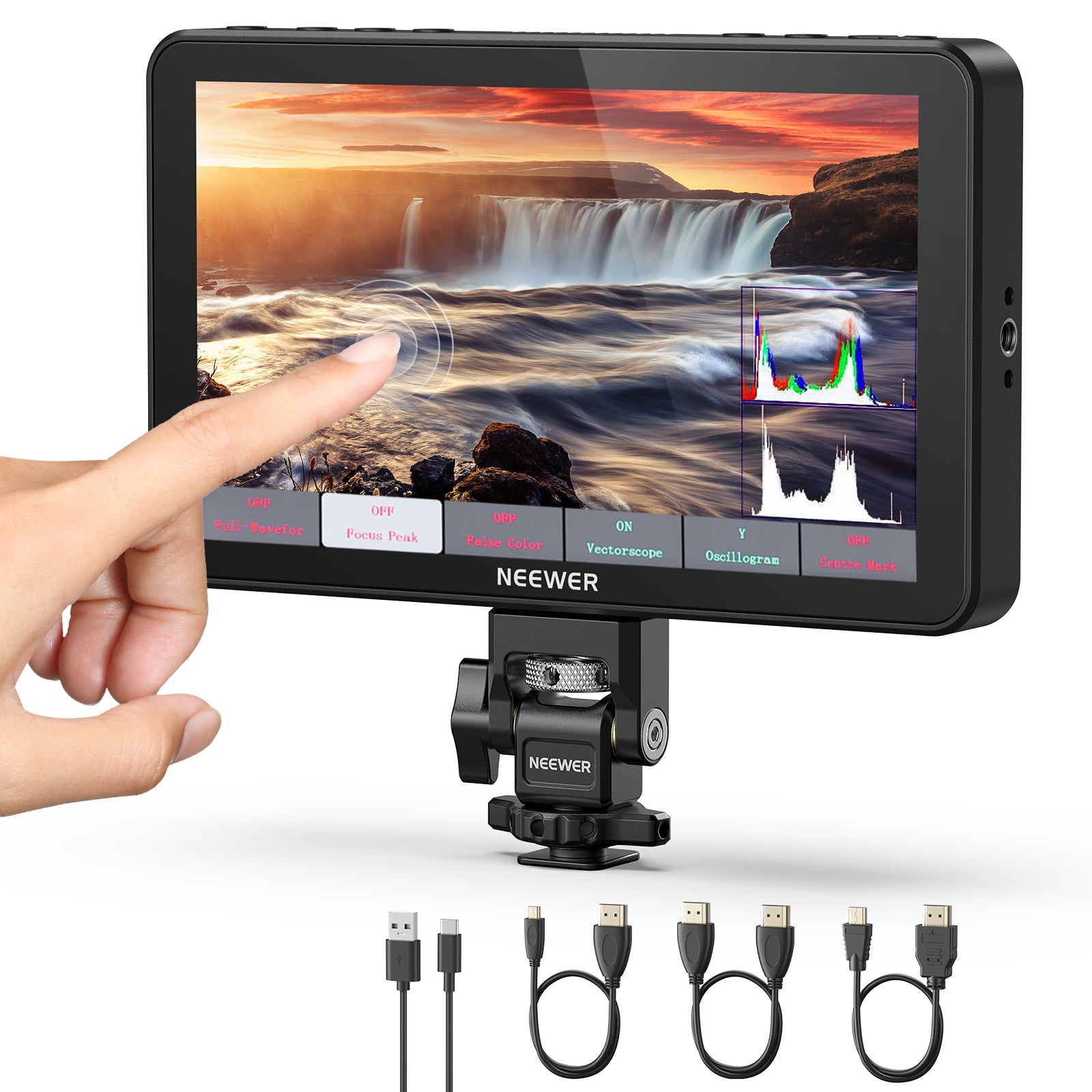

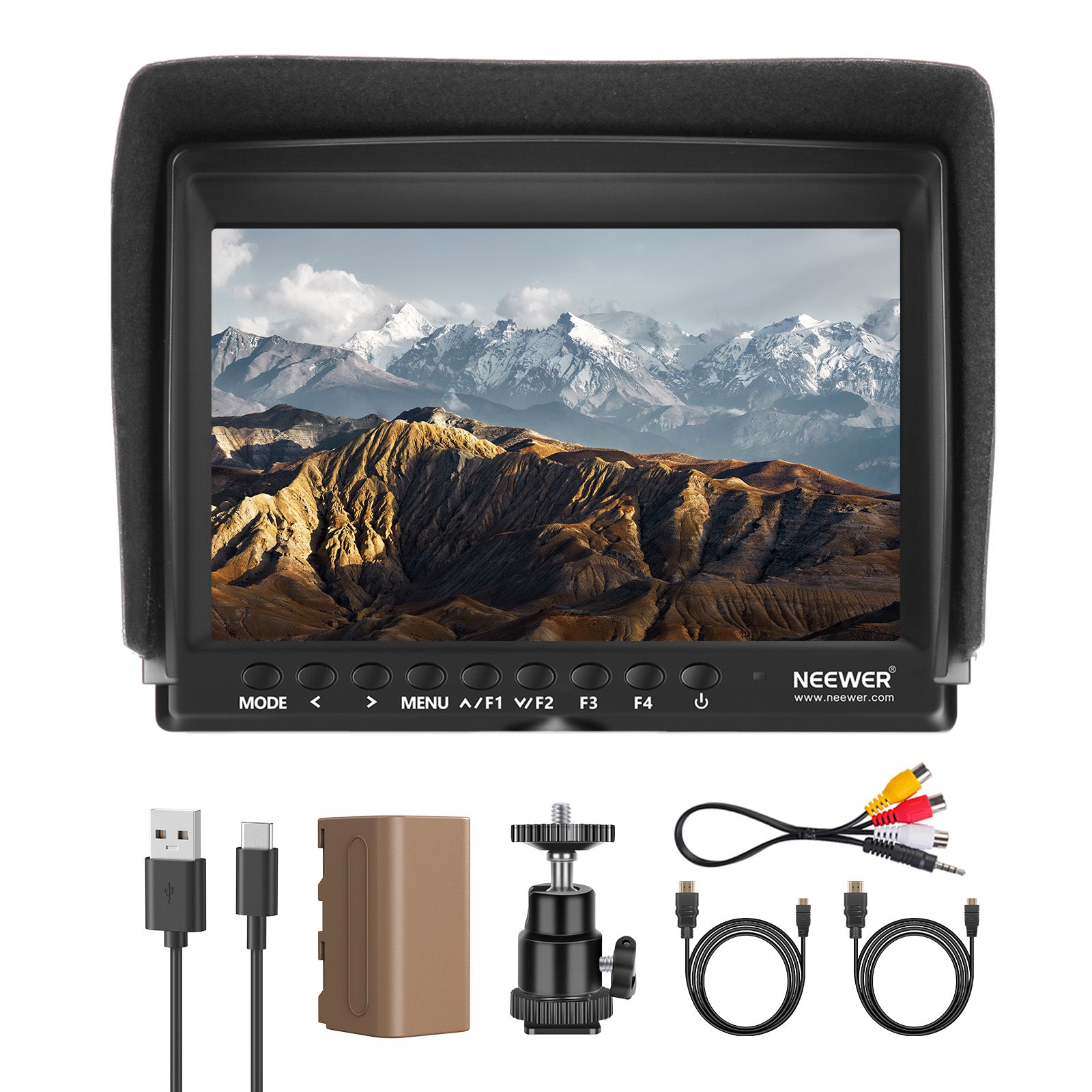
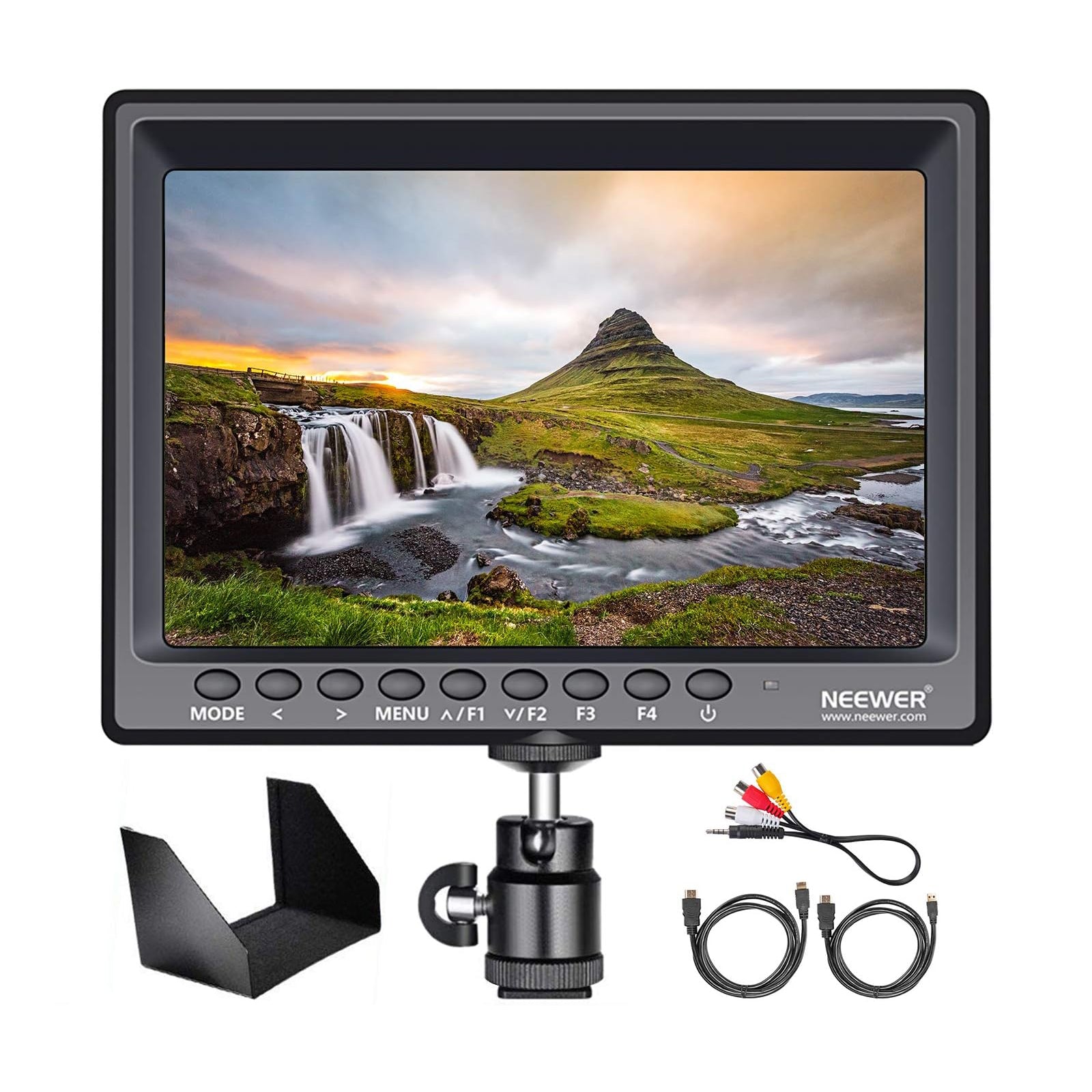


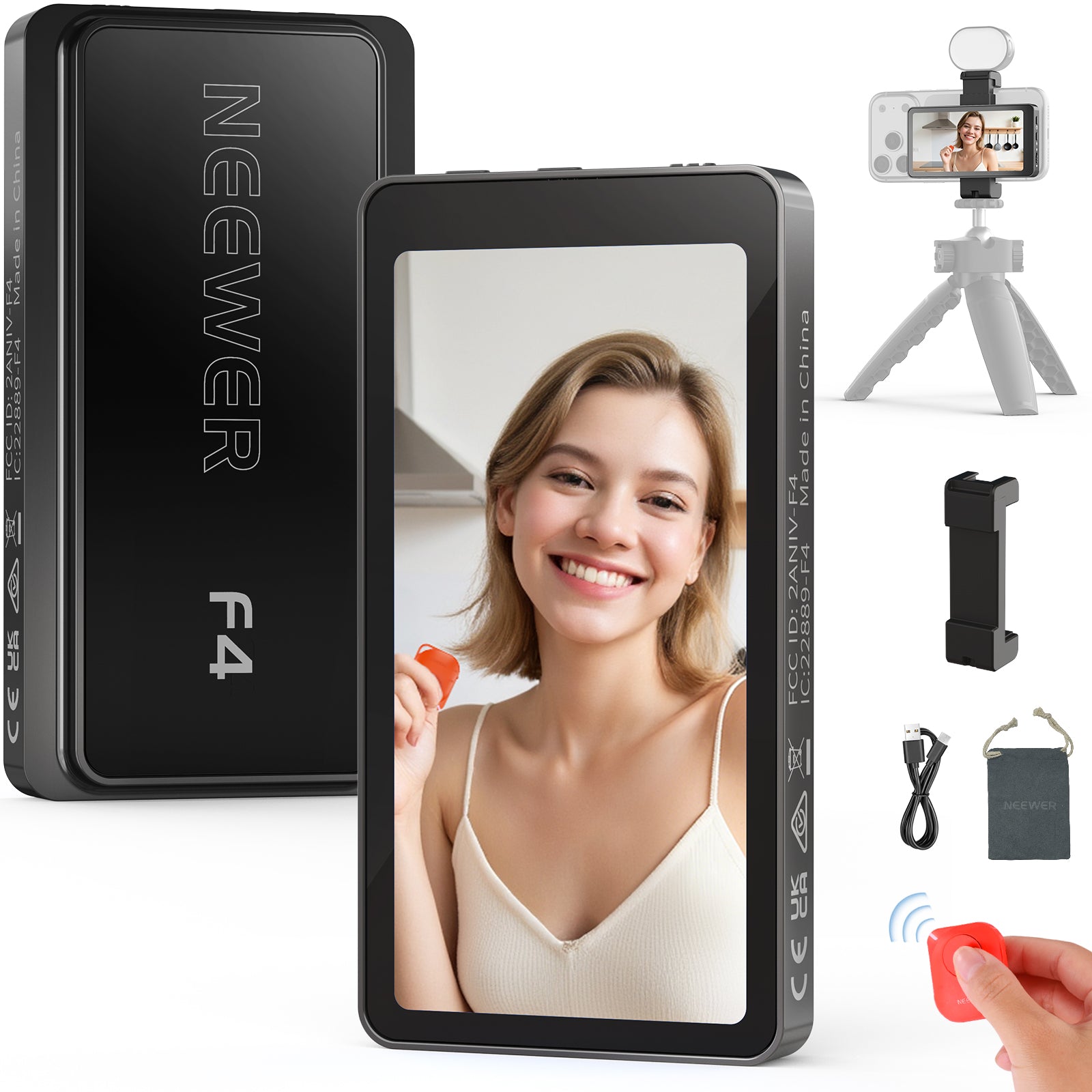
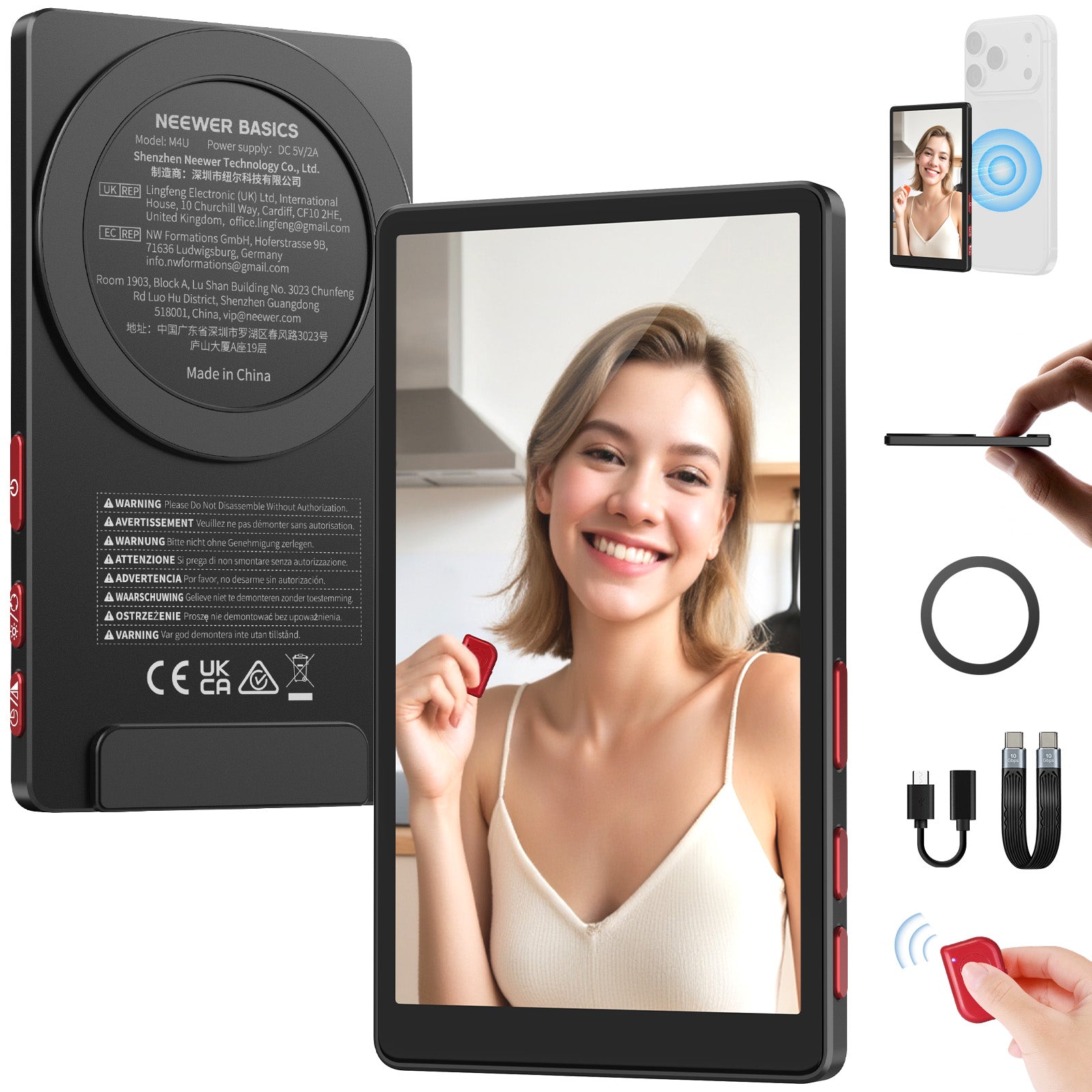
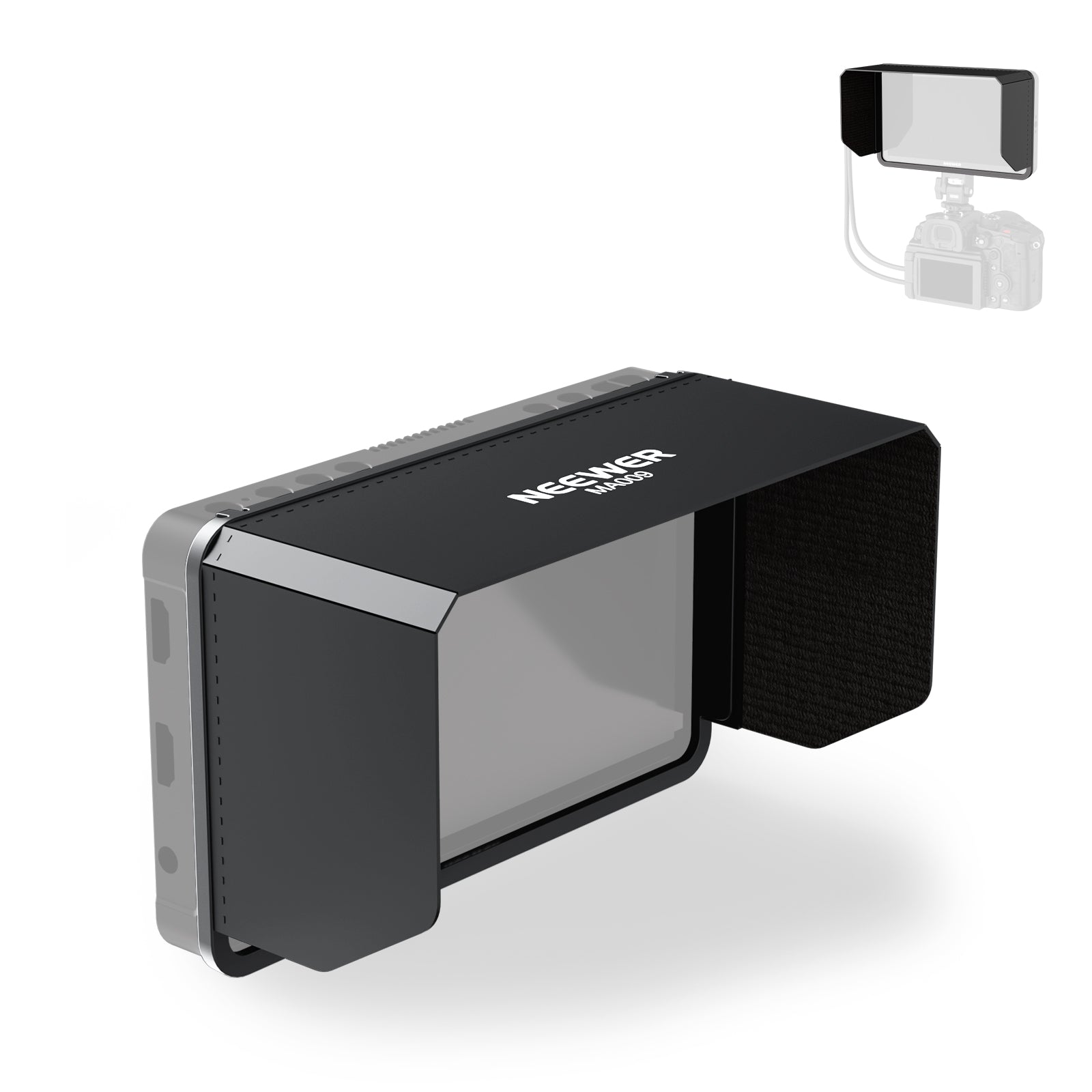
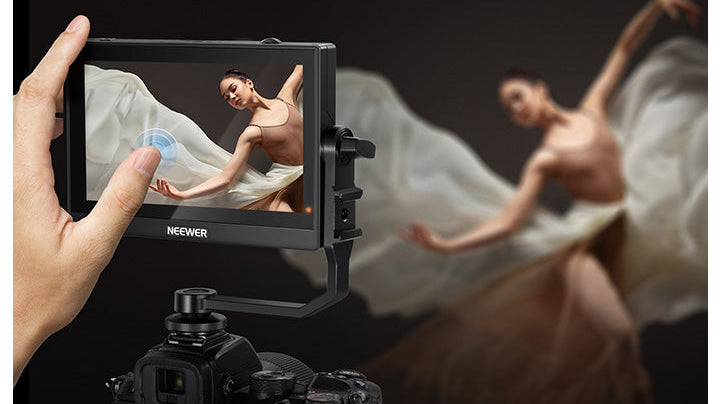
NEEWER offers camera monitors that deliver clear, vivid images with true-to-life details, enhancing your filmmaking and video recording experience. These field monitors ensure excellent visibility and feature screen dimming in low-light conditions for added eye comfort. Choose a professional camera monitor to elevate your video production.
FAQ
What is a camera monitor?
A camera monitor is an external display used with cameras to provide a larger and clearer view of the footage being recorded. It is especially useful for filmmakers, videographers, and photographers who need precise framing, focus, and exposure control.
Do you really need a camera monitor?
You need a camera monitor if your camera’s built-in screen is too small, low-resolution, or difficult to see in bright sunlight. It's also essential when shooting from low or high angles, or when using gimbals, stabilizers, or camera rigs that make the built-in screen hard to view. Additionally, if you’re working with a director, cinematographer, or focus puller who needs to monitor the shot in real time, an external monitor becomes a crucial tool.
What Is a Selfie Monitor (Smartphone Flip Monitor) and How Does It Work?
A selfie monitor is a compact, wireless or magnetic external screen attached to the back of your smartphone (or mirrorless camera). It mirrors your phone's rear camera feed in real time, allowing vloggers and live streamers to framing themselves perfectly while using their phone's primary, highest-quality camera sensor instead of the lower-resolution front selfie camera.
Camera Monitor vs. Selfie Monitor: Which One Do You Need?
Camera Monitor: Designed for filmmakers, videographers, and DSLR/mirrorless users. Connects via HDMI/SDI cables and includes professional exposure tools (Waveform, False Color, 3D LUTs).
Selfie Monitor: Designed for mobile vlogging, TikTok, Instagram Reels, and solo creators. Connects wirelessly (Wi-Fi/Bluetooth) or via USB-C to mirror smartphone rear cameras effortlessly.
What Do Monitor Assist Tools Like Focus Peaking and False Color Do?
Focus Peaking: Highlights in-focus sharp edges with bright color outlines (red, green, white), making manual focus pulls effortless.
False Color & Zebra: Displays color-coded luminance levels across your frame, instantly warning you of blown-out highlights or crushed shadows.
3D LUT Support: Allows you to apply custom color grading profiles on-screen so you can preview the final post-processed look in real time while shooting flat LOG footage.
What Does Monitor Brightness (Nits) Mean for Outdoor Shooting?
Screen brightness is measured in Nits. Standard indoor monitors feature 400–500 Nits, which require a sunshade outdoors. High-bright outdoor monitors feature 1500 to 3000+ Nits, allowing you to see clear, glare-free, and color-accurate visuals directly under harsh direct sunlight without needing a bulky sun hood.
How Are External Camera Monitors Powered On-Set?
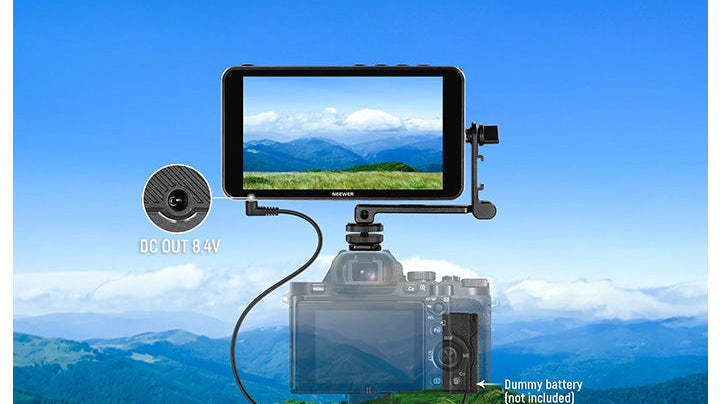
Most field camera monitors feature dual power solutions: standard removable rechargeable batteries (such as Sony NP-F series or Canon LP-E6 style batteries) for lightweight wireless mobility, and a DC barrel jack or USB-C PD input for continuous wall outlet/V-mount battery power during long indoor studio shoots.
What Is HDMI Loop-Out (HDMI Pass-Through) on a Field Monitor?
HDMI Loop-Out allows the monitor to receive a video signal from your camera via HDMI Input and simultaneously pass that exact video signal out through an HDMI Output to another device—such as a director's wireless video transmitter, secondary client monitor, or live streaming capture card.
Can you use your laptop as a camera monitor?
You can use your laptop as a camera monitor, but the method depends on your camera and available connections. If your camera has an HDMI output, you can connect it to your laptop using an HDMI to USB capture card. Some cameras support USB webcam mode using manufacturer software.
How Do You Mount and Connect a Camera Monitor onto Your Camera?
First, slide the included tilt arm or cold-shoe adapter into your camera's top hot shoe (or shoe slot on a camera cage) and tighten the thumb screw. Then, connect a short HDMI cable (typically Micro-HDMI or Mini-HDMI to Standard HDMI, depending on your camera model) from your camera's HDMI Output port to the monitor's HDMI Input port. Once powered on, the monitor will automatically display your camera's live preview feed.