






Table of Contents
Choosing a microphone isn't just about finding one with good sound quality. The right mic depends on what you're recording, where you're recording, and which device you're using. A microphone that works well for a desk-based podcast may not be the best choice for outdoor interviews or handheld vlogging.
If you're wondering how to choose a microphone, start with your recording needs rather than the technical specifications. Once you know how you'll use it, you can narrow down the microphone type, connectivity, pickup pattern, and features that matter most.
Start With What You Need the Microphone For
Before comparing microphone models, think about the kind of content you create most often. Different recording situations call for different setups.
· Podcasting and streaming: A USB or XLR desktop microphone is a practical choice for recording spoken audio at a desk. Look for clear voice reproduction, convenient controls, and headphone monitoring.
· Video recording and vlogging: If you're filming with a camera or phone, a compact on-camera microphone or a wireless lavalier mic can help capture clearer dialogue without making your setup bulky.
· Interviews and outdoor recording: A lavalier microphone is useful when you need to capture someone's voice while they move. Wireless systems are especially convenient when the subject is standing away from the camera or when two people need to be recorded.
· Music and vocal recording: Condenser microphones are commonly used for studio vocals and detailed recordings, while dynamic microphones can be a good fit for louder sources and less controlled environments.
For example, a compact mic like the NEEWER VM10 is designed for mobile content creation, with connections for compatible phones and cameras. If you regularly film conversations or interviews with two people, a wireless system such as the NEEWER CM28 PRO, which includes two transmitters, may be a better fit.
The key is to choose for the recording situation you encounter most often, rather than paying for features you may rarely use.

Compare the Different Types of Microphones
Microphones differ in how they capture sound, how they're connected, and where they're most useful. Here's a quick comparison of the main options.
|
Microphone type |
Best for |
Main consideration |
|
Podcasts, live vocals, louder sound sources |
Often works best when positioned close to the speaker |
|
|
Studio vocals, voiceovers, detailed recordings |
Can pick up room noise, so the recording environment matters |
|
|
Lavalier |
Interviews, presentations, on-camera speaking |
Placement and clothing noise can affect the recording |
|
Video production, dialogue captured from a camera or boom |
Direction and distance from the subject matter |
|
|
Handheld |
Reporting, interviews, live presentations |
Handling noise and ease of use |
|
Wireless |
Mobile video, interviews, presentations |
Battery life, interference, and connection stability |
Keep in mind that these categories aren't all mutually exclusive. Dynamic and condenser describe microphone transducer types, while lavalier, shotgun, and handheld generally describe a microphone's form or intended use. Wireless describes how audio is transmitted. A microphone can belong to more than one category—for example, a wireless lavalier system.
If you want a deeper explanation of how each type works, read our guide to [different types of microphones].
What Features Should You Look for in a Microphone?
Once you've narrowed down the type, compare the features that will affect your everyday recording experience. You don't need the most advanced microphone on the market; you need one that works well with your setup.
1. Pickup Pattern and Sound Quality
A microphone's polar pattern describes the directions from which it captures sound.
· Cardioid: Primarily captures sound from the front, making it useful for desktop recording and solo voice work.
· Omnidirectional: Picks up sound from all directions, which can be useful for capturing a group or the surrounding atmosphere.
· Supercardioid: Focuses more on sound from the front, while also capturing some sound from the rear. The exact pickup behavior depends on the microphone.
Your environment matters just as much as the pattern. A directional microphone can help prioritize a nearby speaker, but it won't automatically eliminate traffic, fans, echoes, or other unwanted sounds. Positioning the mic close to the intended sound source is often one of the simplest ways to improve clarity.
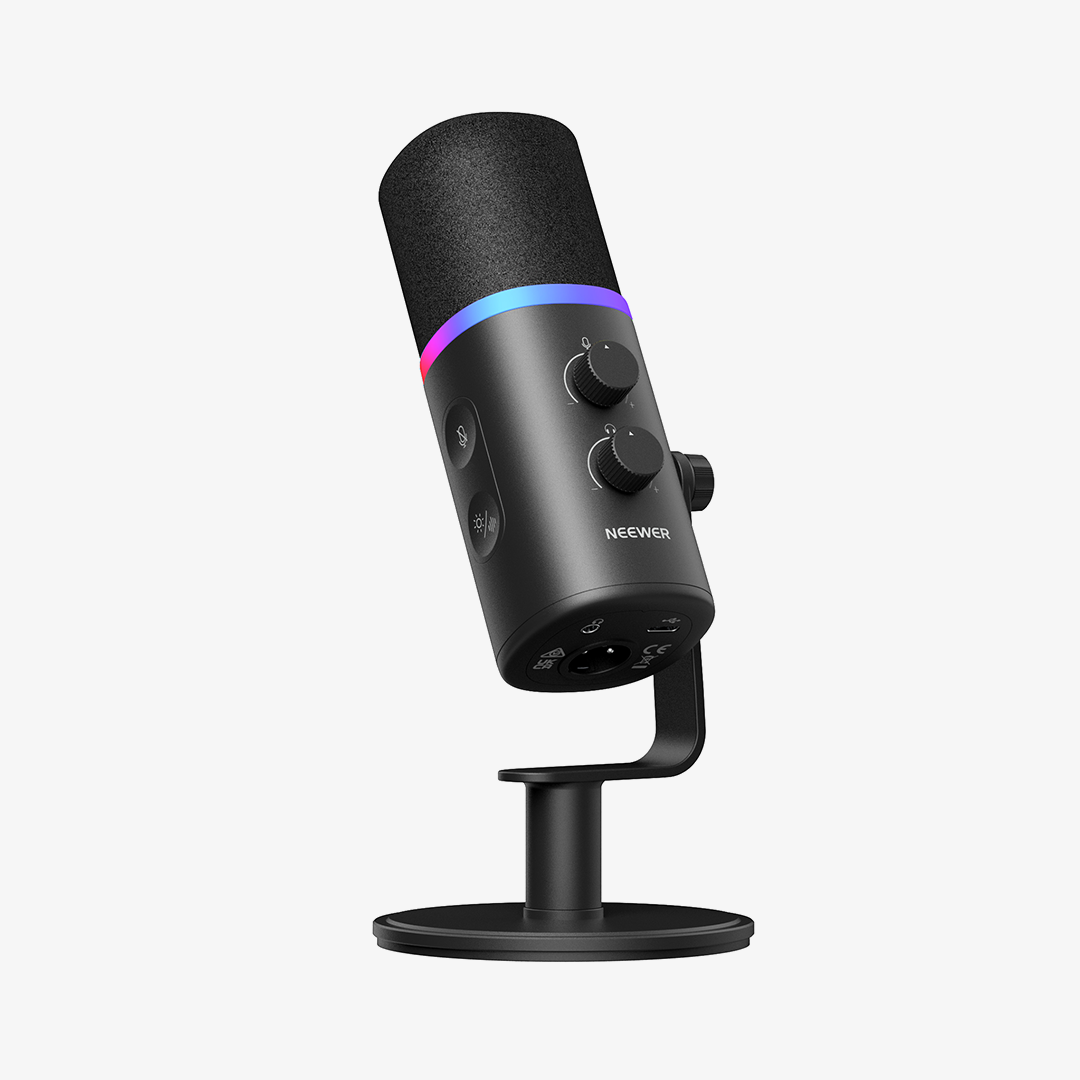
For a desk-based setup, the NEEWER DM03 USB/XLR dynamic cardioid microphone is one example of a microphone designed to capture voice from the front while reducing sound pickup from the sides. Its recommended pickup distance is approximately 2–6 inches (5–15 cm), so placement is important.
2. USB, XLR, or Wireless Connectivity
Check how the microphone connects to your recording device before making a purchase.
· USB: A convenient option for computers and compatible devices. Many USB microphones work without a separate audio interface, making them suitable for beginners and home recording.
· XLR: Common in more expandable audio setups. An XLR microphone typically needs an audio interface or mixer, along with the appropriate cable.
· Wireless: Useful when the speaker needs to move freely or when a cable between the microphone and camera would get in the way. You'll need to consider battery life, range, and compatibility with your recording device.
Some microphones offer more than one connection option. The NEEWER DM03, for example, supports both USB-C and XLR. USB provides a straightforward connection to a compatible computer, while XLR allows it to be integrated into a suitable audio interface or mixer. The XLR cable is sold separately, and some onboard features are available only over USB.

3. Compatibility With Your Phone, Camera, or Computer
Don't assume that every microphone will work with every device. Check the connector, required adapters, and supported recording equipment before buying.
For phones, you may need a compatible USB-C or Lightning adapter, depending on your device. For cameras, check whether the microphone uses a 3.5mm input or another supported connection. For computers, confirm that the microphone is recognized by your operating system and recording software.
A compact microphone like the NEEWER VM10 includes a 3.5mm TRS camera cable and two OTG adapters for compatible mobile devices. This can make it easier to switch between phone and camera recording, but you should still confirm that the included adapter matches your device.
4. Monitoring, Noise Reduction, and Onboard Controls
A few extra features can make recording easier, especially if you record regularly.
· Headphone monitoring: Lets you listen to the audio signal and catch problems such as distortion, low volume, or unwanted noise.
· Gain control: Helps you adjust the input level so your voice isn't too quiet or distorted.
· Mute control: Useful for live streams, meetings, and recording sessions.
· Noise reduction: Can help reduce certain types of unwanted background sound, although results vary by microphone and environment.
· Wind protection: Foam or furry windscreens can reduce wind noise when filming outdoors.
These features are useful, but they don't replace good recording technique. Test your audio before recording, keep the microphone at a suitable distance, and listen back whenever possible.
Choose a Microphone That Fits Your Setup and Budget
After comparing the main features, think about how the microphone will fit into your actual workflow. A simple setup that you can use consistently is often more valuable than a feature-packed microphone that's inconvenient to carry or connect.
Indoor vs. Outdoor Recording
Indoor recording gives you more control over background noise and microphone placement. If you're recording at a desk, a USB microphone may be all you need. If the room has a lot of echo, soft furnishings and better mic placement may help more than upgrading the microphone alone.
Outdoor recording introduces different challenges, including wind, traffic, crowds, and changing distances from the speaker. Look for a microphone with suitable wind protection and a connection that won't restrict your movement. For wireless systems, check the expected operating time and transmission range, and remember that obstacles and interference can affect real-world performance.
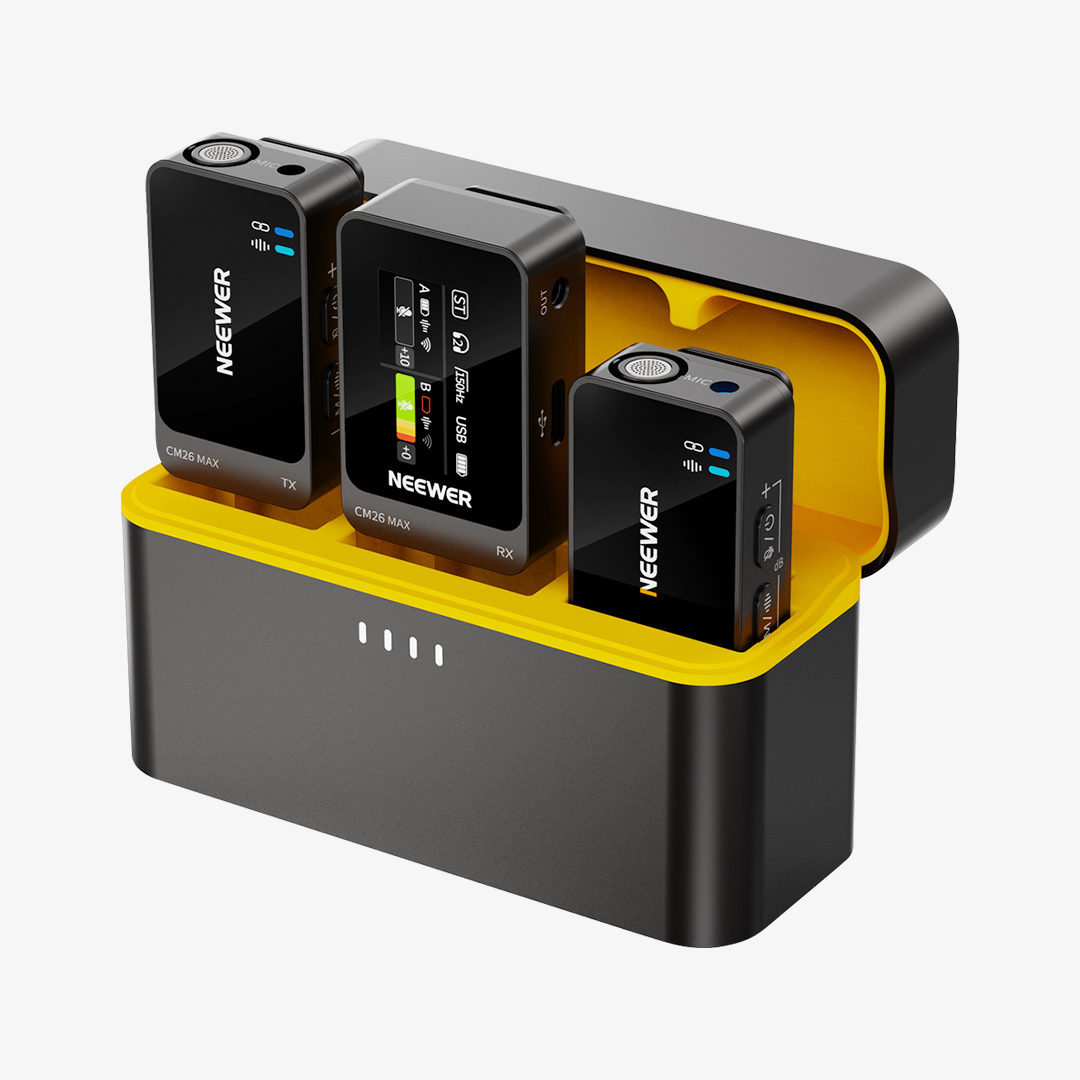
The NEEWER CM28 PRO is one option for mobile interviews and video recording. It includes two transmitters, a receiver, and a charging case. Each transmitter also has built-in storage for standalone recording, providing an additional way to capture audio when needed. Features like these can be useful when filming interviews, vlogs, or conversations away from a desk.

Recording Alone vs. Recording Multiple People
If you're recording yourself at a desk, a single desktop microphone may be enough. For interviews, two-person videos, or presentations, consider how many people need to be heard and how far they will be from the recording device.
A wireless system with two transmitters can simplify recording conversations between two people. A compact on-camera microphone may also suit casual vlogging or situations where the speaker stays relatively close to the camera. For group discussions, you may need a different microphone arrangement or multiple microphones to capture everyone's voice clearly.
Choosing for Your Device and Budget
Before spending more, make sure the microphone solves a real problem in your current setup.
· For a beginner recording at a computer: Start with a USB microphone that's easy to connect and adjust.
· For phone-based vlogging: Prioritize portability, device compatibility, and a setup that won't slow you down when filming.
· For interviews and mobile video: Consider a lavalier or wireless system, particularly when the speaker moves away from the camera.
· For a growing home studio: An XLR microphone may make sense if you plan to use an audio interface or mixer and want more flexibility.
Also budget for the accessories you actually need. Depending on your setup, that might mean an adapter, microphone stand, boom arm, windscreen, headphones, or audio interface. A more expensive microphone isn't necessarily a better choice if it doesn't suit your recording environment.
FAQs
1. Which type of microphone is best for beginners?
The best microphone for beginners depends on what you're recording. A USB microphone is a convenient starting point for podcasts, voiceovers, and streaming on a computer. For phone videos or vlogging, a compact on-camera microphone or a compatible wireless lavalier system may be easier to use.
2. Is a USB or XLR microphone better?
Neither is universally better. USB microphones are usually simpler to set up because they can connect directly to a compatible device. XLR microphones are useful for setups that use audio interfaces or mixers and may offer more flexibility as your equipment grows. Choose based on your current recording needs and whether you plan to expand your setup.
3. What type of microphone is best for recording outdoors?
For outdoor video, a shotgun microphone can work well when aimed toward a nearby subject, while a lavalier microphone is useful when the speaker moves around. Wireless lavalier systems provide more freedom of movement, but wind protection, battery life, and transmission conditions are important. No microphone can completely remove every type of outdoor noise.
4. How do I choose a microphone for noisy environments?
Start by placing the microphone as close to the intended speaker as practical. Choose a suitable directional pattern, use wind protection outdoors, and monitor the recording to check for unwanted sounds. If you're recording in a room with strong echoes or constant background noise, improving the environment may help more than changing microphones alone.







