





Table of Contents
The right filter can make a noticeable difference in your DJI Osmo Pocket 4P footage. Whether you're filming outdoors in bright sunlight, capturing reflections on the water, or going for a softer, cinematic look, different filters help you get different results.
ND filters help control exposure, CPL filters reduce unwanted reflections, and Black Diffusion filters soften highlights for a more atmospheric look. Some filter sets combine multiple effects, while others give you more flexibility to choose the filter you need for each shot.
Here's how these filters work, when to use each one, and how to choose a NEEWER filter set that fits your shooting style.
What Filters Do You Need for DJI Osmo Pocket 4P?
Before choosing a filter, think about what you want to improve in your footage. Is the image too bright? Are reflections distracting from the scene? Or do you want a softer, more cinematic look?
|
Filter Type |
What It Does |
Best For |
|
ND Filter |
Reduces the amount of light entering the camera |
Bright daylight, outdoor video, and motion blur control |
|
CPL Filter |
Reduces reflections from non-metallic surfaces and can enhance color contrast |
Landscapes, water, glass, and outdoor scenes |
|
Black Diffusion Filter |
Softens highlights and creates a diffused, cinematic look |
Vlogging, portraits, and atmospheric video |
You don't necessarily need all three. If you mainly shoot outdoors in bright conditions, ND filters are a useful starting point. If you often film water, glass, or reflective surfaces, a CPL can help. And if you prefer softer highlights and a dreamy image, Black Diffusion is worth exploring.
ND Filters: Control Exposure in Bright Conditions
When you're filming outside, especially in direct sunlight, the camera can receive more light than you want. Lowering exposure in your camera settings can help, but it may not give you the motion blur you're looking for in video.
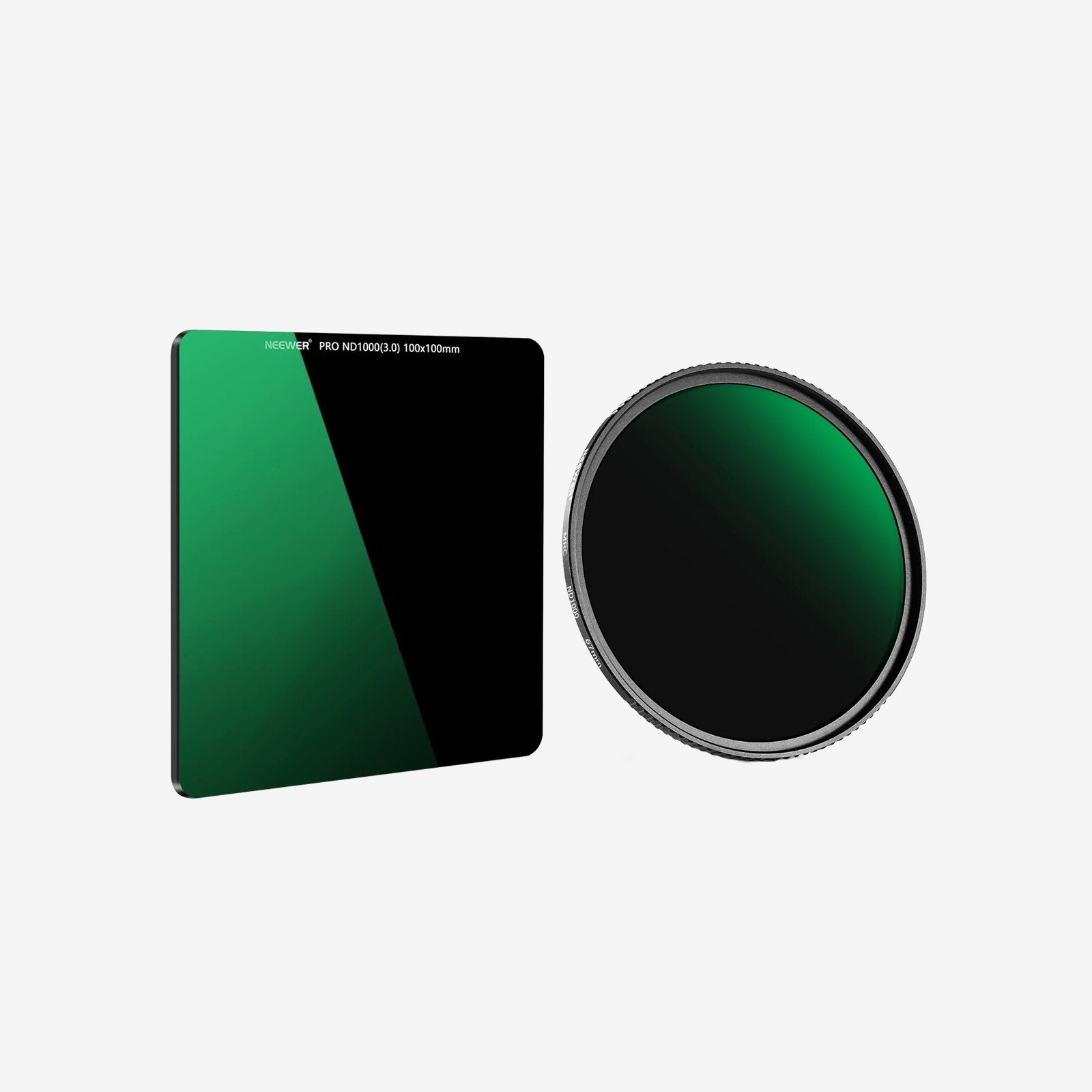
A neutral density (ND) filter reduces the amount of light reaching the sensor, giving you more flexibility to control shutter speed without overexposing your footage.
Why Use an ND Filter for Video?
A common starting point for natural-looking motion blur is to set your shutter speed at roughly twice your frame rate. For example, when recording at 30 fps, a shutter speed around 1/60 second is often a useful baseline.
In bright conditions, maintaining that shutter speed can make the image too bright. An ND filter reduces incoming light so you can keep your shutter speed closer to your target.
ND filters are particularly useful for:
- Sunny outdoor scenes: Keep highlights under control when filming in strong daylight.
- Travel videos: Create more natural-looking motion blur as people and scenery move through the frame.
- Action and movement: Capture smoother-looking motion without relying entirely on a faster shutter speed.
- Consistent video settings: Reduce the need to make large shutter-speed adjustments as lighting changes.

Fixed ND vs. Variable ND: What's the Difference?
Fixed ND filters have a set strength, while variable ND filters let you adjust the amount of light reduction by rotating the filter.
Fixed ND filters are straightforward: choose a strength that suits the lighting and start shooting. A variable ND filter is more flexible when you're moving between different lighting conditions and want to make quick adjustments without changing filters.
For DJI Osmo Pocket 4P users, both options can be useful.
The NEEWER CPL + ND Filter Set for DJI Osmo Pocket 4P includes three fixed ND filters: ND16, ND64, and ND256. They reduce light by 4, 6, and 8 stops, respectively, giving you different levels of light reduction to work with.
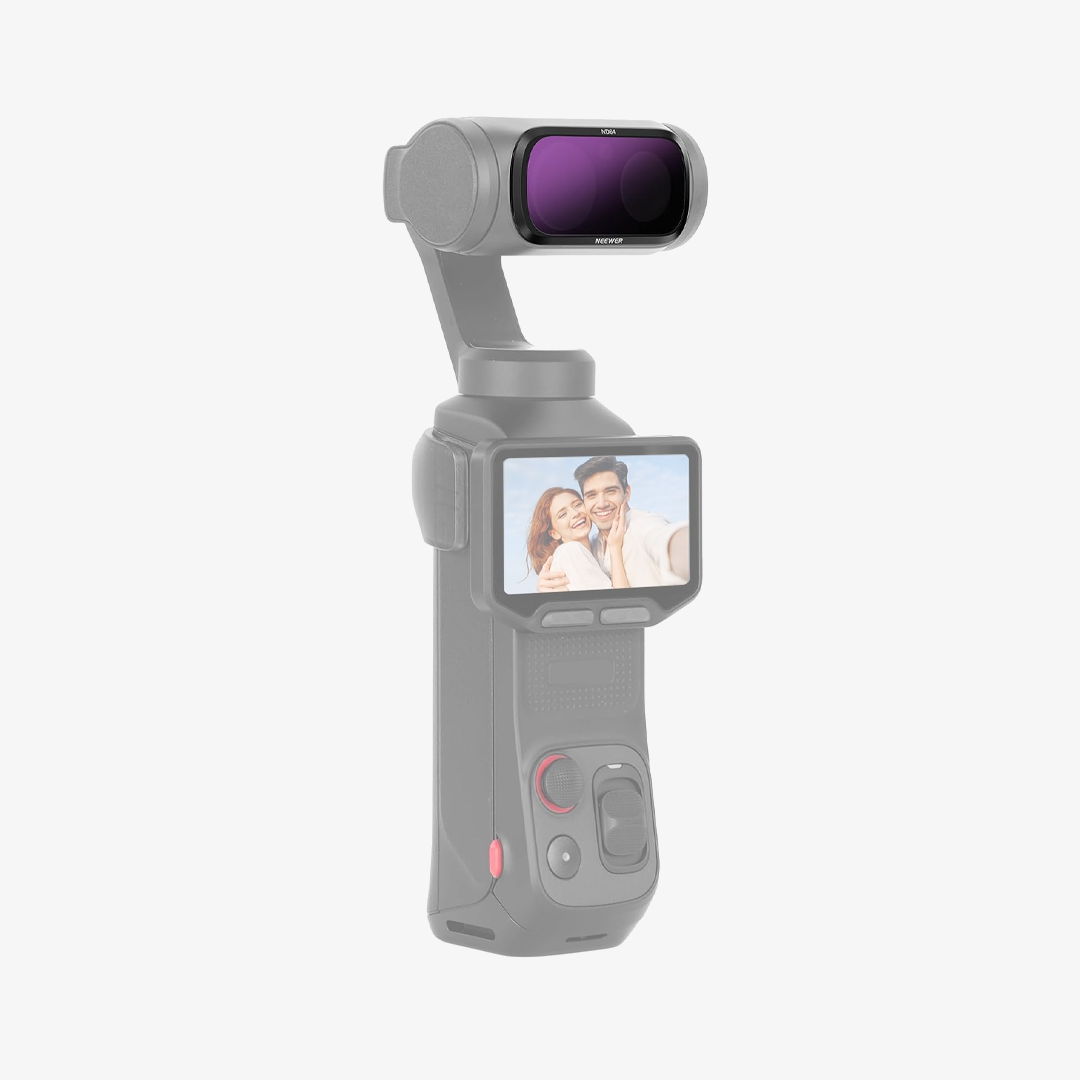
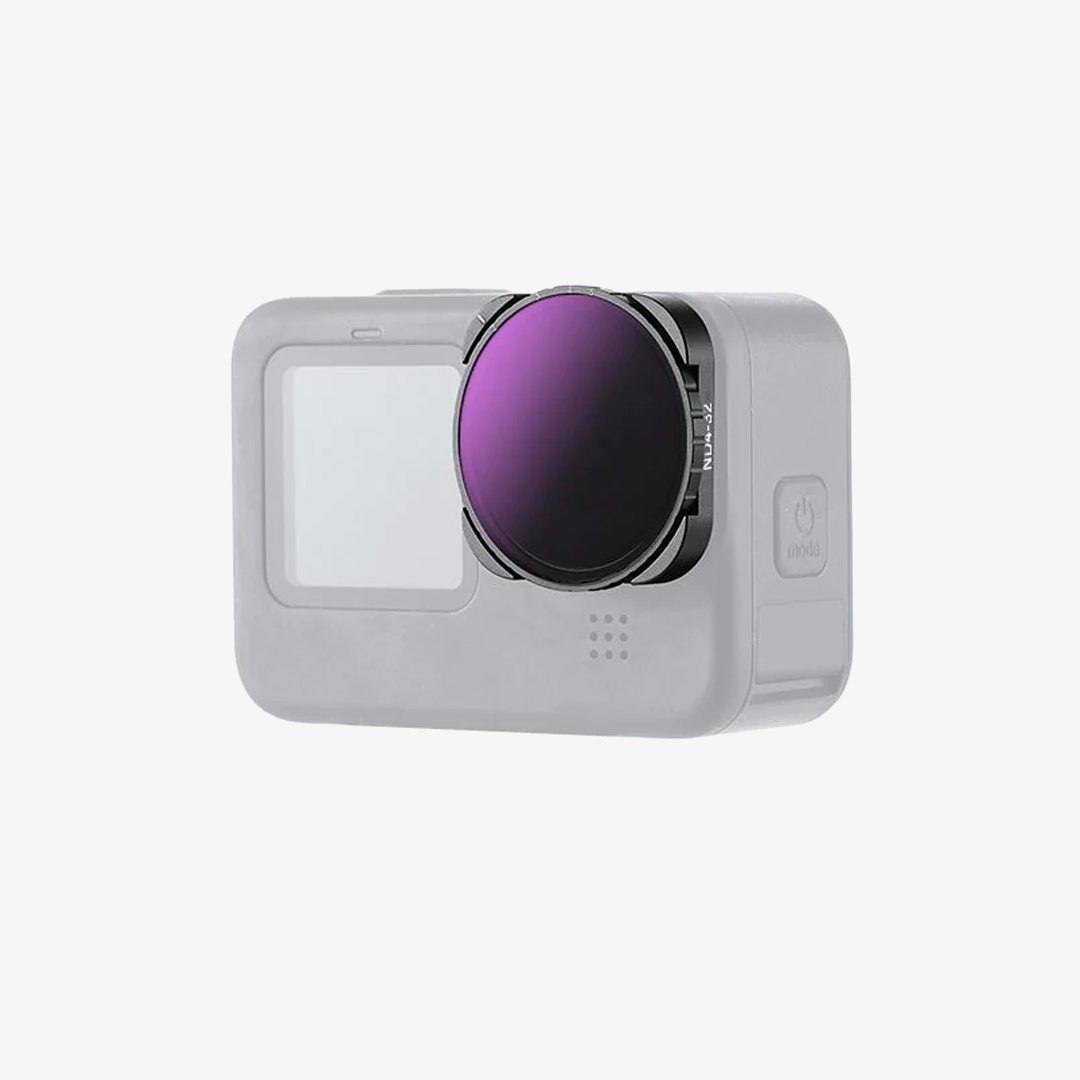
If you'd rather adjust the strength as you shoot, the NEEWER ND/CPL/Effect Filter Set includes a variable ND2–32 filter. It provides adjustable light reduction from 1 to 5 stops, so you can fine-tune exposure by rotating the filter.
One thing to remember: ND filters primarily control light, while CPL filters are designed to reduce reflections. If you're filming a lake, a shop window, or a wet street, you may need polarization as well as exposure control.
CPL Filters: Reduce Reflections and Enhance Colors
Ever filmed a lake only to find that reflections hide the water beneath? Or captured a scene through glass and ended up with distracting glare?
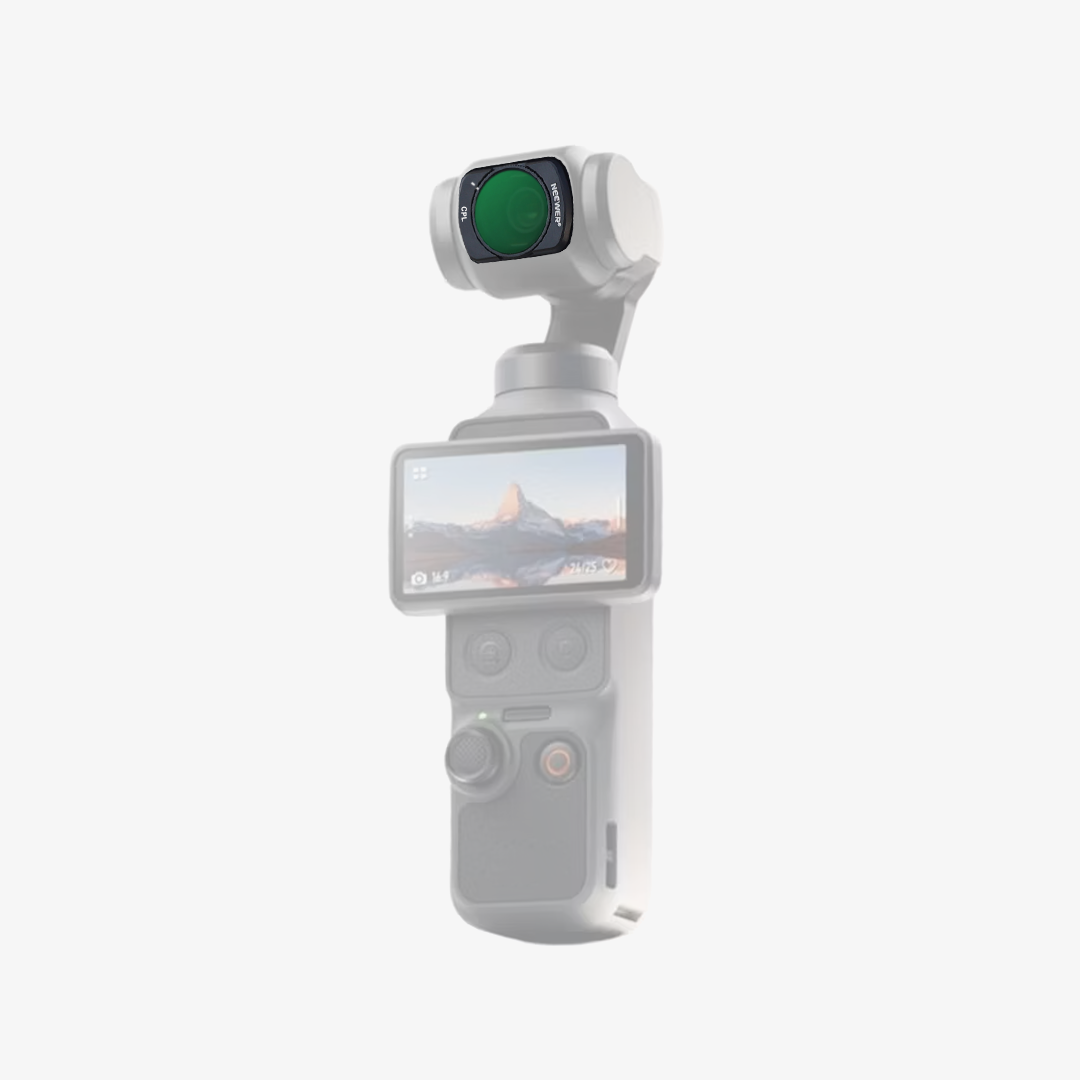
A circular polarizing filter, commonly called a CPL, helps reduce reflections from non-metallic surfaces such as water and glass. Depending on the light and the shooting angle, it can also make colors appear richer and improve perceived contrast in outdoor scenes.

When Should You Use a CPL Filter?
A CPL filter is especially useful when reflections are getting in the way of your shot.
- Landscapes: Reduce glare from foliage and other reflective surfaces to help colors appear more defined.
- Water scenes: Cut down reflections on lakes, rivers, and the sea when conditions and shooting angles allow.
- Buildings and windows: Reduce unwanted reflections on glass.
- Travel videos: Manage glare when filming streets, storefronts, and outdoor locations.
The effect depends on the direction of the light and the filter's rotation. Rotate the CPL while checking the camera preview to find the look you prefer. The effect is often strongest when shooting at roughly 90 degrees to the direction of the sun.
A CPL isn't a replacement for an ND filter. Although polarization can reduce some light, its main purpose is reflection control rather than providing predictable exposure reduction.
CPL vs. ND/PL: Which One Should You Choose?
A standalone CPL is designed primarily to control reflections. An ND/PL filter combines neutral density and polarizing functions, so it reduces light while also helping manage reflections.
Choose a standalone CPL when reflection control is your main priority and you want to select your ND strength separately. An ND/PL filter is worth considering when you want both effects in one filter.

The NEEWER ND/PL Filter Set for DJI Osmo Pocket 4P includes four combined filters: ND8/PL, ND16/PL, ND32/PL, and ND64/PL. They reduce light by 3, 4, 5, and 6 stops, respectively, while also helping reduce reflections from non-metallic surfaces.
This set is a practical option if you regularly film outdoors and want exposure control and polarization in the same filter. Instead of changing between a standalone ND and CPL, you can select the combined filter that suits the lighting conditions.
If you prefer independent filters, the NEEWER CPL + ND Filter Set offers a separate CPL alongside three fixed ND filters. That gives you a different approach to choosing the ND strength and polarization effect.
Black Diffusion Filters: Create a Softer, Cinematic Look
Not every filter is about exposure or reflections. Sometimes, the goal is to change the overall feel of the image.
A Black Diffusion filter softens highlights and creates a subtle diffusion effect. Bright light sources can appear less harsh, while skin tones may look smoother and the image can take on a softer, more atmospheric quality.
Unlike an ND filter, Black Diffusion isn't designed to control exposure. It's a creative effect filter, and the result depends on the lighting, subject, and strength of the filter.
When Is Black Diffusion Worth Using?
Black Diffusion can be useful when you want a less clinical, more stylized image without relying entirely on editing afterward.
- Vlogging: Soften the look of bright light and create a more flattering image.
- Portraits: Give skin tones a softer appearance while retaining the overall structure of the image.
- Night scenes: Diffuse highlights from streetlights, signs, and other bright light sources for a more atmospheric look.
- Cinematic travel footage: Add a subtle glow to highlights and create a more deliberate visual style.
A 1/4 Black Diffusion filter is a useful option if you want a relatively subtle diffusion effect, although the result still varies with the scene. If you prefer crisp, high-contrast footage with minimal diffusion, you may want to leave it off. If you like softer highlights and a dreamy look, it's worth experimenting with.
The NEEWER ND/CPL/Effect Filter Set for DJI Osmo Pocket 4P includes a Black Diffusion 1/4 filter alongside a variable ND2–32 filter and a separate CPL. It's the most comprehensive of the three sets discussed here if you want to experiment with all three effects.

Which Filter Should You Choose for Your Shooting Style?
The best filter depends on what you film most often. Rather than buying every type, start with the effect you need most and expand your kit from there.
For Sunny Outdoor Videos and Travel
Start with ND filters if you often film in bright daylight and want more control over shutter speed and motion blur.
A fixed ND set offers several defined strengths for different lighting conditions. A variable ND filter is convenient if you want to adjust light reduction quickly while moving between locations.
If you also film reflective surfaces, consider whether you need a standalone CPL or a combined ND/PL filter.
For Landscapes, Water, and City Scenes
Choose a CPL if glare and reflections are recurring problems. It can help reduce reflections on water and glass while making colors appear more pronounced.
If you also shoot video in bright conditions, you have two main options: a standalone CPL paired with fixed ND filters, or a set of combined ND/PL filters.
The NEEWER CPL + ND Filter Set gives you a separate CPL and three fixed ND strengths. The NEEWER ND/PL Filter Set combines the two functions in each filter, offering a more integrated approach.
For Vlogs, Portraits, and Night Footage
Consider Black Diffusion if you want softer highlights and a more atmospheric image. It can be particularly useful for portraits and scenes with bright point light sources, but it's a creative choice rather than a must-have accessory.
The NEEWER ND/CPL/Effect Filter Set is the only one of these three options that includes Black Diffusion 1/4, making it the one to consider if this effect is part of your shooting style.
For a Versatile Filter Set
If you shoot a mix of travel videos, vlogs, landscapes, and creative footage, a set that covers multiple filter types may be the most convenient choice.
The NEEWER ND/CPL/Effect Filter Set includes:
- Variable ND2–32: Adjustable light reduction from 1 to 5 stops.
- CPL: Helps reduce reflections from non-metallic surfaces.
- Black Diffusion 1/4: Softens highlights and creates a diffused look.
This combination covers the three main filter uses discussed in this guide, making it a convenient option if you want to experiment with different looks without purchasing each filter separately.
If your priority is exposure control and reflection reduction, the NEEWER ND/PL Filter Set offers four combined ND/PL strengths. If you prefer fixed ND strengths and independent control over polarization, the NEEWER CPL + ND Filter Set is another option.
For more ways to build your setup, check out our guide to DJI Osmo Pocket 4P accessories.
FAQs
What Does an ND Filter Do on DJI Osmo Pocket 4P?
An ND filter reduces the amount of light entering the camera. This helps you manage exposure in bright conditions and gives you more flexibility to use slower shutter speeds for natural-looking motion blur in video.
What Is the Difference Between ND and CPL Filters?
An ND filter reduces incoming light to help control exposure. A CPL filter reduces reflections from non-metallic surfaces, such as water and glass, and can enhance color contrast. They serve different purposes, so one doesn't fully replace the other.
What Is the Difference Between CPL and ND/PL Filters?
A standalone CPL primarily controls reflections, while an ND/PL filter combines polarization with neutral density to reduce light. A standalone CPL can be paired with a separately chosen ND filter, while an ND/PL filter combines both functions in one filter.
Is a Black Diffusion Filter Worth Using for Vlogging?
It can be, especially if you prefer softer highlights, smoother-looking skin tones, and a more cinematic image. However, it's a creative choice rather than a must-have accessory. If you prefer a crisp, unfiltered look, you may not need one.
Can I Stack Filters on DJI Osmo Pocket 4P?
No. Follow the manufacturer's instructions and use only one filter at a time. NEEWER's product instructions warn against stacking filters or applying protectors to the camera, as these can interfere with gimbal operation and may cause damage.







