


Table of Contents
Outdoor portrait photography offers plenty of opportunities to capture beautiful images, from the warm glow of golden hour to the soft blue tones of twilight. But changing light conditions can also create challenges, such as harsh shadows in bright sunlight, underexposed faces in backlit scenes, or not enough light after sunset.
That's where flash can help. A little extra light can brighten your subject while preserving the atmosphere of the surroundings. In this guide, we'll explore when and how to use flash for outdoor portraits, with practical tips for getting better results using your smartphone and an external flash like the NEEWER PF2.
Why Lighting Matters in Outdoor Portrait Photography
Good lighting can make a big difference in how an outdoor portrait looks. It affects everything from skin tones and facial details to the overall mood of the image.
Natural light is often the first choice for outdoor portraits, but changing weather, time of day, and shooting direction can all affect the results.
For example:
- Harsh sunlight: Direct midday sun can create strong shadows under the eyes and nose, making facial features look unevenly lit.
- Backlighting: Shooting toward the sun can create beautiful rim light around your subject, but their face may end up underexposed.
- Low-light conditions: During sunset and blue hour, the available light gradually decreases, making it harder to keep your subject properly exposed.
You can work around some of these challenges by changing your shooting position or finding a better-lit spot. But when natural light isn't enough, adding a little artificial light can help.
One useful technique is fill flash. Instead of lighting the entire scene, fill flash adds light to your subject to soften shadows and balance the exposure with the background. It can be especially helpful for outdoor portraits in bright sunlight, backlit settings, and low-light environments.

When to Use Flash for Outdoor Portraits
Flash isn't just for indoor or nighttime photography. It can also help improve outdoor portraits when natural light creates harsh shadows or doesn't illuminate your subject evenly.
Shooting in Bright Sunlight
Direct sunlight can create harsh shadows under the eyes and nose, making facial features look unevenly lit. Moving your subject into open shade is one solution, but if you want to shoot in direct sunlight, fill flash can brighten shadowed areas and bring out facial details without losing the natural look of the scene.
Taking Backlit Portraits
Backlighting creates a beautiful glow around your subject, but it can also leave their face too dark. This is where fill flash comes in handy. For example, when shooting beach portraits near sunset, a little flash can brighten your subject while preserving the warm light and colors in the background.
Capturing Blue Hour Portraits
Blue hour offers beautiful blue and violet tones, especially for beach and city portraits. However, as the ambient light fades, your subject can easily become too dark. Using flash helps illuminate the person while keeping the atmosphere of the background. Try adjusting the flash output and exposure to avoid making your subject look unnaturally bright against the darker surroundings.

How to Use Flash for Better Outdoor Portraits
Using flash outdoors is all about balancing it with the available light. Here are three things to keep in mind for more natural-looking portraits.
Balance Flash with Ambient Light
Flash should complement natural light, not overpower it. Pay attention to the background and try to preserve its details and colors. In backlit and blue hour portraits, getting the background exposure right first can help you create a more balanced image.
Adjust Flash Power for Natural-Looking Results
Too much flash can make your subject look overly bright, while too little may not provide enough fill. TTL mode is a convenient starting point because it automatically adjusts flash output based on the scene. If you prefer more control, use Manual mode to fine-tune the power for different lighting conditions.
Choose the Right Shooting Distance
A compact flash works best when your subject is relatively close. As the distance increases, its light becomes less effective. For smartphone portraits, try closer compositions such as headshots or waist-up shots to make better use of the available flash output.

Using the NEEWER PF2 for Outdoor Smartphone Portraits
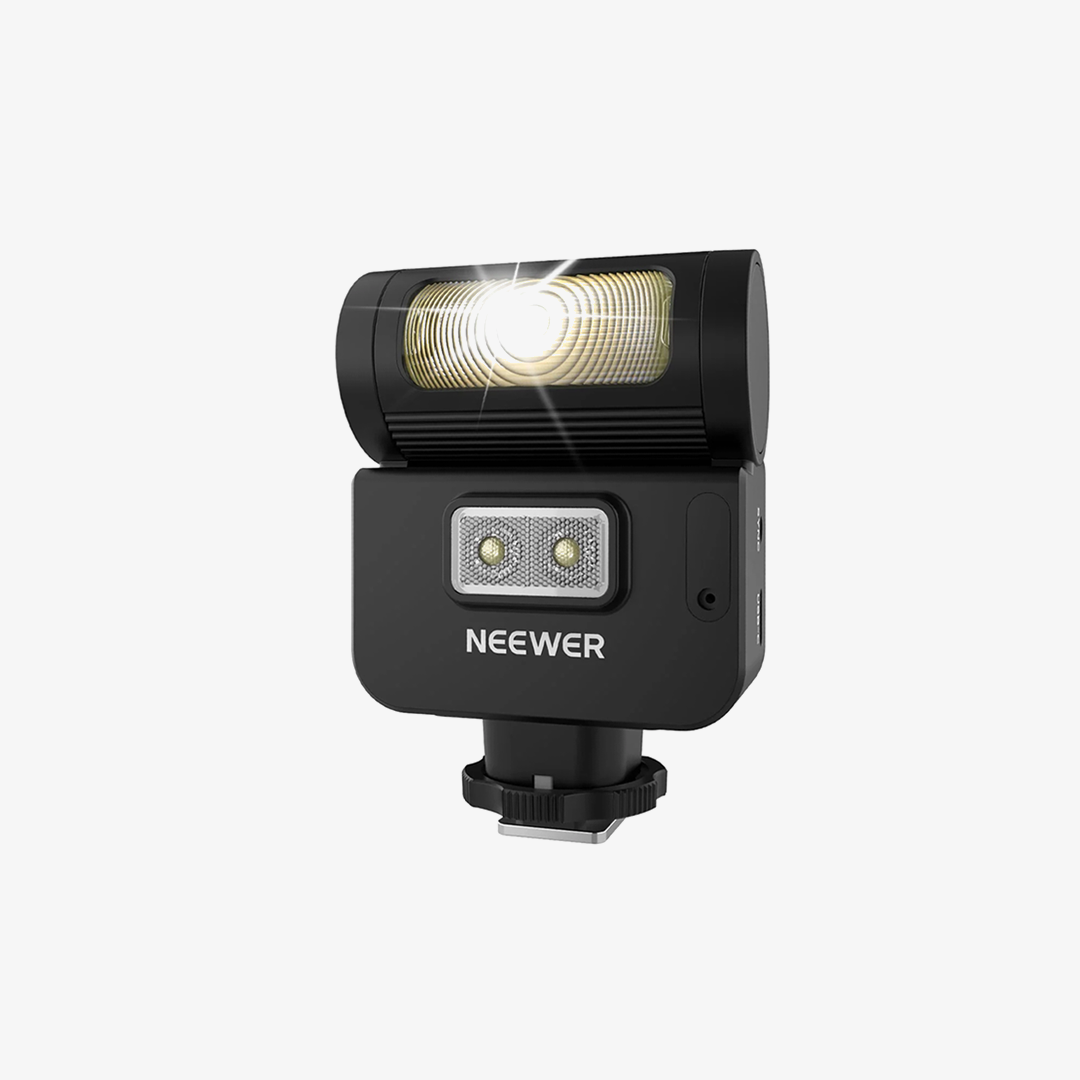
If you usually take portraits with your phone, the NEEWER PF2 is a compact external xenon flash designed to add extra light when your smartphone's built-in flash isn't enough.
It can be especially useful in the outdoor situations discussed above, including backlit portraits, beach photos, and blue hour shots.
Unlike a continuous LED light, the PF2's xenon flash produces a brief burst of light when you take a photo. This helps illuminate your subject at the moment of capture, making it useful for still photography.
A few features make it practical for smartphone portrait photography:
- TTL and Manual modes: Use TTL for automatic flash exposure or switch to Manual mode when you want more control over the output. Manual power can be adjusted from 1/128 to full power.
- High-Speed Sync: With HSS support up to 1/8000s, the PF2 offers more flexibility when shooting with faster shutter speeds in bright conditions, provided your shooting setup supports the required sync settings.
- Fast recycling: With a full-power recycle time of approximately 2 seconds, you can take successive shots without waiting too long between flashes.
- Built-in LED modeling/fill light: The PF2 also includes a continuous LED light, which can help with illumination when you want to see the light on your subject before taking a shot. It is separate from the xenon flash.
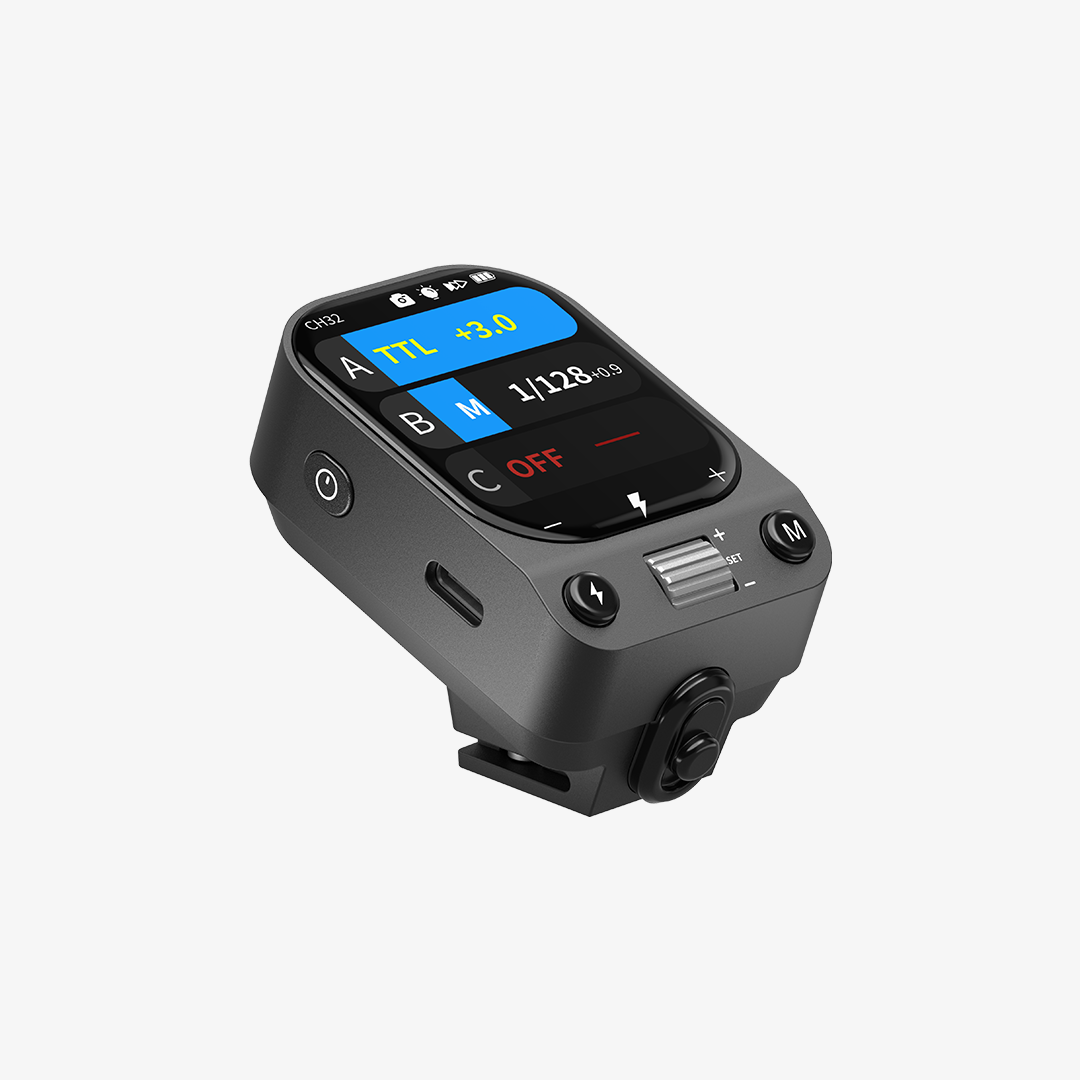
The PF2 attaches magnetically to the back of a compatible smartphone and is designed for use with the phone's rear camera. It supports iPhone 15–18 series models through its MFi-certified wireless transmitter and is also compatible with Android phones. Android users need to complete the initial Channel and ID pairing in the NEEWER Flash App before using the flash with their phone's native camera.
Whether you're taking graduation portraits at the beach, capturing a friend during golden hour, or shooting against a blue evening sky, the PF2 gives you another way to add light when the natural conditions aren't quite right.

Tips for Better Outdoor Portrait Photography
You don't need a professional camera setup to take appealing outdoor portraits. A smartphone and a few simple accessories can go a long way.
Here are some tips to help you get better results:
- Pay attention to the direction of light. Before taking a photo, check where the sunlight is coming from and how it falls on your subject's face. A small change in position can make a big difference.
- Try different angles and compositions. Don't take every portrait from eye level. Experiment with slightly higher or lower angles, close-ups, and wider shots that include more of the surroundings.
- Keep the background in mind. Look for interesting backgrounds that add context without distracting from your subject. Beaches, buildings, greenery, and open spaces can all work well.
- Use a tripod or phone grip. A tripod can help keep your phone steady, especially when shooting in low light. A phone grip can also make it easier to hold your phone comfortably while composing shots.
- Don't rely on digital zoom too much. If possible, move closer to your subject or use an appropriate optical camera option to avoid unnecessary loss of detail.
- Experiment with external lighting. When natural light creates harsh shadows or isn't bright enough, an external flash or LED light can help. Choose the type of light based on whether you're taking still photos or recording video.
FAQs
When should I use flash for outdoor portraits?
You can use flash for outdoor portraits whenever natural light doesn't illuminate your subject the way you want. Common situations include harsh sunlight, backlit scenes, shaded areas, and low-light conditions such as sunset and blue hour. Fill flash can help brighten your subject while keeping the surrounding environment visible.
Can I use flash for outdoor portraits during the day?
Yes. Flash can be useful even in bright daylight. It's often used as fill flash to soften harsh shadows on the face or brighten a subject when the sun is behind them. You don't need to wait until nighttime to use an external flash.
What is fill flash in photography?
Fill flash is a technique that uses flash to brighten the shadowed areas of a subject while keeping the existing ambient light in the scene. It's commonly used in outdoor portrait photography to balance exposure, especially when shooting in direct sunlight or against a bright background.
Can I use an external flash with a smartphone?
Yes. Some external flashes are designed specifically for smartphones. They can provide additional light for portraits and other still photos, especially in backlit or low-light situations. Compatibility and setup methods vary by device, so check whether the flash supports your phone model before purchasing.