


Table of Contents
Smartphone cameras have become increasingly capable, but taking photos in challenging lighting conditions can still be difficult. Built-in phone flashes are convenient, yet they often provide limited output and little control over how light falls on a subject.
An external smartphone flash offers another way to approach mobile photography. Instead of relying entirely on the small LED flash built into your phone, you can add a dedicated light source for more powerful illumination and greater creative flexibility.
The NEEWER PF2 Xenon Phone Flash is designed for this purpose. Featuring a GN18 xenon flash, high-speed sync, and a magnetic mounting design, it brings dedicated flash photography to compatible smartphones. Whether you're photographing people at night, shooting indoors, or dealing with backlighting, an external flash can give you more options when natural light isn't enough.
Meet the NEEWER PF2
What Is an External Smartphone Flash?
An external smartphone flash is a dedicated lighting accessory that attaches to your phone to provide additional light when taking photos. Unlike the built-in LED flash on most smartphones, which is mainly designed for basic illumination, a dedicated xenon flash delivers a more powerful burst of light for low-light photography, portraits, and other challenging lighting conditions.
Introducing the NEEWER PF2
The NEEWER PF2 Xenon Phone Flash brings dedicated flash photography to smartphones. It features a GN18 guide number, high-speed sync up to 1/8000s, and a full-power recycle time of approximately 2 seconds, offering more flexibility in different shooting environments.
It also includes an integrated LED modeling lamp for continuous lighting or burst fill lighting. Its magnetic mounting design attaches directly to the back of your phone, while the included diffuser helps soften the light for more even illumination.
Designed for Flexible Smartphone Photography
The PF2 supports compatible iPhone 15–18 series models through its MFi-certified wireless transmitter, as well as compatible Android phones. Android users need to complete the initial Channel and ID pairing through the NEEWER Flash App. After pairing, they can use their phone's native camera to trigger the flash without opening the app for every shot.
Its built-in 2.4GHz wireless system also supports synchronization between multiple compatible flashes, allowing more flexible lighting setups.
Watch the video below to see the NEEWER PF2 in action and how it works with a smartphone.

Why Use an External Flash Instead of Phone's Built-in Flash?
A built-in phone flash is useful when you need a quick burst of light, but it isn't always enough for more demanding photography. An external smartphone flash gives you more control over the amount and quality of light, opening up possibilities that a standard phone flash may not offer.
More Powerful Flash Output
Most smartphone flashes use small LEDs that are designed primarily for basic illumination. They can help brighten a nearby subject, but their output may be limited when photographing people or objects in darker environments.
A dedicated xenon flash provides a stronger burst of light, helping illuminate subjects more effectively. For example, the NEEWER PF2 features a GN18 guide number, giving smartphone photographers a more powerful flash option for low-light situations.
Better Control Over Lighting
With a built-in flash, lighting adjustments are usually limited. An external flash with adjustable output allows you to control how much light reaches your subject.
The PF2 supports TTL and Manual flash modes, with manual power adjustable from 1/128 to full output. This makes it easier to adapt the lighting to different subjects and shooting environments, whether you want subtle fill light or a stronger flash effect.
High-Speed Sync for More Shooting Flexibility
When shooting outdoors in bright conditions, you may want to use a faster shutter speed to control exposure or capture movement while still adding flash to your subject.
High-Speed Sync (HSS) allows flash synchronization at shutter speeds faster than the camera's standard flash sync speed. The PF2 supports HSS up to 1/8000s, giving photographers more flexibility when balancing flash with ambient light.
More Creative Lighting Options
An external flash also gives you more opportunities to experiment with lighting. You can adjust flash output, combine multiple lights, or use accessories such as diffusers to change the appearance of the light.
With the PF2's 2.4GHz wireless synchronization, multiple compatible flashes can work together to create more dimensional lighting rather than relying on a single light source.

When to Use an External Smartphone Flash
An external smartphone flash is especially useful when available light isn't sufficient or when you want more control over how your subject is illuminated. Here are a few situations where it can make a noticeable difference.
Night Photography
Nighttime photography can be challenging because there isn't always enough light to capture clear details. Increasing your phone's exposure may brighten the overall image, but it can also introduce noise or cause moving subjects to appear blurry.
An external flash provides additional light directly when the photo is taken, helping illuminate nearby subjects. It's useful for nighttime street portraits, casual snapshots, and other scenes where you want your subject to stand out against a darker background.
Indoor Photography
Indoor environments often have uneven lighting. A room may look bright enough to your eyes, but your phone camera can still struggle with shadows or dim areas.
A dedicated flash can provide extra illumination for indoor portraits, gatherings, and product photography. Adjusting the flash output also helps avoid making the subject look excessively bright compared with the surrounding environment.
Backlit Portrait Photography
When photographing someone against a bright window or sunset, the background may be properly exposed while the person's face appears too dark.
This is where an external flash can work as a fill light. By adding light to the subject, you can help balance the exposure between the person and the brighter background without completely losing the atmosphere of the scene.
Creative Flash Photography
Flash isn't only useful for fixing dark photos. It can also become part of your creative approach.
Try using flash to freeze movement, emphasize a subject, or create a more dramatic contrast between light and shadow. You can also experiment with different flash power settings and multiple light sources to achieve different visual effects.

How to Use the NEEWER PF2 with Your Smartphone
The NEEWER PF2 uses a magnetic mounting system and wireless triggering, making it relatively straightforward to set up with a compatible smartphone.
Connect the Flash to Your Smartphone
First, attach the magnetic ring to the back of your phone if needed, then mount the PF2 securely onto the magnetic surface.
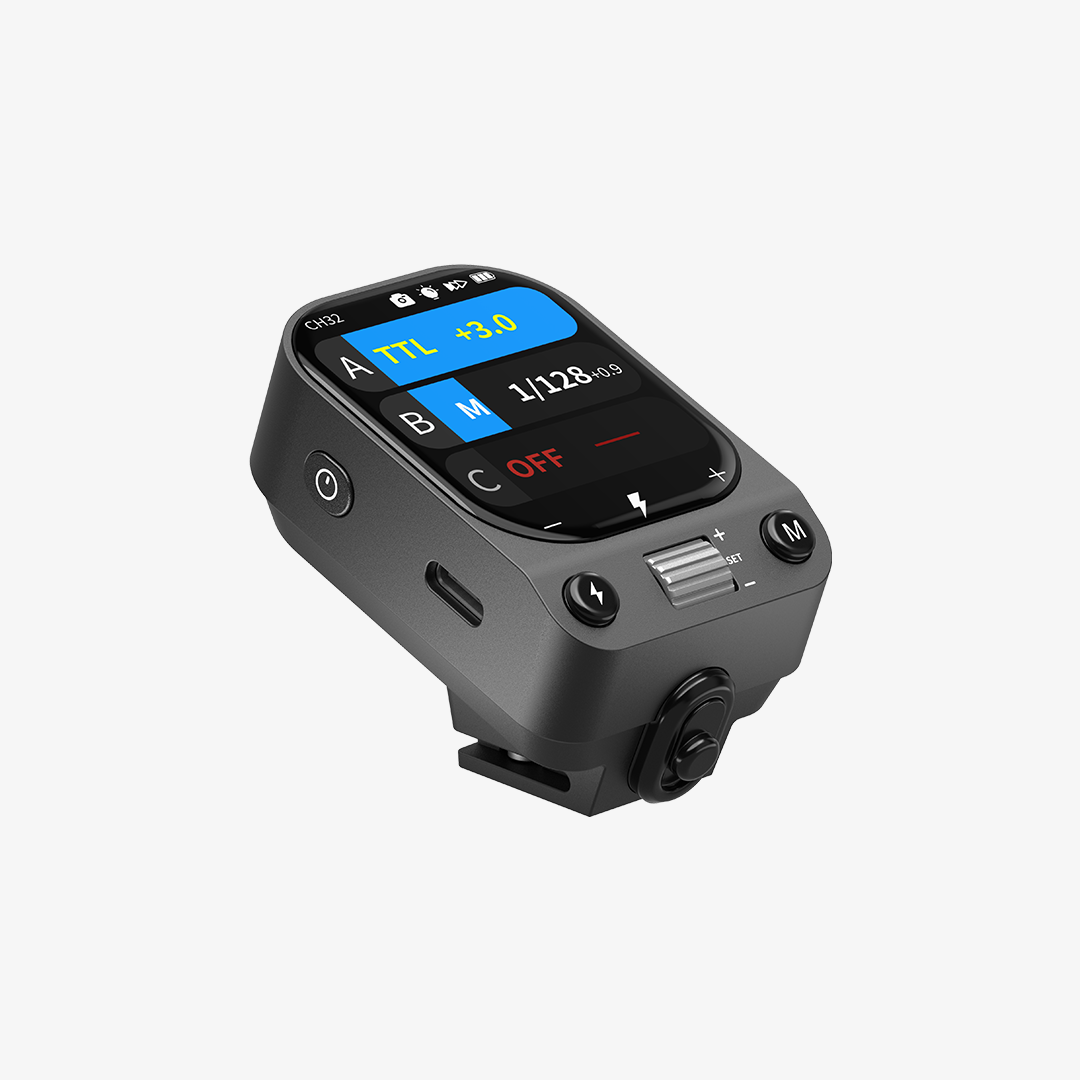
For compatible iPhone 15–18 models, the PF-T wireless transmitter provides the connection needed to trigger the flash. Android users should open the NEEWER Flash App and complete the initial Channel and ID pairing process.
Make sure the flash and transmitter are properly connected before taking photos.
Use the NEEWER Flash App
The NEEWER Flash App provides access to flash settings and lighting controls. You can adjust flash power, color temperature, LED brightness, and wireless group settings depending on your shooting needs.
It also supports TTL and Manual flash modes. TTL automatically adjusts flash output based on the camera's exposure information, while Manual mode lets you set the power yourself.
Shoot with Your Phone's Native Camera
Once the connection is established, you can use your phone's native camera to take photos.
For Android users, the initial app pairing is required, but you don't need to keep using the NEEWER Flash App every time you take a picture. After pairing, the native camera can trigger the flash.
This is particularly convenient if you prefer your phone's usual camera interface and processing features.
Adjust the Flash and LED Lighting
Before shooting, consider whether you need a xenon flash or the PF2's LED modeling lamp.
The xenon flash produces a burst of light when taking a photo, while the LED lamp can provide continuous illumination or burst fill lighting when using a compatible native camera. Adjust the brightness and color temperature to suit the environment and the look you want.

What to Look for in an External Smartphone Flash
Not all external phone flashes offer the same features. If you're considering adding one to your smartphone photography setup, here are a few things worth checking.
|
Feature |
What to Consider |
|
Flash Output |
Look at the guide number (GN) to understand the flash's output capability. |
|
Flash Modes |
TTL and Manual modes offer different levels of control over exposure. |
|
High-Speed Sync |
HSS is useful for shooting with faster shutter speeds, especially outdoors. |
|
Smartphone Compatibility |
Check whether the flash supports your phone model and operating system. |
|
Wireless Connectivity |
Consider how the flash connects to your phone and whether it supports multi-light synchronization. |
|
LED Modeling Light |
A built-in LED can provide continuous illumination for situations where a flash burst isn't ideal. |
|
Light Modifiers |
Diffusers and other modifiers can help soften or change the appearance of the light. |
Compatibility is particularly important when choosing a smartphone flash. Some models may require a dedicated transmitter or an initial app setup, so check the connection method before purchasing.
It's also worth considering how you plan to use the flash. If you mainly take casual photos at night, a simple external light may be enough. If you want to experiment with manual flash control, HSS, or multiple-light setups, look for a model that offers those features.
FAQs
Can I Use an External Flash with a Smartphone?
Yes. Some external flashes are specifically designed for smartphone photography and connect through a dedicated wireless transmitter or app-based pairing system. Compatibility and setup requirements vary by model.
Is an External Phone Flash Better Than a Built-in Flash?
An external flash can offer more powerful output and greater control over lighting than a typical built-in phone LED. However, the built-in flash remains more convenient for quick, everyday snapshots.
Does an External Smartphone Flash Work with the Native Camera App?
Some models support native camera triggering after the initial connection or pairing process. For example, the NEEWER PF2 supports native camera use after the required setup, including Channel and ID pairing for Android devices.
Can I Use an External Flash with Android Phones?
Yes, provided the flash supports your Android device. The PF2 is compatible with Android phones and requires users to complete the initial pairing through the NEEWER Flash App before using the native camera.
What Is the Difference Between a Xenon Flash and an LED Flash?
A xenon flash produces a short, intense burst of light when taking a photo, making it suitable for flash photography and freezing motion. An LED flash typically provides continuous or lower-intensity illumination and is commonly used for basic phone flash and video lighting.