


Table of Contents
Smartphone cameras have come a long way, but lighting can still make a big difference in the final image. While your phone's built-in flash is convenient for quick snapshots, it offers limited control over light direction and intensity.
But what if you could use a camera flash with your smartphone?
With a compatible setup, you can pair your phone with an external camera flash to explore more lighting options, create more dimension in your photos, and take greater control of your shots. In this guide, we'll look at why it's worth trying, what equipment you need, and how to get started with a setup featuring the NEEWER PF2 and Z3R.
Why Use a Camera Flash for Smartphone Photography?
Your phone's built-in flash is useful when you need a quick burst of light, but it isn't always ideal for more creative photography. An external camera flash opens up more possibilities for controlling how your subject is illuminated.
More Control Over Light Direction
A built-in phone flash is fixed near the camera lens, so the light usually hits your subject from almost the same direction as the camera. This can make photos look flat and create harsh shadows.
With an external camera flash, you can position the light away from your phone and experiment with different angles. Try placing it to the side of your subject to create more depth, or adjust its position to bring out textures and details.
More Flexible Lighting Power
External camera flashes generally offer more lighting output and adjustable power levels than a phone's built-in flash. This gives you more flexibility when shooting in dim environments or photographing subjects that need additional illumination.
You can adjust the flash output to suit your shooting environment rather than relying on a fixed burst of light.
More Creative Lighting Effects
Moving your flash around your subject gives you more ways to shape the final image. From directional lighting to dramatic shadows, you can experiment with different setups instead of relying on direct, front-facing illumination.
It's a simple way to explore more creative lighting techniques without switching to a traditional camera.

What You Need to Use a Camera Flash with Your Smartphone
You don't necessarily need a complicated lighting setup to get started. A compatible smartphone, a wireless flash transmitter, and a camera flash are the main components.
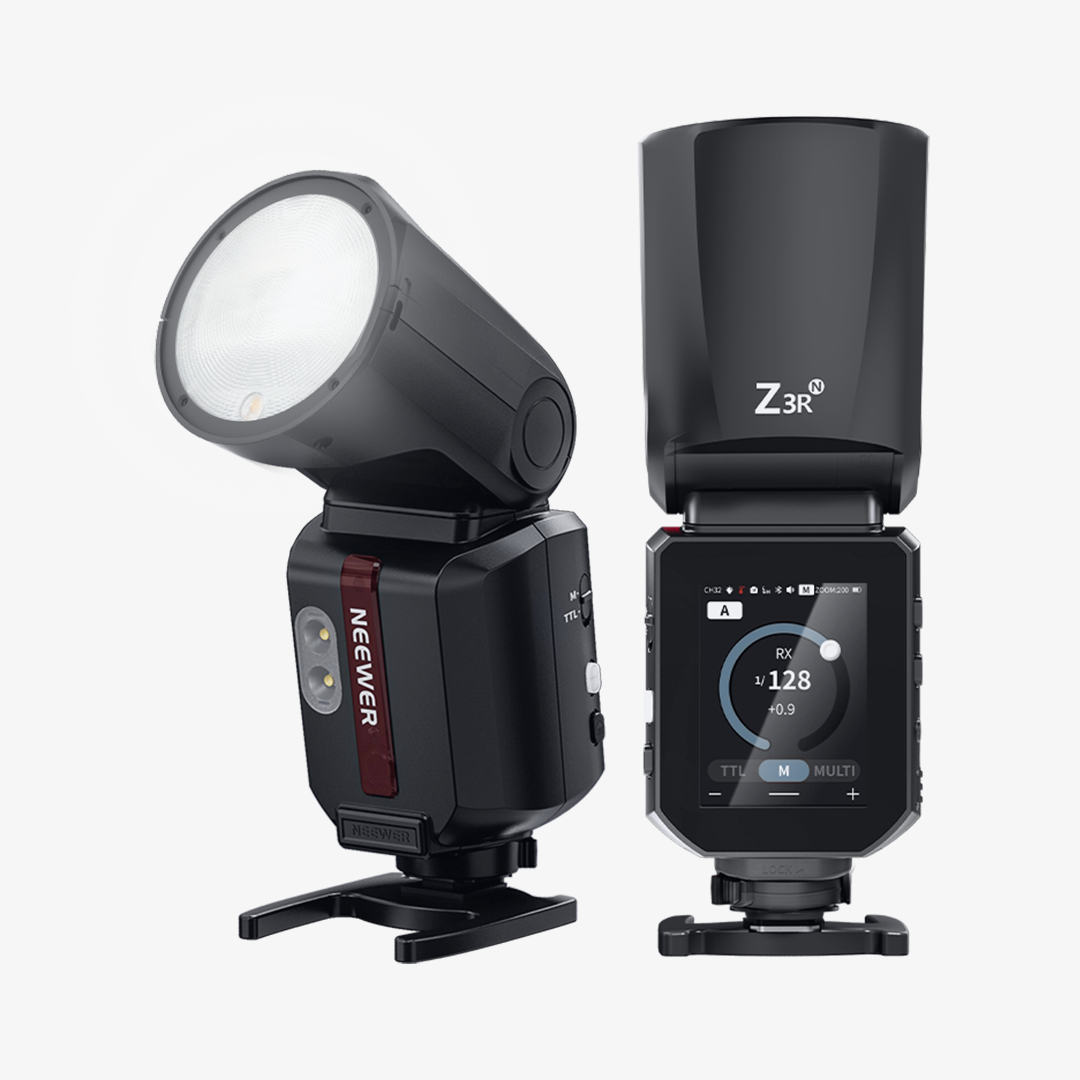
Here's an example using the NEEWER PF2 and Z3R:
- Smartphone: Your phone is used to capture photos and control the compatible flash setup.
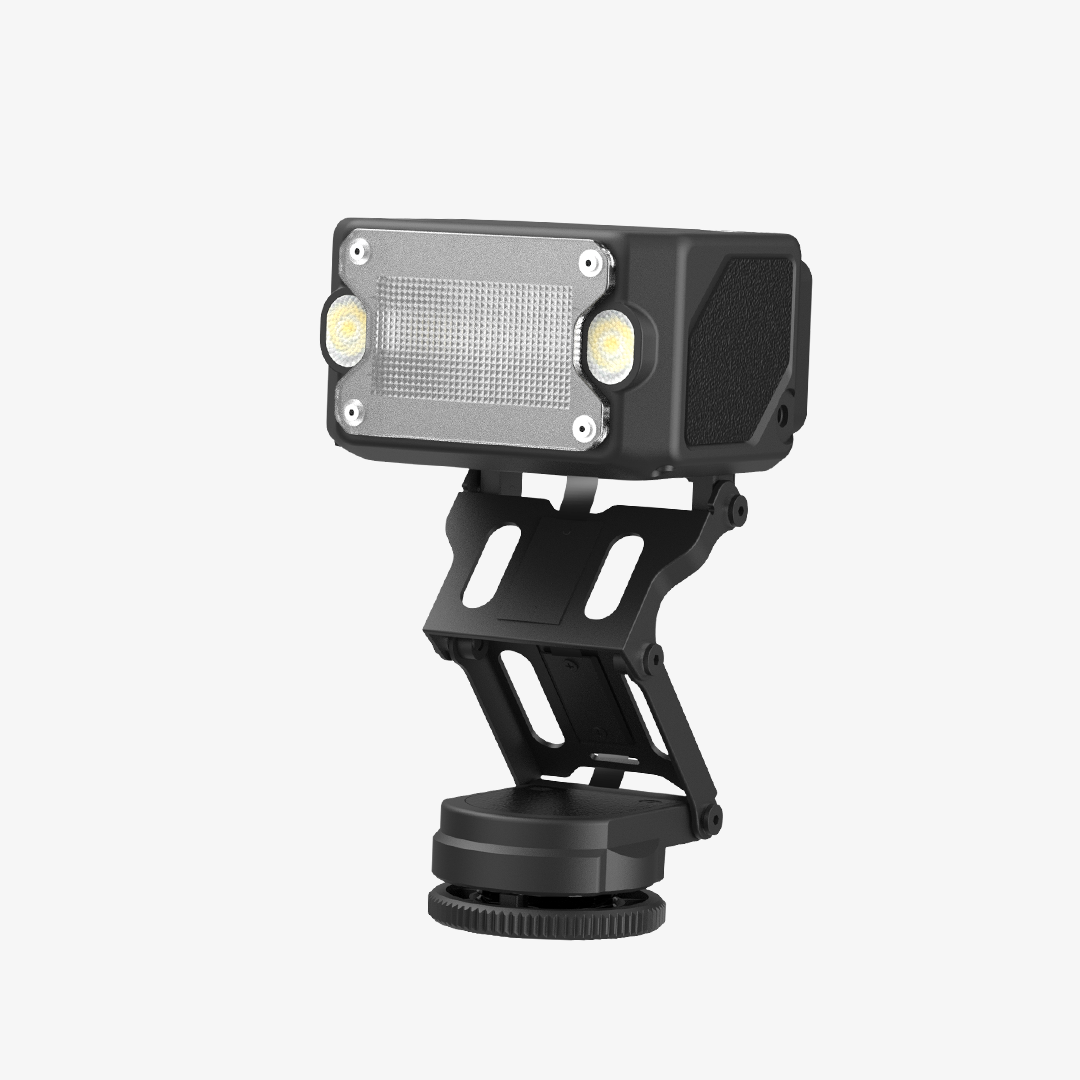
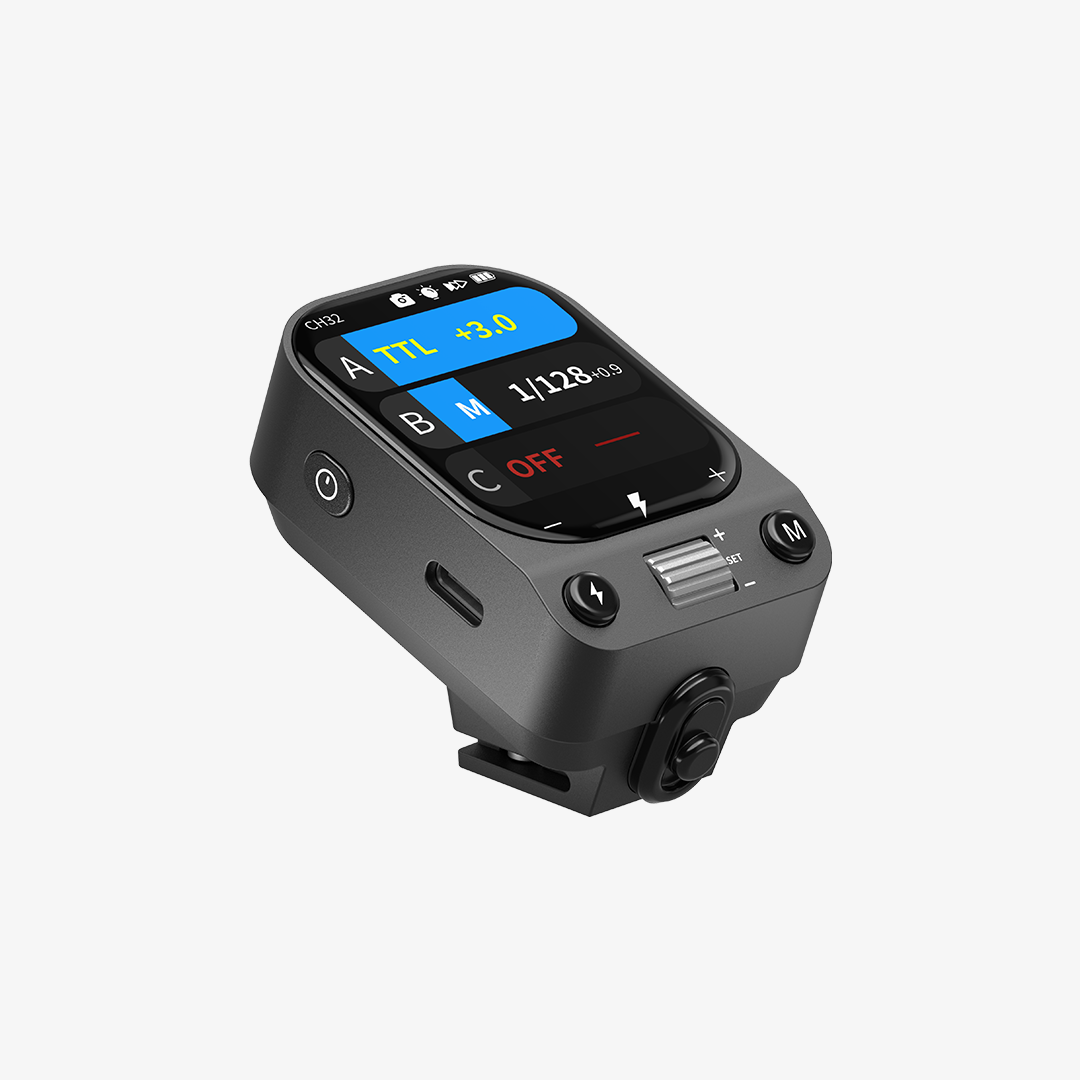
- NEEWER PF2 Flash Transmitter: Connects your smartphone-based setup with a compatible NEEWER camera flash.
- NEEWER Z3R Camera Flash: Provides adjustable flash output for different shooting situations.
- NEEWER Flash App: Allows you to connect and manage supported flash settings.
Together, these devices let you use the Z3R as an external light source for smartphone photography, giving you more flexibility than relying on your phone's built-in flash alone.
Keep in mind that compatibility can vary by smartphone and flash model, so check the supported devices before getting started.
How to Connect a Camera Flash to Your Smartphone
Once you have the necessary equipment, connecting the Z3R with the NEEWER Flash App is straightforward. You can choose between manual wireless connection and Quick Connect.
Manual Connection
On the Z3R, open the menu and find the RF Wireless settings. Check the wireless channel (CH) and ID, then open the NEEWER Flash App and select 2.4G Sync. Set the channel and ID in the app to match those on the flash.
Quick Connect
For a faster setup, enable Wireless Sync on the Z3R, then select One-touch 2.4G Sync in the app to connect the devices.
After connecting, you can add the Z3R as an on-camera flash device in the app's Group section. From there, you can manage supported settings such as flash power and modeling light.
For a visual walkthrough of the connection process, check out this video.

How to Use an External Camera Flash for Smartphone Photography
Once your flash is connected, the next step is experimenting with different lighting setups. Here are a few ways to use an external camera flash to improve your smartphone photos.
Smartphone Portrait Photography
Lighting direction can make a big difference in portrait photography. Instead of pointing the flash directly at your subject, try placing it slightly to one side.
Side lighting can add depth to facial features and create more defined shadows. You can also adjust the flash power to balance the light on your subject with the surrounding environment.
Smartphone Product Photography
When photographing products, good lighting helps highlight textures, shapes, and small details.
Position the flash at an angle to bring out surface details and create natural-looking shadows. You can also experiment with different distances and power settings to find the right exposure for your subject.
For reflective or glossy products, try changing the flash position to manage unwanted reflections and bright spots.
Creative Smartphone Photography
An external flash also gives you room to experiment beyond conventional front lighting.
Try placing the light behind or beside your subject to create rim lighting, emphasize silhouettes, or add contrast to your composition. Small changes in flash position can produce noticeably different results.
Don't be afraid to experiment. Moving the flash just a little can completely change the look and feel of a photo.

Tips for Better Smartphone Flash Photography
A few simple adjustments can help you get more out of your external flash setup:
- Experiment with Flash Position: Avoid placing the flash directly in front of your subject every time. Try different angles to create more depth and dimension.
- Adjust Flash Power: Start with a lower power setting and increase it gradually until your subject is properly illuminated.
- Balance Flash with Ambient Light: Don't ignore the existing light in your scene. Adjust your exposure and flash output to create a more balanced image.
- Watch Out for Reflections: When photographing shiny or reflective objects, change the flash angle to reduce distracting glare.
- Check Device Compatibility: Make sure your smartphone, transmitter, flash, and app support the intended connection and shooting setup.
FAQs
Can I Use a Camera Flash with a Smartphone?
Yes. With a compatible wireless transmitter and flash system, you can use an external camera flash for smartphone photography. A setup such as the NEEWER PF2 and Z3R lets you explore more flexible lighting options beyond your phone's built-in flash.
Is an External Camera Flash Better Than a Phone's Built-In Flash?
They serve different purposes. A built-in flash is convenient for quick snapshots, while an external camera flash generally offers more power, adjustable output, and greater flexibility in light placement. It's especially useful when you want more control over your lighting.
Do I Need an App to Control an External Camera Flash?
It depends on the flash system. For the NEEWER PF2 and Z3R setup, the NEEWER Flash App is used to establish the wireless connection and adjust supported settings, including flash power and modeling light.
What Is the Advantage of Using an External Flash for Phone Photography?
The biggest advantage is greater control over lighting. You can position the flash independently of your phone, adjust its output, and experiment with different lighting directions to create more depth and dimension in your photos.