



Table of Contents
A camera dolly is a useful tool for creating smooth camera movements in video production and photography. Instead of keeping the camera fixed in one position, a dolly allows it to move across a surface, making it easier to capture tracking shots, push-ins, pull-outs, and other dynamic perspectives.
Camera dollies come in different designs, from simple manually operated platforms to motorized models with remote or app control. Some are made for larger camera setups, while compact tabletop dollies are especially useful for product videos and close-up shots.
But what exactly is a camera dolly, how does it work, and which type should you choose? This guide covers the basics, common uses, different types, and practical tips for getting smoother camera movements.
What Is a Camera Dolly?
A camera dolly is a camera support system with wheels or a rolling mechanism that allows a camera to move smoothly across a surface. The camera is mounted on the dolly, which can then be pushed manually or moved with a motor, depending on the design.
Unlike a stationary tripod, a camera dolly lets you change the camera's position during a shot without having to carry the entire setup. This makes it easier to create controlled movement while keeping the camera stable.
A dolly is commonly used to create a dolly shot, a filmmaking technique in which the camera physically moves toward or away from a subject or travels alongside it. These movements can add depth, guide the viewer's attention, and make a scene feel more dynamic.
Camera dollies are useful in a variety of situations, including:
- Video production: Create smooth push-in, pull-out, and tracking shots.
- Product photography and videography: Move around a product to capture different angles and details.
- Time-lapse photography: Create gradual camera movement while capturing a sequence of images.
- Creative content: Add motion to tabletop videos, close-ups, and social media content.

What Is a Camera Dolly Used For?
A camera dolly can create different types of camera movement depending on its wheel design, movement path, and shooting setup. Here are some common ways to use one.
Push-In and Pull-Out Shots
A push-in shot moves the camera closer to the subject, while a pull-out shot moves it farther away.
These movements can help draw attention to a particular detail or gradually reveal more of the scene. For example, a slow push-in can make a product's features more prominent, while a pull-out can reveal the surrounding environment.
Tracking Shots
A tracking shot moves the camera alongside a subject as it moves. This keeps the subject in the frame while showing more of the surrounding scene.
It's useful for filming people walking, moving objects, or products being demonstrated. A camera dolly can help maintain a consistent movement speed and create a smoother result than moving the camera by hand.
Circular and Orbiting Shots
Some camera dollies allow their wheels to be adjusted to follow a curved or circular path. This makes it possible to move around a subject and capture it from different angles without repositioning the entire setup.
Circular movements work particularly well for product videos, where showing multiple sides of an object can make the footage more engaging.
Types of Camera Dollies
Camera dollies come in different sizes and designs, ranging from compact platforms for tabletop shooting to large systems used in professional film production. Here are four common types and their typical uses.
|
Type |
Key Features |
Common Uses |
|
Tabletop / Skater Dolly |
Compact platform with small wheels, designed to move across flat surfaces. |
Product photography, close-up videos, and tabletop shooting |
|
Uses an electric motor for controlled movement, often with adjustable speeds and remote or app control. |
Product videos, repeatable camera movements, and time-lapse photography |
|
|
Doorway / Platform Dolly |
Larger wheeled platform designed to support heavier camera setups. Some models can carry a camera operator. |
Film and TV production, tracking shots, and larger camera setups |
|
Track Dolly / Cine Dolly |
Runs along dedicated tracks for stable and controlled camera movement. Professional models may include operator seating and adjustable camera support. |
Professional filmmaking, long tracking shots, and precise camera movements |
Note that these categories can overlap. For example, a motorized dolly can also be designed for tabletop use, while some platform dollies can operate on either flat surfaces or dedicated tracks.
Camera Dolly vs. Camera Slider vs. Gimbal

Camera dollies, sliders, and gimbals all help create camera movement, but they differ in how they move and the types of shots they support.
|
Equipment |
Movement Method |
Best For |
|
Camera Dolly |
Rolls across a flat surface on wheels. Some models support straight or curved movement. |
Push-in and pull-out shots, tracking shots, and orbiting shots |
|
Camera Slider |
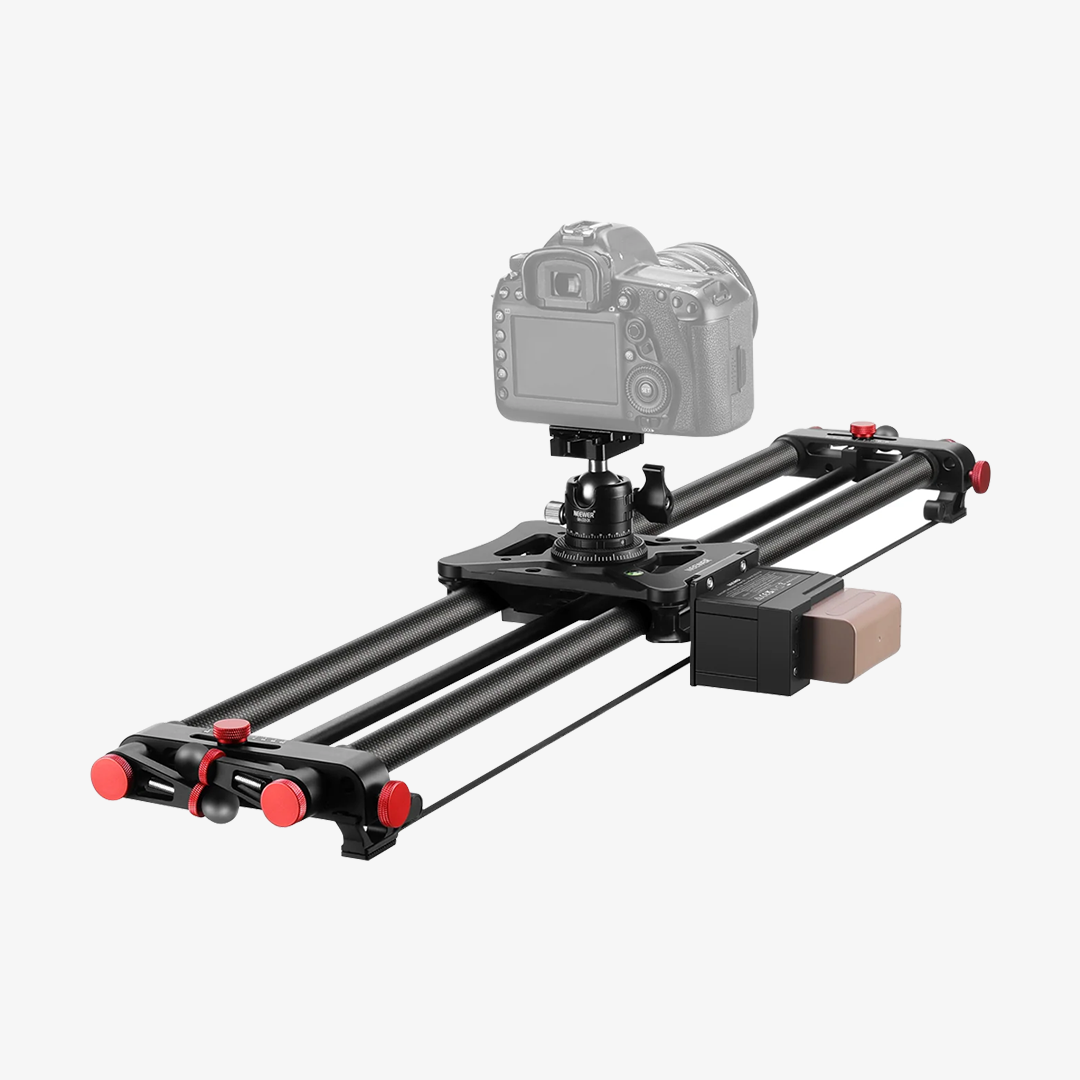
Moves the camera along a fixed rail or track. |
Smooth linear movements, product videos, and time-lapse photography |
|
Gimbal |
Uses motorized stabilization to keep the camera steady during handheld movement. |
Walking shots, dynamic tracking, and following moving subjects |
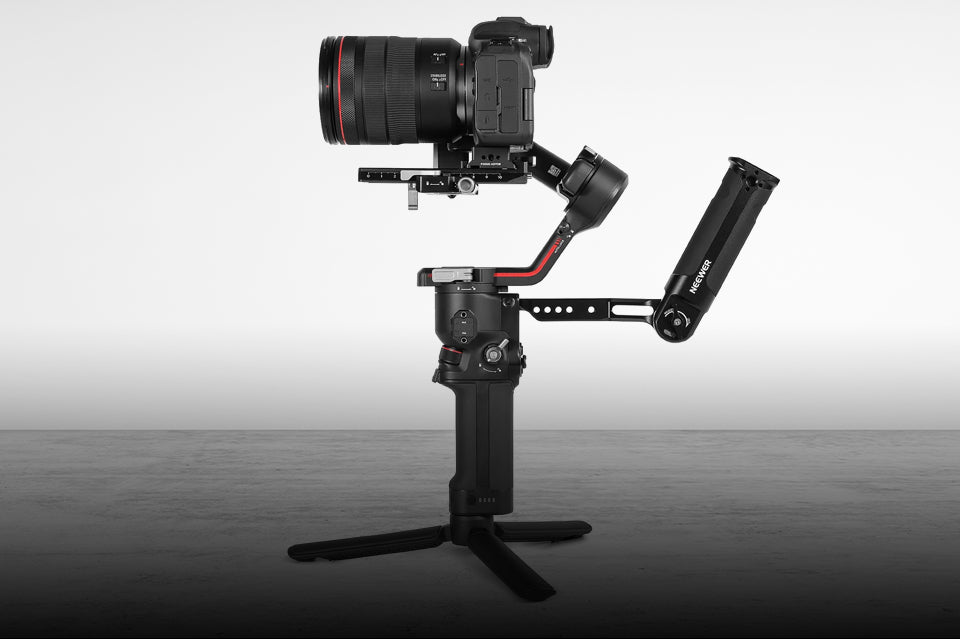
Each tool serves a different purpose. A camera dolly offers flexible movement across a surface, a slider provides a controlled path along a track, and a gimbal is better suited to handheld shooting and movement across different environments.
The right choice depends on the type of shot you want to create, your shooting environment, and how much control you need over camera movement.
How to Choose the Right Camera Dolly
Choosing a camera dolly involves more than just looking at its size or design. Consider your camera setup, shooting environment, and the type of movement you want to create.
Camera Compatibility and Payload
Before choosing a dolly, check whether it can support your camera and accessories. Consider the combined weight of your camera body, lens, cage, monitor, and other mounted equipment.
The dolly's maximum load capacity should be higher than the total weight of your setup. Also check the mounting connection to make sure it works with your camera head, ball head, or other mounting accessories.
Movement Options
Think about the type of camera movement you need.
If you mainly shoot straight push-in and pull-out shots, a dolly with stable linear movement may be enough. If you want to create orbiting or curved shots, look for a model with adjustable wheels or a design that supports different movement paths.
Manual or Motorized Control
Manual dollies offer direct control and don't require charging, making them a simple option for basic camera movements.
Motorized dollies are more suitable when you need consistent speed, repeatable movements, or remote operation. Some models also support app control and time-lapse functions, which can add flexibility to your shooting workflow.

Shooting Surface
The surface you shoot on can have a major impact on movement quality. Most compact camera dollies work best on smooth, flat, and stable surfaces.
If you plan to shoot on a tabletop, floor, or other specific surface, make sure the wheels can roll smoothly without slipping or getting caught. Uneven surfaces may cause unwanted vibration or interrupt the camera's movement.
Portability and Setup
If you frequently shoot in different locations, consider the dolly's size, weight, and setup process. A compact model is easier to carry and store, while a larger setup may offer more support for heavier equipment.
Also consider how quickly you can mount your camera and adjust the movement path. A simple setup can save time when you're working on location or switching between shots.
Tips for Getting Smooth Camera Dolly Shots
Even with a good camera dolly, the way you set up and operate it can affect the final footage. Keep these tips in mind before shooting.
- Choose the Right Surface or Track: Compact dollies generally work best on smooth, flat surfaces, while track-based systems require properly installed and aligned tracks.
- Balance your camera: Secure the camera and check that its weight is distributed properly. An unbalanced setup can affect stability.
- Use a consistent speed: Avoid sudden changes in speed, especially when creating slow push-in or tracking shots.
- Plan your movement: Decide where the shot should start and end before recording. This helps you avoid unnecessary adjustments during the take.
- Avoid sudden starts and stops: Start and finish the movement gently to create more natural-looking footage.
- Do a test run: Move the dolly without recording first to check the path, framing, and camera clearance.
Small adjustments to your setup and movement can make a noticeable difference in the final result.

FAQs
What Is a Dolly Shot in Filmmaking?
A dolly shot is a camera movement created by physically moving the camera toward, away from, or alongside a subject using a dolly or similar support system. It's commonly used to create depth, reveal details, and make a scene feel more dynamic.
Can I Use a Camera Dolly for Photography?
Yes. A camera dolly can be used for both photography and videography. In photography, it can help create controlled camera movement for time-lapse sequences, product shots, and other creative techniques. Some motorized models also support automated movement for time-lapse shooting.
What Is the Difference Between a Camera Dolly and a Camera Slider?
A camera dolly typically moves on wheels across a surface, while a camera slider moves along a fixed rail or track. Dollies can support different movement paths depending on their wheel design, whereas sliders are generally used for controlled linear movements.
Are Motorized Camera Dollies Worth It?
A motorized camera dolly can be worth it if you regularly need smooth, consistent, or repeatable camera movements. It's particularly useful for product videos, time-lapse photography, and shots that require a controlled movement speed.
If you only need occasional short movements, a manual dolly may be sufficient. Consider your shooting needs, camera setup, and budget before choosing one.

