





Table of Contents
Good home office lighting supports focus, health, and productivity while making your workspace feel comfortable and professional. If you feel mentally strained, struggle to concentrate, or experience eye fatigue while working from a home office, it's likely due to inadequate lighting for your workspace. You may need to consider creating a comfortable lighting environment for your home office. Refer to our comprehensive guide to help you avoid problems caused by poor home office lighting.
What Are the Benefits of Good Home Office Lighting?

-
Reduces eye strain: Soft, even light stops you from squinting or straining to see screens and papers during long work hours.
-
Boosts focus and energy: Bright, balanced lighting helps your brain stay alert without feeling tired or sluggish.
-
Improves mood and reduces stress: Warm, well-placed light creates a calm, pleasant atmosphere instead of a dim or stressful environment.
-
Enhances work accuracy: Clear lighting helps you read small text, spot details, and complete tasks with fewer mistakes.
-
Supports better posture: Good lighting keeps you from hunching closer to your desk or screen to see better.
-
Creates a professional look: Even, soft lighting makes your space camera-ready for video calls and virtual meetings.
-
Regulates your sleep schedule: Proper daytime lighting keeps your circadian rhythm on track for better sleep at night.
|
Effect |
Poor Home Office Lighting |
|
|
Eye Comfort |
Soft, even light prevents squinting and reduces eye strain |
Dim or harsh light causes sore, tired, or dry eyes |
|
Focus & Productivity |
Bright, balanced light keeps you alert and focused |
Dark or shadowy areas make it hard to concentrate, slowing work |
|
Mood & Stress |
Warm, pleasant light creates a calm atmosphere |
Dull or harsh light lowers energy and increases stress |
|
Work Accuracy |
Clear lighting helps spot details and read small text easily |
Poor visibility leads to mistakes and missed details |
|
Posture |
Comfortable brightness prevents leaning forward |
Bad lighting encourages hunching, causing neck/shoulder pain |
|
Video Appearance |
Even light looks professional on camera |
Harsh or uneven light creates unflattering shadows |
|
Sleep & Circadian Rhythm |
Proper daytime light supports healthy sleep patterns |
Wrong light temperature late in the day disrupts sleep |
|
Physical Discomfort |
Minimal headaches or fatigue |
Flickering or uneven light triggers headaches, migraines |
|
Screen Glare |
Minimal reflections on monitors |
Bright reflections force constant adjustments and squinting |
What Type of Lighting Is Best for a Home Office?

1. Ambient Lighting: The Foundation of Your Home Office
Ambient lighting provides overall illumination for your workspace. In a home office, this usually comes from ceiling lights or well-placed lamps. The goal is even, soft light that reduces harsh shadows and eye strain. Avoid overhead lights that are too bright or create glare on screens. LED ceiling panels or a diffused pendant light can give a clean, consistent glow, making your room feel open and comfortable.
2. Task Lighting: Focused Illumination for Work
Task lighting is all about precision. Desk lamps with adjustable arms or goosenecks allow you to direct light exactly where you need it—on paperwork, a keyboard, or reading materials. Choose lamps with a color temperature around 4000K to 5000K, which mimics natural daylight and keeps your eyes alert without adding fatigue. LED desk lamps are energy-efficient and often come with dimmers for control.
3. Accent Lighting: Mood and Depth
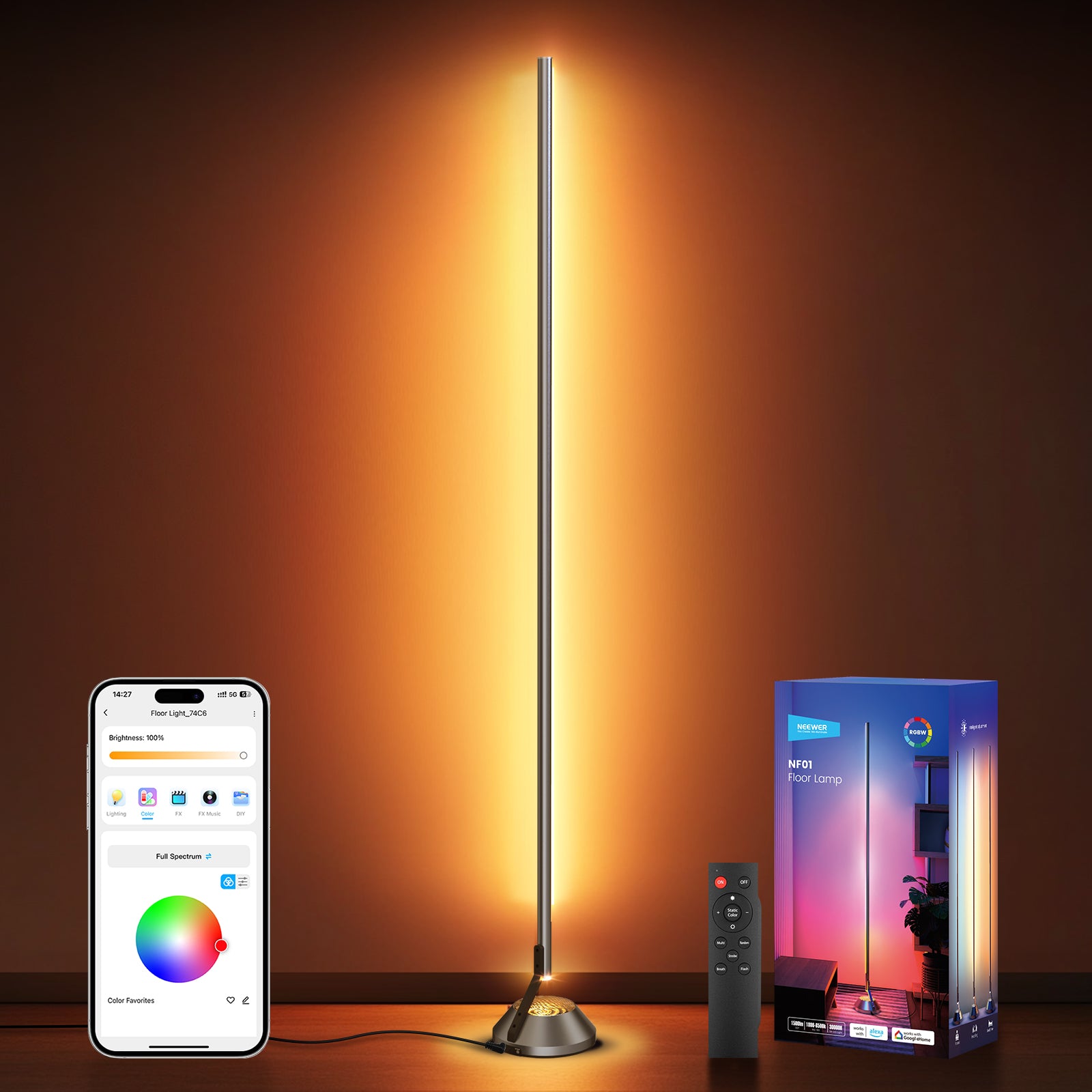
Accent lighting isn’t essential, but it adds depth and reduces visual monotony. Placing a small lamp behind your monitor, under shelves, or along walls creates a sense of layered lighting. It softens contrasts between bright screens and dark corners, which can help prevent eye strain over long work sessions. Warm white LEDs (around 2700K–3000K) work well here to make the office feel inviting.
Tips: If possible, position your desk near a window. Whenever possible, natural daylight should be your primary light source. It helps regulate your circadian rhythm, improves mood, and can boost productivity. And be mindful of glare—avoid direct sunlight on screens, and consider sheer curtains or blinds to diffuse harsh light.
What Color Light Is Best for Your Home Office?

The best color light for a home office is neutral to cool white, around 4000K to 5000K, because it closely mimics natural daylight and keeps you alert without making your space feel harsh. Cooler tones help reduce eye strain during long hours at a computer, while still rendering colors accurately for reading or design work. You can balance this with small warm accent lights (2700K–3000K) to make the room feel inviting, but for main work areas, a crisp, daylight-like light keeps focus and energy high.
FAQs About Home Office Lighting
1. Is LED Lighting Better Than Traditional Lighting for a Home Office?
Yes, LED lighting is generally better than traditional lighting for a home office. LEDs are energy-efficient, so they use far less electricity than incandescent or fluorescent bulbs and run cooler, which is nice if you’re working in a small room. They provide consistent, flicker-free light, which reduces eye strain during long hours at a desk. LEDs also come in a wide range of color temperatures—you can choose daylight-like 5000K for focus or warmer tones for relaxing tasks. Unlike traditional bulbs, LEDs last thousands of hours, meaning fewer replacements and more convenience. For desk lamps or ceiling fixtures, adjustable LED lights with dimmers give the most control over brightness and mood, something traditional bulbs can’t match.
2. Is 4000K or 5000K Better for a Home Office?
4000K is a good middle ground for a home office, offering neutral white light that feels natural and comfortable for long work sessions. It’s bright enough to keep you alert but not so cool that it feels harsh or sterile. 5000K is closer to daylight, giving a crisp, energetic feel that can boost focus, especially in rooms with little natural light, but it can feel a bit cold or clinical over extended periods.
3. What Is the Best Home Office Lighting for Eyes?
The best lighting for your eyes in a home office is soft, even, and glare-free light. Combine neutral daylight tones (around 4000K–5000K) with multiple light sources instead of relying on a single overhead bulb. Use an adjustable desk lamp for focused work, keep ambient light from ceiling fixtures or wall lamps to fill the room, and add gentle accent lighting to reduce harsh contrasts.
4. How Can I Reduce Eye Strain When Working at a Computer in a Home Office?
-
Start with good, balanced lighting—bright enough to see clearly but not so harsh that it causes glare on your screen.
-
Position your desk lamp to the side or behind your monitor to avoid reflections, and use daylight-balanced light around 4000K–5000K to keep your eyes alert.
-
Adjust your screen brightness to match the room, and take regular breaks using the 20-20-20 rule: every 20 minutes, look at something 20 feet away for 20 seconds.
-
Keep your monitor at arm’s length and slightly below eye level.
-
Small touches like lowering overhead light intensity, closing blinds to soften sunlight, or adding a soft accent lamp can also make long work sessions much easier on your eyes.